Wrap Sprite
Demonstrates how to use the physics world wrap method to keep a moving sprite within the screen boundaries by wrapping it to the opposite side.
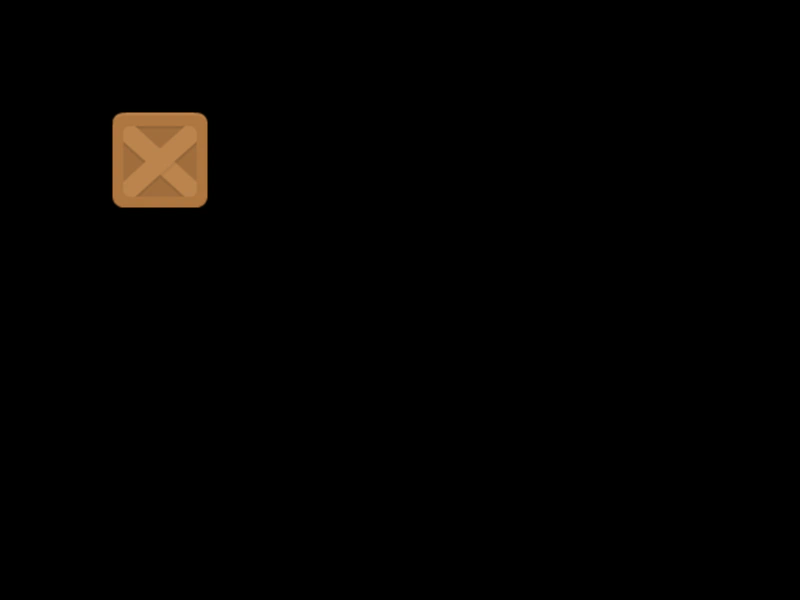
800 × 600
class Example extends Phaser.Scene
{
    block;

    preload ()
    {
        this.load.setBaseURL('https://cdn.phaserfiles.com/v410');
        this.load.image('block', 'assets/sprites/block.png');
    }

    create ()
    {
        this.block = this.physics.add.image(0, 0, 'block').setVelocity(150, 150);
    }

    update ()
    {
        this.physics.world.wrap(this.block, 48);
    }
}

const config = {
    scale: { mode: Phaser.Scale.FIT },
    type: Phaser.AUTO,
    width: 800,
    height: 600,
    parent: 'game-container',
    physics: {
        default: 'arcade'
    },
    scene: Example
};

const game = new Phaser.Game(config);
More in Arcade132 examples
 10,000 World BodiesA performance stress test demonstrating Arcade Physics handling 10,000 animated sprites with velocity, bounce, and world collision within a large scrollable area.
 40,000 Arcade Physics BodiesA performance demonstration showcasing 40,000 Arcade Physics bodies using Blitter objects for high-speed rendering and optimized world settings.
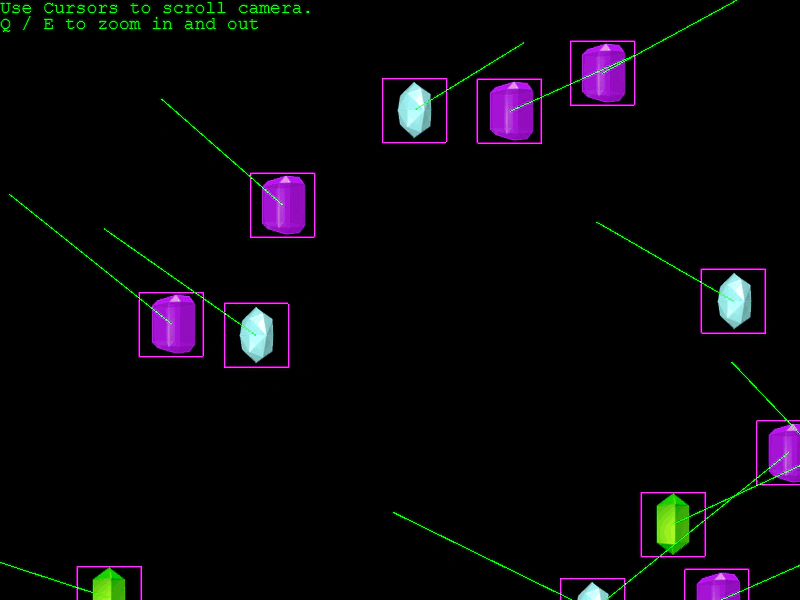
 100 Arcade Physics Bodies in a Large WorldDemonstrates 100 physics-enabled sprites bouncing within a large world boundary, featuring camera panning and zooming controls.
 500 Colliding Arcade Physics BodiesDemonstrates performance with 500 animated sprites colliding with each other and world bounds in a large world environment with camera zoom and pan controls.