Phaser 4 examples
Primitives
- 17 examples
Examples 17
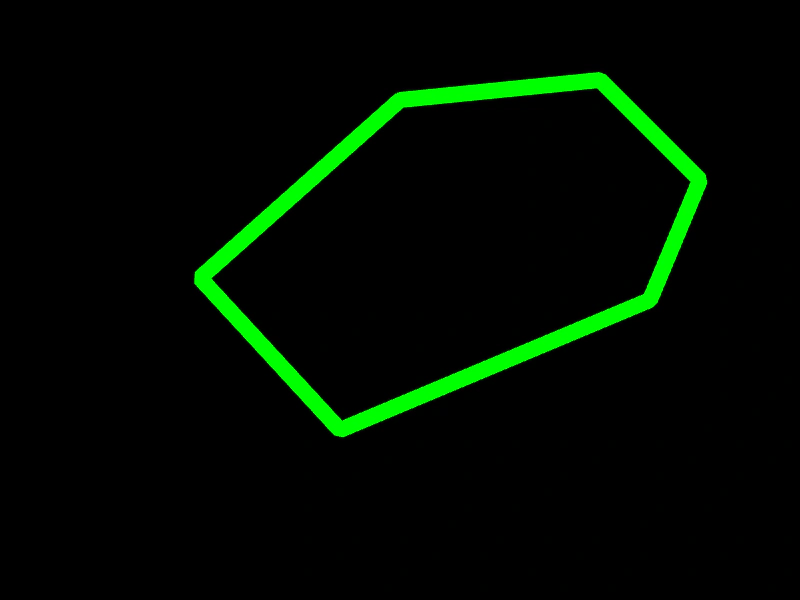 Draw a Stroked PathCreate a custom shape using the Graphics object by defining a path with line commands and rendering its outline with a specific stroke style.
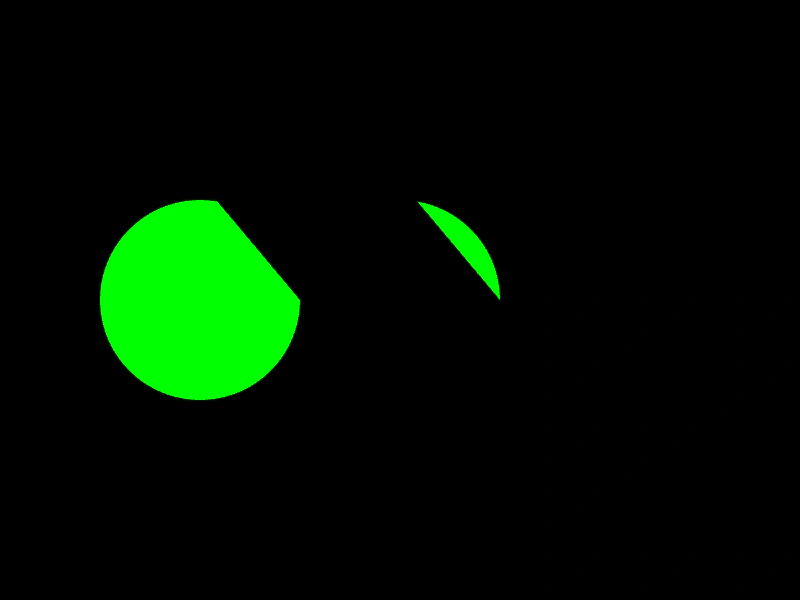 Filled ArcsDemonstrates how to draw and fill arc shapes using Graphics primitives, including both clockwise and counter-clockwise directions.
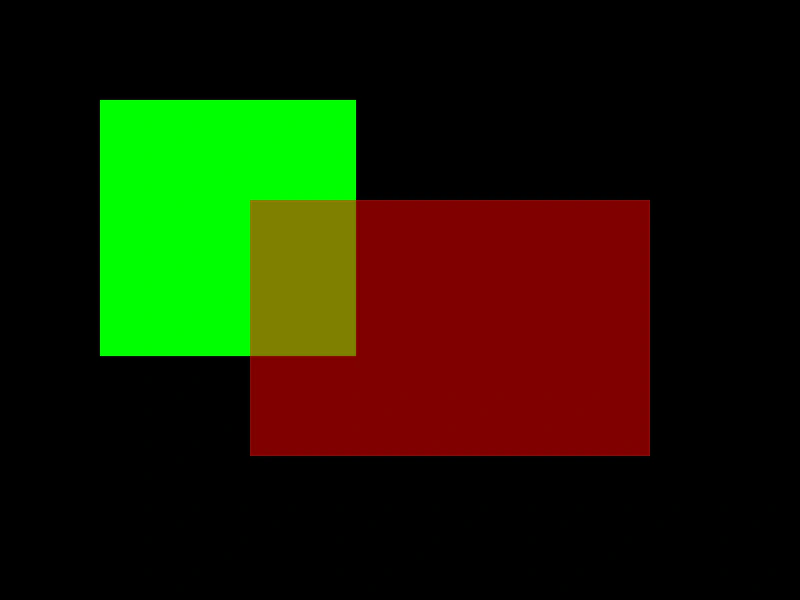 Filled RectanglesDemonstrates how to draw filled rectangles using the Graphics object, including setting fill colors and alpha transparency.
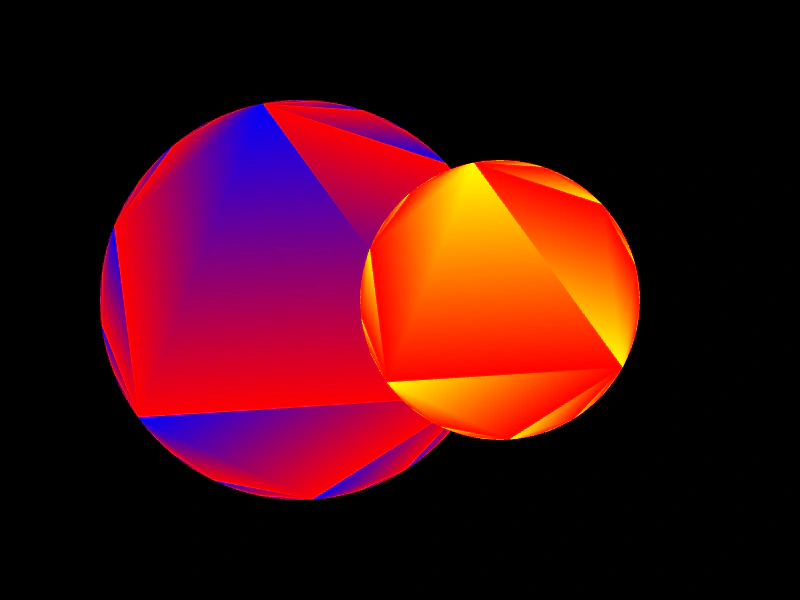 Graphics Gradient FillApply color gradients to primitive shapes, such as circles, using the fillGradientStyle method within a Graphics object.
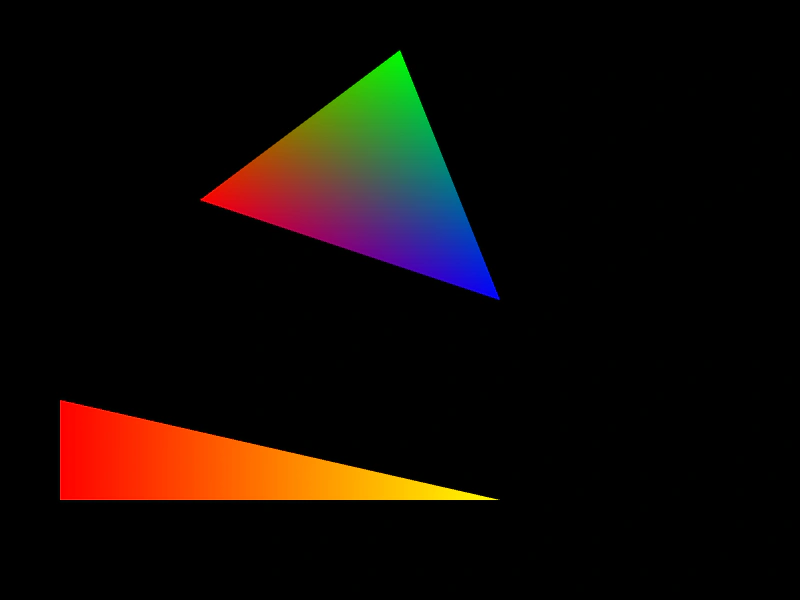 Graphics Triangle with Gradient FillDemonstrates how to apply multi-color gradients to triangle primitives using the fillGradientStyle method on a Graphics object.
 Line BetweenDemonstrates how to draw a single straight line between two specific coordinates using Graphics.
 Line BetweenDemonstrates how to draw a straight line between two points with a custom thickness and color using the Graphics object.
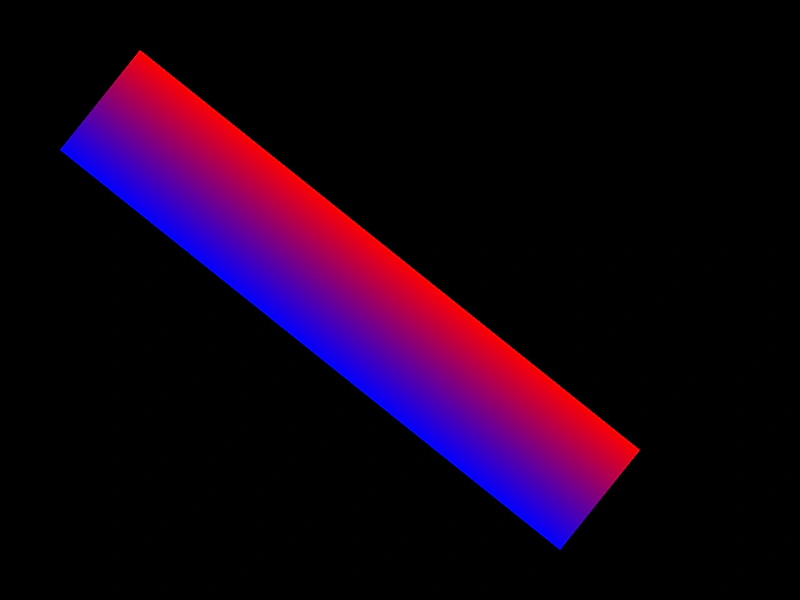 Line Gradient StrokeDemonstrates how to draw a line between two points with a multi-color gradient stroke using the Graphics object.
 Multi-Scene Graphics RenderingDemonstrates rendering Graphics objects and images across multiple simultaneous scenes, showing scene stacking and the use of custom viewports.
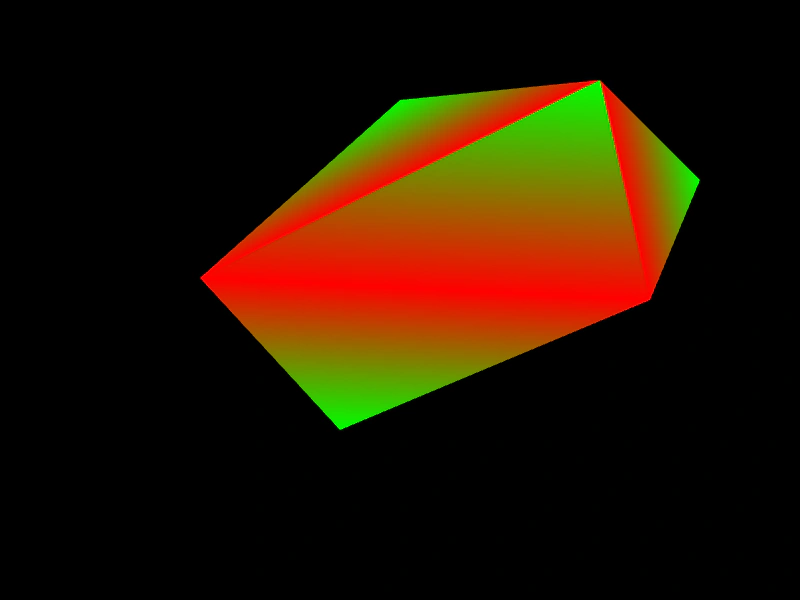 Path Gradient FillDemonstrates how to apply a four-color gradient to a custom path using fillGradientStyle in the Graphics object.
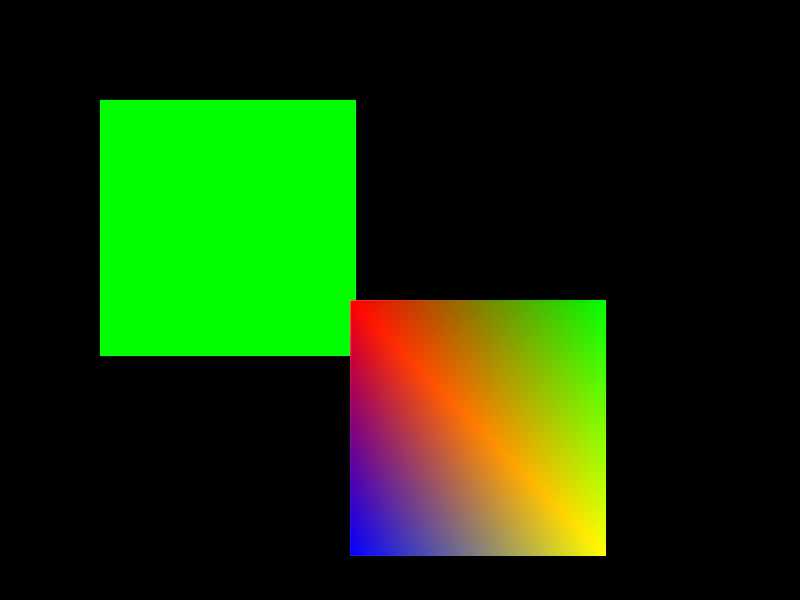 Rectangle Fill and GradientDemonstrates how to draw filled rectangles using solid colors and multi-color gradients with the Graphics object.
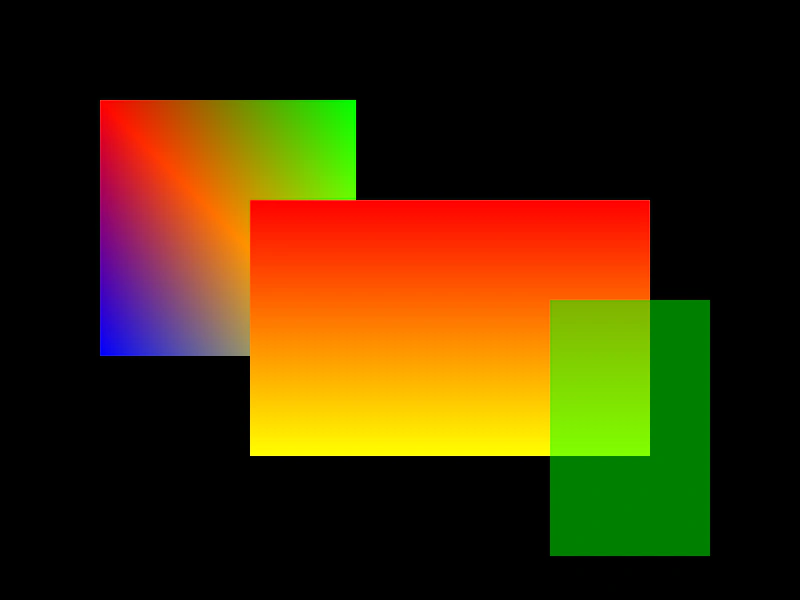 Rectangle Gradient FillDemonstrates how to apply multi-color gradients to Graphics rectangles using fillGradientStyle to define corner colors.
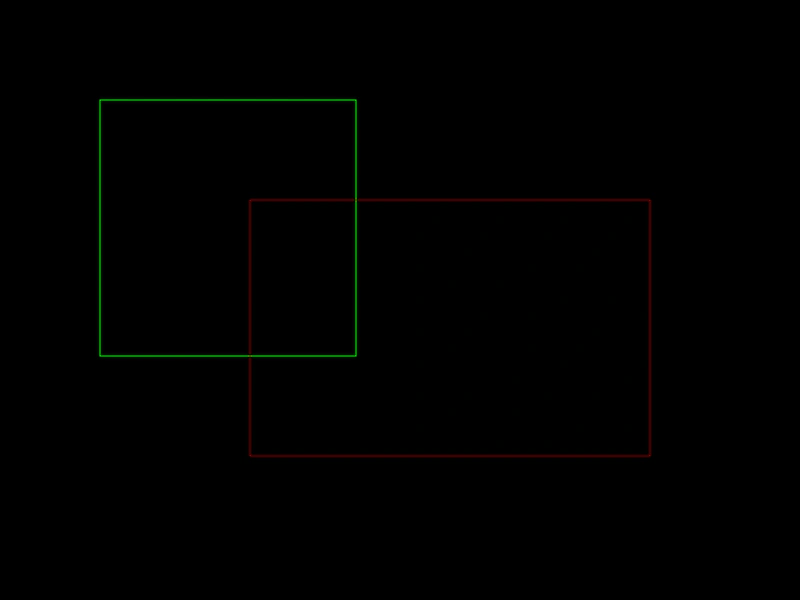 Rectangle StrokedDemonstrates how to draw outlined rectangles using the Graphics object and custom line styles.
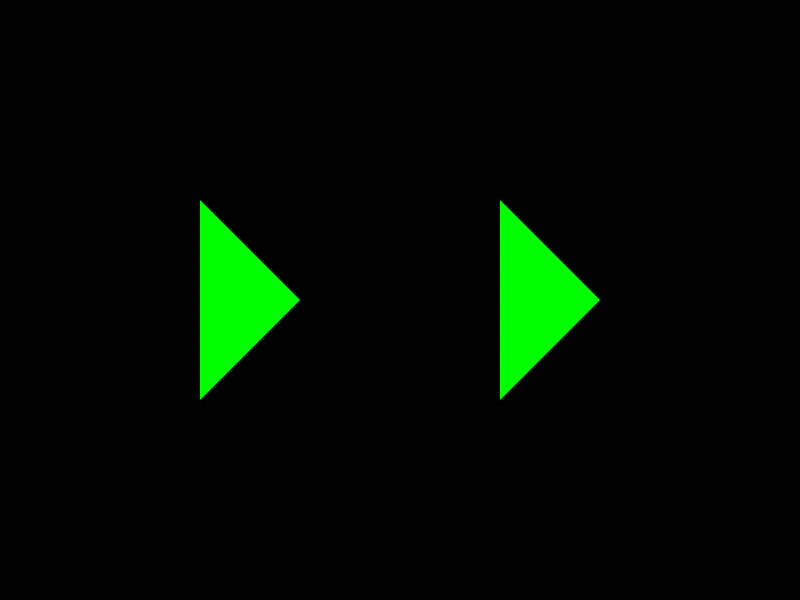 Split Path FilledDemonstrates how to draw and fill multiple separate shapes within a single Graphics path by using moveTo to start new sub-paths.
 Stroked ArcsDemonstrates how to draw outlined arcs using the Graphics object, including setting line styles and defining circular paths.
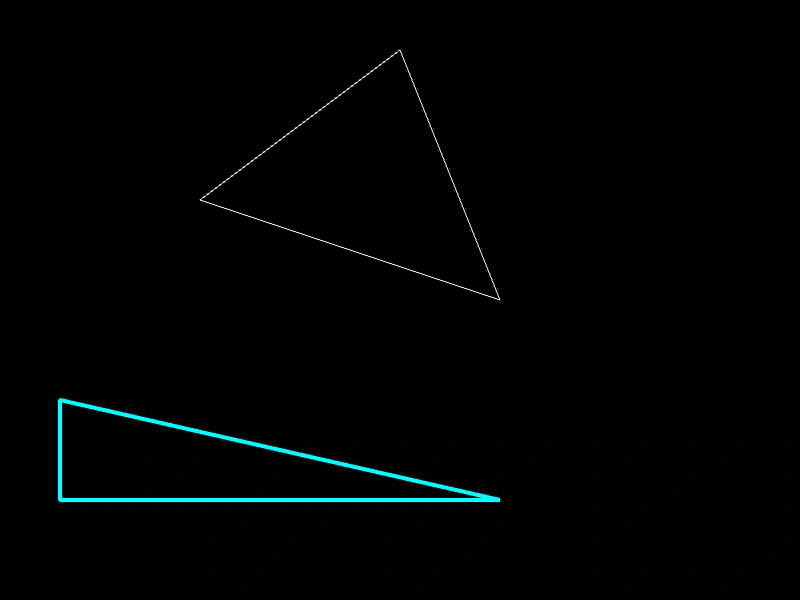 Stroked TriangleDemonstrates how to draw outlined triangles using different line styles, widths, and colors with the Graphics object.
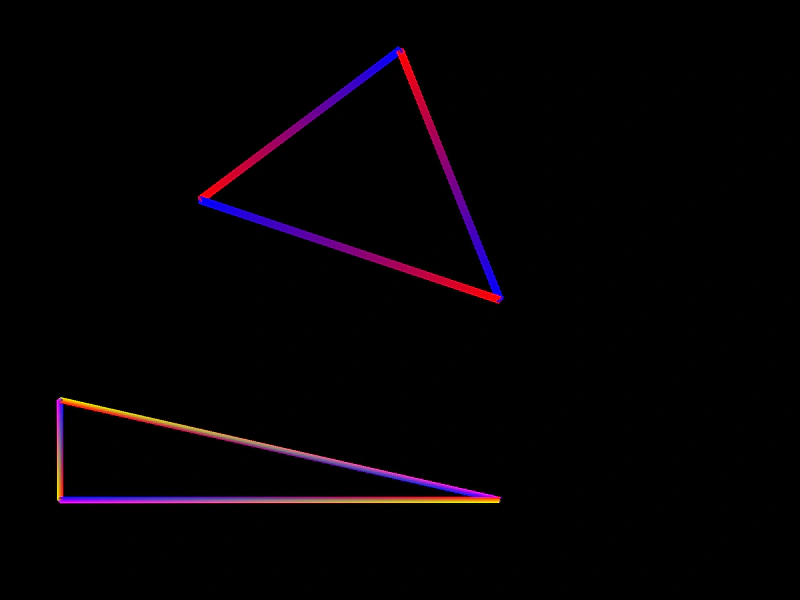 Triangle Gradient StrokesDemonstrates how to use lineGradientStyle to draw triangle outlines with multi-colored gradient strokes.