Phaser 4 examples
Scenes
- 55 examples
- 1 folder
Folders 1
Examples 52
 Add Scene After Game InstanceDemonstrates how to dynamically add and start a Scene to a Phaser Game instance after it has been initialized, including passing data to the Scene's create method.
 Add Scene From Another SceneDemonstrates how to dynamically add a new Scene to the Scene Manager and start it immediately while passing custom data to its create method.
 Adding and Starting Scenes ManuallyDemonstrates how to add a scene to the Scene Manager and start it manually using the game instance API instead of the game configuration object.
 Boot DataDemonstrates how to pass a data object when starting a scene and access it within the init, preload, and create methods for dynamic asset loading and positioning.
 Bring Scene to TopDemonstrates how to move a specific Scene to the top of the Scene list so it renders above all other active Scenes.
 Call Function In Another SceneDemonstrates how to access a specific Scene instance via the Scene Manager to call its public methods and retrieve data from a different active Scene.
 Call Function in Another SceneDemonstrates how to obtain a reference to another scene via the Scene Manager and call its custom methods.
 Change Scene From CreateDemonstrates how to transition between multiple scenes immediately by calling scene.start within the create method.
 Change Scene From Create MethodDemonstrates how to chain scene transitions by calling scene.start within the create method of multiple ES6 Scene classes.
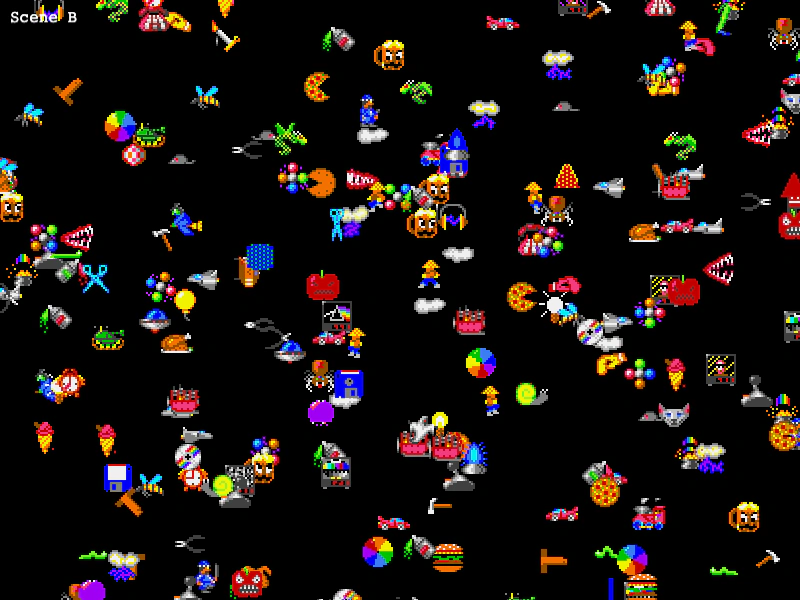 Changing Large ScenesLearn how to switch between different scenes that contain a large number of Game Objects.
 Changing ScenesDemonstrates how to transition between multiple Scene classes using the Scene Manager's start method.
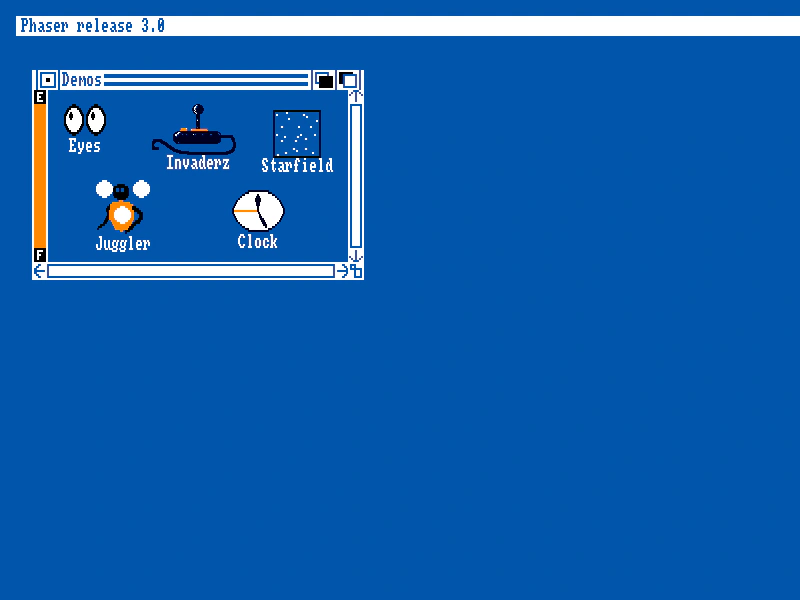 Drag Scenes DemoThis demo demonstrates a multi-window desktop interface where each window is a separate, independent Scene. It shows how to use draggable Zones to move Scenes by dynamically updating their camera viewports and how to manage Scene depth using bringToTop.
 Extend Scene From ObjectDemonstrates how to add custom properties and helper methods directly to a Scene instance using the extend property within the Scene configuration object.
 Launch Parallel ScenesDemonstrates how to use the scene launch method to start multiple scenes simultaneously without stopping the current scene, allowing them to run in parallel.
 Loading External ScenesDemonstrates how to load an external JavaScript file containing a Scene class and dynamically add multiple instances of that scene to the game manager at runtime.
 Move Scene DownDemonstrates how to reorder scenes within the Scene Manager by moving a specific scene one position down in the list, changing its rendering order.
 Move Scene UpDemonstrates how to move a Scene up in the Scene List, effectively changing its display order so it renders on top of the next scene in the stack.
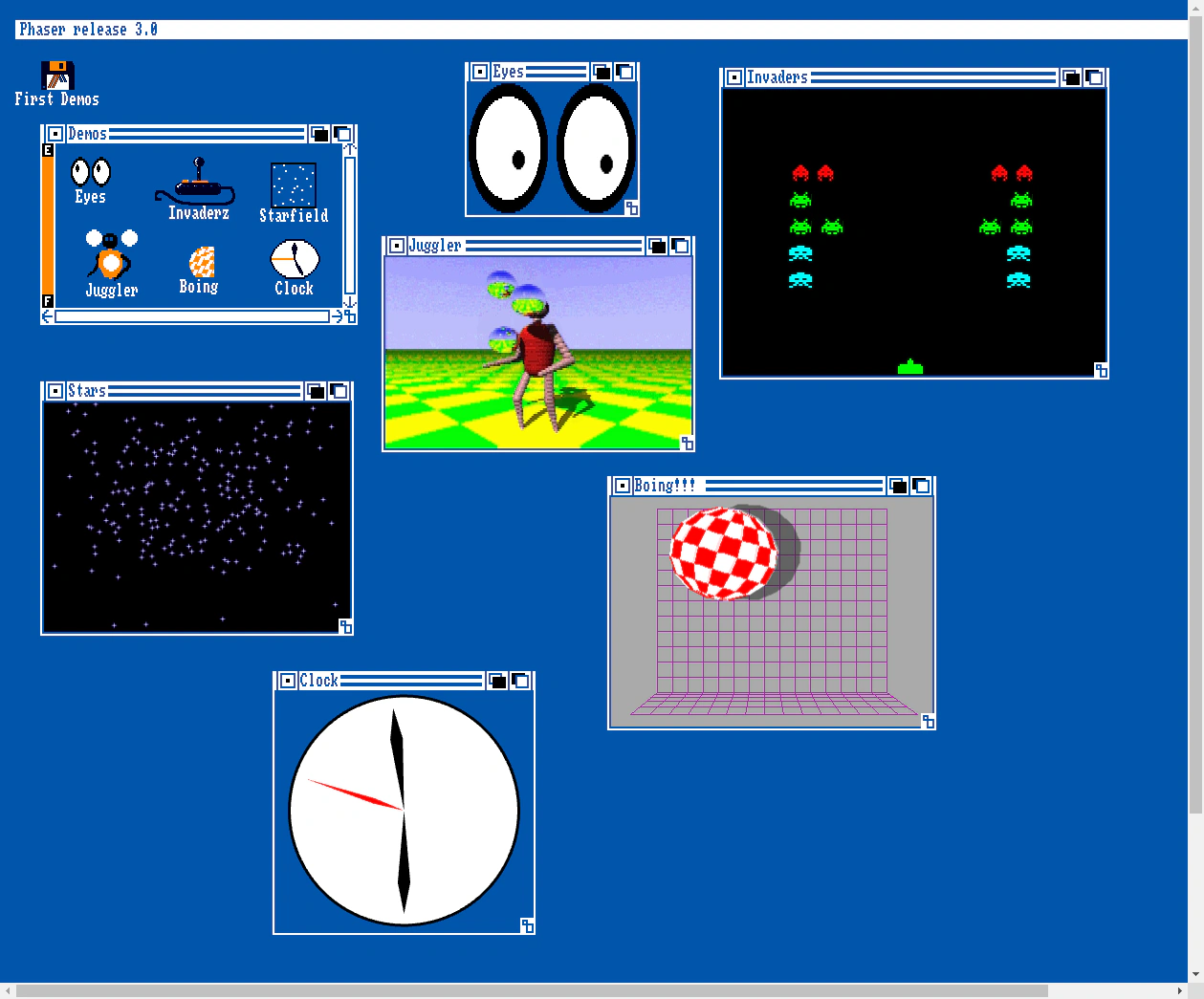 Multi-Scene Desktop EnvironmentDemonstrates a window-based desktop environment using multiple simultaneous Scenes. Each 'window' is a separate Scene instance mapped to a draggable Zone using camera viewports.
 Multiple Instances of a SceneDemonstrates how to dynamically add and run multiple simultaneous instances of the same Scene class, with each instance operating independently.
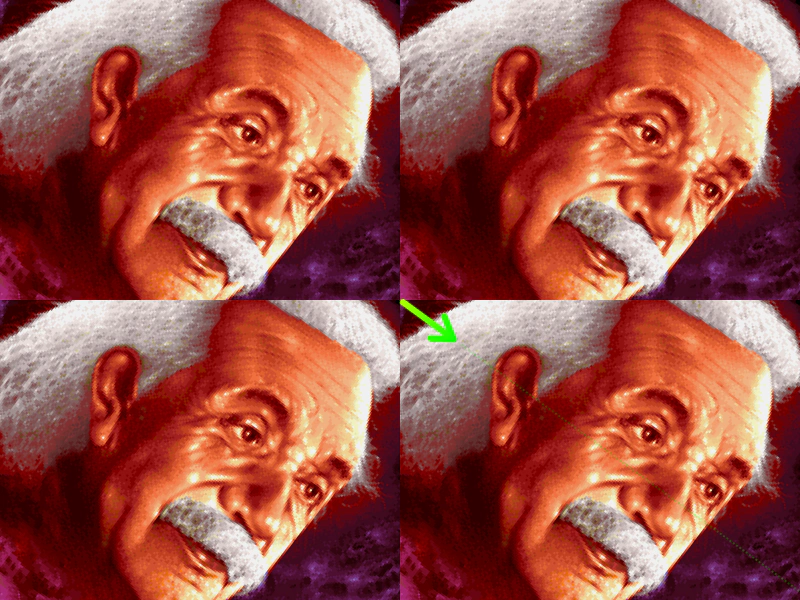 Multiple Scenes and Multiple CamerasDemonstrates running two active scenes simultaneously, with one scene using multiple camera viewports to create a tiled display of its content.
 Multiple Scenes From ClassesDemonstrates how to define and run multiple active scenes simultaneously using ES6 classes within the game configuration.
 Multiple Scenes from Configuration ObjectsDemonstrates how to define and run multiple simultaneous scenes using configuration objects. It covers scene-specific asset loading via pack files, custom render functions, and setting scene positions and dimensions.
 Multiple Scenes From InstancesThis example demonstrates how to create and add multiple Scene instances to a game configuration and launch one scene from another.
 Object-Based ScenesThis example demonstrates how to define Phaser Scenes using plain JavaScript objects instead of classes and how to launch and reference them from within other scenes.
 Parallel ScenesDemonstrates how to run multiple scenes simultaneously by setting the active property to true in the Scene configuration.
 Passing Data to a SceneDemonstrates how to pass a data object when starting a new Scene and how to retrieve that data within the target Scene's init method to configure preloading and display.
 Pause and ResumeDemonstrates how to pause a running Scene, launch a second Scene on top, and then resume the original Scene while preserving its state and animations.
 Registry Data ExchangeLearn how to use the global Registry to share data between scenes and listen for data change events to sync UI elements across different active scenes.
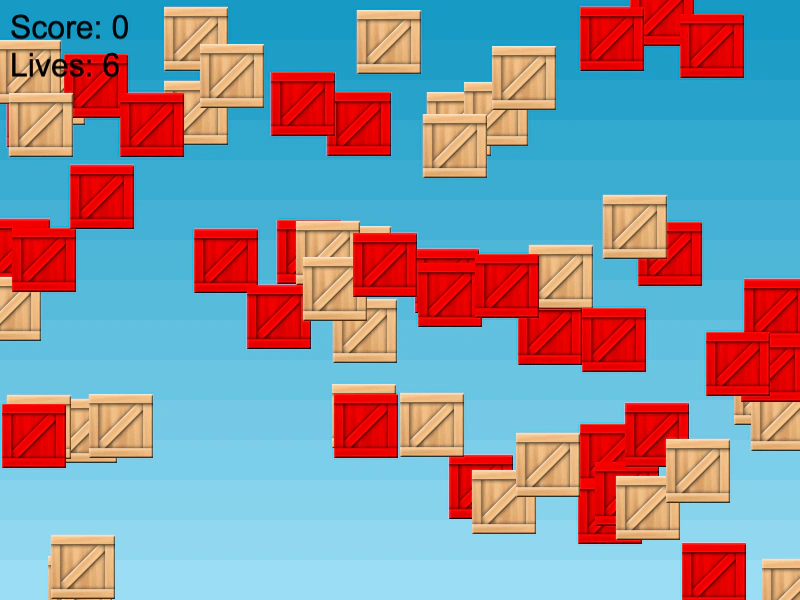 Registry Data ExchangeDemonstrates how to use the global Game Registry to share and synchronize data between multiple scenes, allowing a UI scene to automatically update when values change in the game scene.
 Restart a SceneDemonstrates how to reset a Scene using the restart method, triggered here by a camera fade completion event.
 Scene AddDemonstrates how to manually add and automatically start a Scene class using the Scene Manager after the game instance has been created.
 Scene Config ObjectDemonstrates how to define a Scene using a configuration object, including the use of the pack property to automatically preload assets.
 Scene Context InspectionDemonstrates a basic scene setup that loads an image and logs the scene instance to the console for inspection.
 Scene Files PayloadUse the Scene configuration object to define a list of assets to load before the Scene starts, making them available before the preload method is even called.
 Scene From ClassDemonstrates how to define a Scene using the Phaser.Class factory method, including extending the base Scene and implementing standard lifecycle methods like preload and create.
 Scene From ES6 ClassDemonstrates how to define a Phaser Scene using ES6 class syntax, including the constructor and standard lifecycle methods.
 Scene From FunctionLearn how to define a Scene using a standard JavaScript constructor function and prototype pattern.
 Scene From InstanceDemonstrates how to define a Scene by creating a new Phaser.Scene instance and manually assigning its lifecycle functions such as preload and create.
 Scene From ObjectDemonstrates how to define a Scene using a standard JavaScript object within the Game Configuration, mapping lifecycle functions like preload and create.
 Scene Injection MapDemonstrates how to remap standard Scene systems like 'add' and 'load' to custom property names using the scene configuration map.
 Scene Injection Map with UTF-8Demonstrates how to use the Scene injection map to alias standard Scene systems, such as 'add' and 'load', to custom UTF-8 property names.
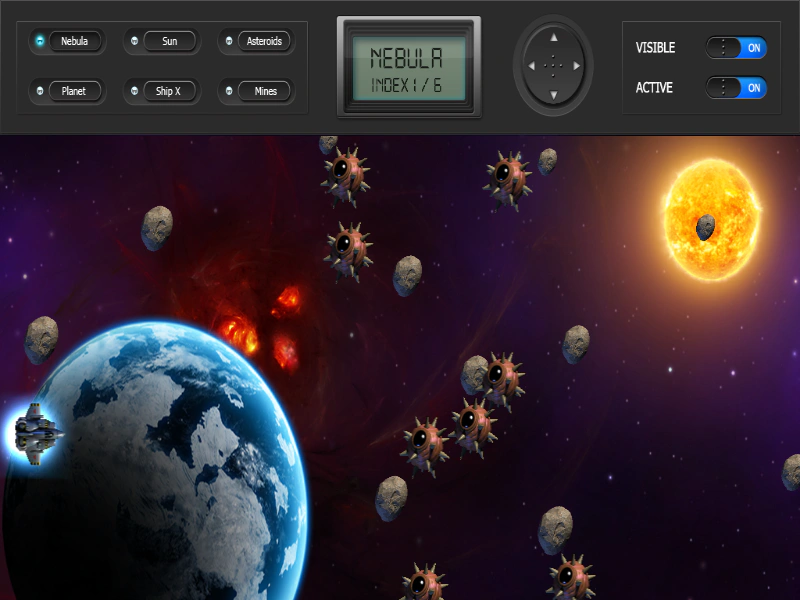
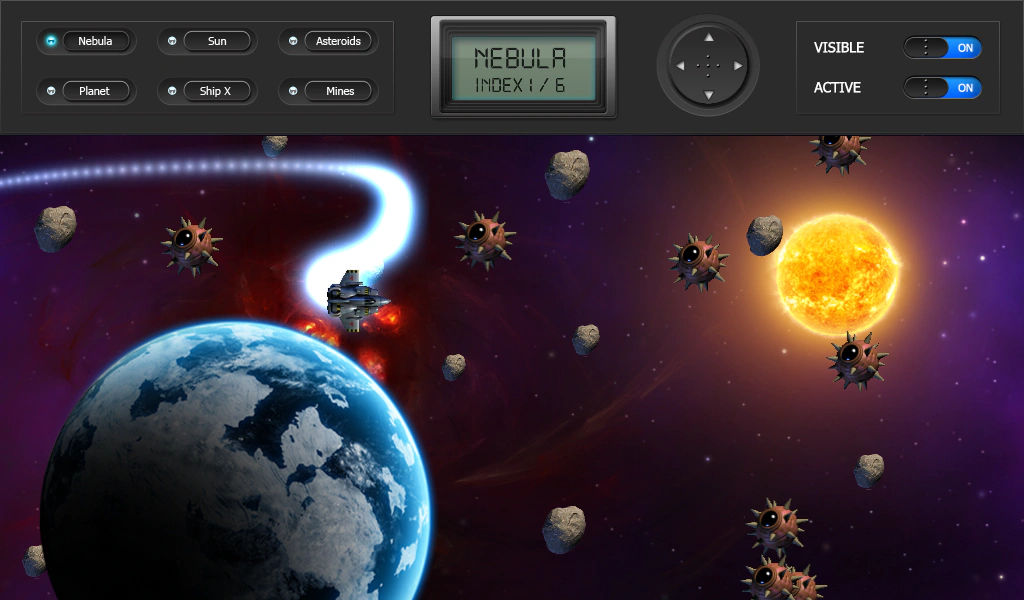 Scene Layering and ManagementThis example demonstrates how to manage multiple active scenes simultaneously. It shows how to toggle scene visibility and active states, and how to manipulate rendering order using bringToTop, moveUp, and moveDown.
 Scene Transition BasicsLearn how to use scene transitions to move between Scenes. This example demonstrates passing data, using transition update callbacks for custom animations, and handling transition events.
 Scene Transitions with Layering and EventsDemonstrates switching between scenes using the transition method, featuring scene layering control (moveAbove/moveBehind), event-driven animations (transitionstart, transitionout), and synchronizing object movement via transition progress callbacks.
 Send Scene to BackDemonstrates how to move a specific Scene to the bottom of the display list, causing it to render behind all other active Scenes.
 Sleep and Wake ScenesDemonstrates how to switch between scenes using scene.switch(), which puts a scene to sleep and wakes another, preserving its state and using the WAKE event to re-enable input.
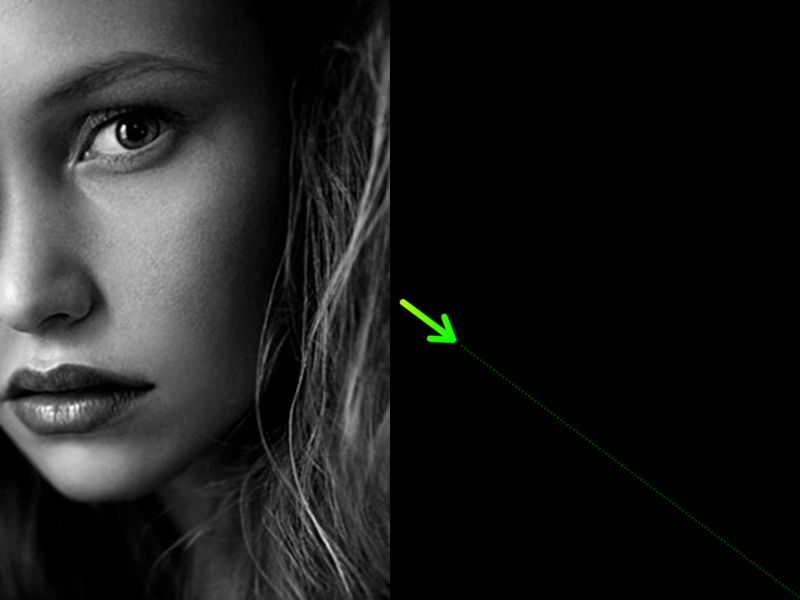 Swap Scene Render OrderDemonstrates how to use the scene.swapPosition method to change the display depth of two active scenes, effectively moving one in front of the other.
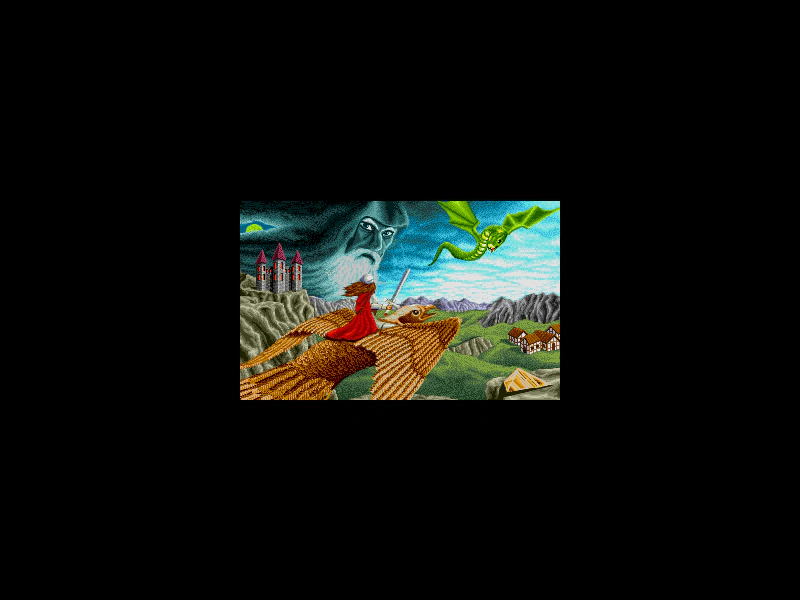 Swapping ScenesDemonstrates how to switch between two different scenes using the scene.switch method, which puts the current scene to sleep and starts or wakes the target scene on user interaction.
 Switching Scenes with ES6 ClassesDemonstrates how to transition between multiple game scenes using ES6 classes and the Scene Manager's start method.
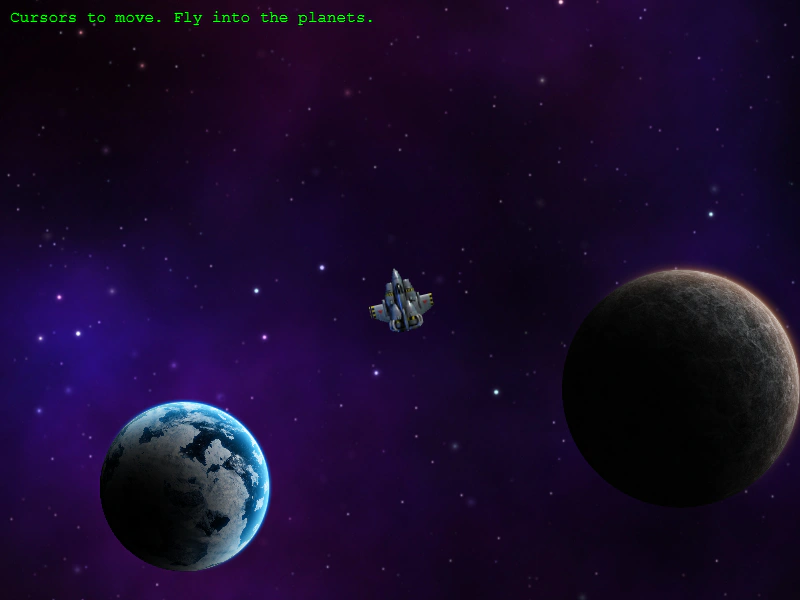 Switching to a Sub-Game SceneDemonstrates transitioning between a main world and a sub-game scene using Scene Switch and the Data Registry to pass information between them.
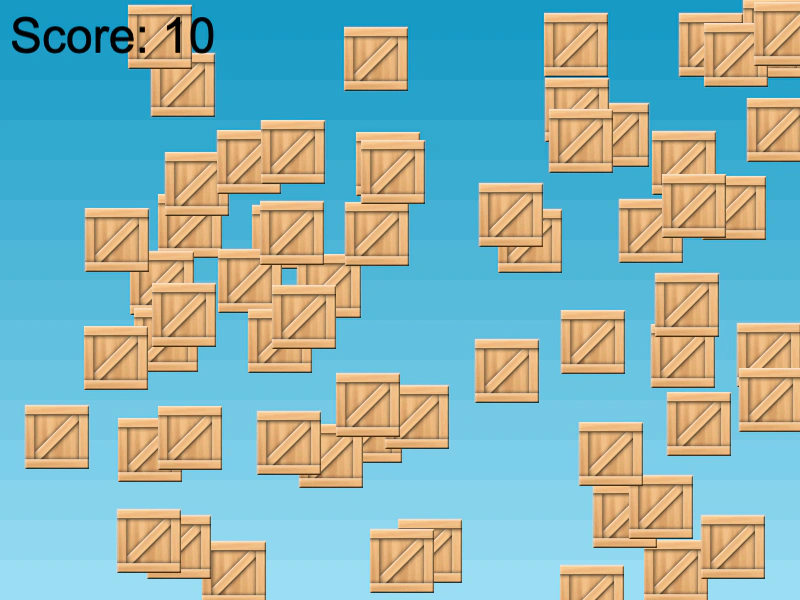 UI Scene CommunicationDemonstrates how to run a UI Scene concurrently with a Game Scene and communicate between them using scene-level events to update scores.
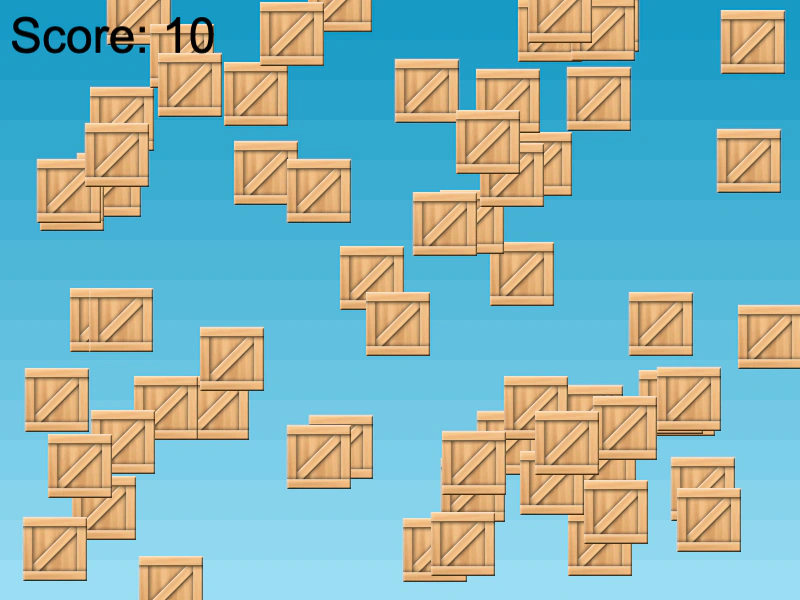 UI Scene OverlayDemonstrates how to run a dedicated UI Scene simultaneously with a Game Scene, using the Scene Event Emitter to communicate and update a score display between them.