Phaser 4 examples
Images
- 16 examples
Examples 16
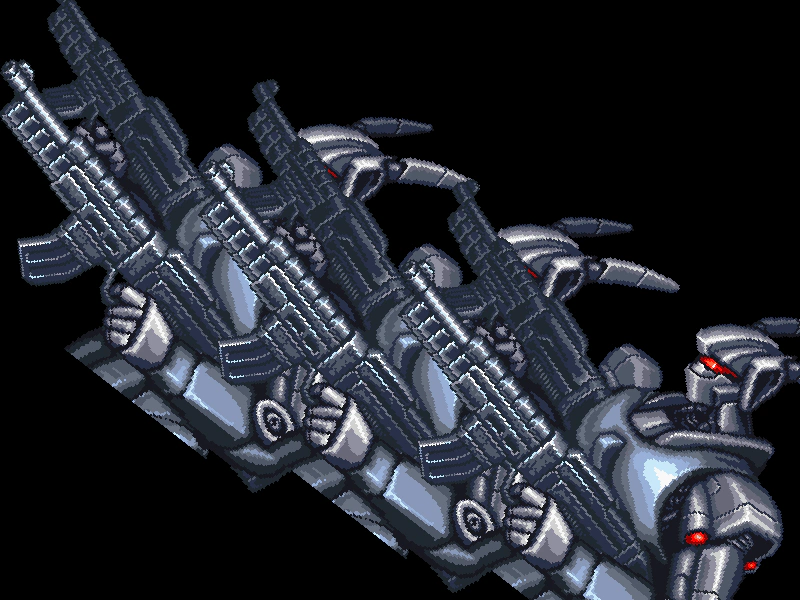 Custom Game ObjectExtend a built-in Sprite class and register it with the Game Object Factory to enable shorthand creation and custom internal update logic.
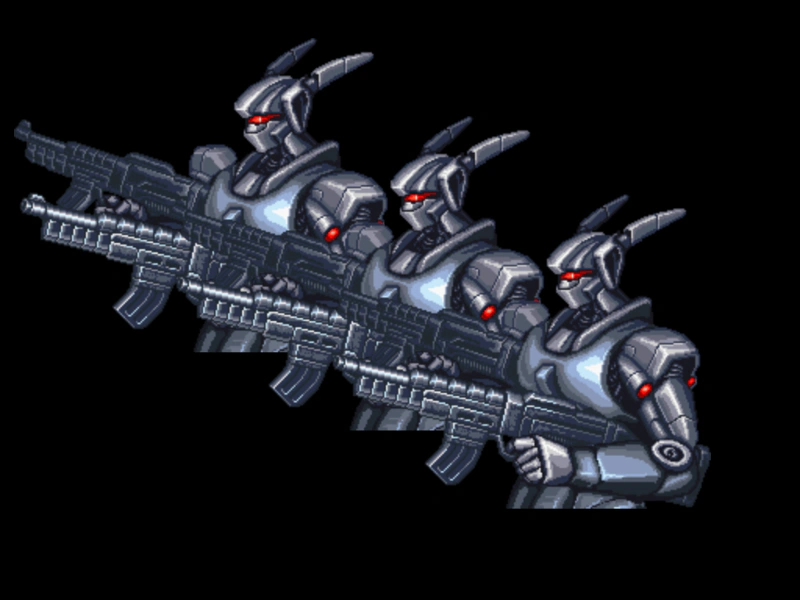 Custom Image ClassLearn how to extend the Phaser Image class to create your own custom game object types and add them to the Scene.
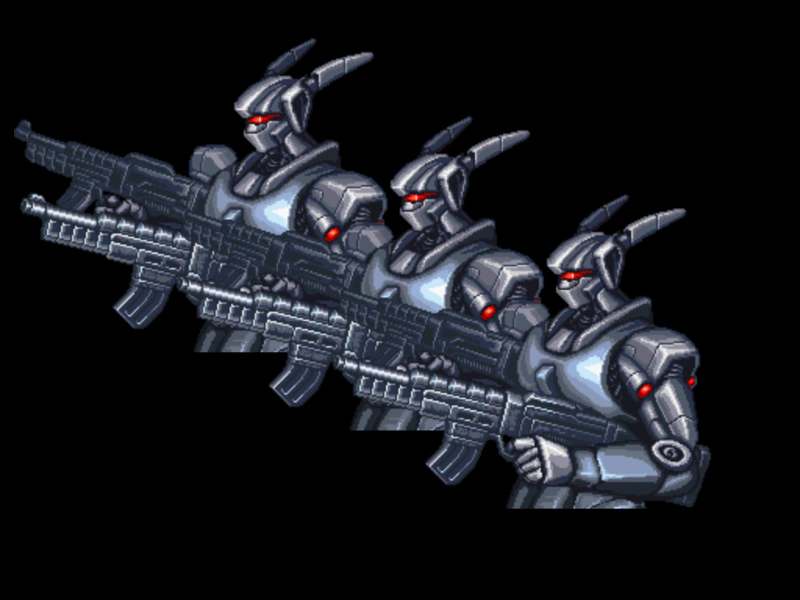 Custom Image Class with ES6Demonstrates how to create a custom game object by extending the Image class using ES6 syntax and adding instances to the scene.
 Destroy an ImageDemonstrates how to permanently remove an Image Game Object from a Scene using the destroy method, including how to safely check for the object's existence in the update loop.
 Flip ImageDemonstrates how to flip a Game Object horizontally and vertically using the flipX and flipY properties.
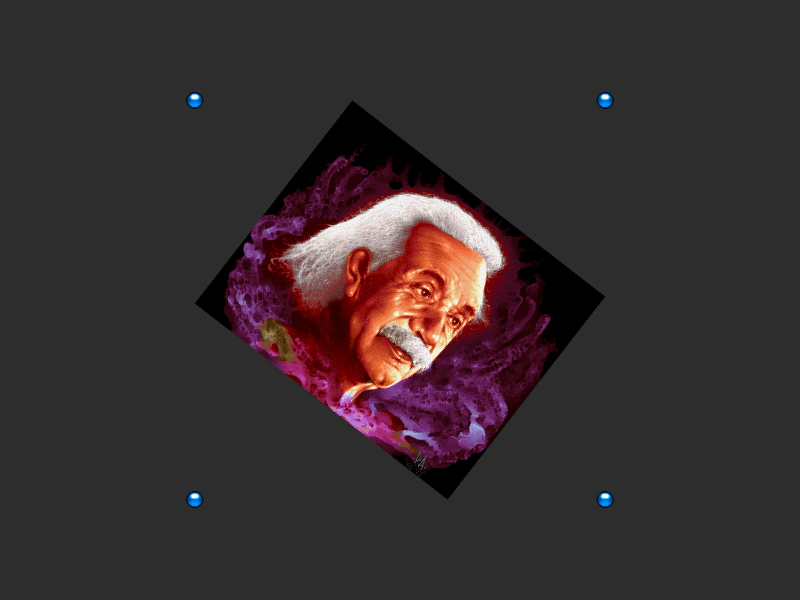 Get Image BoundsDemonstrates using the getBounds method to retrieve the axis-aligned bounding box of a Game Object as it scales and rotates.
 Image AlphaDemonstrates how to change the transparency of an image by setting its alpha property.
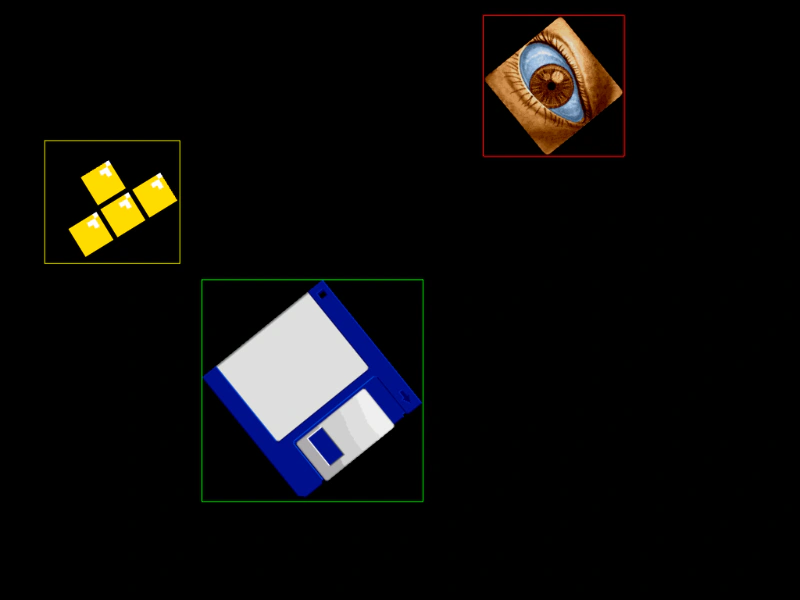 Image BoundsDemonstrates how to retrieve and visualize the axis-aligned bounding box (AABB) of rotating and scaling images using the getBounds method.
 Image Edge PointsDemonstrates how to retrieve the world coordinates of an Image's corners and center edges using methods like getTopLeft and getBottomRight, even as the object rotates and scales.
 Image OffsetDemonstrates how to position multiple images at specific X and Y coordinates within a scene.
 Image RotationRotate an image by incrementing its rotation property inside the update loop.
 Make Image from ConfigurationDemonstrates how to create an image using a configuration object, featuring the use of random range generators (randInt, randFloat), random selection from arrays, and dynamic functions for property values.
 Multiple Image AlphaDemonstrates how to set different transparency levels for multiple image Game Objects using the setAlpha method.
 Multiple Image RotationLearn how to rotate multiple Image Game Objects independently by updating their rotation property at different speeds and directions within the update loop.
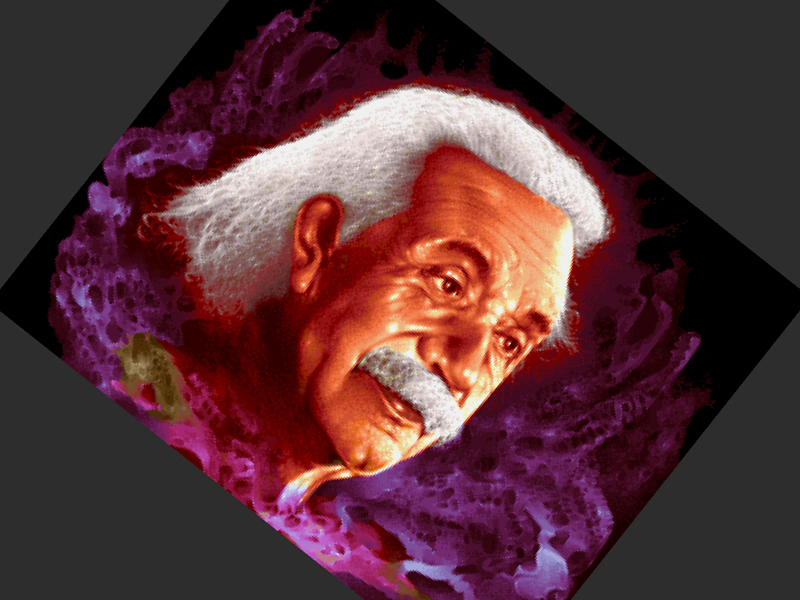 Single Image RotationDemonstrates loading an image, displaying it on the screen, and updating its rotation property every frame.
 Sprite Additive BlendingDemonstrates how to apply the 'ADD' blend mode to images, showing how colors combine additively as they move over a background sprite.