Phaser 4 examples
Keyboard
- 22 examples
Examples 22
 Add KeyDemonstrates how to create specific Key objects using KeyCodes and poll their state within the update loop to detect if a key is currently pressed.
 Add Multiple Keys via StringDemonstrates how to register multiple keyboard keys simultaneously using a single comma-separated string and check their state in the update loop.
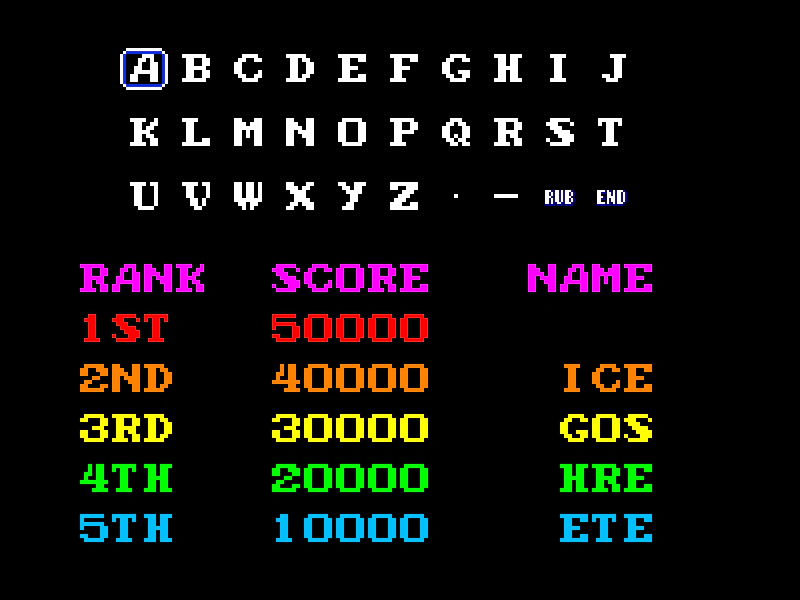 Arcade Name EntryCreate a classic high-score name entry screen that supports both keyboard navigation and pointer interaction using bitmap text and grid snapping.
 Create Key ComboDetect a specific sequence of key presses (a combo) and trigger an event when the sequence is completed successfully.
 Cross Scene Keyboard EventsDemonstrates how keyboard events propagate across multiple active scenes running in parallel and explores the hierarchy of local Key events versus global keyboard listeners.
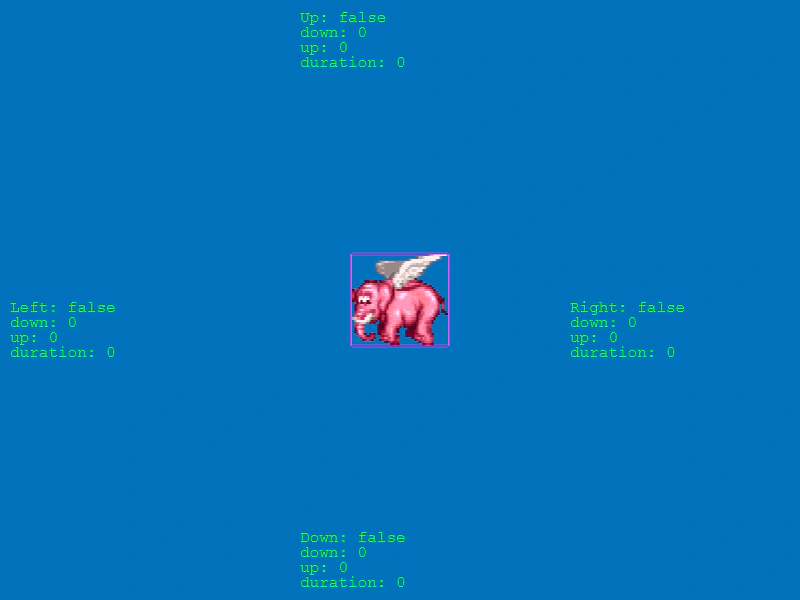 Cursor Key Timing DataDemonstrates how to access timing and duration properties for cursor keys, including timeDown, timeUp, and current press duration while controlling a physics-enabled sprite.
 Cursor KeysControl a physics-enabled sprite using the standard keyboard arrow keys via the built-in cursor keys helper.
 Global Keydown EventDemonstrates how to capture every keyboard key press globally within a Scene using the keyboard manager's event listener.
 Key Combo Max Key DelayDemonstrates how to set a time limit between key presses for a key combo, resetting the sequence if the delay is exceeded.
 Key Down DelayDemonstrates how to use the checkDown method to apply a custom rate-limit or delay to keyboard input, controlling how often an action triggers while a key is held down.
 Key Down DurationDemonstrates how to use the getDuration method to track exactly how long a specific keyboard key has been held down in milliseconds.
 Key Just DownDemonstrates the JustDown function, which triggers an action exactly once when a key is first pressed, preventing repeated execution if the key is held.
 Key ModifiersDetect if modifier keys such as Shift, Control, or Alt are being held down when a specific key event is triggered.
 Keyboard Event Listeners and PropagationDemonstrates three ways to detect a single key press: via a Key object listener, a specific keycode global event, and a generic keyboard event, while showing how stopPropagation controls the flow between them.
 Keyboard Events and PollingDemonstrates different ways to handle keyboard input: using global event listeners, specific key-down and key-up events, and creating Key objects for direct polling in the update loop.
 Konami Code Key ComboDetect a specific sequence of key presses using the Keyboard Key Combo system and trigger an event when the sequence is completed.
 Multi-Scene Keyboard EventsDemonstrates how to handle keyboard input across different scenes, showing how input listeners function when scenes are paused, resumed, or running concurrently.
 Numpad InputListen for specific keydown events from the numeric keypad (numpad) to trigger actions in your game.
 Reset Key Combo On MatchDemonstrates how to use the resetOnMatch property to allow a keyboard combo to be triggered multiple times repeatedly.
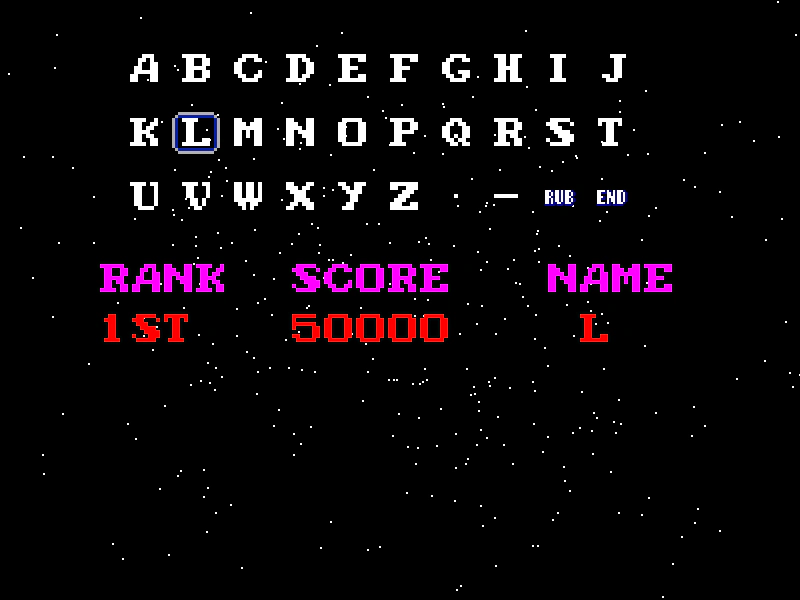 Retro Leaderboard Name EntryA classic arcade-style high score name entry system using grid-based character selection. Demonstrates keyboard arrow navigation, mouse interaction, direct key-to-character mapping, and event-based communication between Scenes.
 Single Keydown EventDemonstrates how to listen for specific keyboard press events using string-based event names like 'keydown-A' and 'keydown-SPACE', including how to capture keys to prevent default browser scrolling.
 Text EntryDemonstrates how to capture keyboard input to create a simple text entry system, including handling backspace and alphanumeric characters.