Phaser 4 examples
Graphics
- 57 examples
- 1 folder
Folders 1
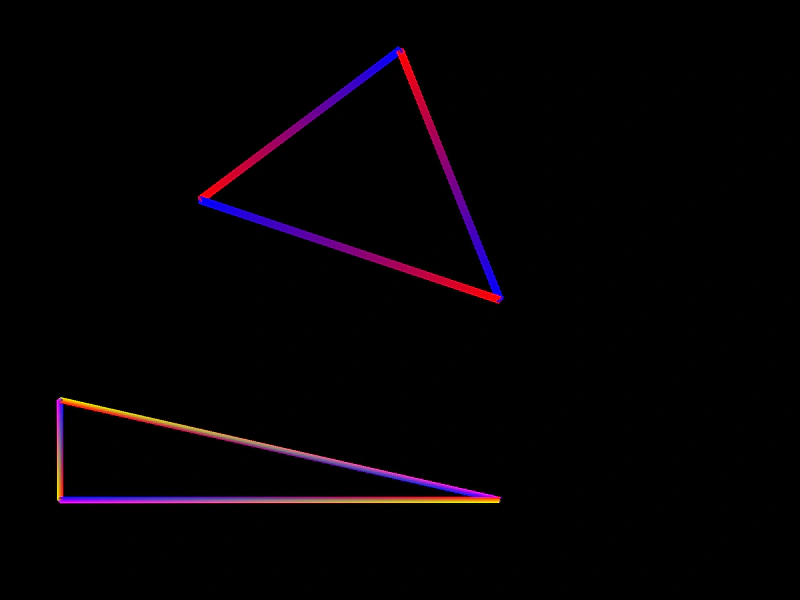
Examples 40
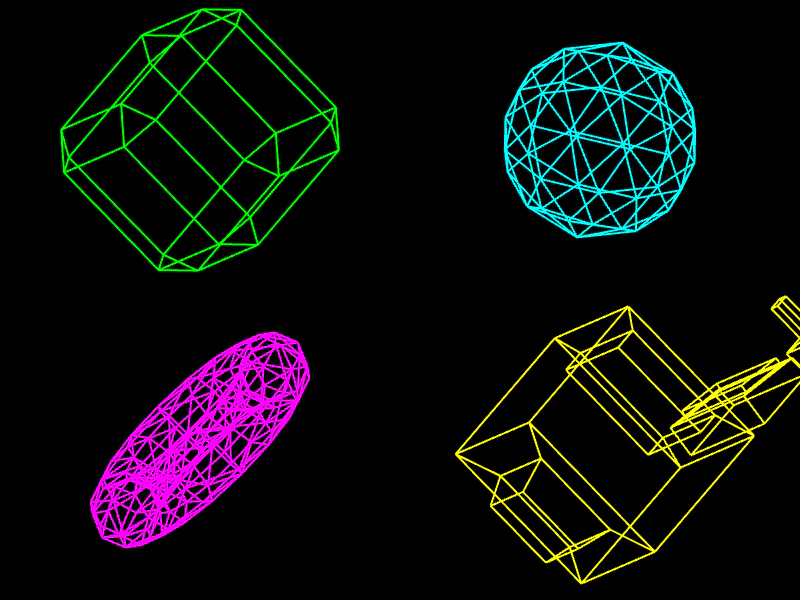 3D Wireframe OBJ ViewerDemonstrates how to parse 3D .obj files and render them as animated wireframe objects using Phaser Graphics and manual vertex rotation math.
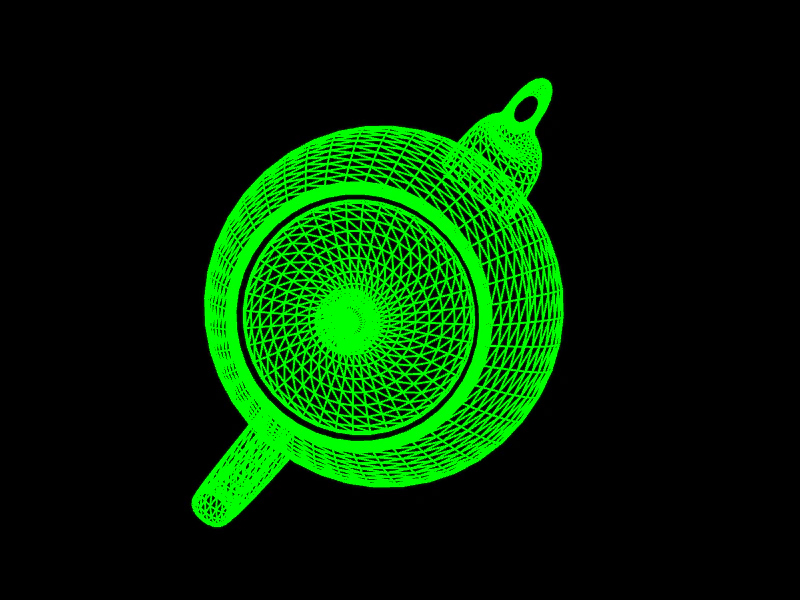 3D Wireframe TeapotDemonstrates parsing a 3D .obj model and rendering it as a rotating wireframe using Graphics primitives with manual vertex rotation and back-face culling.
 Arc StrokeDemonstrates how to draw and stroke circular arcs using Graphics, including setting line widths, colors, and arc directions.
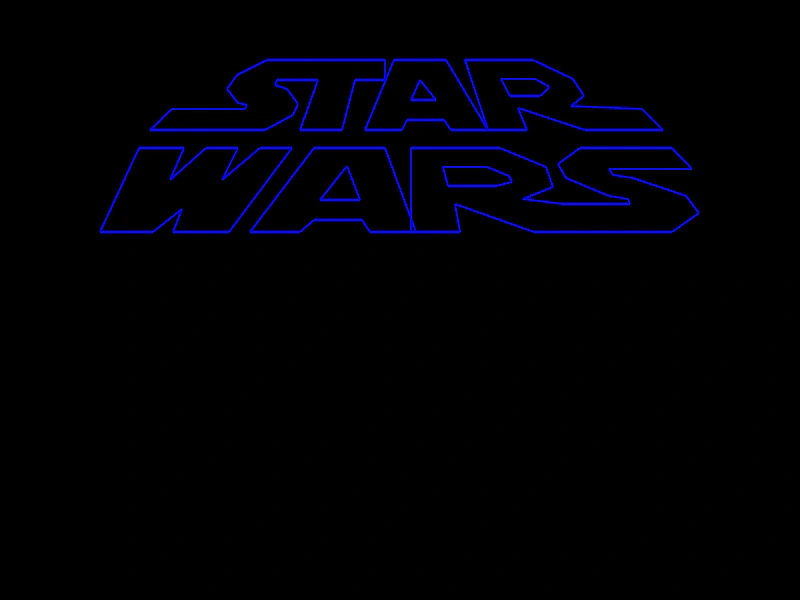 Atari Graphics LinesDemonstrates drawing complex vector shapes and stylized outlines using Graphics path commands like beginPath, moveTo, lineTo, and strokePath.
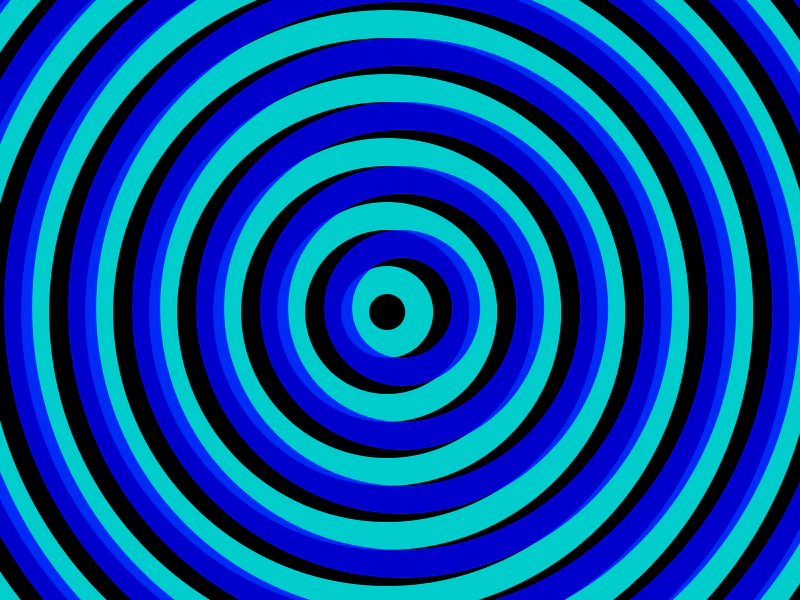 Circle OverlapLearn how to create and animate multiple Graphics objects containing concentric circles to produce a dynamic overlapping visual effect.
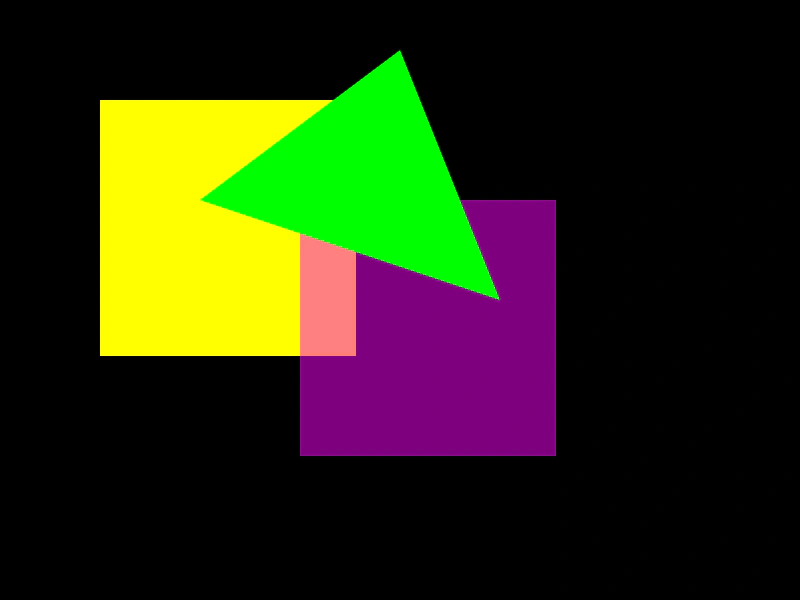 Drawing Filled Shapes with GraphicsDemonstrates how to use the Graphics object to draw solid and semi-transparent rectangles and triangles.
 Drawing Star ShapesDemonstrates how to use the Graphics object to procedurally draw star shapes by calculating vertex positions based on points, radii, and line styles.
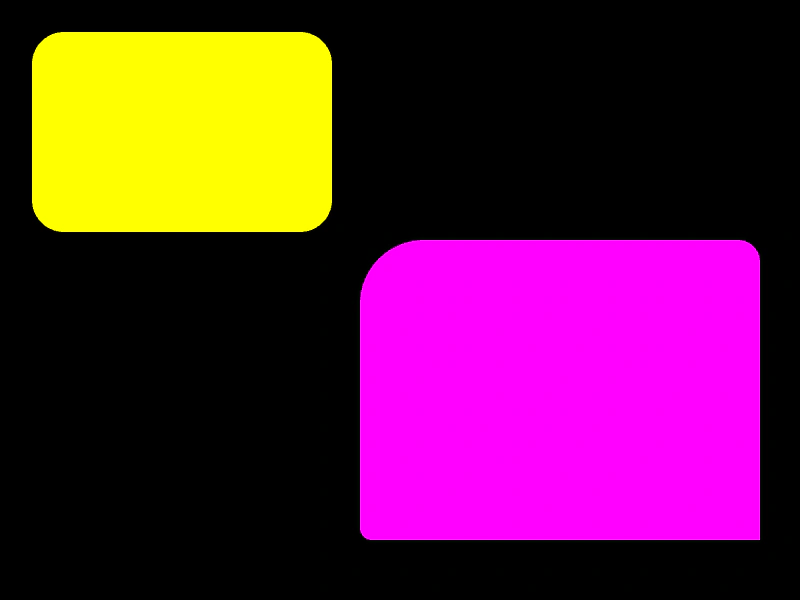 Fill Rounded RectangleDemonstrates how to draw filled rounded rectangles using the Graphics object, featuring both uniform corner radii and custom radius values for individual corners.
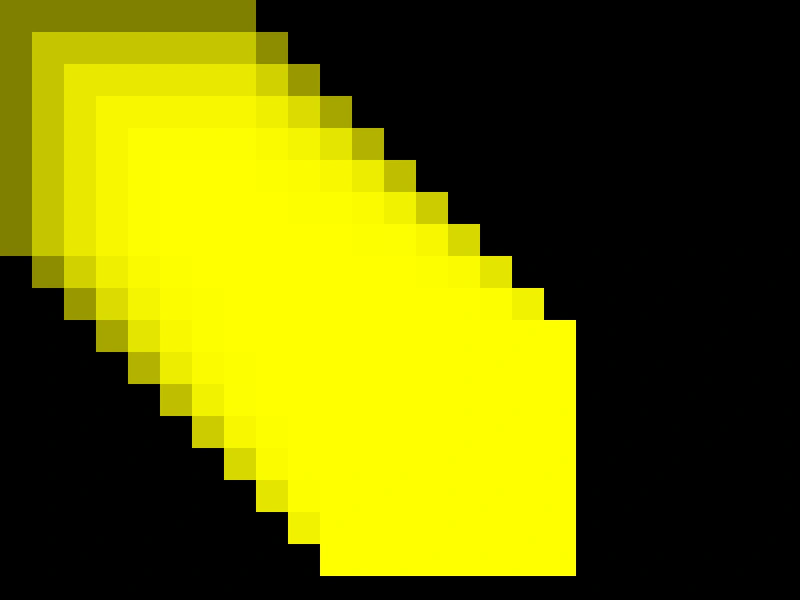 Filled RectanglesDemonstrates how to use the Graphics object to draw multiple overlapping filled rectangles with varying transparency levels.
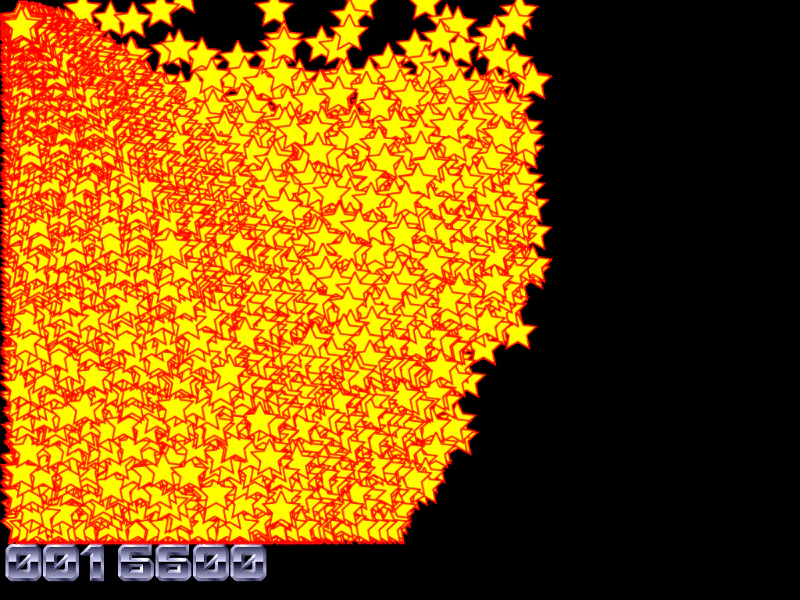 Generate Texture for BlitterDemonstrates creating a custom shape with a Graphics object, converting it into a reusable texture, and then using that texture to render high-performance bobs within a Blitter object.
 Generate Texture from GraphicsDemonstrates how to convert a Graphics object into a reusable texture that can be applied to Images or Sprites.
 Generate Texture from GraphicsDemonstrates how to draw shapes using a Graphics object and convert them into a reusable texture that can be applied to an Image Game Object.
 Generate Texture to TileSpriteDemonstrates how to draw shapes with Graphics, convert them into a reusable texture key, and apply that texture to a scrolling TileSprite.
 Graphics ArcDemonstrates how to draw a curved arc using the Graphics object, specifying the center position, radius, start and end angles, and direction.
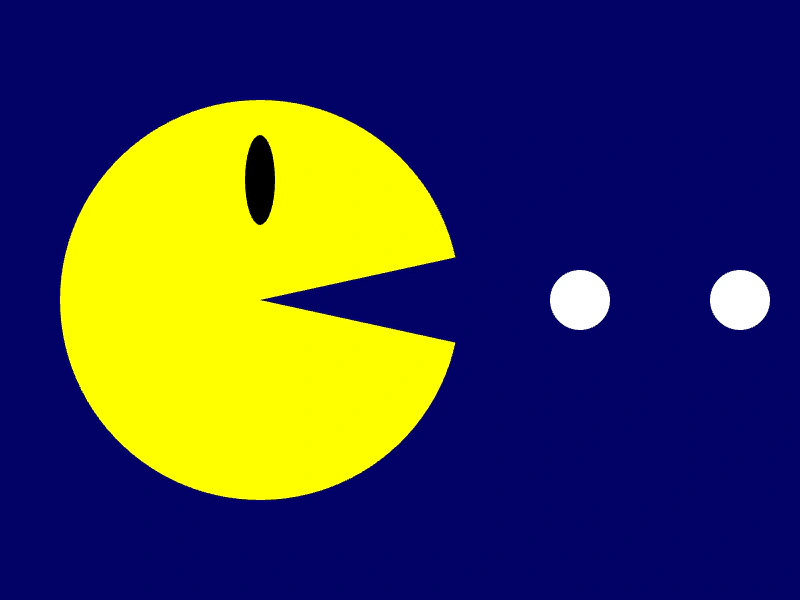 Graphics Arc Chomp AnimationCreate an animated chomping effect by dynamically updating the angles of a Graphics slice using a Tween counter.
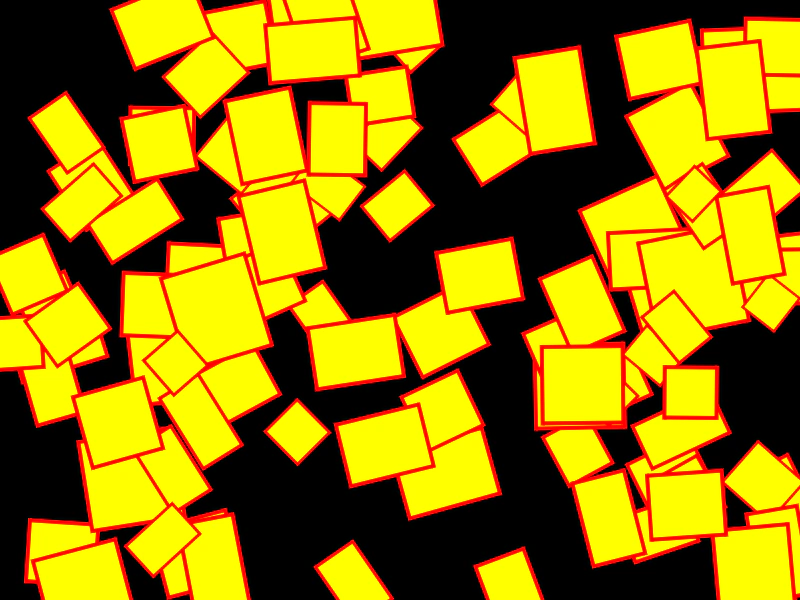 Graphics Canvas TransformationsDemonstrates using translate, scale, and rotate transformations within a Graphics object to draw and animate multiple shapes using a canvas-style state stack.
 Graphics in a ContainerDemonstrates how to add a Graphics object to a Container and draw shapes using coordinates relative to the container's position.
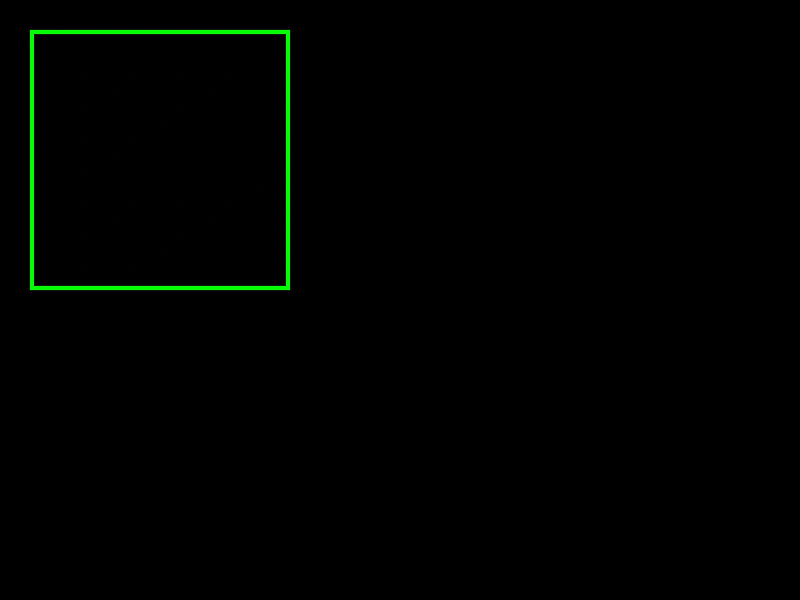 Graphics Line StylesLearn how to configure stroke properties including thickness, color, and alpha when drawing shapes using the Graphics object.
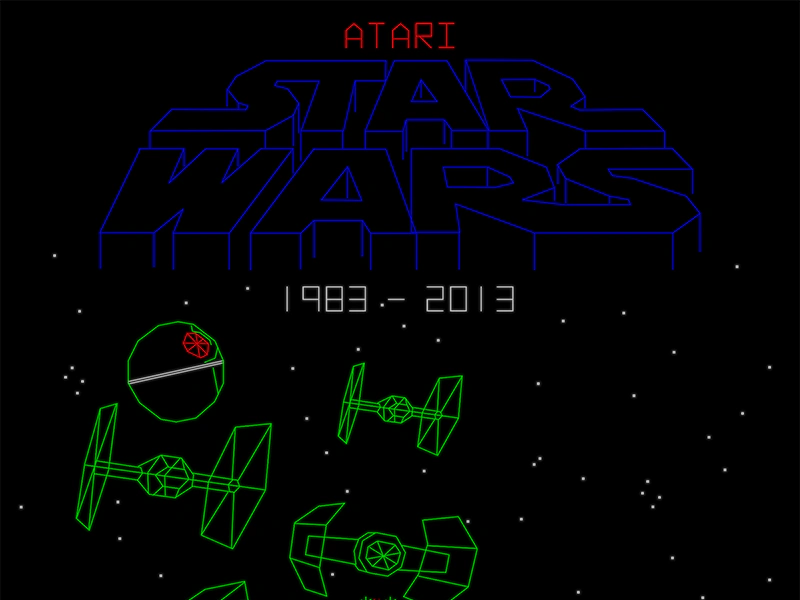 Graphics Line TracingInteractively draw and commit persistent lines to the screen using pointer events, geometry shapes, and the Graphics object.
 Graphics Rendering and TransformationsDraw a complex star shape using Graphics path commands and apply real-time rotation and scaling transformations.
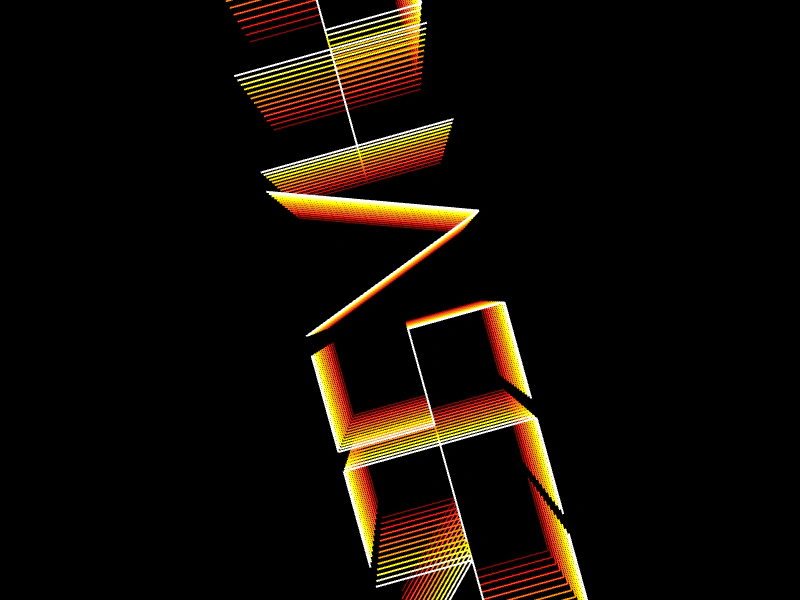 Graphics Transformation LogoDemonstrates creating an animated, multi-layered vector logo using Graphics path drawing combined with canvas-style translation, rotation, and scaling.
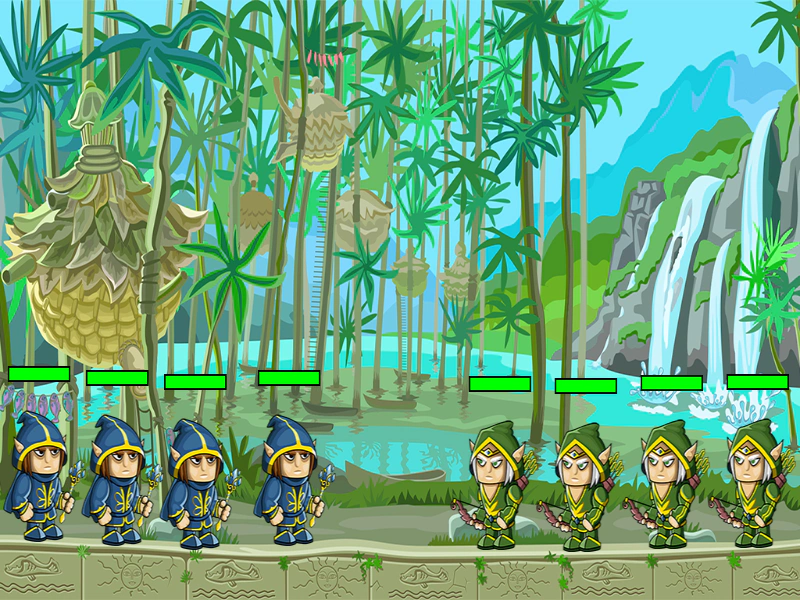 Health Bars using GraphicsCreate dynamic, reusable health bars for game objects by drawing and updating rectangles with the Graphics object.
 Line Rendering with GraphicsDemonstrates how to use the Graphics object to draw geometric shapes and custom paths with specific line and fill styles, while applying real-time rotation and scaling.
 Line ThicknessLearn how to define the width and color of strokes when drawing rectangles, circles, and custom paths using the Graphics object.
 Many StarsDemonstrates rendering and animating a large number of individual Graphics objects, featuring procedurally drawn stars with updating rotation and scale.
 Motion Trail with GraphicsCreate a colorful motion trail effect by storing a history of coordinates and drawing them sequentially using a Graphics object and an HSV color wheel.
 Mouse Trail with GraphicsCreate a dynamic, multi-colored mouse trail using a Graphics object by drawing a continuous path through a history of pointer positions with varying line thickness and color.
 Multiple Cameras and EffectsCreate multiple camera viewports within a single Scene to display the same game objects with different simultaneous effects including shake, flash, fade, zoom, and rotation.
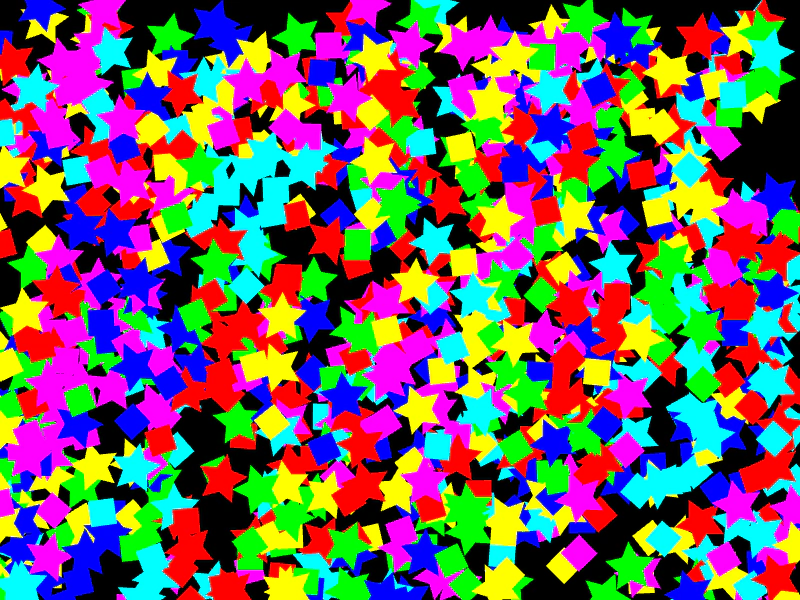 Multiple Graphics InstancesCreate and update hundreds of individual Graphics objects, each with unique positions, rotations, and scales.
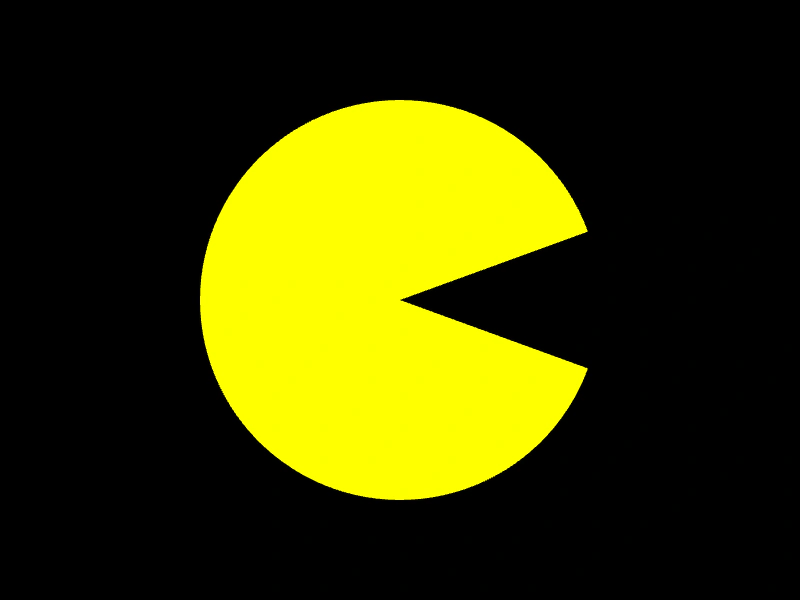 Pacman ArcDemonstrates how to use the Graphics.slice method to draw a partial circle, creating a filled Pacman-style shape.
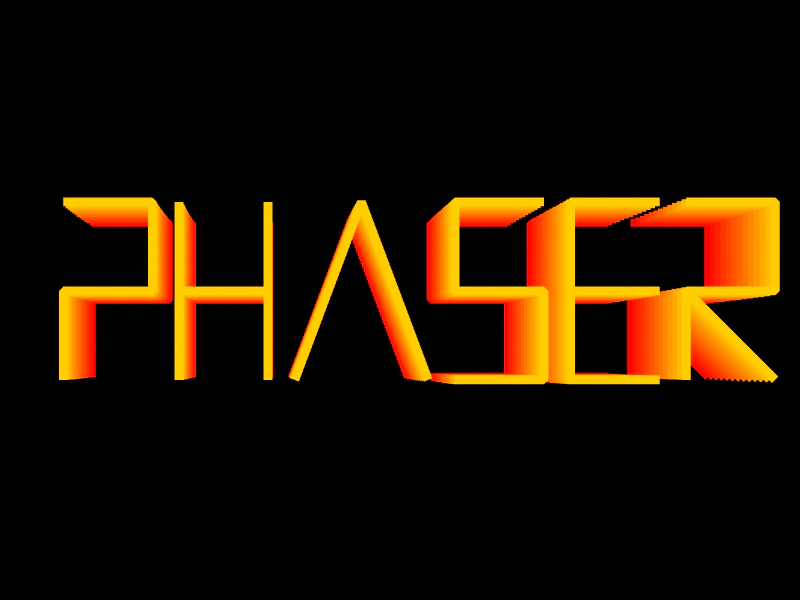 Phaser Logo ShiftDemonstrates complex Graphics transformations, color cycling, and manual vector drawing to create an animated, multi-layered logo effect.
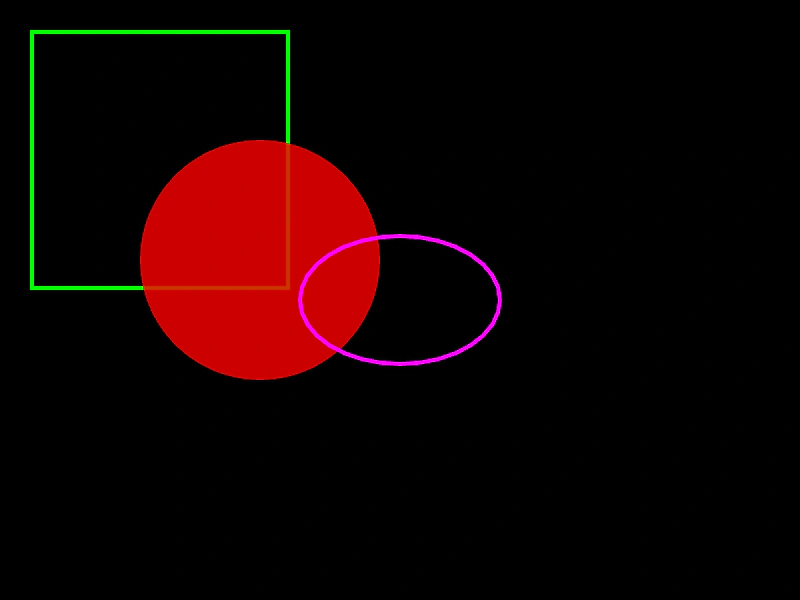 Primitive Graphics ShapesDemonstrates how to draw basic shapes using the Graphics object, including rectangles, circles, and ellipses with custom fill and line styles.
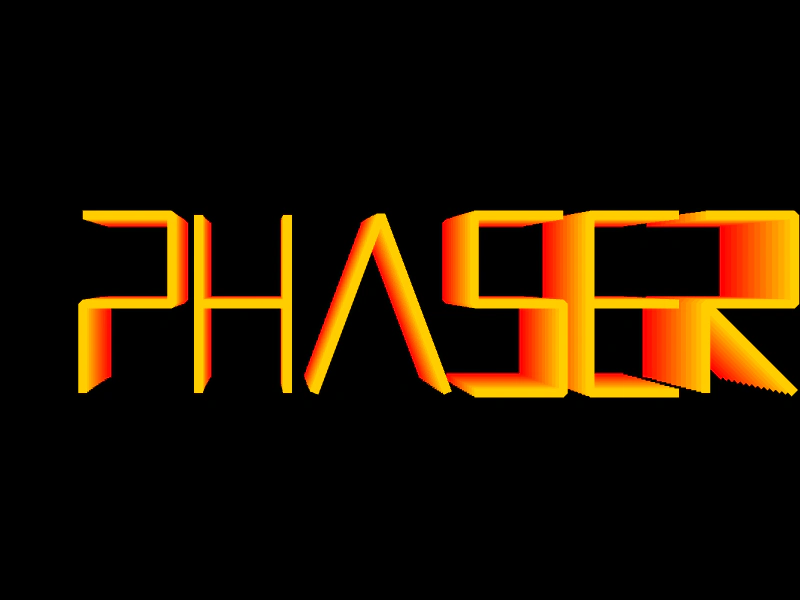 Pseudo-3D Graphics LogoDemonstrates a pseudo-3D stacking effect by rendering multiple layers of a vector-drawn logo using Graphics transformations, coordinate offsets, and HSV color cycling.
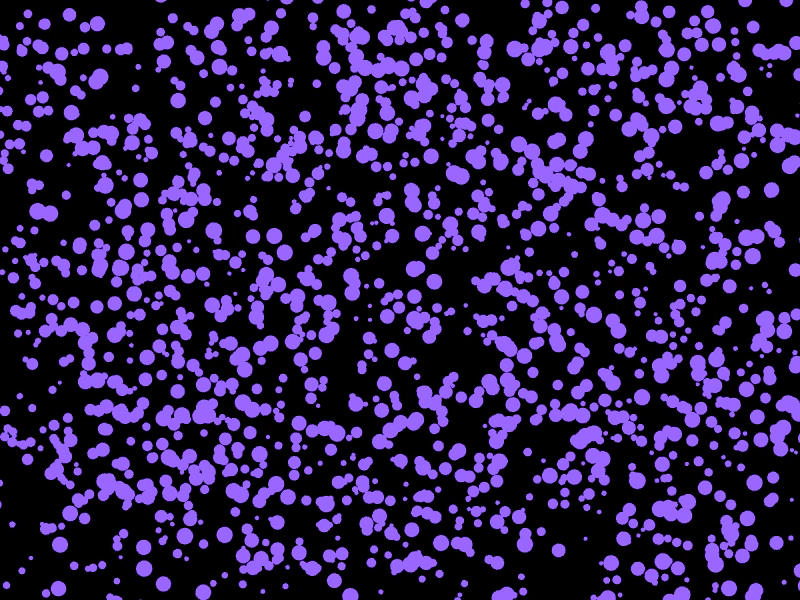 Rendering Thousands of Circles with GraphicsDemonstrates how to efficiently draw and animate 2,000 individual circles using a single Graphics object within the update loop.
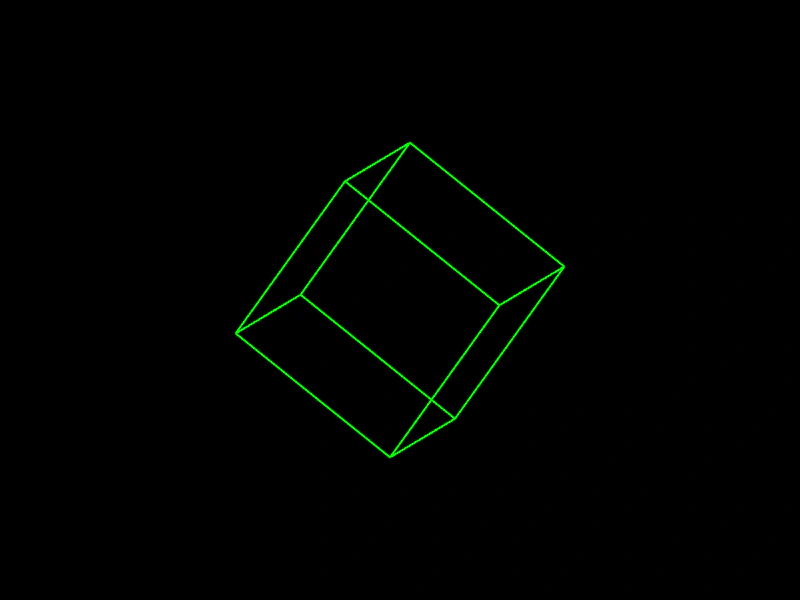 Spinning 3D Wireframe CubeDemonstrates rendering a rotating 3D wireframe cube by manually calculating vertex rotations and drawing the edges using the Graphics object.
 Stroke CircleDemonstrates how to draw a circle outline using Graphics lineStyle and the strokeCircle method.
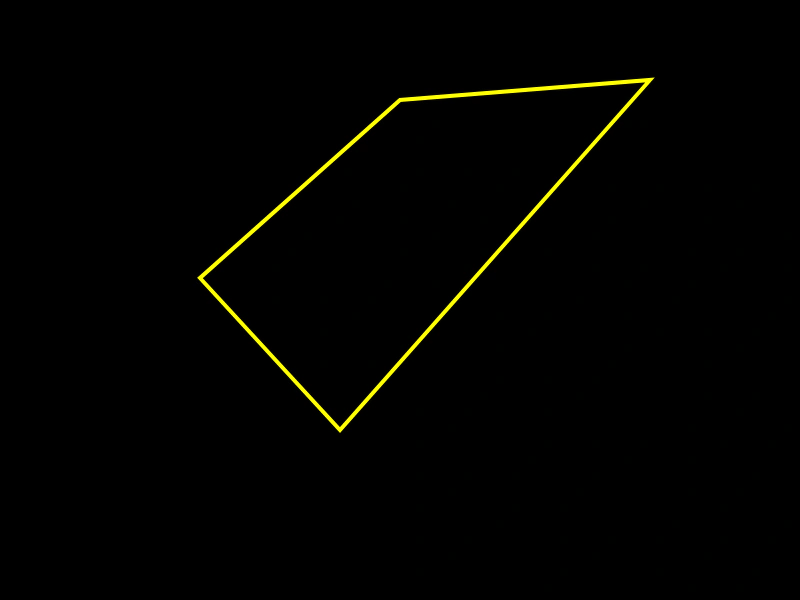 Stroke PathLearn how to draw custom vector shapes by defining a path of points and applying a line style to outline it using a Graphics object.
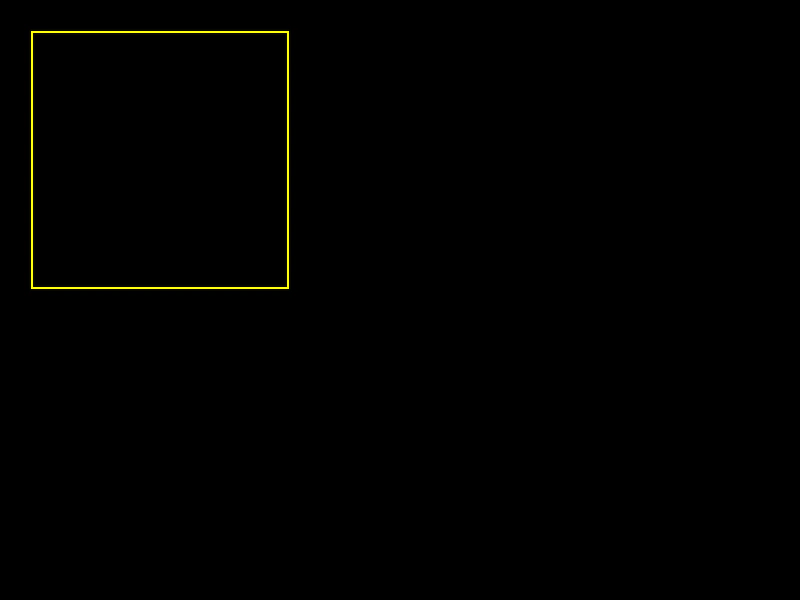 Stroke RectDemonstrates how to draw the outline of a rectangle using the Graphics object, including setting the line thickness, color, and alpha.
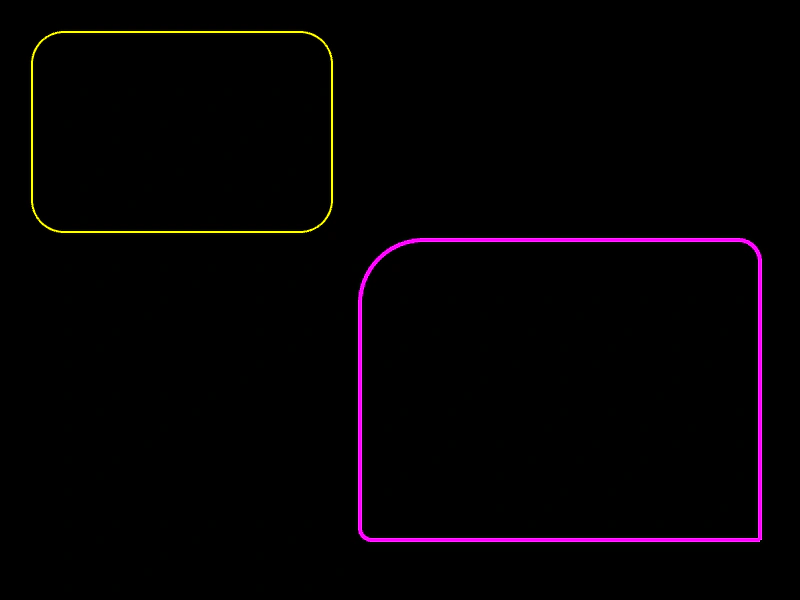 Stroke Rounded RectangleDemonstrates how to draw the outline of rounded rectangles with both uniform corner radii and individual radii for each corner using the Graphics object.
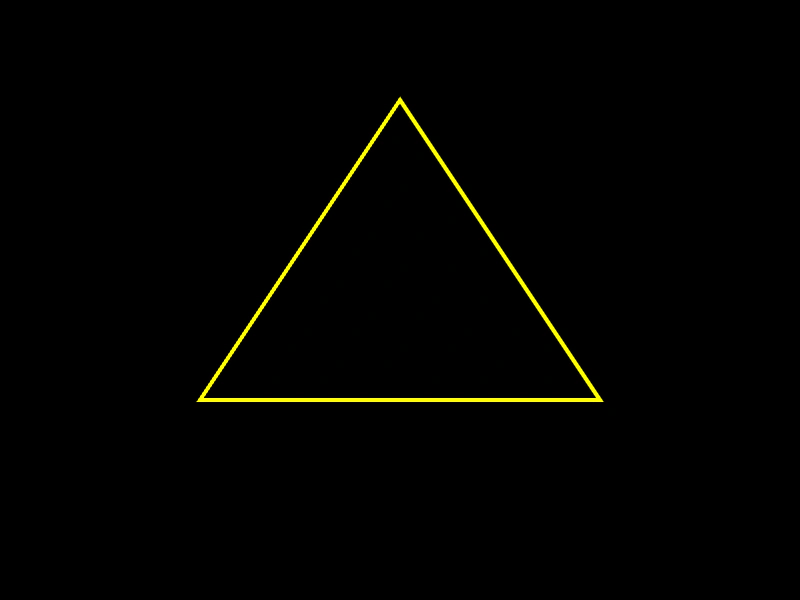 Stroke TriangleThis example shows how to use a Graphics object to draw the outline of a triangle by defining three coordinate points and a custom line style.