Phaser 4 examples
Animation
- 47 examples
Examples 47
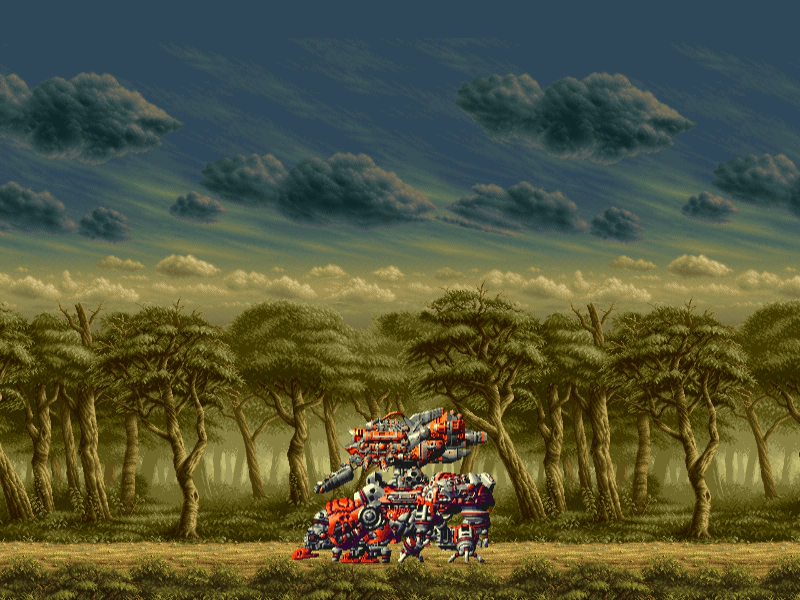 60fps Animation TestDemonstrates creating and playing a sprite animation at 60 frames per second using a texture atlas, combined with scrolling tile sprites.
 Add Animation EventDemonstrates how to listen for the ADD_ANIMATION event to trigger a callback whenever a new animation is created in the Animation Manager.
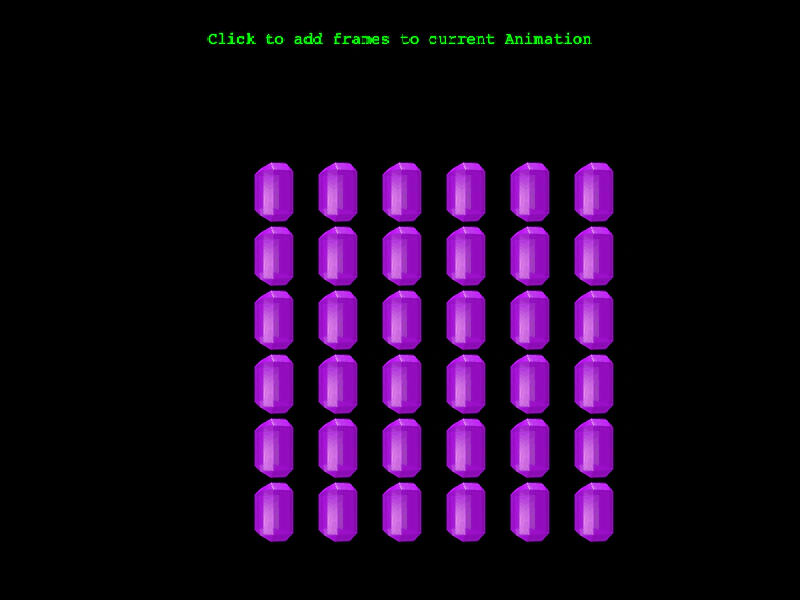 Add Frames to Existing AnimationLearn how to dynamically add new frames to an animation after it has already been created and is currently being played by sprites.
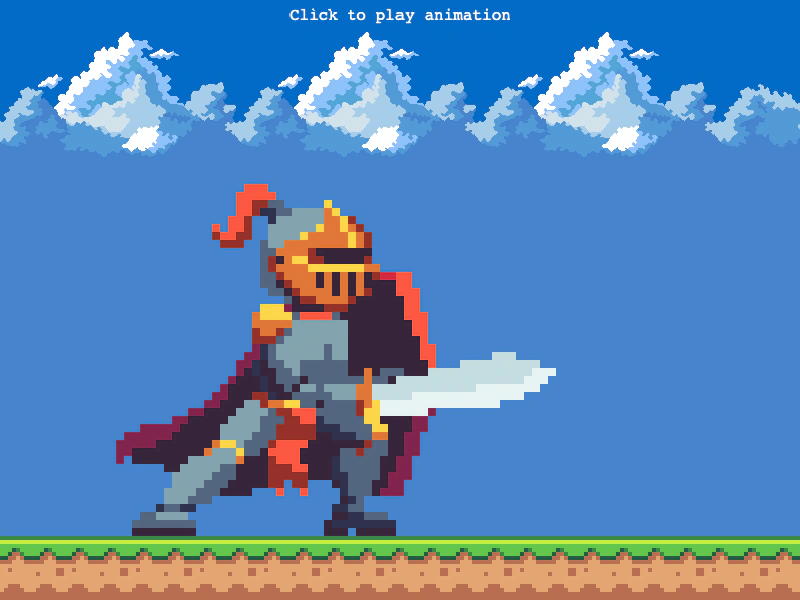 Animation Complete EventListen for the animation complete event on a Sprite to trigger custom logic, such as spawning items or starting tweens, immediately after an animation finishes playing.
 Animation from Multiple AtlasesDemonstrates how to create a single animation by sequencing frames that are distributed across multiple different texture atlases.
 Animation from PNG SequenceCreate a looping animation using a series of individual image files and learn how to customize the duration of specific frames within the sequence.
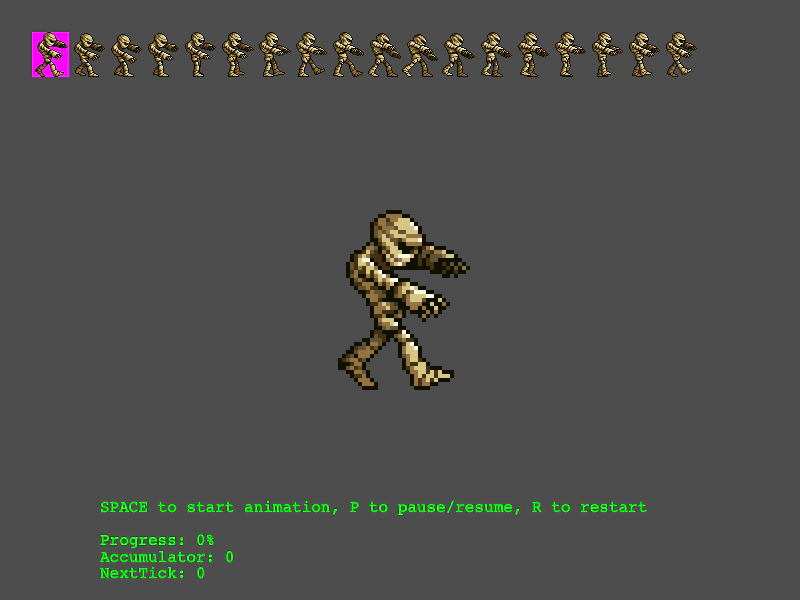 Animation Playback and Frame MonitoringDemonstrates how to play, pause, and restart animations while visualizing the current frame selection on the source spritesheet and monitoring playback progress metrics.
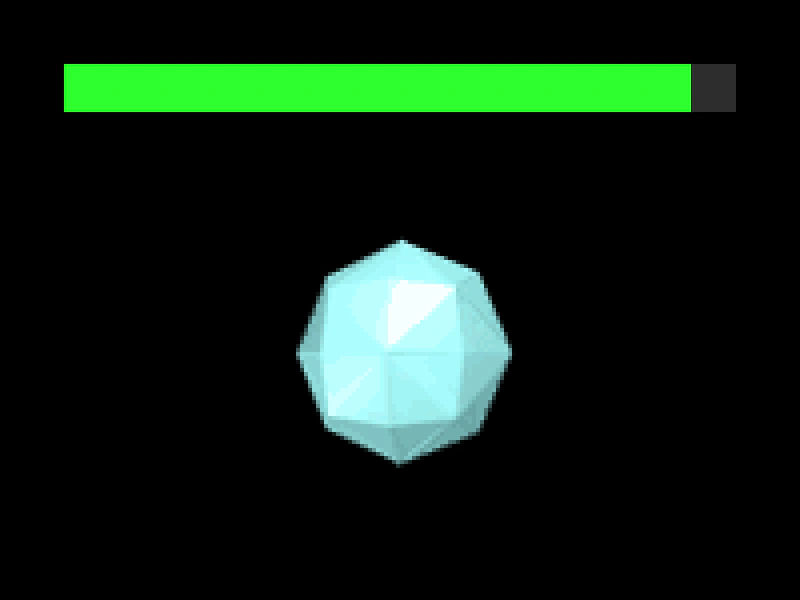 Animation Playback ProgressDemonstrates how to use the getProgress method to track the current playback state of a running animation, visualized using a graphics-based progress bar.
 Animation Random DelayUse the delay property when playing an animation to stagger the start times across multiple sprites.
 Animation Repeat EventDemonstrates how to listen for the animation repeat event to trigger logic, such as spawning objects, every time a sprite's animation completes a loop.
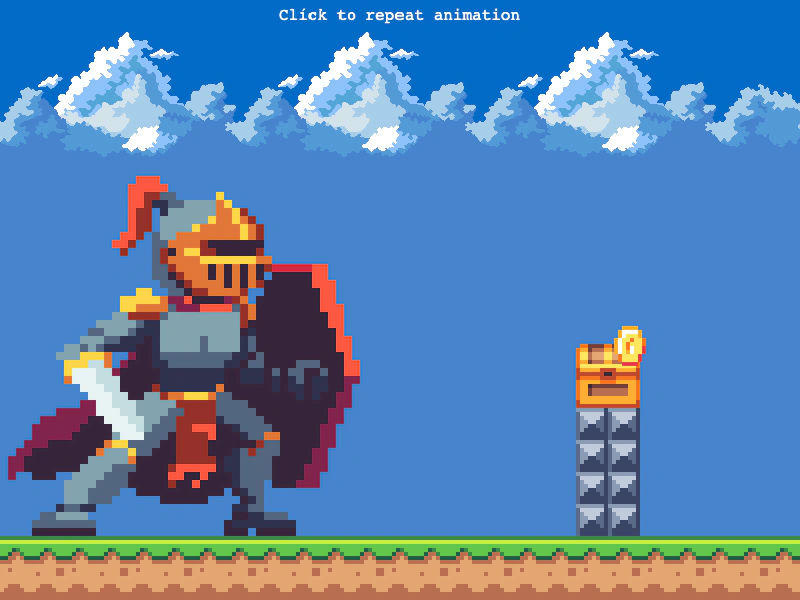 Animation Repeat EventDemonstrates how to use the ANIMATION_REPEAT event to trigger logic, such as spawning items, every time a sprite's looping animation completes a cycle.
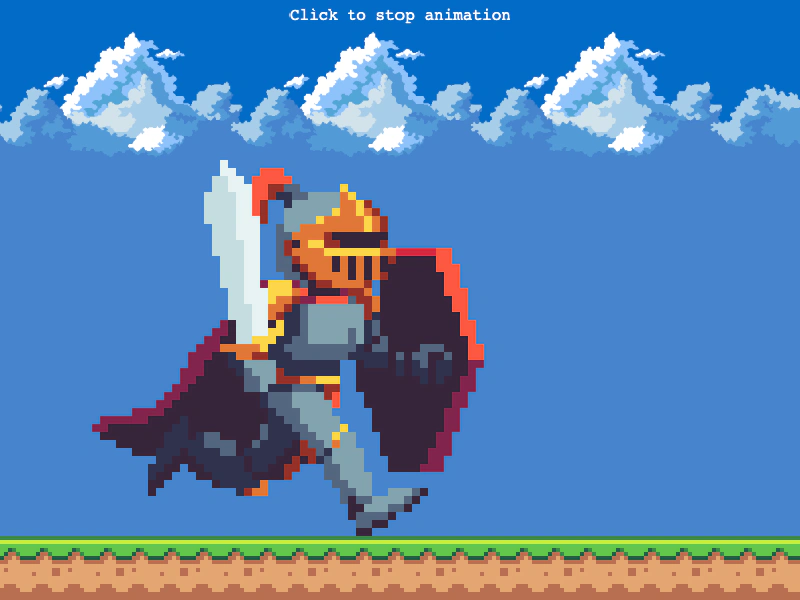 Animation Stop EventThis example demonstrates how to listen for the animation stop event on a sprite and trigger logic when an animation is manually halted.
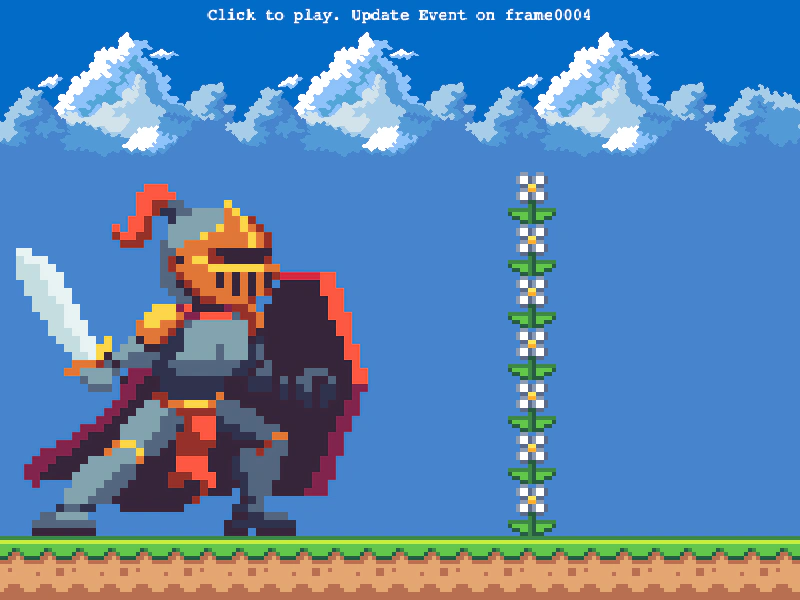 Animation Update EventTrigger specific actions or logic when an animation reaches a particular frame by listening for the animation update event.
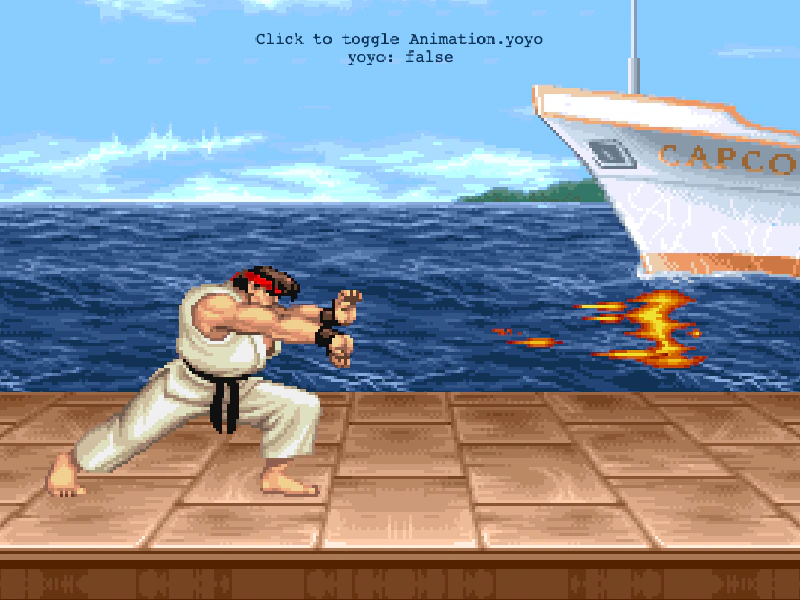 Animation Yoyo ToggleDemonstrates how to use the yoyo property to play an animation forwards and then in reverse, including how to toggle the effect at runtime.
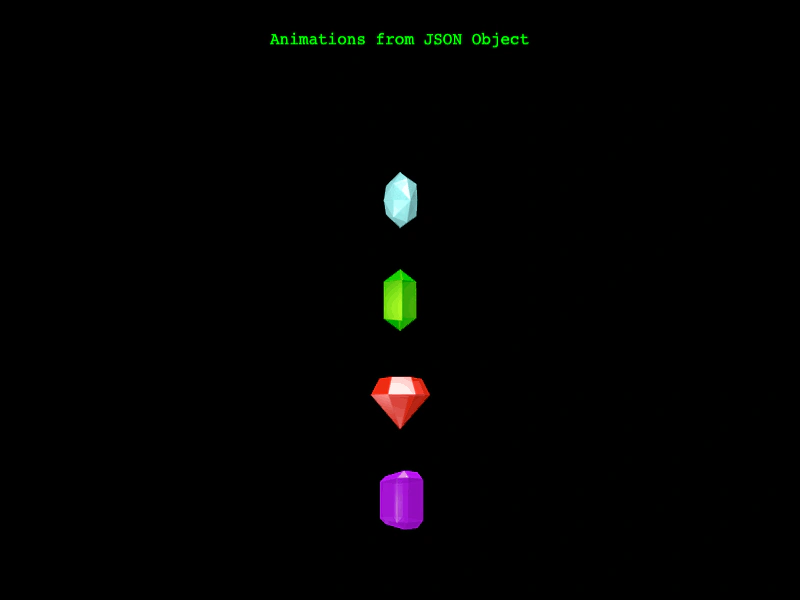 Animations from JSONDemonstrates how to define and batch-create multiple animations simultaneously using a single JSON configuration object.
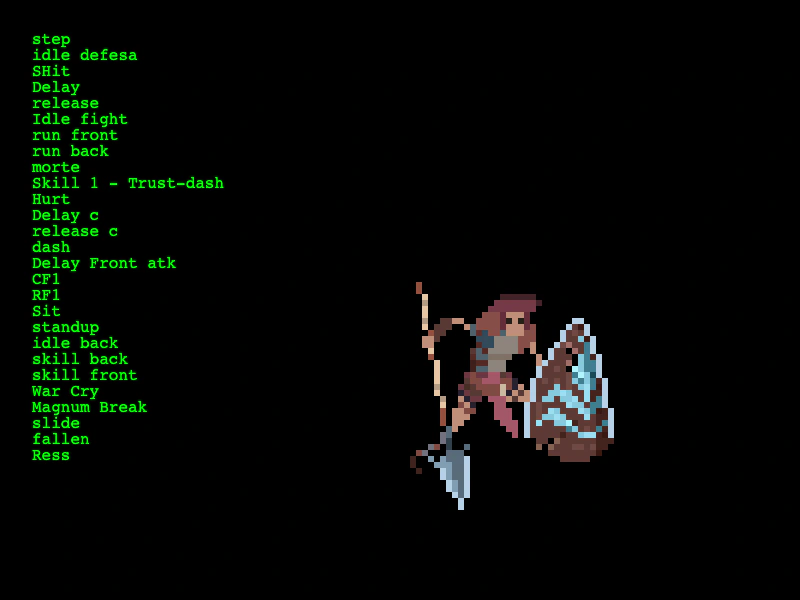 Aseprite Animation LoadingLearn how to load Aseprite exported files, automatically generate animations from JSON tags, and play them on a sprite.
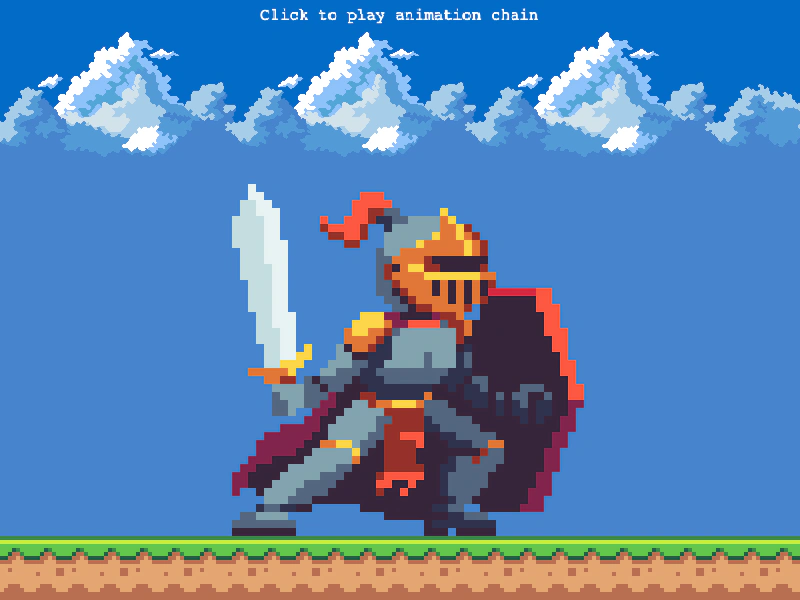 Chained AnimationDemonstrates how to queue multiple animations to play in sequence using the chain method and play after the current animation repeat finishes.
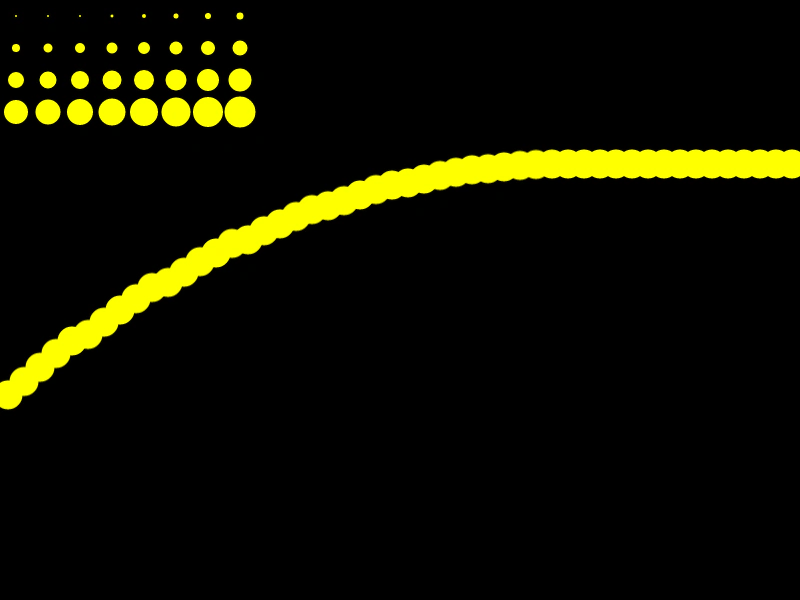 Create Animation From Canvas TextureDemonstrates how to programmatically draw a sprite sheet onto a canvas texture, define individual frames from it, and use those frames to create a playable animation.
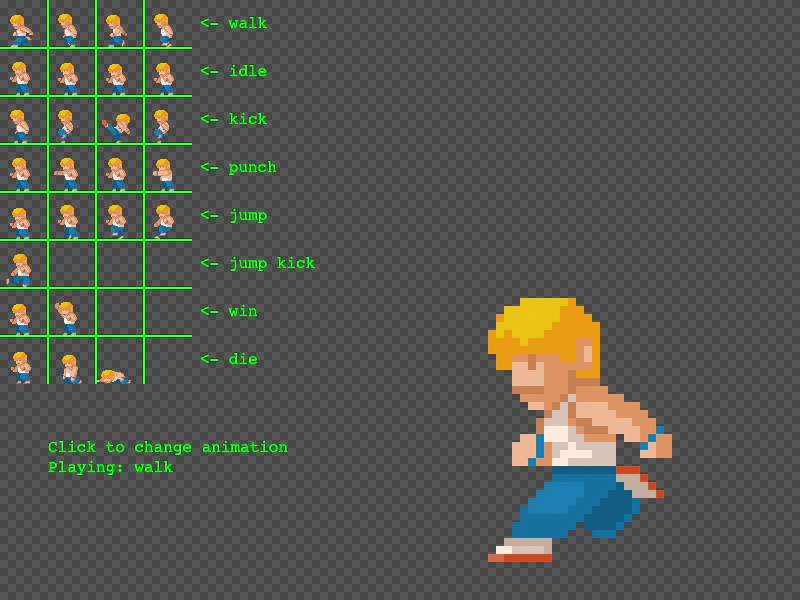 Create Animation From Sprite SheetDemonstrates how to create multiple animations by selecting specific frame indices from a loaded sprite sheet and playing them on a sprite.
 Create Animation From Texture AtlasDemonstrates how to generate animations by extracting specific frame sequences from a texture atlas using the generateFrameNames helper.
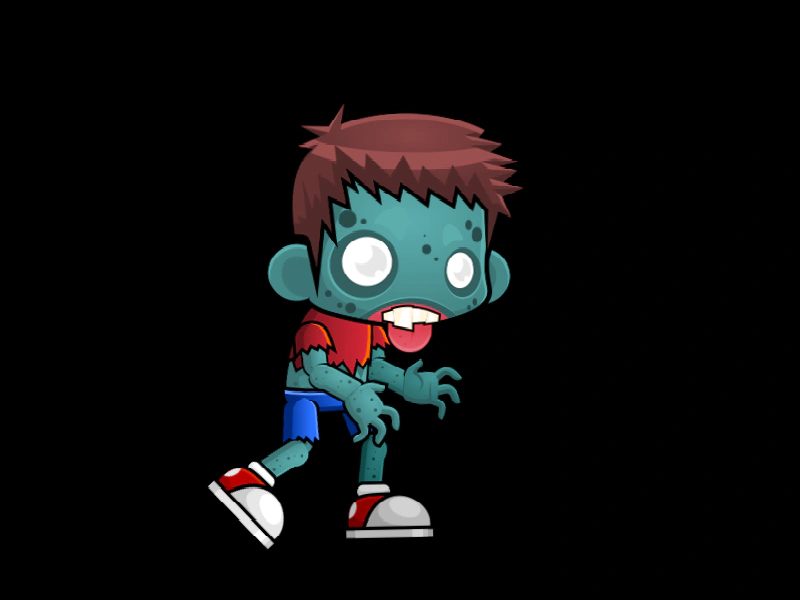 Create Animation Without Frame NamesDemonstrates how to create a sprite animation by passing a texture atlas key directly to the animation configuration, allowing Phaser to automatically extract and numerically sort all frames within that atlas.
 Create Sprites from ConfigDemonstrates creating multiple sprites using configuration objects that define randomized properties and complex animation behaviors like delayed playback and repeat delays.
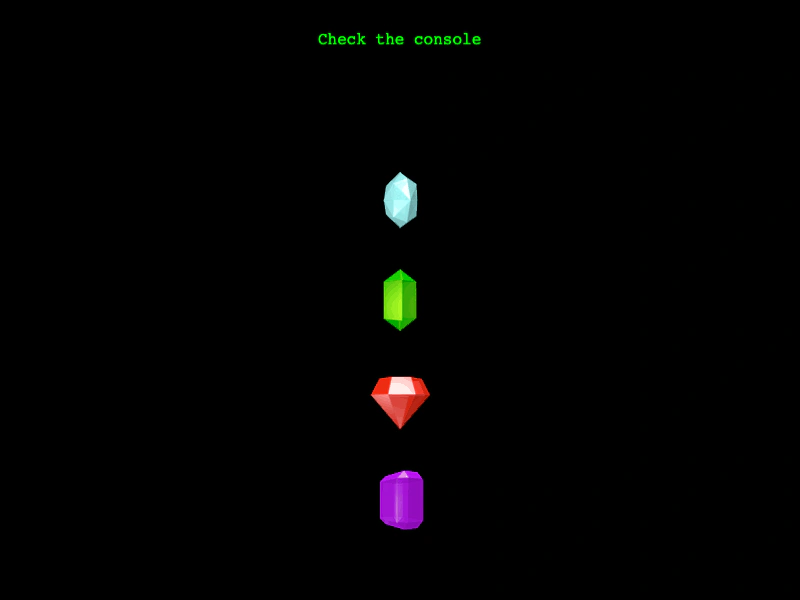 Export Animation to JSONDemonstrates how to export specific animations or the entire global animation manager configuration into a JSON format for saving or debugging.
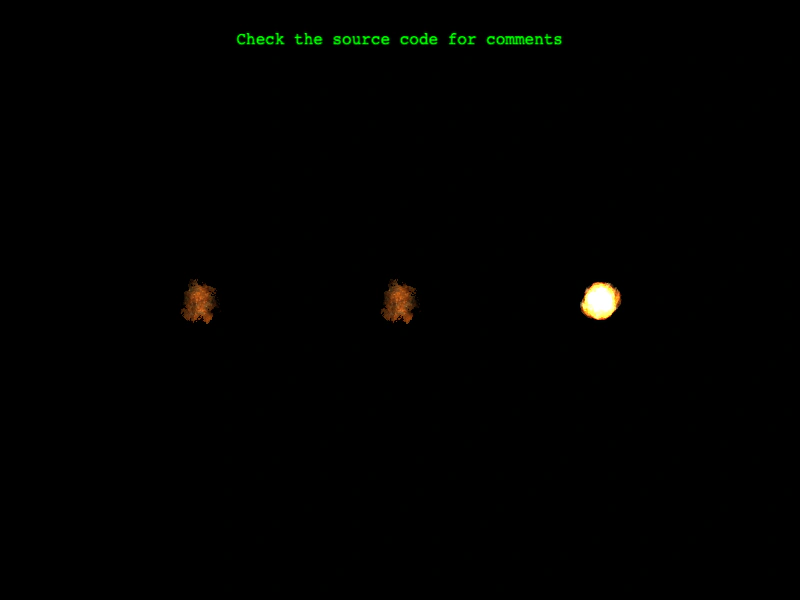 Generate Animation Frame NumbersDemonstrates different ways to define animation frames from a spritesheet, including using the entire sheet, specifying a range, or creating a custom sequence of frame indices.
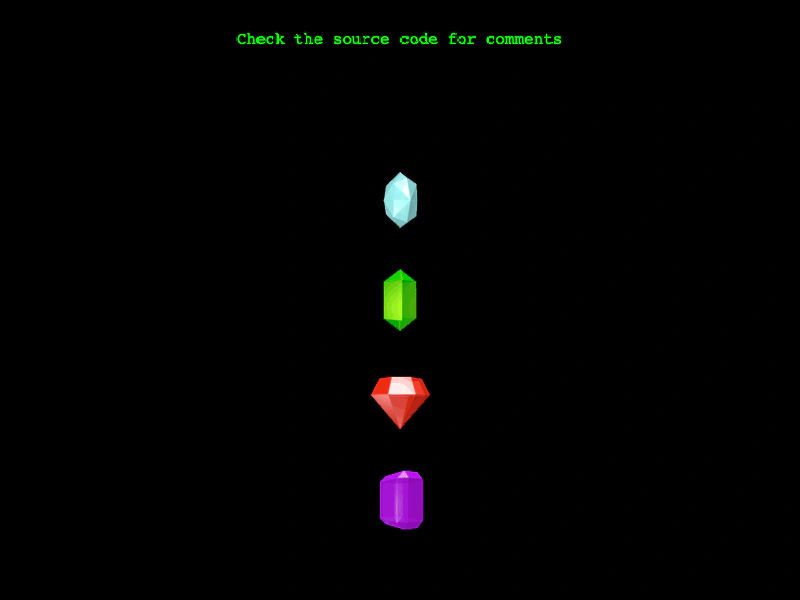 Generate Frame NamesDemonstrates how to use the generateFrameNames method to automatically create animation frames from a texture atlas by specifying prefixes, suffixes, and zero-padding for sequenced frame names.
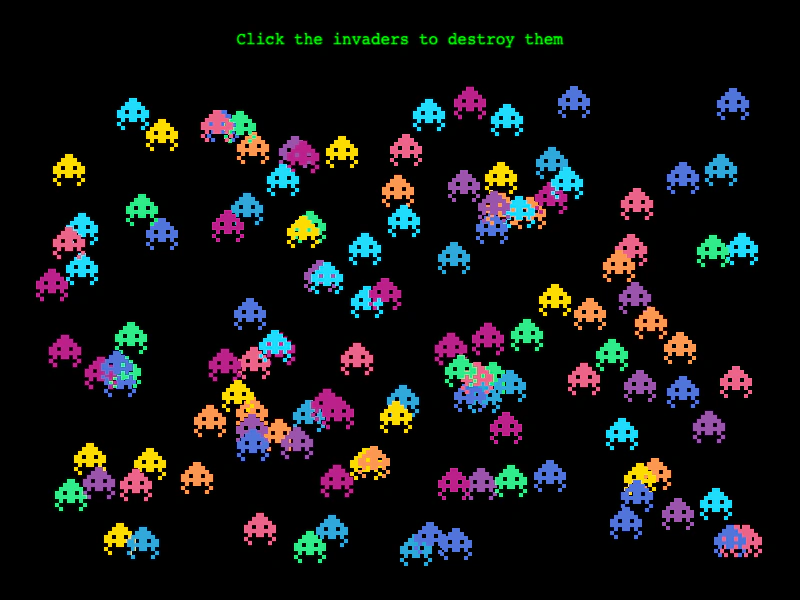 Hide Animation On CompleteDemonstrates how to use the hideOnComplete property to automatically hide a sprite once its animation finishes playing.
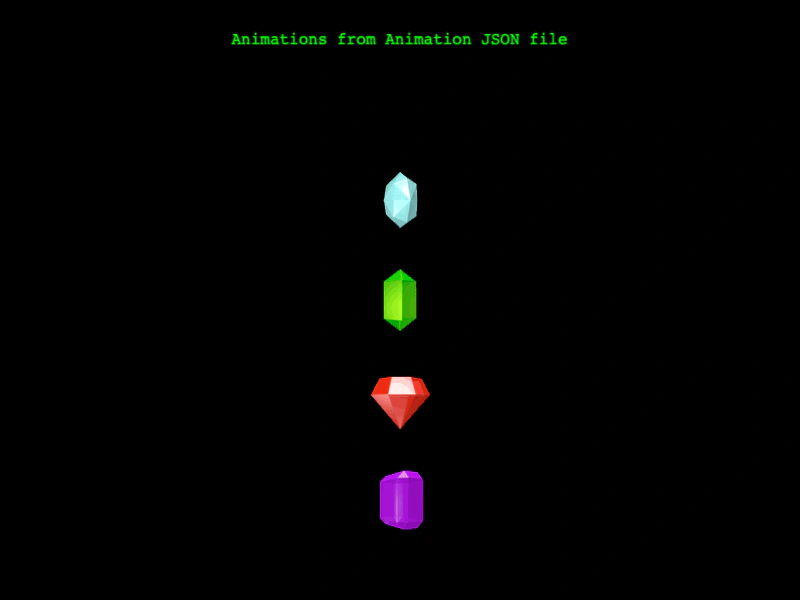 Load Animations from JSONDemonstrates how to load animation definitions from an external JSON file and apply them to sprites using a texture atlas.
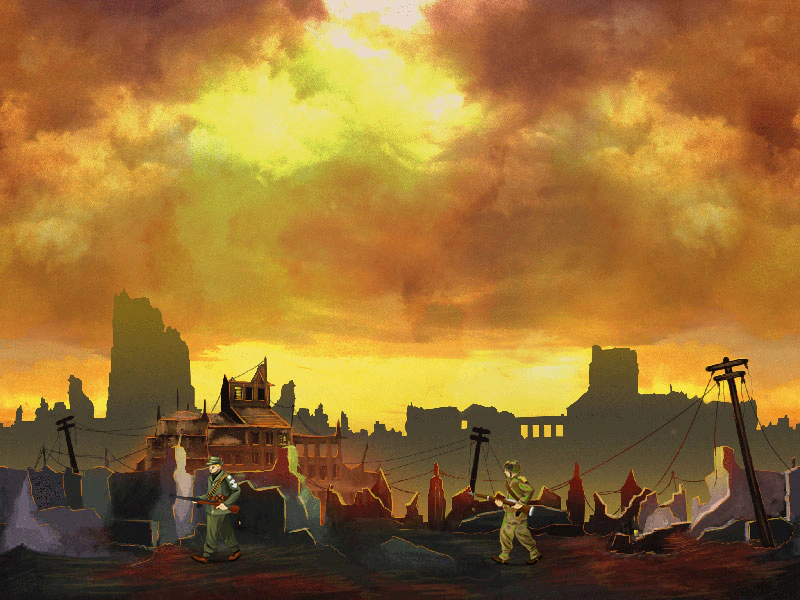 Local Sprite AnimationsDemonstrates how to create animations directly on a specific Sprite, allowing it to have private animation keys that override global animations with the same name.
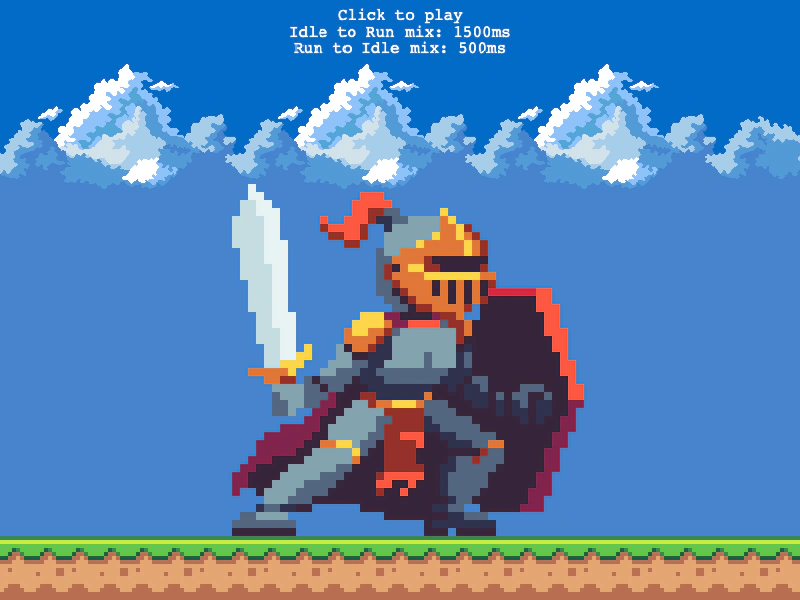 Mixed Animation TransitionsDemonstrates how to use animation mixing to define specific delay durations when transitioning between different sprite animations.
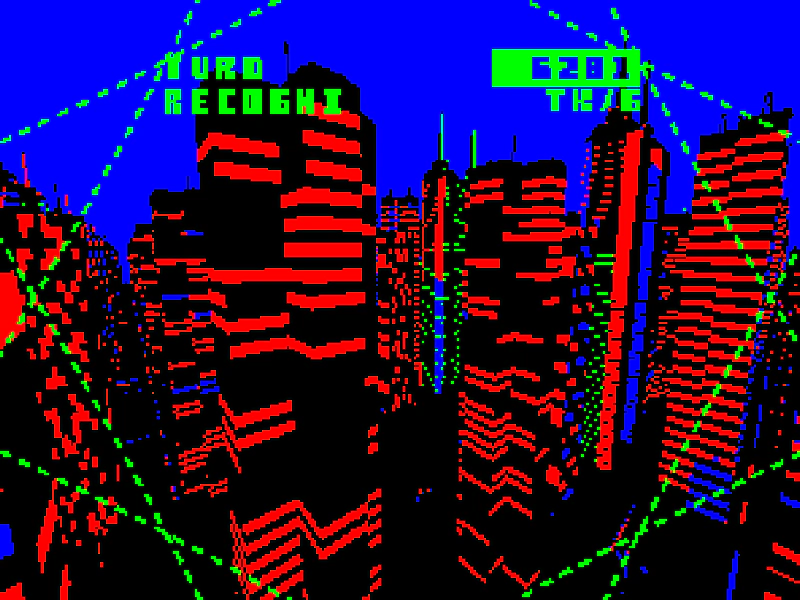 Multi Atlas AnimationDemonstrates how to load a multi-file texture atlas and create a sprite animation from its frames.
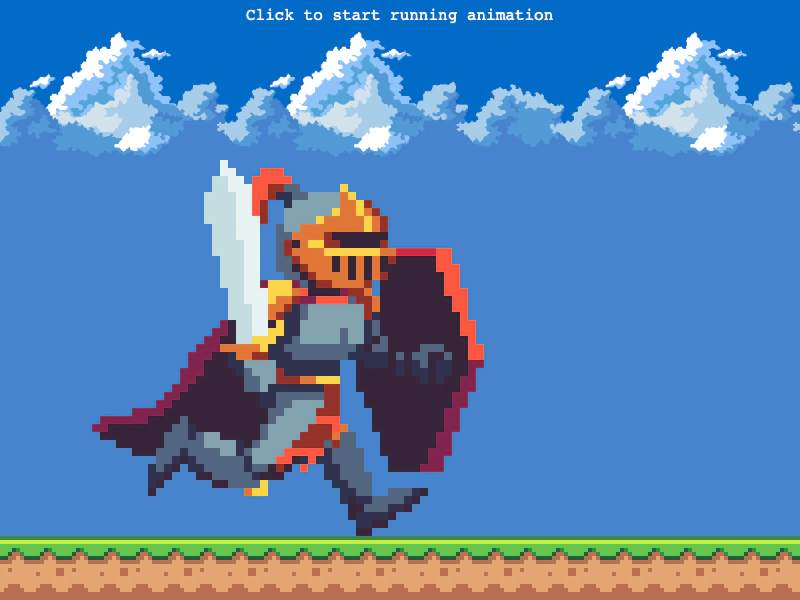 On Animation Start EventDemonstrates how to use the ANIMATION_START event to trigger logic when a sprite begins a new animation, such as synchronizing background scrolling with a character's run cycle.
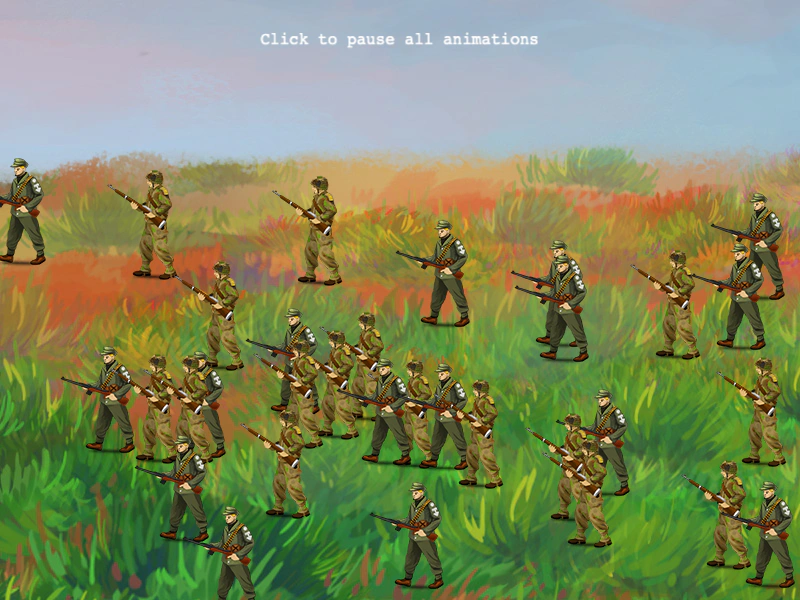 Pause All AnimationsDemonstrates how to globally pause and resume every active sprite animation in the game using the Animation Manager.
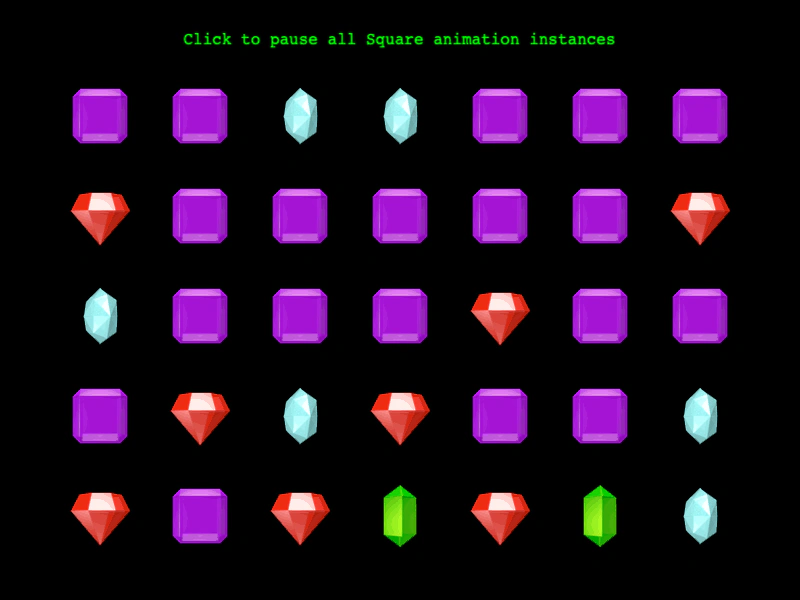 Pause Animation InstancesDemonstrates how to pause an animation globally, which stops all sprites currently using that animation instance simultaneously.
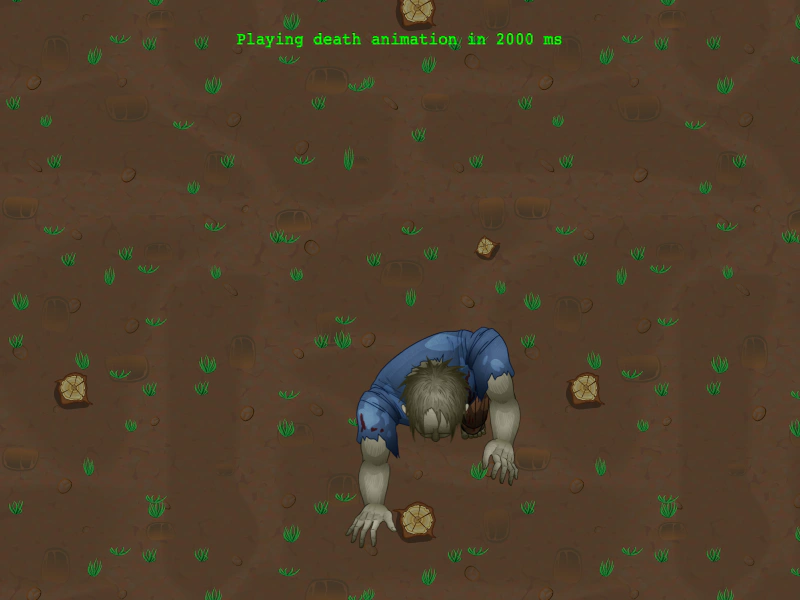 Play Animation After DelayDemonstrates how to schedule an animation to play after a specific delay in milliseconds using the playAfterDelay method.
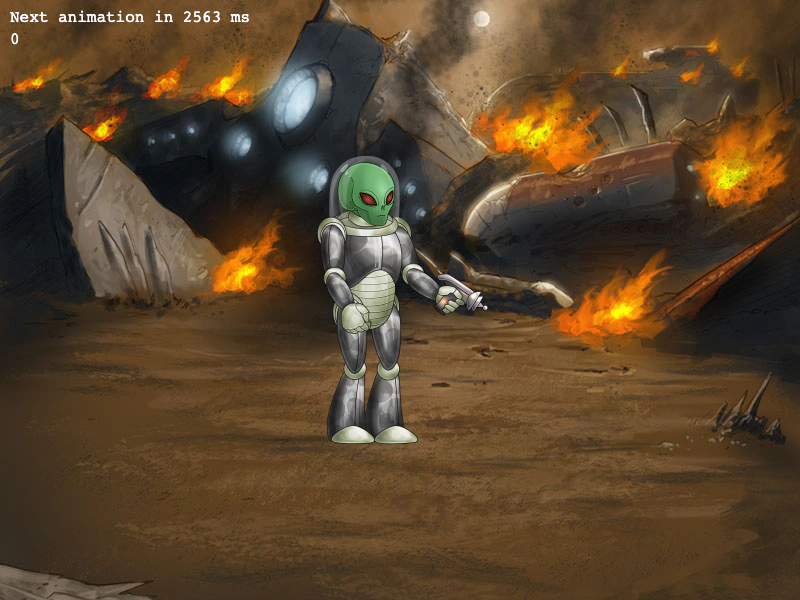 Play Animation After Random DelayDemonstrates how to use the playAfterDelay method to restart an animation after a random time interval once it has completed.
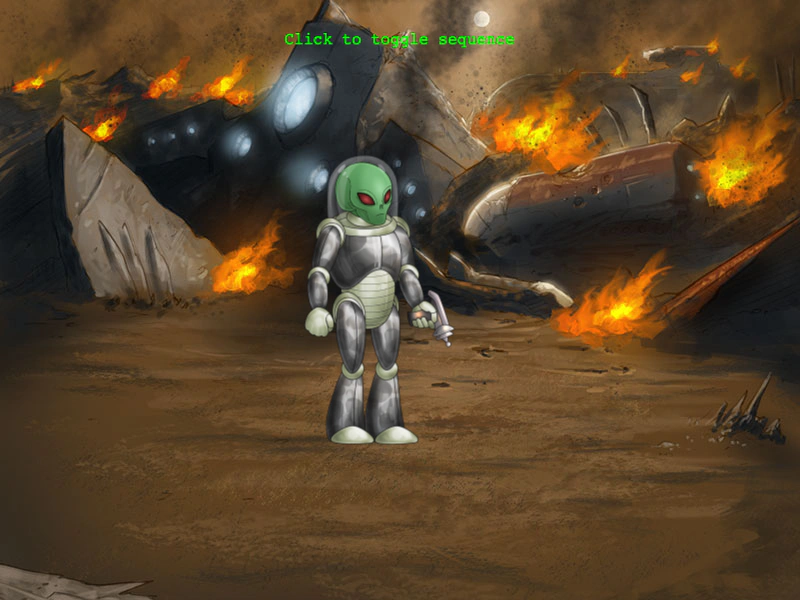 Play Animation After RepeatDemonstrates how to use playAfterRepeat to queue an animation to start only after the current repeating animation completes its current loop, and how to chain subsequent animations.
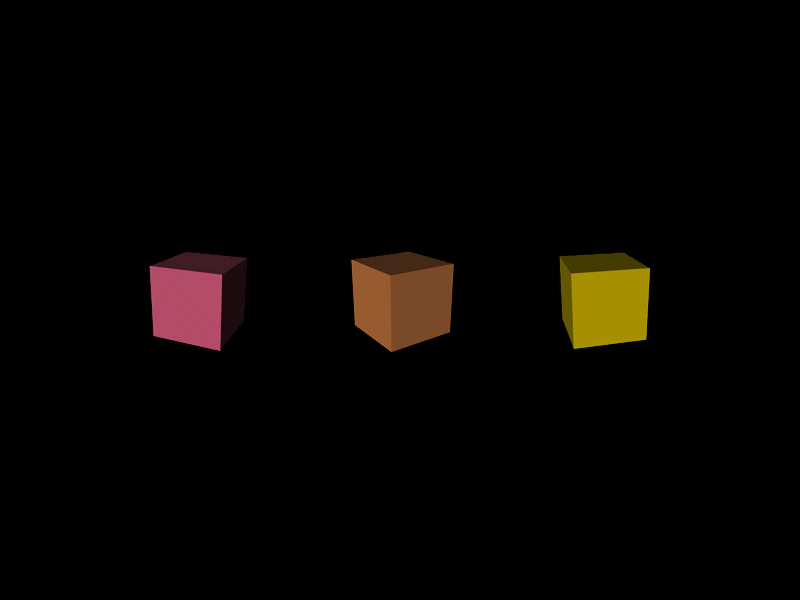 Play Animation with Config ObjectDemonstrates how to play an animation using a configuration object to override or extend global animation settings, such as frameRate and repeatDelay, on individual sprites.
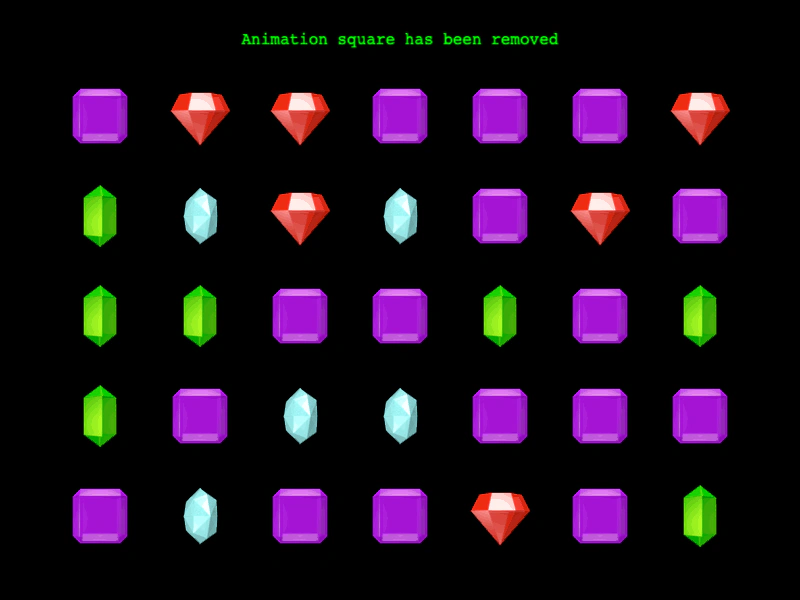 Remove Animation EventDemonstrates how to listen for the removal of an animation from the global Animation Manager and respond to the event.
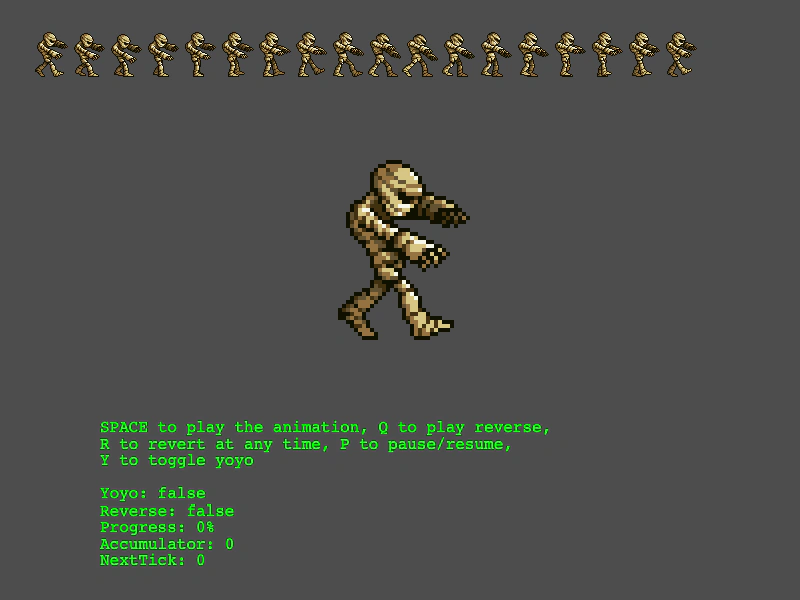 Reverse AnimationDemonstrates how to control animation playback direction using playReverse, the reverse method, and yoyo toggling.
 Show On StartDemonstrates how to use the showOnStart property to automatically make a hidden Sprite visible the moment an animation begins playing.
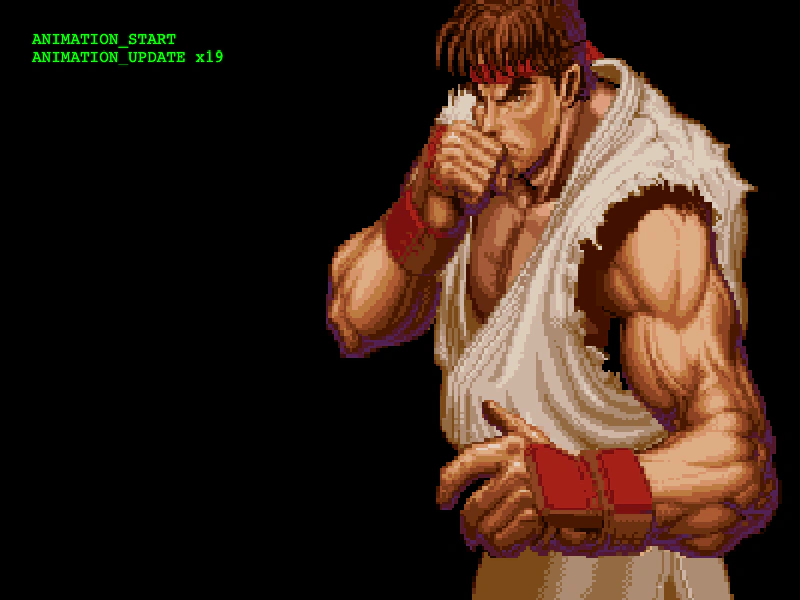 Sprite Animation EventsListen for and respond to animation lifecycle events, including start, update, repeat, and complete, to execute logic during a sprite's playback.
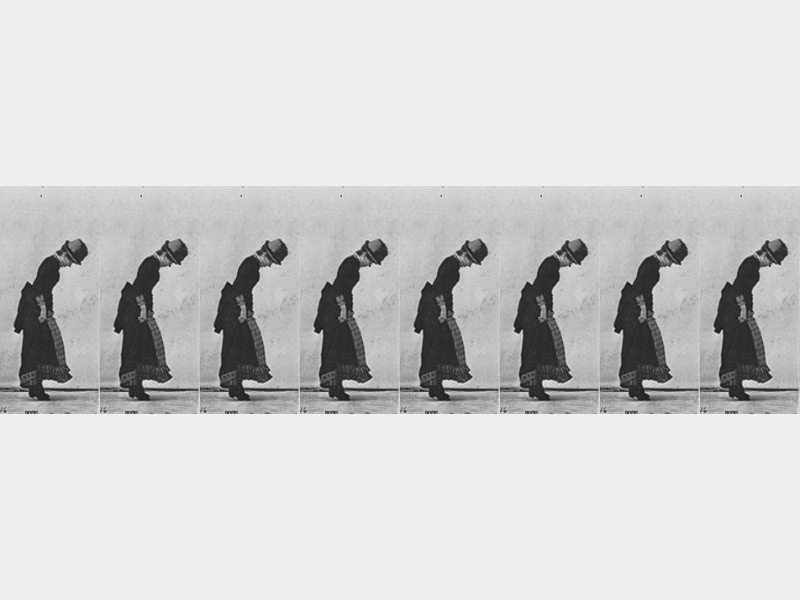 Staggered Animation PlaybackDemonstrates how to use staggerPlay to trigger an animation across a group of sprites with an incremental time delay between each start.
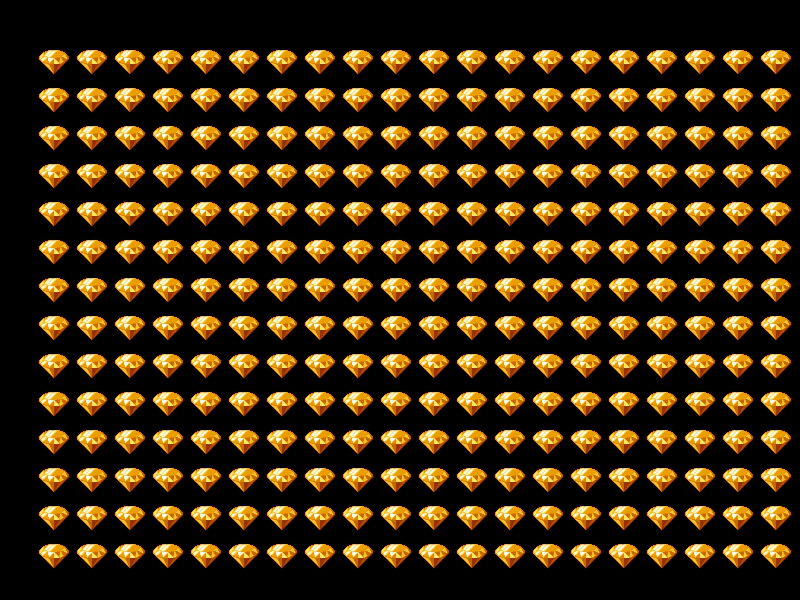 Staggered Animation PlaybackDemonstrates how to use staggerPlay to trigger an animation across a large collection of Sprites with an incremental delay between each start.
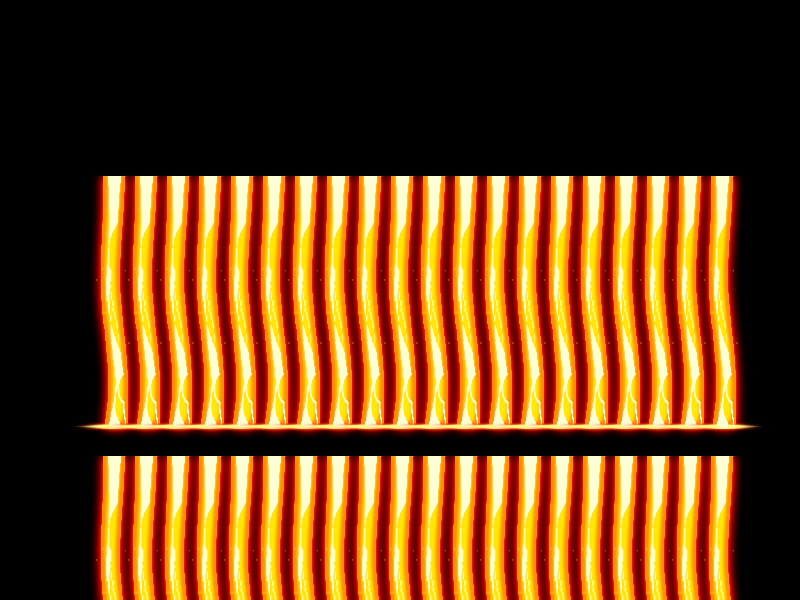 Staggered Animation PlaybackLearn how to use staggerPlay to start animations on a group of sprites with an incremental time delay between each one, creating a wave-like visual effect.
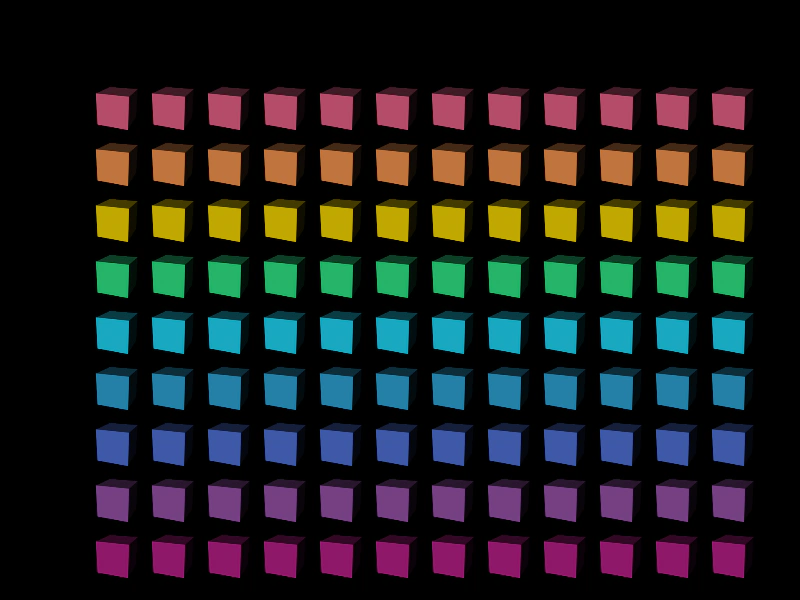 Staggered Cube AnimationsThis example demonstrates how to use staggerPlay to trigger animations across a group of sprites with a time offset, combined with grid alignment and camera effects.
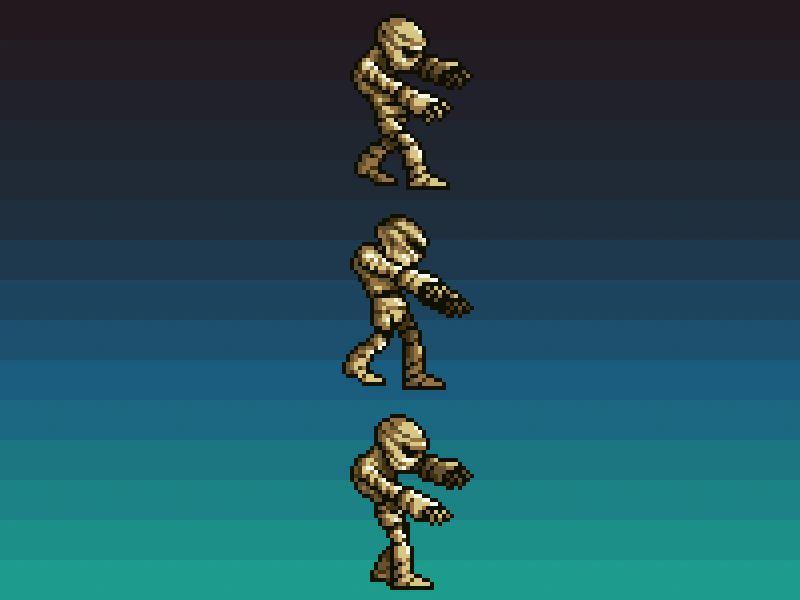 Start Animation from Random FrameDemonstrates how to start playing an animation from a random frame in the sequence using the randomFrame configuration property.
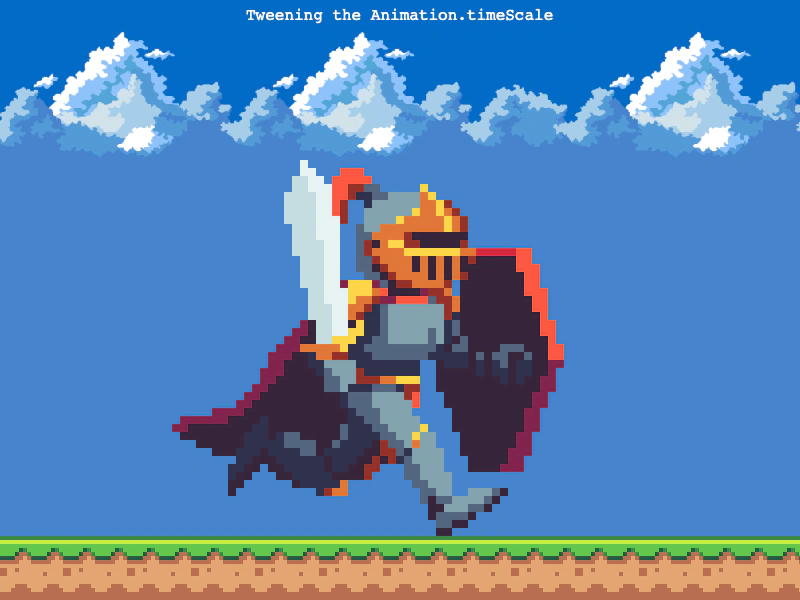 Tweening Animation Time ScaleThis example demonstrates how to use a tween to dynamically adjust the timeScale of a sprite animation, smoothly transitioning the playback speed over time.