Animation Yoyo Toggle
Demonstrates how to use the yoyo property to play an animation forwards and then in reverse, including how to toggle the effect at runtime.
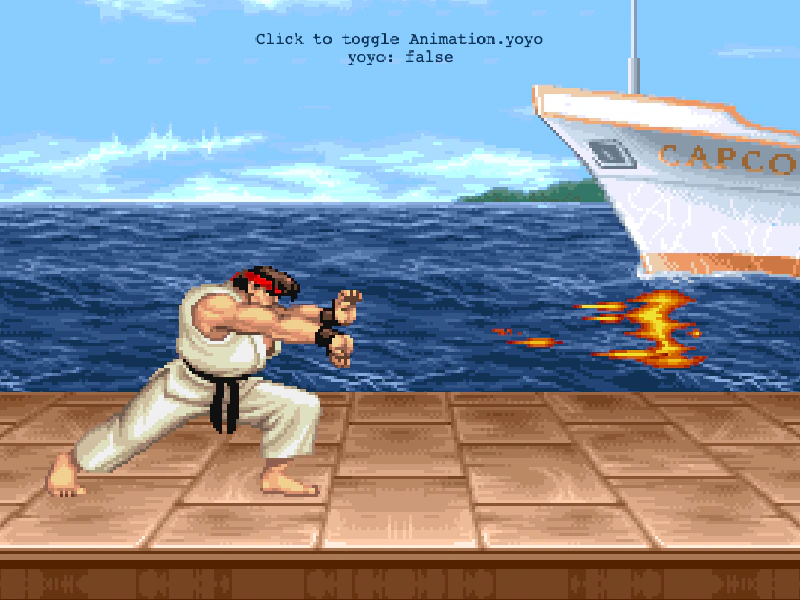
800 × 600
class Example extends Phaser.Scene
{
    constructor ()
    {
        super();
    }

    preload ()
    {
        this.load.setBaseURL('https://cdn.phaserfiles.com/v410');
        this.load.atlas('ryu', 'assets/animations/sf2ryu.png', 'assets/animations/sf2ryu.json');
        this.load.image('sea', 'assets/skies/sf2boat.png');
        this.load.image('ground', 'assets/skies/sf2floor.png');
    }

    create ()
    {
        this.add.image(100, 130, 'sea').setScale(3);
        this.add.image(400, 500, 'ground').setScale(3);

        var info = [ 'Click to toggle Animation.yoyo', 'yoyo: true' ];
        var text = this.add.text(400, 32, info, { color: '#113355', align: 'center' }).setOrigin(0.5, 0);

        this.anims.create({
            key: 'hadoken',
            frames: this.anims.generateFrameNames('ryu', { prefix: 'frame_', end: 15, zeroPad: 2 }),
            yoyo: true,
            repeat: -1
        });

        var ryu = this.add.sprite(400, 350).play('hadoken').setScale(3);

        this.input.on('pointerup', function () {

            //  Toggle 'yoyo' at runtime
            ryu.anims.yoyo = !ryu.anims.yoyo;

            info[1] = 'yoyo: ' + ryu.anims.yoyo;

            text.setText(info);

        });
    }
}

const config = {
    scale: { mode: Phaser.Scale.FIT },
    type: Phaser.AUTO,
    parent: 'game-container',
    pixelArt: true,
    width: 800,
    height: 600,
    scene: Example
};

const game = new Phaser.Game(config);
More in Animation47 examples
 Animations from JSONDemonstrates how to define and batch-create multiple animations simultaneously using a single JSON configuration object.
 Aseprite Animation LoadingLearn how to load Aseprite exported files, automatically generate animations from JSON tags, and play them on a sprite.
 Chained AnimationDemonstrates how to queue multiple animations to play in sequence using the chain method and play after the current animation repeat finishes.
 Create Animation From Canvas TextureDemonstrates how to programmatically draw a sprite sheet onto a canvas texture, define individual frames from it, and use those frames to create a playable animation.