Animation from Multiple Atlases
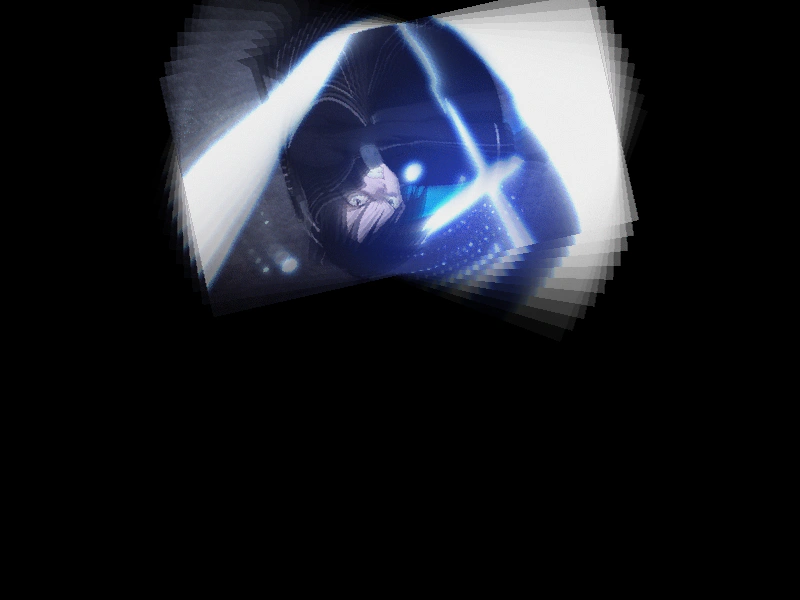
Demonstrates how to create a single animation by sequencing frames that are distributed across multiple different texture atlases.
800 × 600
class Example extends Phaser.Scene
{
    constructor ()
    {
        super();
        this.data = {};
    }

    init() {
        this.data = {
            r: -0.05,
            s: -0.0012,
            sx: 0.25,
            x: 400,
            y: 100
        };
    }

    preload ()
    {
        this.load.setBaseURL('https://cdn.phaserfiles.com/v410');
        this.load.setPath('assets/animations/');

        this.load.atlas('sao0');
        this.load.atlas('sao1');
    }

    create ()
    {
        //  Our animation consists of 50 frames split across 2 texture atlases:

        //  sao0 contains frames: 0, 1, 4, 7, 8, 9, 10, 11, 16, 17, 18, 19, 23, 24, 25, 26, 30, 31, 32, 33, 38, 39, 40, 45, 46, 47, 48
        //  sao1 contains frames: 2, 3, 5, 6, 12, 13, 14, 20, 21, 22, 27, 28, 29, 34, 35, 36, 37, 41, 42, 43, 44, 49, 50

        //  Let's create an array to hold them all:
        var frames = [];

        const sao0 = [ 0, 1, 4, 7, 8, 9, 10, 11, 16, 17, 18, 19, 23, 24, 25, 26, 30, 31, 32, 33, 38, 39, 40, 45, 46, 47, 48 ];
        const sao1 = [ 2, 3, 5, 6, 12, 13, 14, 20, 21, 22, 27, 28, 29, 34, 35, 36, 37, 41, 42, 43, 44, 49, 50 ];

        //  And insert the frames into the array:
        for (var i = 0; i <= 50; i++)
        {
            if (sao0.indexOf(i) > -1)
            {
                frames.push({ key: 'sao0', frame: i.toString() });
            }
            else
            {
                frames.push({ key: 'sao1', frame: i.toString() });
            }
        }

        //  All the 'frames' array needs are objects that contain the key of the texture and the 'frame'
        //  property, which is the name of our frame within the atlas (in this case they're just numbers)

        this.anims.create({
            key: 'swish',
            frames: frames,
            repeat: -1
        });

        this.group = this.add.group();

        this.group.createMultiple({ key: 'sao', repeat: 10, setXY: { x: 400, y: 300 }, setAlpha: { value: 0, step: 0.05 } });

        this.group.playAnimation('swish');

        this.tweens.add({
            targets: this.data,
            duration: 3000,
            ease: 'Sine.easeInOut',
            yoyo: true,
            repeat: -1,
            props: {
                r: {
                    value: 0.05
                },
                s: {
                    value: 0.0012
                },
                sx: {
                    value: 2.5
                },
                y: {
                    value: 400,
                    duration: 4000
                }
            }
        });
    }

    update ()
    {
        const children = this.group.getChildren();

        Phaser.Actions.Rotate(children, this.data.r, this.data.s);
        Phaser.Actions.SetScale(children, this.data.sx, this.data.sx, this.data.s, this.data.s);
        Phaser.Actions.SetXY(children, this.data.x, this.data.y, this.data.s, this.data.s);
    }
}

const config = {
    scale: { mode: Phaser.Scale.FIT },
    type: Phaser.AUTO,
    parent: 'game-container',
    width: 800,
    height: 600,
    pixelArt: true,
    scene: Example
};

const game = new Phaser.Game(config);
More in Animation47 examples
 Animation from PNG SequenceCreate a looping animation using a series of individual image files and learn how to customize the duration of specific frames within the sequence.
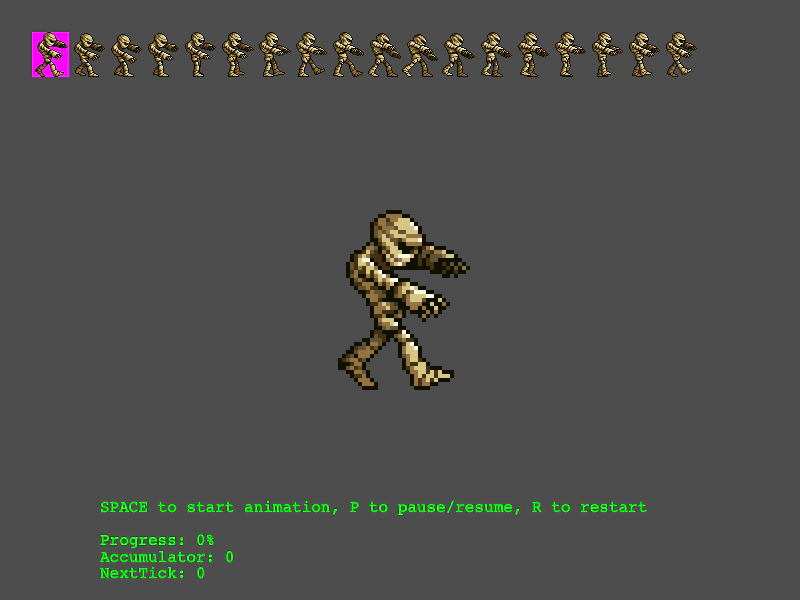 Animation Playback and Frame MonitoringDemonstrates how to play, pause, and restart animations while visualizing the current frame selection on the source spritesheet and monitoring playback progress metrics.
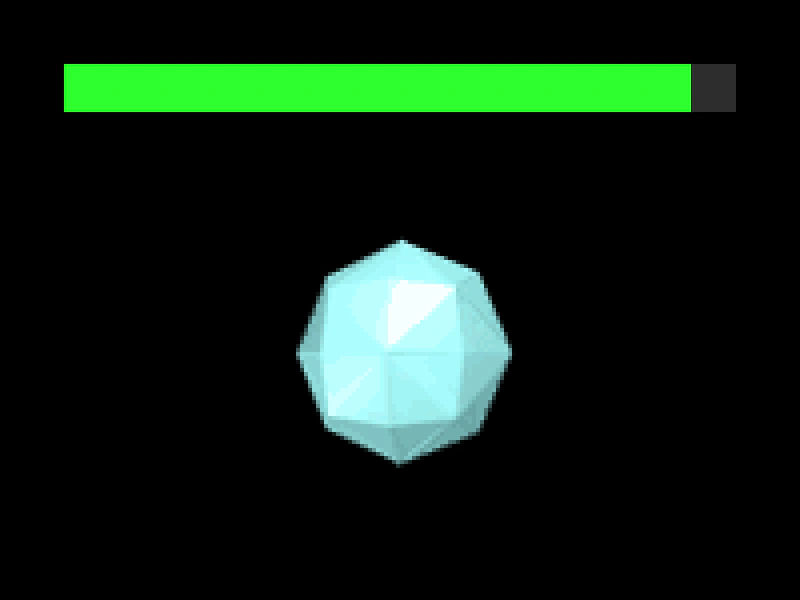 Animation Playback ProgressDemonstrates how to use the getProgress method to track the current playback state of a running animation, visualized using a graphics-based progress bar.
 Animation Random DelayUse the delay property when playing an animation to stagger the start times across multiple sprites.