Add Frames to Existing Animation
Learn how to dynamically add new frames to an animation after it has already been created and is currently being played by sprites.
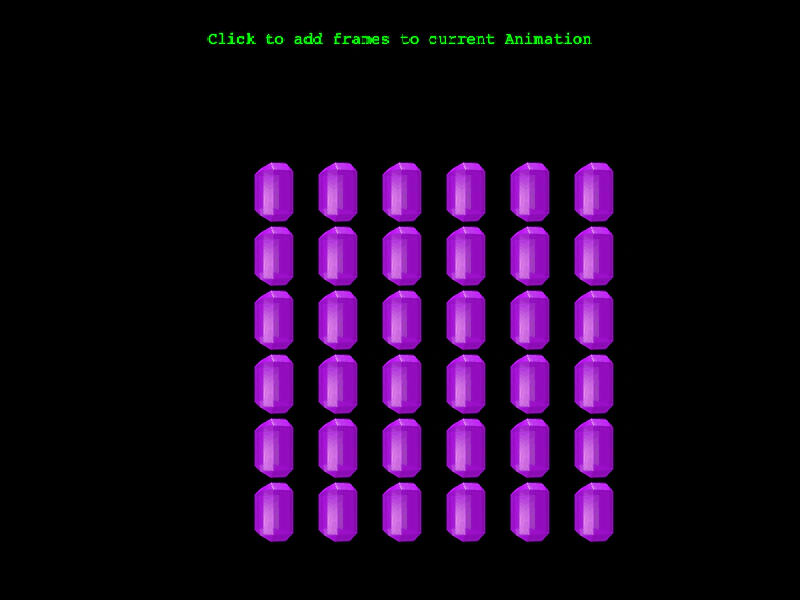
800 × 600
class Example extends Phaser.Scene
{
    constructor ()
    {
        super();
    }

    preload ()
    {
        this.load.setBaseURL('https://cdn.phaserfiles.com/v410');
        this.load.atlas('gems', 'assets/tests/columns/gems.png', 'assets/tests/columns/gems.json');
    }

    create ()
    {
        const text = this.add.text(400, 32, 'Click to add frames to current Animation', { color: '#00ff00' })
            .setOrigin(0.5, 0);

        //  Create an animation with 5 frames
        this.anims.create({ key: 'diamond', frames: this.anims.generateFrameNames('gems', { prefix: 'diamond_', end: 15, zeroPad: 4 }), repeat: -1 });

        const group = this.add.group({
            key: 'gems',
            frame: 'diamond_0000',
            frameQuantity: 6 * 6
        });

        group.playAnimation('diamond');

        Phaser.Actions.GridAlign(group.getChildren(), {
            width: 6,
            height: 6,
            cellWidth: 64,
            cellHeight: 64,
            x: 240,
            y: 160
        });

        this.input.once('pointerup', function () {

            const diamond = this.anims.get('diamond');

            //  Add in the new frames to the current animation
            const newFrames = this.anims.generateFrameNames('gems', { prefix: 'square_', end: 14, zeroPad: 4 });

            diamond.addFrame(newFrames);

        }, this);
    }
}

const config = {
    scale: { mode: Phaser.Scale.FIT },
    type: Phaser.AUTO,
    parent: 'game-container',
    pixelArt: true,
    width: 800,
    height: 600,
    scene: Example
};

const game = new Phaser.Game(config);
More in Animation47 examples
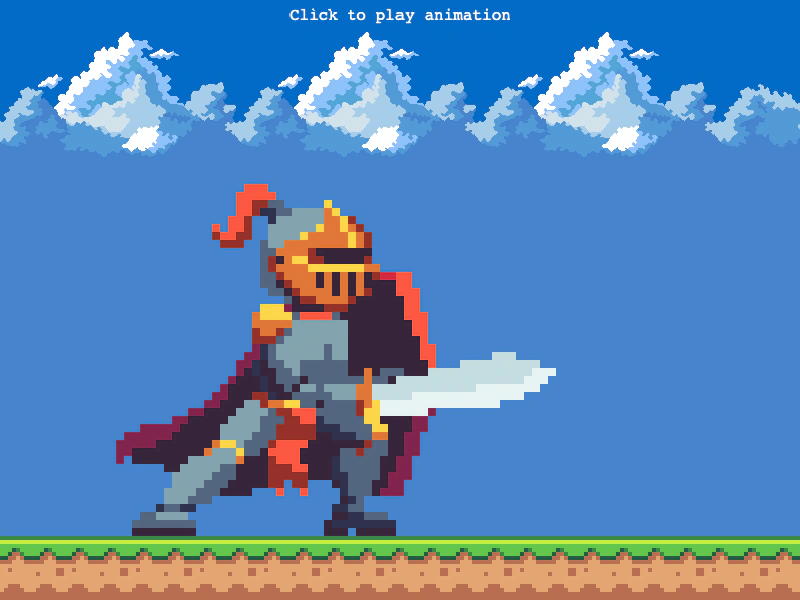 Animation Complete EventListen for the animation complete event on a Sprite to trigger custom logic, such as spawning items or starting tweens, immediately after an animation finishes playing.
 Animation from Multiple AtlasesDemonstrates how to create a single animation by sequencing frames that are distributed across multiple different texture atlases.
 Animation from PNG SequenceCreate a looping animation using a series of individual image files and learn how to customize the duration of specific frames within the sequence.
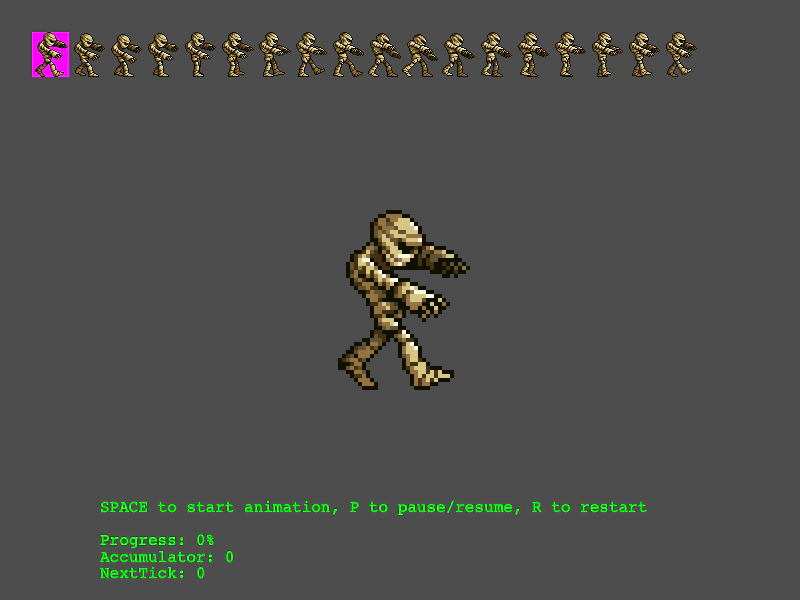 Animation Playback and Frame MonitoringDemonstrates how to play, pause, and restart animations while visualizing the current frame selection on the source spritesheet and monitoring playback progress metrics.