Phaser 4 examples
Particle Emitter
- 44 examples
Examples 44
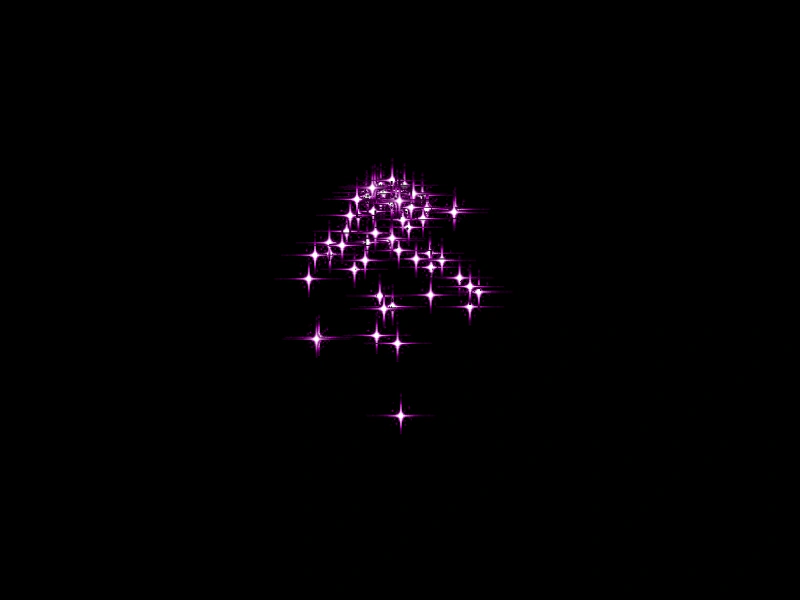 Direct Value Particle EmitterDemonstrates a basic particle emitter using constant numeric values for properties like speed, lifespan, and gravity.
 Dynamic Particle Emitter TintDemonstrates how to change a particle emitter's tint property in real-time, cycling through colors using an HSV color wheel.
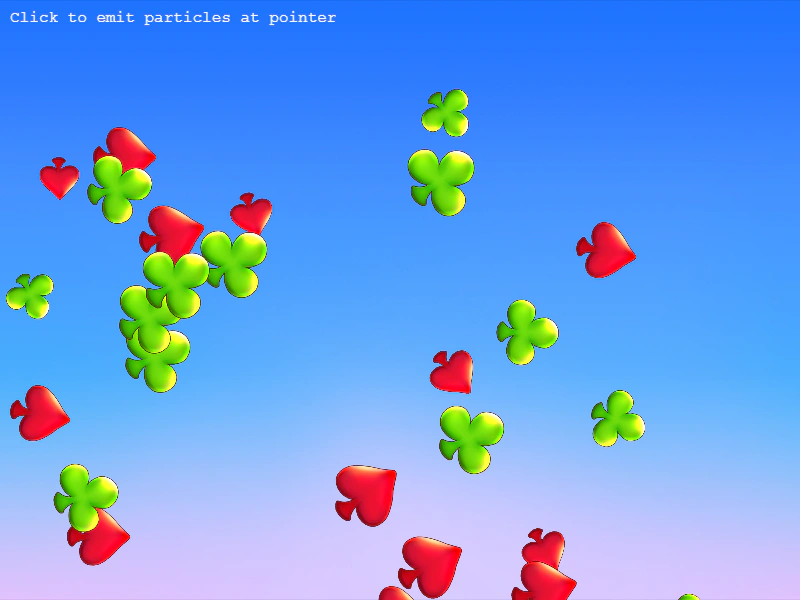 Emit Particles at PointerDemonstrates how to manually trigger a specific number of particles at the mouse pointer's location using the emitParticleAt method.
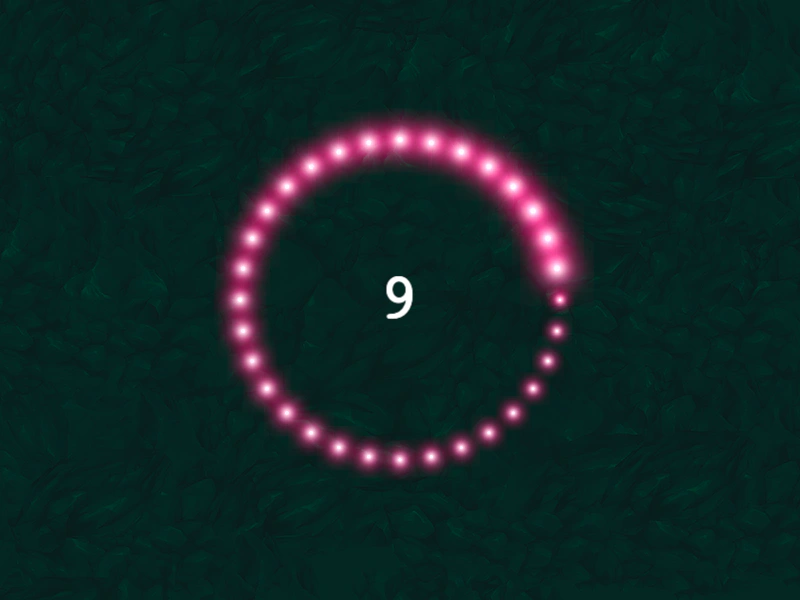 Emit Zone LoopDemonstrates how to use the particle emitter 'complete' event to manually restart emission after a specific number of particles have been released along a geometric edge.
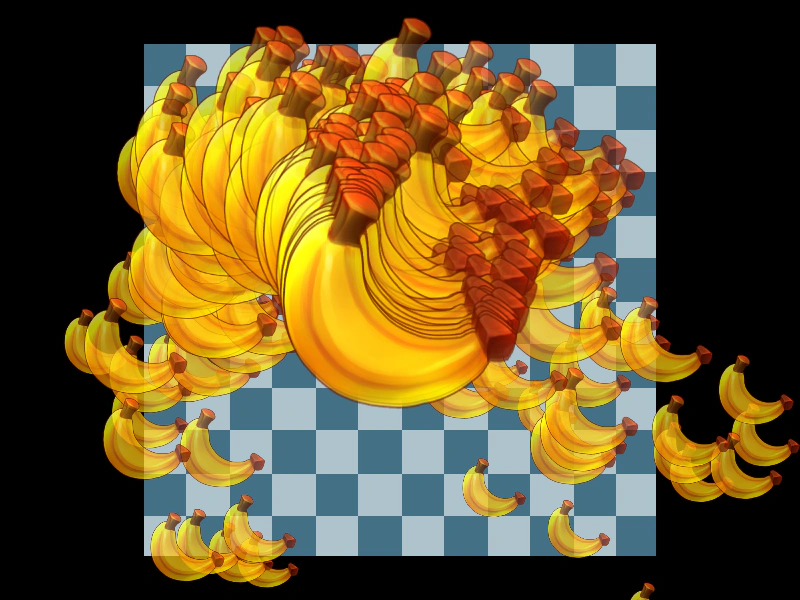 Emitter Alpha TweenDemonstrates how to apply a tween to the alpha property of a particle emitter to fade the entire effect in and out.
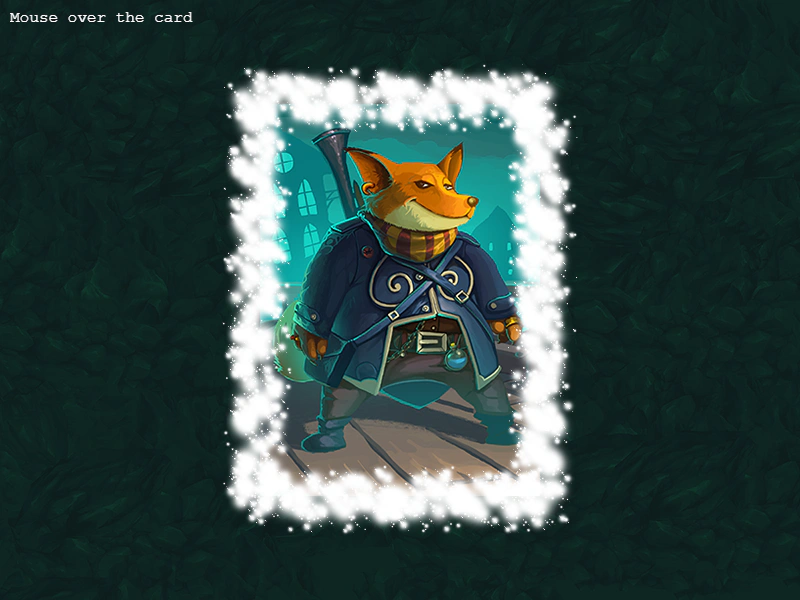 Emitter DurationDemonstrates how to trigger a particle emitter to run for a specific duration using the start method when an interactive event occurs.
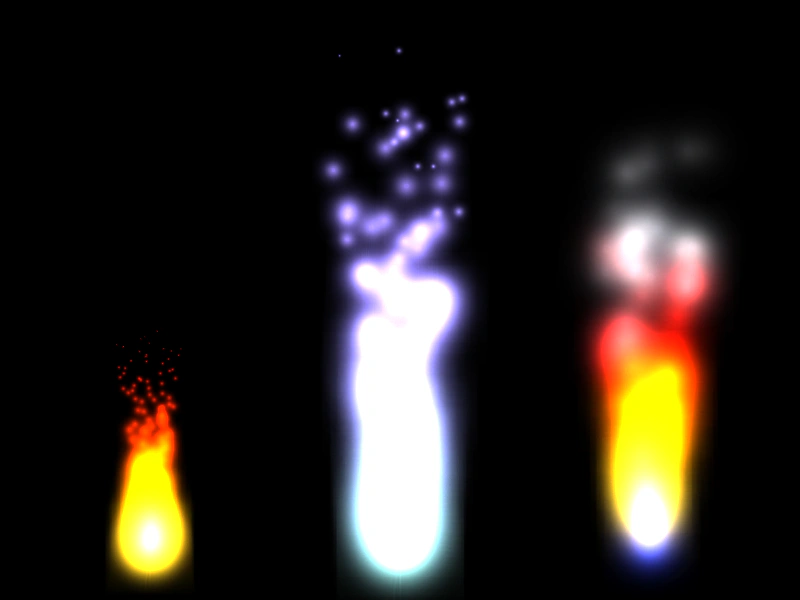 Fire and Smoke Particle EffectsDemonstrates how to create fire, magical wisp, and smoky flame effects using particle color arrays, easing, and the advance property.
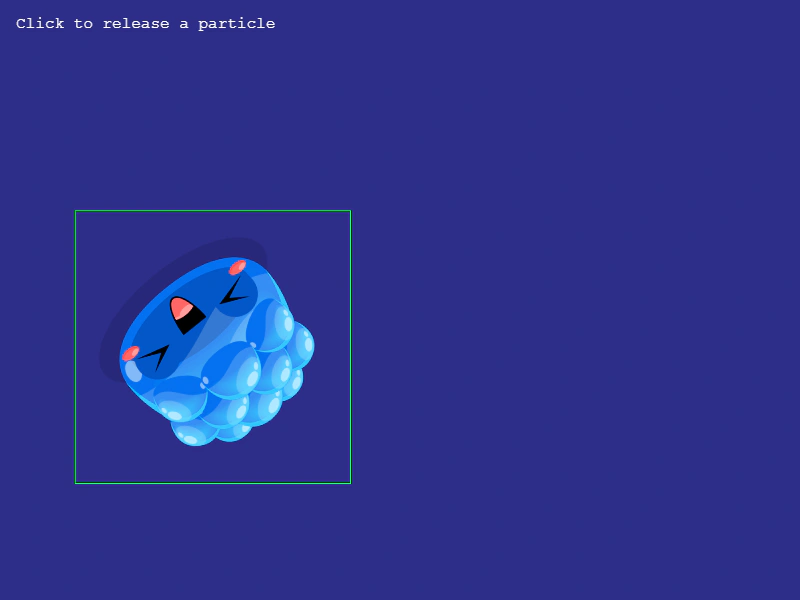 Get Particle BoundsDemonstrates how to retrieve the bounding box of individual particles using the getBounds method and iterate through active particles with forEachAlive.
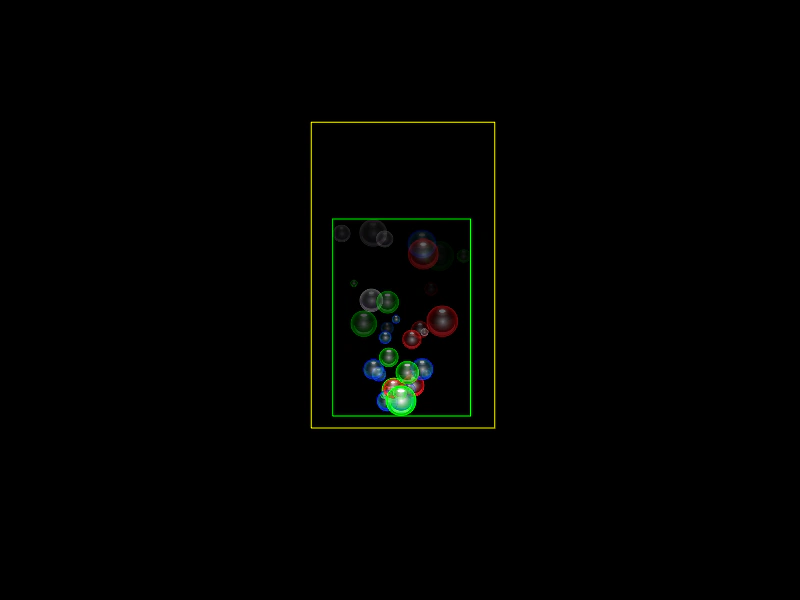 Get Particle Emitter BoundsDemonstrates how to calculate the bounding rectangle of a particle emitter, including both current active particle bounds and pre-calculating bounds over a specific time duration.
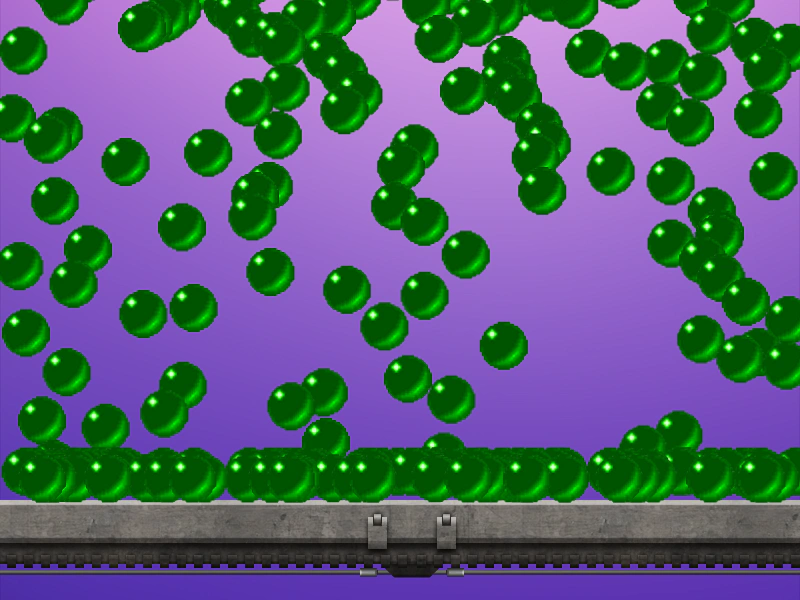 Hold ParticleDemonstrates the hold property in a particle emitter, allowing particles to remain visible for a set duration after their active lifespan has completed.
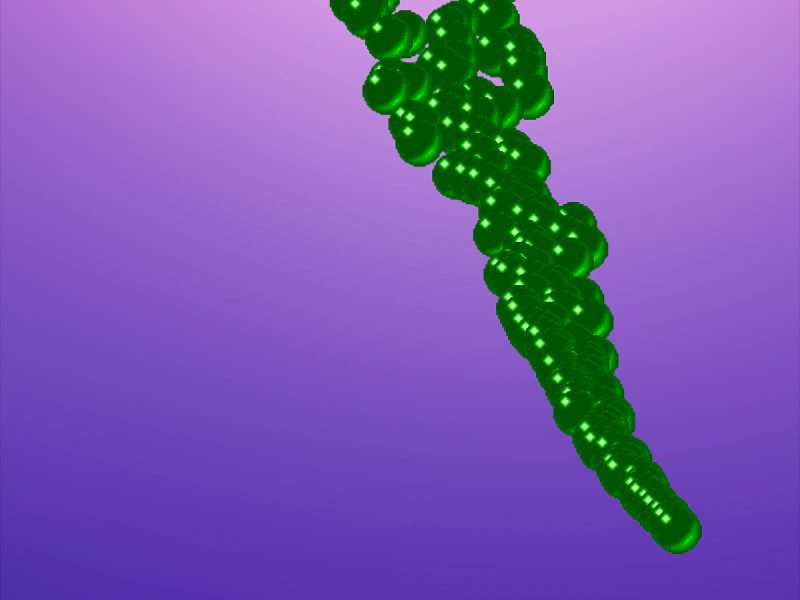 Move Particles to Dynamic TargetDemonstrates how to use onUpdate callbacks with particle moveTo properties to make particles track a moving target like the mouse pointer.
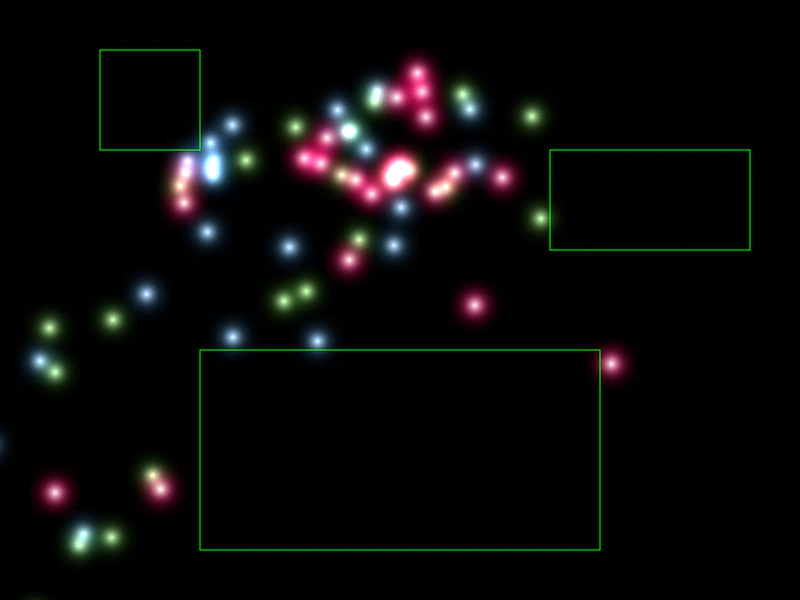 Multiple Death ZonesLearn how to define multiple geometric shapes as death zones to instantly kill particles that enter those areas.
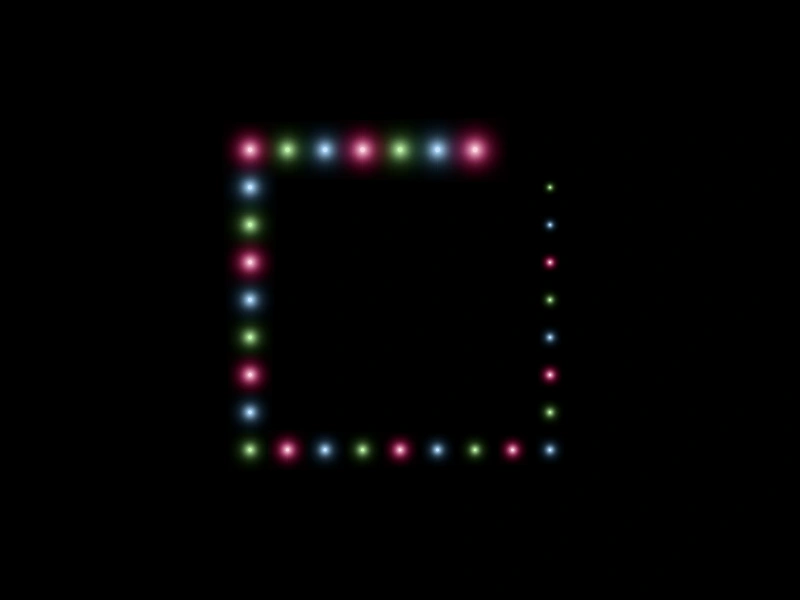 Multiple Edge Emit ZonesDemonstrates using multiple geometric shapes as edge emission zones for a single particle emitter, utilizing the total and quantity properties to control point distribution.
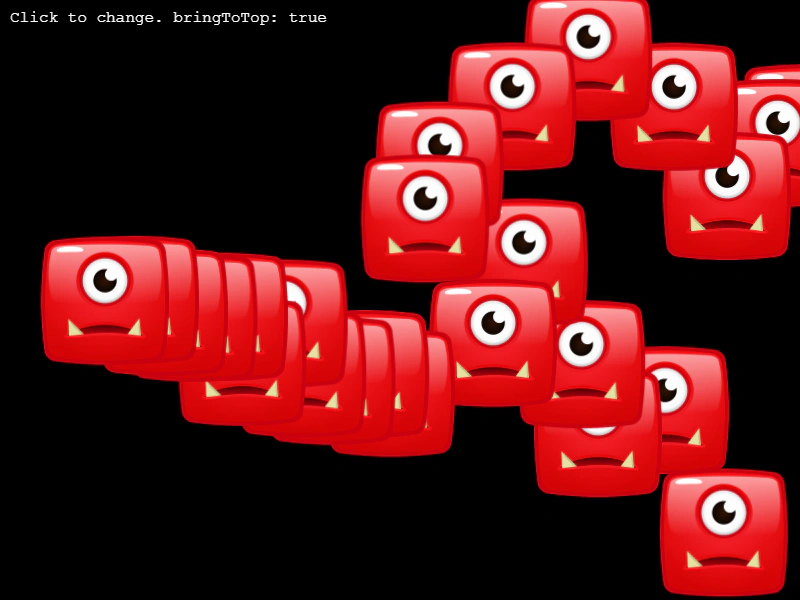 Particle Bring To TopDemonstrates how to toggle whether newly emitted particles are rendered on top of or behind older particles using the particleBringToTop property.
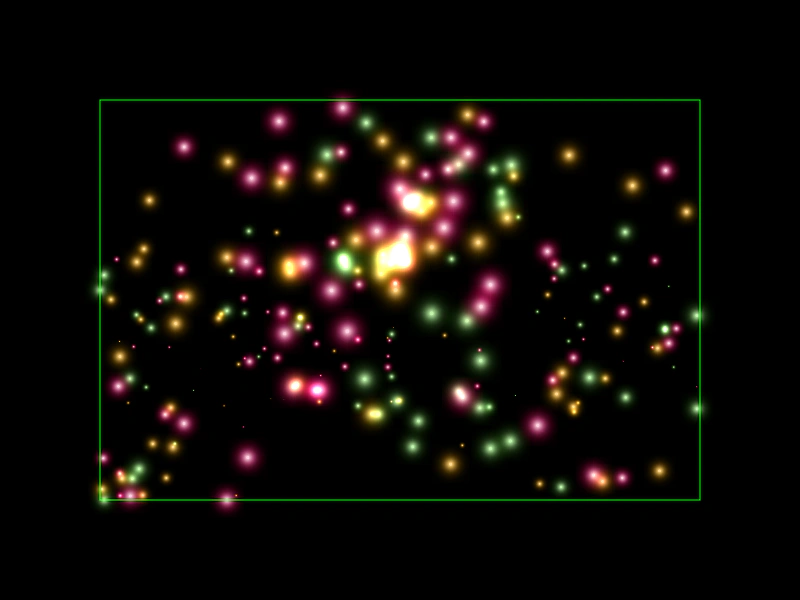 Particle Emitter BoundsDemonstrates how to confine particles within a specific rectangular area and make them bounce off the edges using the bounds and bounce properties.
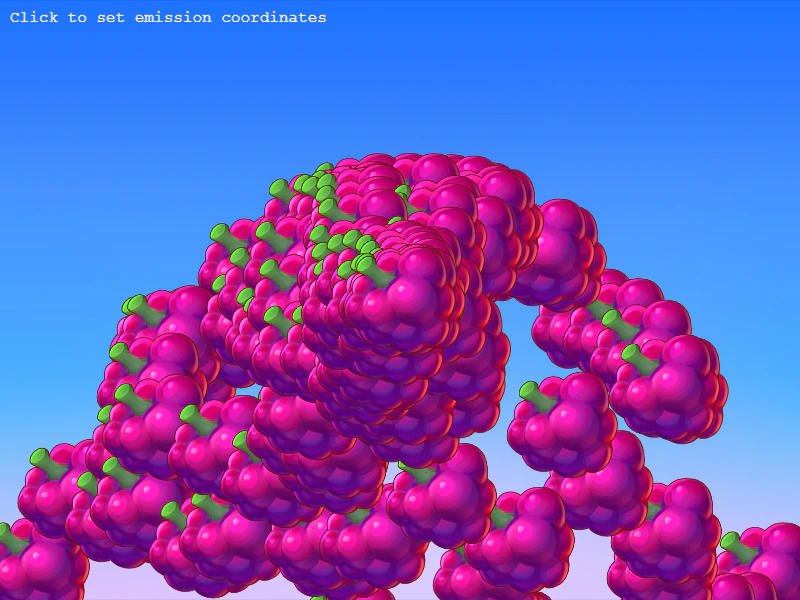 Particle Emitter Custom CallbacksDemonstrates how to use custom callback functions for particle emitter properties to dynamically update the emission coordinates based on user input.
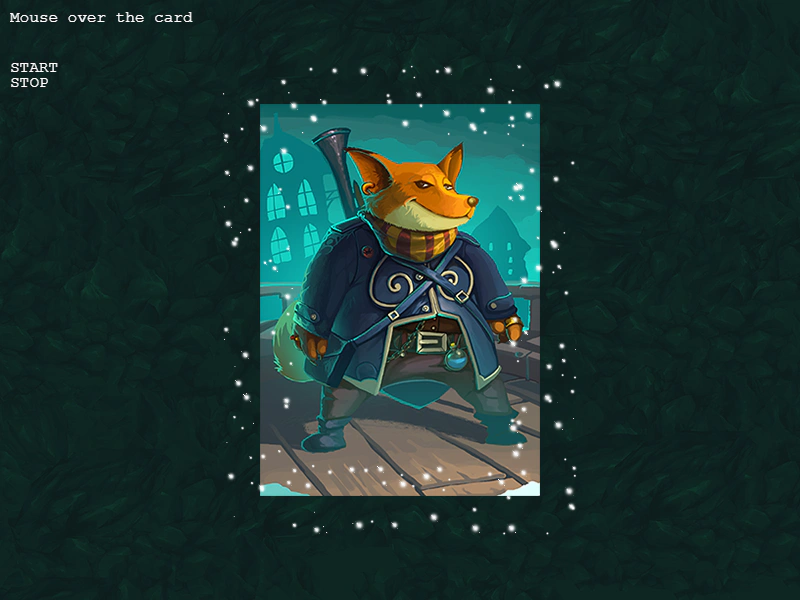 Particle Emitter EventsDemonstrates how to listen for and respond to particle emitter lifecycle events, including start, stop, and complete events when using timed durations.
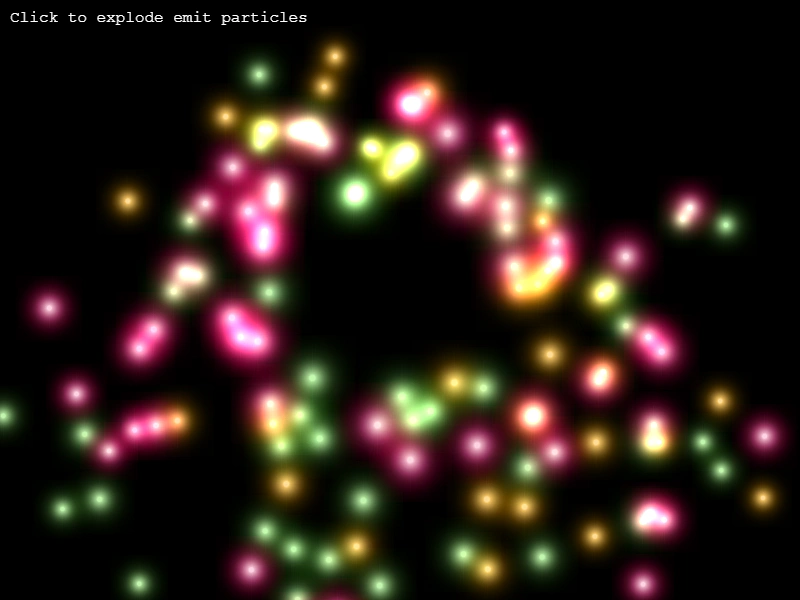 Particle Emitter ExplosionTrigger a sudden burst of particles using the explode method on a non-continuous emitter when a user clicks or touches the screen.
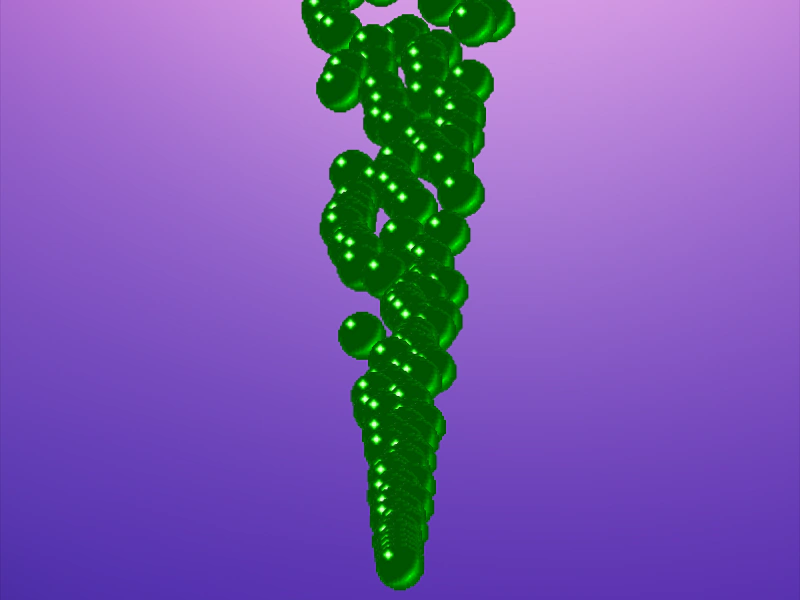 Particle Emitter Move ToDemonstrates how to use the moveToX and moveToY properties to direct particles toward a specific destination coordinate.
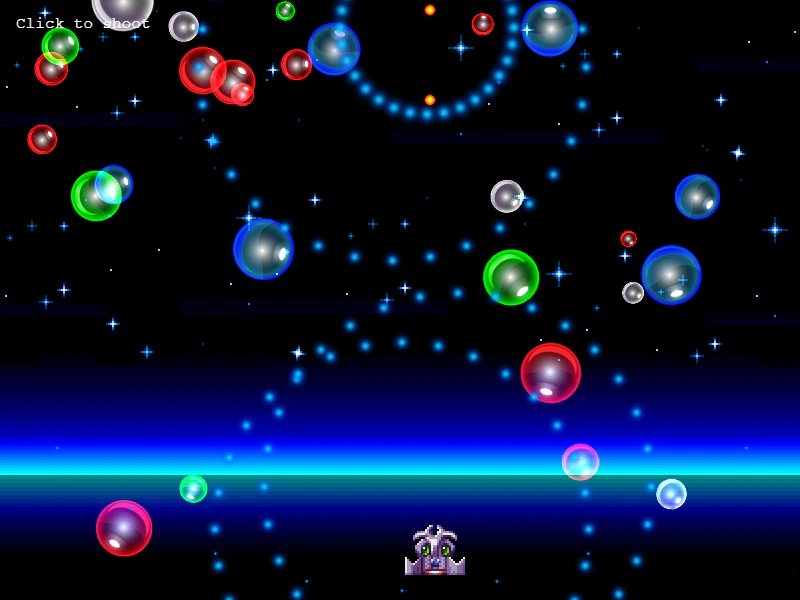 Particle Emitter Overlap with Physics BodyDemonstrates how to detect overlaps between individual particles and an Arcade Physics body to trigger collisions and destruction effects.
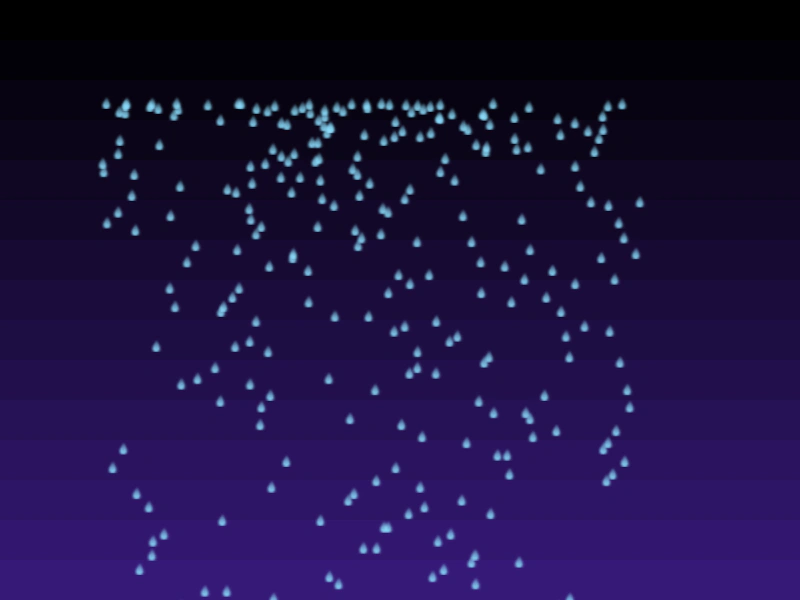 Particle Emitter Property RangesDemonstrates how to use min and max values to assign a random range to particle emitter properties, such as the initial starting position.
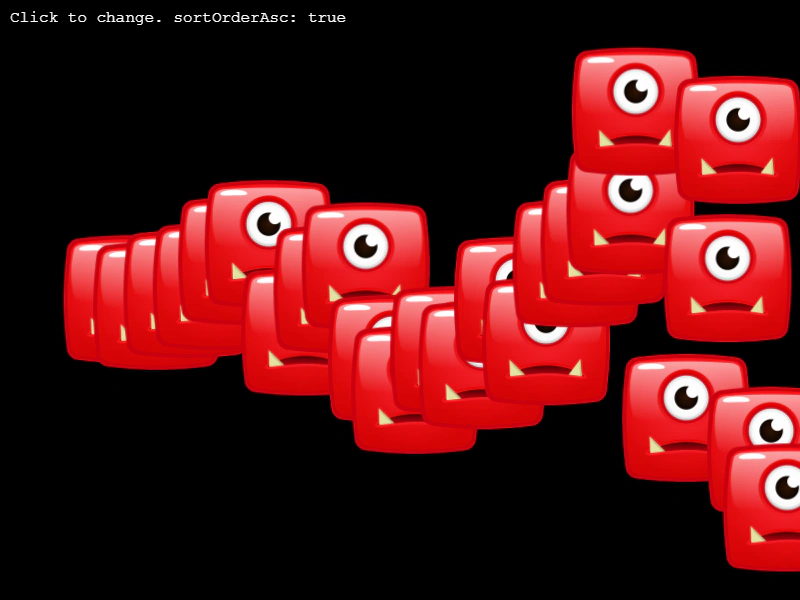 Particle Emitter Sort OrderDemonstrates how to control the rendering depth of particles using the sortProperty and sortOrderAsc properties to draw particles based on their horizontal position.
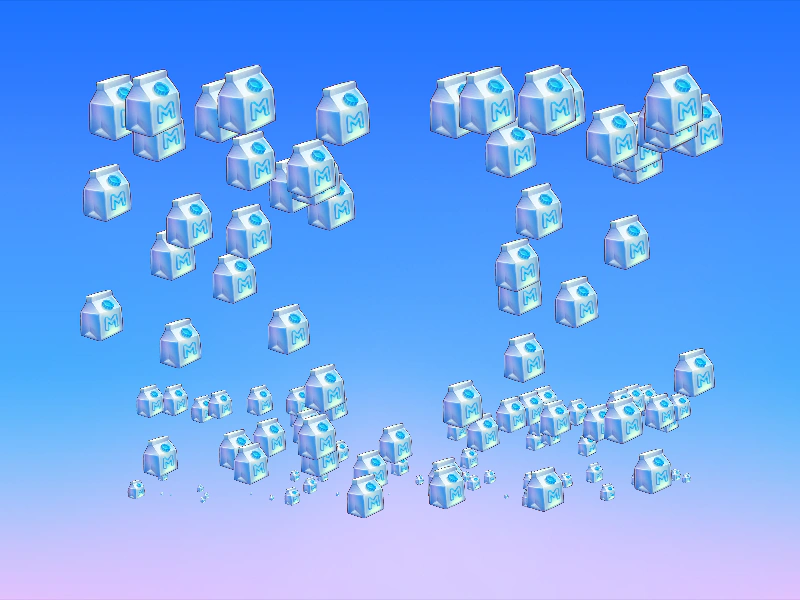 Particle Emitter Start and End PropertiesThis example demonstrates how to animate particle properties over their lifespan by defining start and end values, including the use of easing functions for movement and scale.
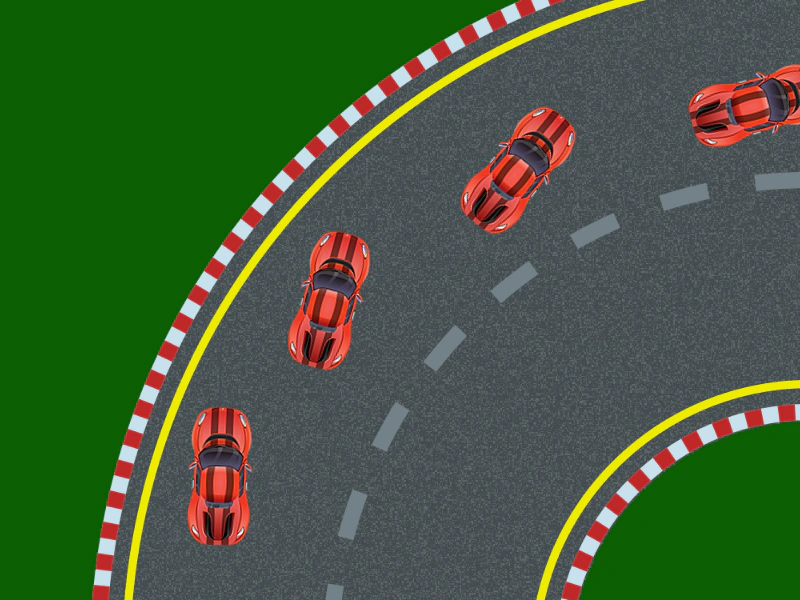 Particle Emitter Start End EasingDemonstrates how to apply easing functions to particle properties, such as position and rotation, as they transition from a start value to an end value over their lifespan.
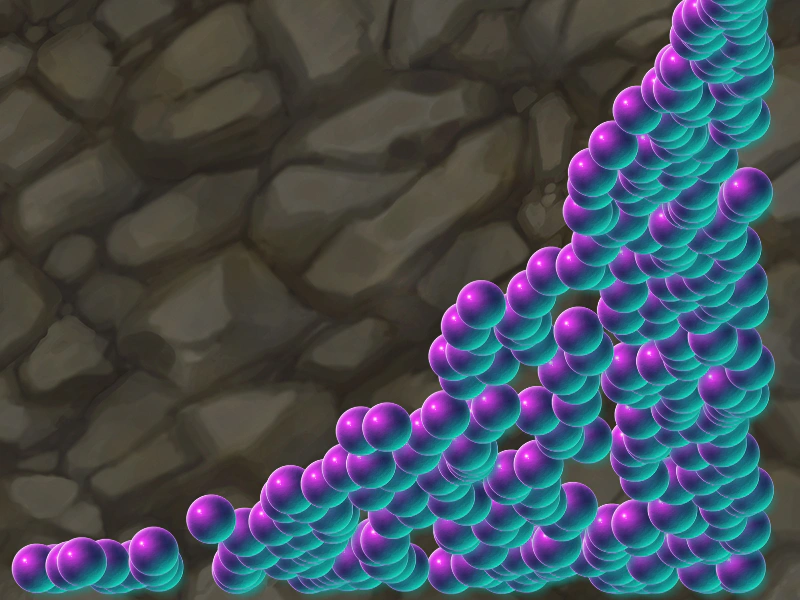 Particle Emitter Start End Random RangeDemonstrates how to use a range with start, end, and random properties to define initial particle positions.
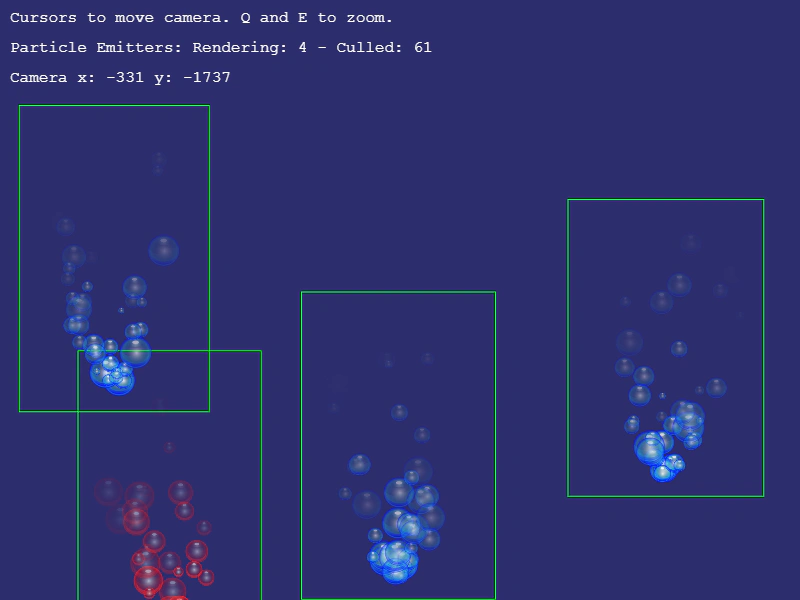 Particle Emitter View BoundsDemonstrates how to calculate the estimated area covered by a particle emitter using getBounds and use it for visibility checking and camera culling.
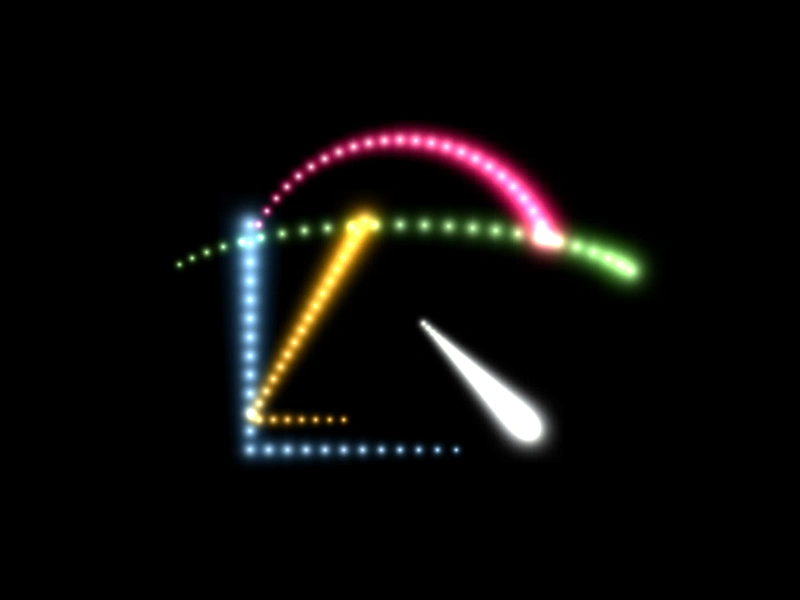 Particle Emitter with Multiple Emit ZonesDemonstrates how to attach multiple geometric shapes as emit zones to a single particle emitter, constraining particle creation to the edges of various shapes.
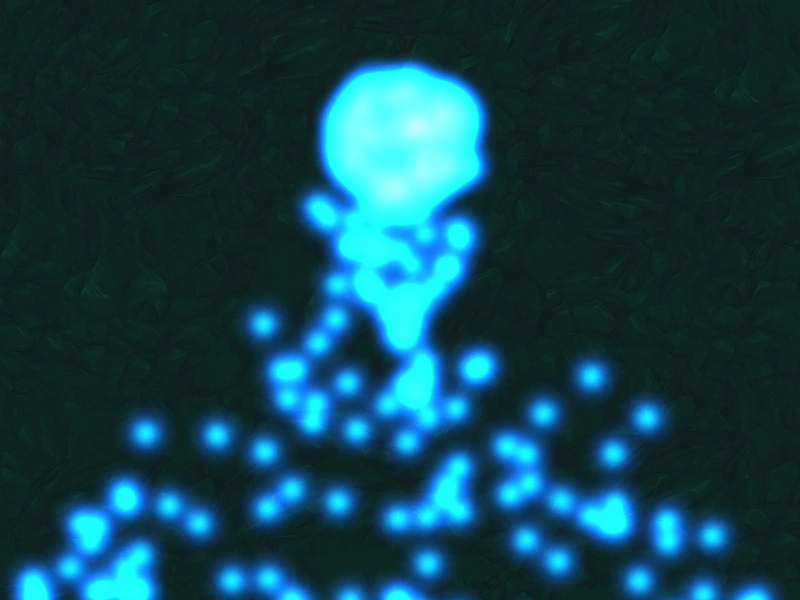 Particle Gravity WellDemonstrates how to use a Gravity Well to exert gravitational force on particles, attracting them toward a specific point in the scene.
 Particle onEmit and onUpdate CallbacksLearn how to use the onEmit and onUpdate callback functions to dynamically set and update particle properties, such as simulating custom movement effects during a particle's lifespan.
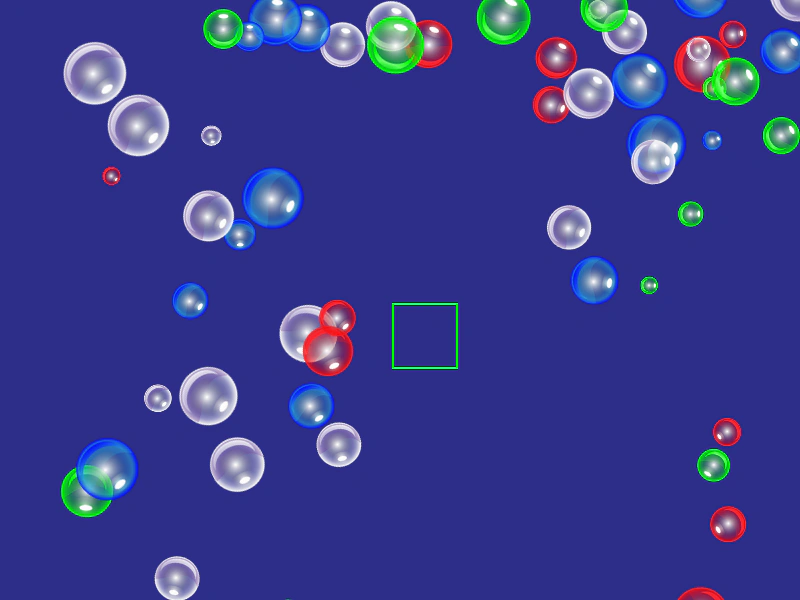 Particle OverlapDemonstrates how to use the particle emitter overlap method to detect intersections between active particles and a geometric shape, such as a Rectangle, to trigger actions like killing the particles.
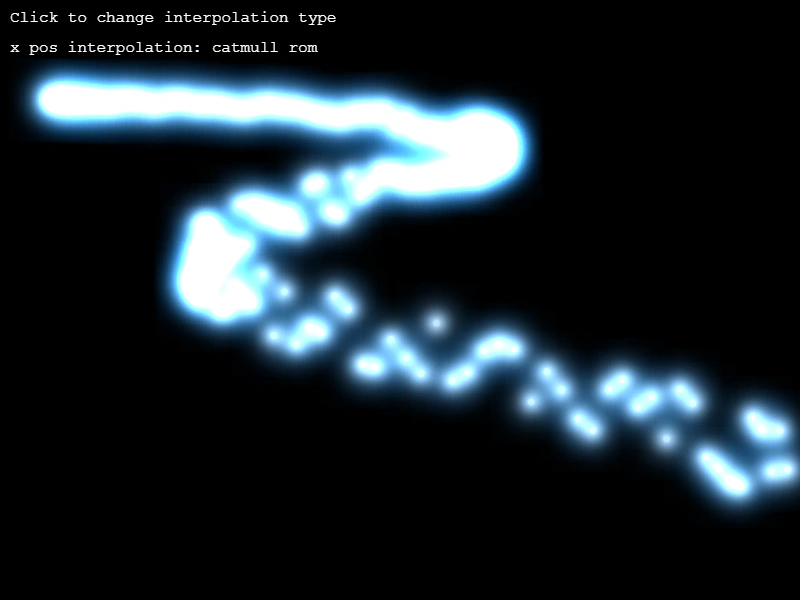 Particle Property InterpolationDemonstrates how to use linear, bezier, and Catmull-Rom interpolation to calculate particle property values from an array of coordinates over time.
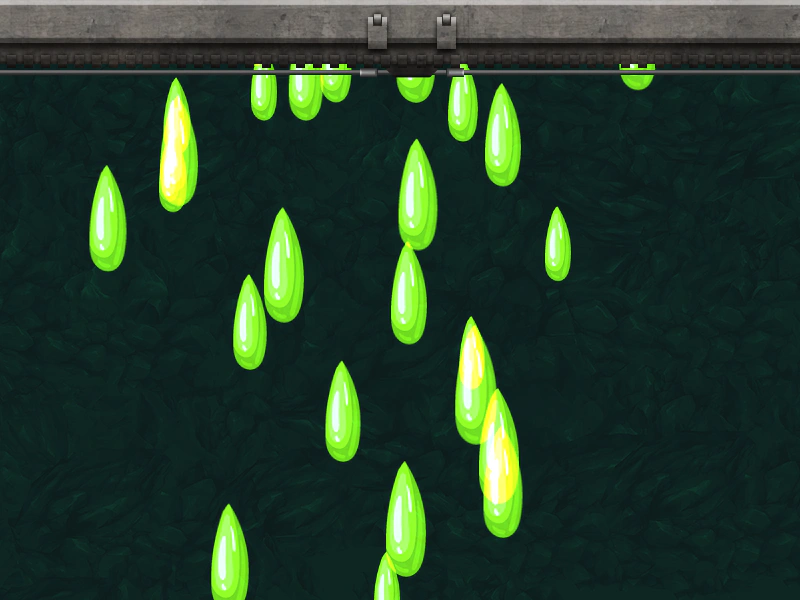 Random Particle PropertyDemonstrates how to use the random configuration object to assign a random value from a specified range to a particle property, such as its starting X position.
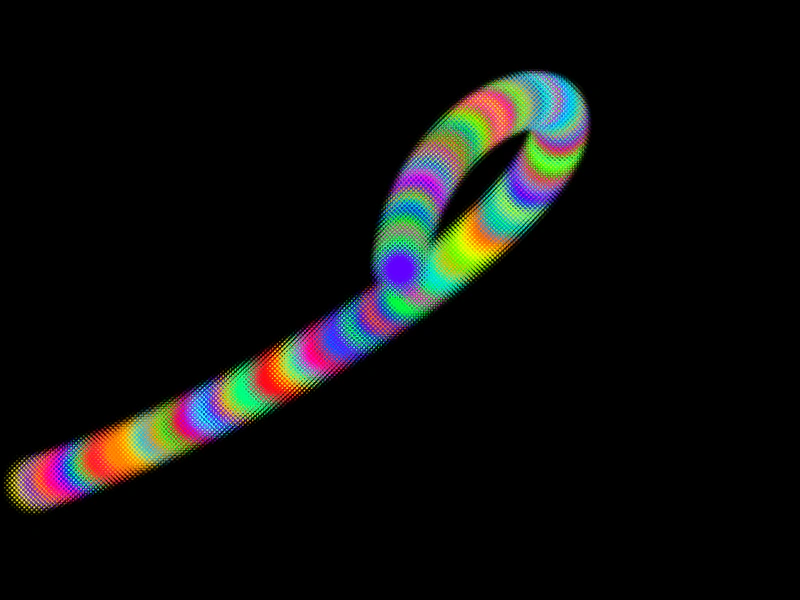 Random Particle TintDemonstrates how to apply a random color to each particle by passing an array of hex colors to the emitter's tint property.
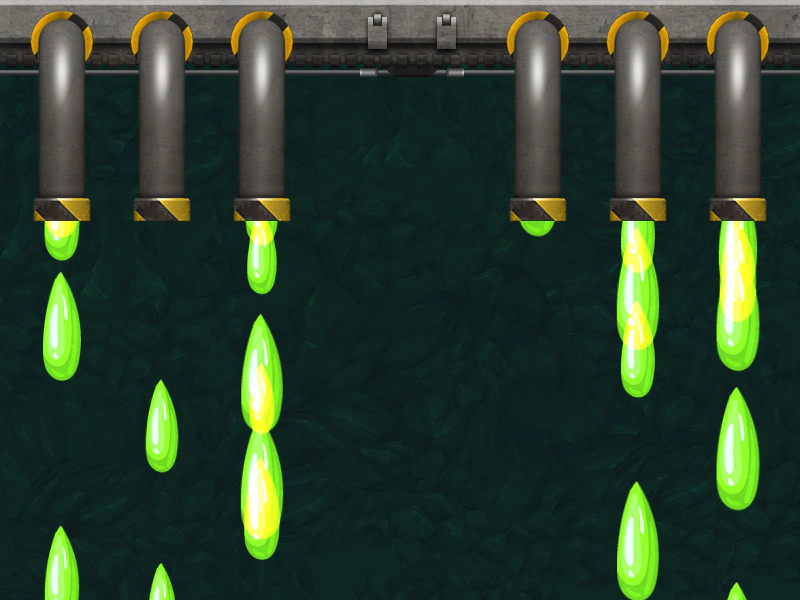 Random Position ArrayUse an array of values to define multiple specific spawn points for a single particle emitter.
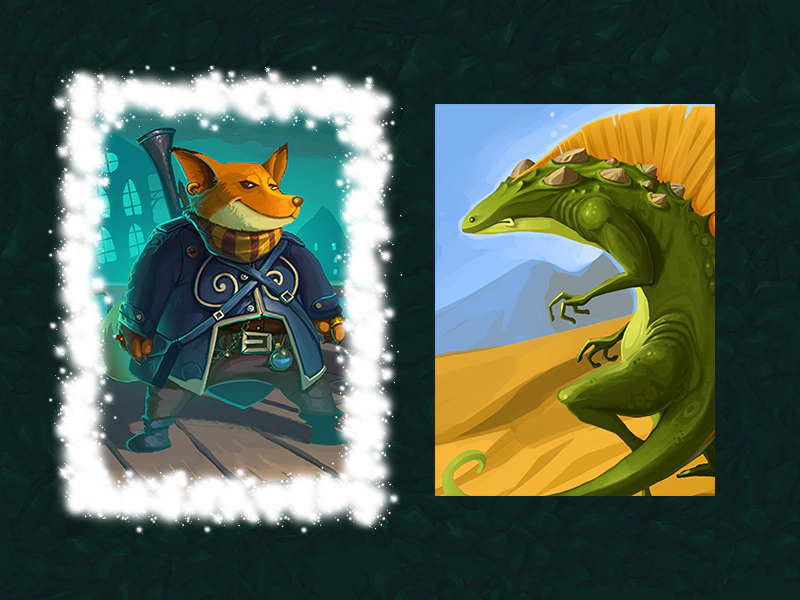 Set Emitter Zone By InstanceDemonstrates how to dynamically switch a particle emitter's active emission zone by passing specific EdgeZone instances during pointer events.
 Stepped Emitter With YoyoDemonstrates a particle emitter where the spawn position increments in discrete steps across a horizontal range and then reverses back.
 Stepped Particle EmitterUse the 'steps' property in a particle emitter configuration to distribute particles across a range of discrete, incremental positions.
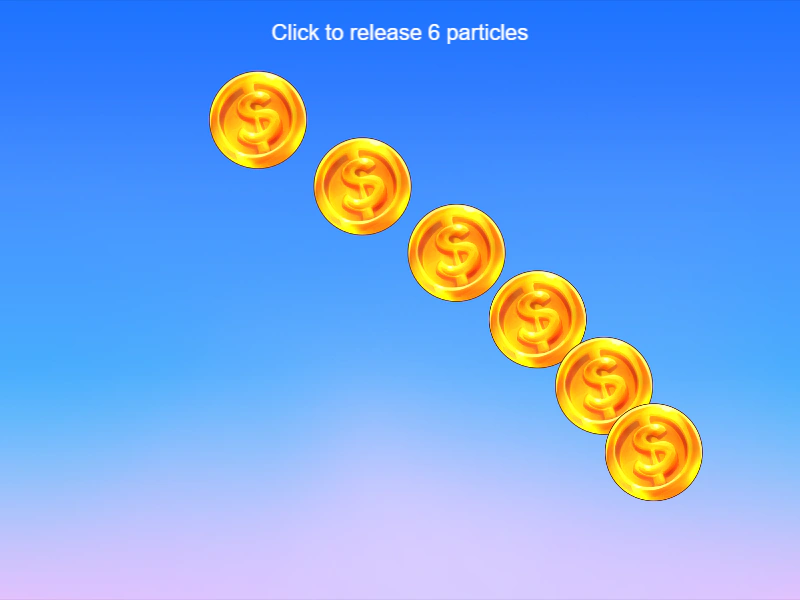 Stop After Particle EmitterUse the stopAfter property to limit a particle emitter to release a specific number of particles before automatically stopping.
 Switching Particle Emit ZonesDemonstrates how to define multiple emission zones and switch between them dynamically using the setEmitZone method, using interactive images to trigger the changes.
 Tween Particle Emitter AlphaDemonstrates how to apply a tween directly to a Particle Emitter object to animate its overall alpha transparency and position.
 Tween Particle Emitter SpeedDemonstrates how to use a Tween to dynamically animate the speed property of a Particle Emitter over time.
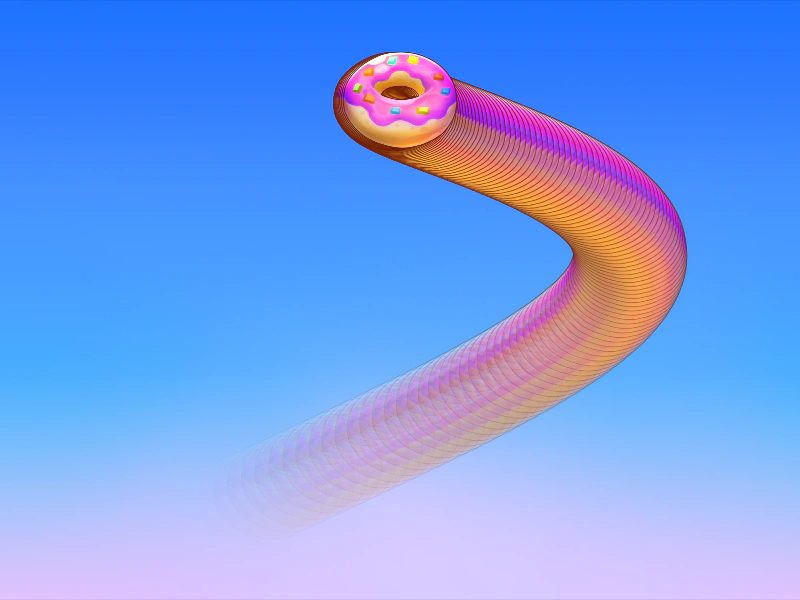 Tween Particle Speed XThis example shows how to use a tween to dynamically animate the horizontal speed property of a particle emitter over time.
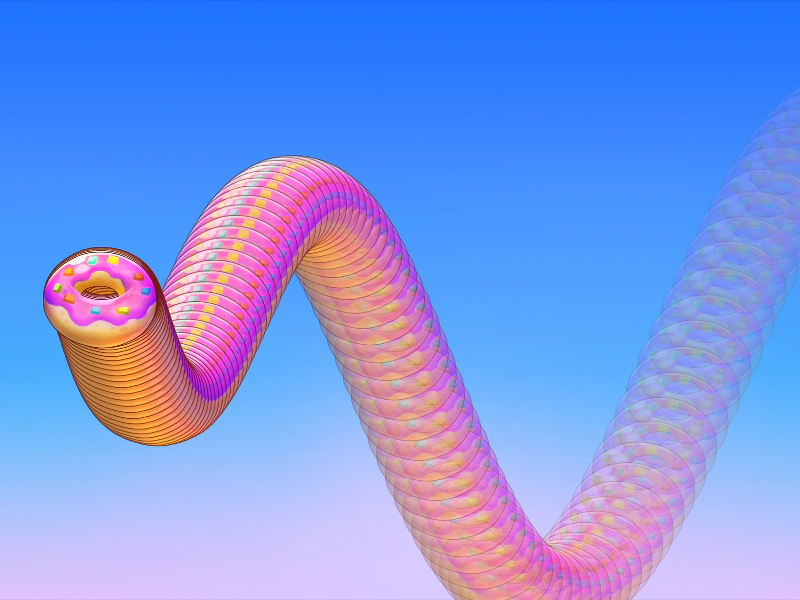 Tween Speed YDemonstrates how to animate the vertical speed of a particle emitter using a Tween, causing the emission velocity to change dynamically over time.
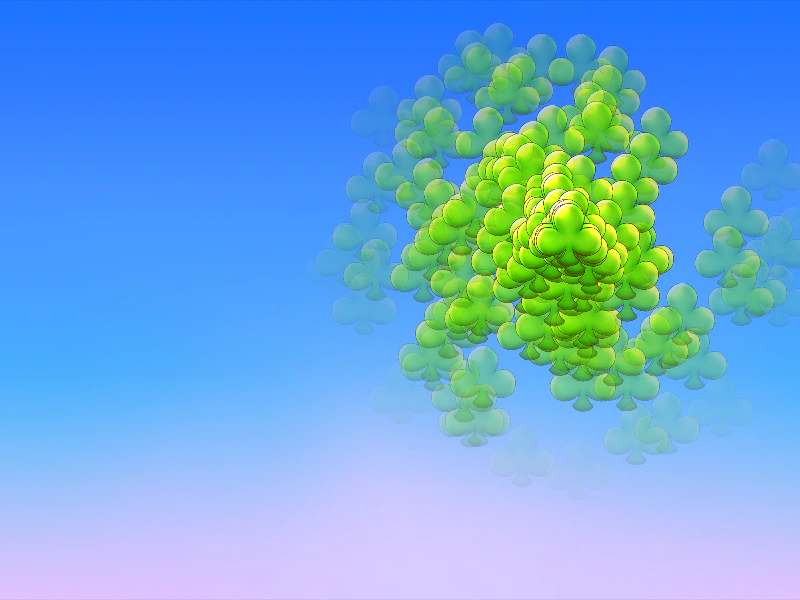 Tweening Particle Emitter PositionThis example shows how to move a particle emitter using independent tweens on its X and Y coordinates to create a dynamic motion path.