Phaser 4 examples
Game Config
- 19 examples
Examples 19
 Clear Before RenderDemonstrates how to disable canvas clearing between frames using the clearBeforeRender and preserveDrawingBuffer configuration settings to create persistent motion trails.
 Custom CanvasDemonstrates how to provide an existing HTML5 Canvas element to the Phaser game configuration instead of allowing Phaser to create its own.
 Custom Console Banner ColorsDemonstrates how to customize the text and background colors of the Phaser startup banner shown in the browser console, as well as how to hide the Phaser version info.
 Custom WebGL CanvasDemonstrates how to provide a pre-existing canvas element and a manually created WebGL context to the Phaser Game configuration.
 Custom WebGL2 Canvas and ContextDemonstrates how to provide Phaser with a pre-existing HTML canvas and a manually created WebGL2 context using specific configuration attributes.
 Game Background TransparencyDemonstrates how to configure the game canvas with transparency using the backgroundColor and transparent properties, allowing HTML elements behind the game to show through.
 Game DestroyDemonstrates how to programmatically shut down and destroy a Phaser game instance, including removing the canvas, and then re-instantiate the game.
 Game Destroy With Multi ScenesDemonstrates how to destroy a running game instance containing multiple active scenes and then re-initialize it upon user interaction.
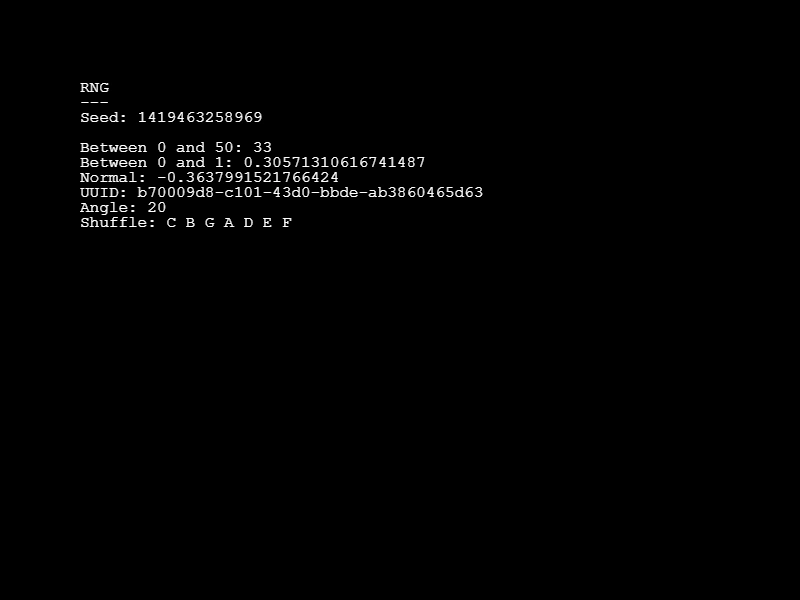 Game RNG SeedDemonstrates how to use a fixed seed in the Game Configuration to produce deterministic, repeatable results across various random number generation methods.
 Game Title ConfigurationShows how to define a custom game title in the global configuration and access it via the game config property.
 Game URL and Title ConfigurationDemonstrates how to define a title and URL in the game configuration and access those values from within a scene.
 Game Version and TitleDemonstrates how to define a title and version number in the game configuration and access them through the game config object.
 Headless RendererConfigure the game to use the Phaser.HEADLESS renderer type, allowing the game loop and logic to run without rendering any visual output to the screen.
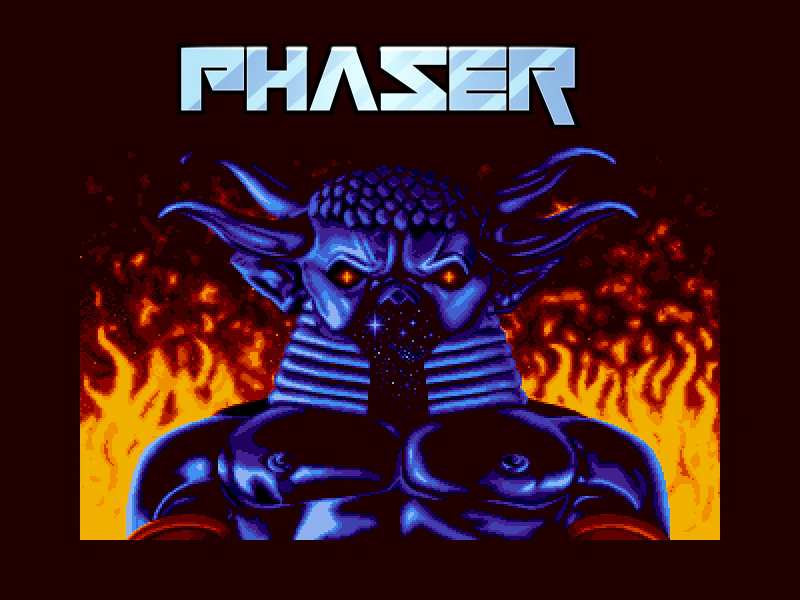 Hide Console BannerDemonstrates how to disable the Phaser version and renderer information banner that typically appears in the browser console when the game starts.
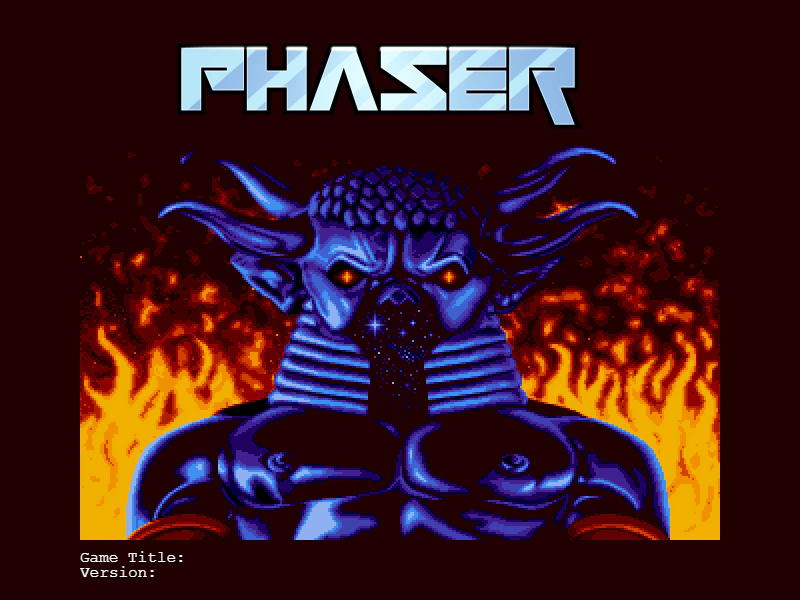 Hide Phaser From Console BannerLearn how to use the game configuration to remove the Phaser library name and version number from the browser console startup banner.
 Multiple Game InstancesDemonstrates how to run two completely independent Phaser game instances simultaneously on the same web page, each with its own configuration and Scenes.
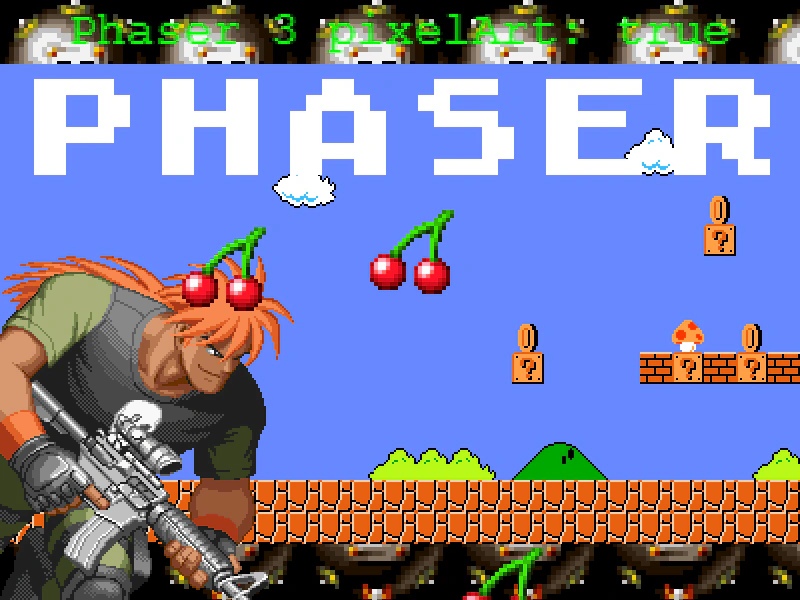 Pixel Art ModeDemonstrates how to enable pixel art mode in the game configuration to disable texture smoothing, keeping scaled images, tilemaps, and text crisp and sharp.
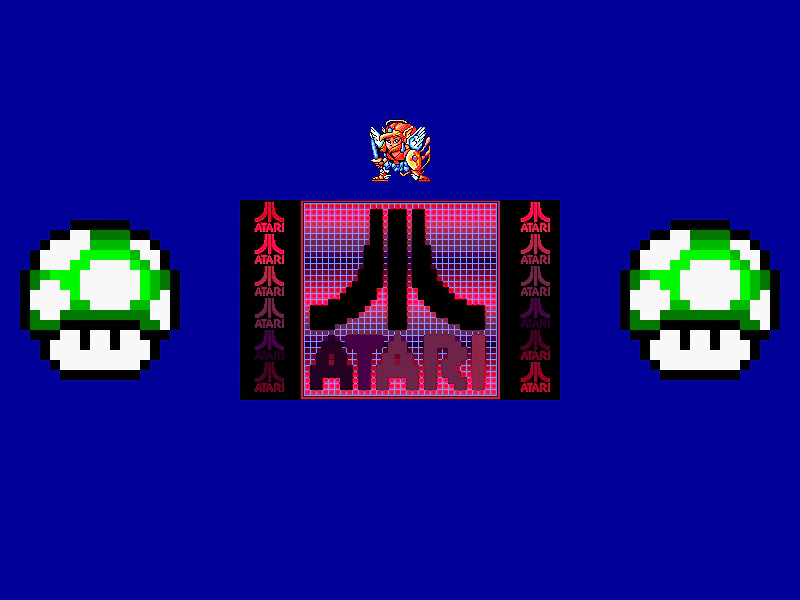 Round PixelsDemonstrates how the roundPixels configuration setting ensures Game Objects are rendered at whole integer pixel coordinates, preventing sub-pixel blur even when positions use decimal values.
 Transparent Game CanvasConfigure a Phaser game to have a transparent canvas, allowing the underlying HTML page or CSS background to show through the scene.