Game Background Transparency
Demonstrates how to configure the game canvas with transparency using the backgroundColor and transparent properties, allowing HTML elements behind the game to show through.

800 × 600
class Example extends Phaser.Scene
{
    preload ()
    {
        this.load.setBaseURL('https://cdn.phaserfiles.com/v410');
        this.load.image('pic', 'assets/pics/forgotten-worlds.png');
        this.load.image('ball', 'assets/sprites/shinyball.png');
    }

    create ()
    {
        //  This just injects an image into the div background, so you can see the transparency working.
        const div = document.getElementById('phaser-example');

        div.style.background = 'url(assets/demoscene/multi-color-raster.png)';

        console.log(this.sys.renderer);
        console.log(this.cameras.main);

        this.add.image(400, 600, 'pic').setOrigin(0.5, 1);

        const ball = this.add.image(400, 100, 'ball');

        this.tweens.add({
            targets: ball,
            y: 600,
            ease: 'Sine.inOut',
            yoyo: true,
            repeat: -1
        });
    }
}

const config = {
    scale: { mode: Phaser.Scale.FIT },
    type: Phaser.AUTO,
    parent: 'game-container',
    width: 800,
    height: 600,
    backgroundColor: 'rgba(100,0,0,0)',
    transparent: true,
    clearBeforeRender: false,
    scene: Example
};

const game = new Phaser.Game(config);
More in Game Config19 examples
 Game DestroyDemonstrates how to programmatically shut down and destroy a Phaser game instance, including removing the canvas, and then re-instantiate the game.
 Game Destroy With Multi ScenesDemonstrates how to destroy a running game instance containing multiple active scenes and then re-initialize it upon user interaction.
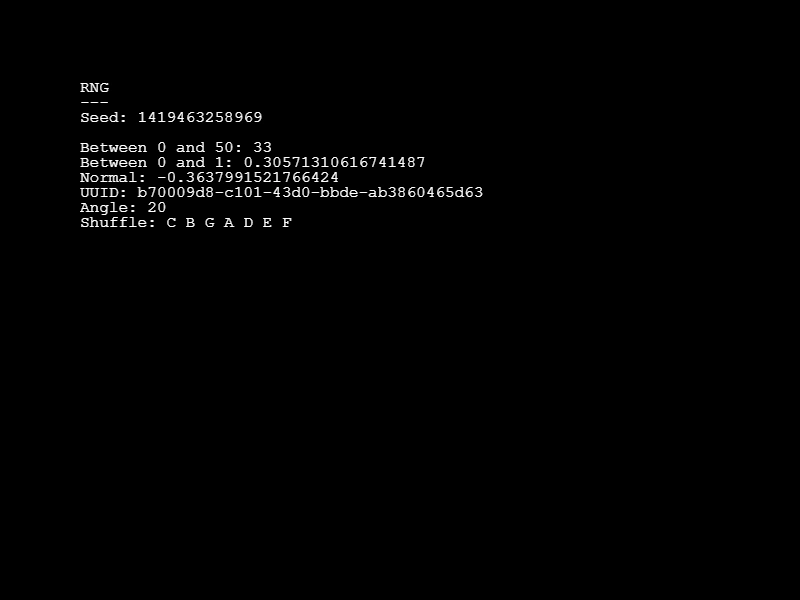 Game RNG SeedDemonstrates how to use a fixed seed in the Game Configuration to produce deterministic, repeatable results across various random number generation methods.
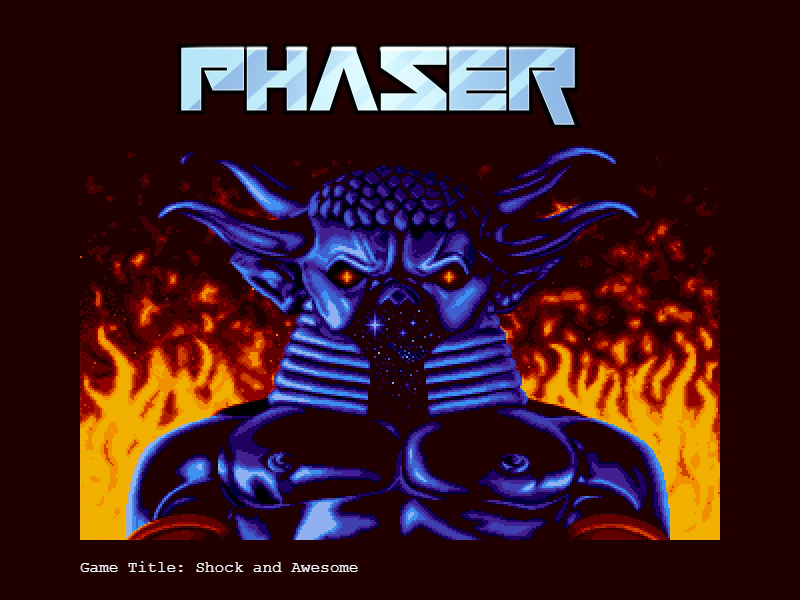 Game Title ConfigurationShows how to define a custom game title in the global configuration and access it via the game config property.