Phaser 4 examples
Matterjs
- 67 examples
Examples 67
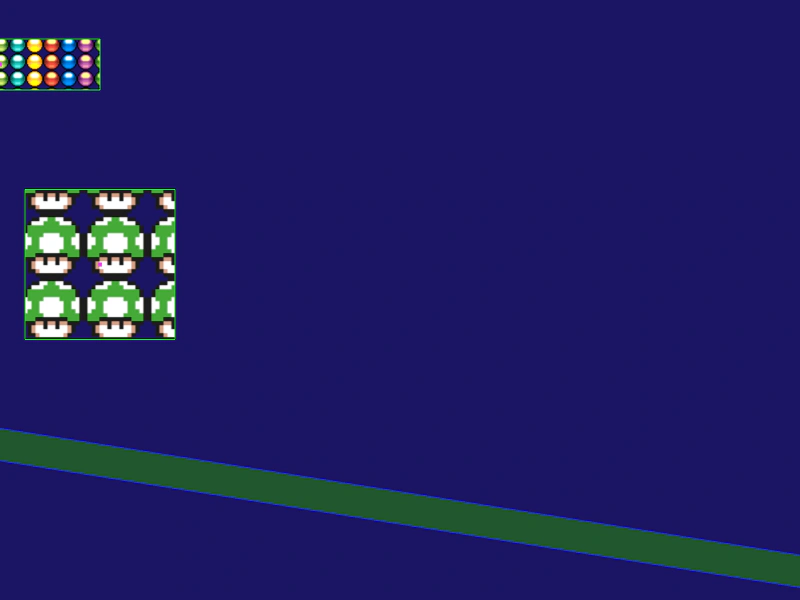 Add Matter Physics to a TileSpriteDemonstrates how to apply Matter JS physics to a TileSprite, allowing it to have physical properties like gravity and collisions while maintaining its scrolling texture capabilities.
 Basic ConstraintDemonstrates how to create a basic constraint between two Matter.js physics bodies, specifying the resting length and stiffness.
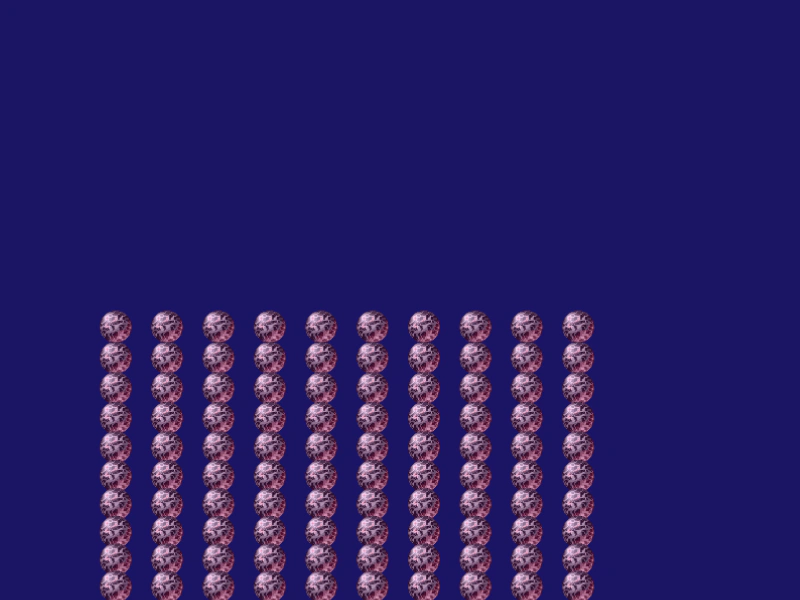 Circle StackDemonstrates creating a grid of circular physics bodies using the Matter.js stack helper and manually syncing sprite positions to the physics engine.
 Compound BodyCreate a complex physics body in Matter.js by combining multiple primitive shapes, such as rectangles and circles, into a single compound object.
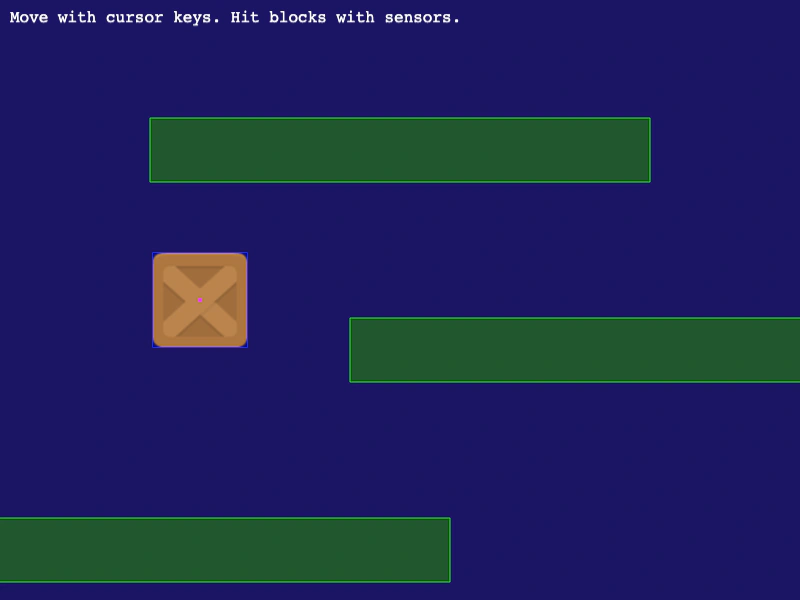 Create Matter.js SensorDemonstrates how to create a sensor in Matter.js, allowing a physics body to detect collisions and triggers events without causing a physical reaction.
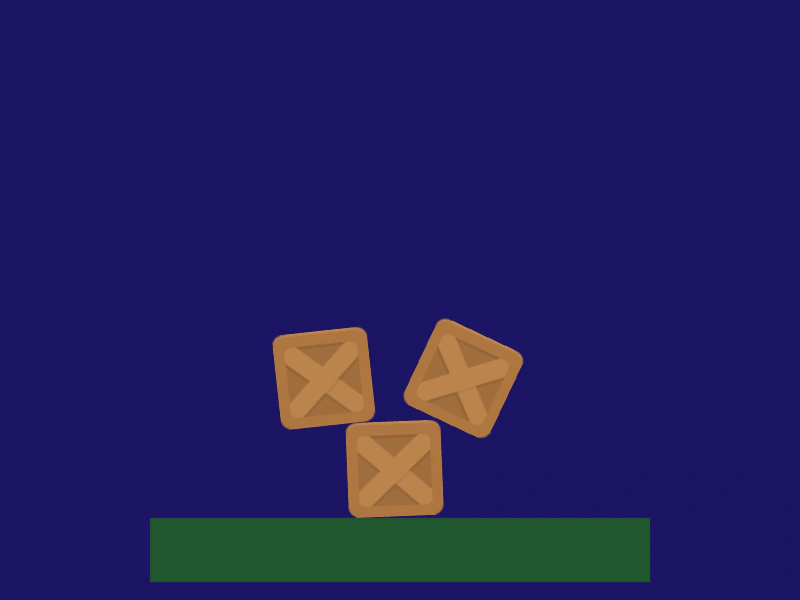 Destroy Matter BodyDemonstrates how to remove a Matter.js physics body and its associated Game Object from the simulation using the destroy method.
 Drag Matter Physics BodiesDemonstrates how to enable interactive dragging of Matter.js physics bodies using a pointer constraint or mouse spring.
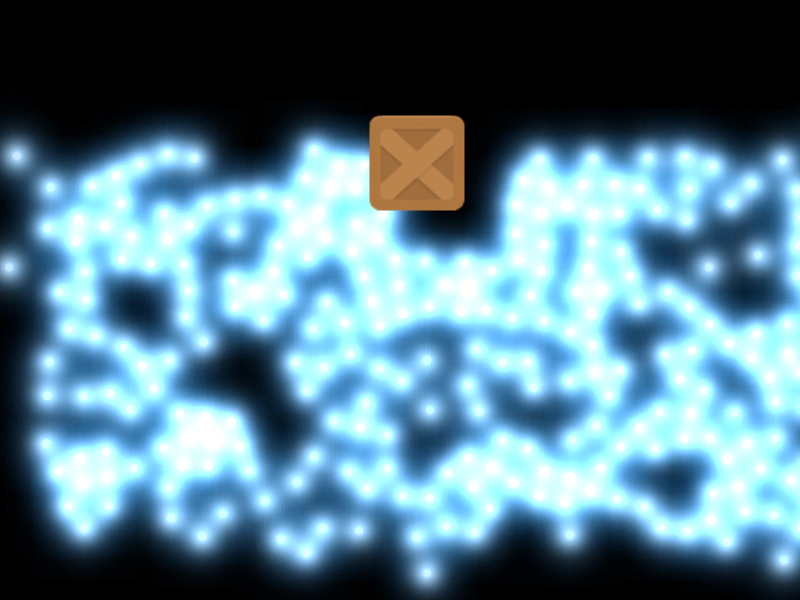 Drag Through BallsDemonstrates dragging a heavy Matter JS body through a field of particles that are configured to ignore direct pointer interaction.
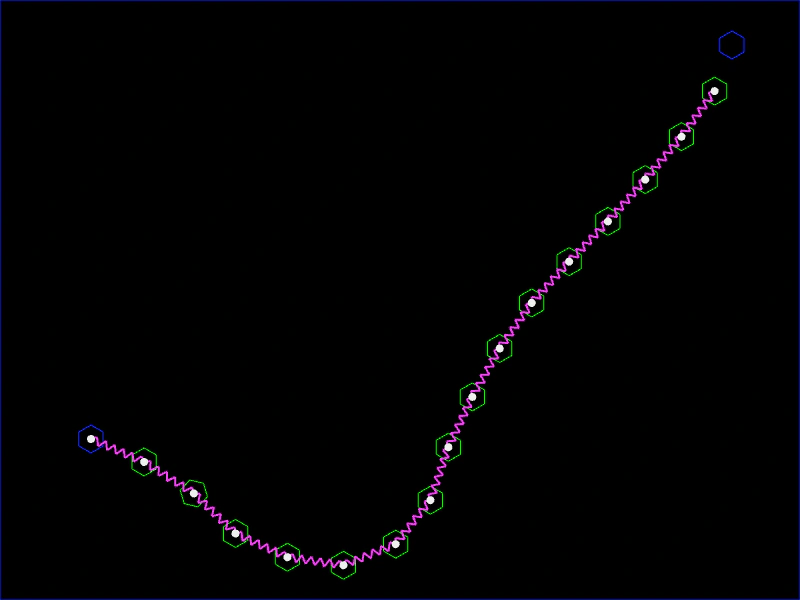 Draw ChainCreate a dynamic chain of Matter.js physics bodies by dragging the pointer, linking segments with constraints based on movement distance.
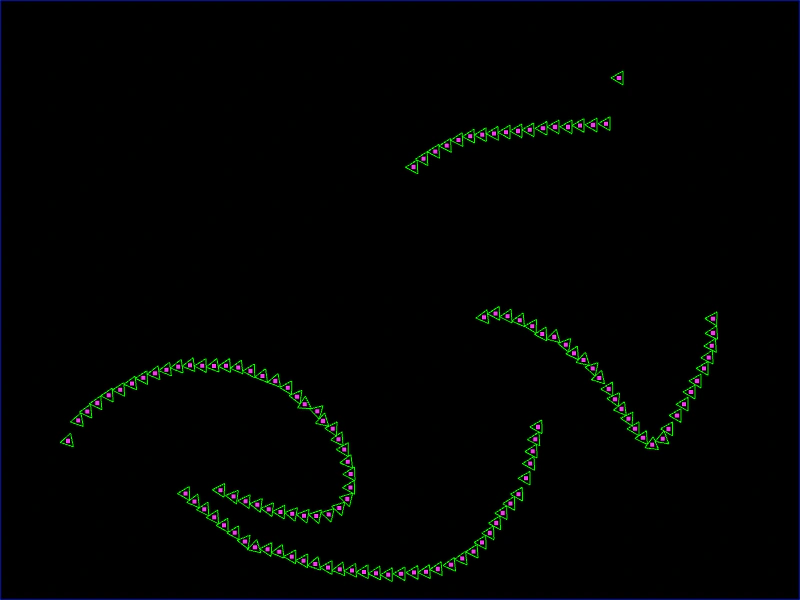 Draw Matter TrianglesLearn how to dynamically create small triangle physics bodies in the Matter.js engine by clicking and dragging the pointer.
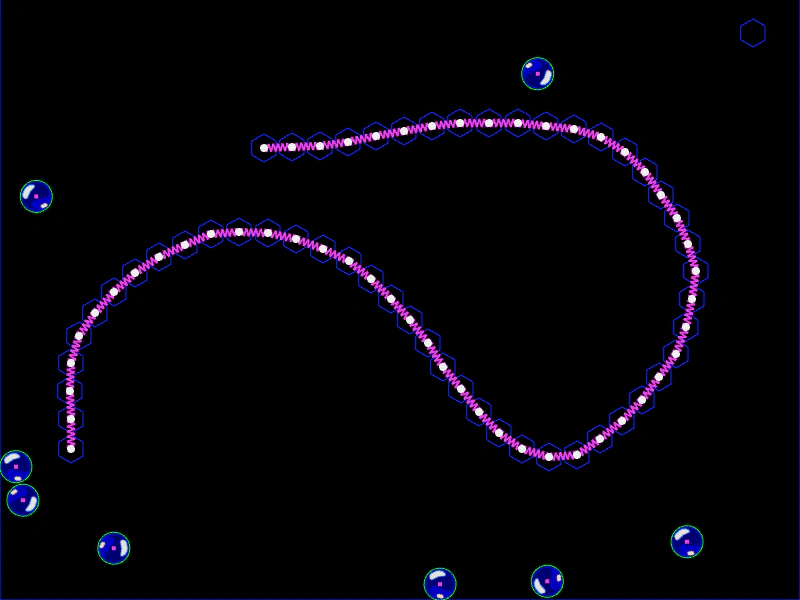 Draw Stiff LineCreate a path of static Matter.js bodies connected by constraints while drawing with the mouse, forming a rigid obstacle for falling objects.
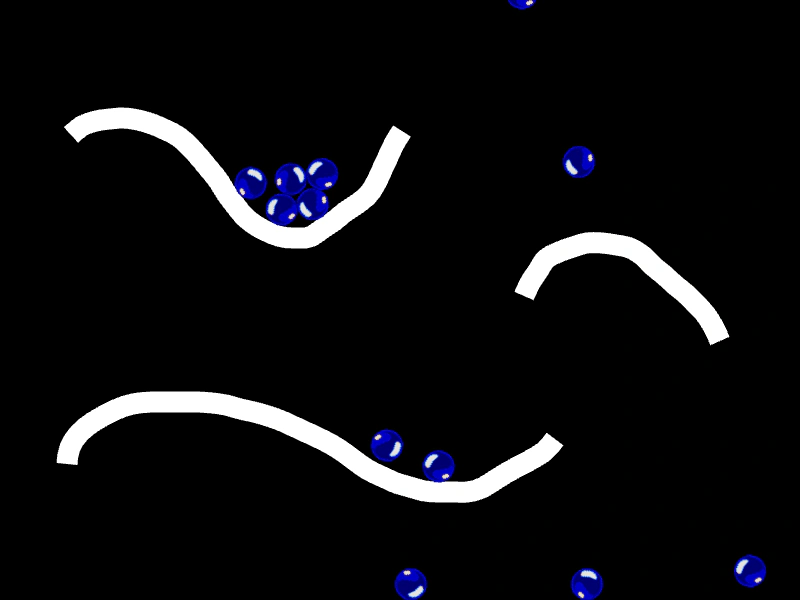 Drawing Smooth Physics LinesDemonstrates how to create smooth visual paths using Spline curves while simultaneously generating a chain of static Matter.js bodies and constraints to act as physical barriers.
 Fixed RotationDemonstrates Matter.js physics bodies interacting with a tilted static platform while maintaining a fixed orientation.
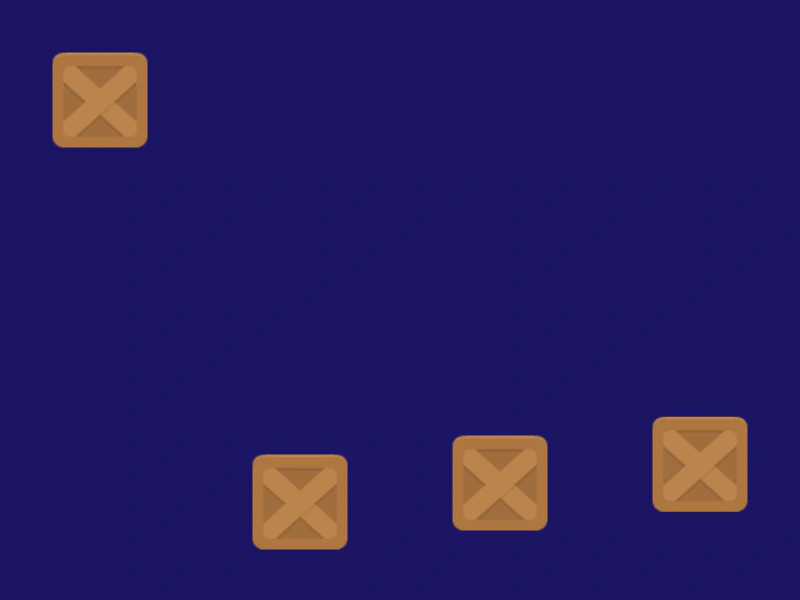 Ignore GravityThis example demonstrates how to prevent specific Matter.js physics bodies from being affected by world gravity using the setIgnoreGravity method.
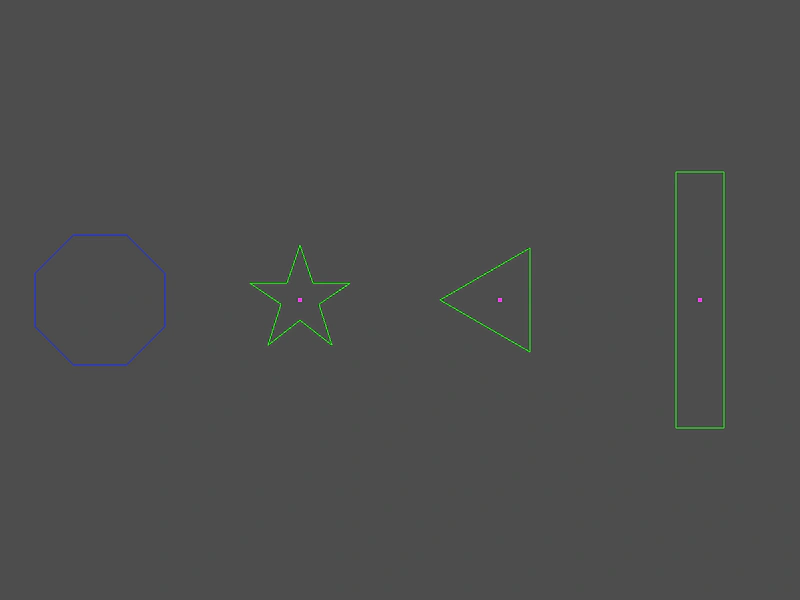 Is Point Within BodyDemonstrates how to check if a world coordinate point is contained within different Matter.js physics bodies and dynamically update their visual style.
 Matter Body Follow PathDemonstrates how to move a Matter.js physics body along a spline curve by manually updating its position based on the curve points.
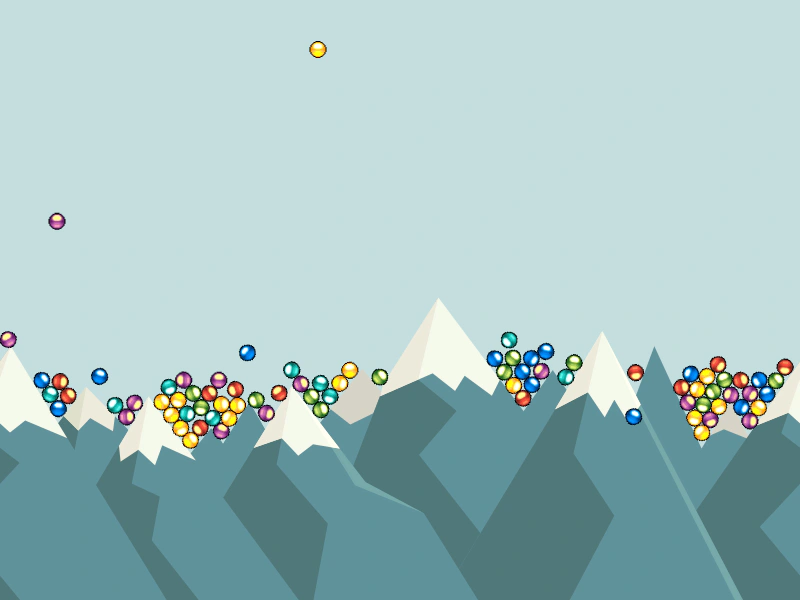 Matter Body from VerticesDemonstrates how to create a complex physics body from a path of vertices using Matter.js, allowing for custom collision shapes beyond basic primitives.
 Matter Body ScaleDemonstrates how to scale a Matter.js physics body and its associated sprite dynamically during runtime.
 Matter Body to JSONDemonstrates how to export a Matter.js physics body configuration to a JSON object using the toJSON method.
 Matter Body VelocityDemonstrates how to manually set the horizontal and vertical velocity of a Matter.js physics body using setVelocity and setVelocityX.
 Matter Custom Polygon BodiesDemonstrates how to create complex Matter physics bodies from custom vertex data strings to match the shape of polygon game objects.
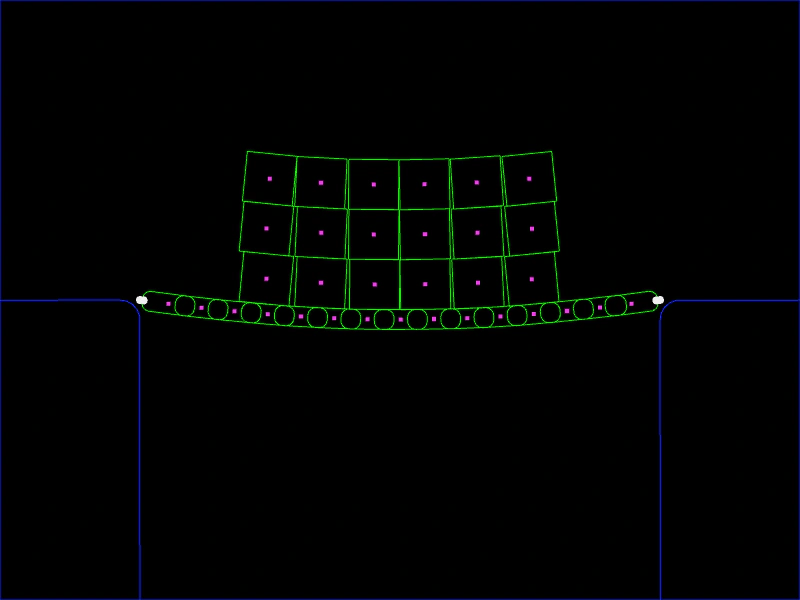 Matter JS BridgeCreate a flexible suspension bridge using a stack of physics bodies linked by a chain and anchored with world constraints.
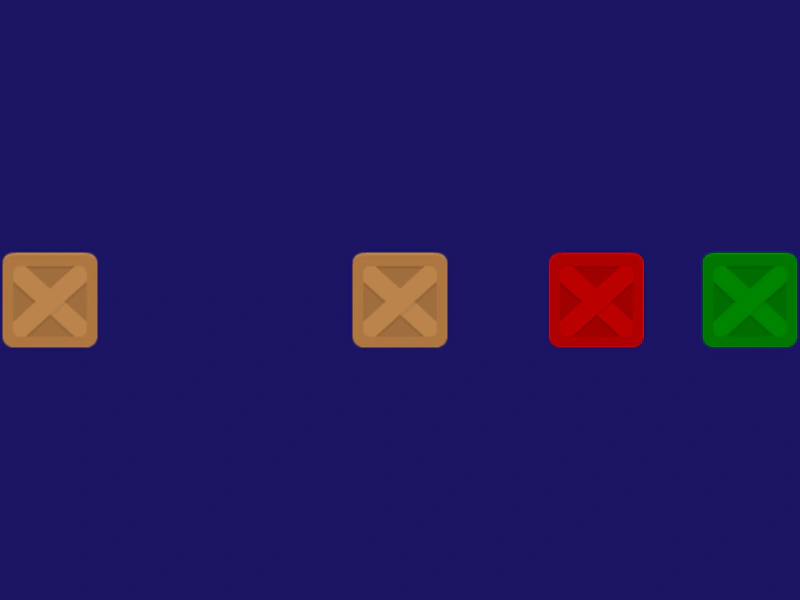 Matter JS Collision FilteringDemonstrates how to use collision categories and masks to control which physics bodies interact with each other and which pass through.
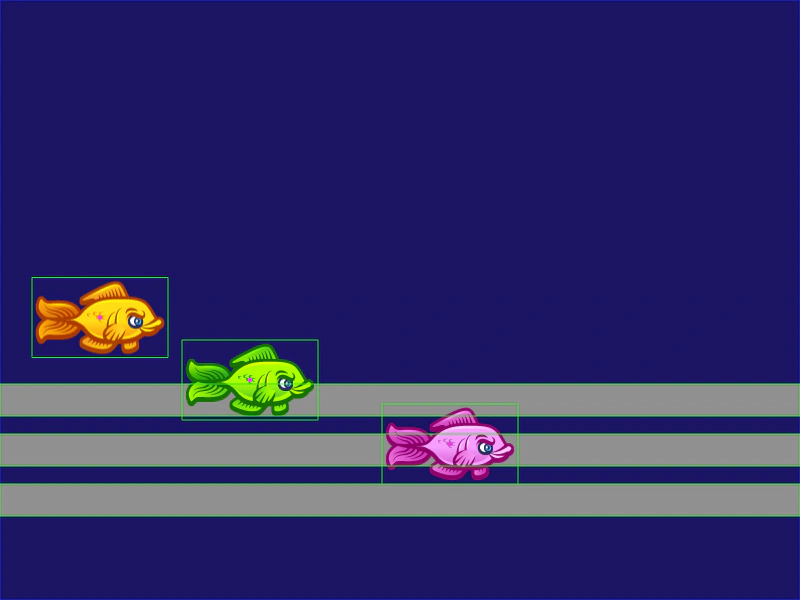 Matter JS Collision GroupsDemonstrate how to control body interactions using Matter.js collision groups and categories to enable or disable collisions between specific objects.
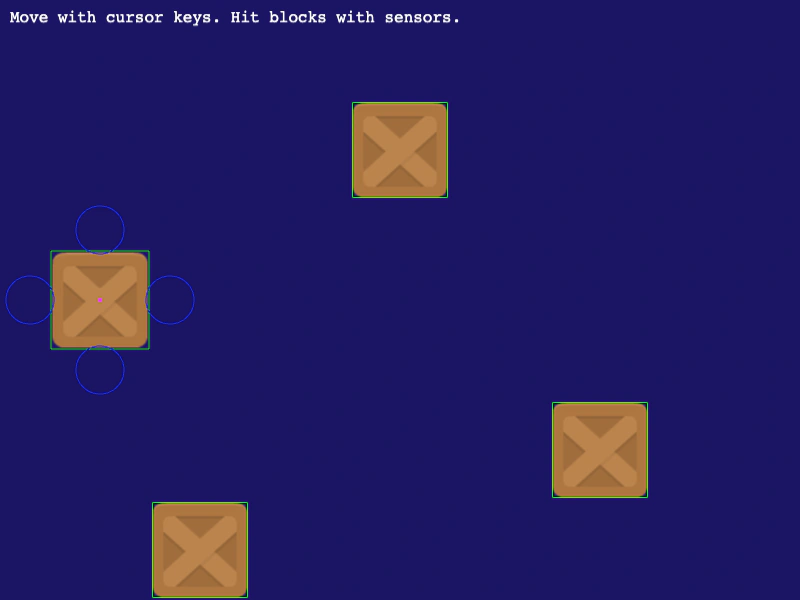 Matter JS Compound SensorsDemonstrates how to create a complex Matter.js body using multiple parts, including sensors with custom labels to detect directional collisions.
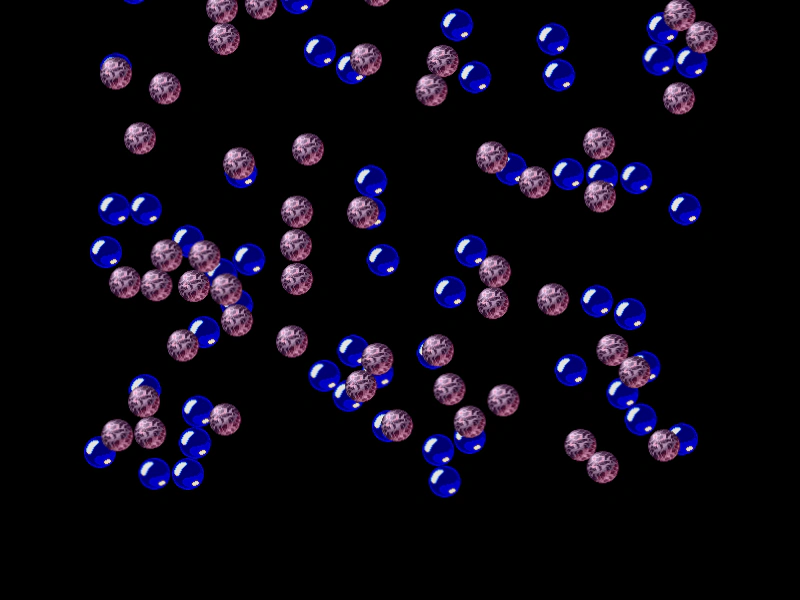 Matter JS Scene TransitionDemonstrates how to transition between two different Scenes that both utilize Matter JS physics.
 Matter JS Shape Bounds and AlignmentDemonstrates how to use body bounds and center of mass offsets to precisely position Matter JS physics bodies relative to their visual display.
 Matter JS ThrustDemonstrates using Matter.js thrust methods for omnidirectional movement and linking particle emitter properties to a physics body's speed.
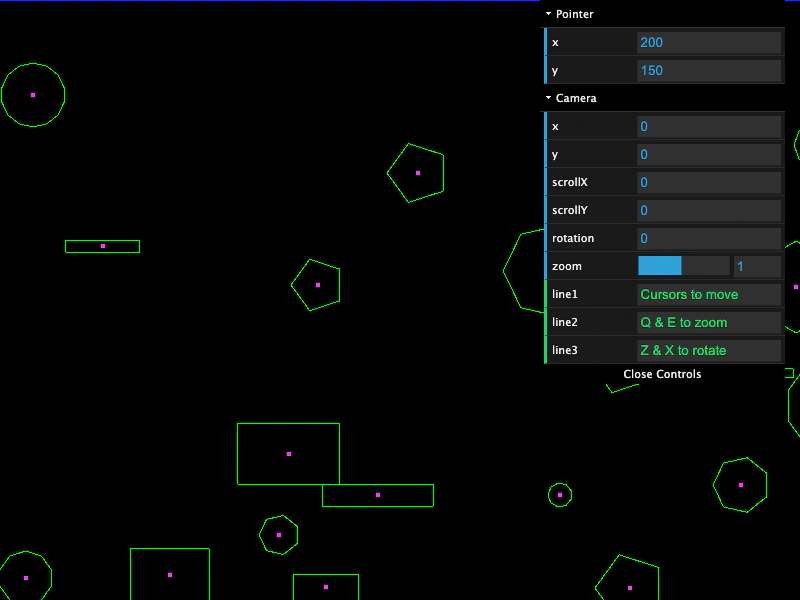 Matter JS World Bodies and Camera NavigationCreate a large Matter JS physics world populated with random polygons and rectangles. This example demonstrates world bounds, mouse interaction via mouseSpring, and camera navigation including panning, zooming, and rotation.
 Matter No GravityDemonstrates how to configure the Matter.js world with zero gravity so that physics bodies remain stationary by default.
 Matter Physics BallsCreate multiple circular physics bodies with Matter.js, demonstrating how to set world boundaries, friction, and restitution (bounce) properties.
 Matter Physics Bullet PoolLearn how to manage a pool of projectiles in Matter Physics by cycling active states and manually adding or removing bodies from the physics world.
 Matter Physics Circle BodyThis example shows how to change a Matter.js physics body from a default rectangle to a circle with a specific radius and apply velocity and bounce properties.
 Matter Physics Compound Body from JSONDemonstrates how to import complex collision shapes exported from Physics Editor and assemble them into a compound Matter.js body using JSON data and the PhysicsEditorParser.
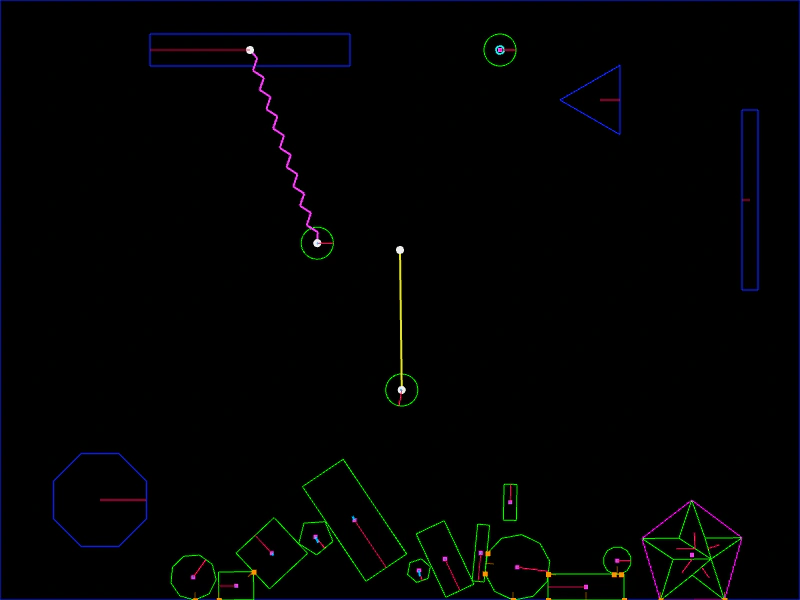 Matter Physics Debug OptionsDemonstrates the extensive debug visualization features available in Matter.js, including the rendering of convex hulls, joint constraints, springs, velocity vectors, and sleep states.
 Matter Physics Drag FilterDemonstrates how to use collision filters with a mouse constraint to restrict which physics bodies can be dragged by the pointer.
 Matter Physics Simple BodyAn introduction to adding dynamic physics bodies and a static platform using the Matter.js physics engine.
 Matter Physics with Bitmap TextDemonstrates how to add a Matter.js physics body to a Bitmap Text object, allowing it to fall, bounce, and collide with other physical bodies.
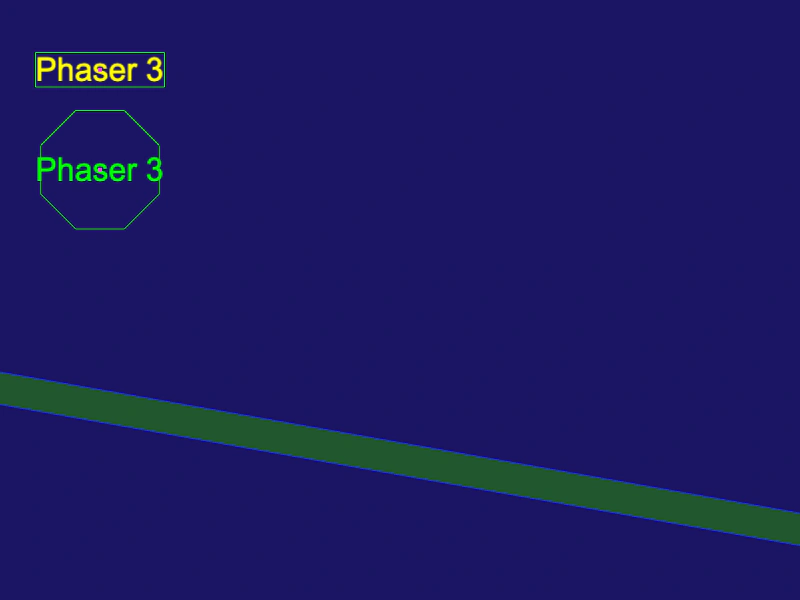 Matter Physics with Text ObjectsDemonstrates how to add Matter.js physics bodies to Text Game Objects, using both default rectangular bounds and custom polygon shapes.
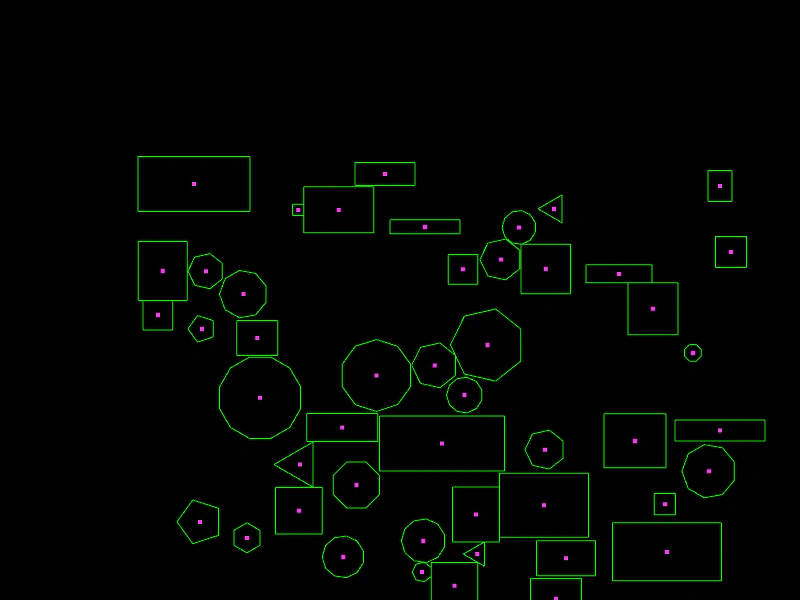 Matter Physics Wrap BoundsDemonstrates how to use the wrapBounds property in Matter.js to automatically wrap physics bodies around the screen when they exit a defined area.
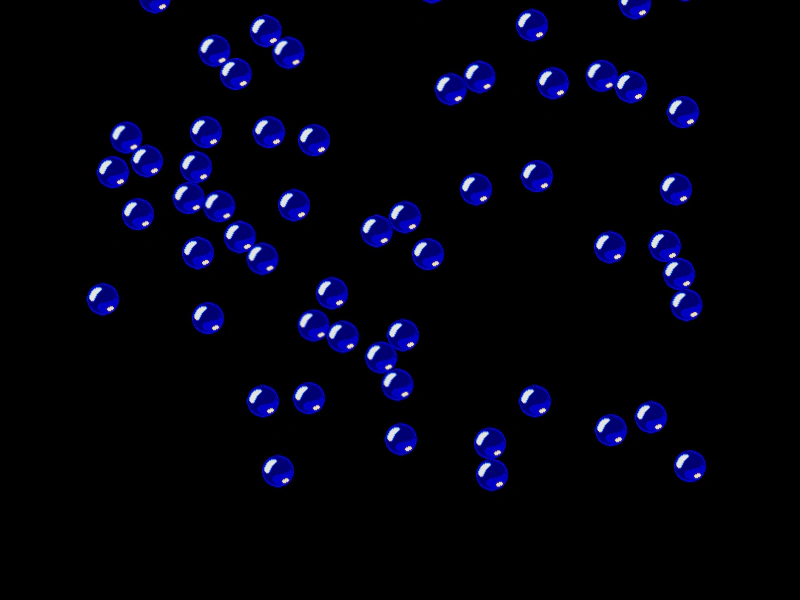 Matter Scene RestartDemonstrates how to restart a scene containing Matter physics bodies, effectively resetting the simulation and all objects to their initial state on a pointer click.
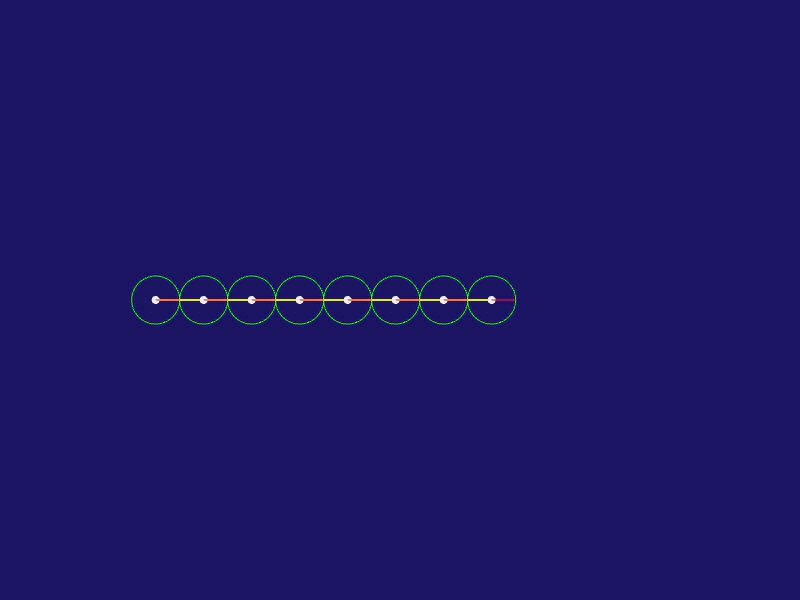 Matter Snake ChainDemonstrates how to create a chain of circular bodies connected by springs in Matter.js to simulate a snake-like physics structure that can be manipulated with the mouse.
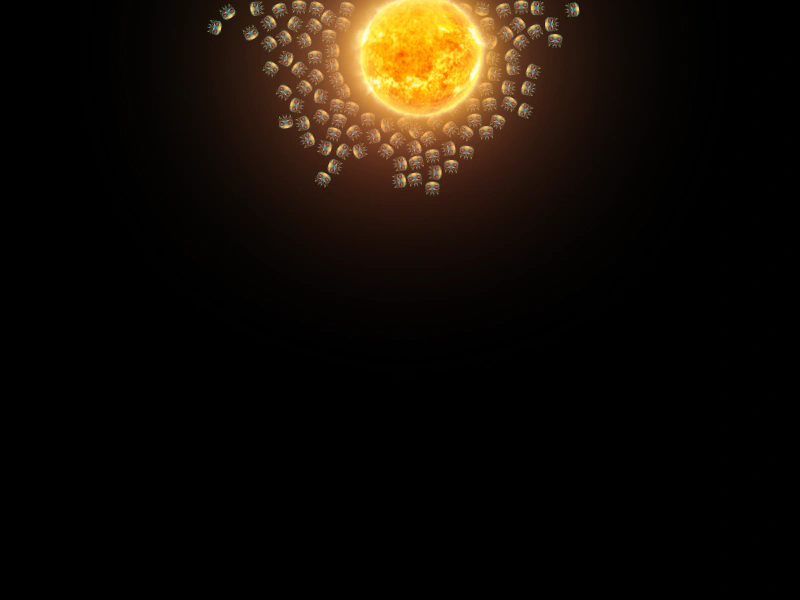 Matter.js AttractorsDemonstrates how to use attractors in Matter.js to create gravitational effects, pulling multiple physics bodies toward a specific object.
 Matter.js Body ScalingDemonstrates how to dynamically increase the scale of a Matter.js physics body and its associated sprite texture through user interaction.
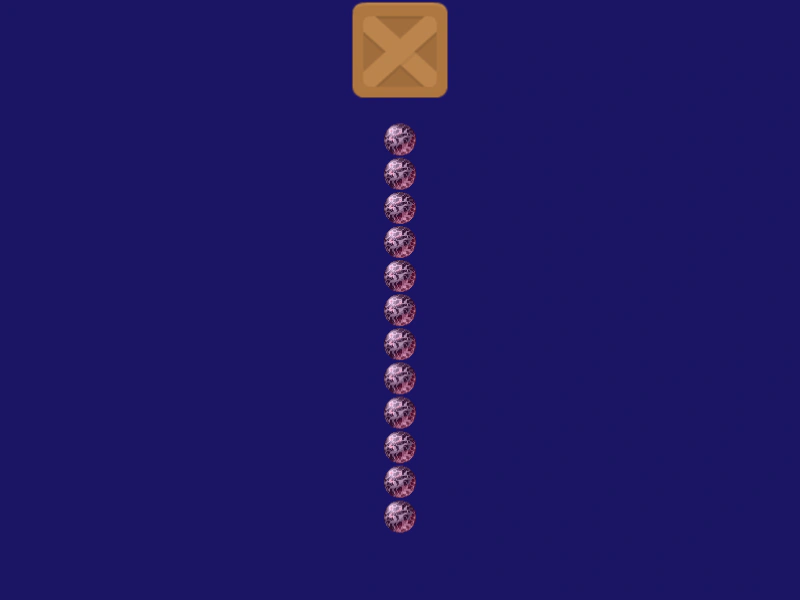 Matter.js ChainDemonstrates how to create a physics chain by connecting a sequence of bodies using joints. Includes a keyboard-controlled anchor block and mouse interaction.
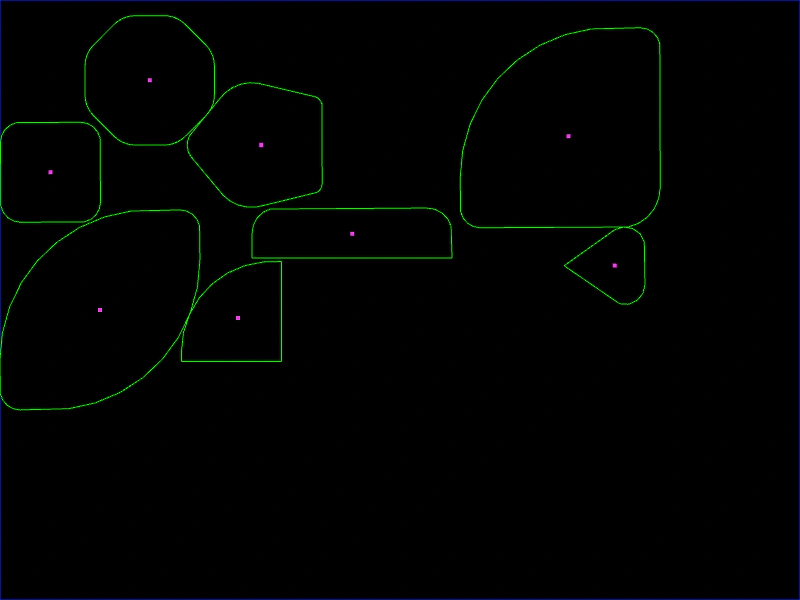 Matter.js Chamfer BodiesDemonstrates how to create physics bodies with rounded corners (chamfering) using uniform or per-vertex radius settings for rectangles and polygons.
 Matter.js Circular BodyDemonstrates how to create a circular physics body in Matter.js, including setting friction, bounce, and initial velocity.
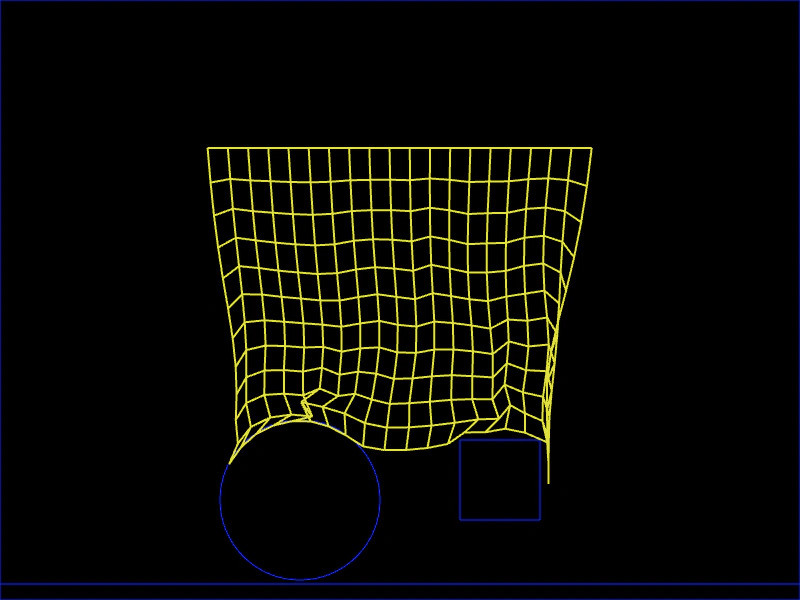 Matter.js ClothCreate a cloth-like simulation using a soft body composed of particles and constraints. The example demonstrates how to pin the top row of particles to make it hang and interact with it using a mouse spring.
 Matter.js Collision EventListen for the collisionstart event in the Matter physics world to detect when two bodies collide and manipulate their parent Game Objects.
 Matter.js Container CollisionThis example demonstrates how to apply Matter.js physics to a Container. It highlights the requirement of setting the container size before enabling physics and shows how to handle collision events for a physics-enabled container and its children.
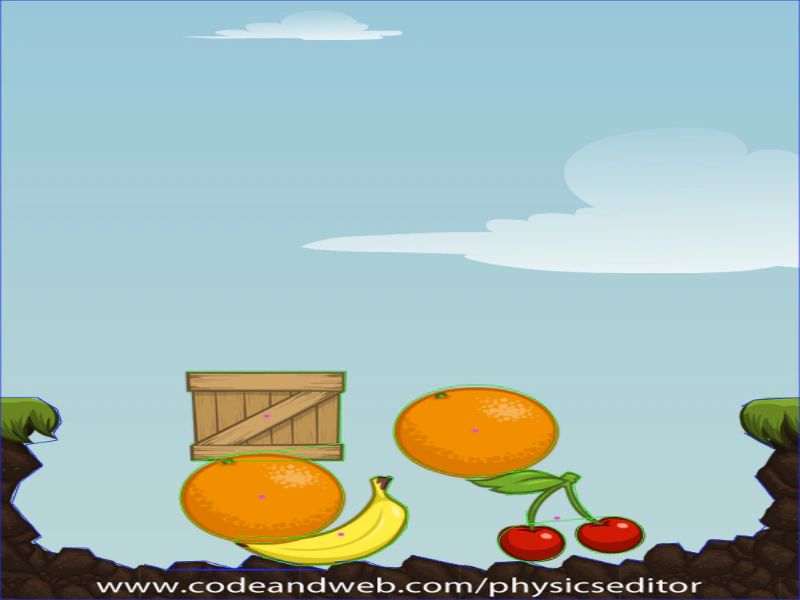 Matter.js Custom Physics Shapes from JSONDemonstrates how to load complex Matter.js physics bodies from a JSON file exported by PhysicsEditor and apply them to sprites.
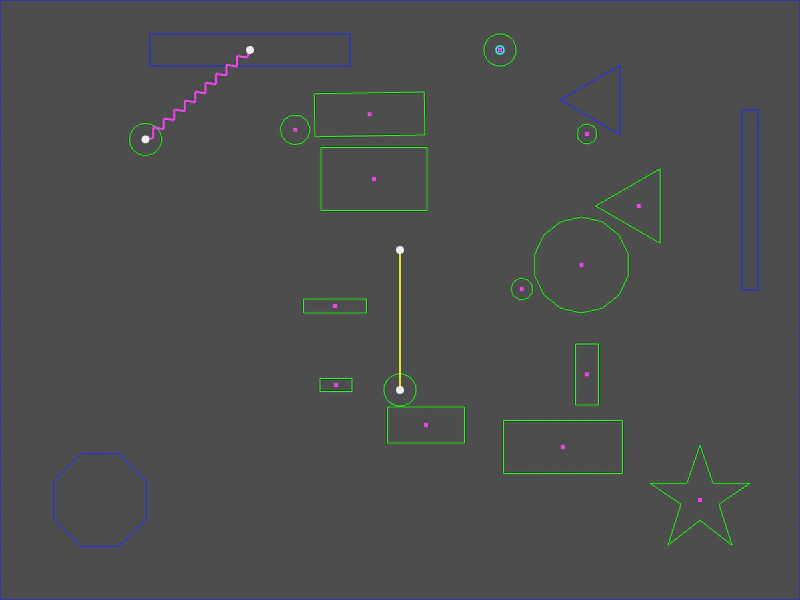 Matter.js Point IntersectionsDemonstrates how to use the intersectPoint method to detect and retrieve all Matter.js physics bodies located at a specific coordinate, such as under the mouse pointer.
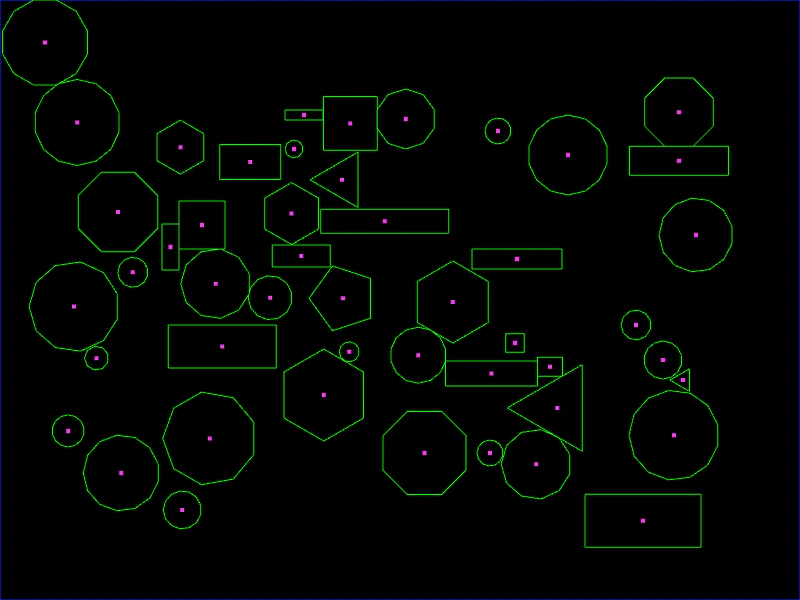 Mixed BodiesDemonstrates creating a variety of Matter.js physics bodies, including random polygons and rectangles, with mouse spring interaction enabled.
 Move Matter Body with CursorsDemonstrates how to control a Matter.js physics body using keyboard cursor keys to set horizontal and vertical velocity in a zero-gravity environment.
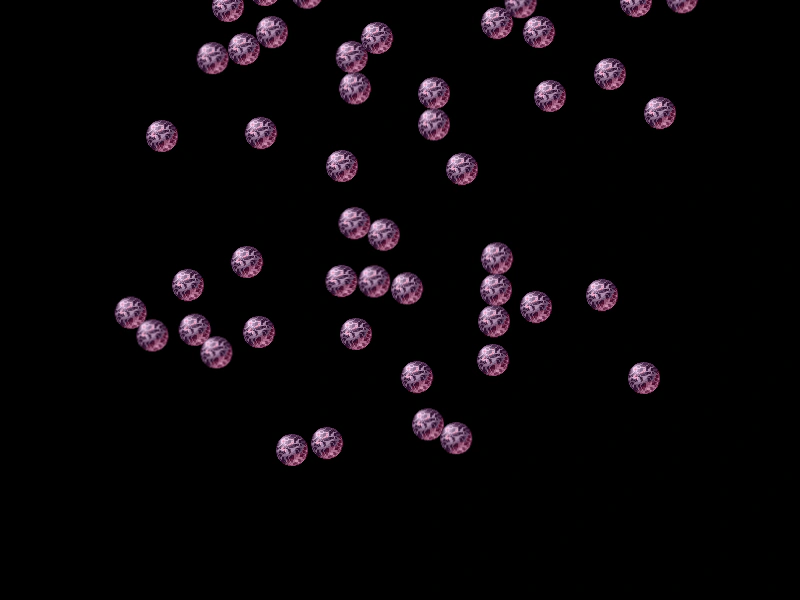 Multiple Physics ScenesDemonstrates how Matter.js physics worlds are independent and isolated within each Scene, allowing for smooth transitions between different physics-enabled levels.
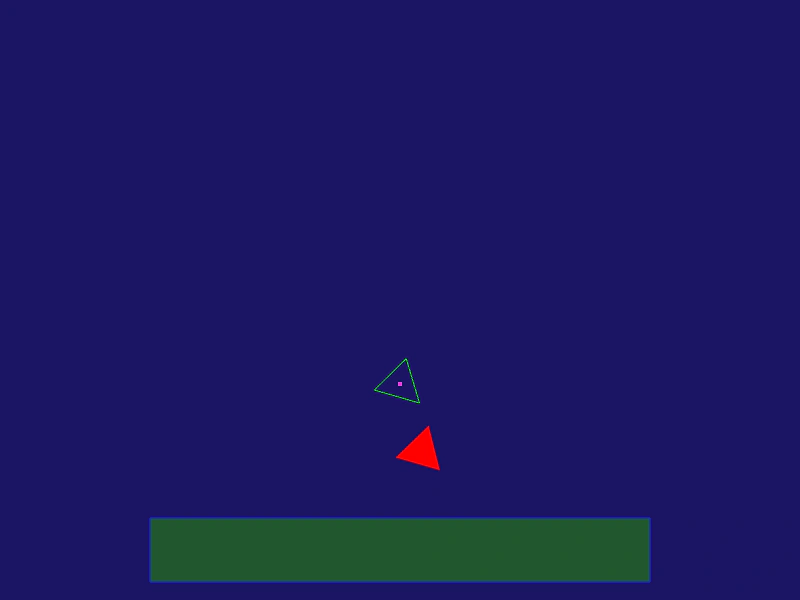 Offset Matter.js Physics BodyDemonstrates how to adjust the render offset of a sprite to correctly align its texture with a custom-shaped Matter.js physics body.
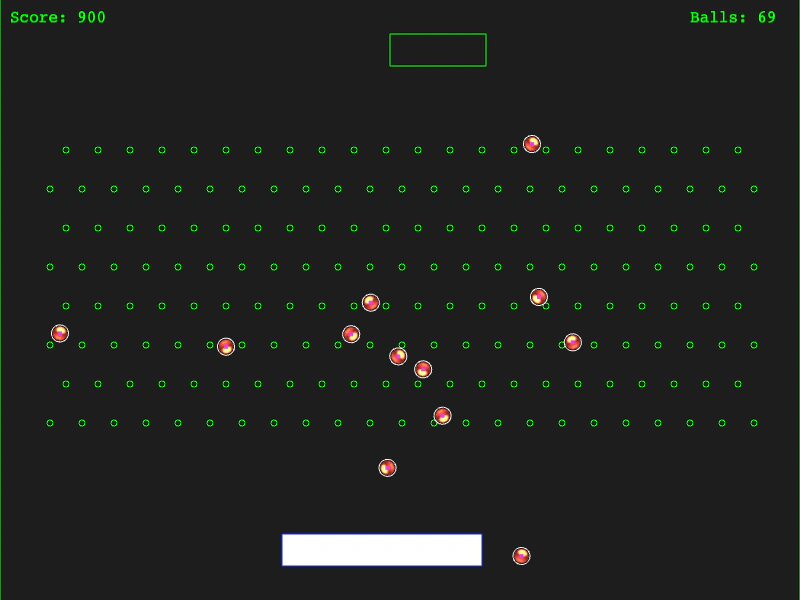 PachinkoA Pachinko game demonstration using Matter.js collision categories and masks, featuring a moving bucket sensor and static pins.
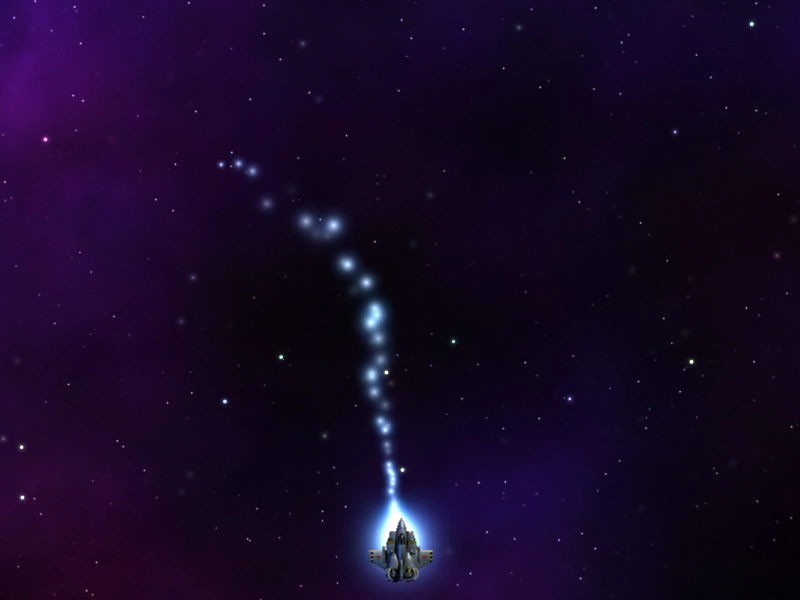 Particles Follow Matter BodyDemonstrates how to attach a particle emitter to a Matter.js physics body and dynamically adjust particle speed, lifespan, and alpha based on the body's current velocity.
 Physics Editor with Matter.jsDemonstrates how to load and apply complex custom body shapes, exported from a physics editor JSON file, to Matter.js game objects and containers.
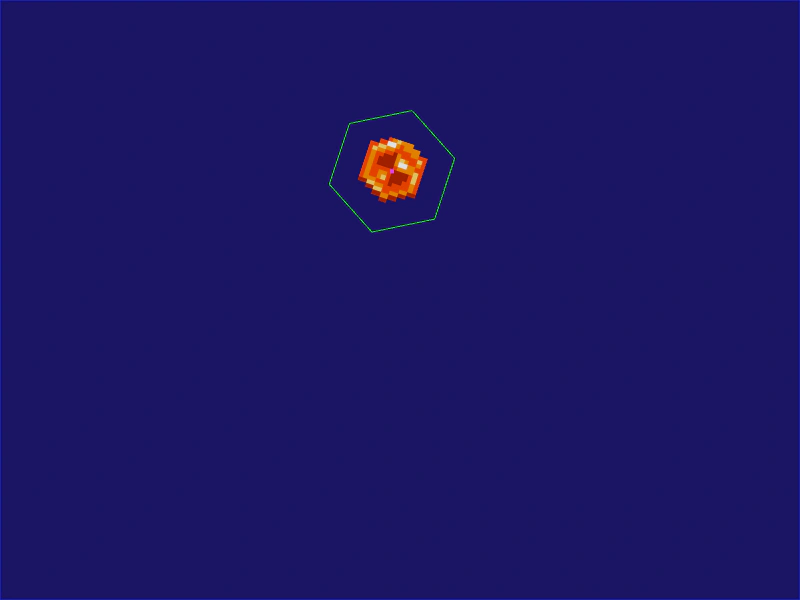 Polygon Physics BodyDemonstrates how to create a regular polygon-shaped physics body in Matter.js by defining the number of sides and a radius.
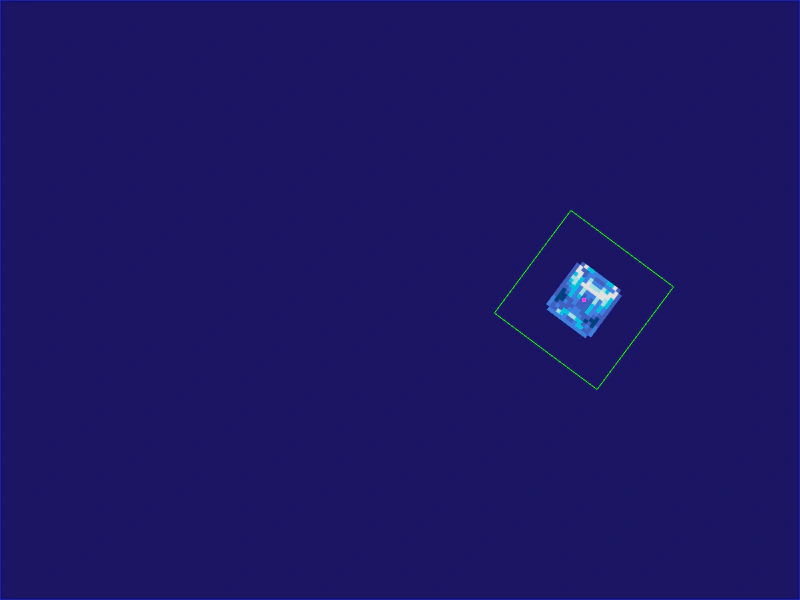 Rectangle Physics BodyLearn how to define a custom-sized rectangular physics body for a sprite in Matter.js, overriding the default texture dimensions.
 Restart Physics SceneThis example demonstrates how to transition between scenes and restart a Matter.js physics-enabled scene, showing how the physics world is automatically managed when scenes stop and start.
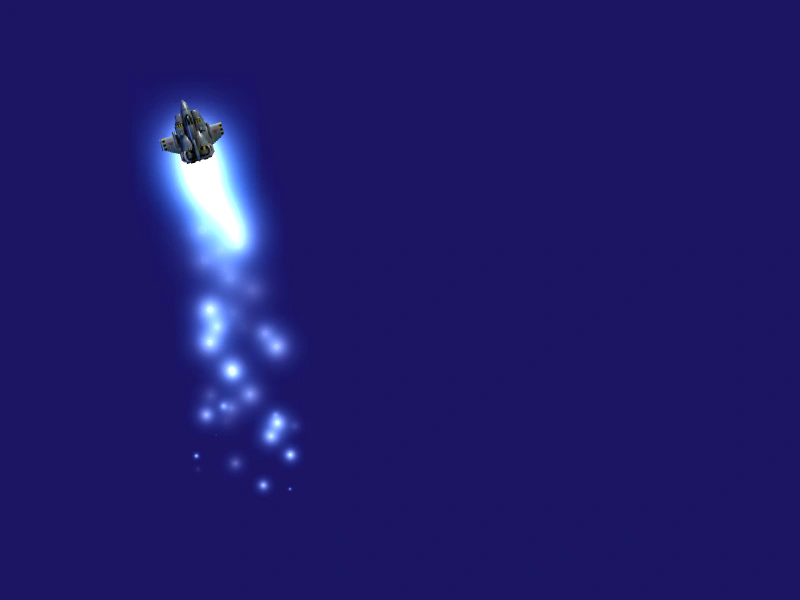 Rotate Body With CursorsControl a Matter.js physics body using keyboard input to apply angular velocity for rotation and thrust for movement, featuring a particle trail that reacts to speed.
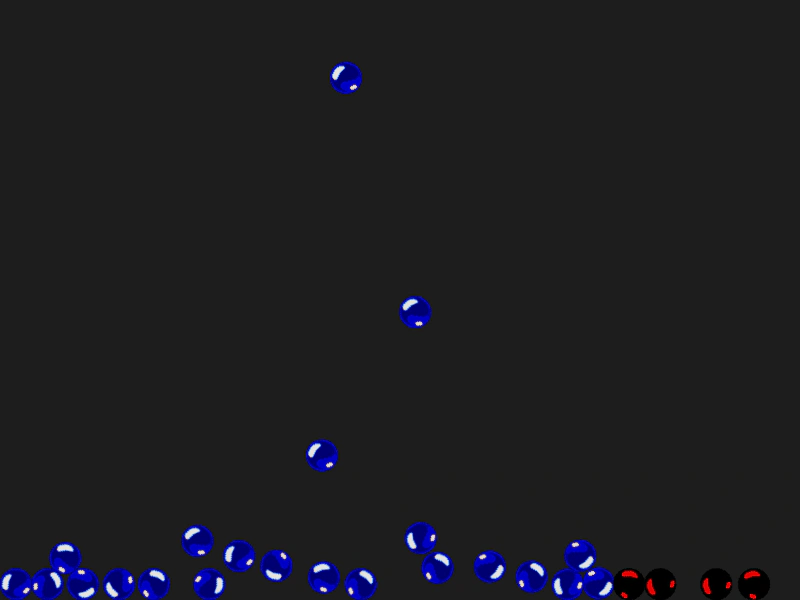 Sleep EventsDemonstrates how to use Matter.js sleep events to track when physics bodies come to rest or wake up. Objects are tinted red when they enter a sleeping state and return to normal when moved.
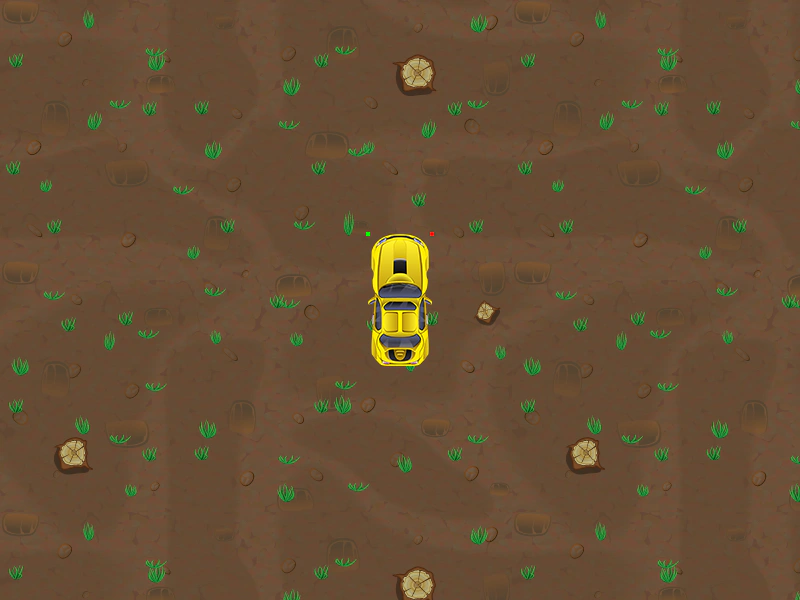 Top Down Car MovementDemonstrates top-down vehicle physics using Matter.js, including thrust, air friction, and applying steering forces at specific points on the physics body.
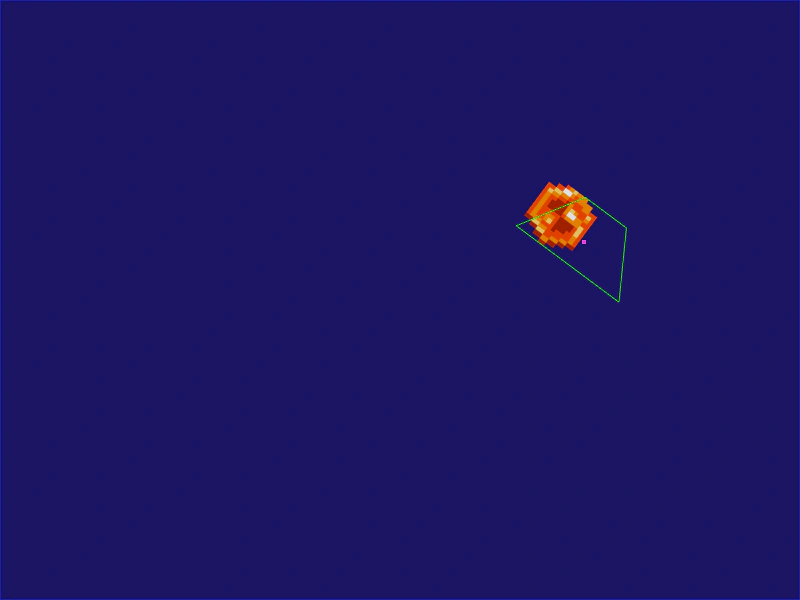 Trapezoid Matter BodyDemonstrates how to create a custom trapezoid-shaped physics body in Matter.js using the slope property.
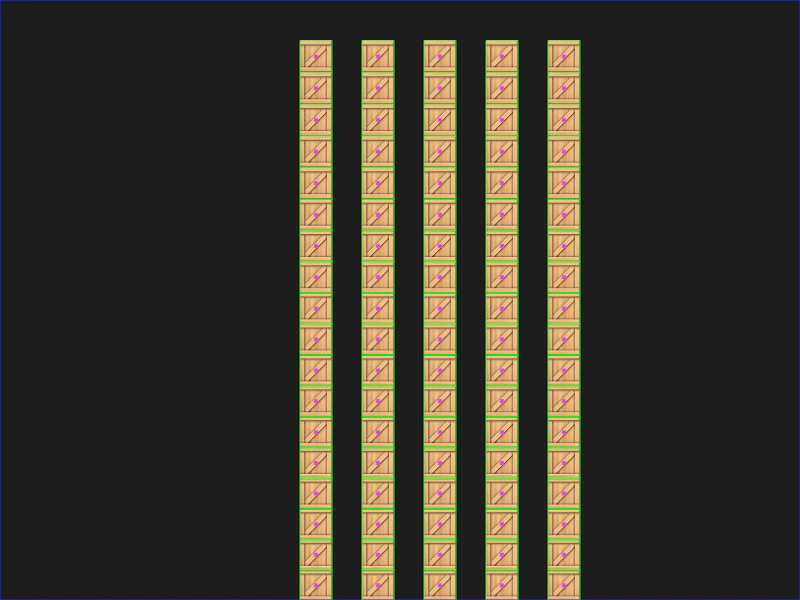 Wrecking BallDemonstrates creating a stable stack of crates in Matter.js by increasing physics solver iterations and adding mouse interaction.