Matter JS Shape Bounds and Alignment
Demonstrates how to use body bounds and center of mass offsets to precisely position Matter JS physics bodies relative to their visual display.
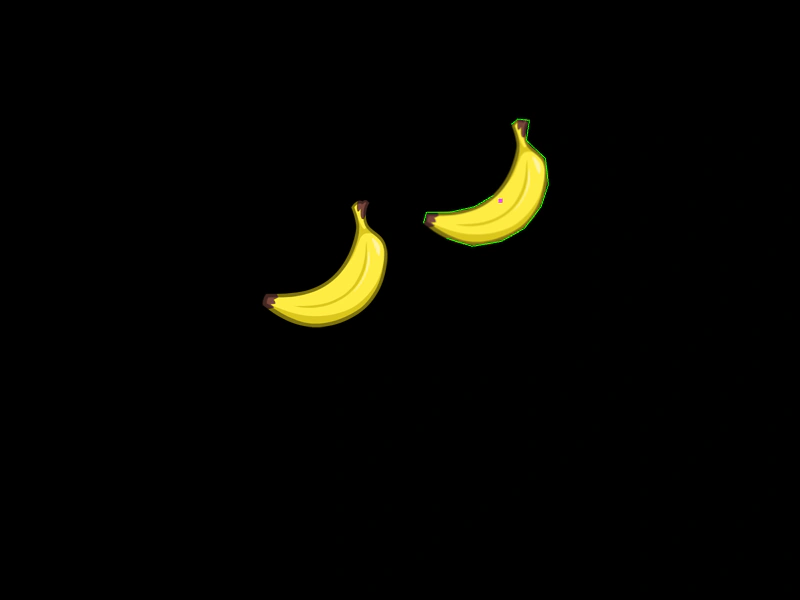
800 × 600
class Example extends Phaser.Scene
{
    preload ()
    {
        this.load.setBaseURL('https://cdn.phaserfiles.com/v410');
        this.load.atlas('sheet', 'assets/physics/fruit-sprites.png', 'assets/physics/fruit-sprites.json');
        this.load.json('shapes', 'assets/physics/fruit-shapes.json');
    }

    create ()
    {
        const align = this.add.image(0, 200, 'sheet', 'banana').setOrigin(0);

        const shapes = this.cache.json.get('shapes');

        //  If you position the shape at 0x0 it will be positioned based on its center of mass by default.
        //  This isn't always desirable, especially if trying to align with non-physics images.
        const banana = this.matter.add.sprite(0, 0, 'sheet', 'banana', { shape: shapes.banana });

        //  To position precisely we need to work out the bounds and offsets.
        //  We can either use the shape bounds (which changes as the shape rotates)

        const width = (banana.body.bounds.max.x - banana.body.bounds.min.x) / 2;
        const height = (banana.body.bounds.max.y - banana.body.bounds.min.y) / 2;

        //  Or the display origin, if the shape will not rotate and is static:
        // var width = banana.displayOriginX;
        // var height = banana.displayOriginY;

        //  Adjust for the center of mass:
        const xOffset = -(width - banana.centerOfMass.x) + width;
        const yOffset = -(height - banana.centerOfMass.y) + height;

        const x = 500;
        const y = 200;

        //  Then apply them to the position we want the shape to appear at
        banana.setPosition(x + xOffset, y + yOffset);

        this.tweens.add({
            targets: align,
            x: 500,
            duration: 3000,
            ease: 'Sine.easeOut'
        });
    }
}

const config = {
    scale: { mode: Phaser.Scale.FIT },
    type: Phaser.AUTO,
    parent: 'game-container',
    width: 800,
    height: 600,
    scene: Example,
    physics: {
        default: 'matter',
        matter: {
            gravity: { y: 0 },
            debug: true
        }
    }
};

const game = new Phaser.Game(config);
More in Matterjs67 examples
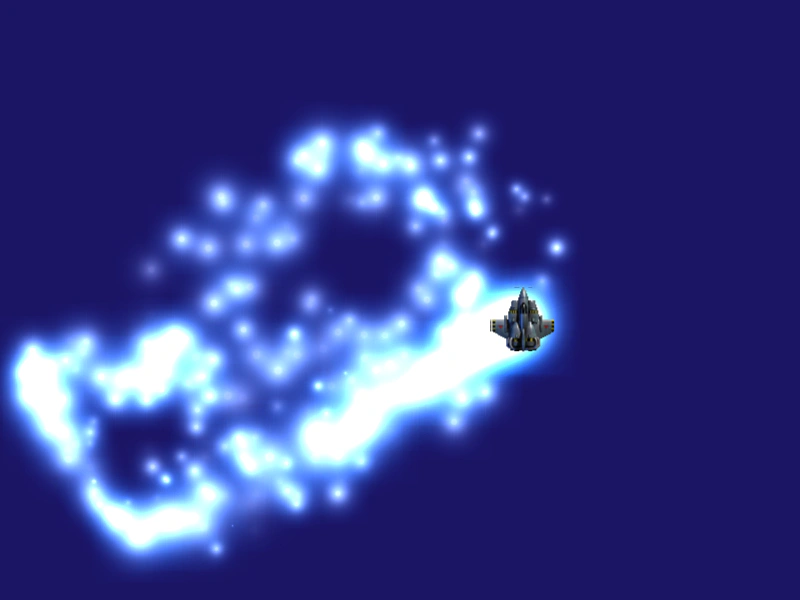 Matter JS ThrustDemonstrates using Matter.js thrust methods for omnidirectional movement and linking particle emitter properties to a physics body's speed.
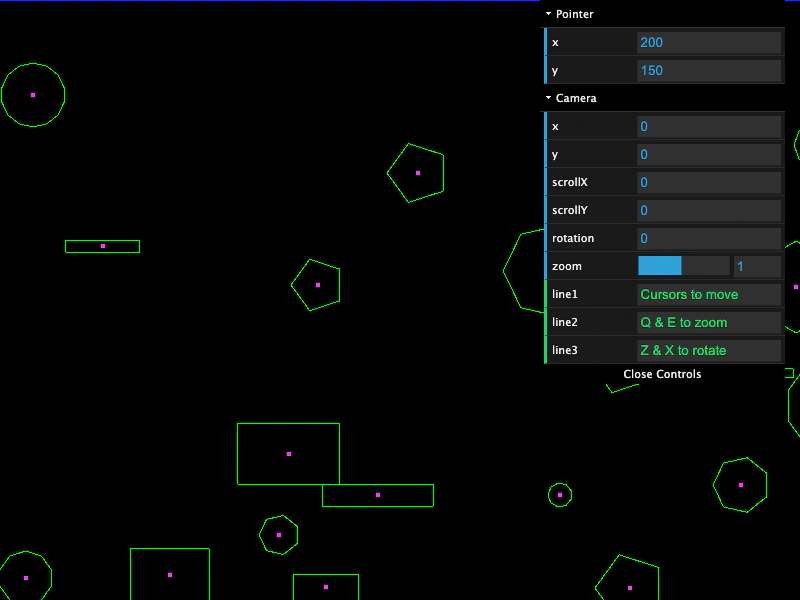 Matter JS World Bodies and Camera NavigationCreate a large Matter JS physics world populated with random polygons and rectangles. This example demonstrates world bounds, mouse interaction via mouseSpring, and camera navigation including panning, zooming, and rotation.
 Matter No GravityDemonstrates how to configure the Matter.js world with zero gravity so that physics bodies remain stationary by default.
 Matter Physics BallsCreate multiple circular physics bodies with Matter.js, demonstrating how to set world boundaries, friction, and restitution (bounce) properties.