Phaser 4 examples
No Audio
- 7 examples
Examples 7
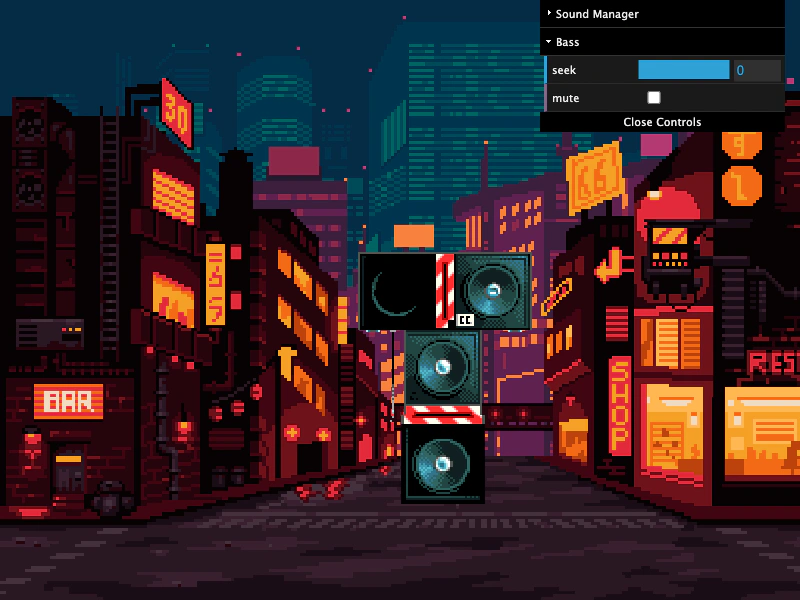 Audio Loop DelayDemonstrates how to stagger multiple looping audio tracks using the delay parameter in the sound playback configuration. It shows how to layer stems by calculating delays based on track duration and syncing visual elements to the audio loop events.
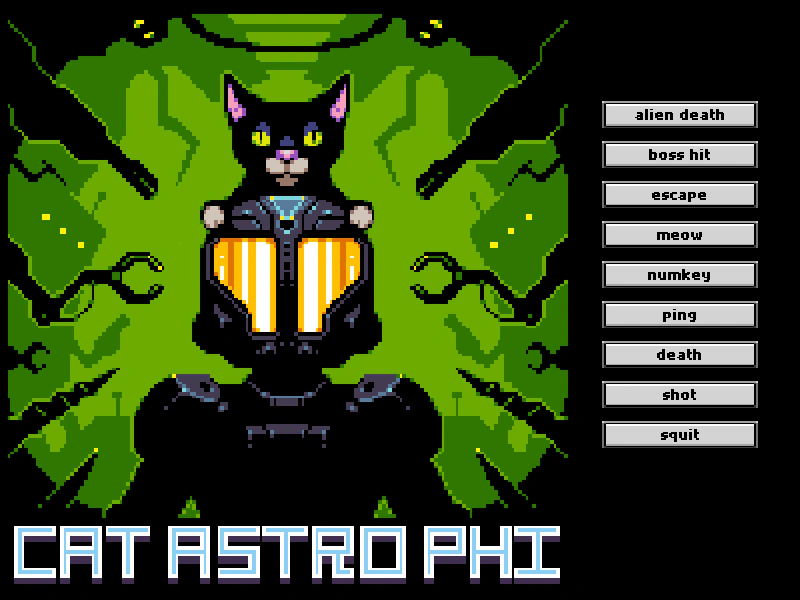 Audio MarkersHow to define specific segments of an audio file using markers and play them back individually, featuring a demonstration of the No Audio sound manager.
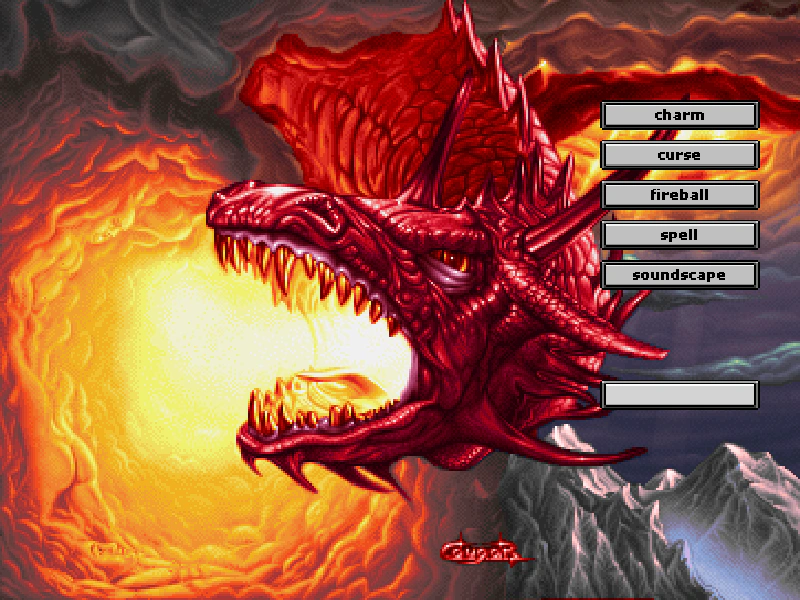 Audio Markers Pause and ResumeDemonstrates how to define audio markers for segments of a sound file and control playback using pause and resume methods.
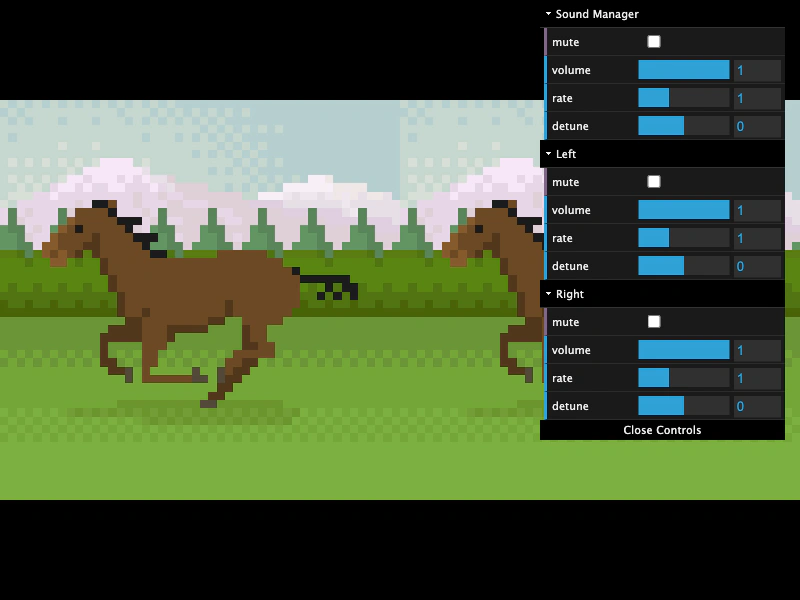 Audio Properties and SynchronizationDemonstrates how to control volume, mute, rate, and detune for both the global Sound Manager and individual sounds, including synchronizing sprite animation speeds and transparency with audio properties.
 Audio SeekingDemonstrates how to start audio at a specific timestamp and synchronize visual movement with playback progress, including interactive scrubbing using the seek property.
 Audio Sprite with No AudioDemonstrates loading an audio sprite via JSON and playing specific segments by name using playAudioSprite, while the game is configured with noAudio: true.
 Sound Events with No AudioDemonstrates how the Sound Manager and Sound objects still emit events and handle property changes like volume, rate, and detune even when the audio system is disabled via the game config.