Phaser 4 examples
Rope
- 12 examples
Examples 12
 Animated RopeLearn how to apply sprite animations to a Rope object and programmatically manipulate its points in the update loop to create organic, wavy movement.
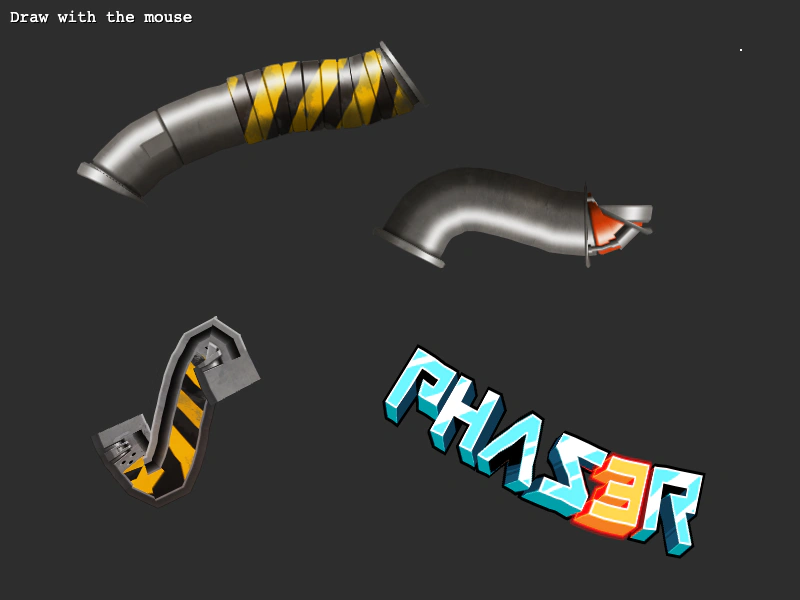 Draw RopeCreate dynamic Rope Game Objects by drawing paths with the mouse. The example captures pointer coordinates to define rope segments and animates them using a sine wave in the update loop.
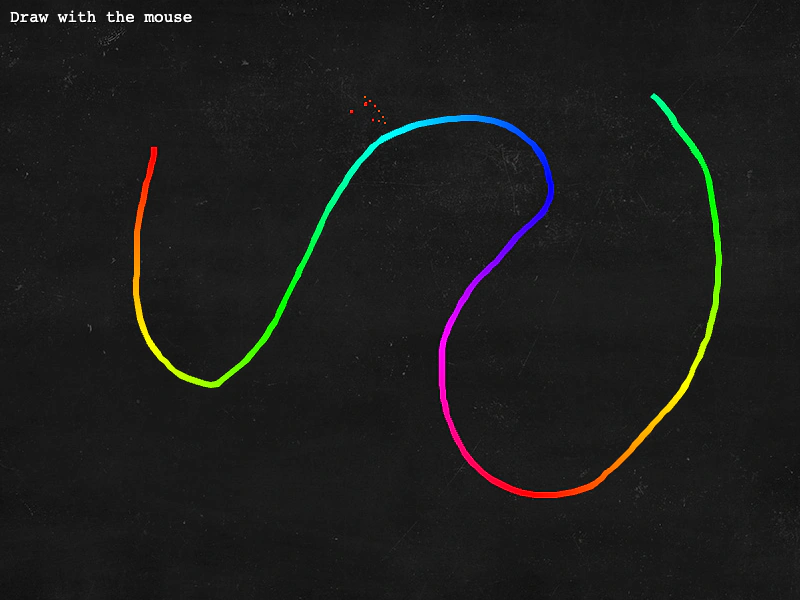 Draw Rope GradientCreate custom Rope Game Objects by drawing with the mouse, applying a color gradient to the vertices and animating the points in real-time.
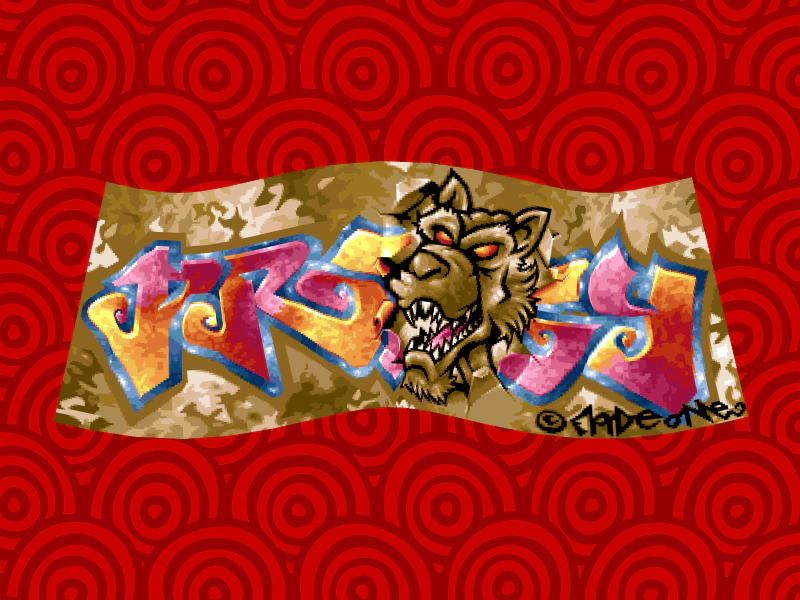 Horizontal RopeDemonstrates how to create a horizontal Rope Game Object split into multiple segments and animate its individual vertices using a sine wave for a rippling movement effect.
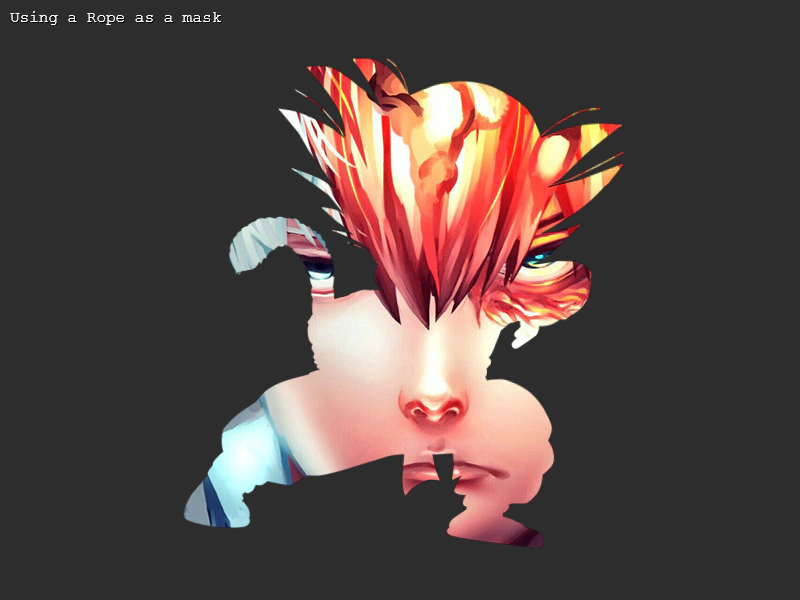 Rope As A MaskDemonstrates using a dynamic Rope Game Object as a mask for an image. The rope vertices are manipulated in the update loop to create a waving deformation effect that clips the underlying texture.
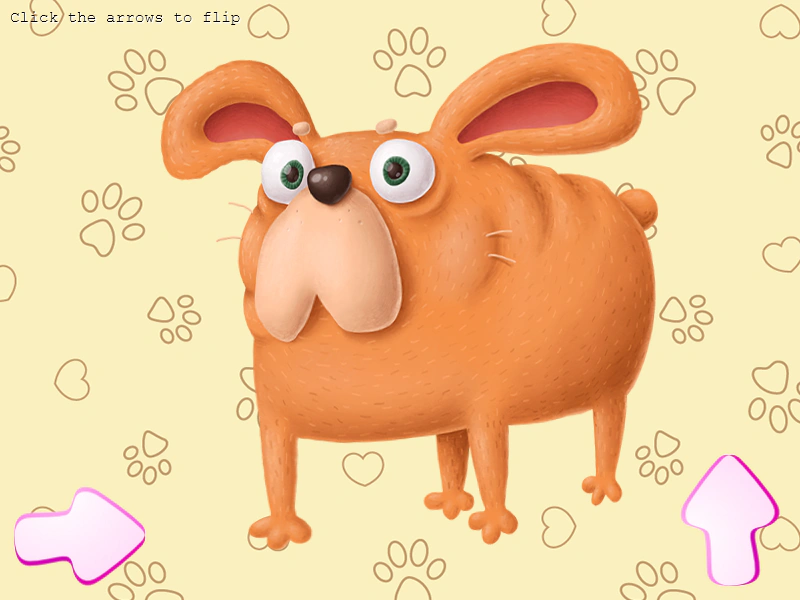 Rope FlippingDemonstrates how to toggle horizontal and vertical flipping on a Rope Game Object while its points are being animated.
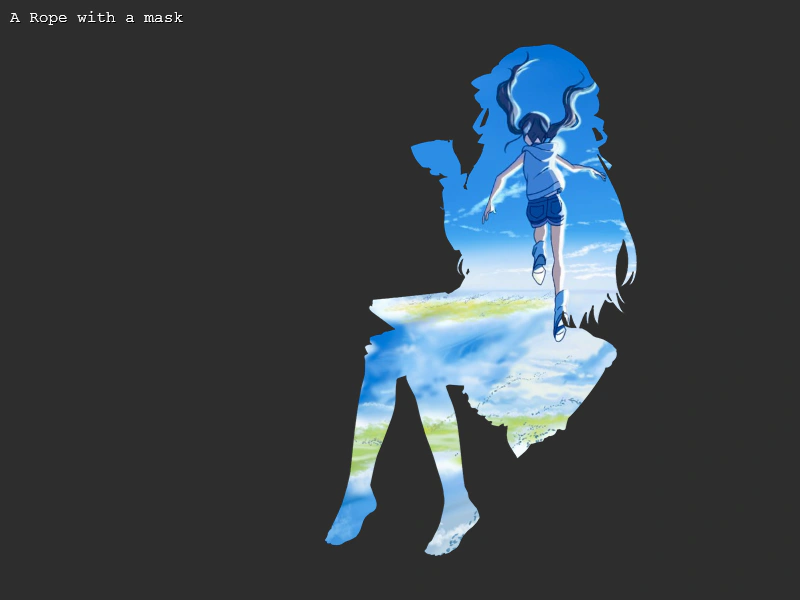 Rope with a MaskThis example demonstrates how to apply an image-based mask to a Rope Game Object while it is deforming, using the filters system.
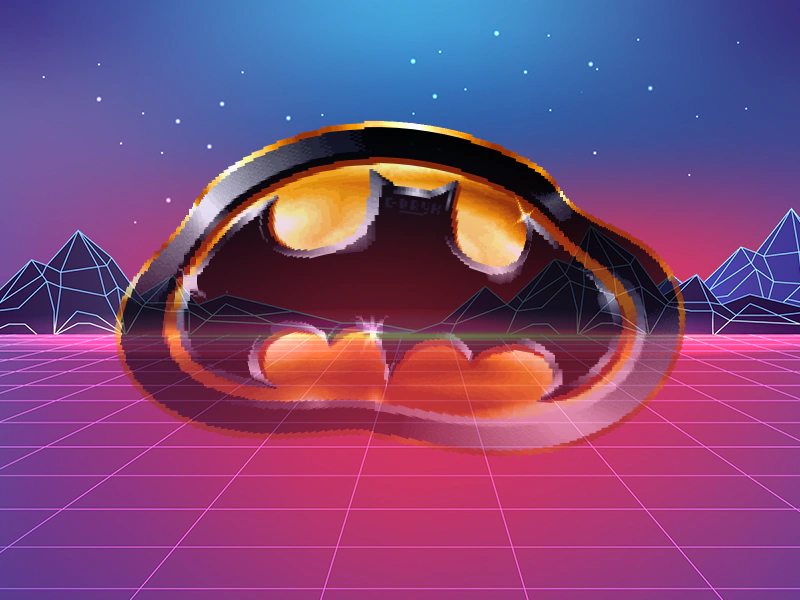 Rope with Alpha GradientDemonstrates how to apply a vertical alpha gradient to a Rope Game Object using the setAlphas method, creating a transparency transition from top to bottom.
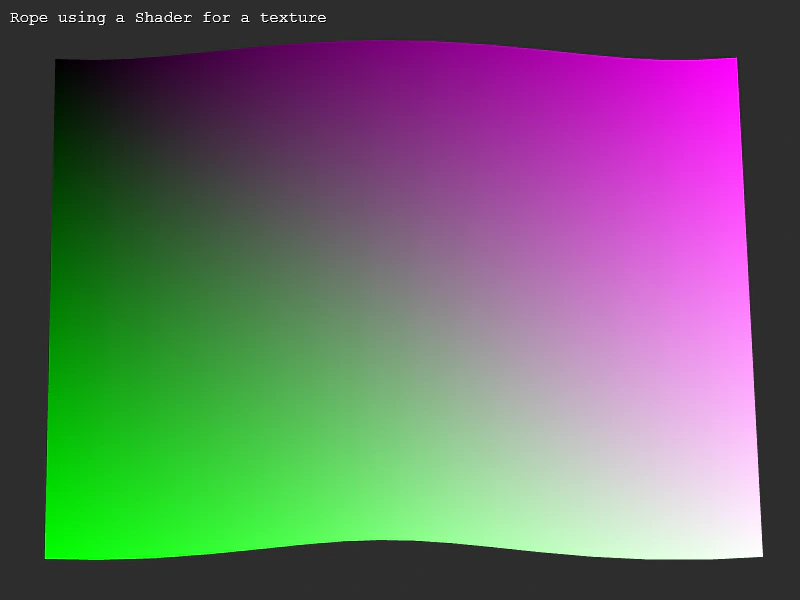 Rope with Shader TextureDemonstrates using a Shader rendered to a texture as the source for a Rope game object, while dynamically deforming the rope points.
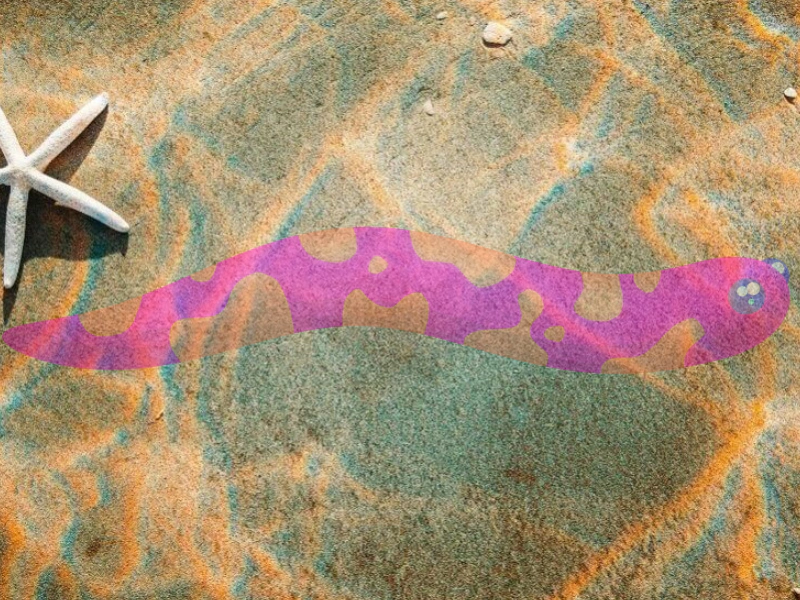 Rope with Single AlphaDemonstrates how to apply and animate the global alpha property of a Rope Game Object while its vertices are being updated in real-time.
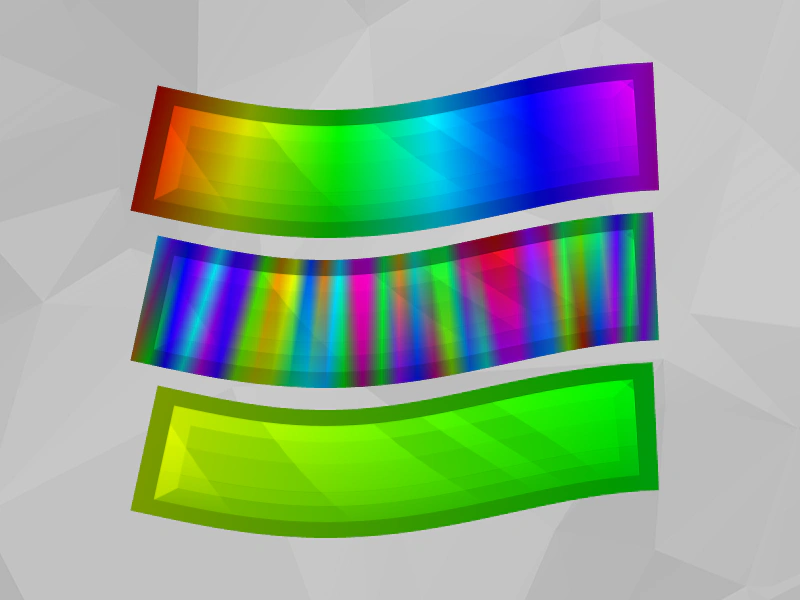 Vertex Tint RopeDemonstrates how to apply and animate colors to individual vertices of a Rope Game Object using the colors array to create gradients and cycling effects.
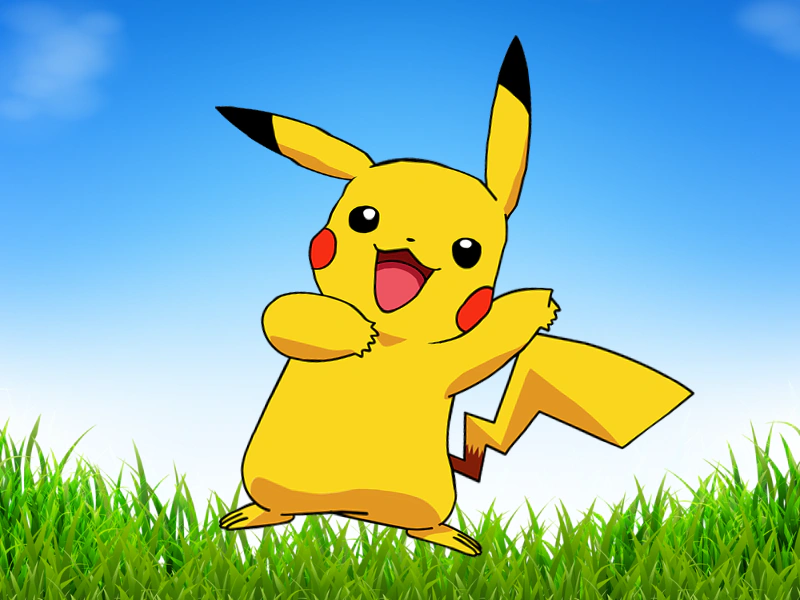 Vertical RopeLearn how to create a vertically aligned Rope Game Object divided into segments and animate its points to create a swaying effect.