Phaser 4 examples
Container
- 52 examples
Examples 52
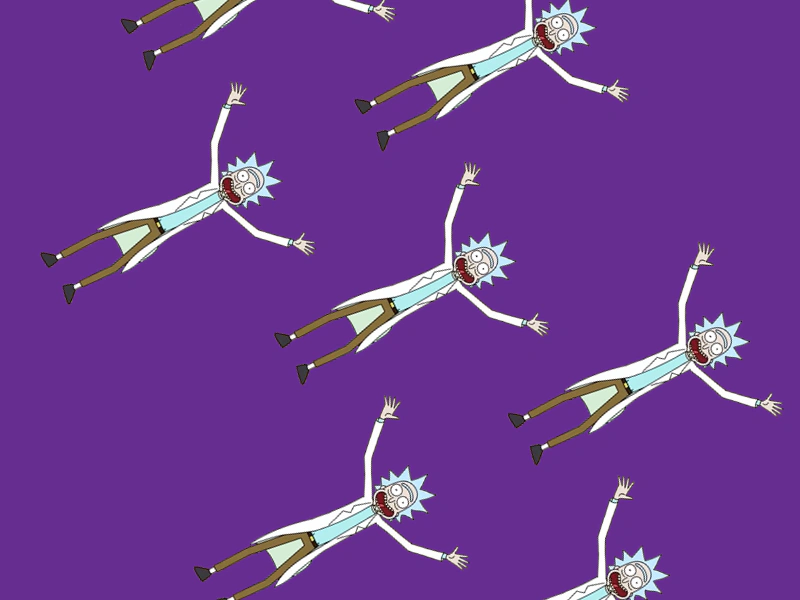 Add Array of Sprites to ContainerDemonstrates how to add multiple Game Objects to a Container simultaneously using an array and shows how transformations applied to the Container affect all its children collectively.
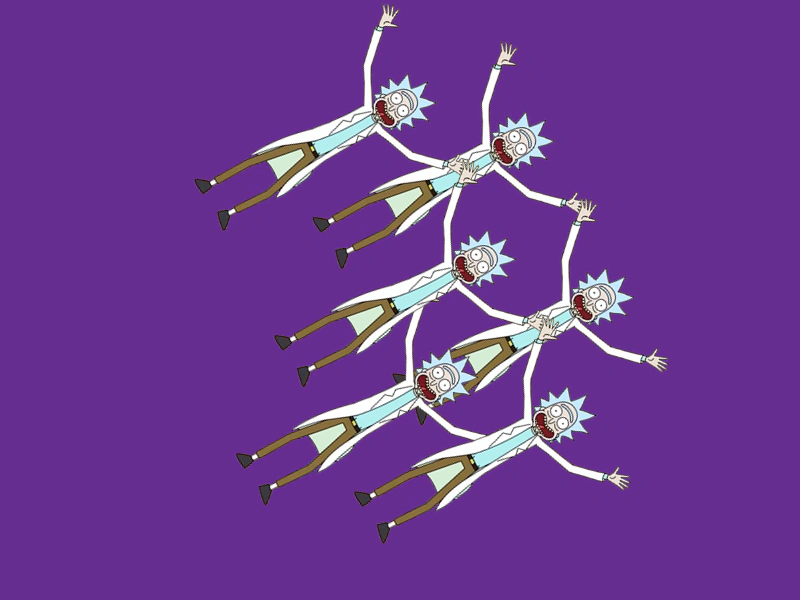 Add Array of Sprites to Container at IndexDemonstrates how to add multiple Game Objects to a Container simultaneously while specifying their insertion index in the display list.
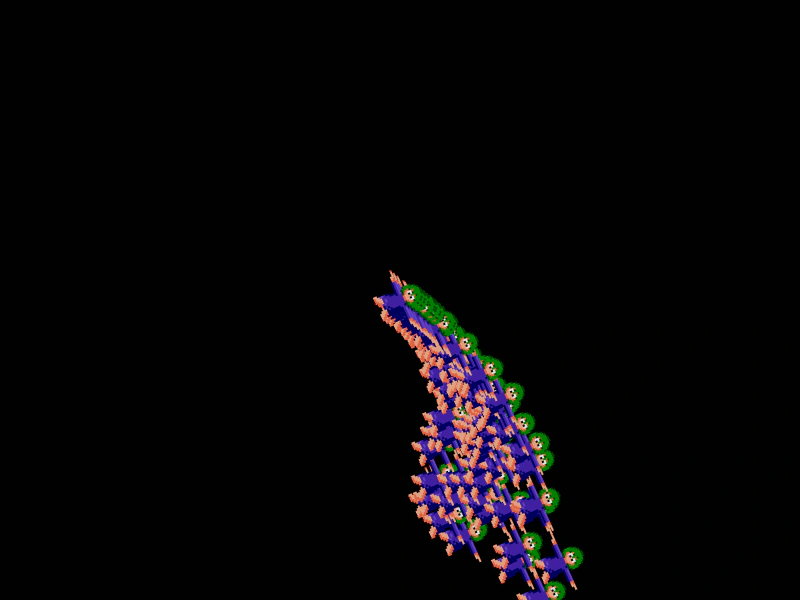 Add Emitter to ContainerDemonstrates how to add a Particle Emitter to a Container and apply transformations like rotation to the entire group.
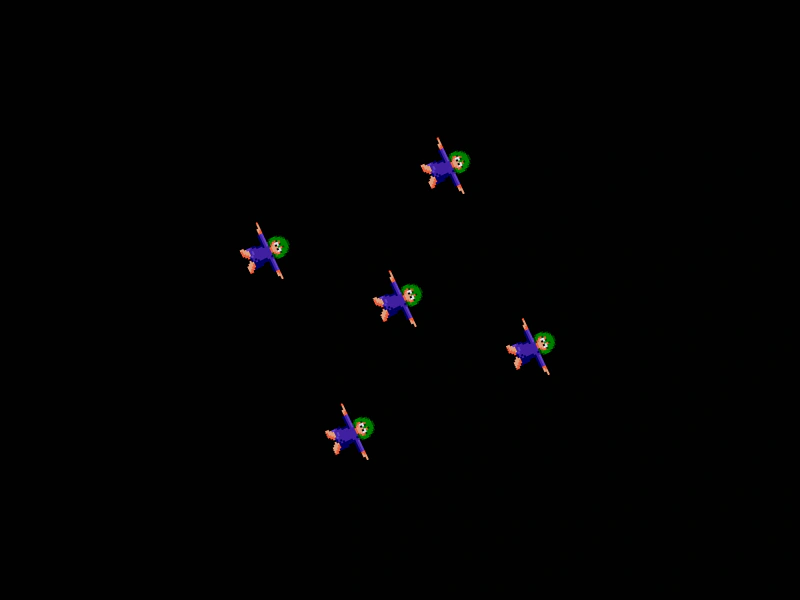 Add Sprite To ContainerDemonstrates how to add multiple sprites as children of a Container, showing how child positions and transformations remain relative to the parent.
 Add TileSprite to ContainerDemonstrates how to add a TileSprite inside a Container and animate its tile position properties while nested.
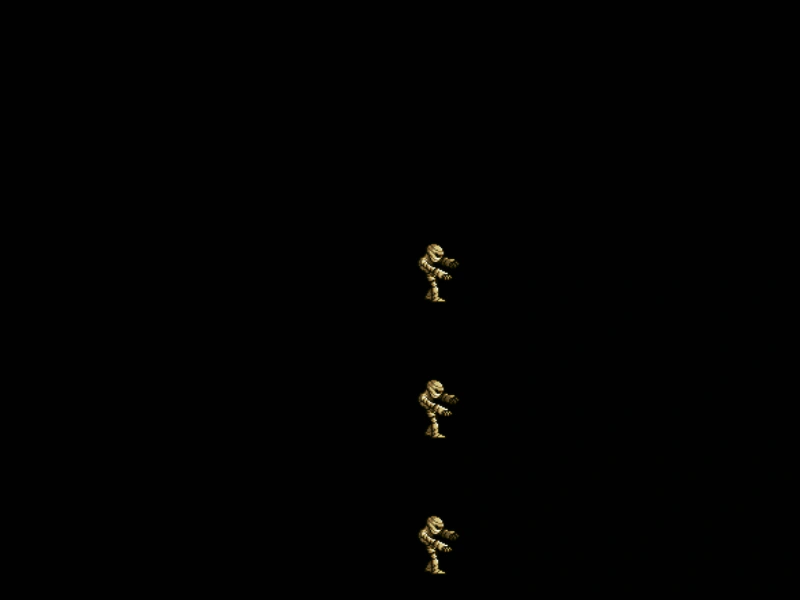 Animated Sprites in a ContainerDemonstrates playing animations on multiple sprites grouped inside a Container and applying transforms to the container itself.
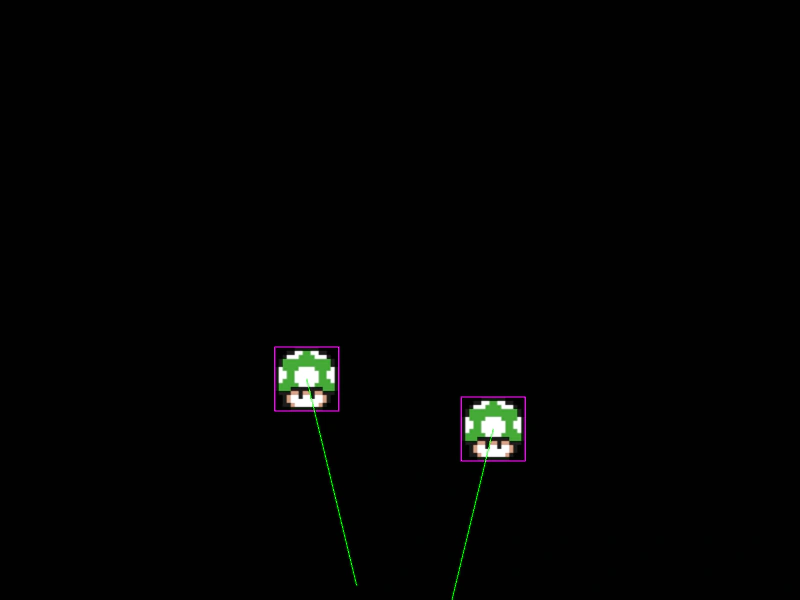 Arcade Physics Sprite in ContainerDemonstrates how Arcade Physics bodies interact when nested inside a Container, featuring collision detection, velocity, and world bounds between standard sprites and containerized ones.
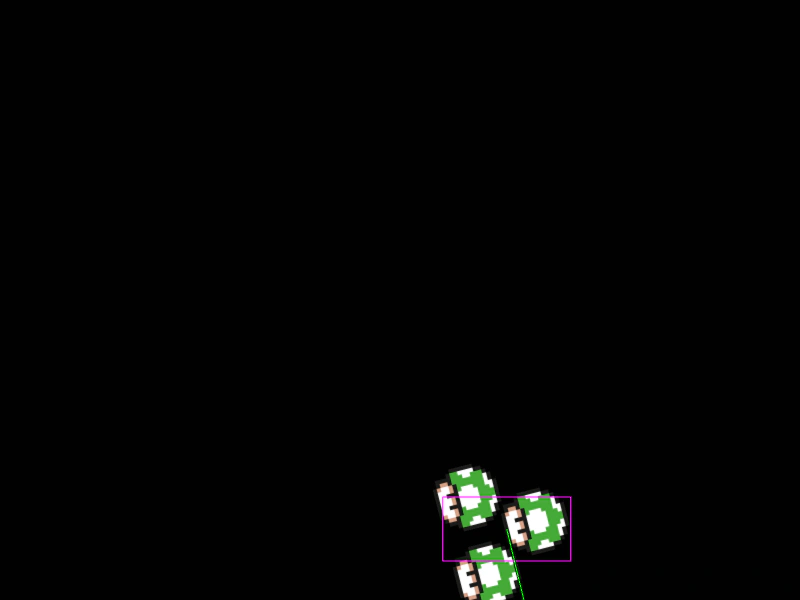 Arcade Physics with ContainersDemonstrates how to apply an Arcade Physics body to a Container. It highlights the importance of manually setting the container size before enabling physics to ensure the body correctly matches the grouped sprites.
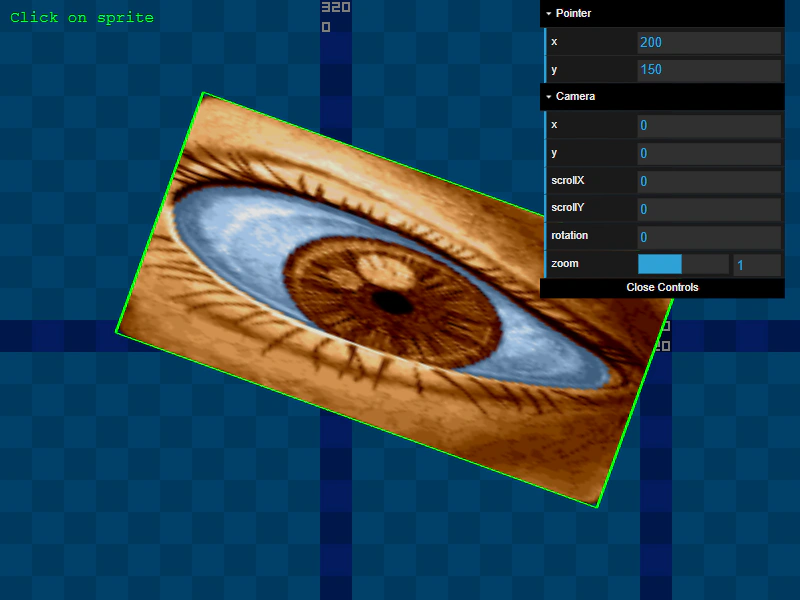 Camera and Container Transform TestDemonstrates how nested transformations inside a Container interact with Camera properties like zoom, rotation, and scroll while maintaining accurate input detection.
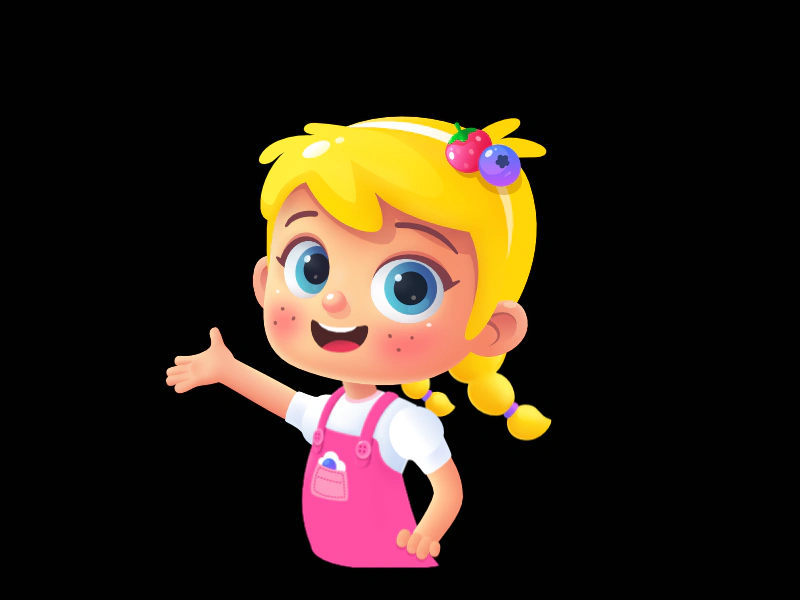 Character Assembly with ContainersDemonstrates how to build a complex character by adding multiple individual sprite parts from a texture atlas into a single Container.
 Container AlphaDemonstrates how setting the alpha transparency on a Container affects all of its children simultaneously, even when children have their own individual alpha values.
 Container and Child InputDemonstrates how to enable input handling for both a Container and its individual child objects simultaneously, including using a custom shape for the container's hit area.
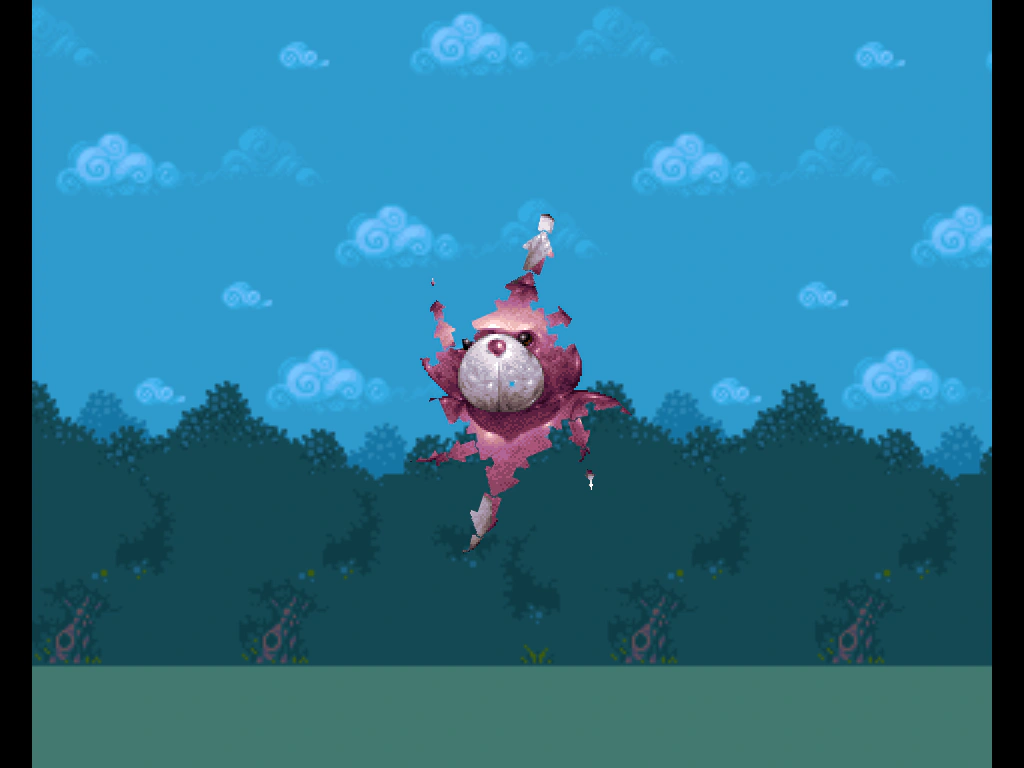 Container As MaskDemonstrates using a complex, nested Container hierarchy as a dynamic mask for a Sprite, featuring animated transformations of parent and child containers.
 Container Child Blend ModesThis example demonstrates how individual Game Objects inside a Container can maintain their own unique blend modes when rendered.
 Container Child InputDemonstrates how to handle input events for sprites contained within a moving, scaled Container. Clicking a sprite changes its tint while the parent container moves across the screen.
 Container Child OrderDemonstrates how to manipulate the rendering depth of Game Objects inside a Container using the bringToTop method.
 Container DepthDemonstrates how a Container and its children interact with the Scene display list depth, showing how multiple sprites can be grouped and transformed as a single unit above a background image.
 Container Hit AreaDefines a custom circular hit area for a Container to handle pointer events for a group of Game Objects.
 Container Hit Area from SizeLearn how to make a Container interactive by manually setting its size to match its children. This enables the Container to detect pointer events like hover and click within the defined dimensions.
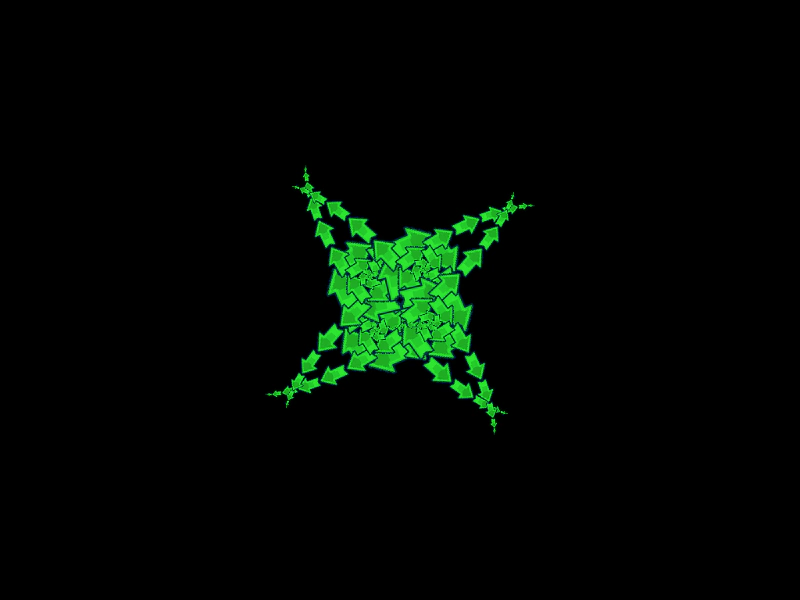 Container Inverse KinematicsDemonstrates nested Containers and how rotation and scale transformations propagate through a multi-jointed parent-child hierarchy to create complex animations.
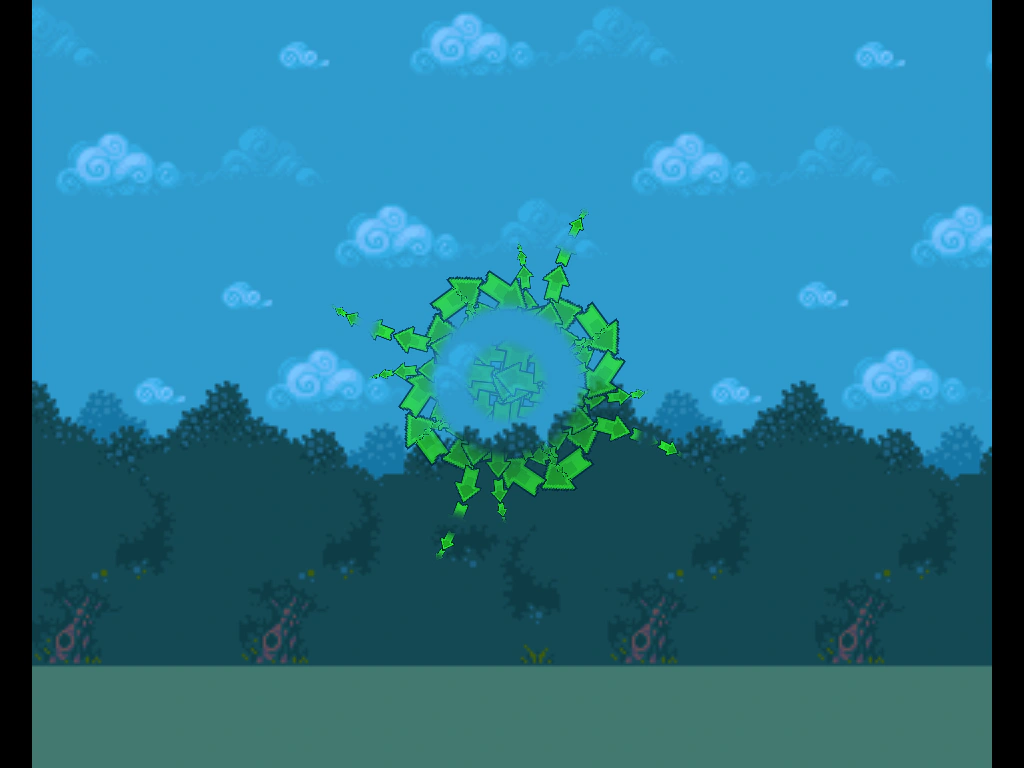 Container MaskDemonstrates how to apply a mask to a Container and its entire hierarchy of nested children, allowing for complex clipped animations.
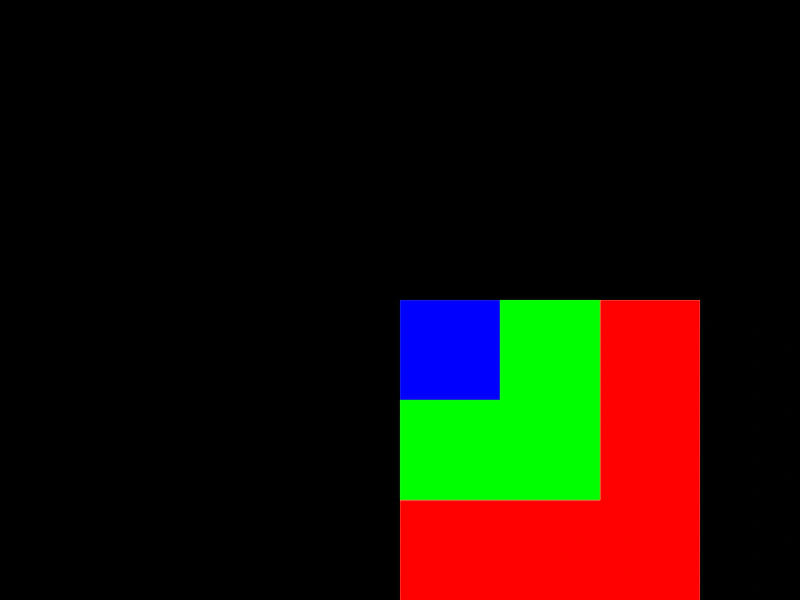 Container PlacementDemonstrates how child objects and nested containers are positioned relative to their parent container's origin.
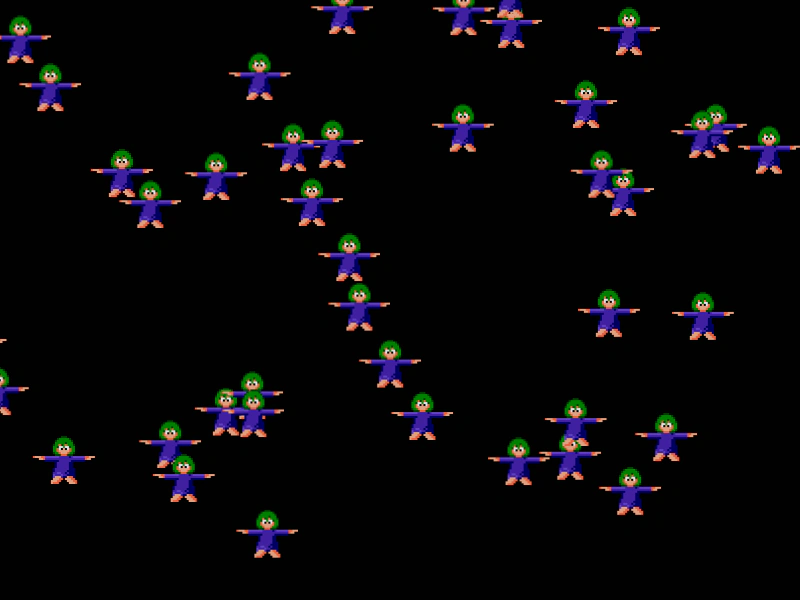 Container Scroll FactorDemonstrates how to set different scroll factors on Containers to create parallax effects as the camera moves.
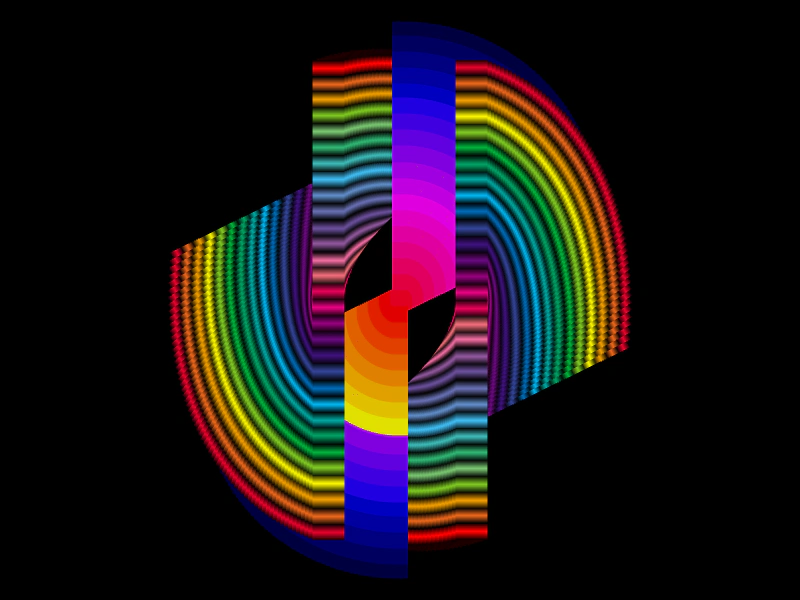 Container Trail with Shared ChildrenDemonstrates creating a complex twirl effect by disabling container exclusivity, allowing multiple Containers to share and transform the same set of sprites simultaneously.
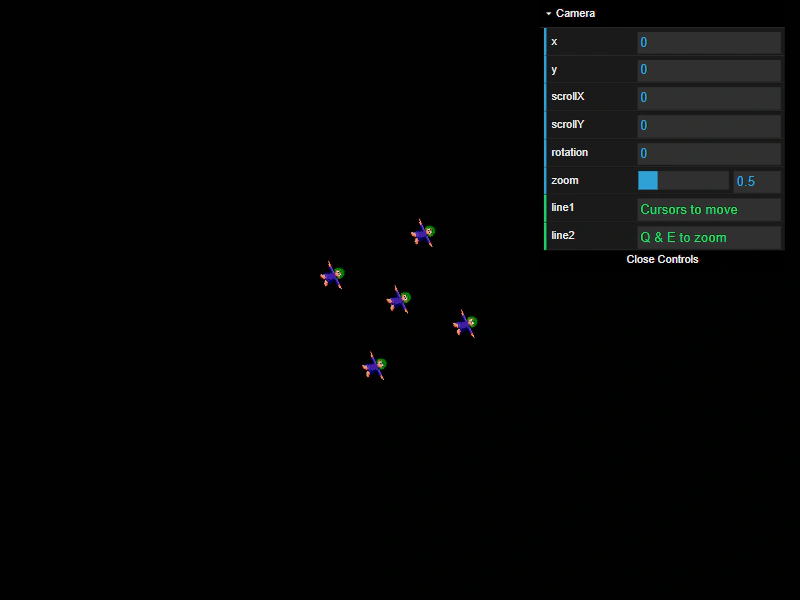 Container with Camera ZoomDemonstrates how Containers interact with camera zoom and movement controls, featuring nested sprites and interactive camera navigation using SmoothedKeyControl.
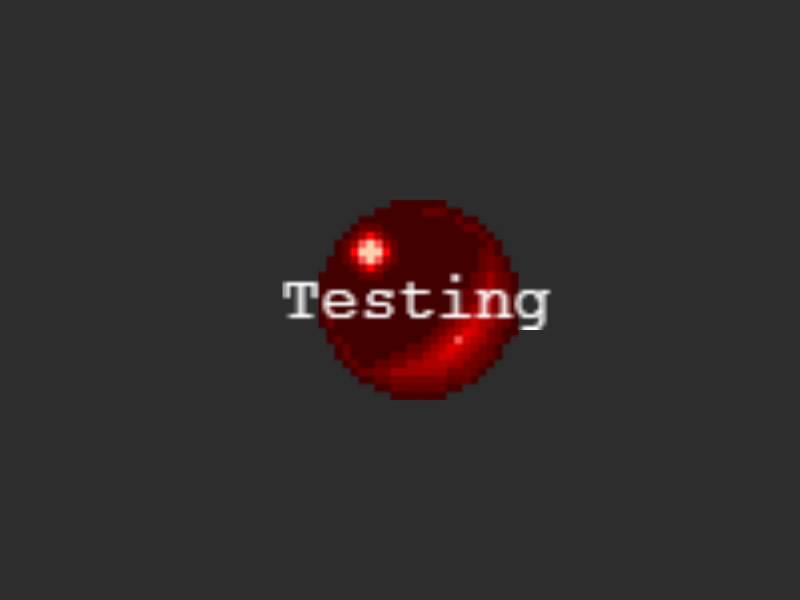 Container with Text and SpriteGrouping a Sprite and a Text object within a Container to demonstrate unified scaling and tweening of multiple game objects.
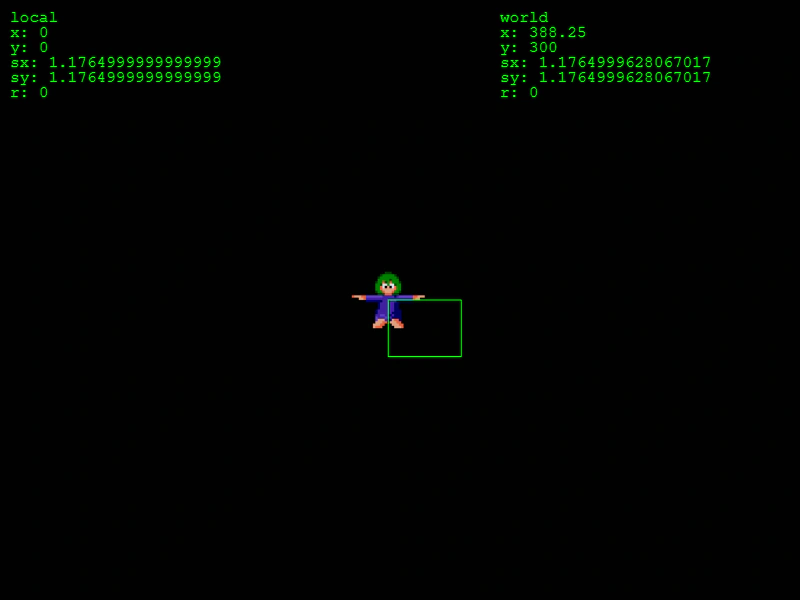 Container World Transform MatrixDemonstrates how to use a Transform Matrix to calculate the global (world) position, scale, and rotation of a Game Object nested within multiple containers.
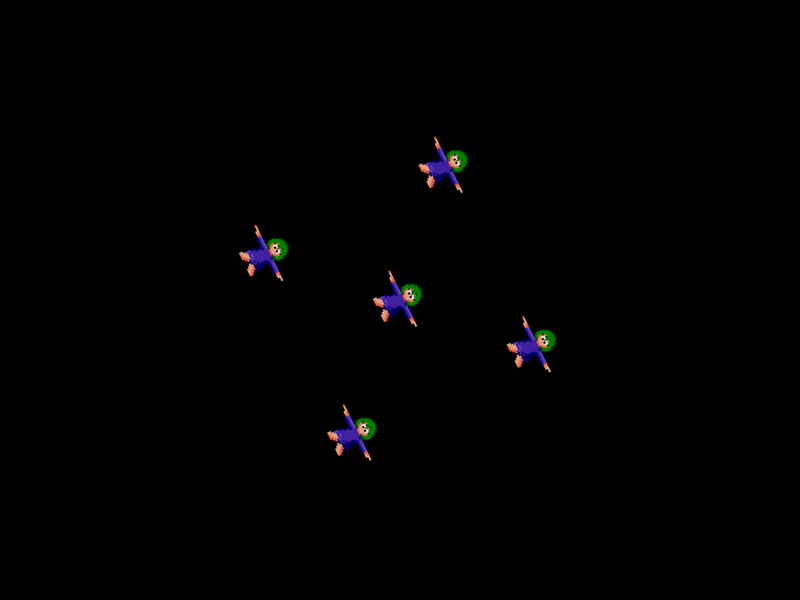 Create ContainerDemonstrates how to group multiple images into a Container and apply transforms, such as rotation, to the entire group at once.
 Draggable ContainerDemonstrates how to enable drag-and-drop functionality for a Container, allowing multiple game objects to be moved together as one interactive unit.
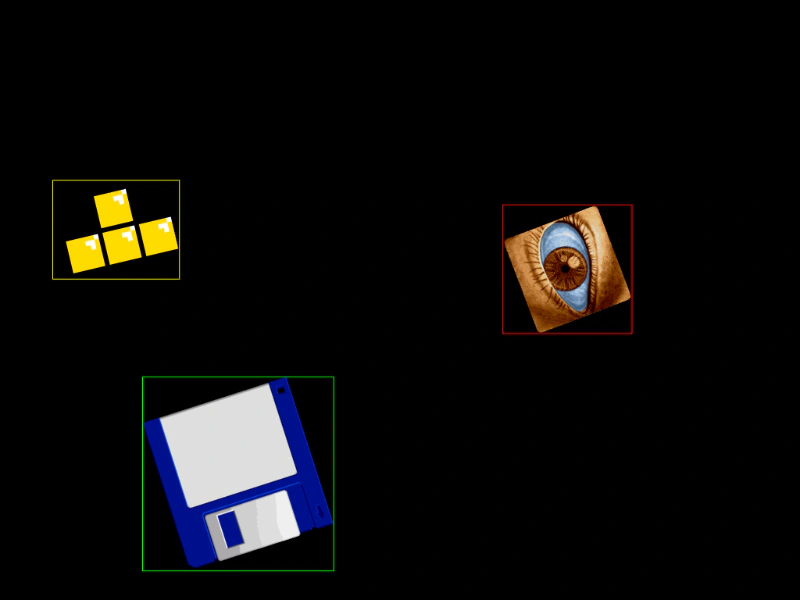 Get Bounds of Nested Container ObjectsDemonstrates how to retrieve the world-space bounding box for Game Objects nested inside a rotated Container, accounting for parent transformations as well as local rotation, scale, and origin.
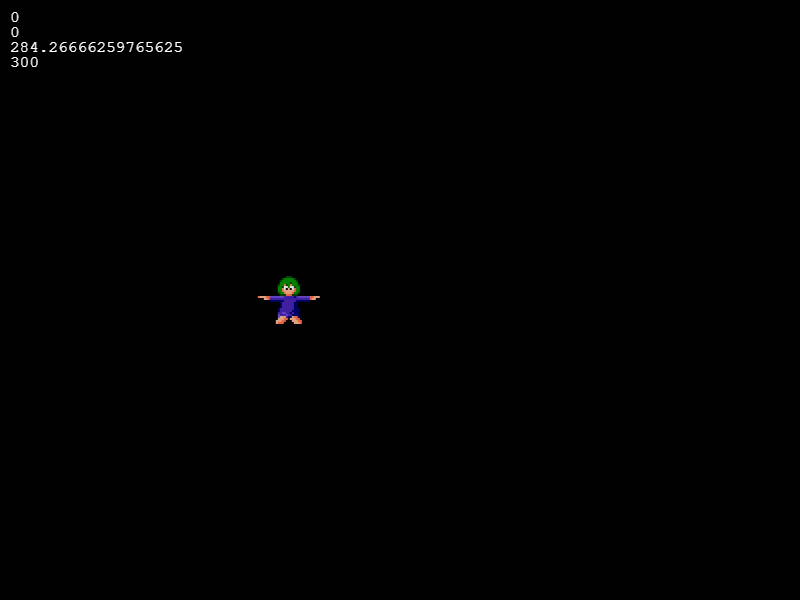 Get Child World PositionDemonstrates how to calculate the global world coordinates of a child object inside a moving Container using the local transform matrix.
 Input on Scaled Container SpritesDemonstrates interactive input detection on a sprite with negative scaling and a custom origin inside a Container.
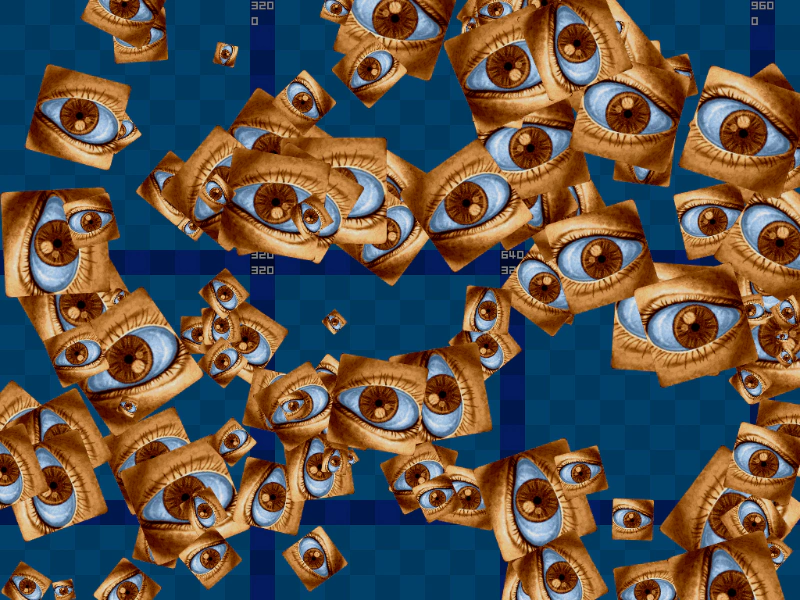 Input Overlap in Nested ContainersDemonstrates pointer input detection and hover events for interactive Sprites nested within multiple levels of Containers.
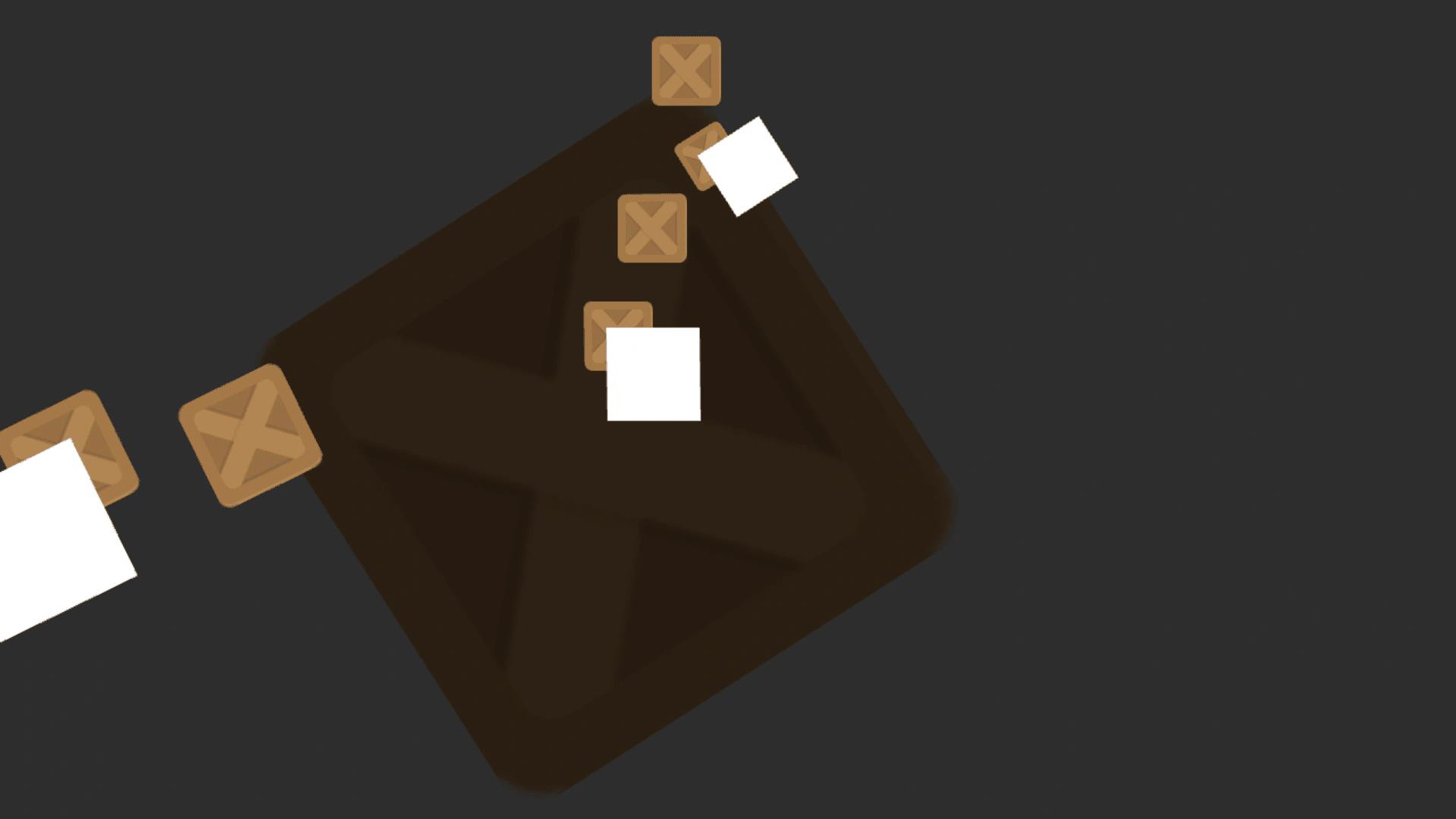 Inside Container Vs Outside ContainerA visual comparison of how rotation and scale transformations affect Game Objects when they are placed directly in the Scene versus when they are nested inside single or multiple parent Containers.
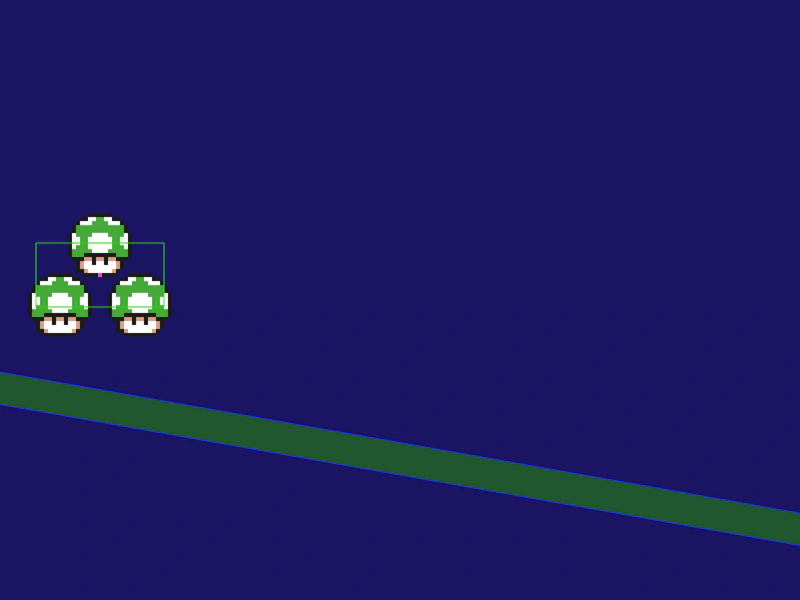 Matter Physics ContainerDemonstrates how to apply a Matter Physics body to a Container. Note that you must define the container size using setSize before enabling the physics body.
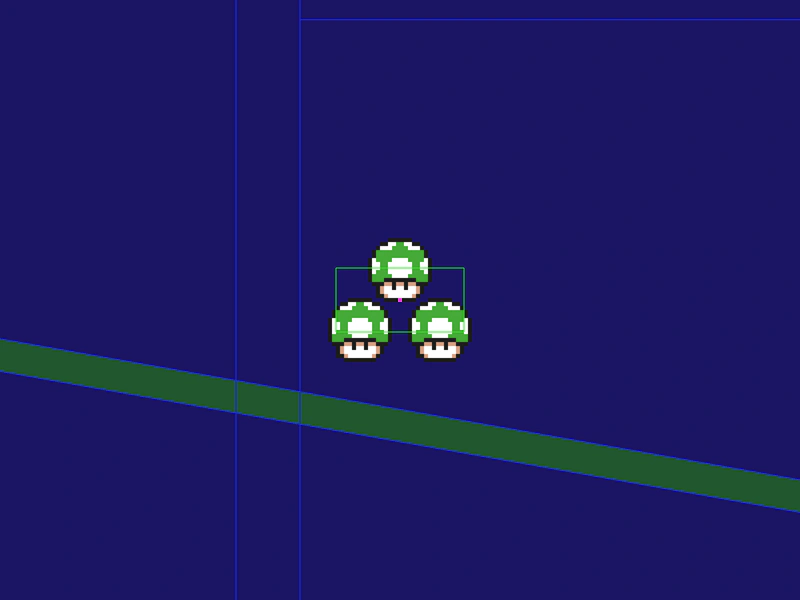 Matter Physics Container and Camera FollowDemonstrates how to apply a Matter physics body to a Container by setting an explicit size and configuring the camera to follow the container as it moves through the world.
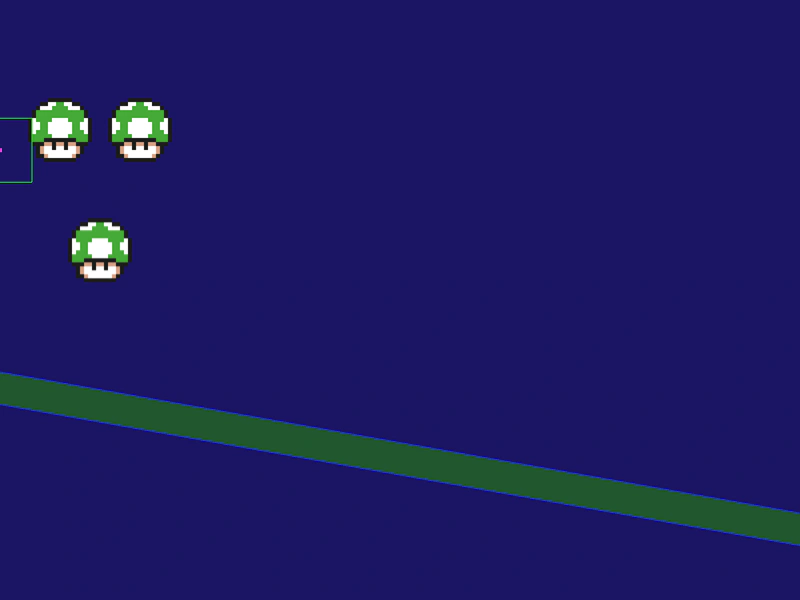 Matter Physics Sprite in ContainerDemonstrates how to apply Matter.js physics to a specific Game Object that is a child of a Container.
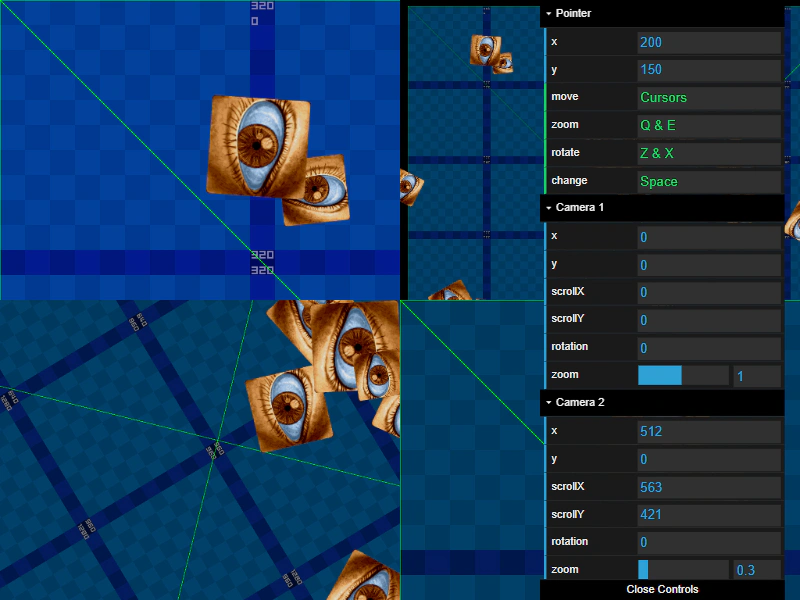 Multi-Camera Container InputDemonstrates how input events function correctly across multiple cameras with varying zoom, rotation, and scroll settings, specifically focusing on interactive Sprites inside a Container.
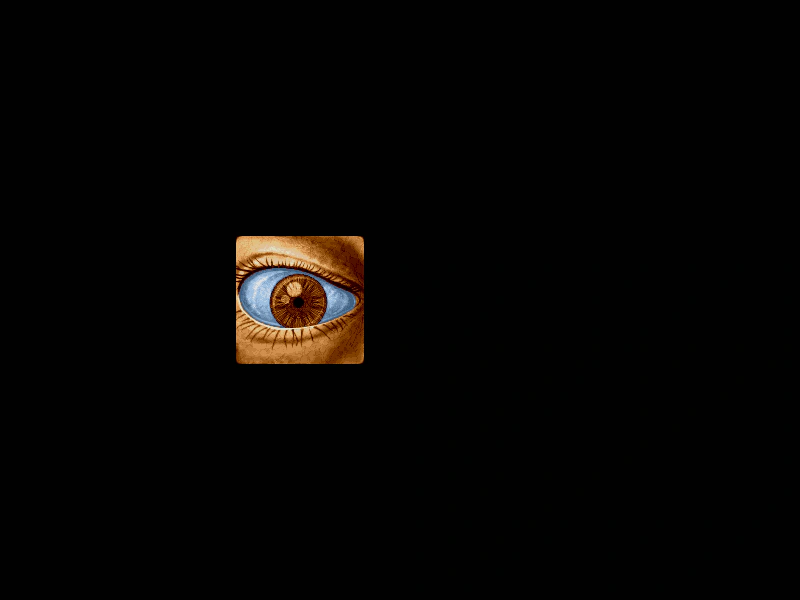 Nested Container InputDemonstrates how to handle input events on a Sprite that is nested inside multiple levels of Containers.
 Nested Container InputDemonstrates input event handling for interactive Game Objects nested within multiple layers of parent Containers, showing how hit areas correctly account for nested transformations like rotation and scale.
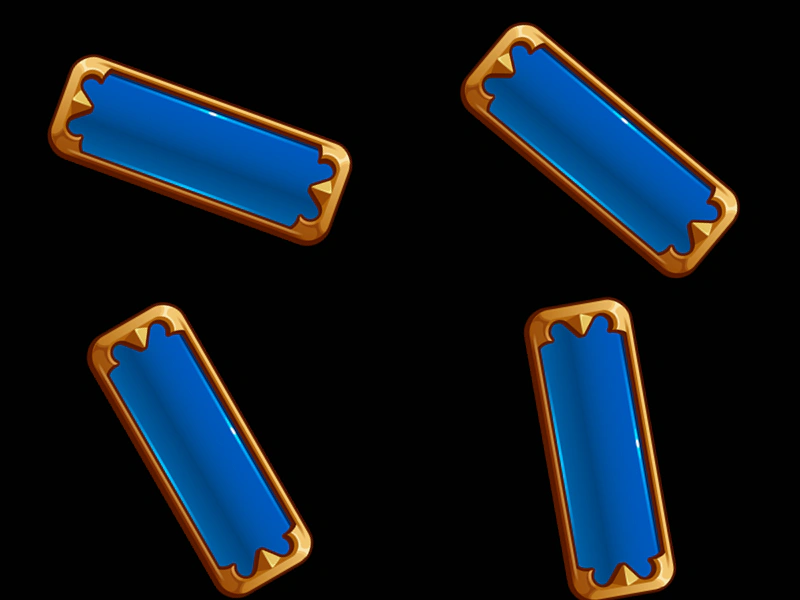 Nested Container TransformsDemonstrates how transformations like rotation and position are inherited across single and multiple levels of nested Containers.
 Nested Container VisibilityDemonstrates how toggling the visibility of a nested container affects all children within it, including images and other nested containers.
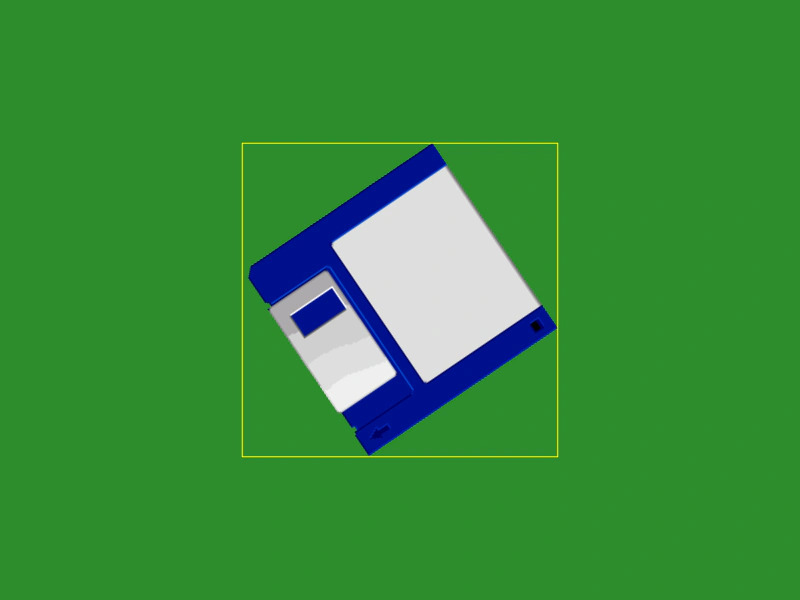 Nested Get Bounds TestDemonstrates how to accurately calculate the world-space bounds of a sprite nested inside multiple transformed containers using the getBounds method.
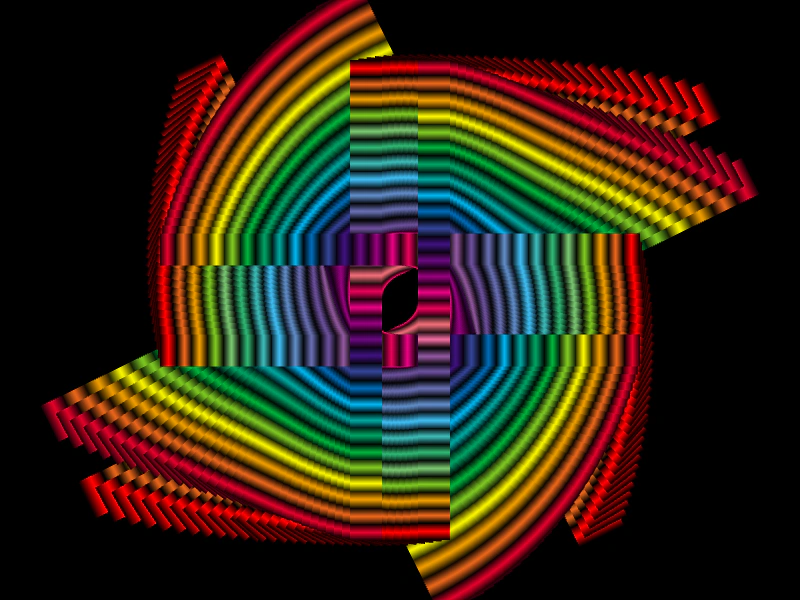 Non-Exclusive Container ChildrenDemonstrates how to render the same sprites multiple times by adding them to multiple Containers using the setExclusive(false) property, combined with staggered tweens for a complex visual effect.
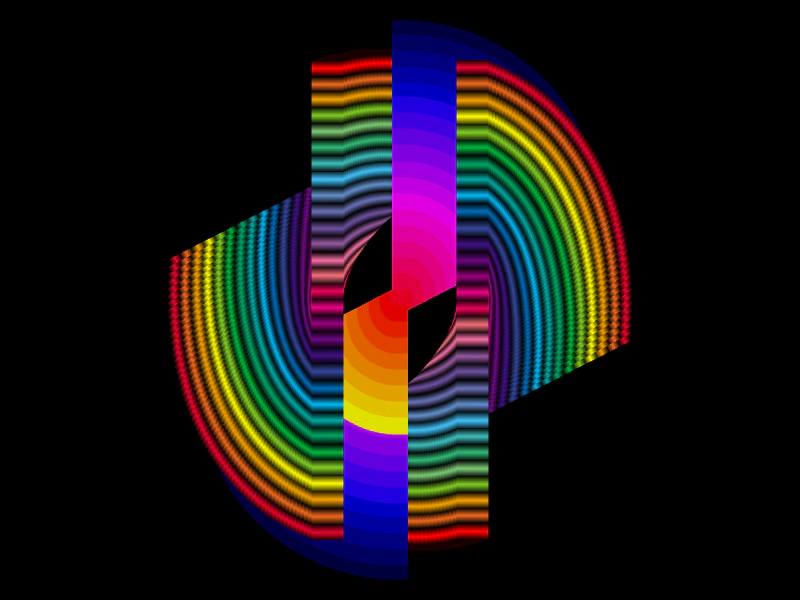 Non-Exclusive ContainersDemonstrates using non-exclusive containers to add the same Game Objects to multiple container parents, allowing a single sprite to be rendered multiple times with different transforms.
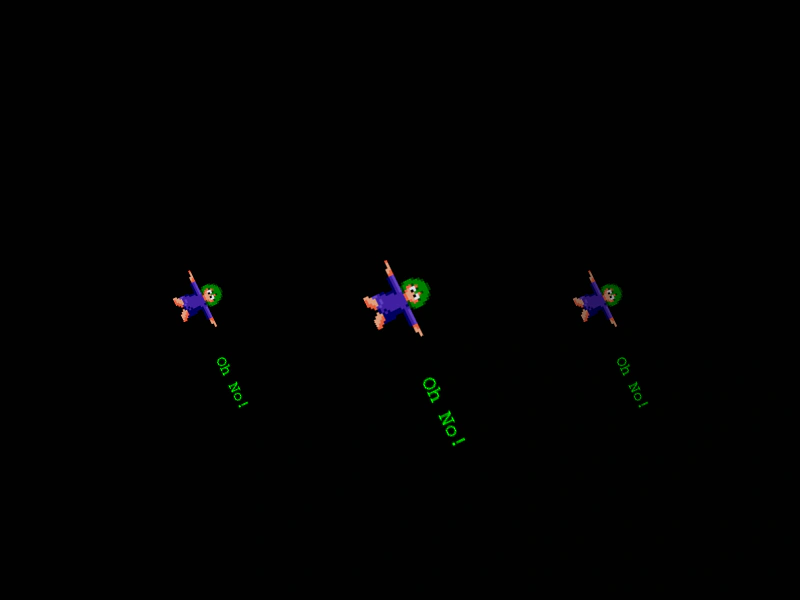 Non-Exclusive ContainersDemonstrates how to add the same Game Object to multiple containers simultaneously by disabling exclusivity, allowing a single object to be rendered in multiple locations with different transformations.
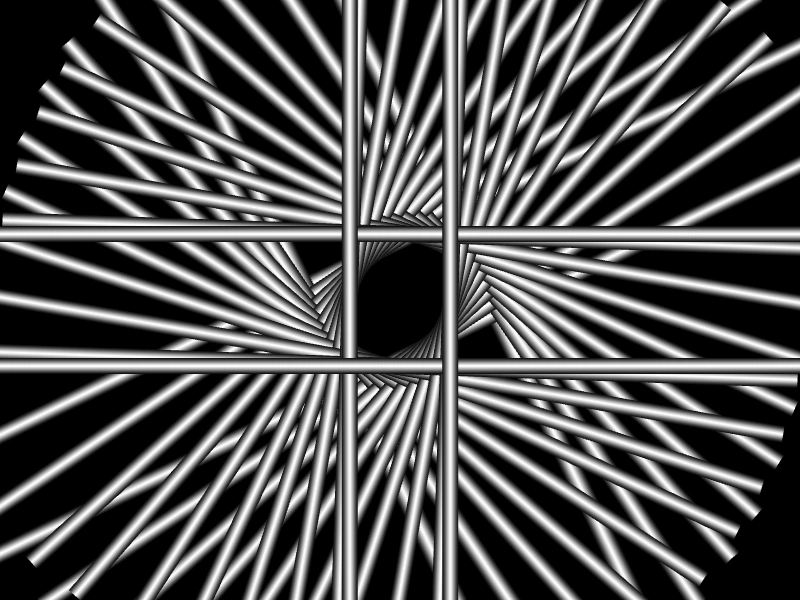 Non-Exclusive Containers with Shared SpritesDemonstrates using setExclusive(false) to add the same sprite instances to multiple containers, combined with staggered container tweens to create a complex visual twirl effect.
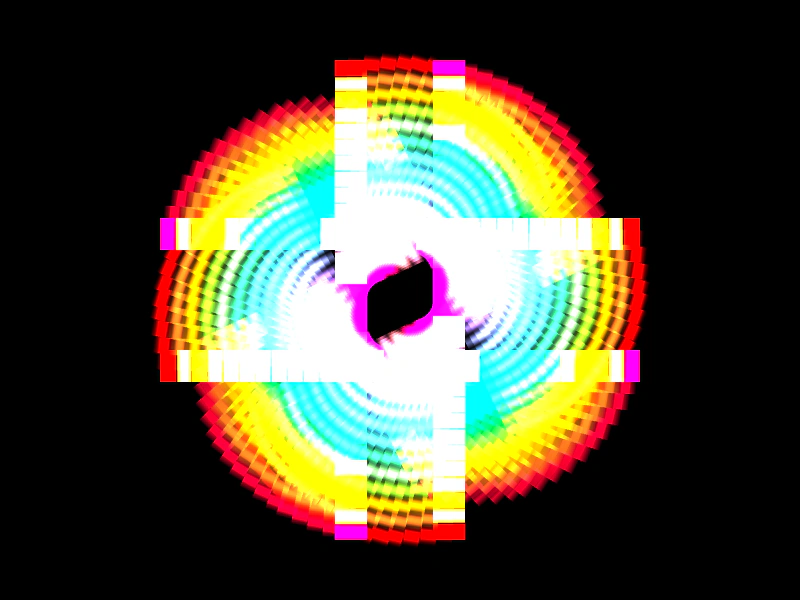 Non-Exclusive Shared Container ChildrenDemonstrates using the setExclusive(false) method to allow multiple Containers to share and render the same set of Sprites simultaneously, creating complex visual effects with additive blending and staggered tweens.
 Rotated Container InputDemonstrates how input events function correctly for interactive Game Objects placed inside a rotated Container.
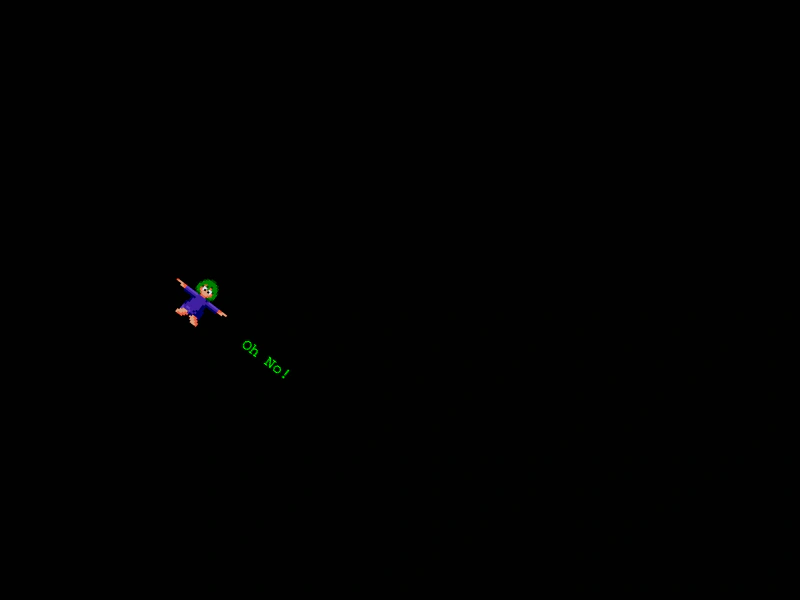 Rotating a ContainerThis example shows how rotating a Container automatically rotates all of its child Game Objects, such as images and text, as a single group.
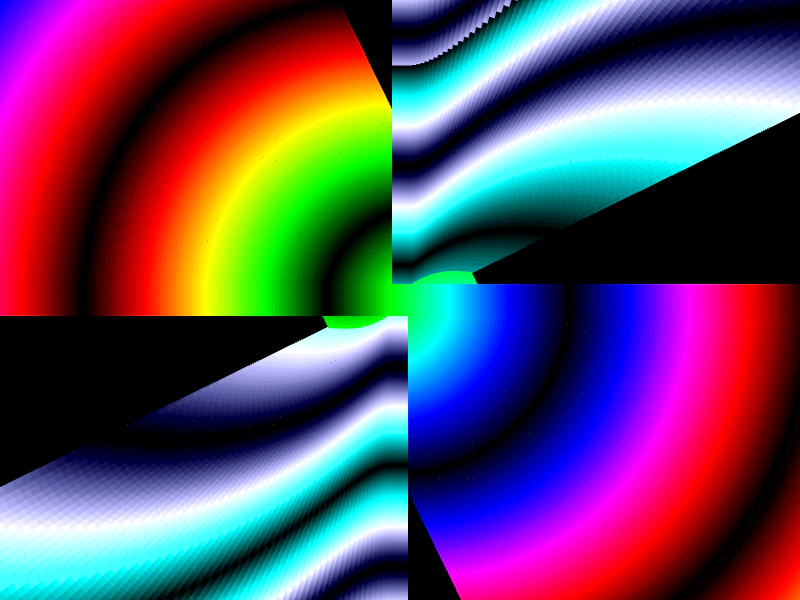 Twirl Effect with Non-Exclusive ContainersDemonstrates creating a complex visual effect by adding the same sprites to multiple non-exclusive containers and applying staggered tween animations.
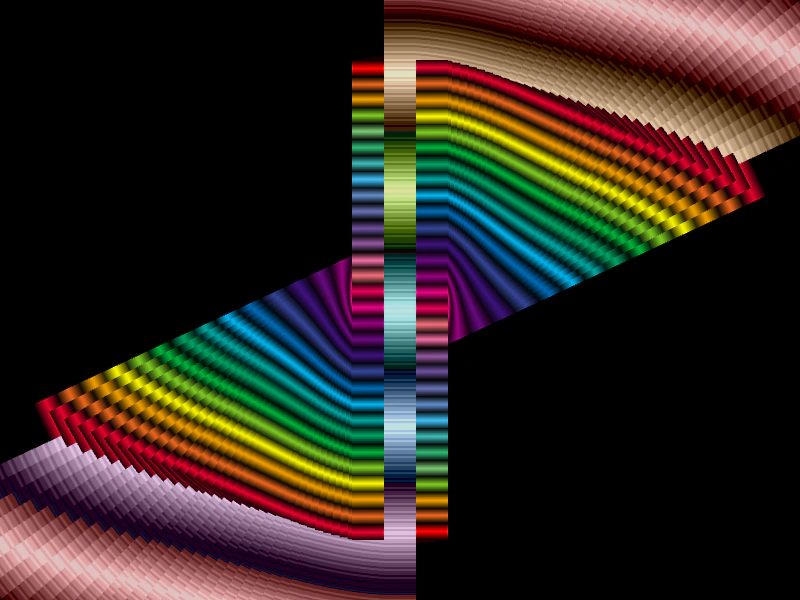 Twirl with Non-Exclusive ContainersDemonstrates the use of non-exclusive containers to share the same set of sprites across multiple container instances, creating a complex twirling effect through staggered tweens.