Container Hit Area
Defines a custom circular hit area for a Container to handle pointer events for a group of Game Objects.
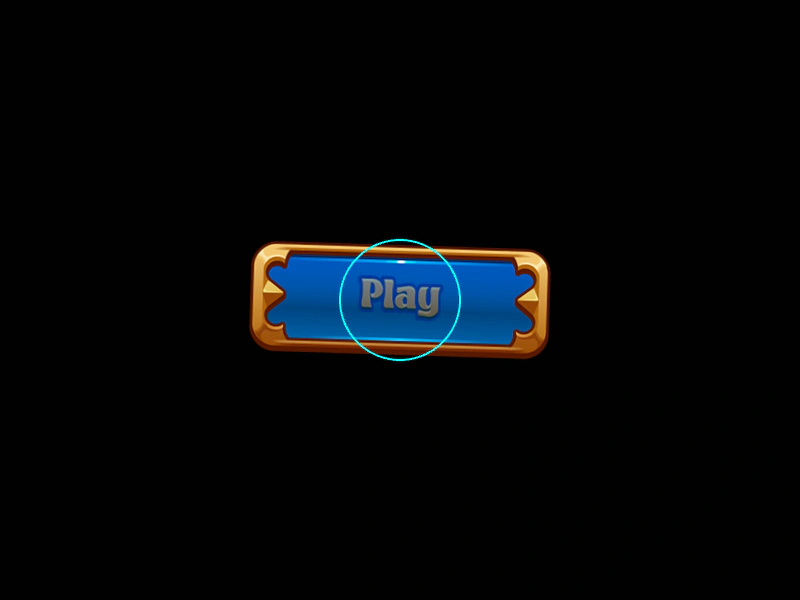
800 × 600
class Example extends Phaser.Scene
{
    preload ()
    {
        this.load.setBaseURL('https://cdn.phaserfiles.com/v410');
        this.load.image('buttonBG', 'assets/sprites/button-bg.png');
        this.load.image('buttonText', 'assets/sprites/button-text.png');
    }

    create ()
    {
        const bg = this.add.image(0, 0, 'buttonBG');
        const text = this.add.image(0, 0, 'buttonText');

        const container = this.add.container(400, 300, [ bg, text ]).setAngle(-30);

        container.setInteractive(new Phaser.Geom.Circle(0, 0, 60), Phaser.Geom.Circle.Contains);

        this.tweens.add({
            targets: container,
            angle: 30,
            duration: 3000,
            ease: 'Sine.easeOut',
            yoyo: true,
            repeat: -1
        });

        this.tweens.add({
            targets: text,
            alpha: 0.5,
            duration: 1000,
            ease: 'Sine.easeOut',
            yoyo: true,
            repeat: -1
        });

        container.on('pointerover', () =>
        {

            bg.setTint(0x44ff44);

        });

        container.on('pointerout', () =>
        {

            bg.clearTint();

        });

        container.once('pointerup', function ()
        {

            this.destroy();

        });

        //  Just to display the hit area, not actually needed to work
        const graphics = this.add.graphics();

        graphics.lineStyle(2, 0x00ffff, 1);

        graphics.strokeCircle(container.x, container.y, container.input.hitArea.radius);
    }
}

const config = {
    scale: { mode: Phaser.Scale.FIT },
    type: Phaser.AUTO,
    width: 800,
    height: 600,
    backgroundColor: '#010101',
    parent: 'game-container',
    scene: Example
};

const game = new Phaser.Game(config);
More in Container52 examples
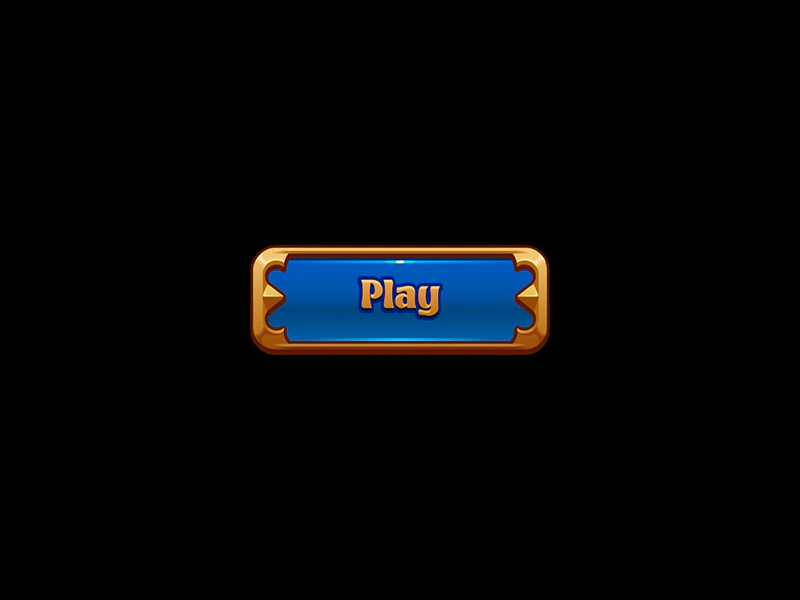 Container Hit Area from SizeLearn how to make a Container interactive by manually setting its size to match its children. This enables the Container to detect pointer events like hover and click within the defined dimensions.
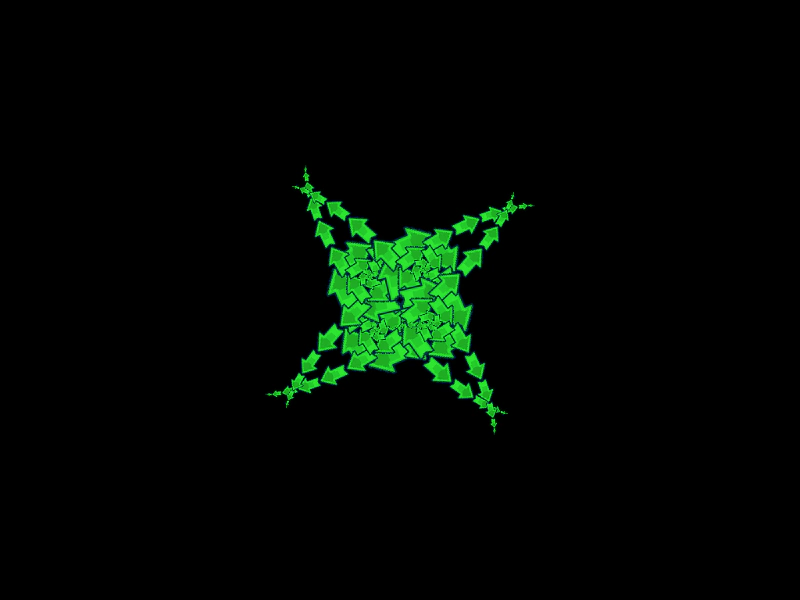 Container Inverse KinematicsDemonstrates nested Containers and how rotation and scale transformations propagate through a multi-jointed parent-child hierarchy to create complex animations.
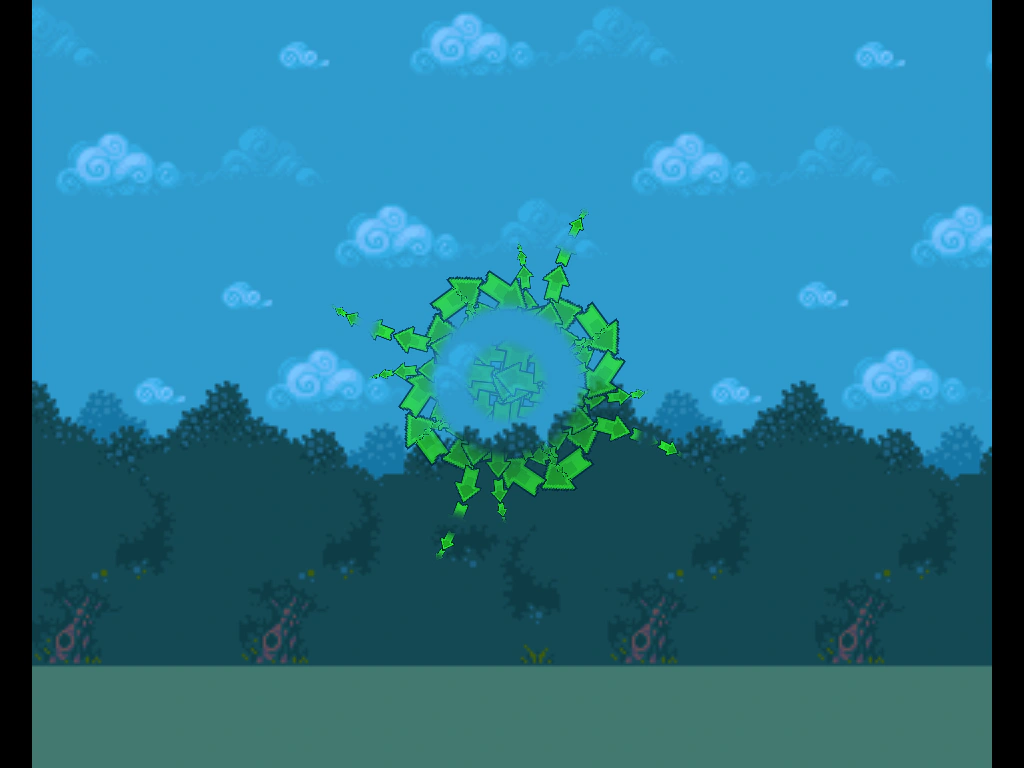 Container MaskDemonstrates how to apply a mask to a Container and its entire hierarchy of nested children, allowing for complex clipped animations.
 Container PlacementDemonstrates how child objects and nested containers are positioned relative to their parent container's origin.