Create Container
Demonstrates how to group multiple images into a Container and apply transforms, such as rotation, to the entire group at once.
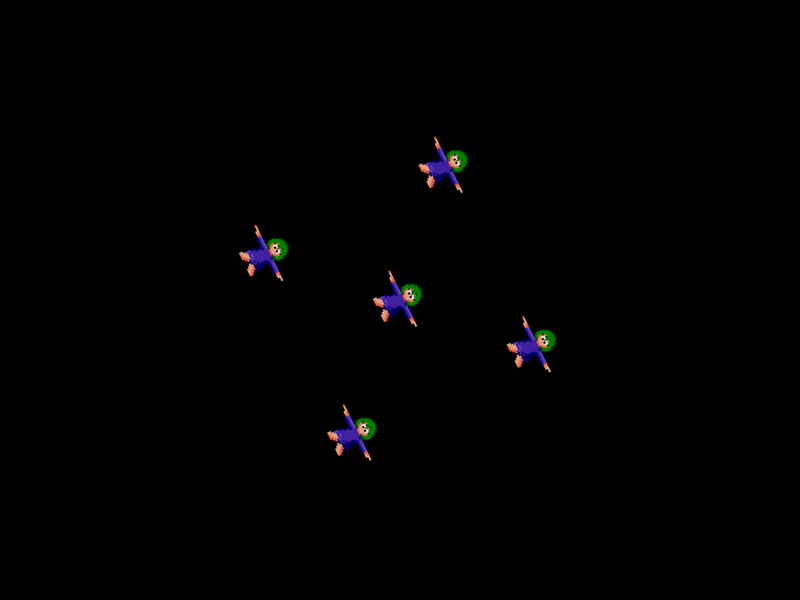
800 × 600
class Example extends Phaser.Scene
{
    preload ()
    {
        this.load.setBaseURL('https://cdn.phaserfiles.com/v410');
        this.load.image('lemming', 'assets/sprites/lemming.png');
    }

    create ()
    {
        //  Create some images

        //  Positions are relative to the Container x/y
        const image0 = this.add.image(0, 0, 'lemming');
        const image1 = this.add.image(-100, -100, 'lemming');
        const image2 = this.add.image(100, -100, 'lemming');
        const image3 = this.add.image(100, 100, 'lemming');
        const image4 = this.add.image(-100, 100, 'lemming');

        const container = this.add.container(400, 300, [ image0, image1, image2, image3, image4 ]);

        this.tweens.add({
            targets: container,
            angle: 360,
            duration: 6000,
            yoyo: true,
            repeat: -1
        });
    }
}

const config = {
    scale: { mode: Phaser.Scale.FIT },
    type: Phaser.CANVAS,
    width: 800,
    height: 600,
    backgroundColor: '#010101',
    parent: 'game-container',
    scene: Example
};

const game = new Phaser.Game(config);
More in Container52 examples
 Draggable ContainerDemonstrates how to enable drag-and-drop functionality for a Container, allowing multiple game objects to be moved together as one interactive unit.
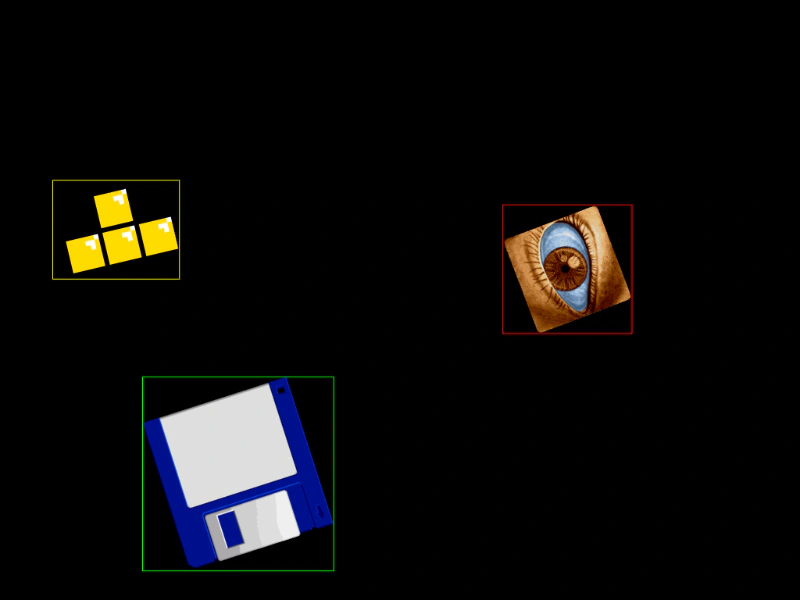 Get Bounds of Nested Container ObjectsDemonstrates how to retrieve the world-space bounding box for Game Objects nested inside a rotated Container, accounting for parent transformations as well as local rotation, scale, and origin.
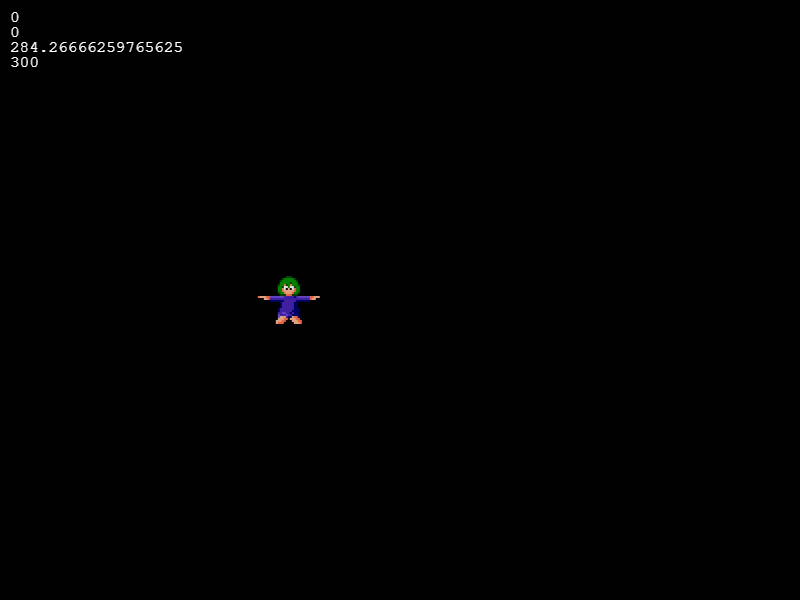 Get Child World PositionDemonstrates how to calculate the global world coordinates of a child object inside a moving Container using the local transform matrix.
 Input on Scaled Container SpritesDemonstrates interactive input detection on a sprite with negative scaling and a custom origin inside a Container.