Nested Container Input
Demonstrates input event handling for interactive Game Objects nested within multiple layers of parent Containers, showing how hit areas correctly account for nested transformations like rotation and scale.

800 × 600
class Example extends Phaser.Scene
{
    preload ()
    {
        this.load.setBaseURL('https://cdn.phaserfiles.com/v410');
        this.load.image('buttonBG', 'assets/sprites/button-bg.png');
        this.load.image('buttonText', 'assets/sprites/button-text.png');
    }

    create ()
    {
        const bg = this.add.image(0, 0, 'buttonBG').setInteractive();
        const text = this.add.image(0, 0, 'buttonText');

        const container = this.add.container(0, 0, [ bg, text ]);
        container.setAngle(20);

        const container2 = this.add.container(400, 300, container);
        container2.setScale(1.5);

        this.tweens.add({
            targets: text,
            alpha: 0.5,
            duration: 1000,
            ease: 'Sine.easeOut',
            yoyo: true,
            repeat: -1
        });

        bg.on('pointerover', function ()
        {

            this.setTint(0x44ff44);

        });

        bg.on('pointerout', function ()
        {

            this.clearTint();

        });

        bg.once('pointerup', function ()
        {

            this.tweens.add({
                targets: container,
                y: 900,
                duration: 500
            });

        }, this);
    }
}

const config = {
    scale: { mode: Phaser.Scale.FIT },
    type: Phaser.AUTO,
    width: 800,
    height: 600,
    backgroundColor: '#010101',
    parent: 'game-container',
    scene: Example
};

const game = new Phaser.Game(config);
More in Container52 examples
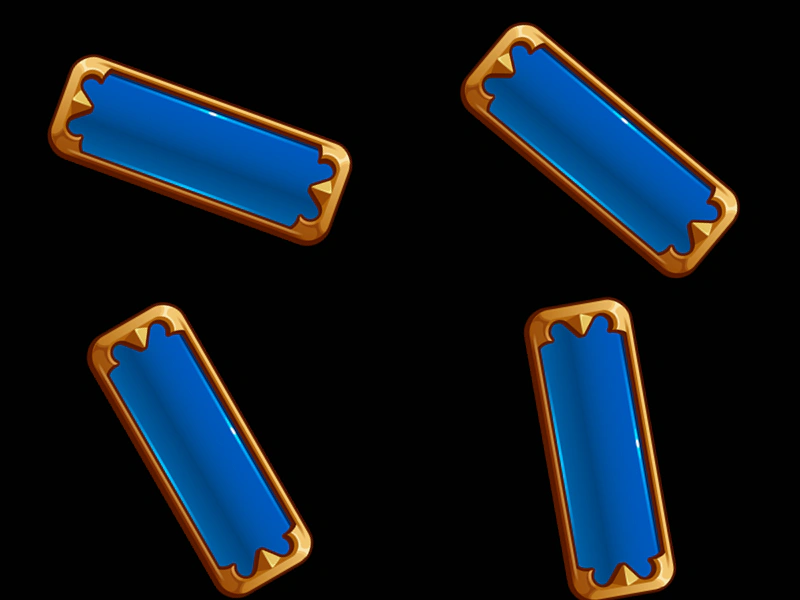 Nested Container TransformsDemonstrates how transformations like rotation and position are inherited across single and multiple levels of nested Containers.
 Nested Container VisibilityDemonstrates how toggling the visibility of a nested container affects all children within it, including images and other nested containers.
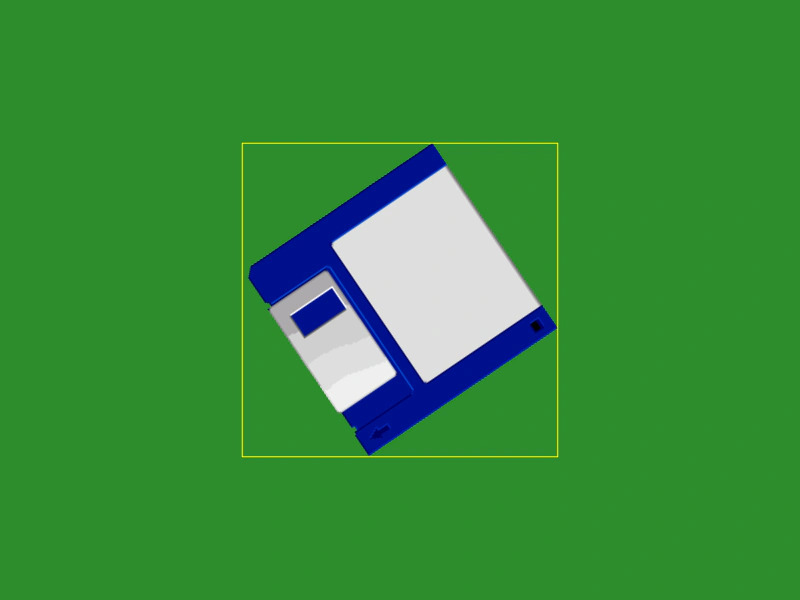 Nested Get Bounds TestDemonstrates how to accurately calculate the world-space bounds of a sprite nested inside multiple transformed containers using the getBounds method.
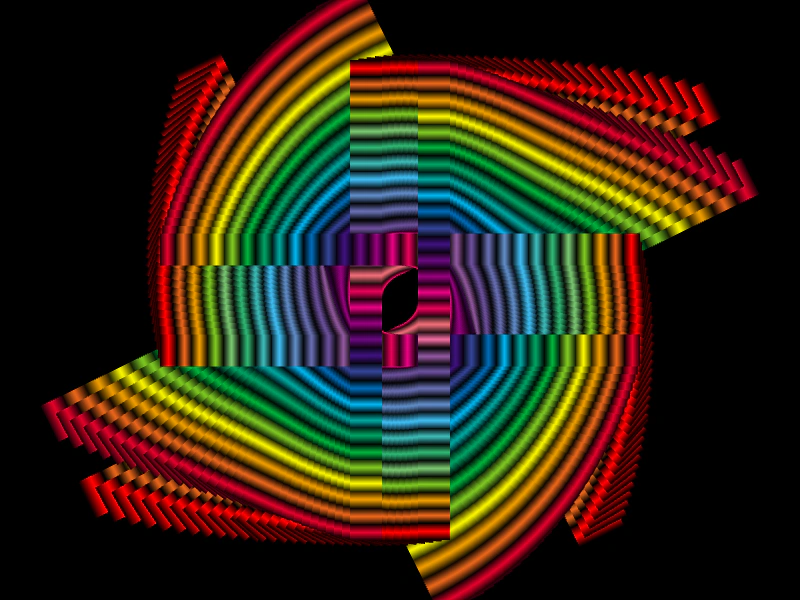 Non-Exclusive Container ChildrenDemonstrates how to render the same sprites multiple times by adding them to multiple Containers using the setExclusive(false) property, combined with staggered tweens for a complex visual effect.