Phaser 4 examples
Blend Modes
- 9 examples
Examples 9
 Canvas Blend ModesDemonstrates the use of advanced blend modes, such as Add and Difference, specifically within the Canvas renderer.
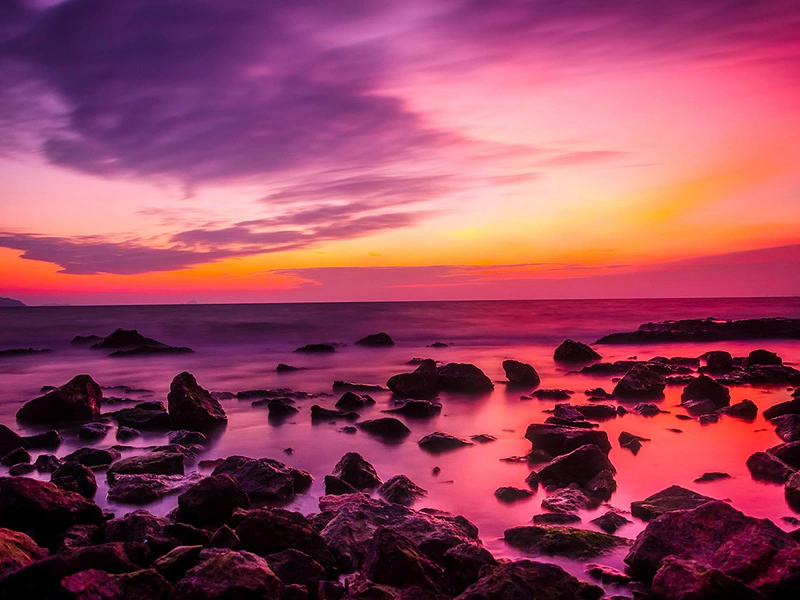 Circle Cut Out Blend ModeDemonstrates using a custom WebGL blend mode to create a cut-out effect, displaying an image only within the bounds of a Graphics shape.
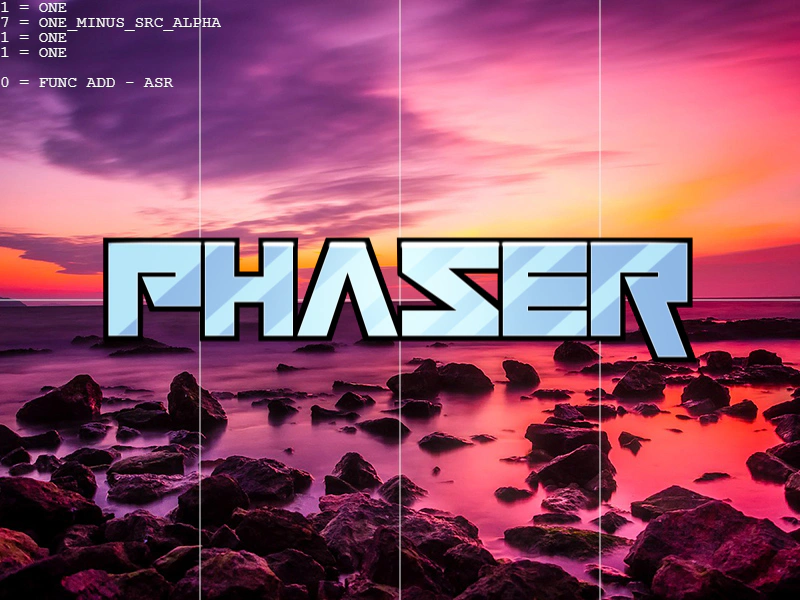 Custom Blend Mode TesterAn interactive tool to create and test custom WebGL blend modes by defining specific source/destination factors and blend equations directly via the renderer.
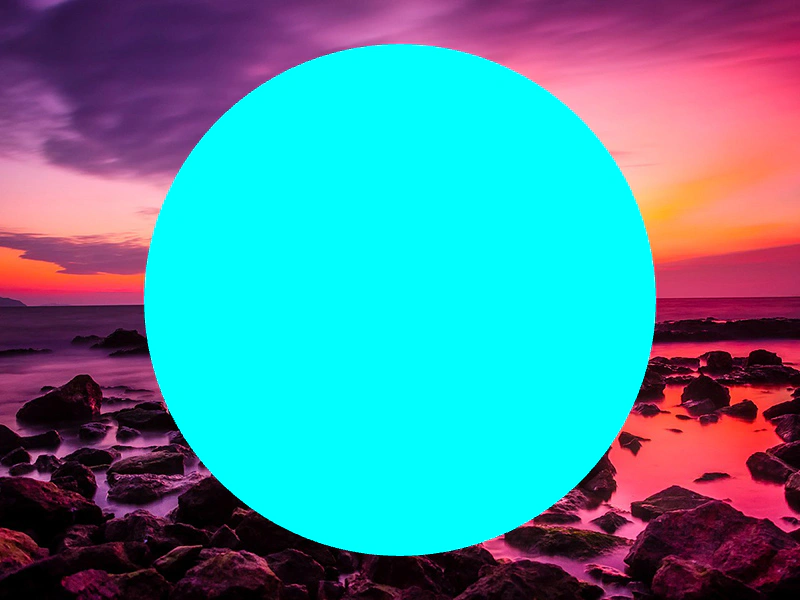 Custom Blend Mode with GraphicsDemonstrates how to define and register a custom WebGL blend mode and apply it to a Graphics object.
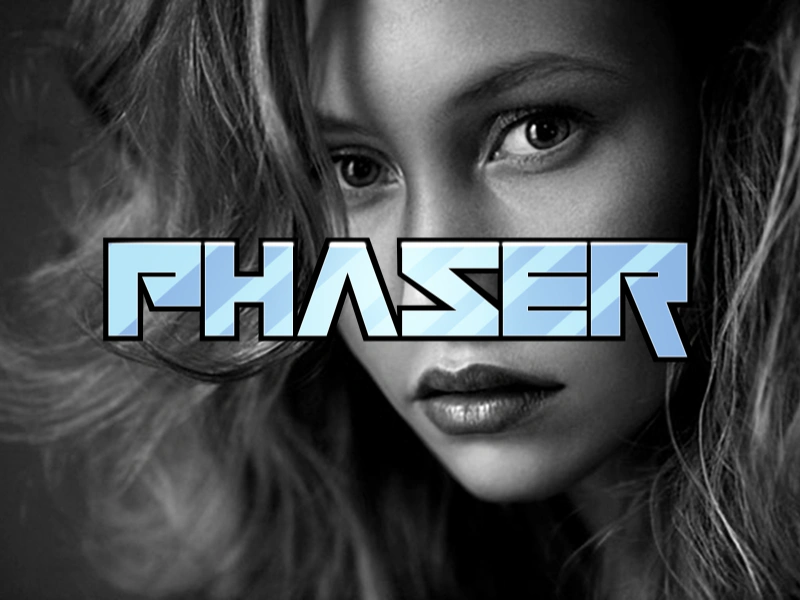 Custom Separate Blend ModeDemonstrates how to create and dynamically update a custom WebGL blend mode with separate RGB and Alpha channel blending factors.
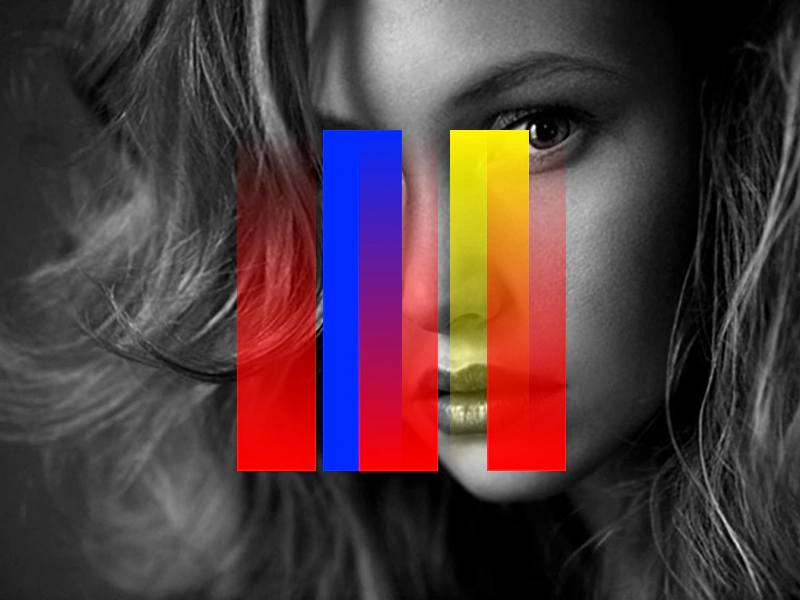 Custom WebGL Blend ModeLearn how to create, apply, and dynamically update a custom WebGL blend mode using specific source factors, destination factors, and blend equations.
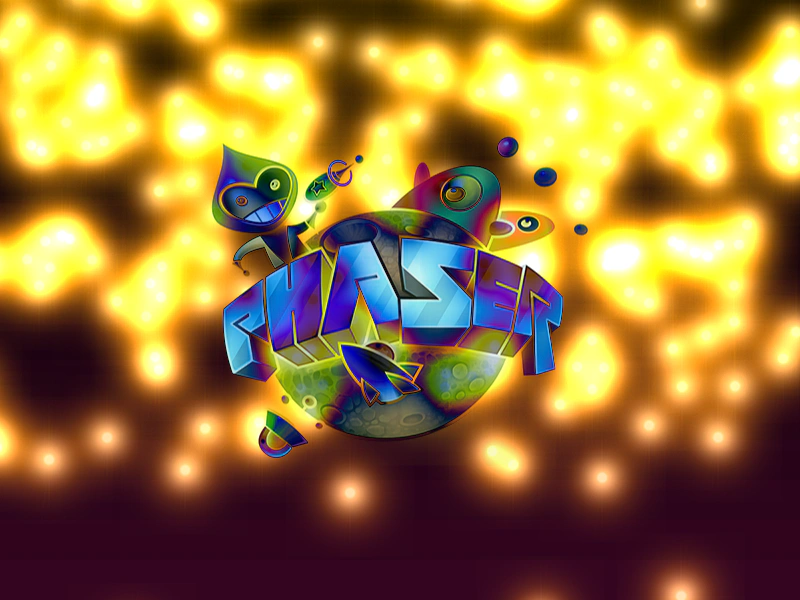 Difference Blend ModeDemonstrates the use of the Difference blend mode in Canvas mode, showing how a sprite's colors react to moving particles and a background image.
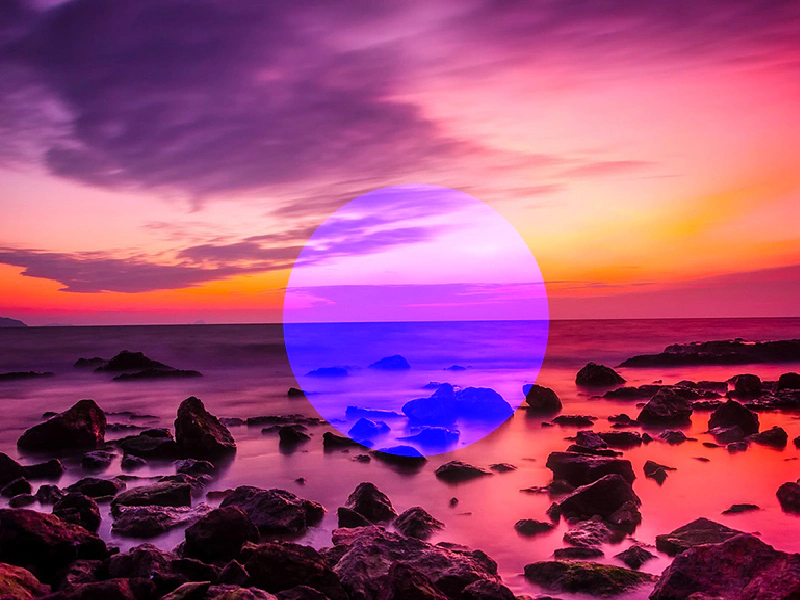 Graphics Blend ModeDemonstrates how to apply blend modes to a Graphics object to change how it interacts with underlying images.
 Image Blend ModesDemonstrates how to apply Additive and Screen blend modes to individual images to create layered visual effects.