Circle Cut Out Blend Mode
Demonstrates using a custom WebGL blend mode to create a cut-out effect, displaying an image only within the bounds of a Graphics shape.
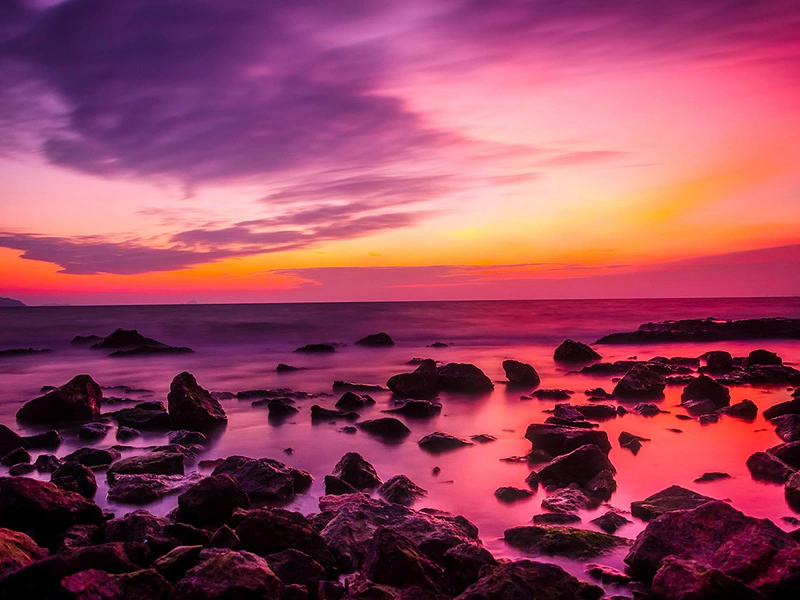
800 × 600
class Example extends Phaser.Scene
{
    constructor ()
    {
        super();
    }

    preload ()
    {
        this.load.setBaseURL('https://cdn.phaserfiles.com/v410');
        this.load.image('turkey', 'assets/pics/turkey-1985086.jpg');
    }

    create ()
    {
        //  WebGL only:
        const gl = this.sys.game.renderer.gl;

        const renderer = this.sys.game.renderer;

        const modeIndex = renderer.addBlendMode([ gl.ZERO, gl.SRC_COLOR ], gl.FUNC_ADD);

        const graphics = this.add.graphics();

        const color = 0xffffff;
        const alpha = 1;

        graphics.fillStyle(color, alpha);

        graphics.fillCircle(400, 300, 256);

        this.add.image(400, 300, 'turkey').setBlendMode(modeIndex);
    }
}

const config = {
    scale: { mode: Phaser.Scale.FIT },
    type: Phaser.WEBGL,
    width: 800,
    height: 600,
    parent: 'game-container',
    scene: Example
};

const game = new Phaser.Game(config);
More in Blend Modes9 examples
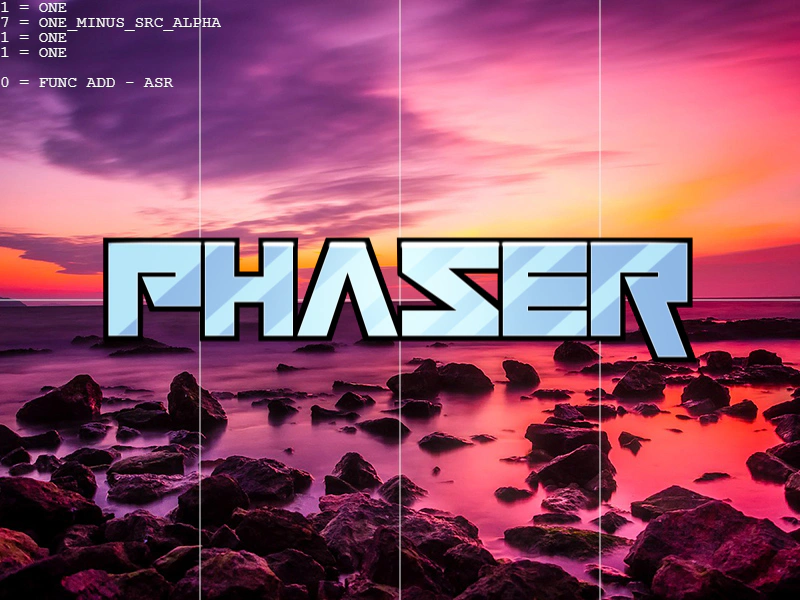 Custom Blend Mode TesterAn interactive tool to create and test custom WebGL blend modes by defining specific source/destination factors and blend equations directly via the renderer.
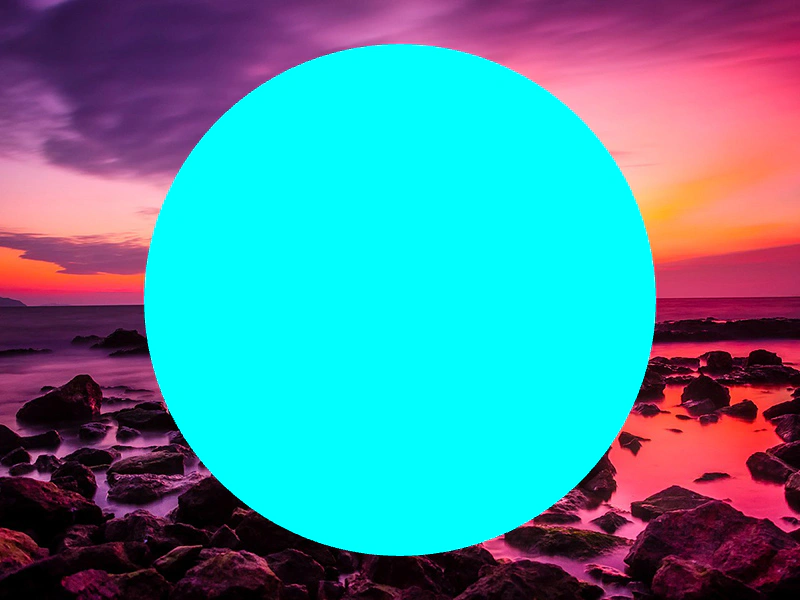 Custom Blend Mode with GraphicsDemonstrates how to define and register a custom WebGL blend mode and apply it to a Graphics object.
 Custom Separate Blend ModeDemonstrates how to create and dynamically update a custom WebGL blend mode with separate RGB and Alpha channel blending factors.
 Custom WebGL Blend ModeLearn how to create, apply, and dynamically update a custom WebGL blend mode using specific source factors, destination factors, and blend equations.