Phaser 4 examples
HTML5 Audio
- 10 examples
Examples 10
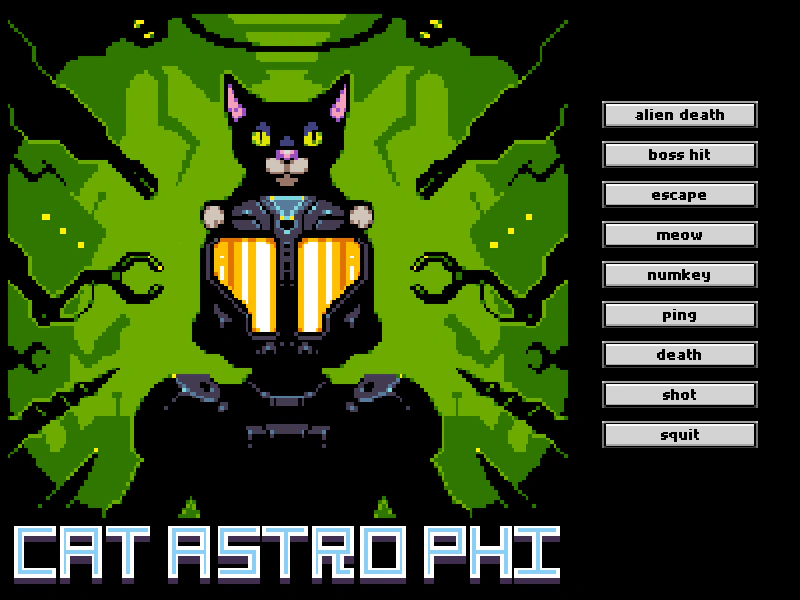 Audio Markers with HTML5 AudioDemonstrates how to define and play specific segments of a single audio file using markers with the HTML5 Audio backend.
 Disable Pause on Blur (HTML5 Audio)Demonstrates how to keep HTML5 Audio playing even when the browser tab loses focus by setting the sound pauseOnBlur property to false.
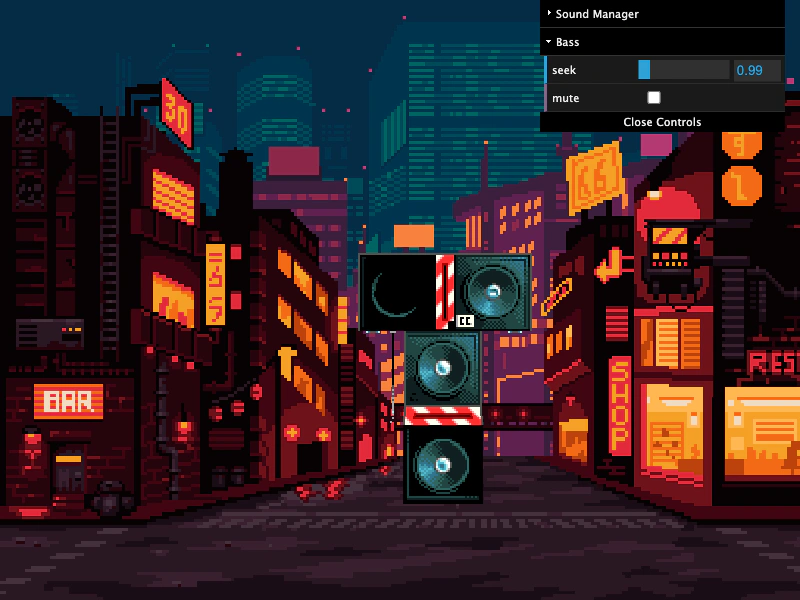 HTML5 Audio Loop DelayDemonstrates how to synchronize multiple audio stems using HTML5 Audio, including precise delay scheduling and compensation for browser playback lag.
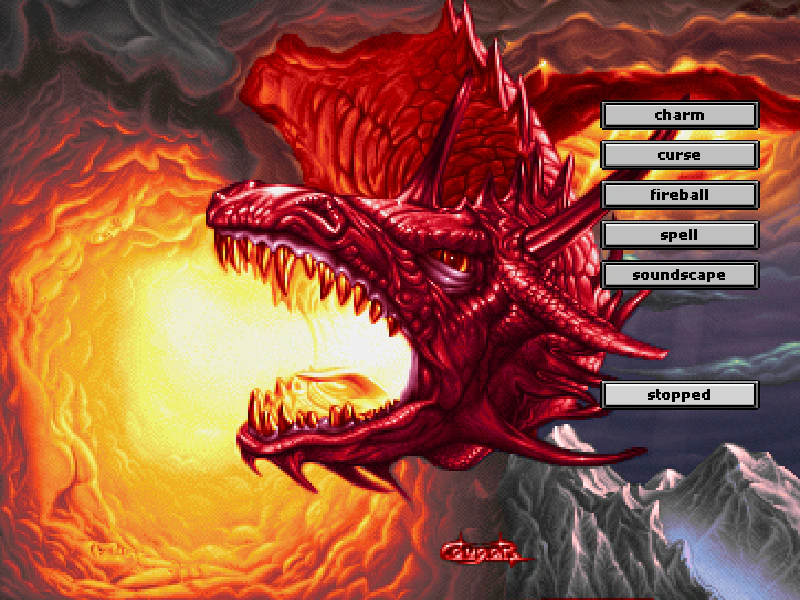 HTML5 Audio Markers Pause and ResumeDemonstrates how to define and play audio markers, and control their playback using pause and resume methods with HTML5 Audio.
 HTML5 Audio Playback and EventsDemonstrates comprehensive control of HTML5 Audio, featuring playback states, property manipulation like rate and detune, global volume management, audio sprites, and responding to sound events.
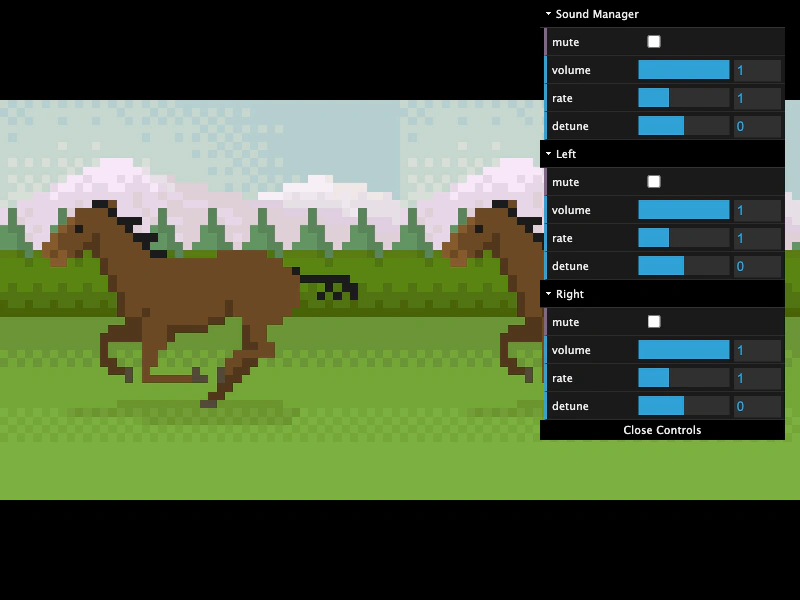 HTML5 Audio PropertiesDemonstrates controlling volume, mute, playback rate, and detune for individual sounds and the global Sound Manager using HTML5 Audio. It also shows how to sync sprite animation speeds to the audio playback rate.
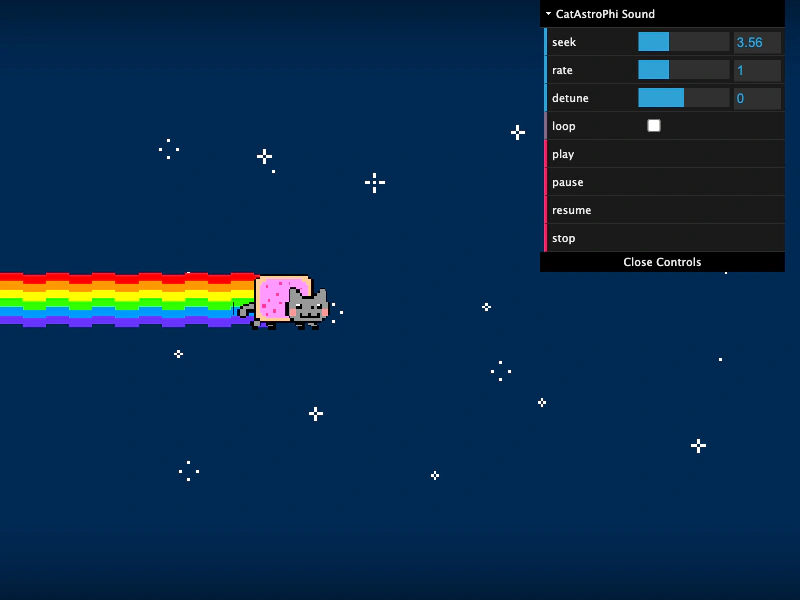 HTML5 Audio SeekingDemonstrates how to set and update the playback position (seek) of HTML5 audio, including synchronizing sprite movement with audio progress and scrubbing through a track via dragging.
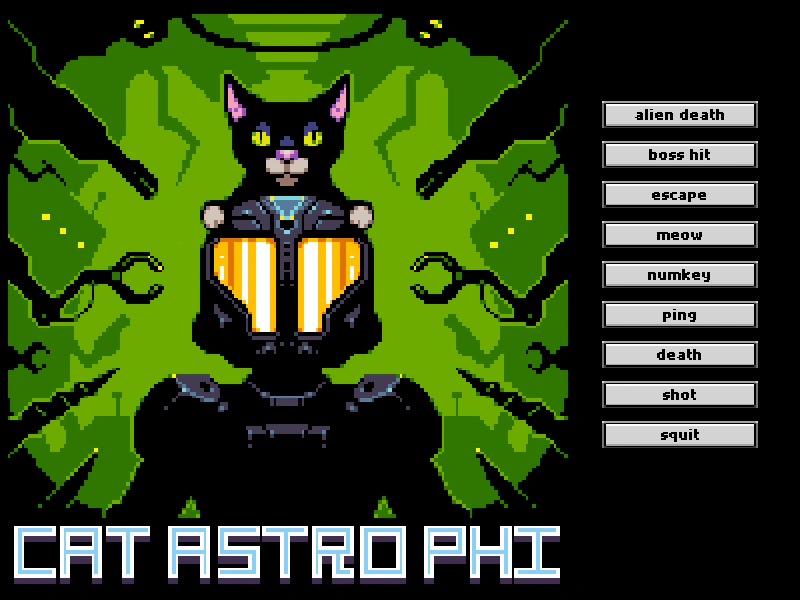 HTML5 Audio SpritesDemonstrates how to load an audio sprite and play specific sound segments using HTML5 Audio.
 Play Audio From Child SceneDemonstrates how to preload an audio asset in one scene and then play it within a subsequent scene. This example specifically uses HTML5 Audio and handles audio unlocking across scene transitions.
 Play HTML5 AudioLoad and play a sound file using the HTML5 Audio tag by disabling the Web Audio API in the game configuration.