Phaser 4 examples
Arcade
- 132 examples
Examples 132
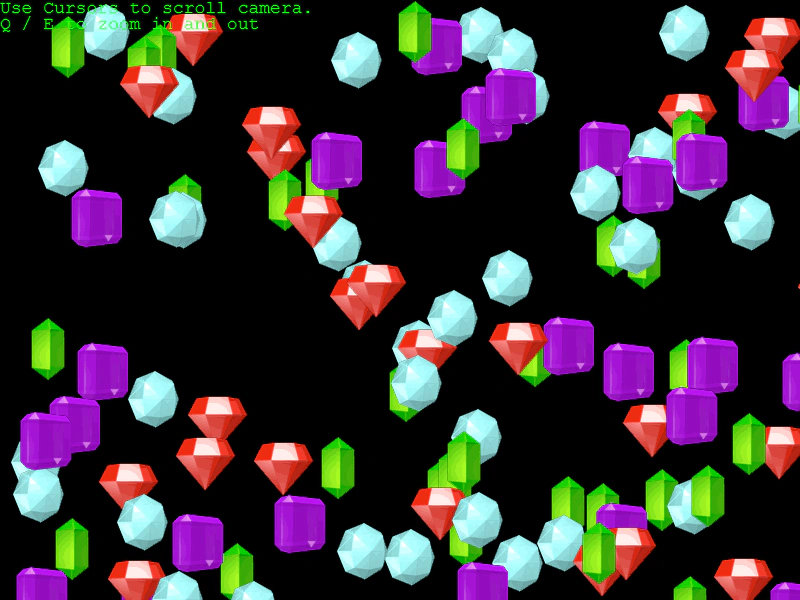 10,000 World BodiesA performance stress test demonstrating Arcade Physics handling 10,000 animated sprites with velocity, bounce, and world collision within a large scrollable area.
 40,000 Arcade Physics BodiesA performance demonstration showcasing 40,000 Arcade Physics bodies using Blitter objects for high-speed rendering and optimized world settings.
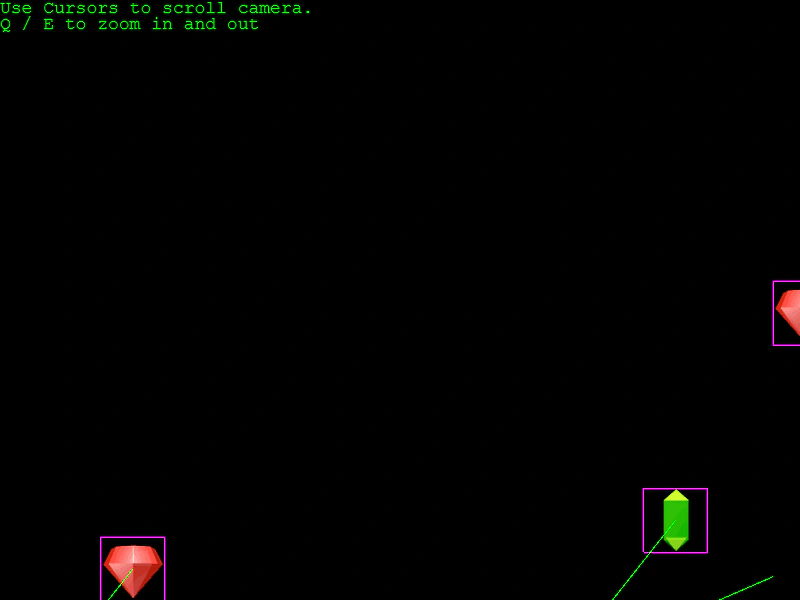 100 Arcade Physics Bodies in a Large WorldDemonstrates 100 physics-enabled sprites bouncing within a large world boundary, featuring camera panning and zooming controls.
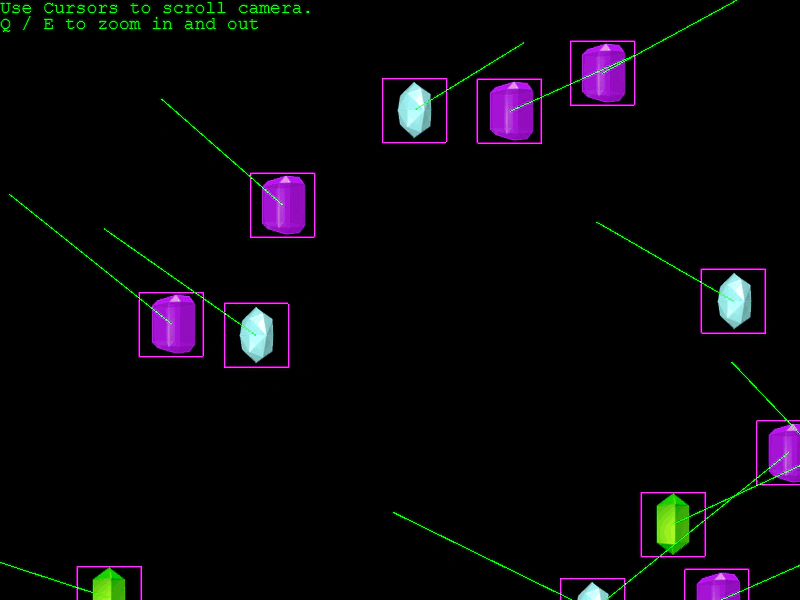 500 Colliding Arcade Physics BodiesDemonstrates performance with 500 animated sprites colliding with each other and world bounds in a large world environment with camera zoom and pan controls.
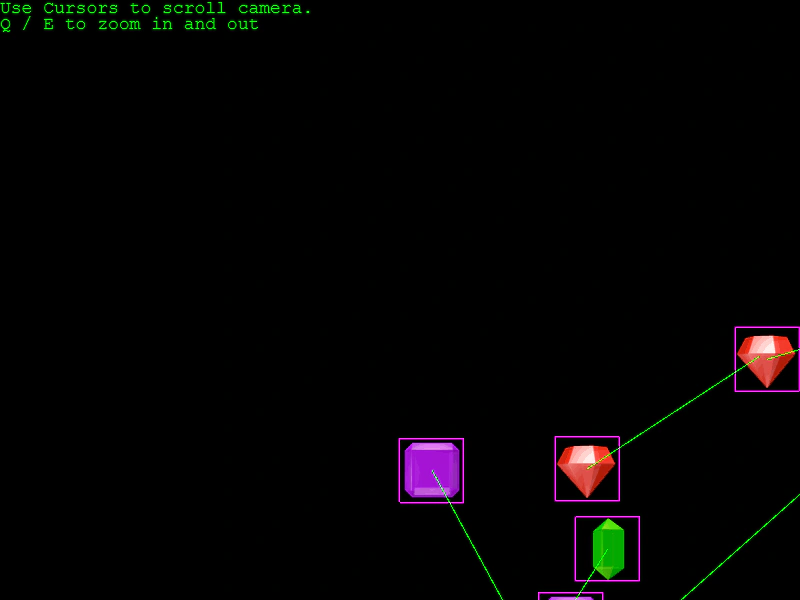 1000 Arcade Physics BodiesA stress test demonstrating 1000 animated sprites with Arcade Physics enabled, featuring bounce, world bound collisions, and camera pan/zoom controls across a large world area.
 Accelerate To ObjectDemonstrates using accelerateToObject to make a physics body steadily gain speed as it moves toward a target point or object.
 Add Arcade Physics Body to ShapeDemonstrates how to add an Arcade Physics body to a primitive Shape object using physics.add.existing, enabling movement and world bound collisions.
 Angle From VelocityAlign a sprite's rotation with its current movement direction by mapping its rotation property to the physics body's velocity angle.
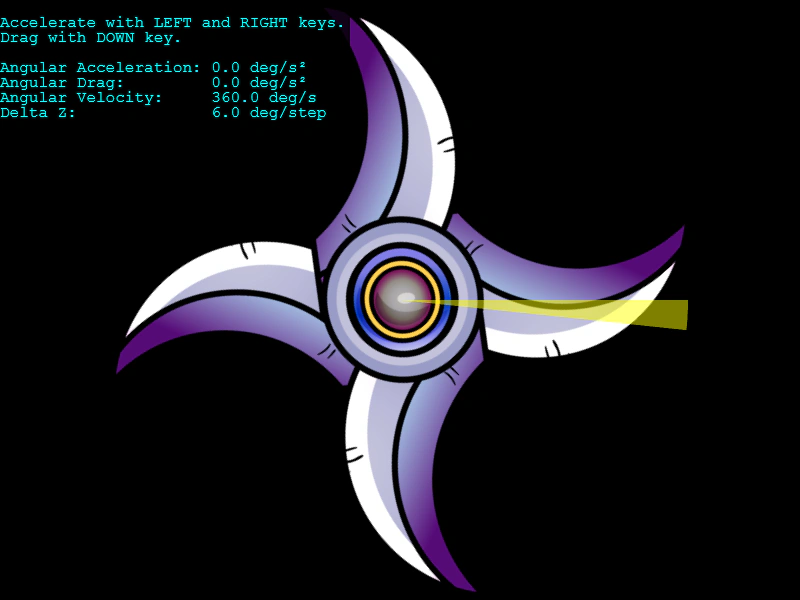 Angular AccelerationUse keyboard input to control the rotation speed of an Arcade Physics body using angular acceleration and angular drag.
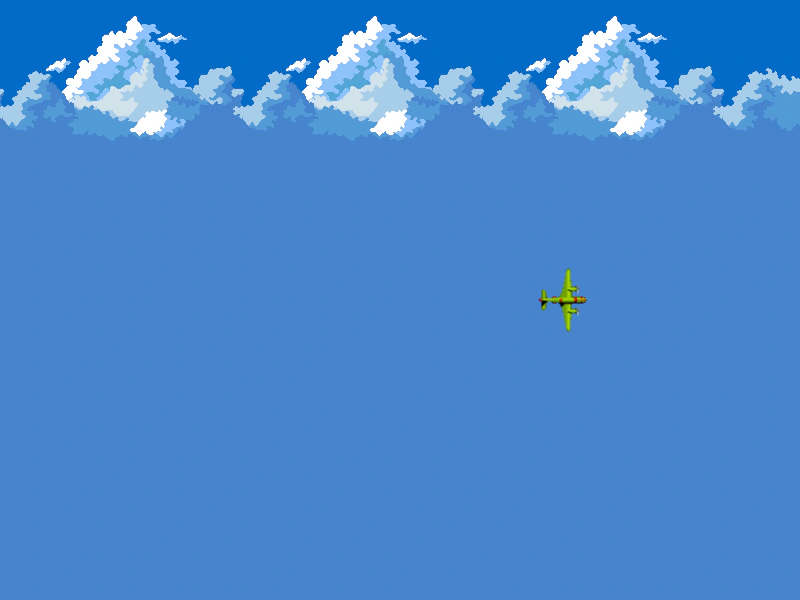 Angular VelocityRotate an Arcade Physics body using angular velocity and update its forward movement based on its current rotation using velocityFromAngle.
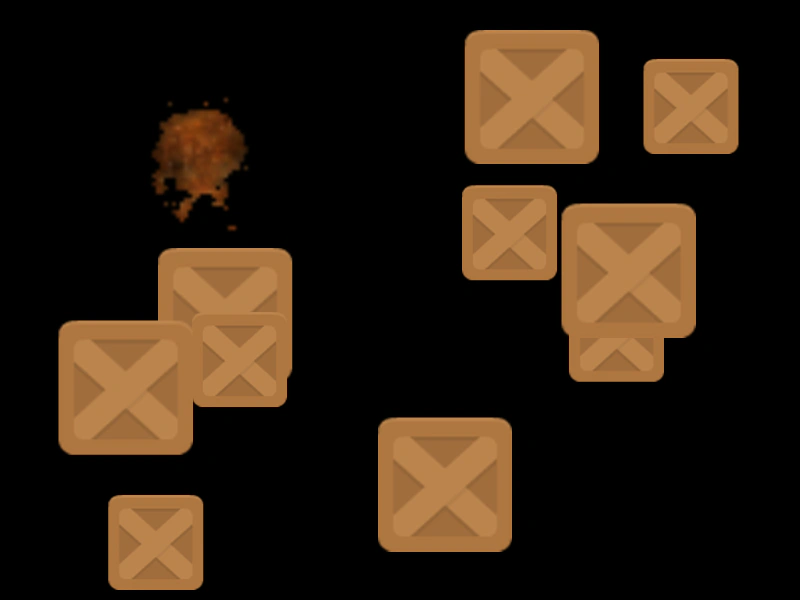 Apply ForceDemonstrates how to manually calculate and apply radial explosion forces to Arcade Physics bodies based on their distance from a point and their individual mass.
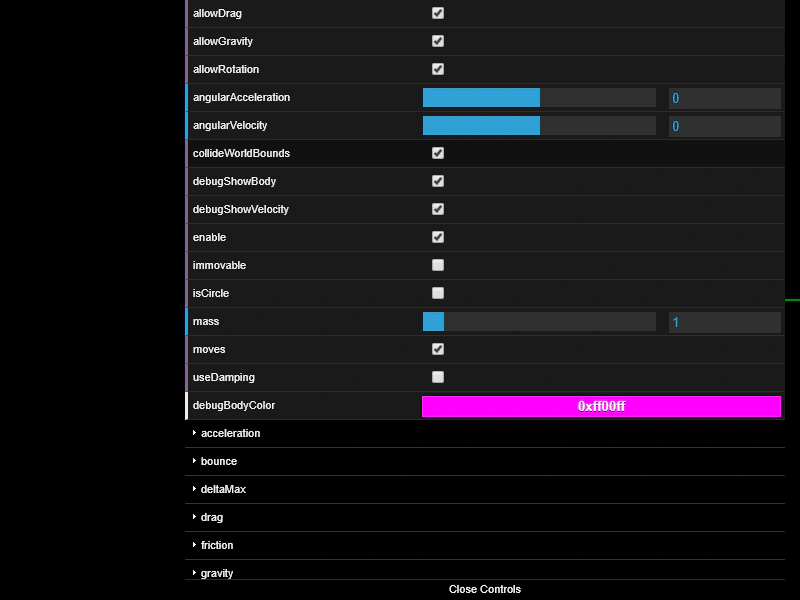 Arcade Body ControlsAn interactive demonstration of Arcade Physics body properties including velocity, acceleration, gravity, bounce, and drag using a GUI to modify values in real-time.
 Arcade Physics Bounce TrackingDemonstrates an object bouncing against world bounds using Arcade Physics with elastic bounce settings. It tracks and visualizes peak heights, velocity direction changes, and the duration between bounces.
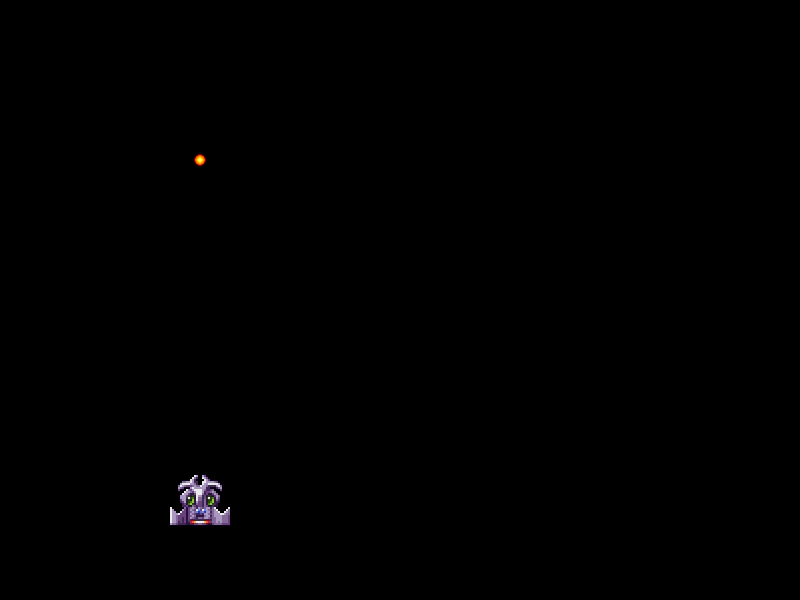 Arcade Physics Bullets GroupDemonstrates bullet pooling using custom Sprite and Group classes to efficiently manage, fire, and recycle projectiles in Arcade Physics.
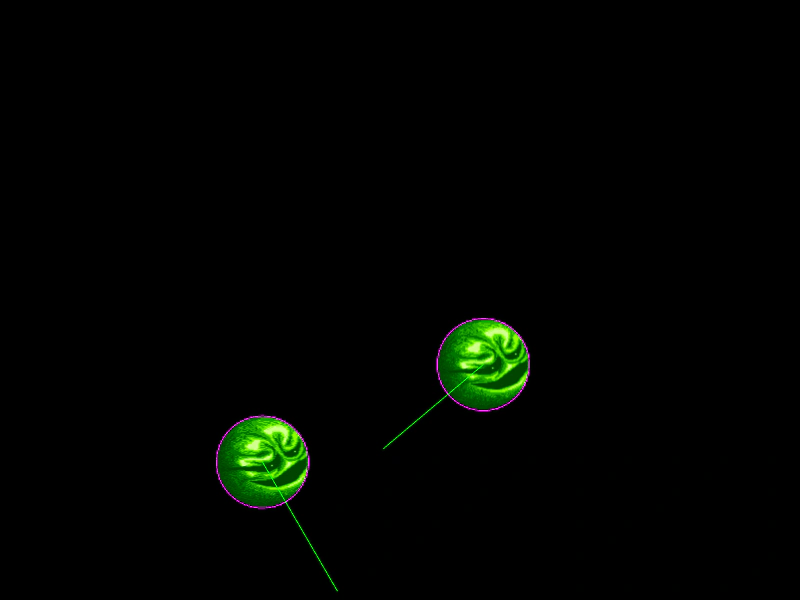 Arcade Physics Circular BodiesDemonstrates how to assign circular collision bodies to Arcade Physics sprites using setCircle instead of the default rectangular bounding box.
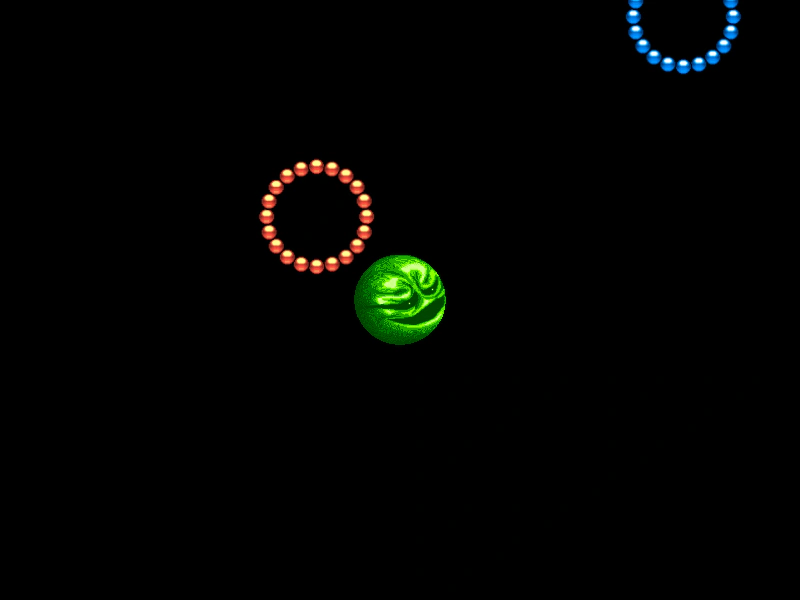 Arcade Physics Circular CollisionsDemonstrates how to use circular physics bodies instead of rectangular ones for accurate collisions between round objects, featuring both static and dynamic bodies.
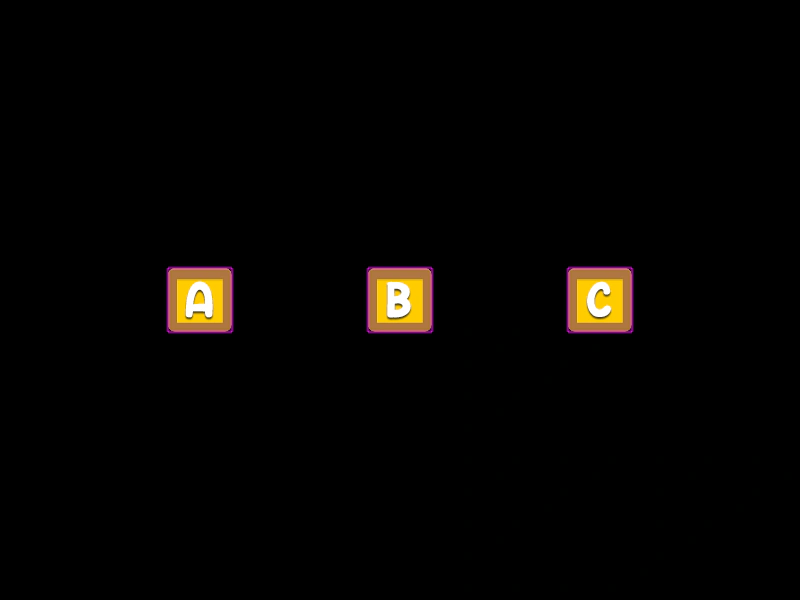 Arcade Physics Collision FilteringDemonstrates how to define specific collision interactions between a single sprite and an array of target sprites using Arcade Physics colliders.
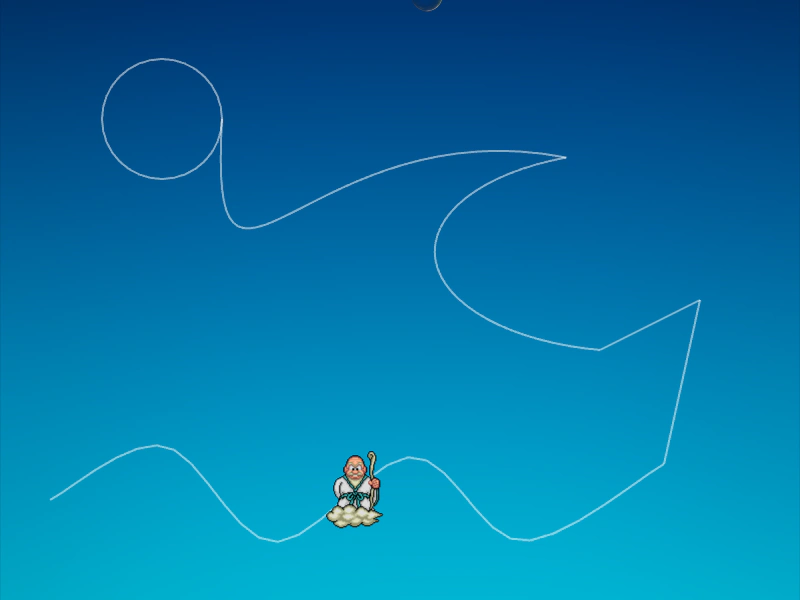 Arcade Physics Direct Control PathDemonstrates moving an immovable physics body along a complex path using direct control, allowing it to interact and collide with other dynamic bodies while its position is manually updated via a tween.
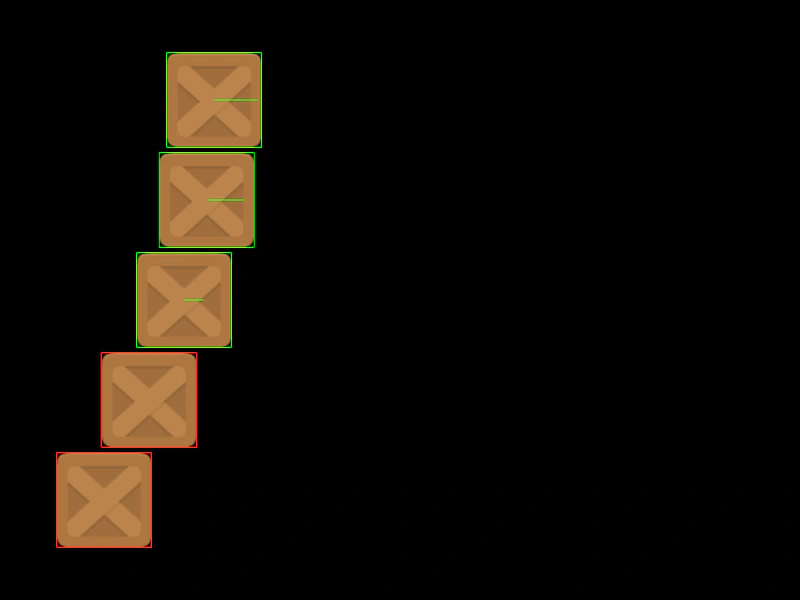 Arcade Physics DragDemonstrates how drag values affect the deceleration of moving Arcade Physics bodies, showing various sprites slowing down at different rates.
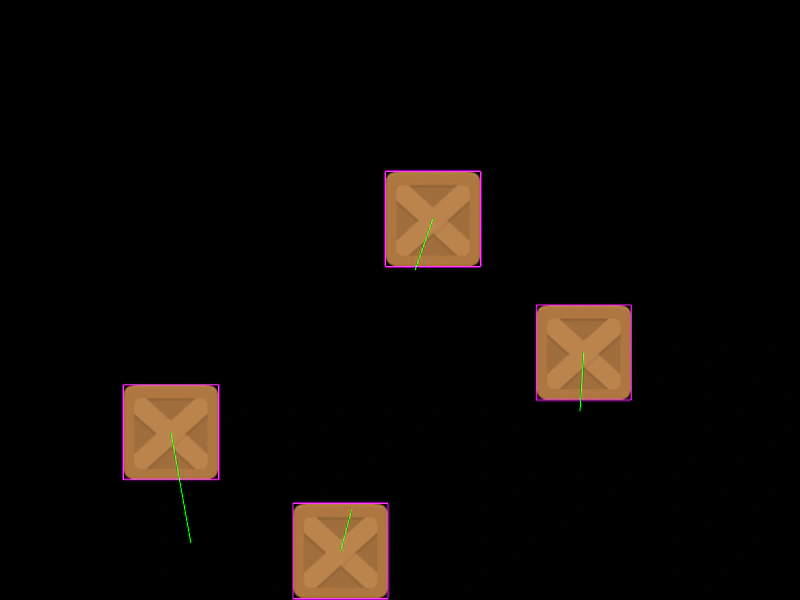 Arcade Physics Drag ScalarDemonstrates applying manual drag to physics bodies by scaling their velocity vector length during the update loop.
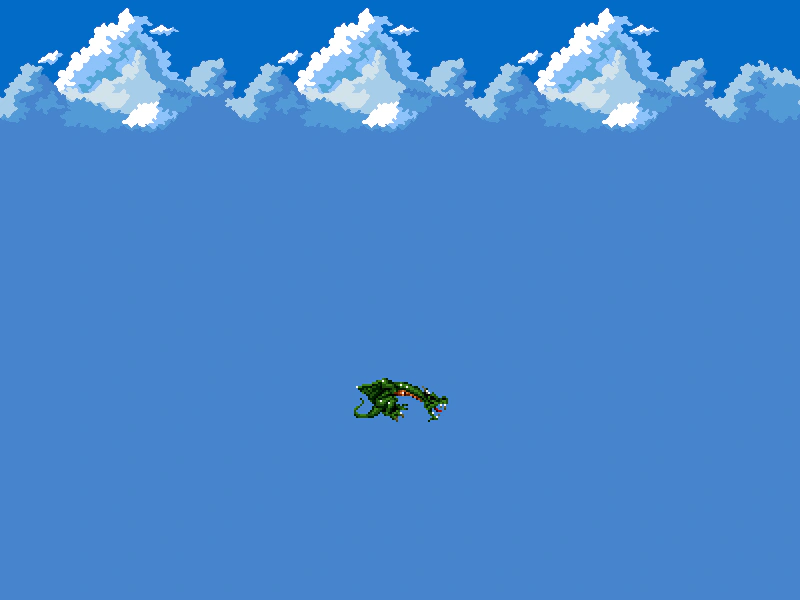 Arcade Physics Dragon MovementControl a physics-enabled sprite using keyboard input to apply acceleration, featuring gravity, drag, and velocity-based animation switching.
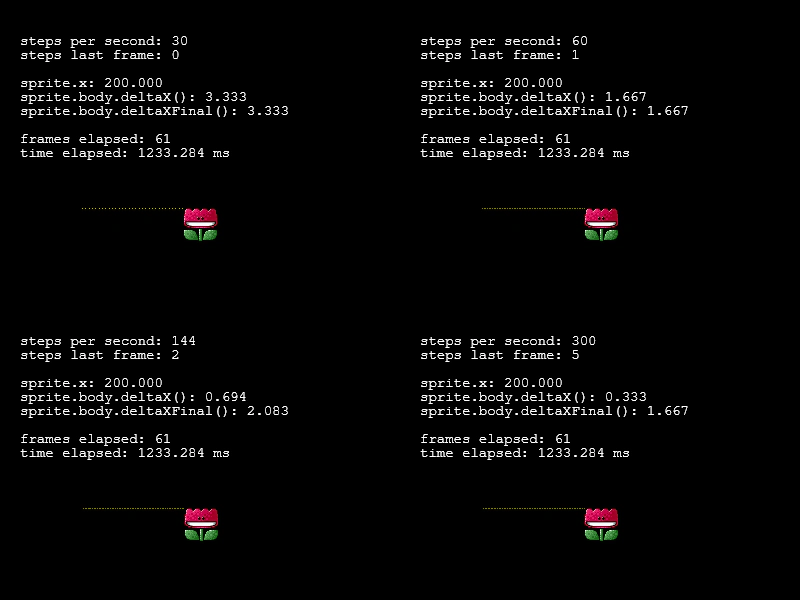 Arcade Physics FPS ComparisonThis example demonstrates how setting different FPS values for Arcade Physics affects movement precision and delta calculations across multiple scenes.
 Arcade Physics FrictionDemonstrates how moving platforms transfer horizontal velocity to colliding bodies using different friction settings.
 Arcade Physics GravityDemonstrates how to apply global world gravity and combine it with individual body gravity settings, including how to disable gravity entirely for specific objects.
 Arcade Physics Group CollisionsDemonstrates collision detection between a player-controlled sprite and a static group of physics bodies.
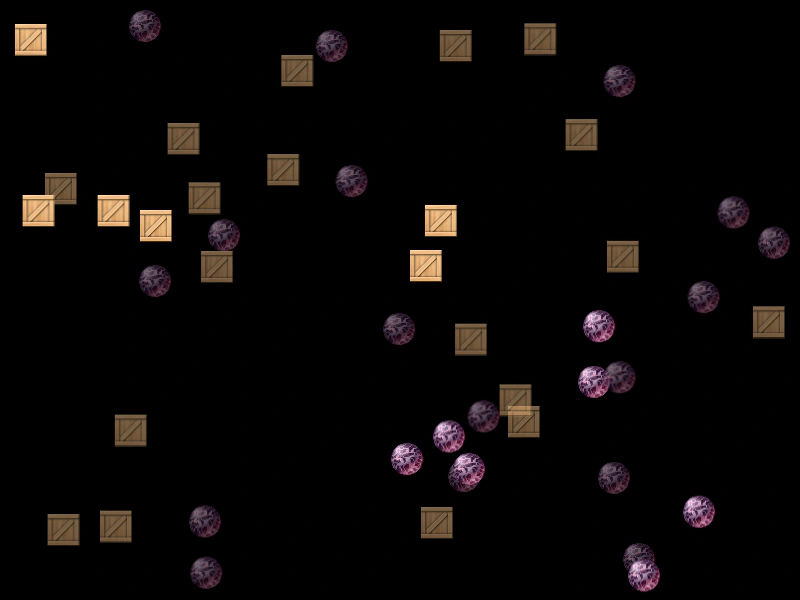 Arcade Physics Group vs Group CollisionDemonstrates how to handle collisions between two separate Arcade Physics groups, including using a collision callback to modify the individual objects involved.
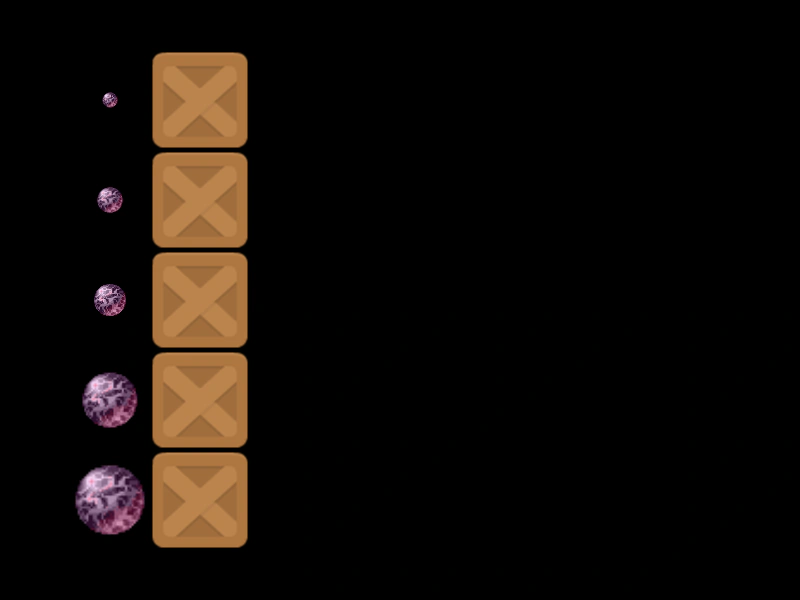 Arcade Physics MassDemonstrates how setting different mass values on Arcade Physics bodies affects the outcome of collisions and momentum transfer.
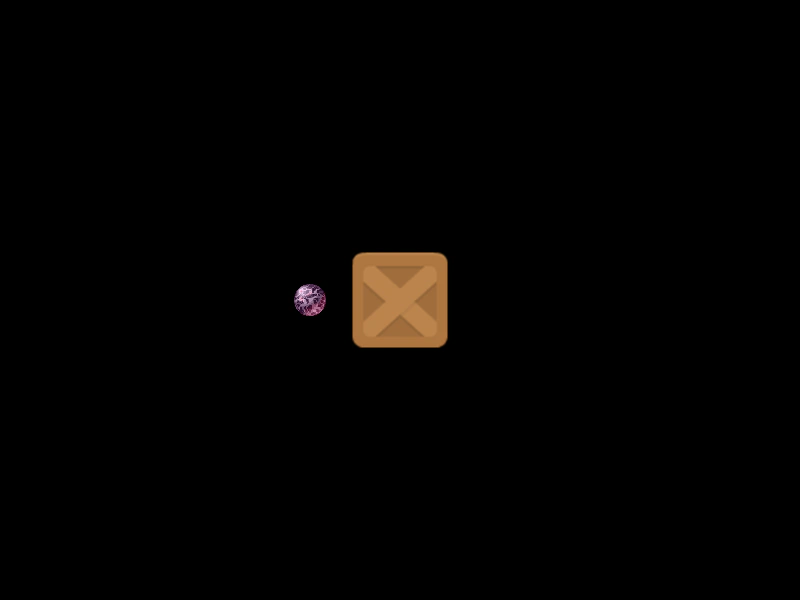 Arcade Physics Mass CollisionA demonstration of how setting a specific mass on an Arcade Physics body influences velocity transfer and movement during a collision.
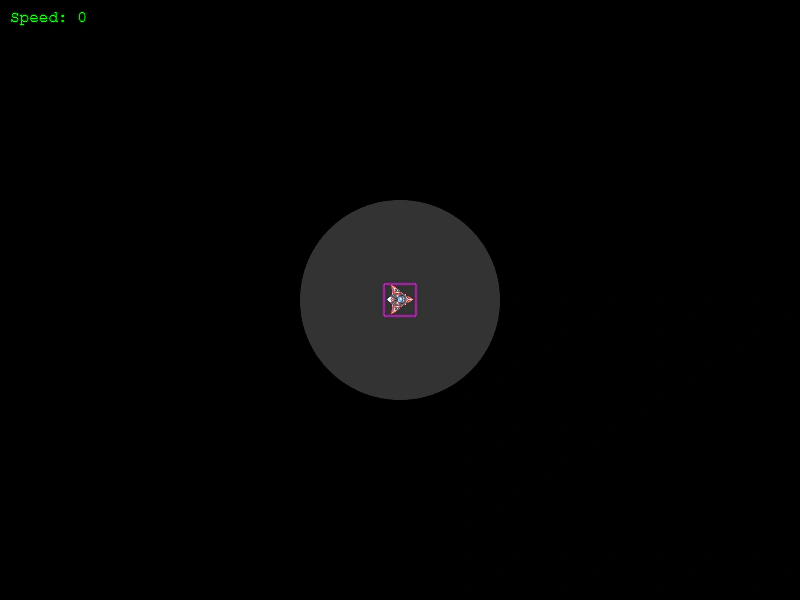 Arcade Physics Max SpeedDemonstrates how to cap the velocity of a physics body using setMaxSpeed, ensuring it never exceeds a specific value regardless of acceleration applied.
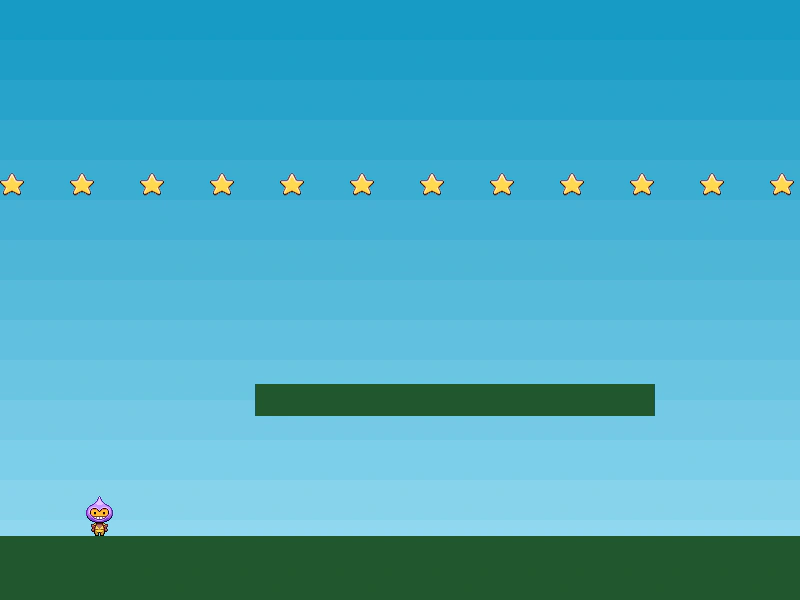 Arcade Physics Moving PlatformA demonstration of a player character interacting with static groups and a moving platform. Shows how to set up an immovable body with velocity and gravity disabled to create moving terrain.
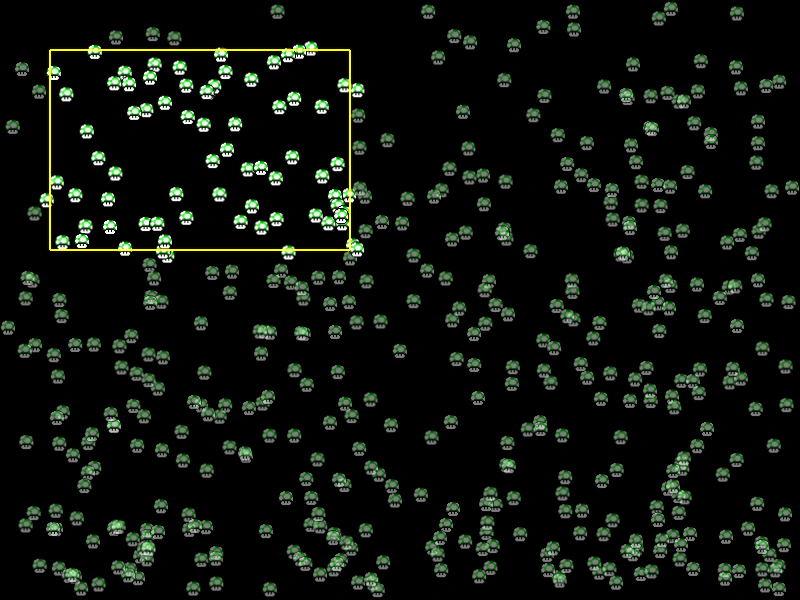 Arcade Physics Overlap RectangleDemonstrates how to use the overlapRect method to retrieve and manipulate all physics bodies located within a specific rectangular area.
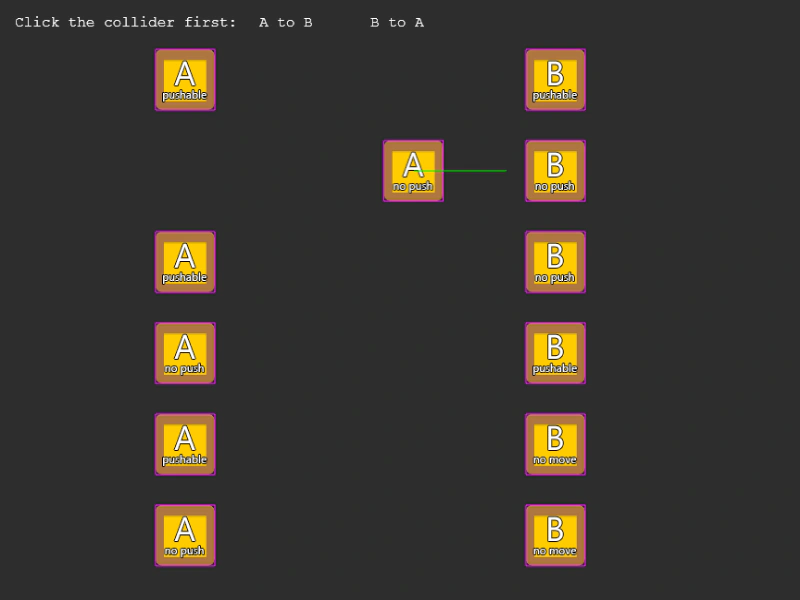 Arcade Physics Pushable and Immovable InteractionsDemonstrates the interaction between Arcade Physics bodies using different combinations of the pushable and immovable properties to control collision behavior.
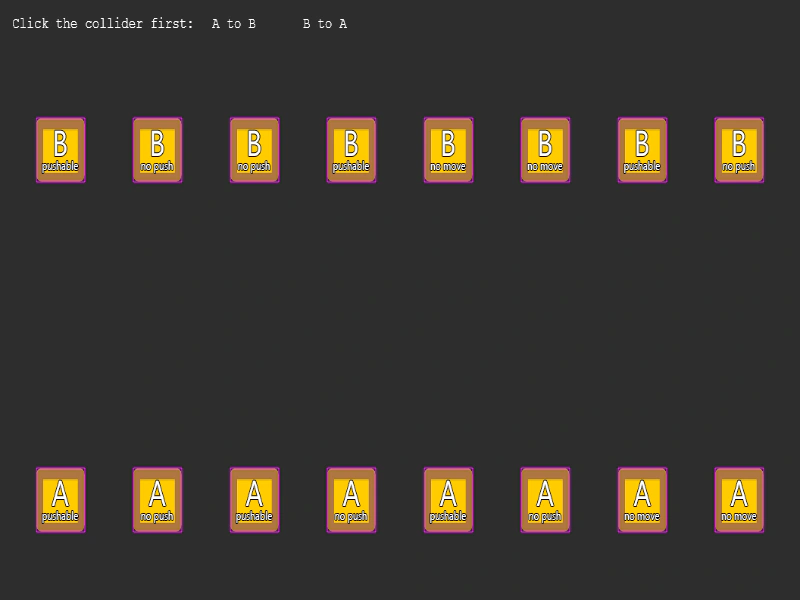 Arcade Physics Pushable vs ImmovableA side-by-side comparison of collision behaviors between Arcade Physics bodies with varying setPushable and setImmovable properties.
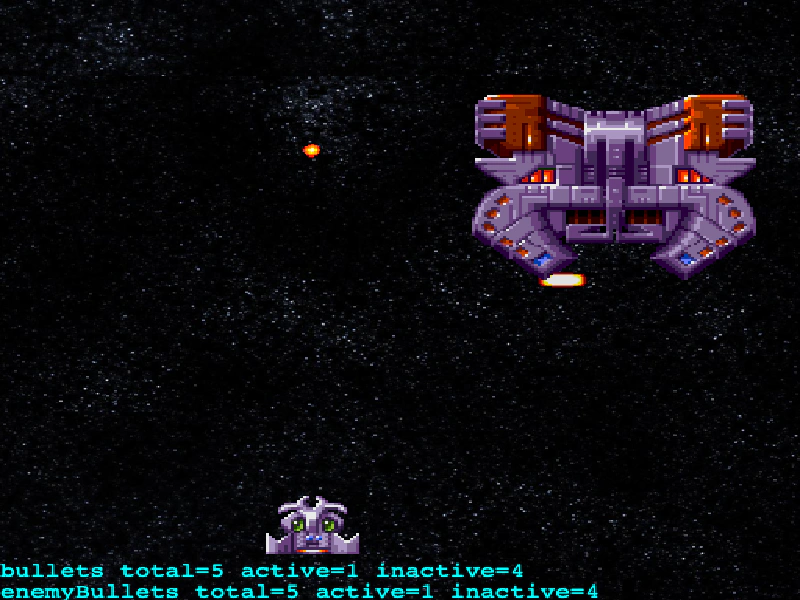 Arcade Physics Space BattleA functional mini-game example demonstrating bullet pooling with custom Physics Groups, enemy movement via velocity tweens, and overlap detection with particle effects.
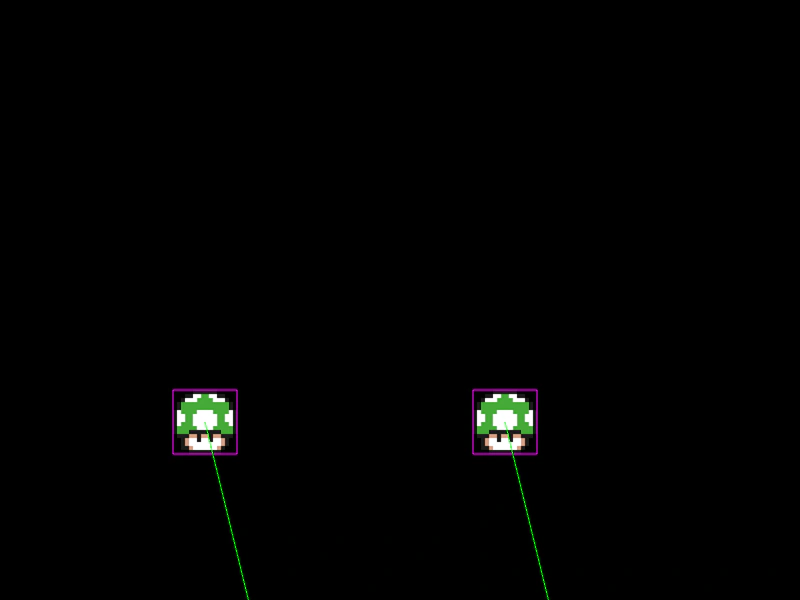 Arcade Physics Sprite CollisionDemonstrates basic collision between two individual physics-enabled sprites, including setting velocity, bounce, and world boundary constraints.
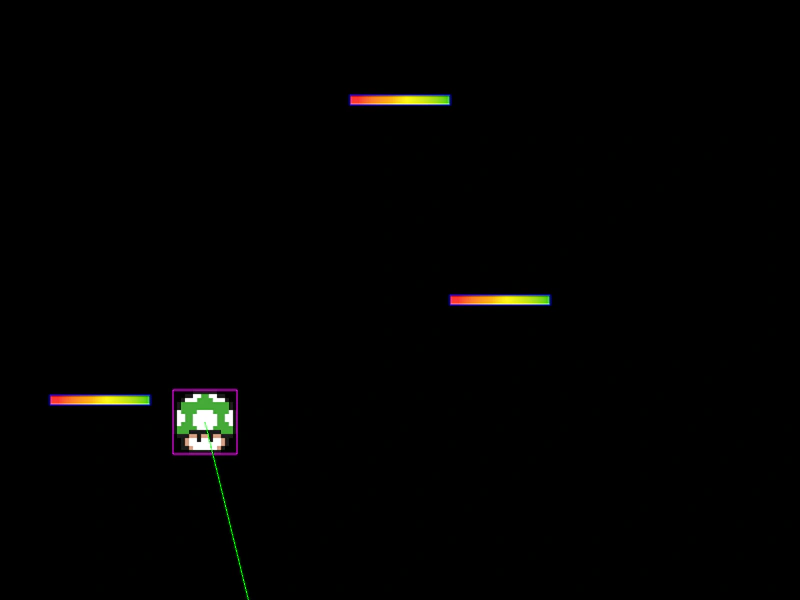 Arcade Physics Static BodiesThis example demonstrates how to create static physics bodies that remain fixed in position while colliding with dynamic moving sprites.
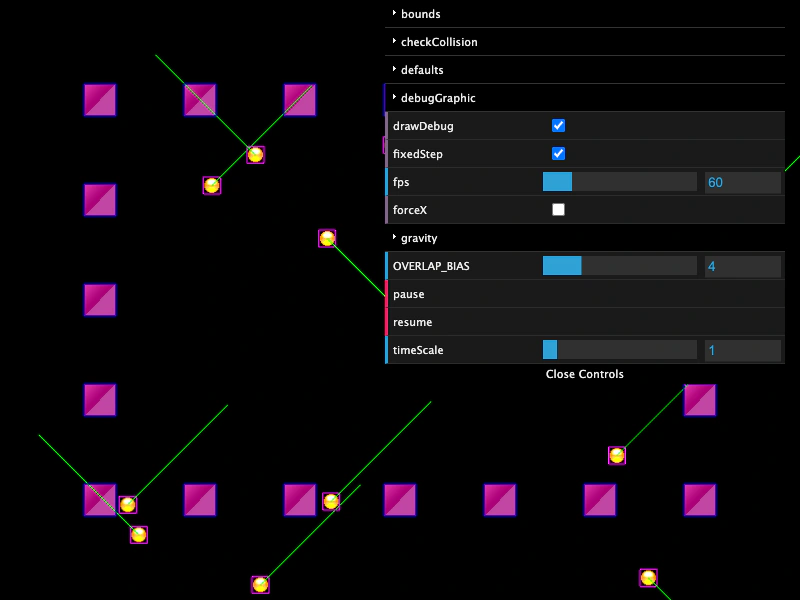 Arcade Physics World ControlsInteract with Arcade Physics world properties using a GUI to adjust gravity, world bounds, collision checks, time scaling, and debug visualization settings in real-time.
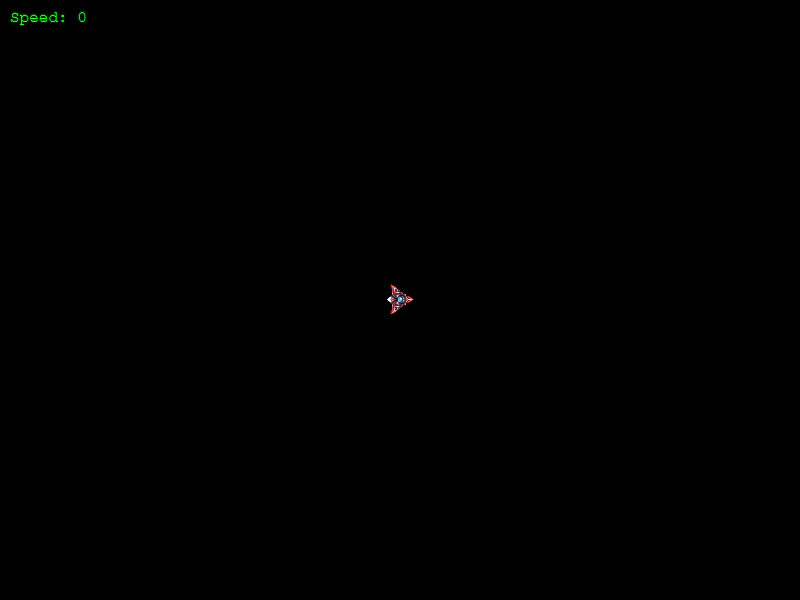 Asteroids MovementLearn how to implement classic Asteroids-style ship movement using Arcade Physics, featuring rotation-based acceleration, velocity damping, and screen wrapping.
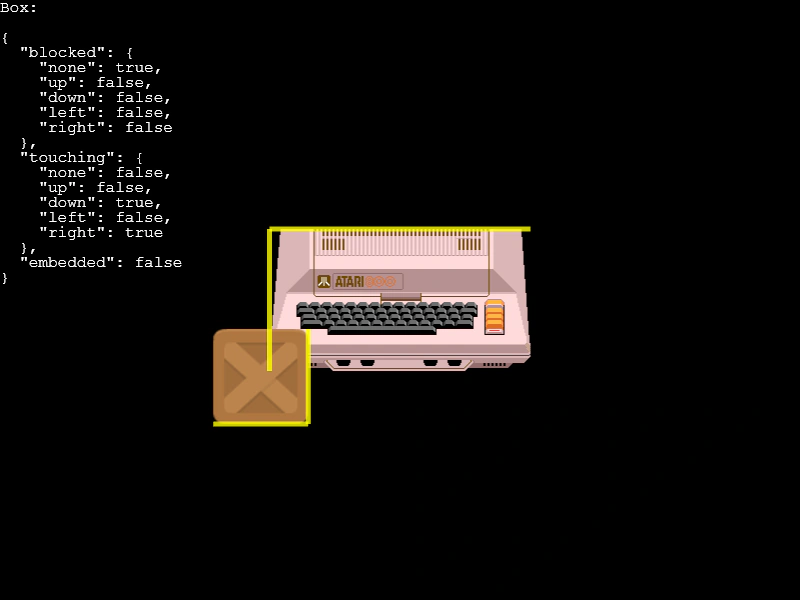 Blocked FacesDemonstrates how to detect and visualize which sides of an Arcade Physics body are currently blocked or touching other bodies or the world bounds.
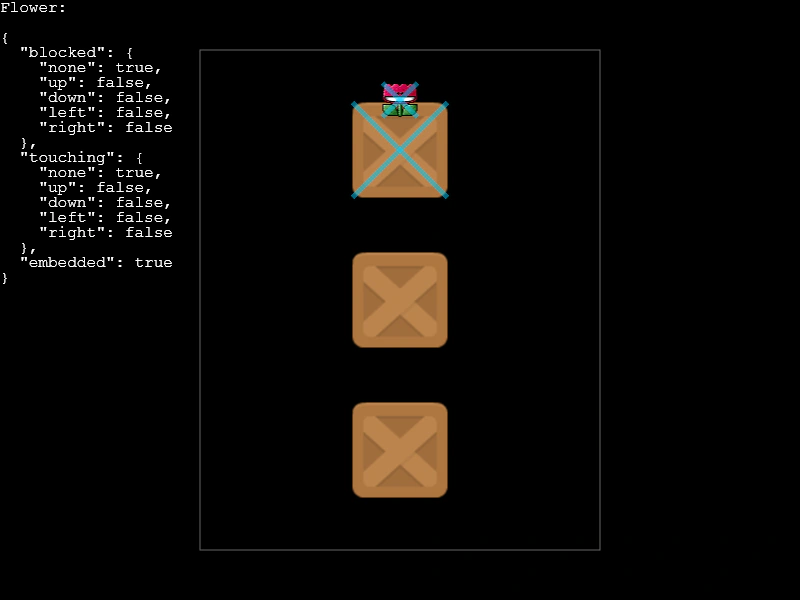 Blocked Touching and Embedded StatesDemonstrates how to detect and visualize different collision states on an Arcade Physics body, including touching other bodies, being blocked by world bounds, or being embedded within another object.
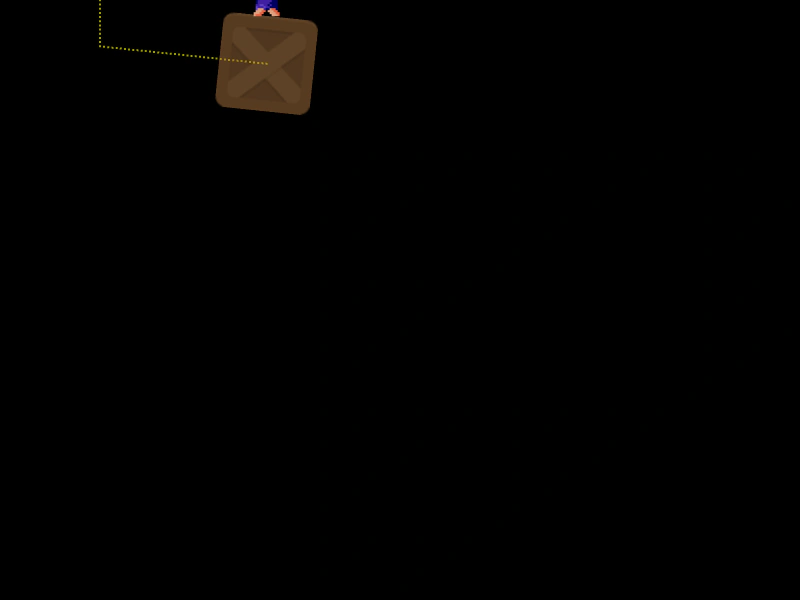 Body Follow PathDemonstrates moving an Arcade Physics body along a complex path by calculating velocity from path tangents, allowing other physics objects to interact and collide with it.
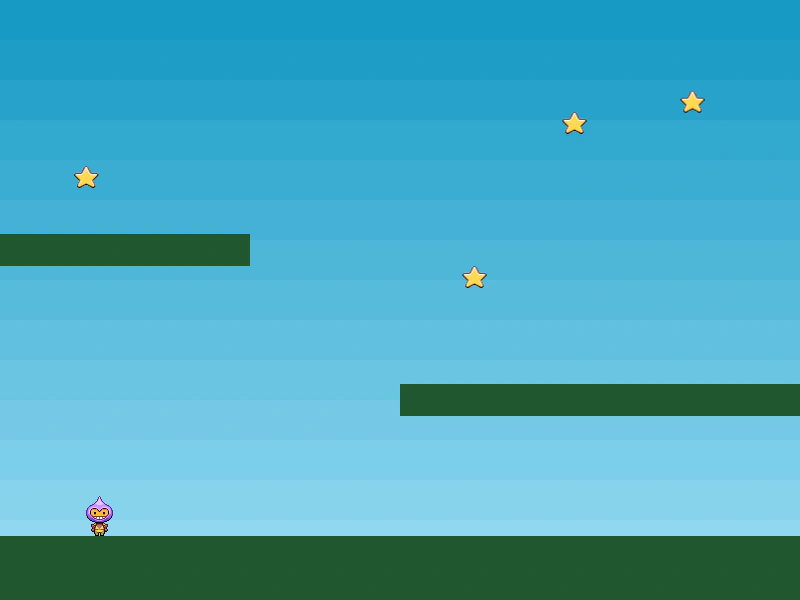 Body on a PathDemonstrates moving Arcade Physics bodies along a geometric path using an Ellipse curve and the getPoint method to update sprite positions while maintaining collision detection.
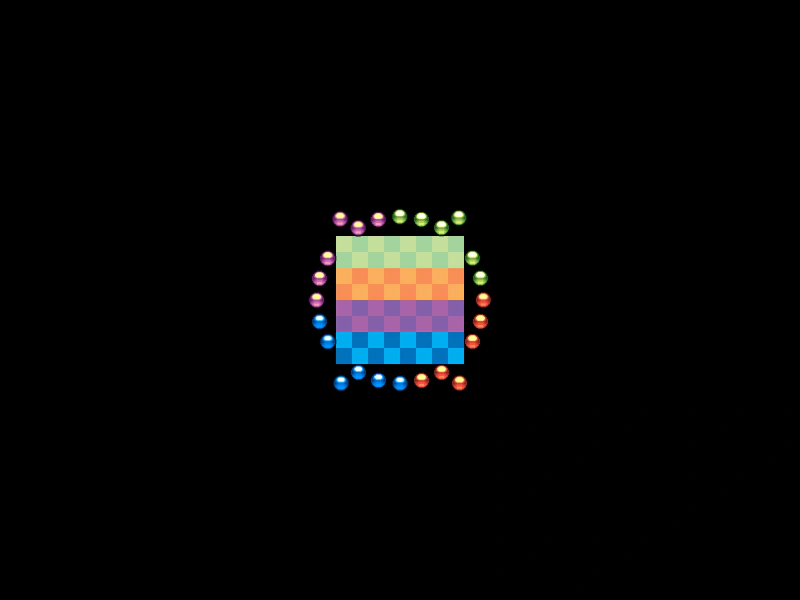 Circular Collisions with a Static BodyDemonstrates multiple circular Arcade Physics bodies colliding and bouncing off a central static rectangular body.
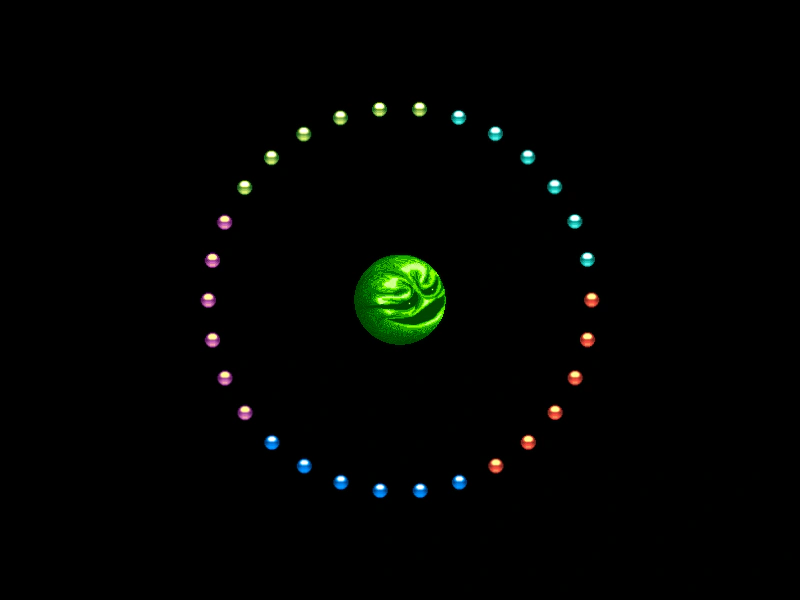 Circular Collisions with Static BodyDemonstrates how to use setCircle to define circular hitboxes for both dynamic physics groups and static images, featuring bounce physics and movement toward a central target.
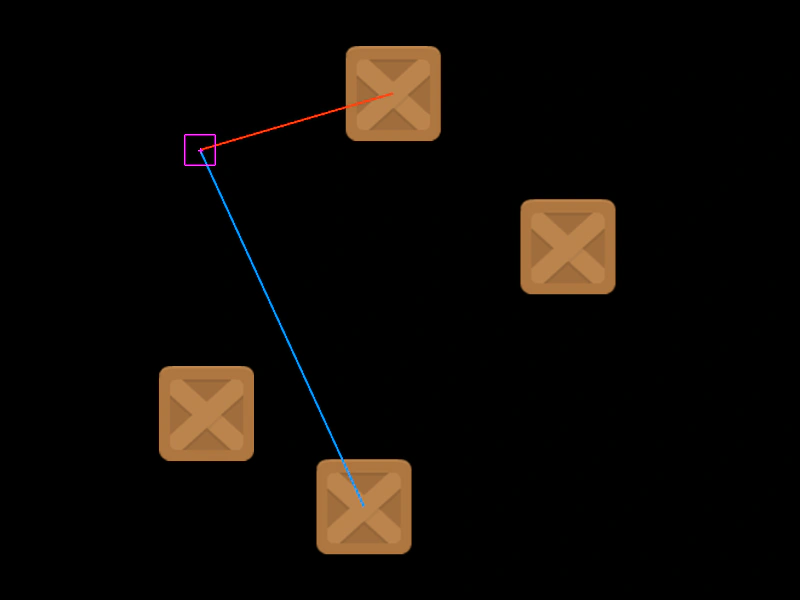 Closest and Furthest Physics BodiesIdentify the closest and furthest physics bodies relative to a specific source object using built-in Arcade Physics methods.
 Collide EventDemonstrates how to enable and listen for the Arcade Physics world 'collide' event by setting onCollide to true on a physics body.
 Collider between Sprite and Static GroupDemonstrates Arcade Physics collision between a dynamic sprite and a group of static bodies. Highlights the use of group.refresh() to update static bodies after they have been manually positioned.
 Collider Process CallbackDemonstrates using a process callback to conditionally enable or disable collisions, creating a one-way platform effect where the player can jump through platforms from below.
 Collision Direction DetectionDemonstrates how to use the 'touching' property of Arcade Physics bodies to detect specific collision directions, such as hitting the bottom of a platform to spawn an item.
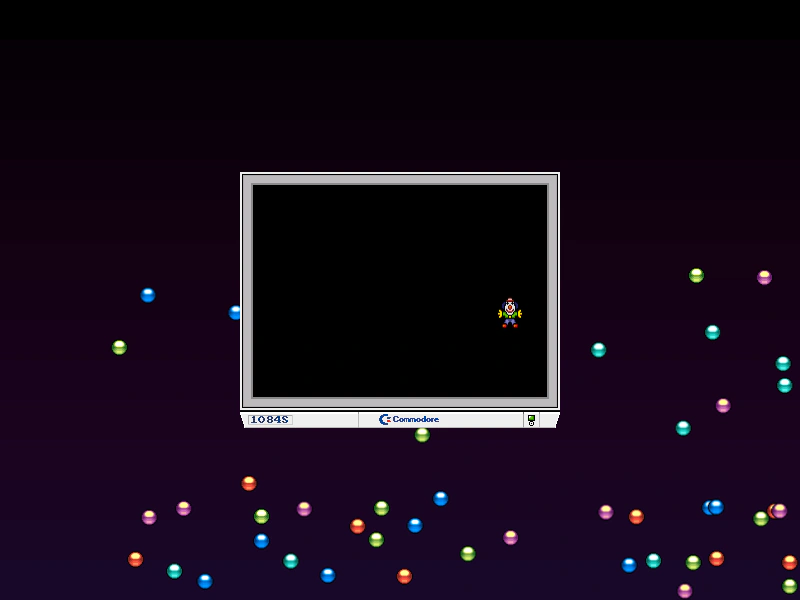 Custom BoundsDemonstrates how to restrict an Arcade Physics body to a custom rectangular area instead of the default global world bounds.
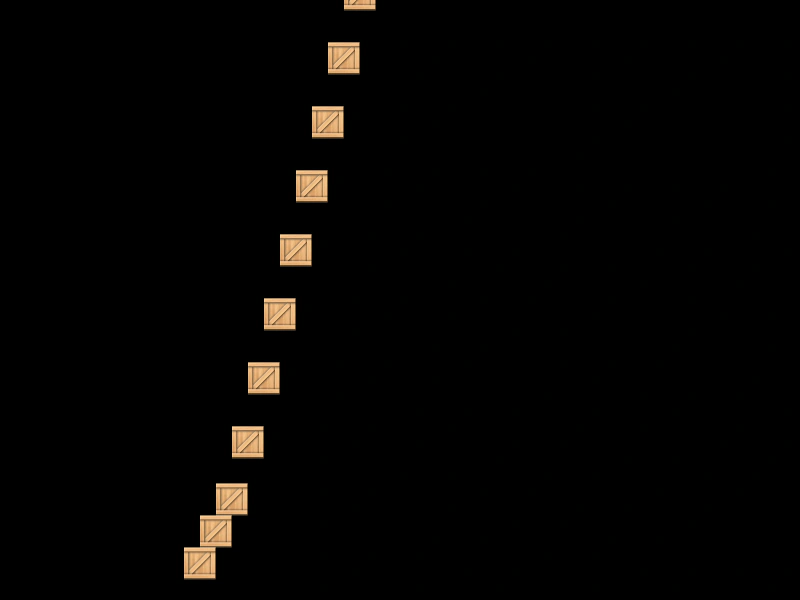 Custom Collision SeparationDemonstrates how to use the customSeparateY property to disable automatic Arcade Physics vertical separation and implement manual collision logic through a callback function.
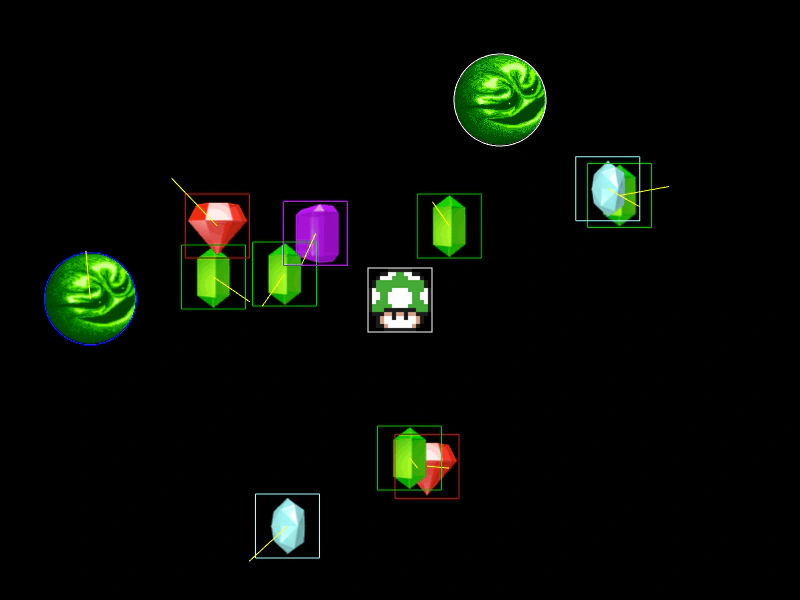 Custom Debug ColorsDemonstrates how to set custom debug colors for Arcade Physics bodies, both globally through the game configuration and individually for specific bodies.
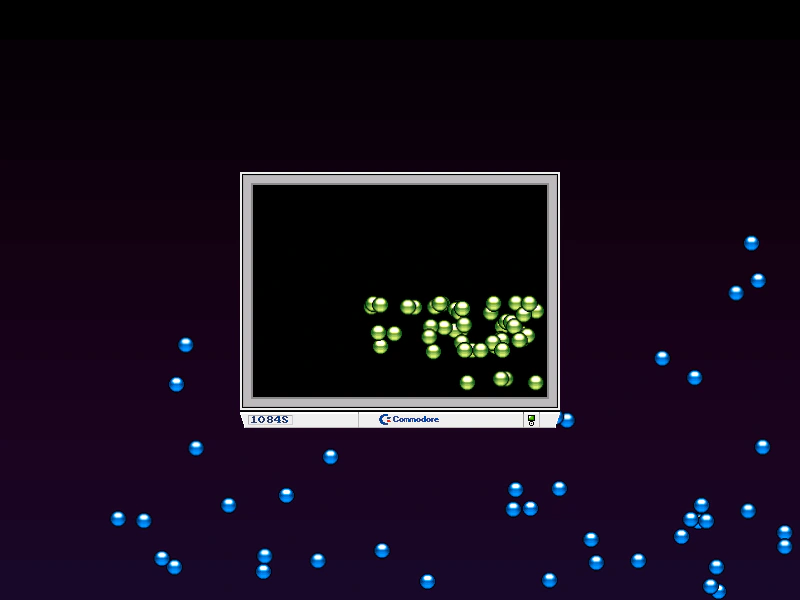 Custom World Bounds for BodiesDemonstrates how to assign specific movement boundaries to individual Arcade Physics bodies using custom bounds rectangles, rather than using the global world bounds.
 Destroy Physics BodyDemonstrates how to remove a physics-enabled Game Object and its associated body from the simulation using the destroy method.
 Direct Control Arcade Physics BodyDemonstrates how to use setDirectControl to move a physics body via Tweens or manual coordinate changes while still allowing it to physically interact with and push other objects.
 Direct Control Follow MouseDemonstrates how to use Arcade Physics' Direct Control mode to manually position a sprite via the mouse while maintaining collision interactions with other dynamic physics bodies.
 Direct Control PlatformsDemonstrates using direct control on Arcade Physics bodies moved by tweens, allowing them to correctly carry and interact with players while being positioned manually.
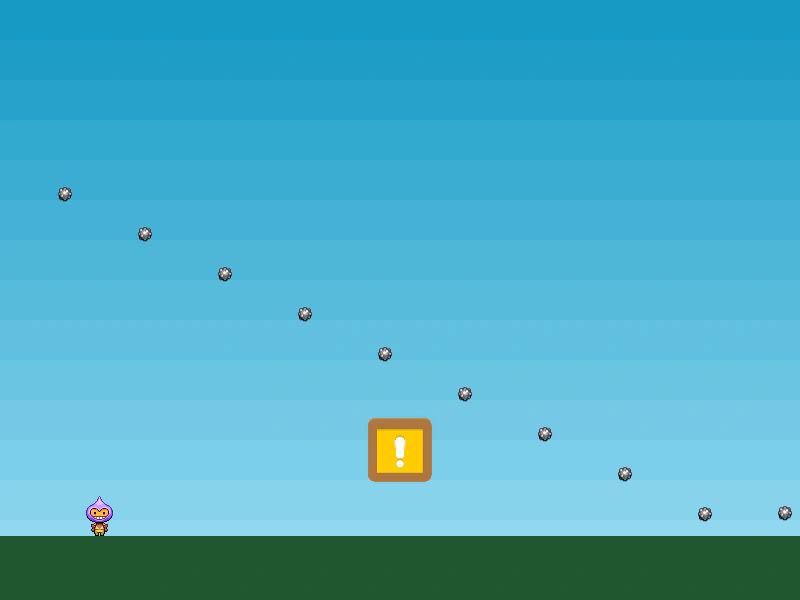 Disable ColliderDemonstrates how to temporarily enable or disable specific Arcade Physics colliders or overlaps by toggling their active property, such as for a temporary invulnerability power-up.
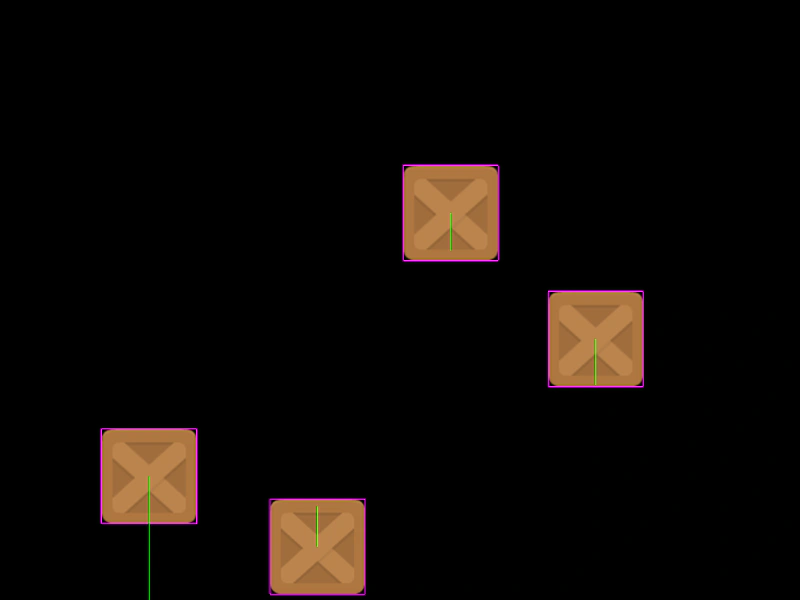 Drag on Both AxesDemonstrates how to apply drag independently to the horizontal and vertical axes in Arcade Physics, causing moving bodies to slow down over time.
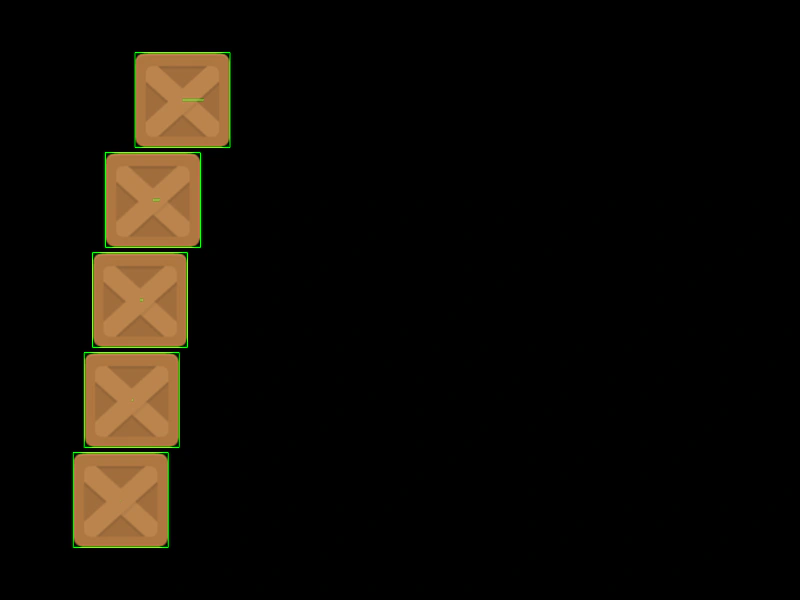 Drag With DampingDemonstrates Arcade Physics drag with damping enabled. In this mode, the drag value represents the proportion of velocity retained each frame, creating smooth deceleration.
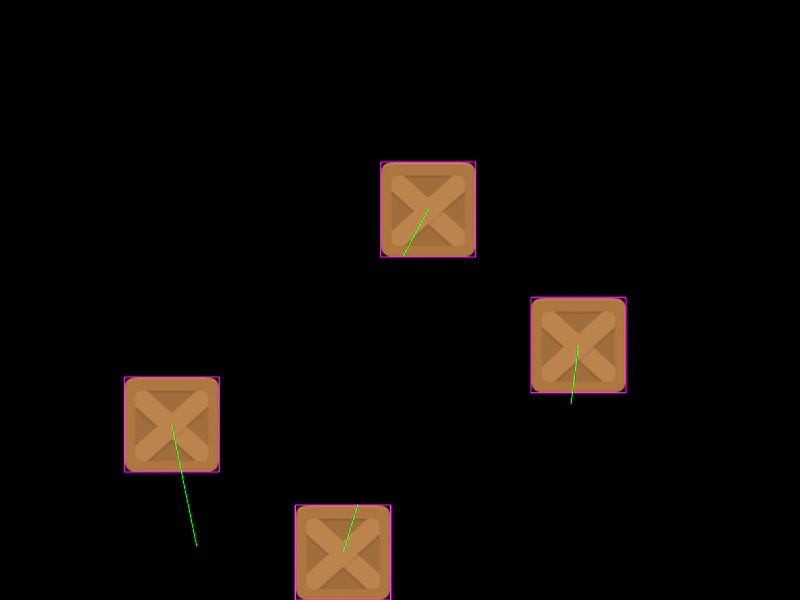 Drag With Damping On Both AxesDemonstrates how to apply physics damping to sprites, causing them to decelerate on both the X and Y axes using a drag multiplier instead of a fixed reduction value.
 Draggable Physics BodyDemonstrates how to drag an Arcade Physics body by toggling the body's moves property to temporarily disable simulation during the drag event.
 Extending Arcade SpriteDemonstrates how to create custom game object classes by extending the Arcade Physics Sprite class and registering them with the scene and physics world.
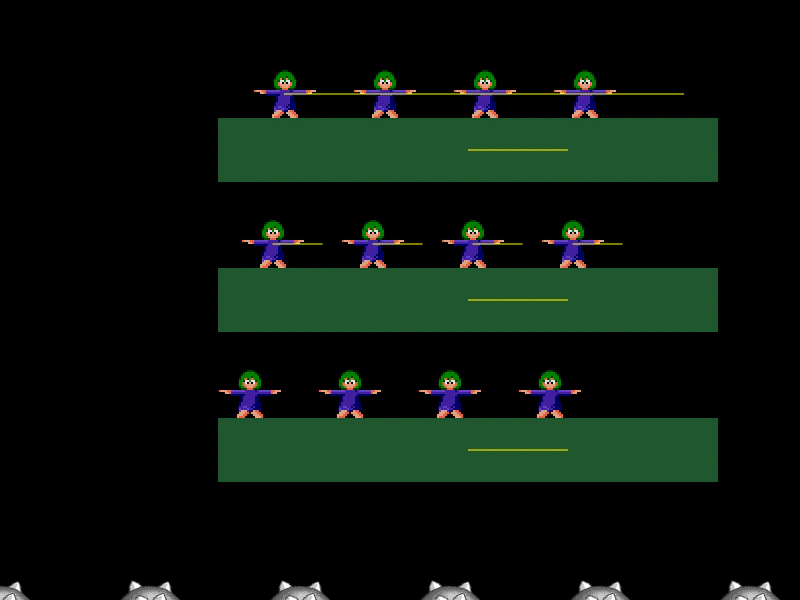 Final Delta DisplacementVisualizes the total displacement of physics bodies after all movement and collision steps are resolved using deltaXFinal and deltaYFinal, while demonstrating how platform friction affects riding objects.
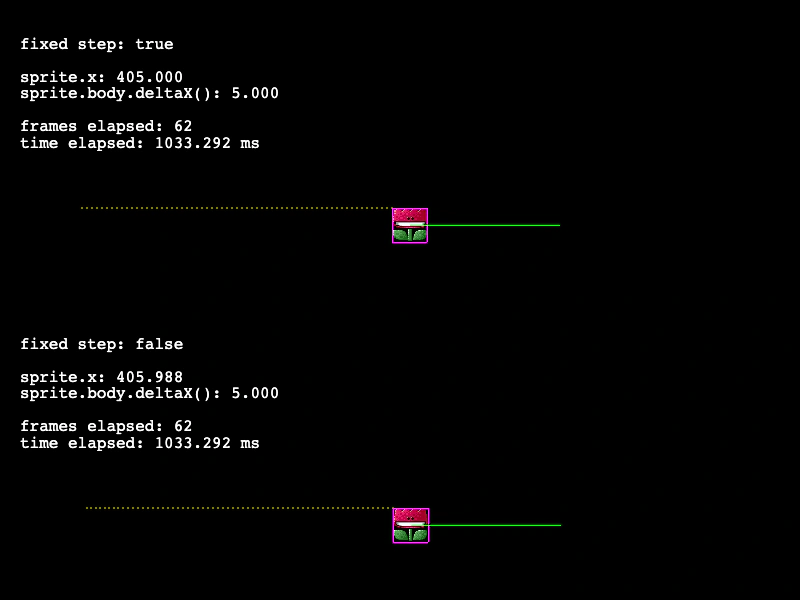 Fixed vs. Variable Step ComparisonCompare Arcade Physics behavior using fixed and variable time steps. This example visualizes how sprite movement and delta calculations differ between the two update modes.
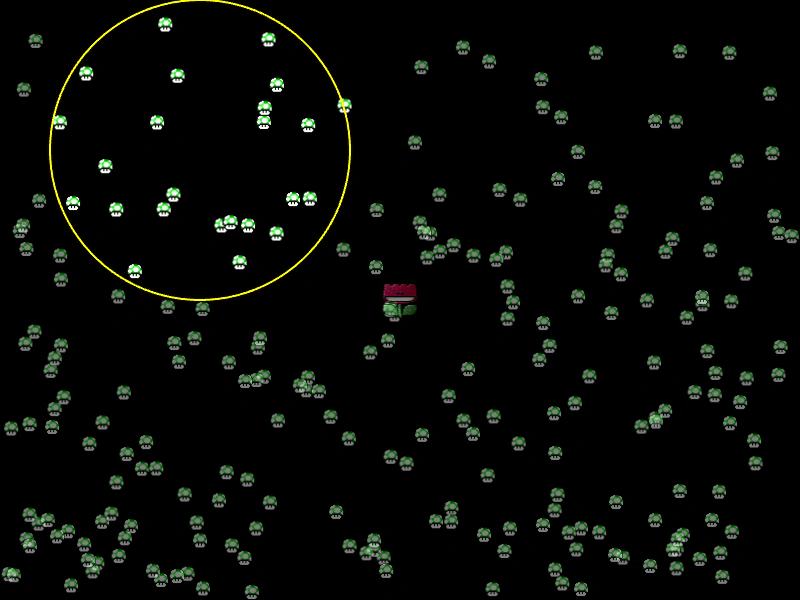 Get Bodies Within CircleDemonstrates how to use the Arcade Physics overlapCirc method to detect and highlight both dynamic and static physics bodies within a circular region.
 Group Set Velocity XDemonstrates how to use the setVelocityX method on an Arcade Physics Group to apply an initial velocity with an incremental step value to all group members.
 Group Set Velocity YDemonstrates how to set the vertical velocity for all members of an Arcade Physics group, including using an optional step value to incrementally increase the speed for each member.
 Group vs SelfDemonstrates how to enable Arcade Physics collisions between members of the same Group.
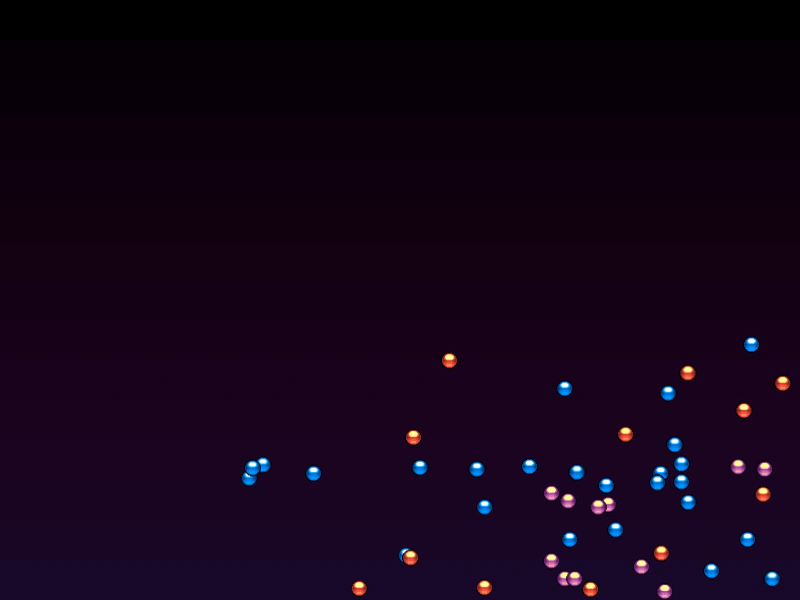 Group World Bounds EventDemonstrates how to listen for collision events when objects hit the edge of the physics world. This example enables 'onWorldBounds' for a group of sprites and uses a global listener to change their frame upon impact.
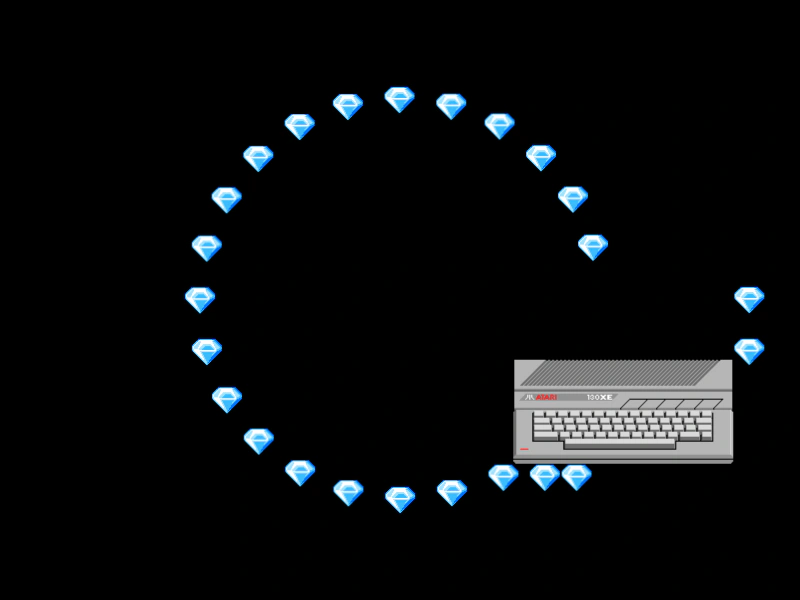 Immovable Arcade Physics BodyDemonstrates how an immovable body remains unaffected by collisions with other objects while still being able to move via its own velocity.
 Interpolate VelocityUse linear interpolation (lerp) on Arcade Physics velocities to create a smooth follow-the-leader movement effect among a group of sprites.
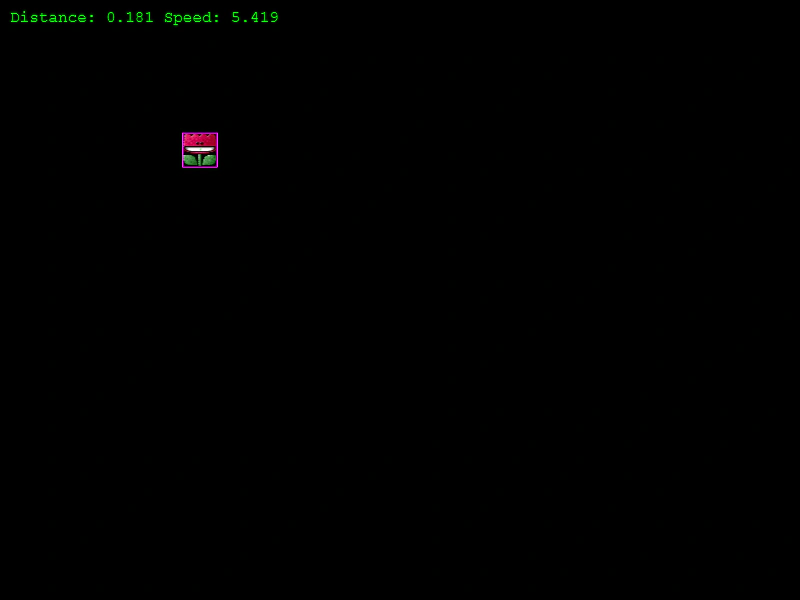 Interpolate Velocity Towards TargetDemonstrates how to move an Arcade Physics body toward a target and use velocity interpolation to smoothly decelerate as it arrives.
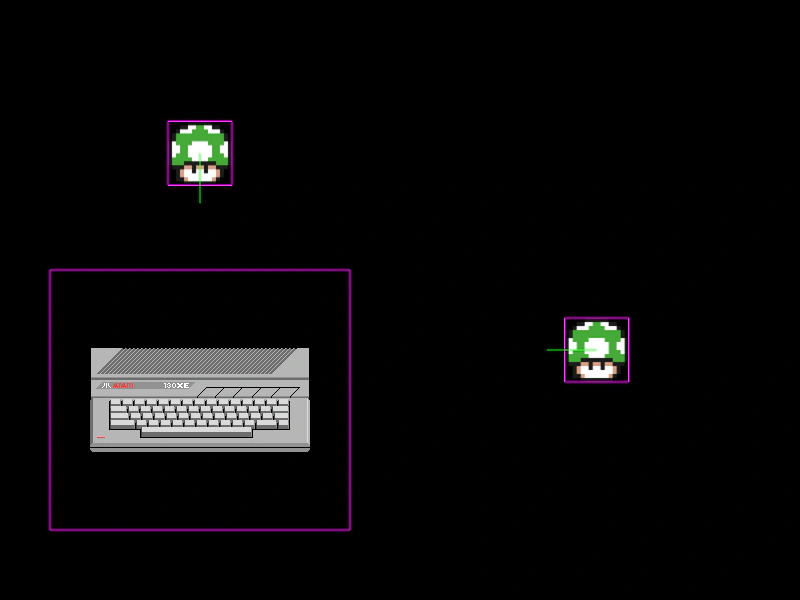 Larger Bounding BoxShows how to increase an Arcade Physics body size beyond the sprite's texture dimensions and center the body on the object.
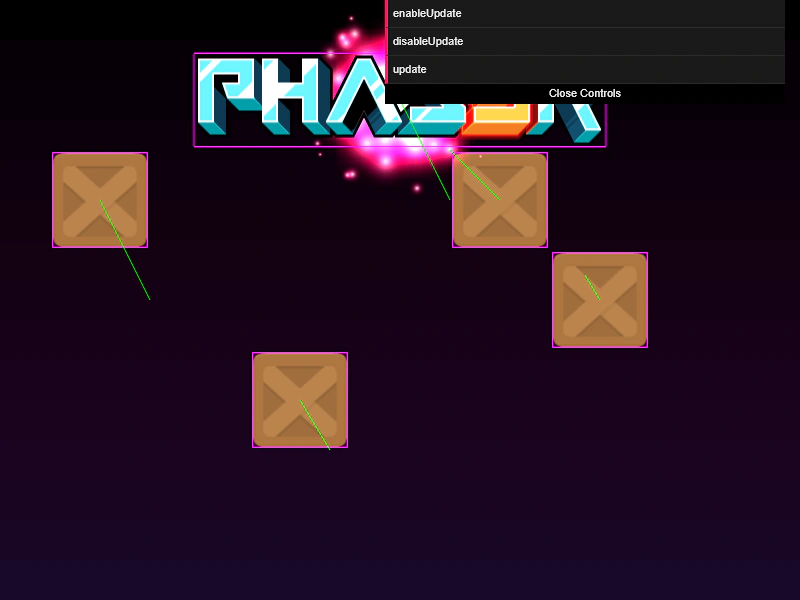 Manual Physics UpdateDemonstrates how to use the 'customUpdate' setting to disable the automatic physics step, allowing for manual control of the simulation timing via the World update method.
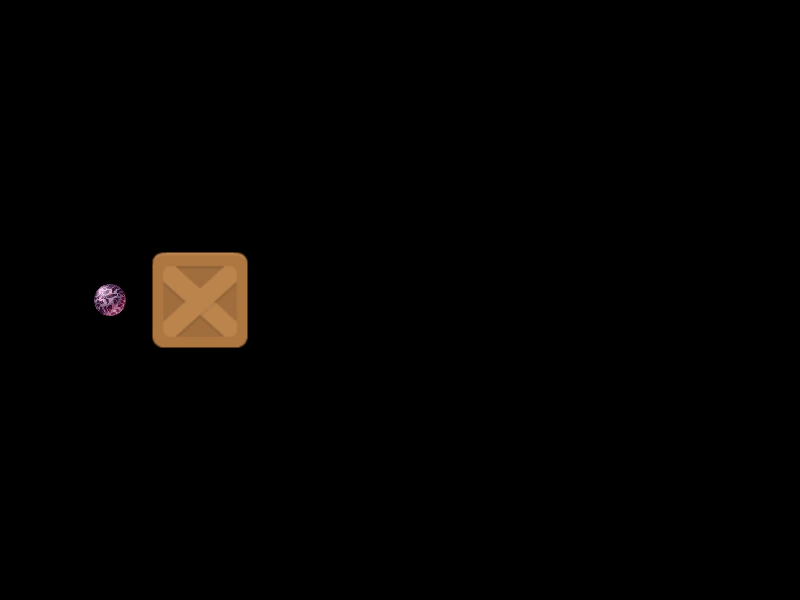 Mass and Collision MomentumDemonstrates how setting a body's mass property affects the momentum and rebound behavior when two Arcade Physics bodies collide.
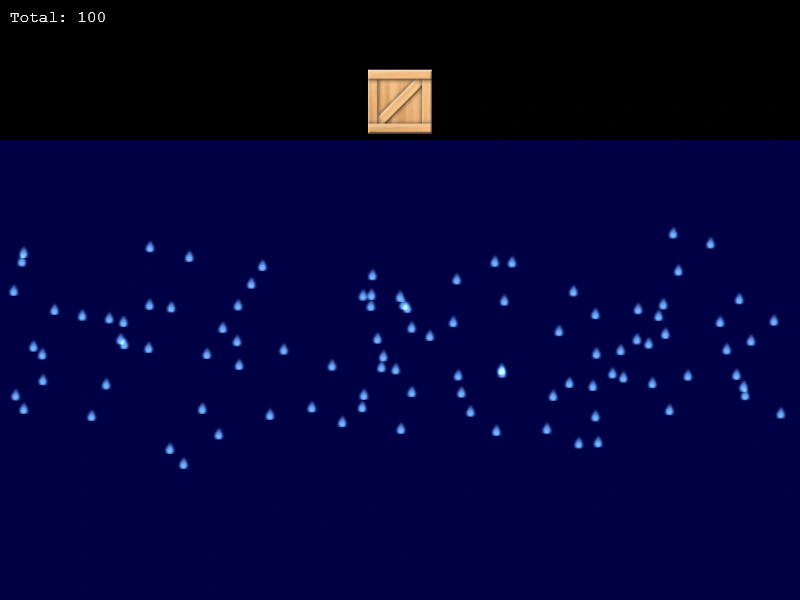 Mass Collision Performance TestA performance demonstration showing 10,000 Arcade Physics bodies colliding with a player-controlled sprite and the world bounds.
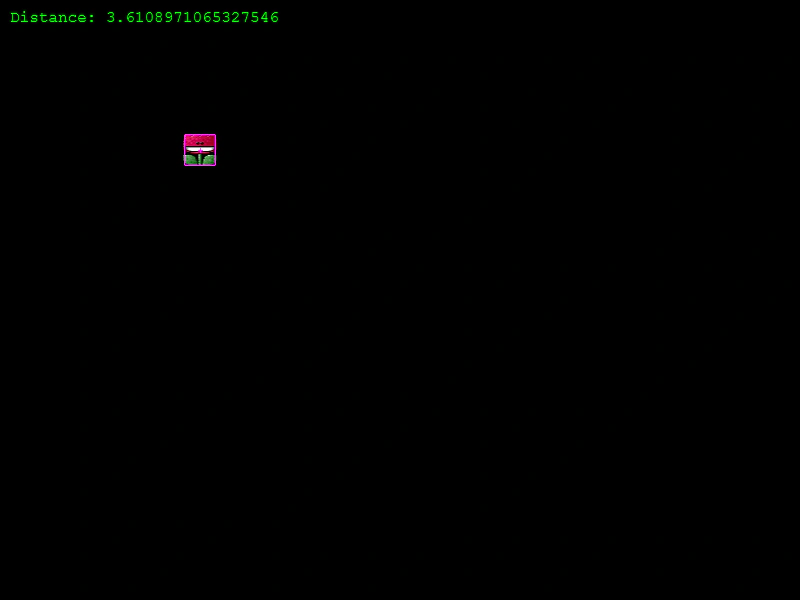 Move and Stop at PositionDemonstrates how to move an Arcade Physics body towards a target point and stop it precisely using a distance threshold and body reset.
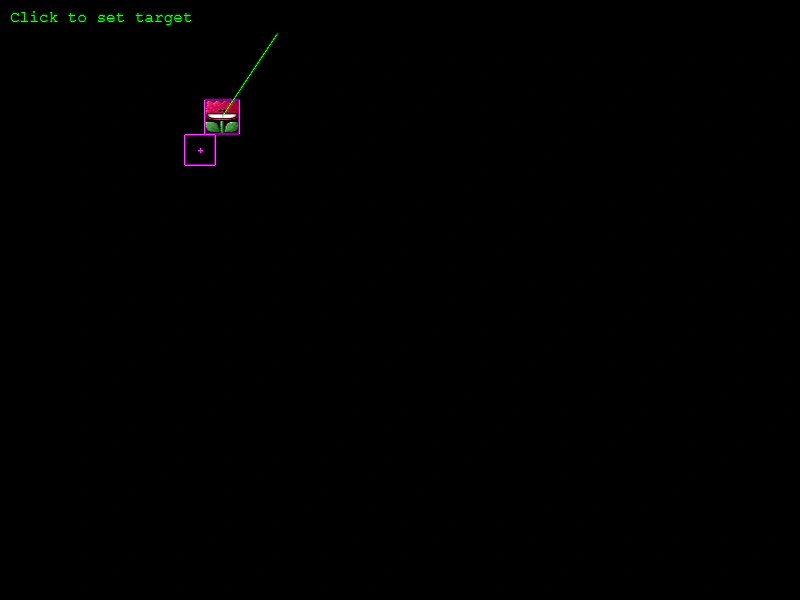 Move To ObjectMove a physics-enabled sprite toward a target object at a constant speed using the Arcade Physics moveToObject method.
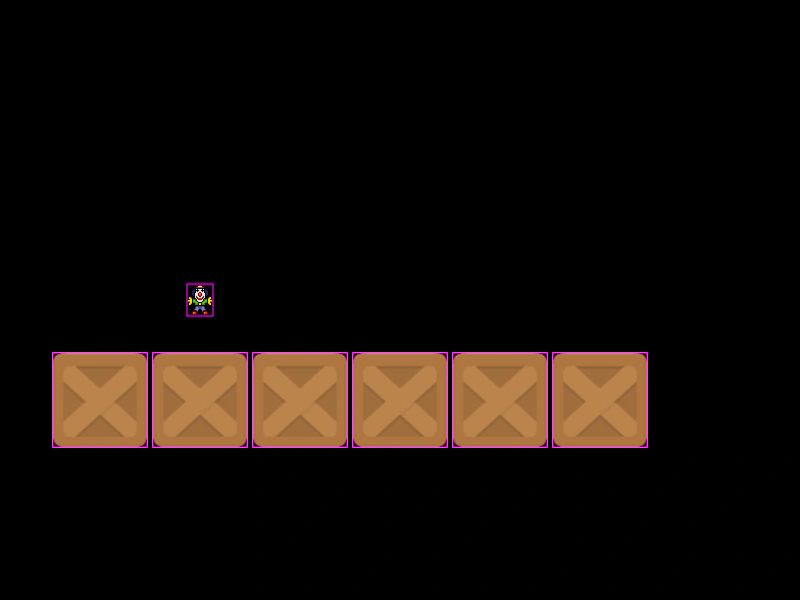 Move To PointerDemonstrates using the Arcade Physics moveToObject method to make sprites and group members follow the mouse pointer at constant speeds.
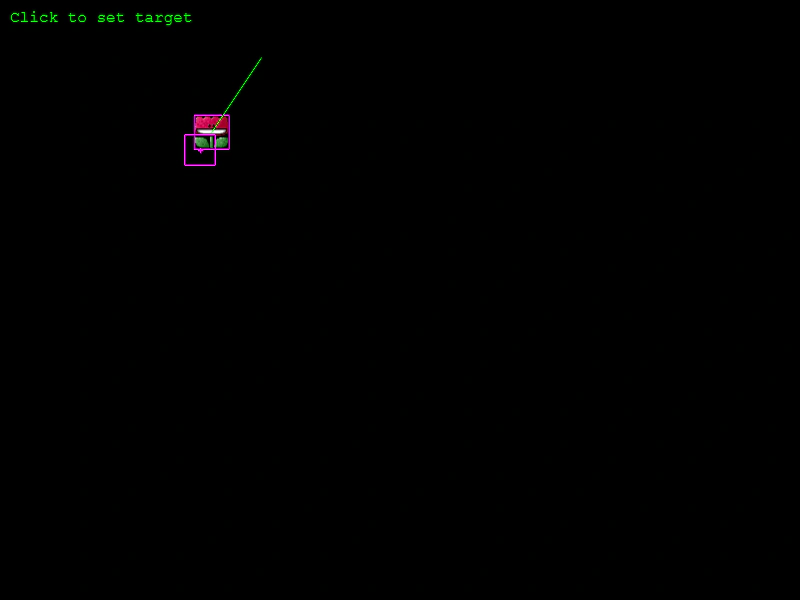 Move to Position by DurationDemonstrates using the Arcade Physics moveToObject method to calculate and set velocity based on a target duration in milliseconds.
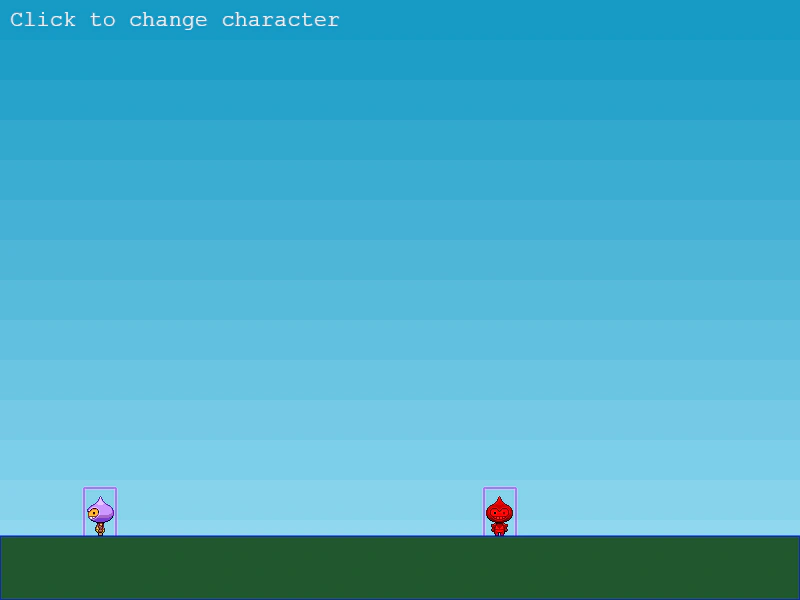 Non-Pushable Arcade Physics BodiesDemonstrates how to use the setPushable method to prevent a physics body from being moved by collisions with other objects while still allowing it to move via gravity and velocity.
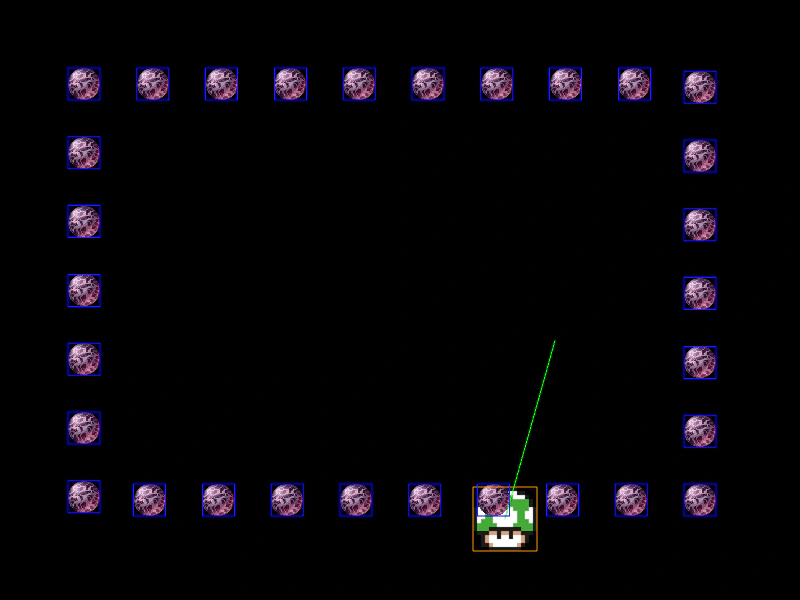 Overlap Detection with Static GroupDemonstrates how to use the physics overlap method to detect when a dynamic sprite intersects with members of a static group without triggering a physical collision response.
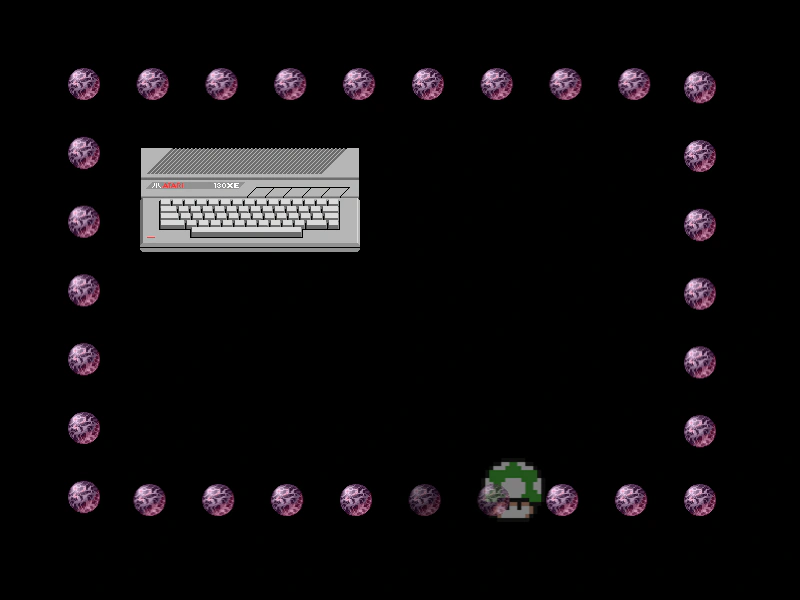 Overlap EventDemonstrates how to trigger and listen for the global physics 'overlap' event by enabling the onOverlap property on an Arcade Physics body.
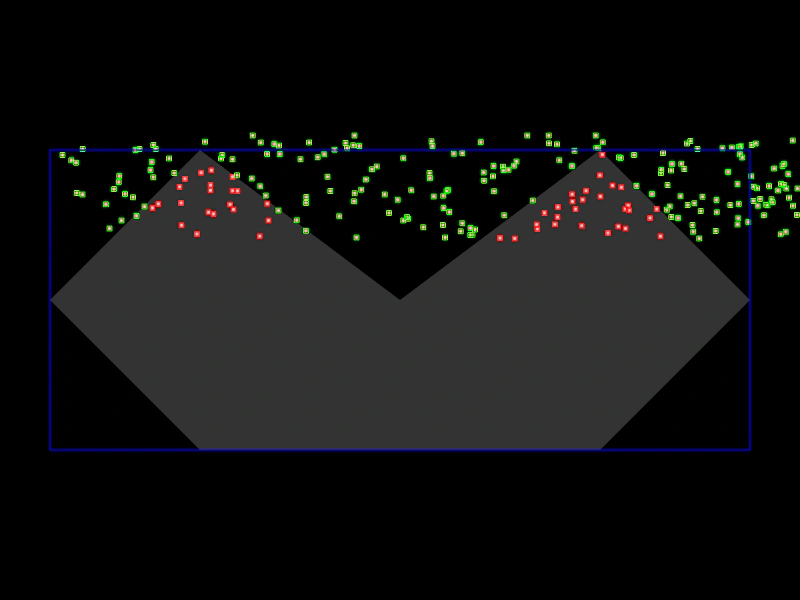 Overlap Process CallbackDemonstrates using a process callback to perform advanced collision filtering, such as checking if an object is within a complex polygon shape during a physics overlap.
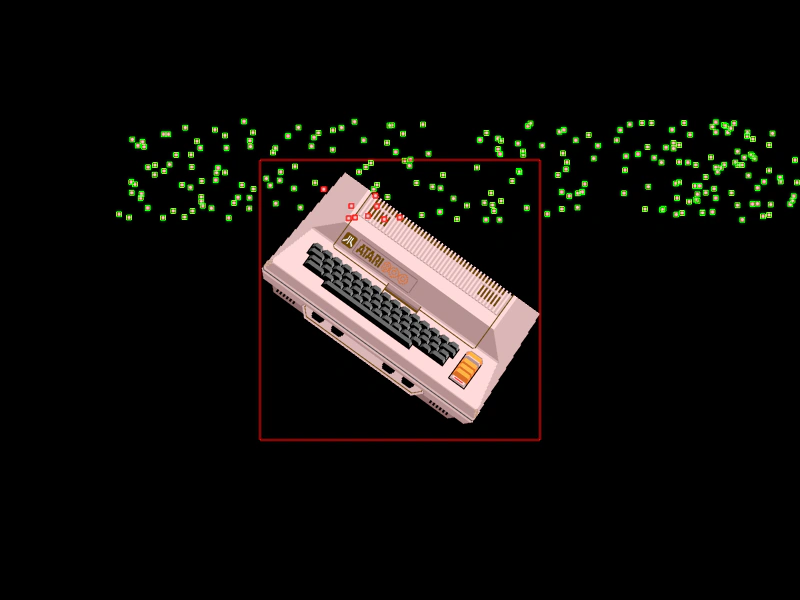 Overlap Process Callback with Local PointsFilter Arcade Physics overlaps using a process callback that converts world coordinates to a sprite's local space to perform precise containment checks.
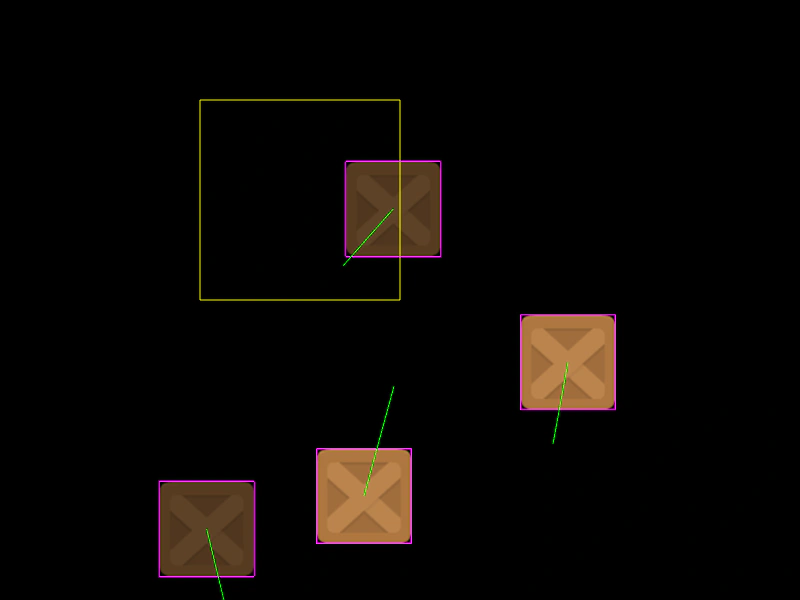 Overlap ZoneDemonstrates how to use a Zone with a static Arcade Physics body to detect overlaps with moving objects, acting as a trigger area.
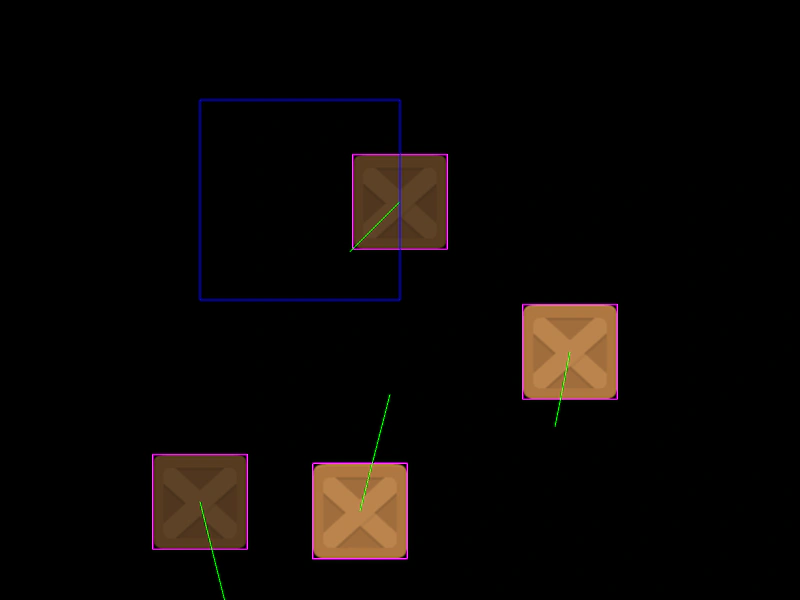 Overlap Zone with Static BodyDemonstrates how to use an invisible Zone with a static physics body to detect overlaps and trigger callbacks when objects enter a specific area.
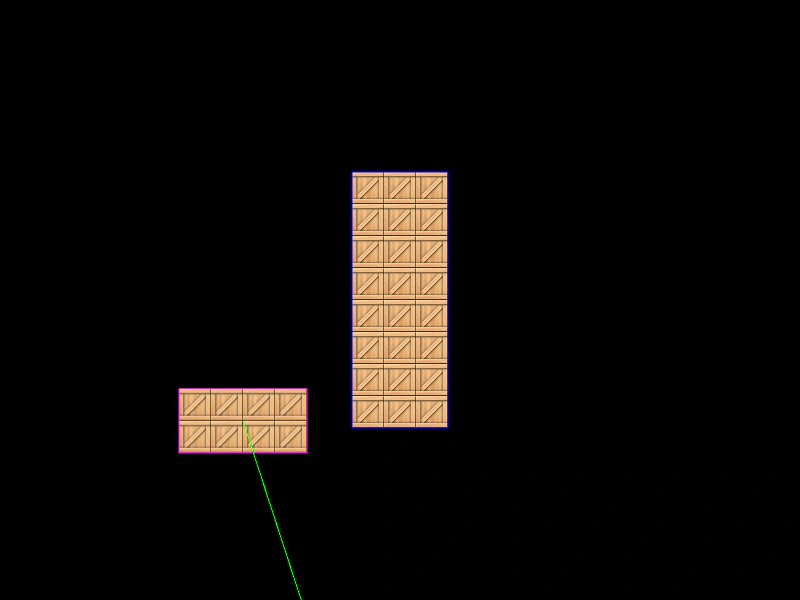 Physics Bodies on TileSpritesHow to add dynamic and static Arcade Physics bodies to TileSprite objects, enabling collisions and movement for tiled textures.
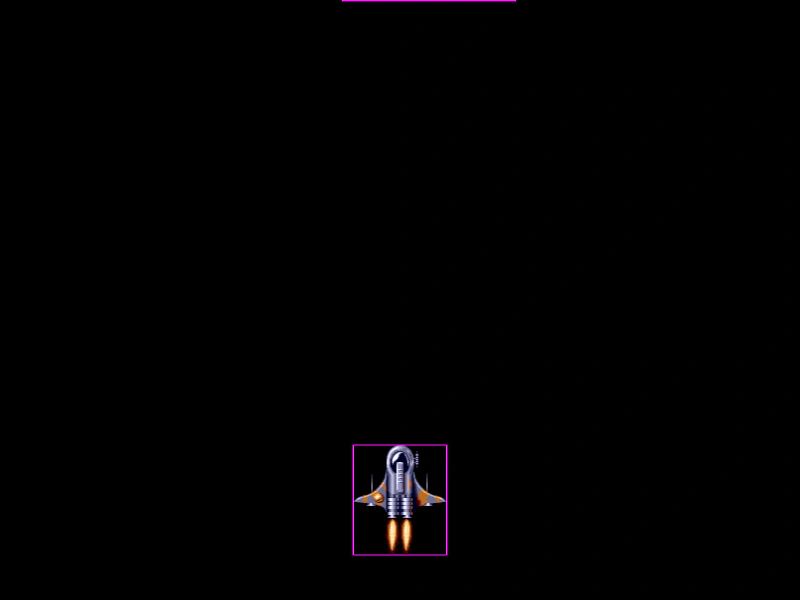 Physics Body Without SpriteDemonstrates how to manually assign and recycle Arcade Physics bodies to non-physics Game Objects, such as Blitter Bobs, for custom pooling and high-performance physics handling.
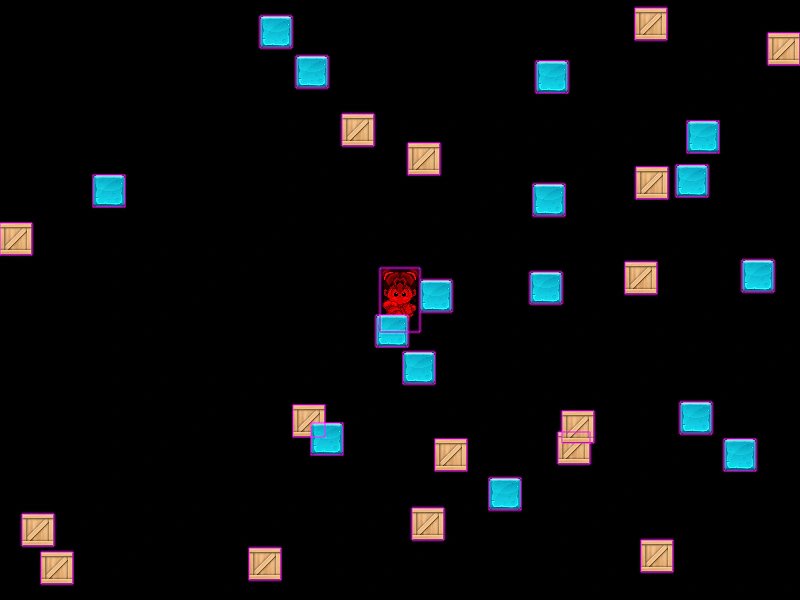 Pushable Physics BodiesDemonstrates the use of setPushable to determine if Arcade Physics bodies are moved when collided with, including how to toggle this property dynamically.
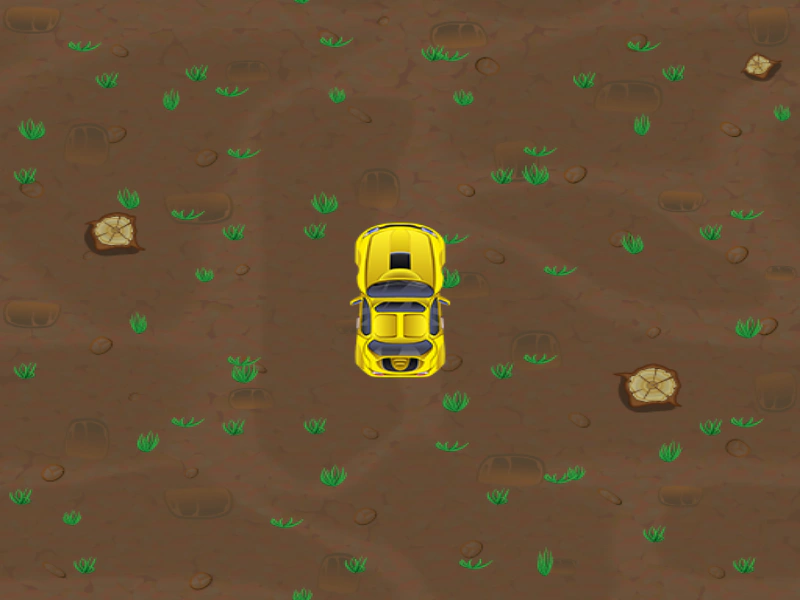 Racecar MovementDemonstrates top-down vehicle physics using velocityFromRotation to move a sprite based on its orientation, with throttle and angular acceleration control.
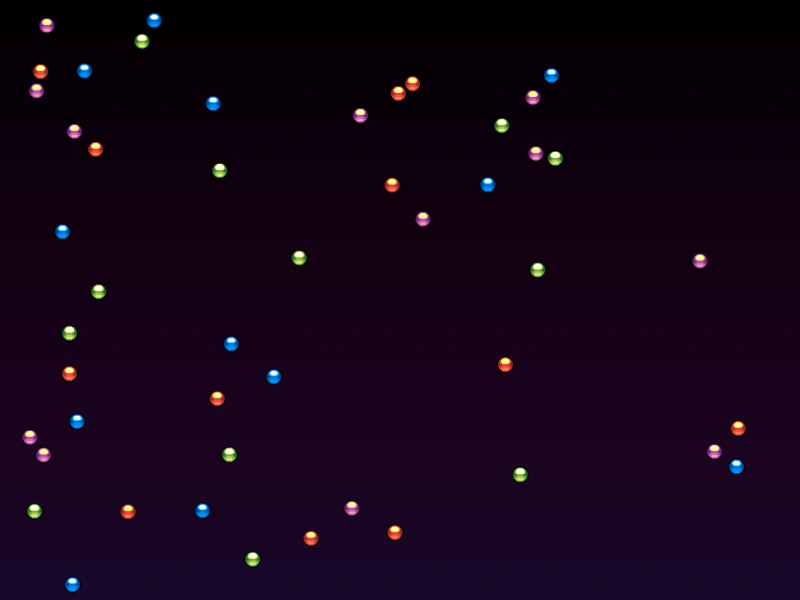 Random VelocityDemonstrates how to scatter physics bodies across a rectangle and assign them random velocity vectors using Phaser.Math.RandomXY.
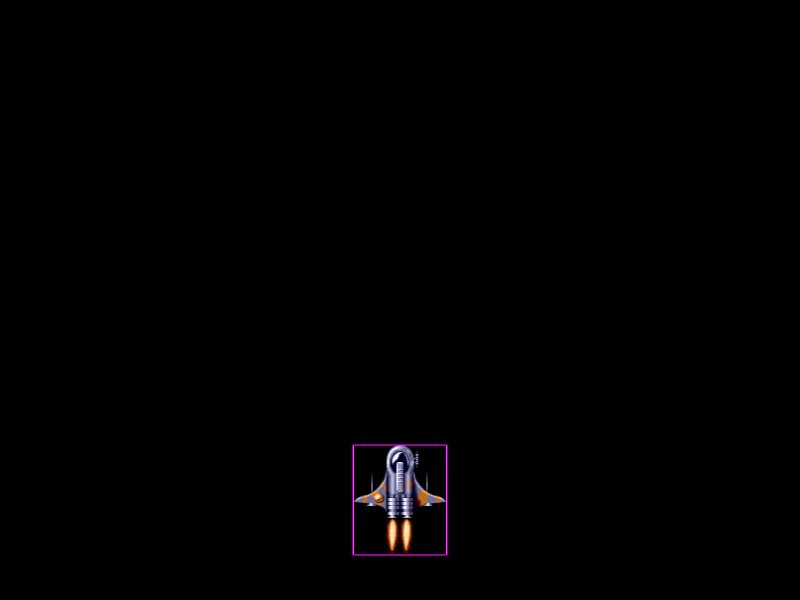 Recycle Arcade Physics BodiesDemonstrates how to optimize performance by pooling and recycling Arcade Physics bodies. Learn how to manually disable bodies, store them in a pool, and re-attach them to new sprites to avoid repeated memory allocation.
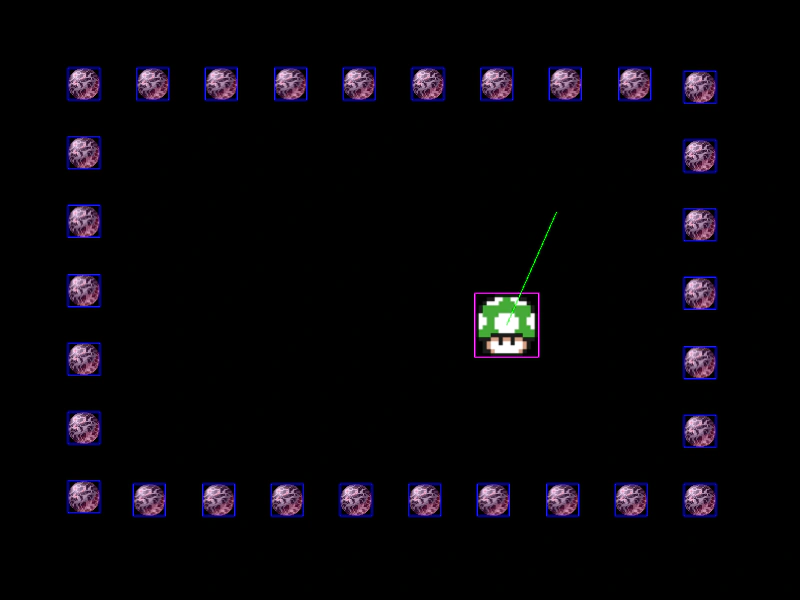 Remove ColliderThis example demonstrates how to disable collision detection between objects by removing a collider reference after the first contact occurs.
 Restarting a Physics SceneDemonstrates a complete scene lifecycle (Main Menu, Game, and Game Over) and how to properly restart a scene containing Arcade Physics sprites, custom world bounds, and camera controls.
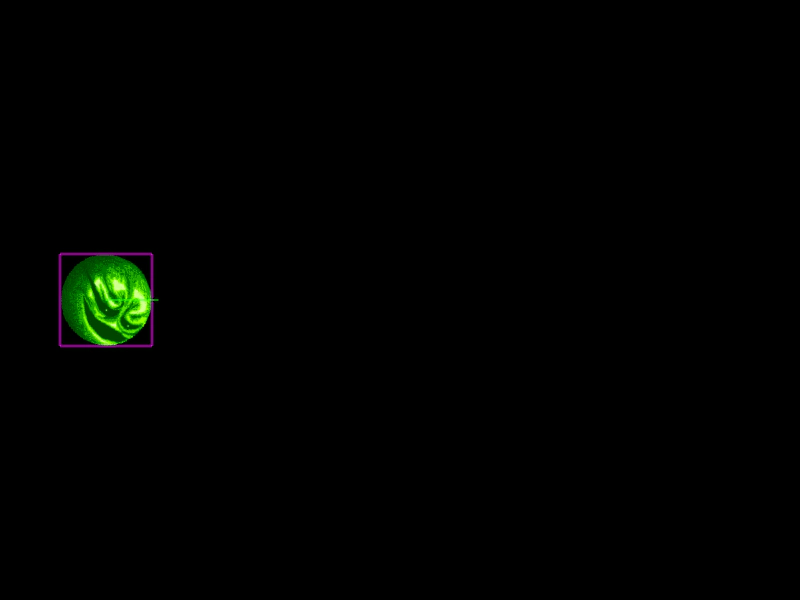 Rolling BodyDemonstrates how to simulate a rolling effect by synchronizing a physics body's angular velocity with its horizontal linear velocity.
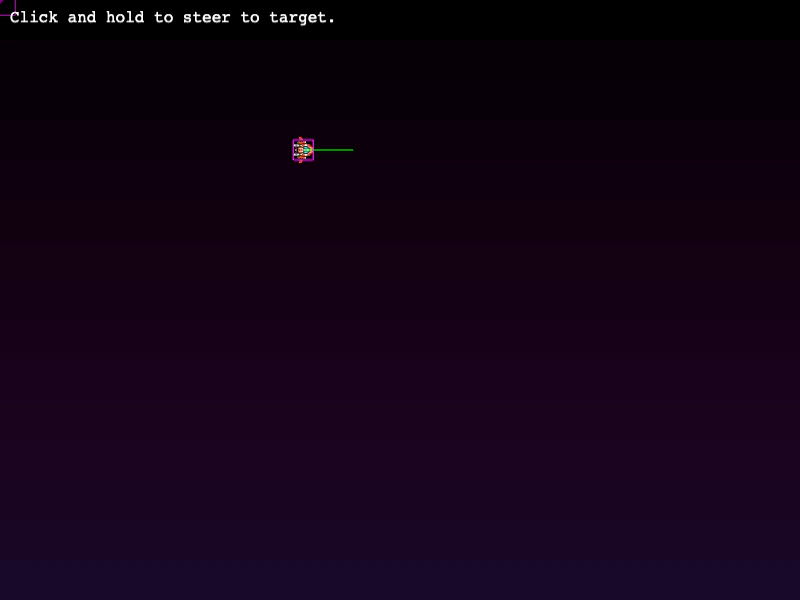 Rotate To PointerDemonstrates how to steer an Arcade Physics body towards the mouse pointer by calculating the shortest angle and applying angular velocity.
 Scene-Specific Physics ConfigurationDemonstrates how to define Arcade Physics settings, such as gravity, within an individual Scene's configuration object rather than the global Game configuration.
 Set World BoundsLearn how to define custom boundaries for the Arcade Physics world, constraining movement and collisions to a specific area smaller than the game canvas.
 Simple Arcade Physics BodyA basic demonstration of creating an Arcade Physics body with velocity, gravity, and world boundary collision.
 Simple Physics GroupDemonstrates creating an Arcade Physics Group with shared body properties such as bounce and world bounds collision, including a collider that makes group members react to one another.
 Smaller Bounding BoxDemonstrates how to resize an Arcade Physics body to be smaller than the sprite's original dimensions and center it on the object.
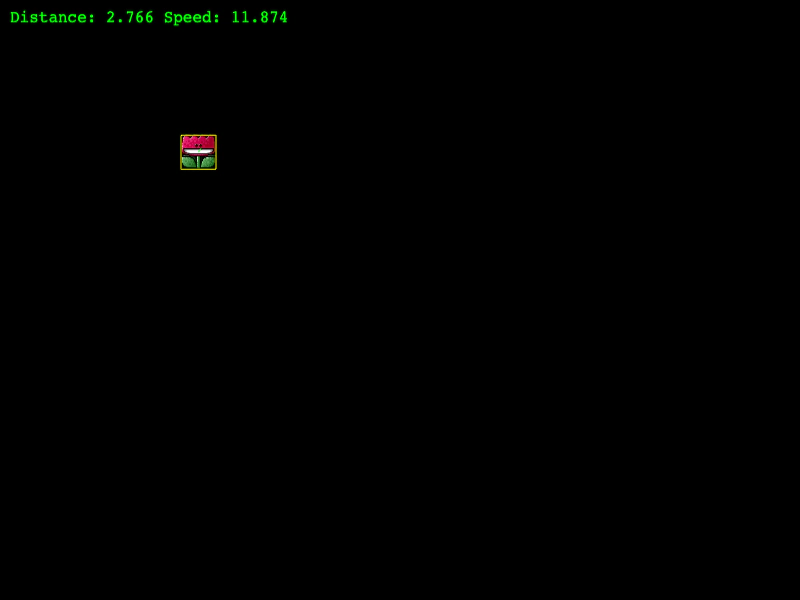 Smooth StopUses Arcade Physics and SmoothStep to gradually slow down a sprite as it nears its target coordinates for a natural-looking arrival.
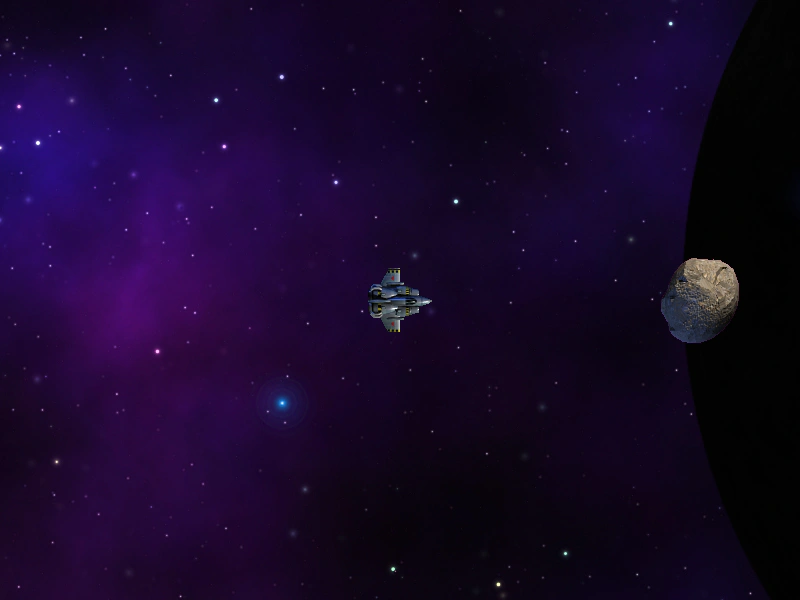 Space Combat MechanicsA comprehensive example of Arcade Physics space movement featuring thrust acceleration, angular drag, and bullet pooling. It demonstrates multi-layered parallax backgrounds using TileSprites and a dynamic particle thruster that scales its intensity based on the ship's velocity.
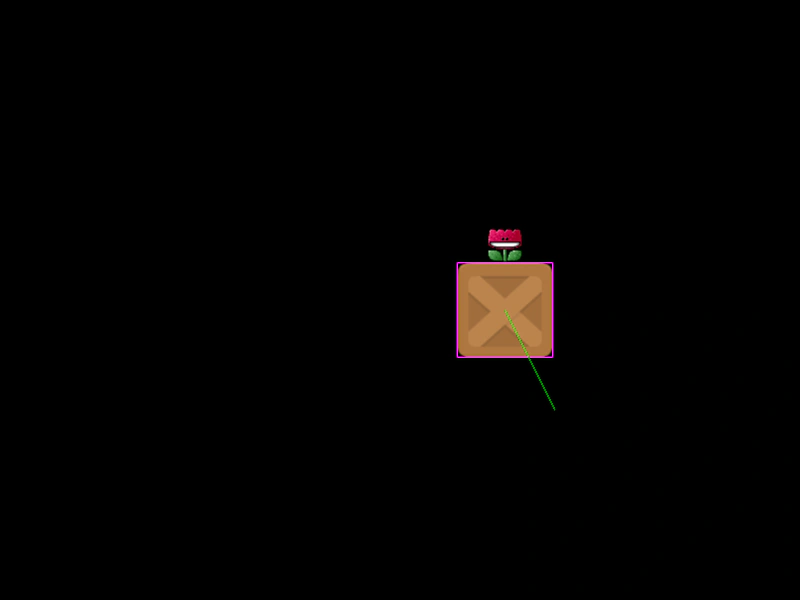 Sprite Follow Physics BodyDemonstrates how to sync the position of a non-physics sprite with a moving Arcade Physics body using Display Bounds helper functions.
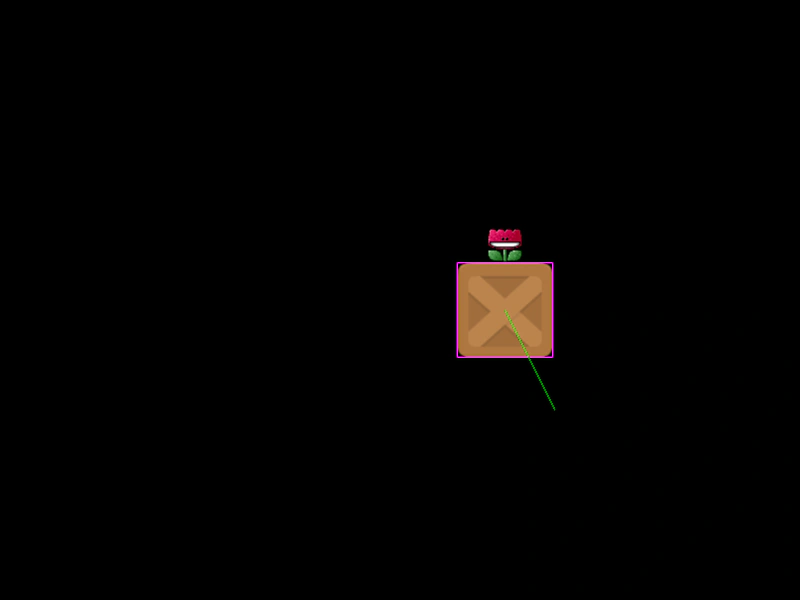 Sprite Follow Physics SpriteDemonstrates how to align a non-physics Sprite to a moving Arcade Physics body by using the postupdate event and the alignment utility.
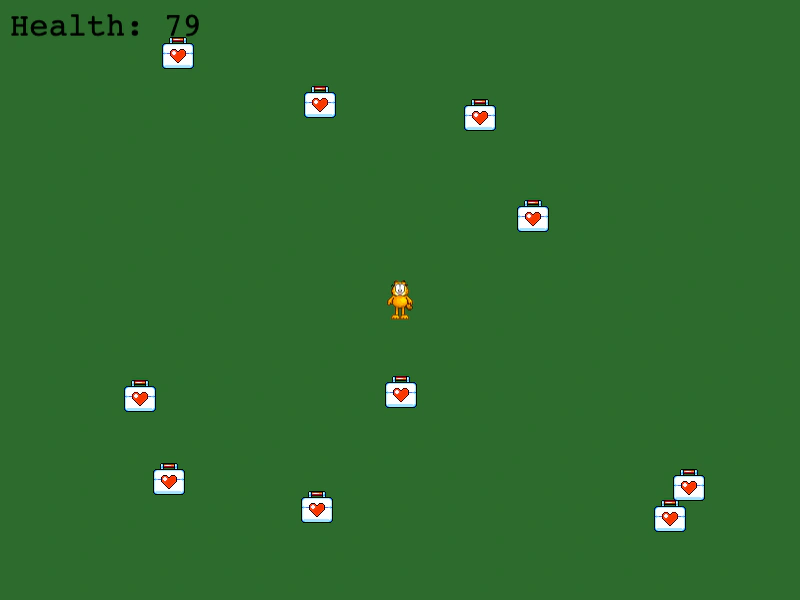 Sprite Overlap with Static GroupDemonstrates how to detect overlaps between a moving sprite and a static physics group to create a collectible item system.
 Sprite Vs ImmovableDemonstrates Arcade Physics collision between a moving sprite and an immovable body. The immovable object remains fixed in place regardless of the collision force.
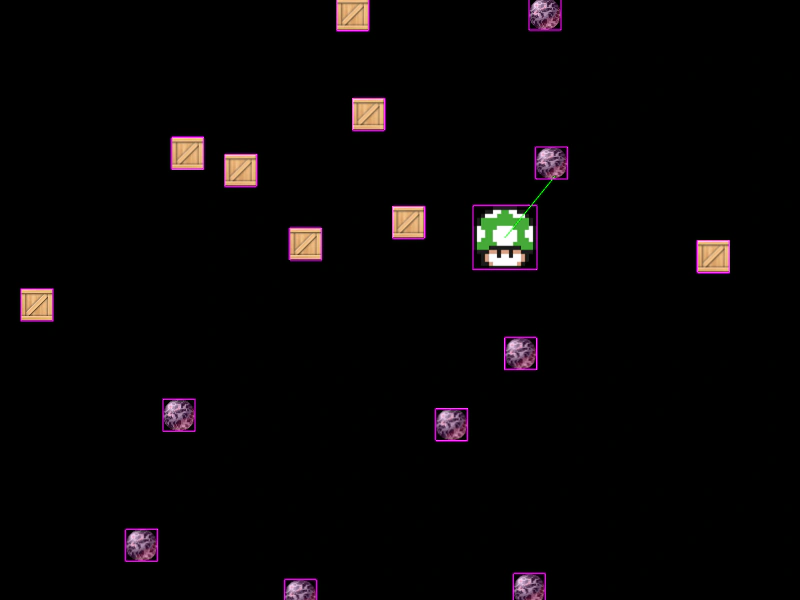 Sprite vs Multiple GroupsDemonstrates checking for collisions between a single physics sprite and an array of multiple physics groups using a single collider call.
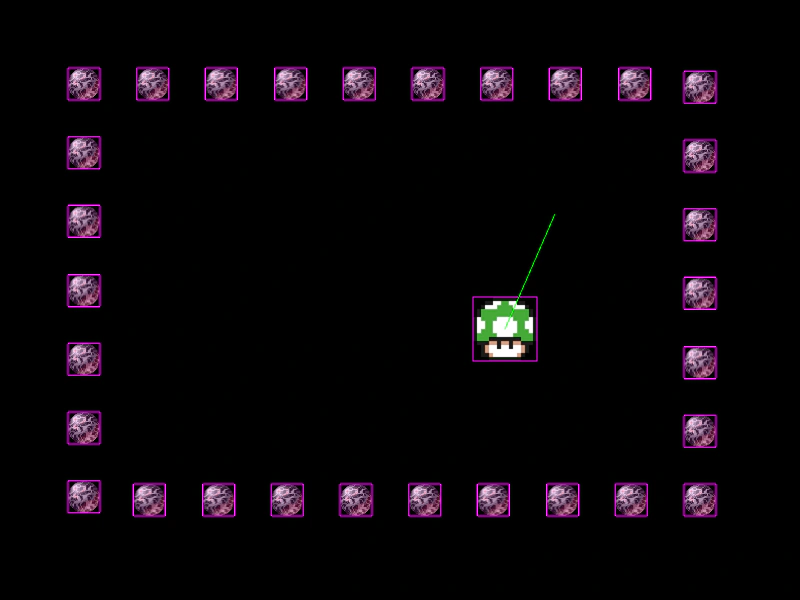 Sprite vs. Group CollisionDemonstrates Arcade Physics collision between a single moving sprite and an entire group of static objects.
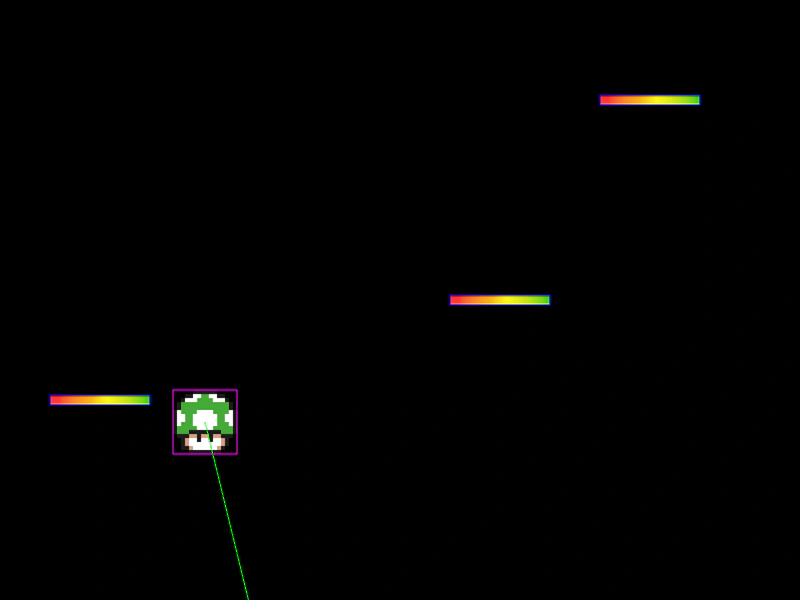 Static Body UpdateDemonstrates how to manually move a static physics body and use refreshBody to synchronize the physics collider with the Game Object's new position.
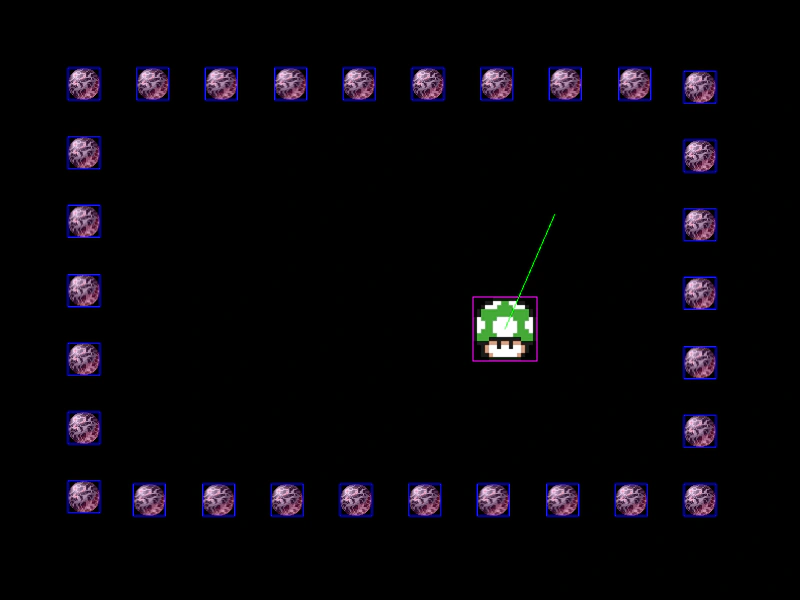 Static Physics GroupDemonstrates creating a static physics group, positioning its members using a Shape Action, and calling the refresh method to synchronize the physics bodies with their new positions.
 Sticky PlatformDemonstrates how to create a moving platform that a character can stand on and follow. Uses Arcade Physics collisions and gravity adjustments to keep the sprite synced with the platform's motion.
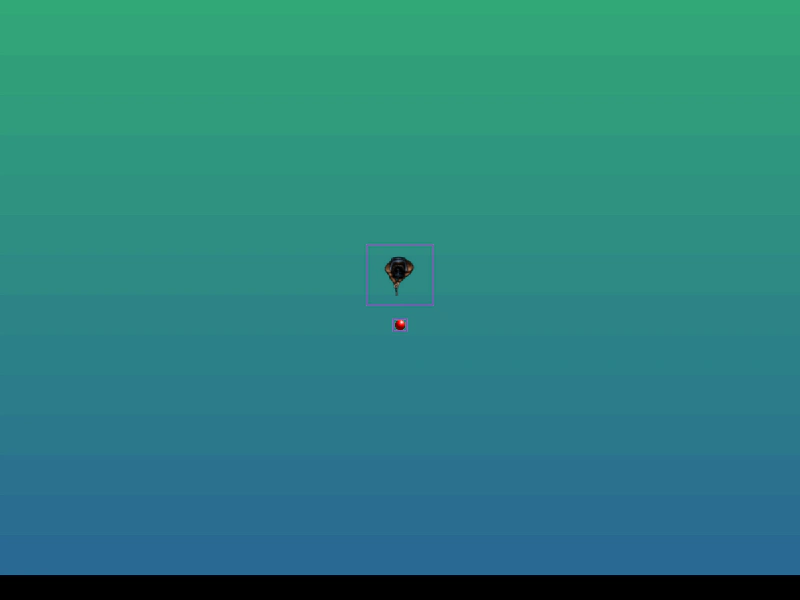 Top-down Shooter Average Camera FocusA top-down shooter setup where the camera centers on the average midpoint between the player and the mouse reticle, featuring pointer lock and movement constraints.
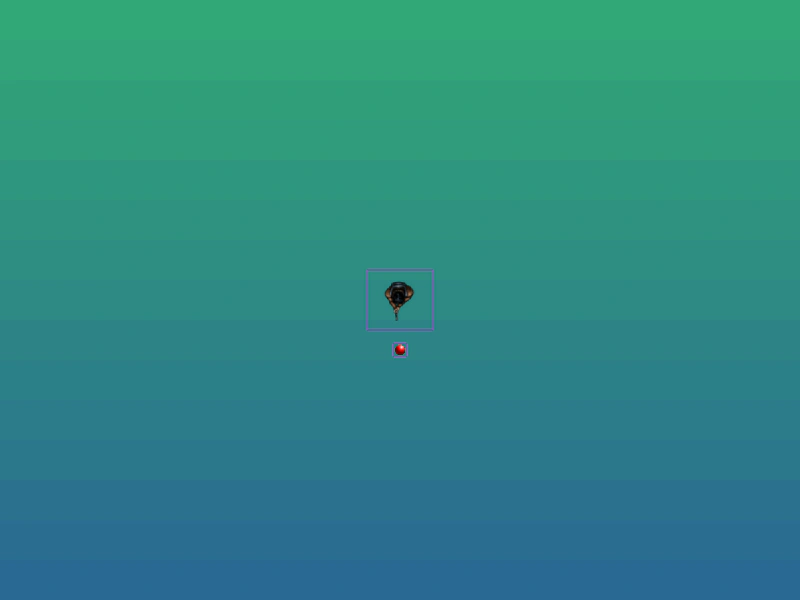 Top-down Shooter Controls with Pointer LockDemonstrates a top-down movement system using WASD keys, a crosshair controlled via Pointer Lock, and a player sprite that automatically rotates to face the reticle.
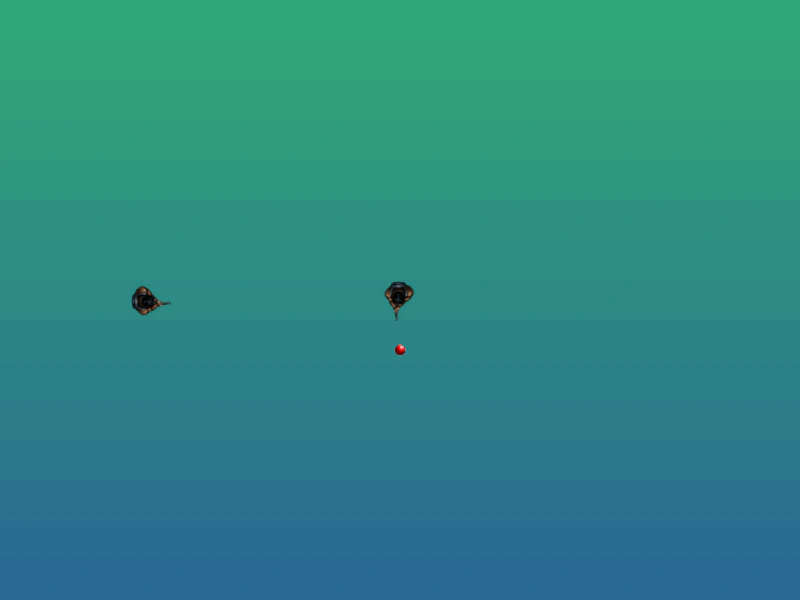 Top-Down Shooter MechanicsA comprehensive example of top-down combat featuring WASD movement, mouse-controlled aiming via pointer lock, bullet group pooling, and basic enemy AI with health tracking.
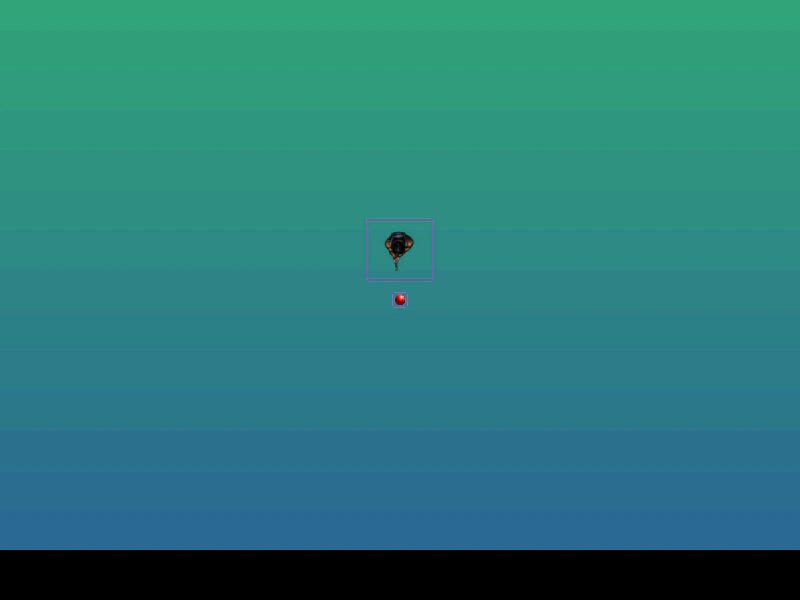 Topdown Shooter with Pointer Lock AimingFeatures WASD movement and pointer lock aiming. The camera follows a reticle constrained to a radius around the player, while the player automatically rotates to face the target.
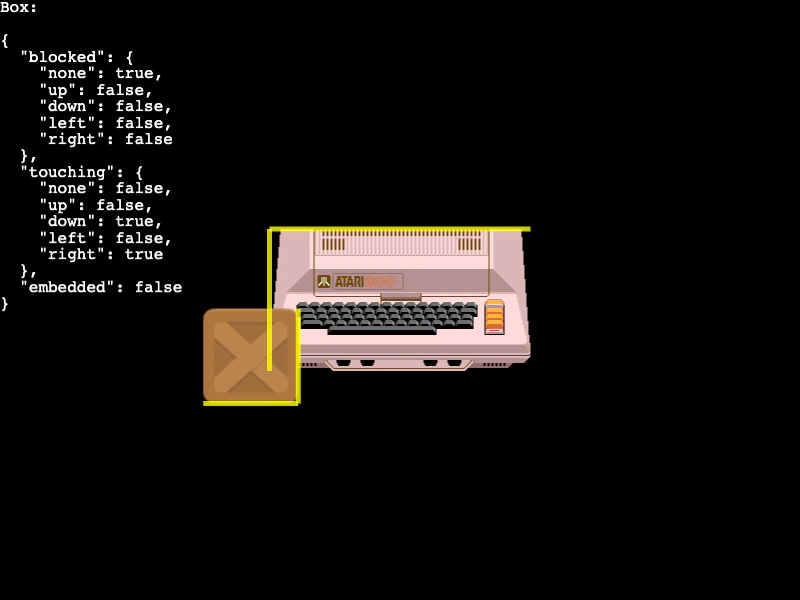 Touching FacesDetect and visualize which sides of an Arcade Physics body are touching another object or the world bounds using the 'touching' and 'blocked' properties.
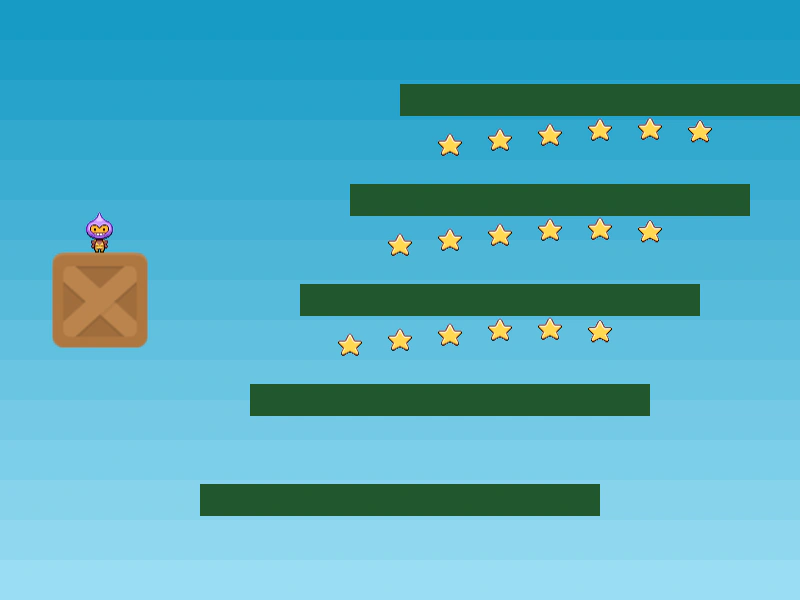 Trick PlatformsDemonstrates how to create platforms that drop and disable their collision properties immediately upon contact with the player using Arcade Physics.
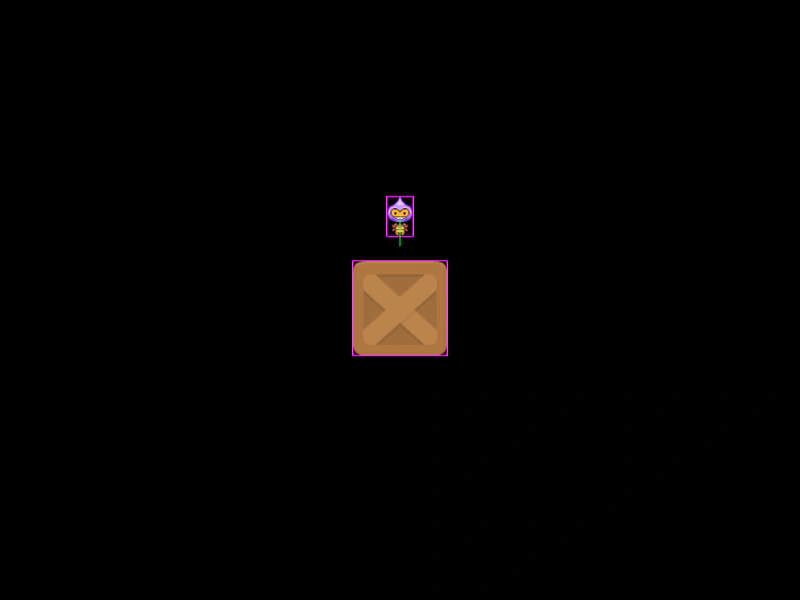 Tween Physics BodyDemonstrates how to move a physics-enabled body using a Tween while maintaining collision detection by setting the body's moves property to false.
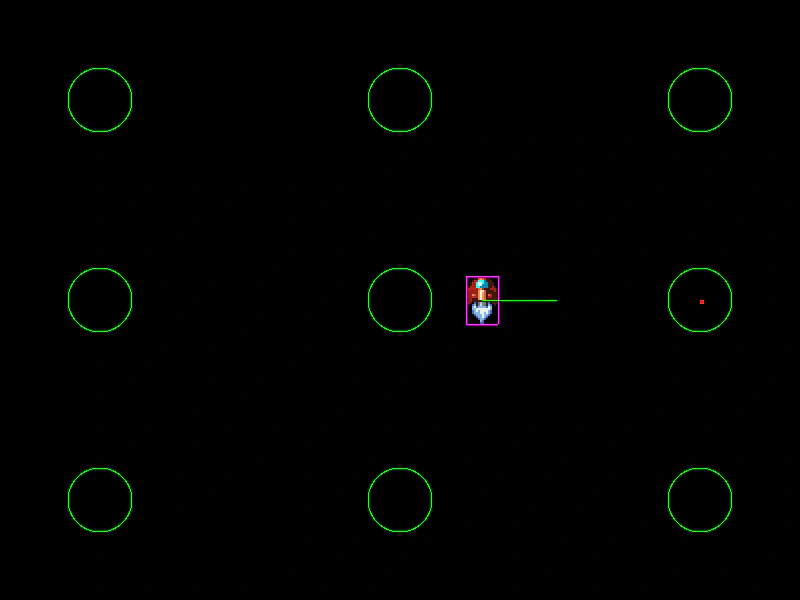 Tweening Arcade Physics VelocityUse the Tween Manager to smoothly manipulate Arcade Physics body velocity. This example demonstrates how to ease a physics body to a stop and accelerate it again by targeting the velocity vector and custom speed properties.
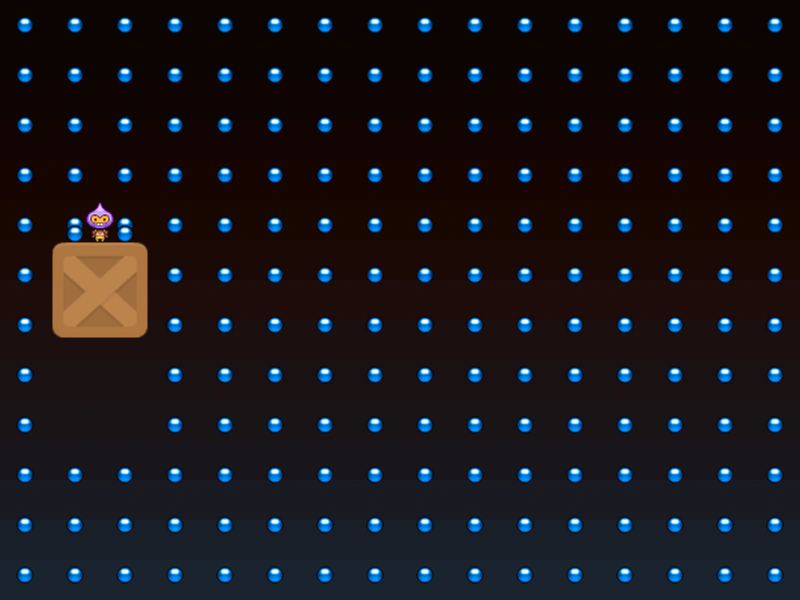 Tweening Physics Velocity ChainDemonstrates controlling an Arcade Physics body's velocity using a Tween Chain to create complex movement patterns that interact with other physics objects.
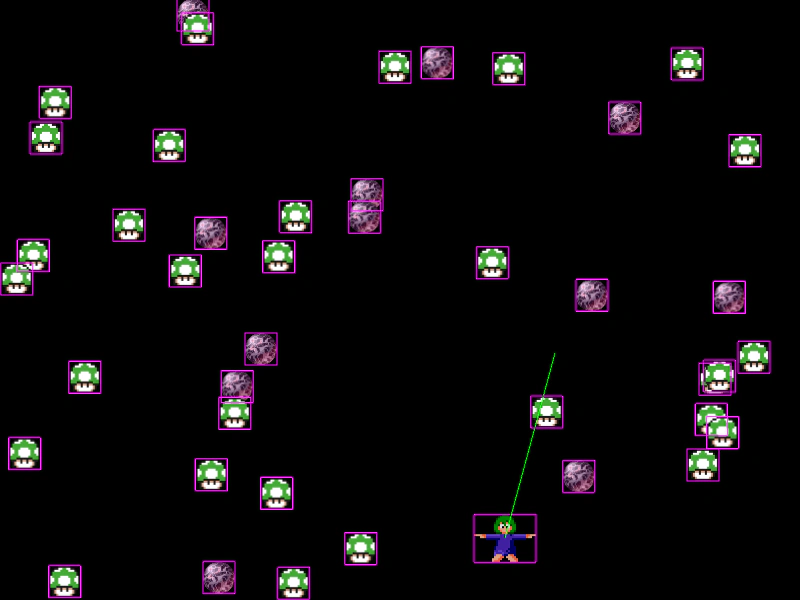 Using Collide and Overlap in UpdateDemonstrates calling physics.collide and physics.overlap directly within the Scene update loop instead of using pre-defined colliders.
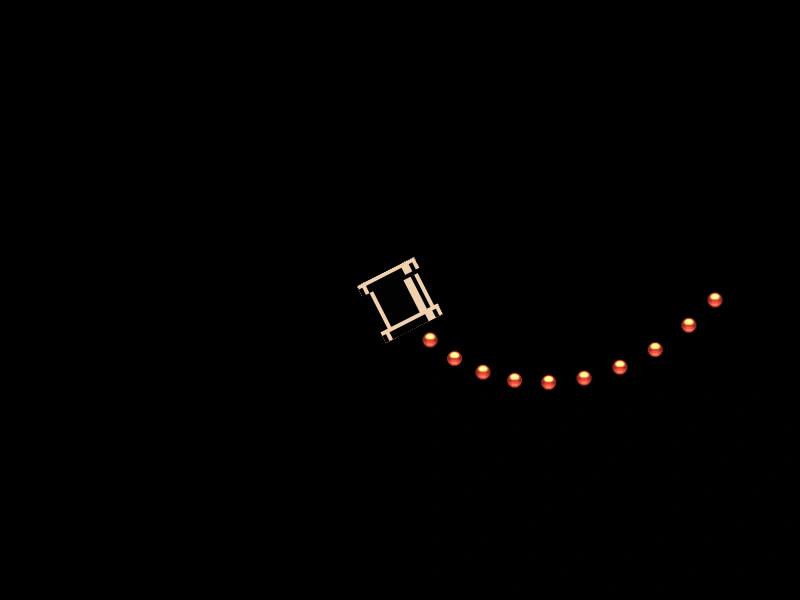 Velocity From Rotating AngleDemonstrates using the velocityFromAngle method to launch physics bodies at a specific speed in the direction of a rotating object's current angle.
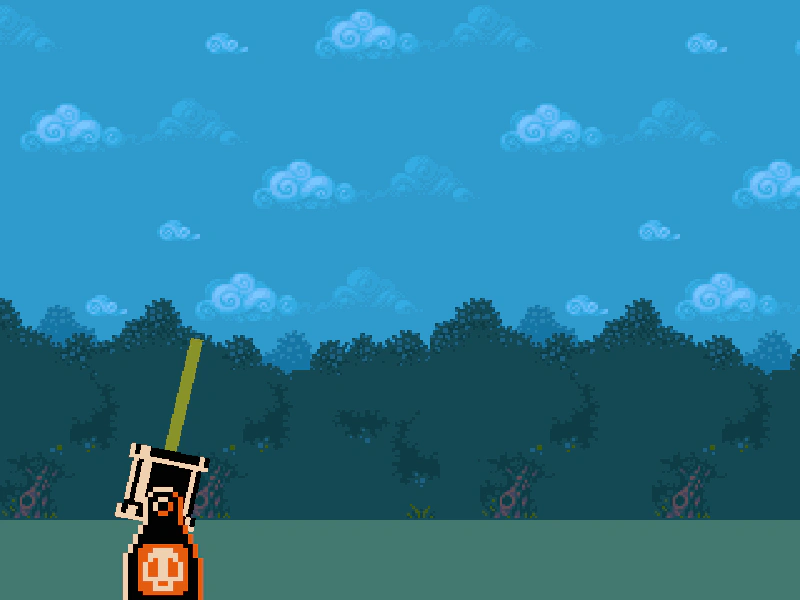 Velocity from RotationDemonstrates how to set an Arcade Physics body's velocity using a rotation angle and speed, illustrated by launching a sprite from a cannon toward the mouse pointer.
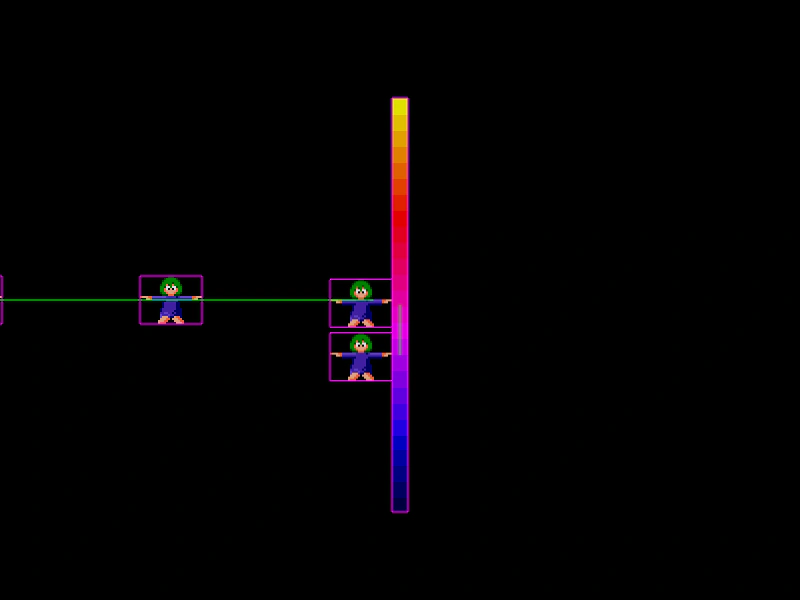 Vertical FrictionDemonstrates how setting vertical friction on an immovable moving platform affects the velocity of sprites colliding with its sides.
 World Bounds EventDemonstrates how to listen for the 'worldbounds' event in Arcade Physics to detect when a body hits the edge of the screen and respond based on which side was touched.
 World Bounds Event Custom LogicDemonstrates how to use the Arcade Physics worldbounds event to trigger custom functions on Game Objects, such as changing animation frames, when they collide with the world boundaries.
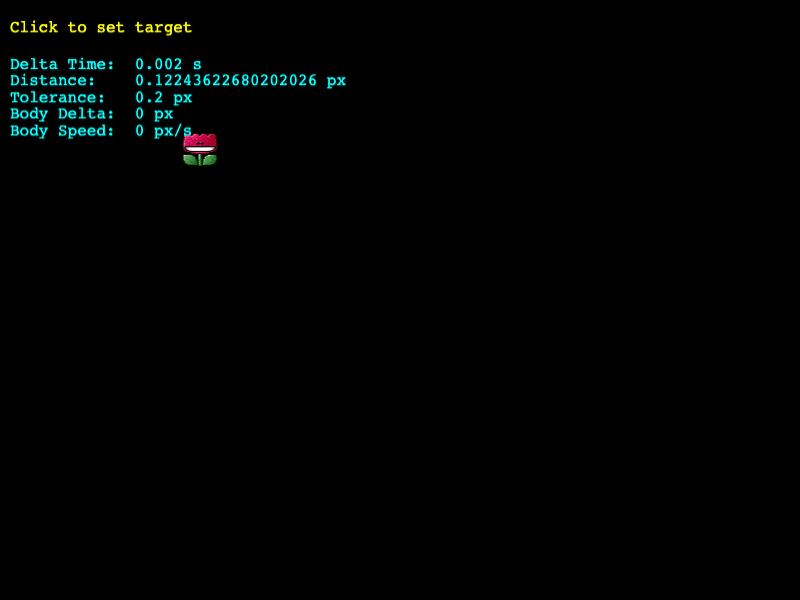 World Step EventListen for the Arcade Physics world step event to perform logic on every physics update, such as calculating distance and stopping a body when it reaches a destination using delta-based tolerance.
 Wrap GroupDemonstrates how to wrap an entire Arcade Physics group around the world bounds so that sprites reappear on the opposite side when they leave.
 Wrap SpriteDemonstrates how to use the physics world wrap method to keep a moving sprite within the screen boundaries by wrapping it to the opposite side.