Phaser 4 examples
Transform
- 13 examples
Examples 13
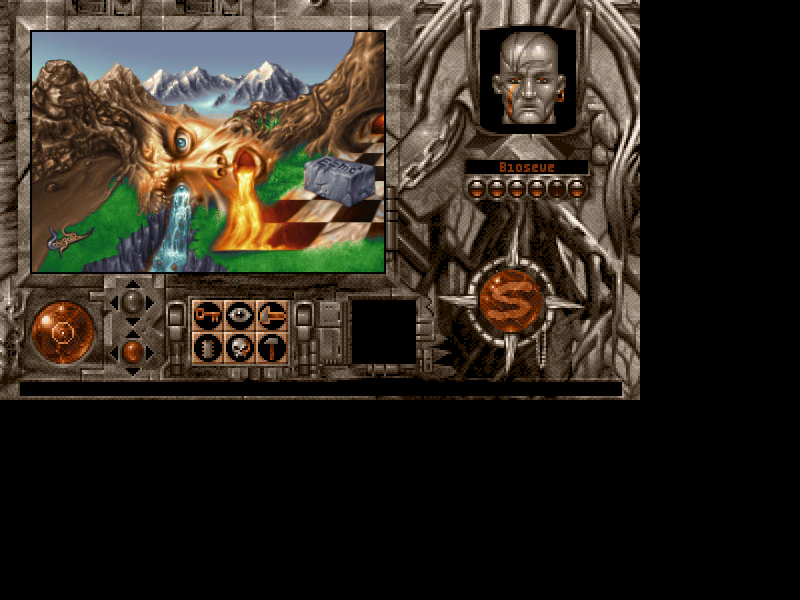 Display SizeDemonstrates how to use the setDisplaySize method to scale an image to specific pixel dimensions.
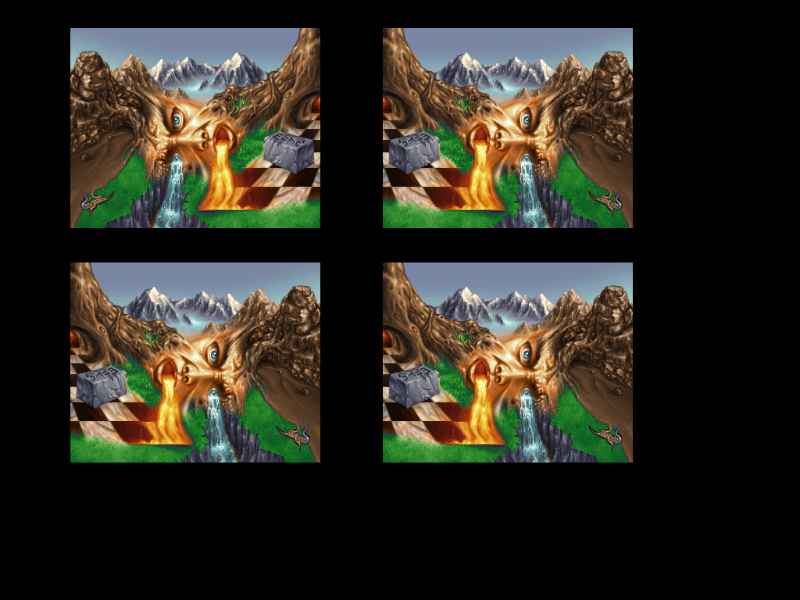 Flip XDemonstrates three ways to horizontally flip a Game Object: using the setFlipX method, the flipX property, or the toggleFlipX function.
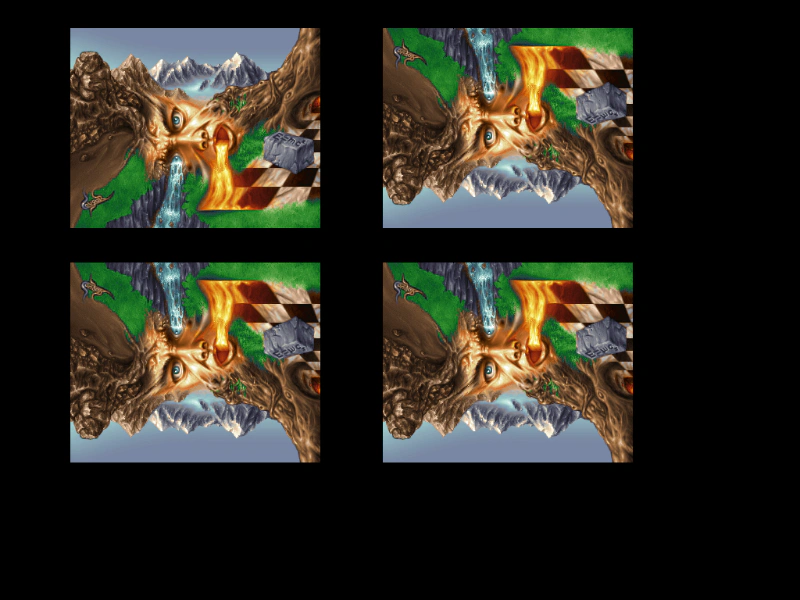 Flip YDemonstrates how to vertically flip an image using the setFlipY method, the flipY property, and the toggleFlipY function.
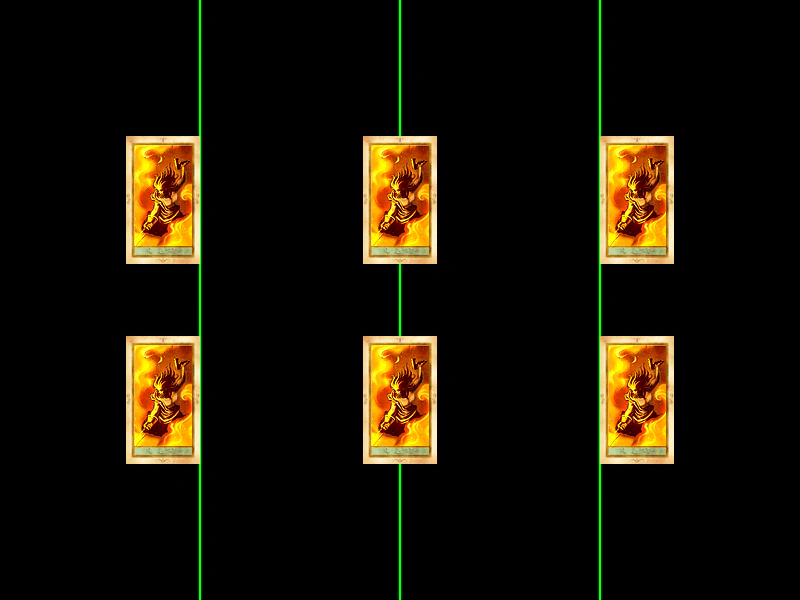 Horizontal Origin AlignmentDemonstrates how changing the horizontal origin (originX) affects how a Game Object is positioned relative to its x-coordinate, showing left, center, and right alignment.
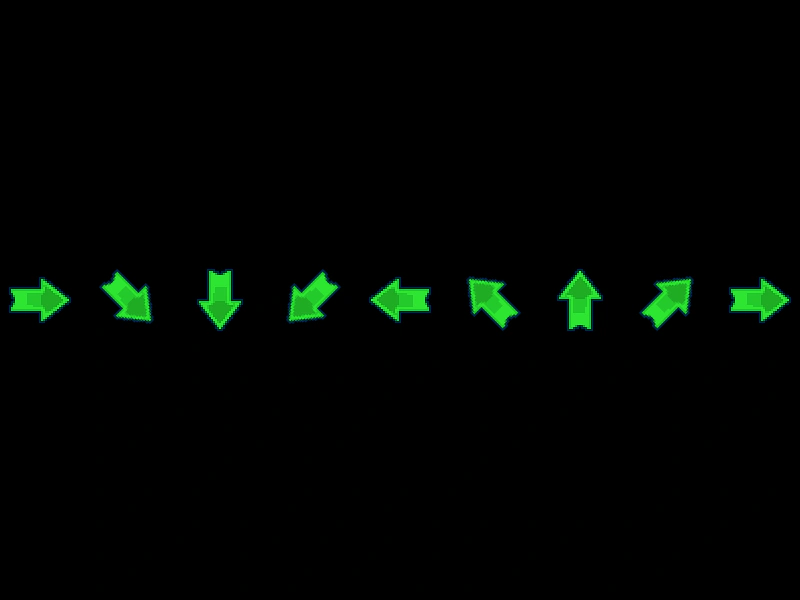 Image AngleDemonstrates how to set the rotation of an image in degrees using the angle property and setAngle method.
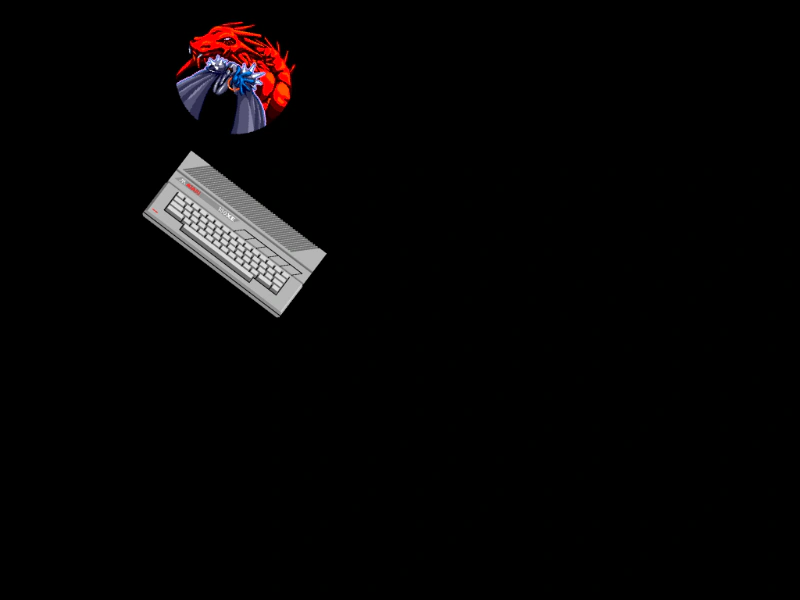 RotationDemonstrates how to rotate game objects over time by updating the rotation property for both individual images and texture atlas frames.
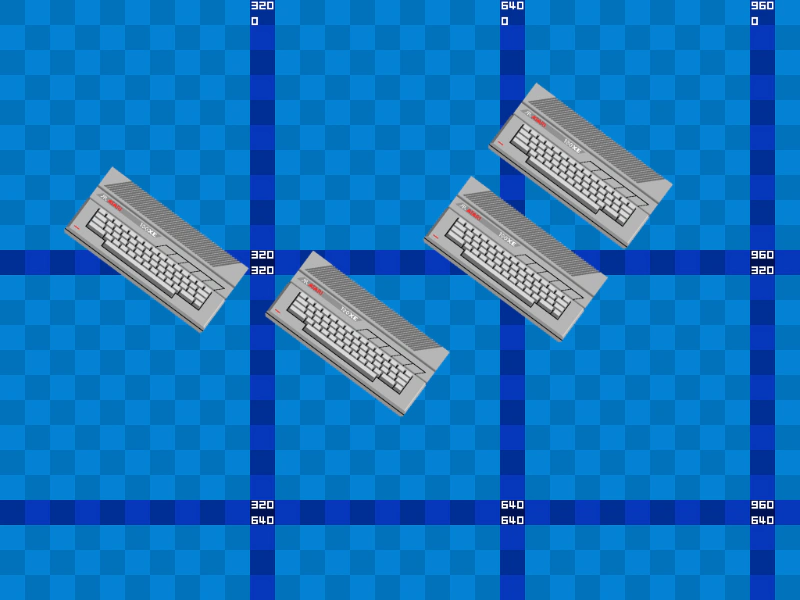 Rotation and OriginDemonstrates how changing the origin of a Game Object affects its pivot point when rotating.
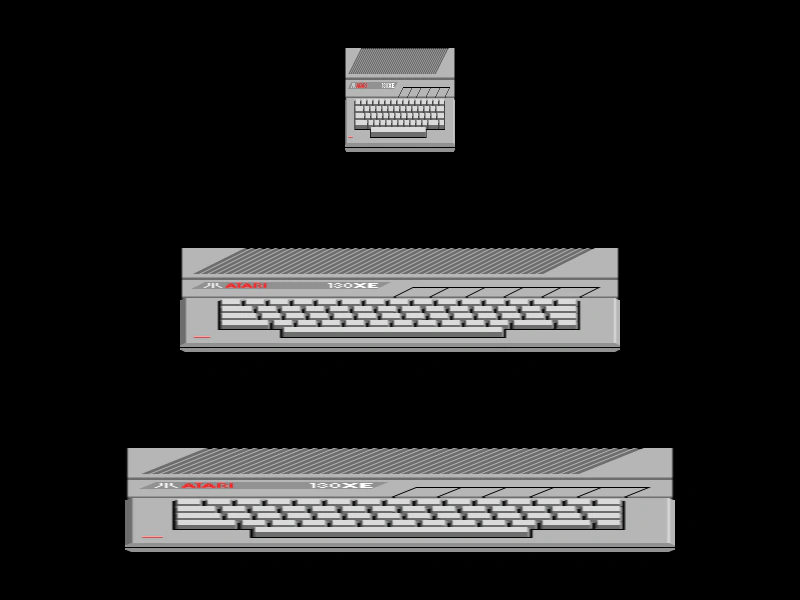 Scale XDemonstrates how to adjust the horizontal scale of a Game Object using the setScale method and the scaleX property.
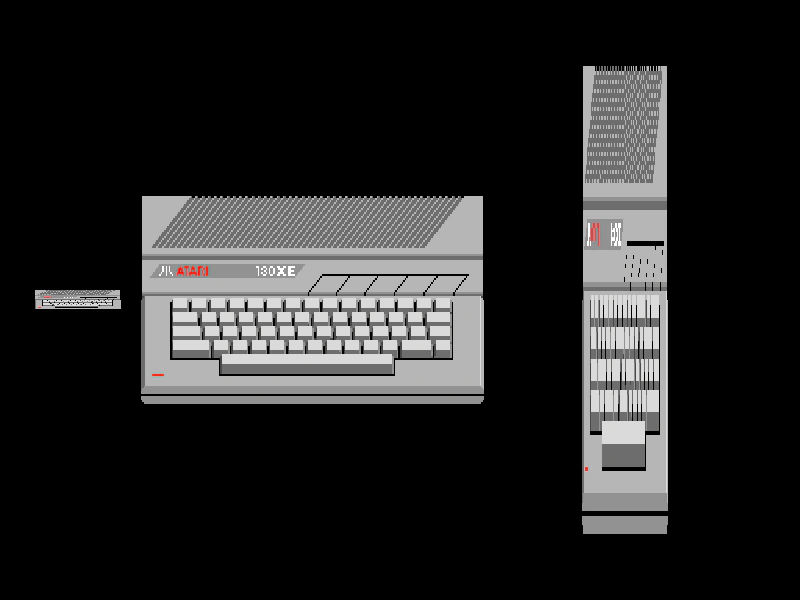 Scale XYDemonstrates how to set the scale of a Game Object using the setScale method for uniform or independent scaling, and by directly modifying the scaleX and scaleY properties.
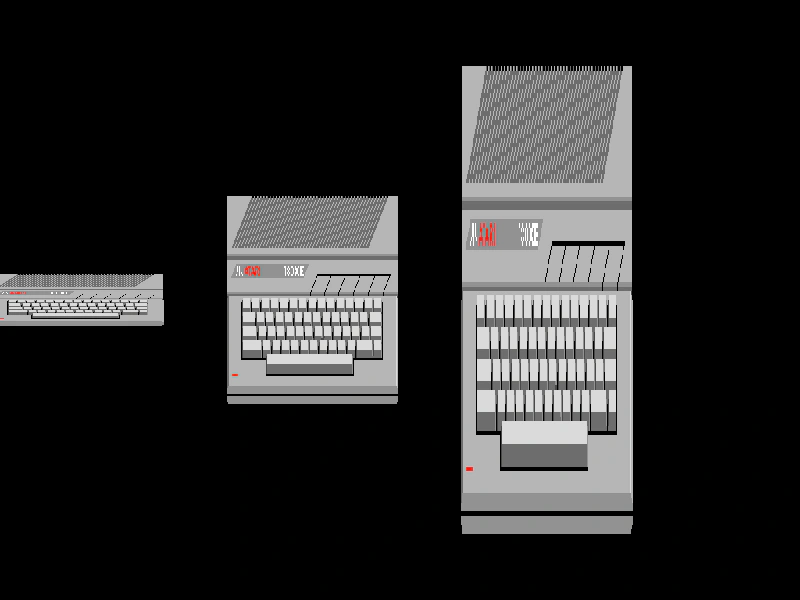 Scale YDemonstrates how to adjust the vertical scale of an image using the setScale method and the scaleY property.
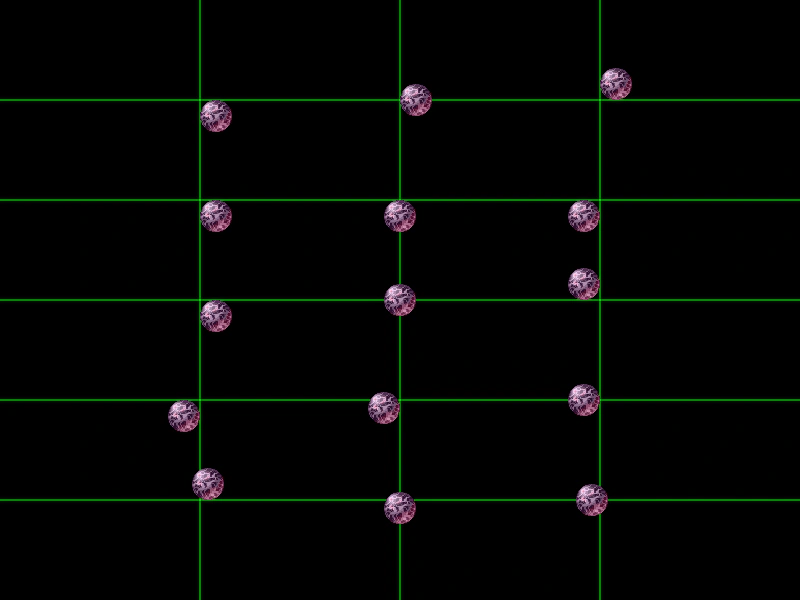 Sprite Origin X and YDemonstrates how setting the origin (or anchor point) of an image affects its positioning relative to its coordinates.
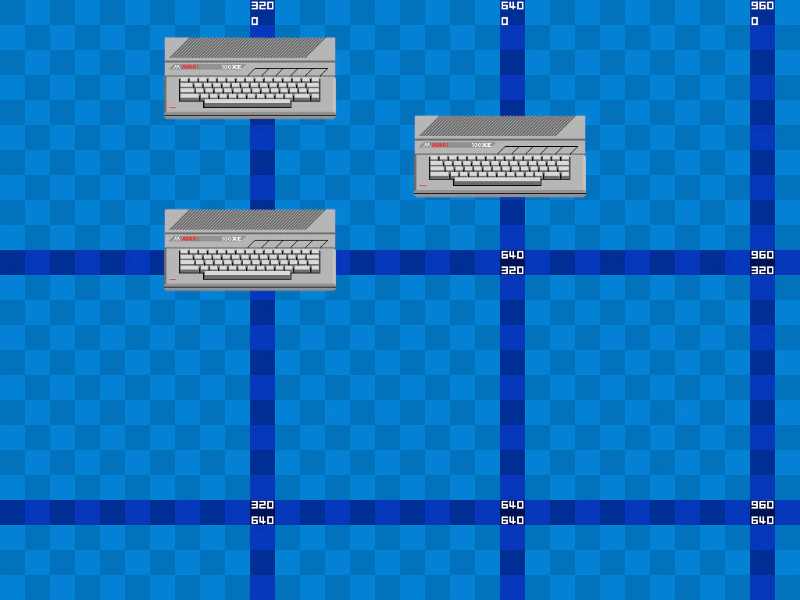 Sprite PositioningDemonstrates different ways to position Game Objects, including using constructor arguments, direct property assignment, and the setPosition method.
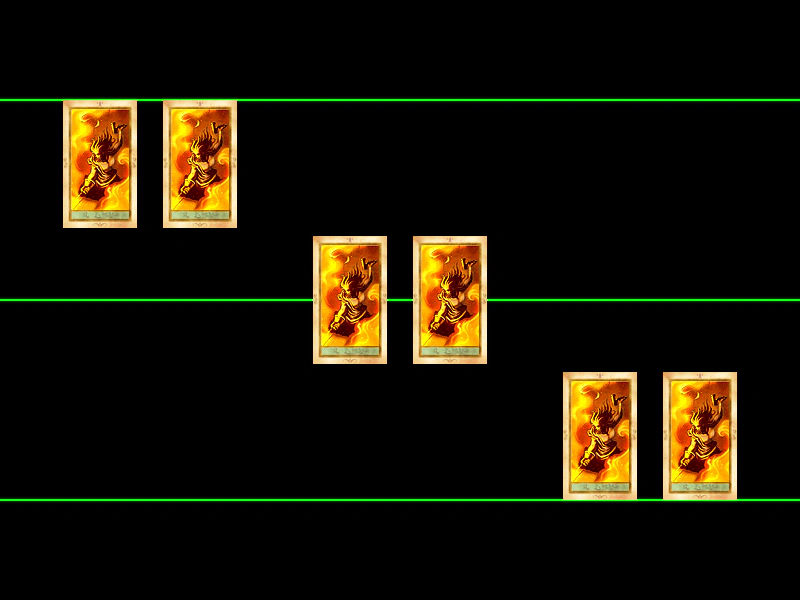 Vertical Origin AlignmentDemonstrates how to adjust the vertical origin of images and atlas frames to align them by their top, center, or bottom edge.