Display Size
Demonstrates how to use the setDisplaySize method to scale an image to specific pixel dimensions.
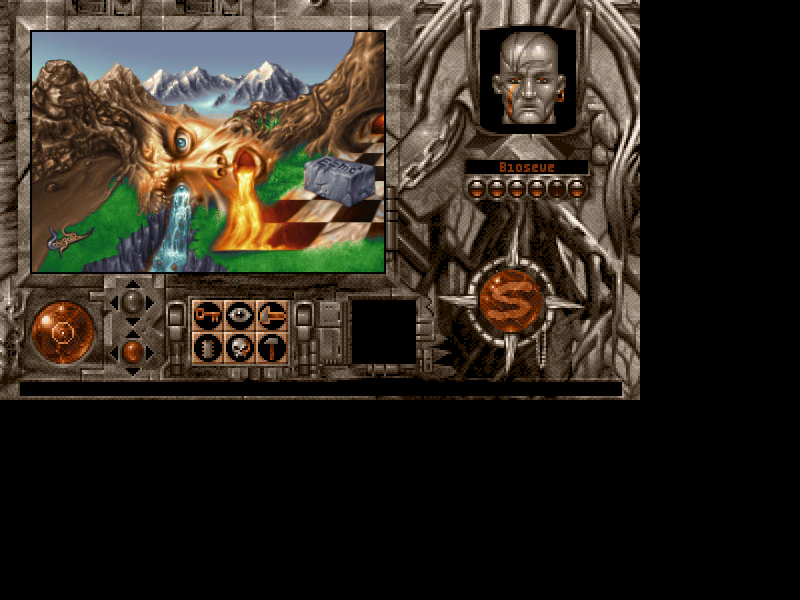
800 × 600
class Example extends Phaser.Scene
{
    preload ()
    {
        this.load.setBaseURL('https://cdn.phaserfiles.com/v410');
        this.load.image('frame', 'assets/pics/scrollframe.png');
        this.load.image('pic', 'assets/pics/cougar-face-of-nature.png');
    }

    create ()
    {
        this.add.image(0, 0, 'frame').setOrigin(0);

        //  setDisplaySize will adjust the scale of an image to make it fit the given pixel dimensions:

        this.add.image(32, 32, 'pic').setOrigin(0).setDisplaySize(352, 240);
    }
}

const config = {
    scale: { mode: Phaser.Scale.FIT },
    type: Phaser.AUTO,
    parent: 'game-container',
    width: 800,
    height: 600,
    scene: Example
};

const game = new Phaser.Game(config);
More in Transform13 examples
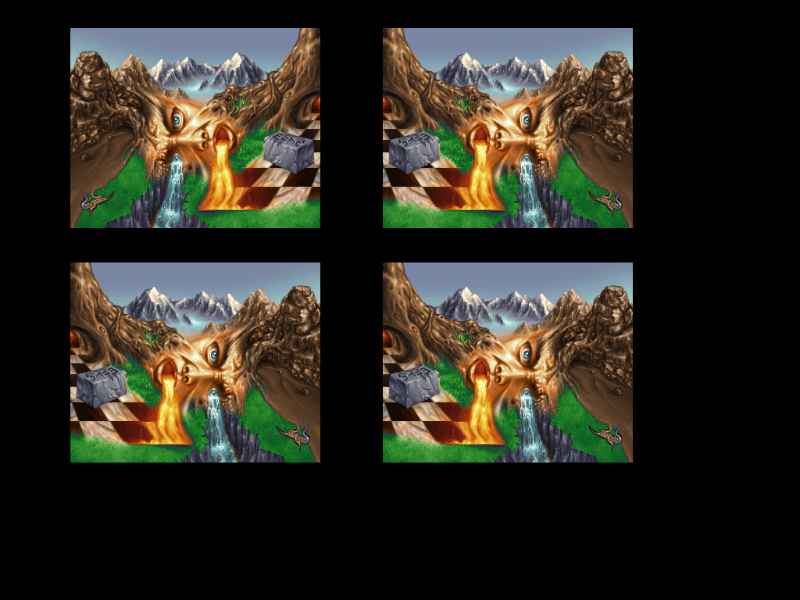 Flip XDemonstrates three ways to horizontally flip a Game Object: using the setFlipX method, the flipX property, or the toggleFlipX function.
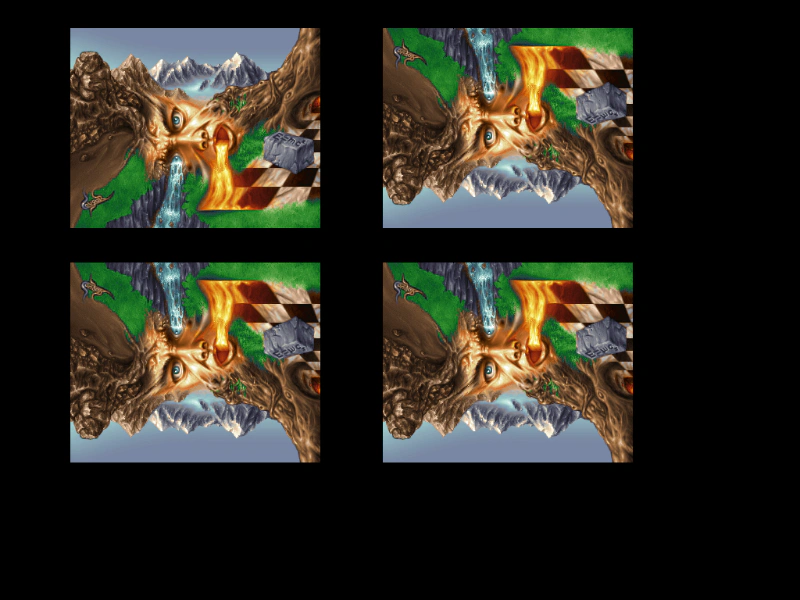 Flip YDemonstrates how to vertically flip an image using the setFlipY method, the flipY property, and the toggleFlipY function.
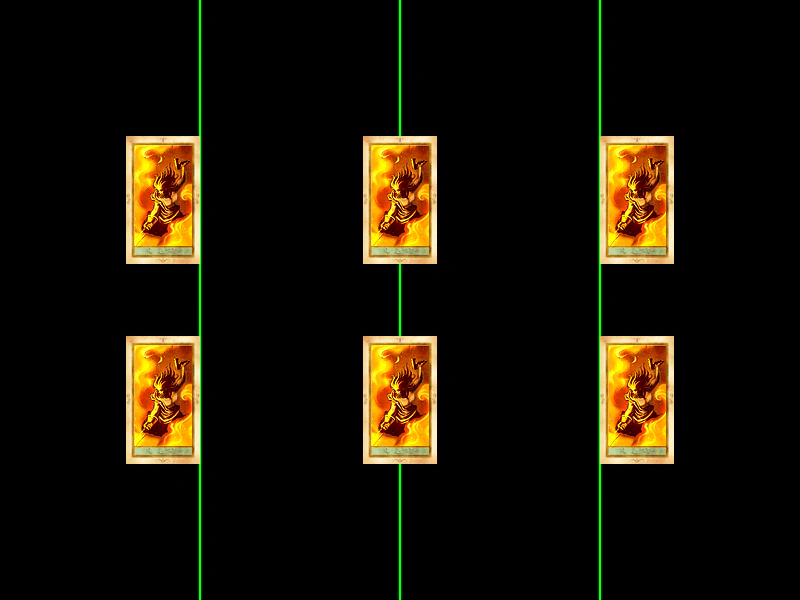 Horizontal Origin AlignmentDemonstrates how changing the horizontal origin (originX) affects how a Game Object is positioned relative to its x-coordinate, showing left, center, and right alignment.
 Image AngleDemonstrates how to set the rotation of an image in degrees using the angle property and setAngle method.