Phaser 4 examples
Group
- 15 examples
Examples 15
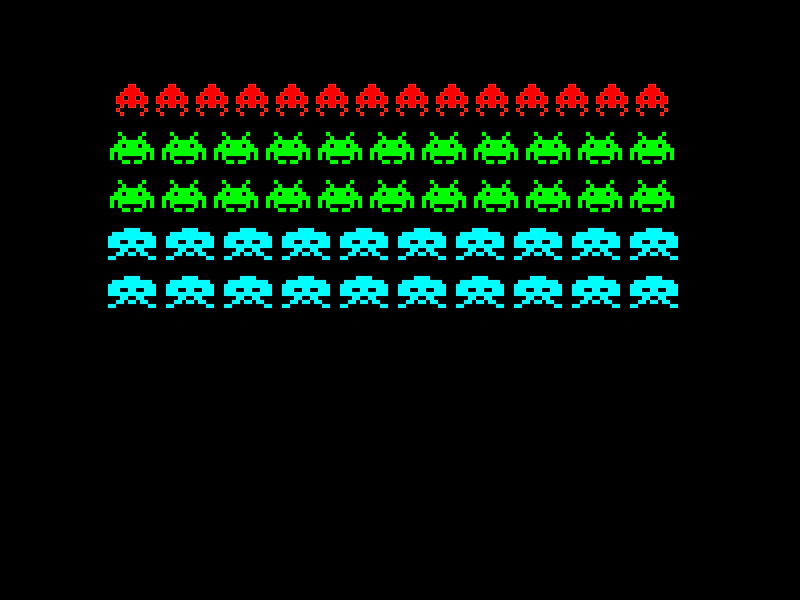 Create Group from ConfigDemonstrates how to populate a Group using configuration objects or arrays to define repetition, spacing, and initial properties for multiple sprites.
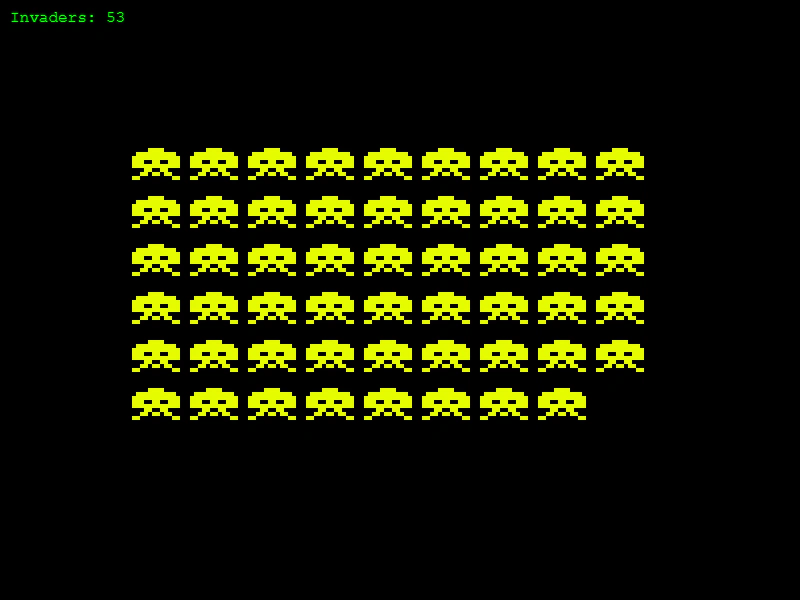 Destroy Group ChildrenDemonstrates how calling destroy() on a Game Object automatically removes it from any Group it belongs to.
 Group Create ChildDemonstrates how to use the group.create method to instantiate a new Sprite and automatically add it to both the Group and the Scene display list.
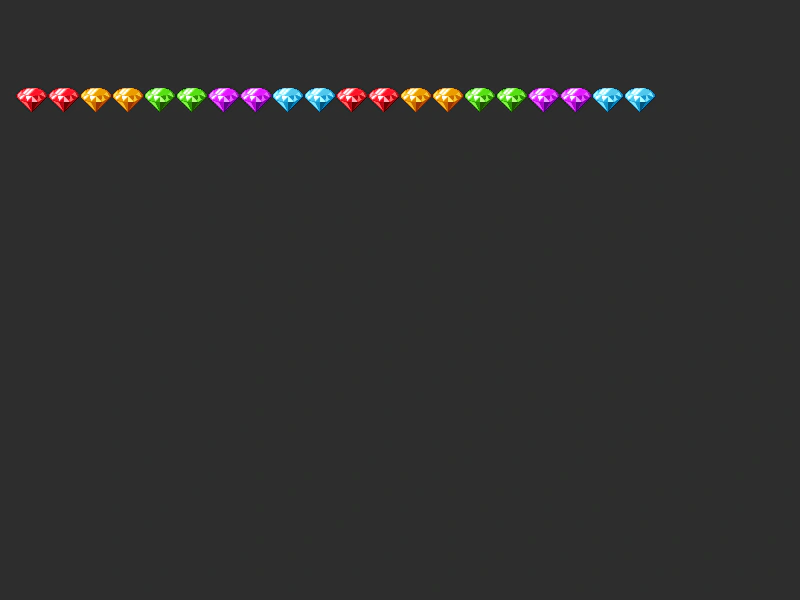 Group Create MultipleLearn how to batch-create multiple Game Objects within a Group using configuration options like frame lists, quantities, and repeat counts.
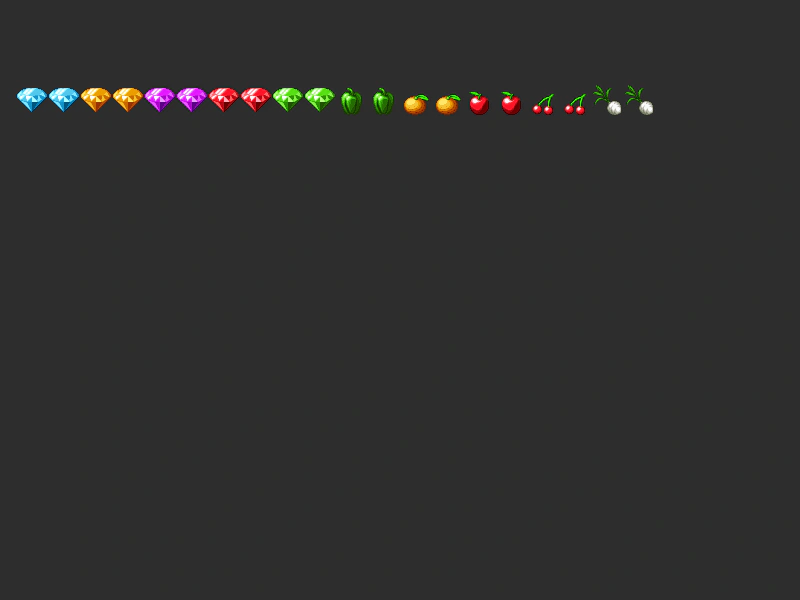 Group Create Multiple KeysDemonstrates how to populate a Group with multiple texture keys and frames simultaneously using the createMultiple method, including options for random frame selection and quantities.
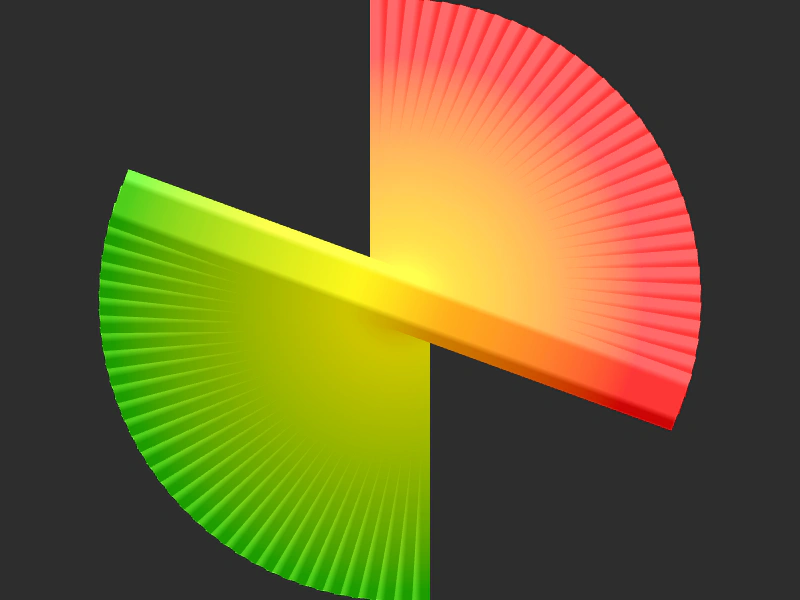 Group Rotation StepDemonstrates how to apply an incremental rotation to group members during creation using the setRotation step property.
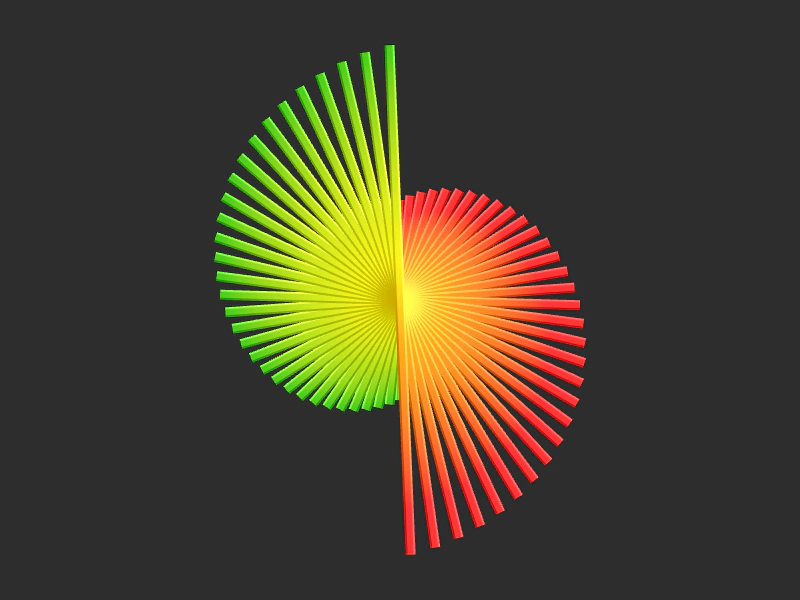 Group Set ScaleDemonstrates how to use the Group configuration object to initialize multiple sprites with specific scale values and incremental scale steps.
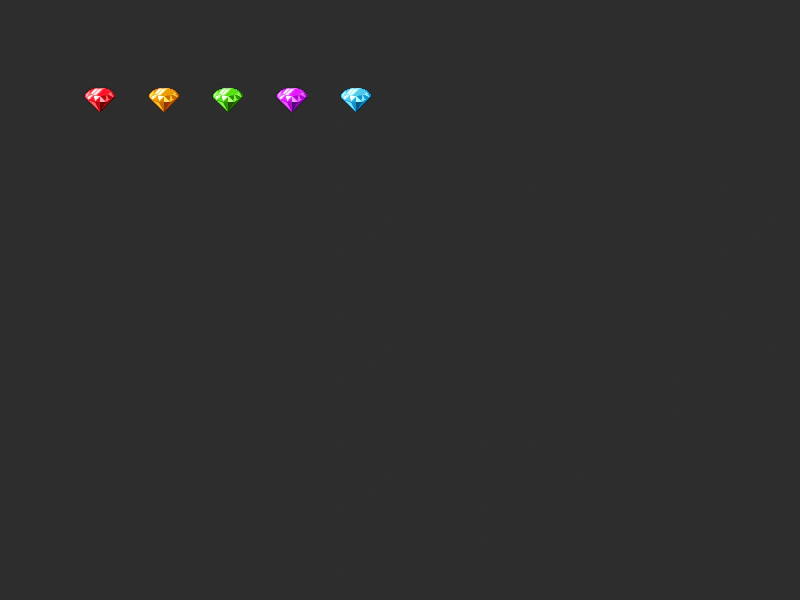 Group setXY ConfigurationDemonstrates how to use the setXY property in a Group configuration to position multiple sprites with incremental horizontal spacing.
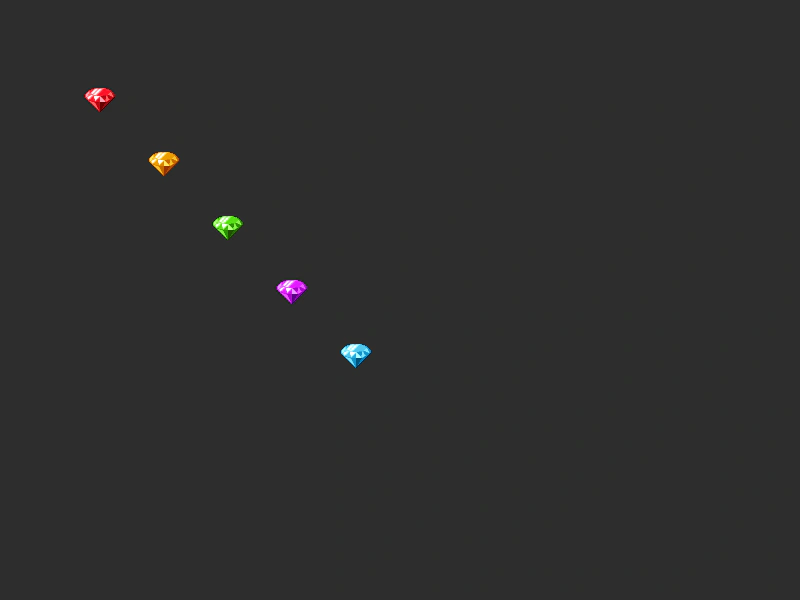 Group setXY ConfigurationDemonstrates how to use the setXY property when creating a Group to automatically position sprites with optional horizontal and vertical stepping.
 Group setXY Vertical SpacingDemonstrates how to use the setXY property in a Group configuration to automatically position and vertically space multiple sprites using a stepY value.
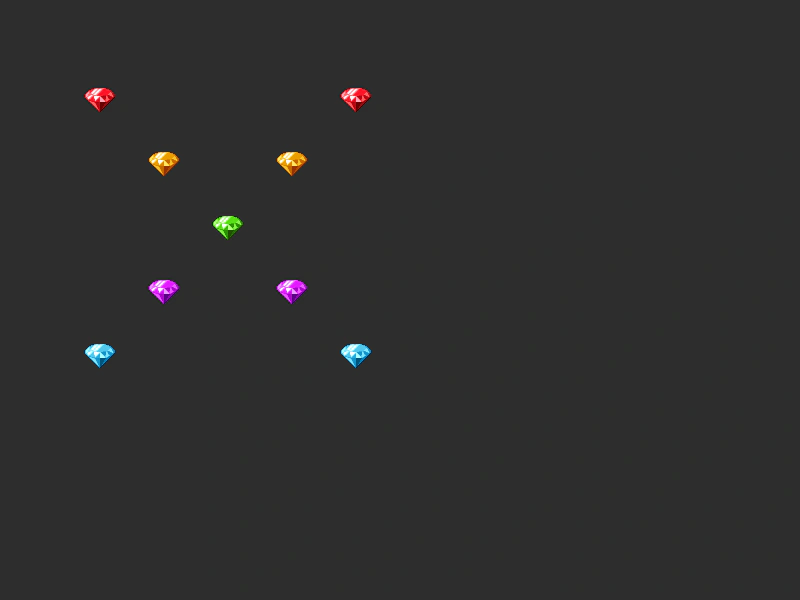 Multiple Group ConfigurationsDemonstrates how to pass an array of multiple configuration objects to a Group to create different sets of children with their own frames and positioning rules simultaneously.
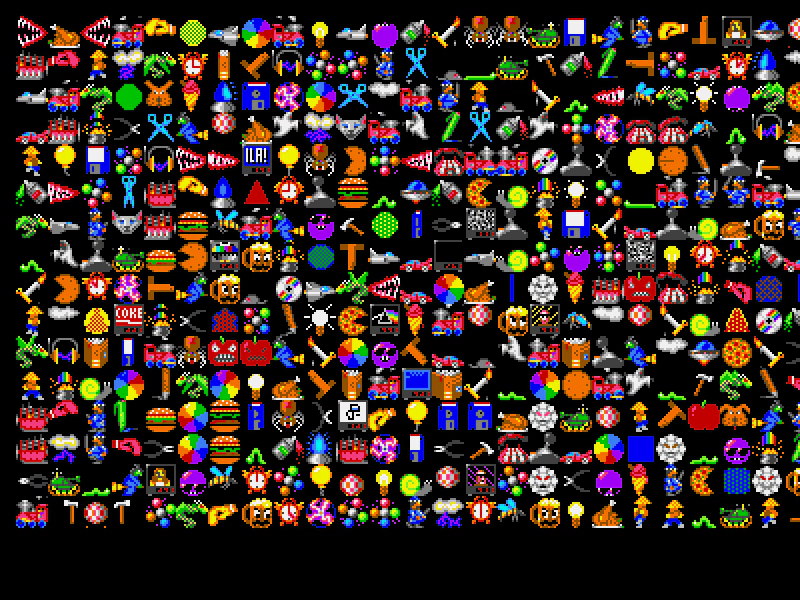 Random Frame Group CreationDemonstrates how to populate a group with sprites that are assigned random frames from a spritesheet and organized into a grid layout.
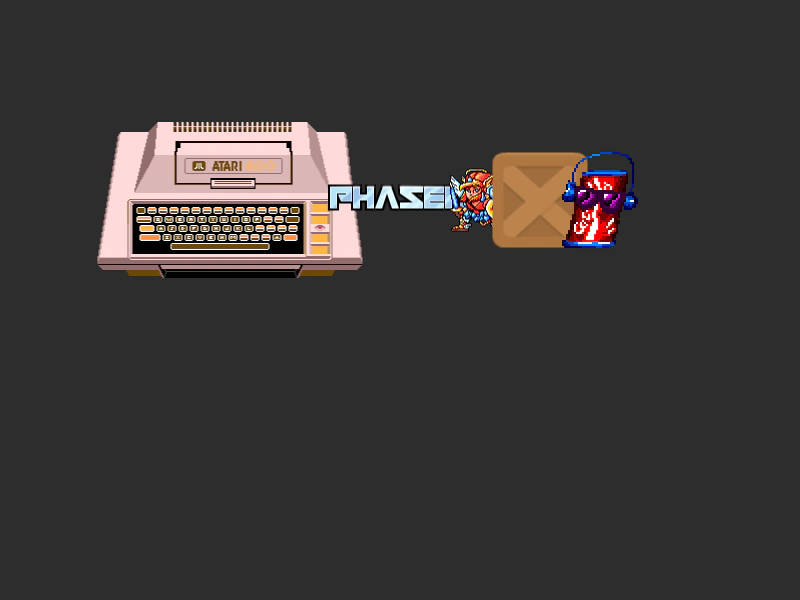 Shuffle Group ChildrenDemonstrates how to use Phaser.Actions.Shuffle to randomly reorder the render depth of children within a Group.
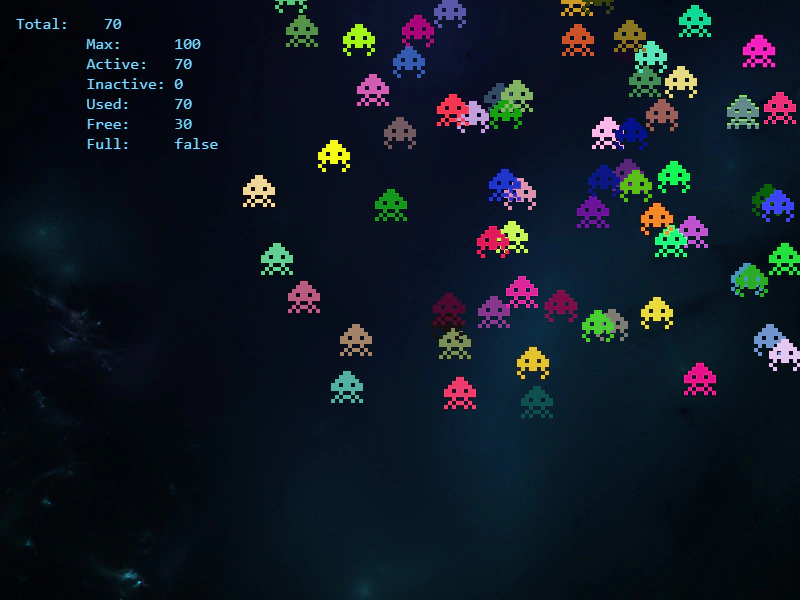 Sprite PoolDemonstrates how to implement an object pool using a Group to efficiently recycle sprites, manage a maximum capacity, and monitor active versus inactive objects.
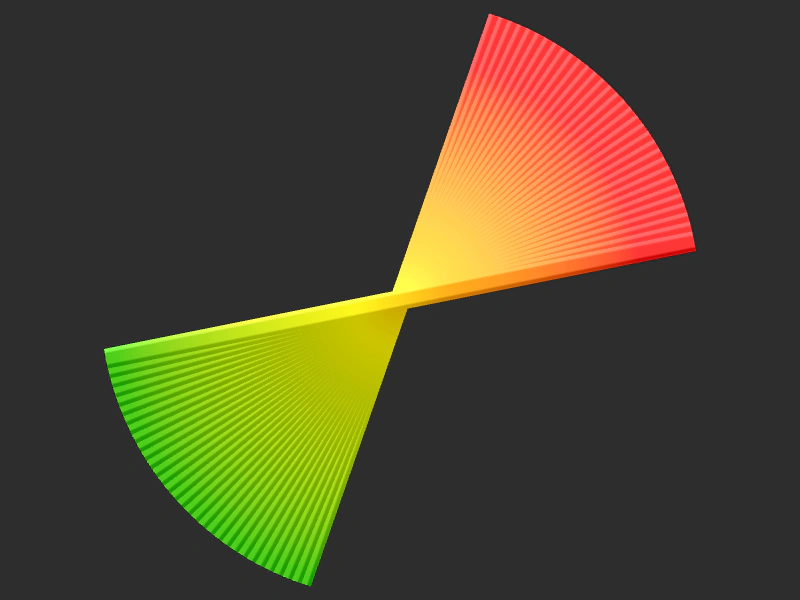 Swirl Rotation ActionDemonstrates using Phaser.Actions.Rotate to apply an incremental rotation to a group of sprites, creating a swirling visual effect.