Phaser 4 examples
Timestep
- 5 examples
Examples 5
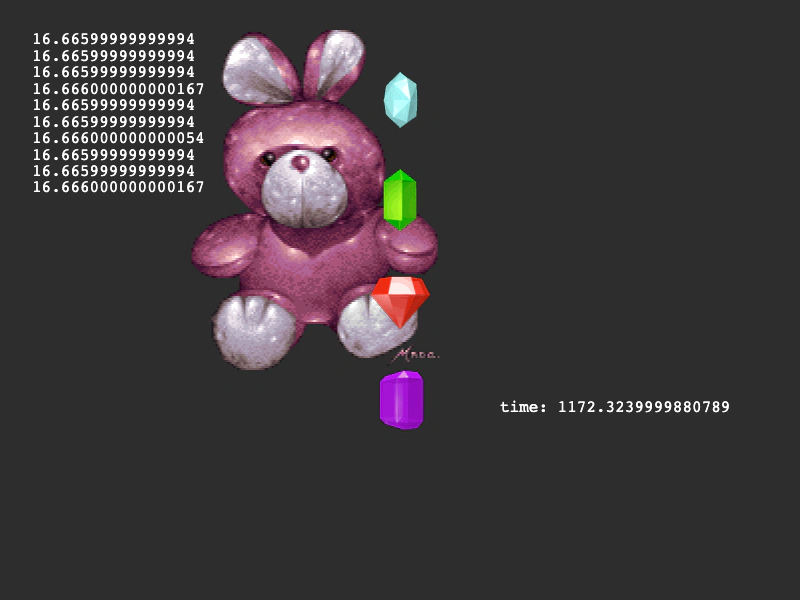 Delta HistoryDisplays the history of delta time values from the game loop and demonstrates how to use delta time for smooth, frame-independent movement.
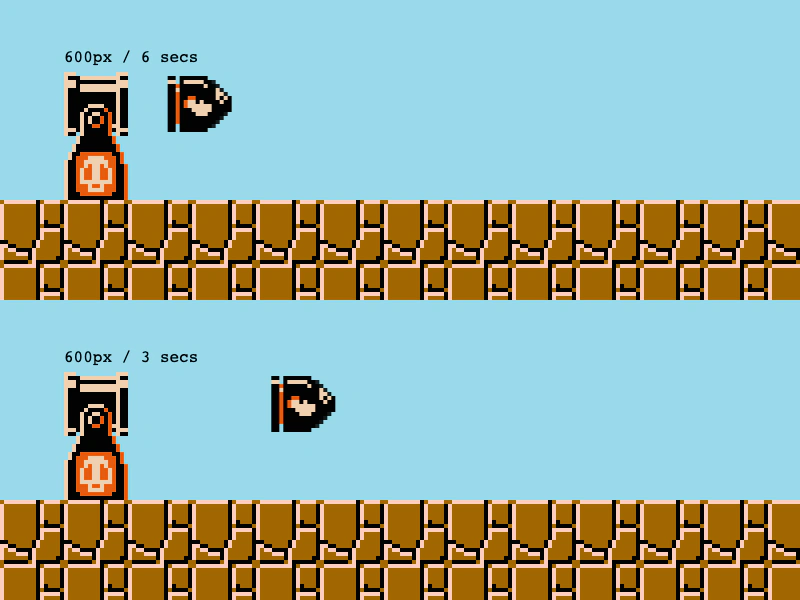 Frame Independent MovementDemonstrates how to use the delta time value in the update loop along with Phaser.Math.GetSpeed to ensure game objects move at a consistent speed regardless of the frame rate.
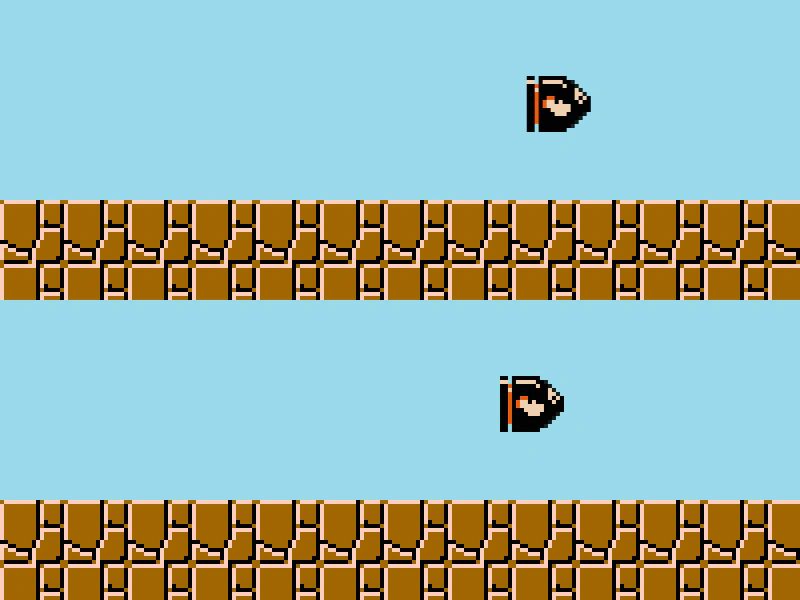 Split TimestepDemonstrates how to run a secondary, fixed-rate TimeStep loop alongside the main game loop to compare movement at different update frequencies.
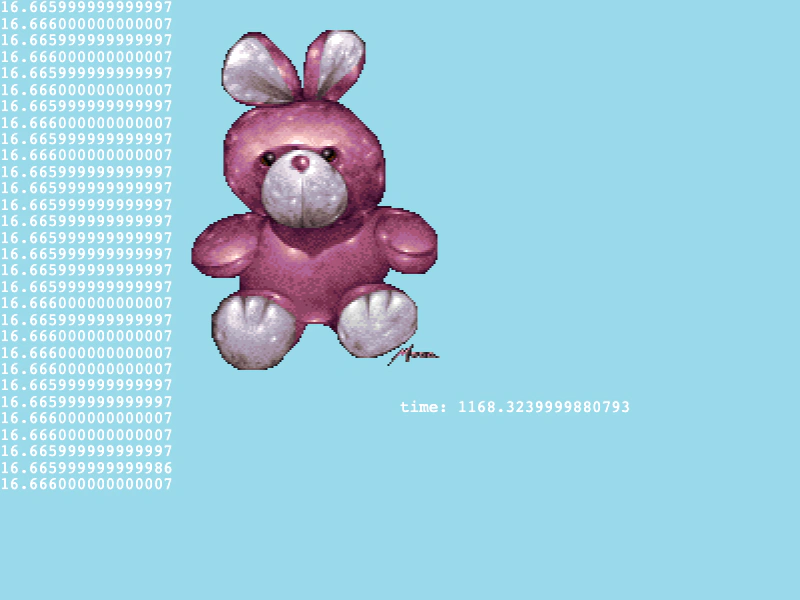 Ticker LoopDemonstrates how to access delta time and total elapsed time from the game loop to achieve frame-independent movement.
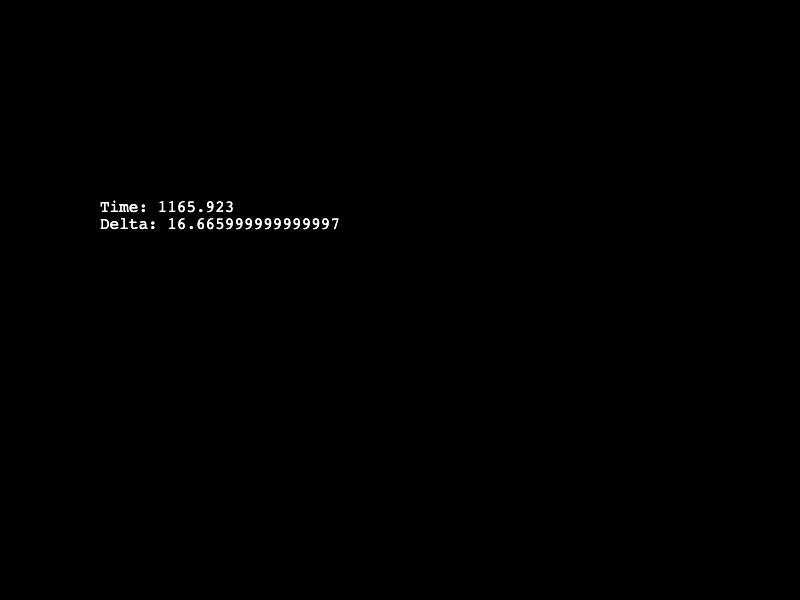 World Time and DeltaDisplays the accumulated game time and the time elapsed since the last frame (delta) using the parameters provided to the Scene update method.