Phaser 4 examples
Firstgame
- 10 examples
Examples 10
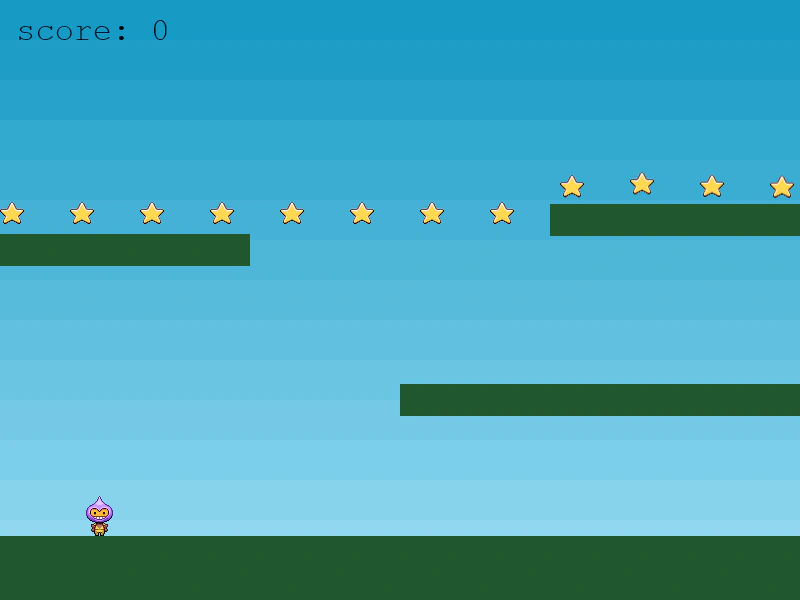 Complete Arcade Physics PlatformerThe final version of the introductory tutorial game, featuring platform physics, star collection, scoring, and hazardous bombs that end the game.
 First Game Part 2: Loading AssetsDemonstrates how to preload static images and a spritesheet with specific frame dimensions into a Scene.
 First Game: Part 3 - Loading AssetsDemonstrates how to load image and spritesheet assets into a Scene and add a background image to the display list.
 First Game: Part 4 - Static PlatformsLearn how to use Arcade Physics static groups to create platforms and level geometry, including how to scale static bodies.
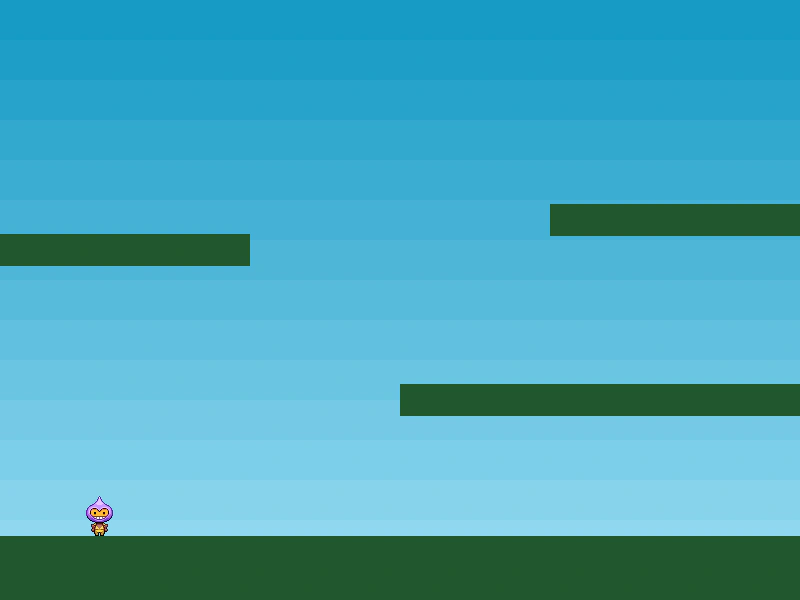 Keyboard Controls and MovementLearn how to move a player character using keyboard input, apply animations based on velocity, and implement jumping with Arcade Physics.
 Making Your First Game: Part 1The initial setup for a Phaser project, featuring the basic Game configuration and an empty Scene template.
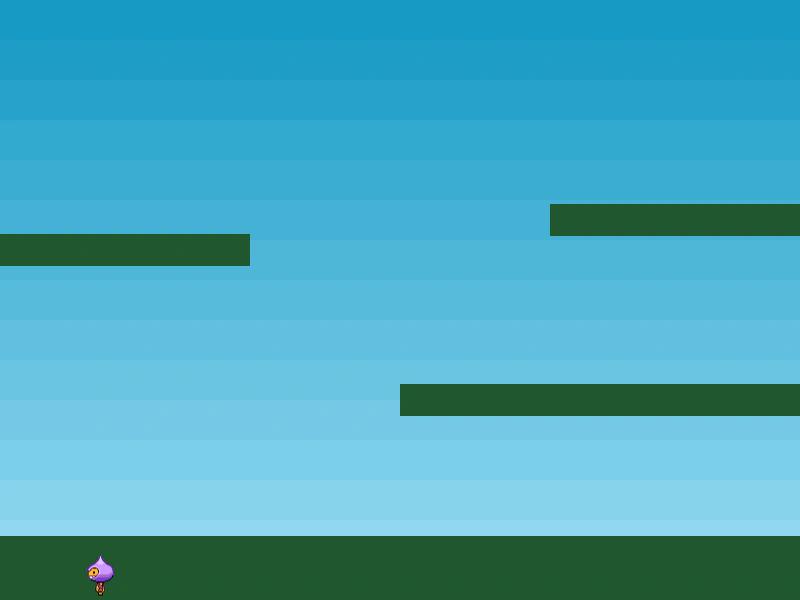 Making your First Game: Part 5Learn how to add a physics-enabled player sprite and define animations for walking left, right, and turning using a spritesheet.
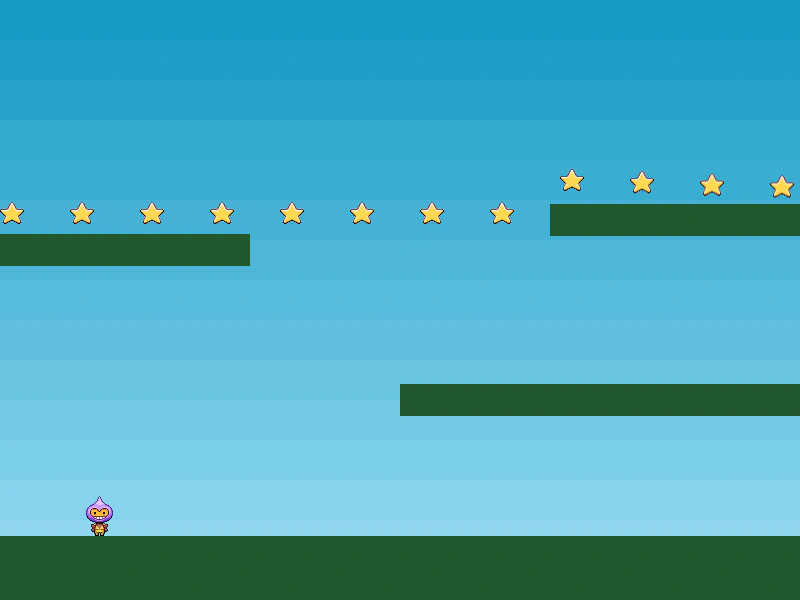 Making your first Phaser Game: Part 8Demonstrates how to collect items using physics overlaps. It features a callback function that disables star objects when they come into contact with the player.
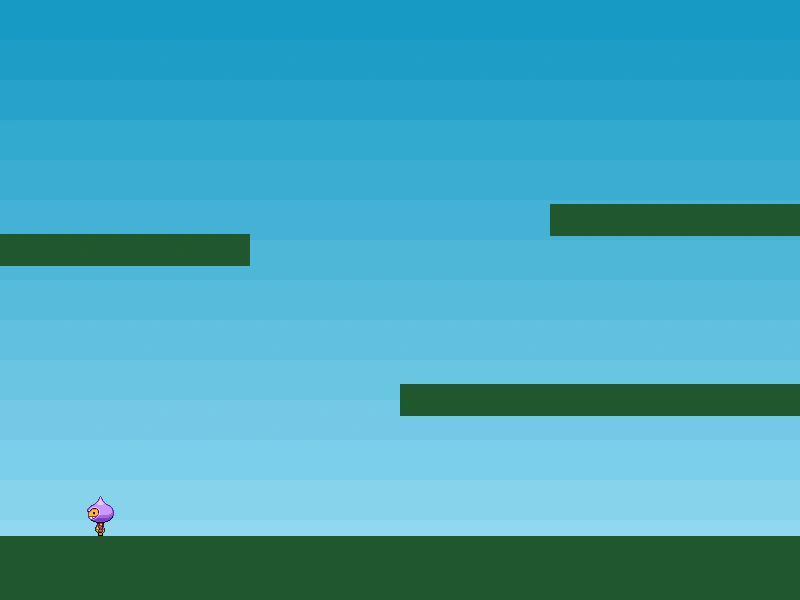 Player Animations and CollisionDemonstrates how to add a physics-enabled player sprite, set its bounce and world boundaries, define animations using a spritesheet, and handle collisions with static platform groups.
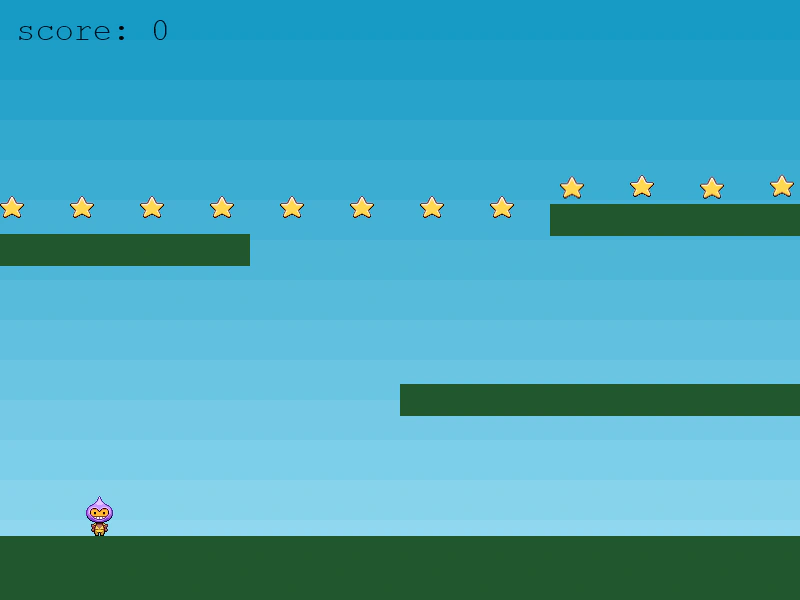 Score and Collecting ItemsLearn how to detect overlaps between physics bodies to collect items and update a score display using Text objects.