Phaser 4 examples
Wipe
- 12 examples
Examples 12
 Reveal Bottom to Top WipeDemonstrates the wipe filter used to reveal a sprite from the bottom upwards by tweening the effect's progress property.
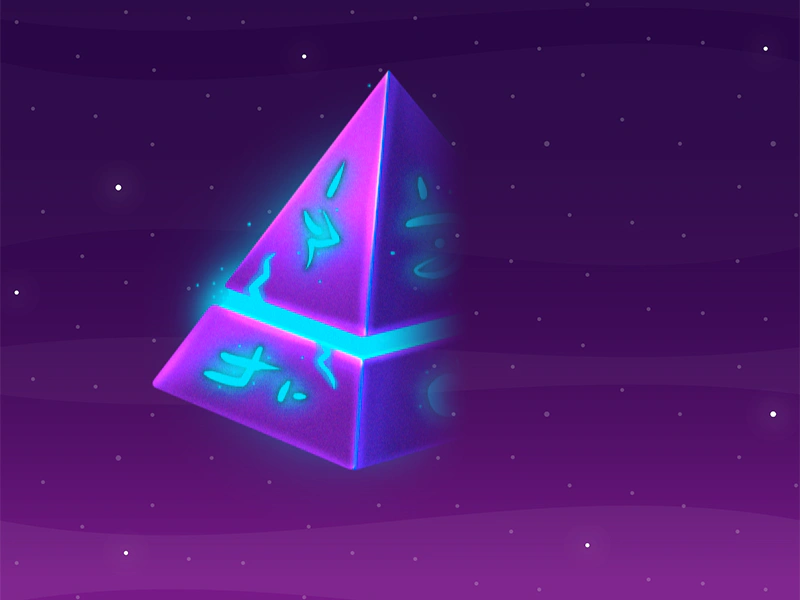 Reveal Left to Right WipeAnimate an image reveal using a wipe filter and a tween to control the progress property from left to right.
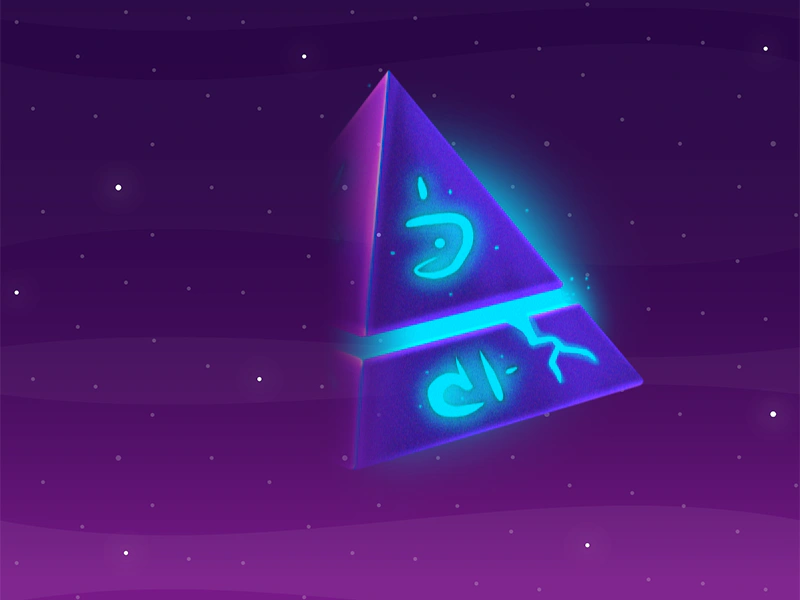 Reveal Right to LeftDemonstrates a right-to-left wipe transition effect on a sprite using the wipe filter and a tween to control the progress property.
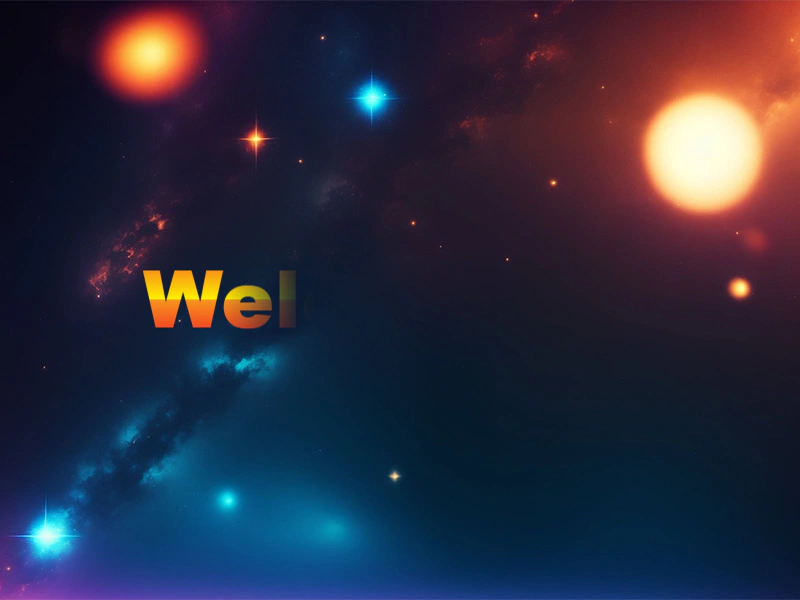 Reveal TextDemonstrates using the Wipe filter on a Text object with a Tween to create a progressive reveal effect for different lines of text.
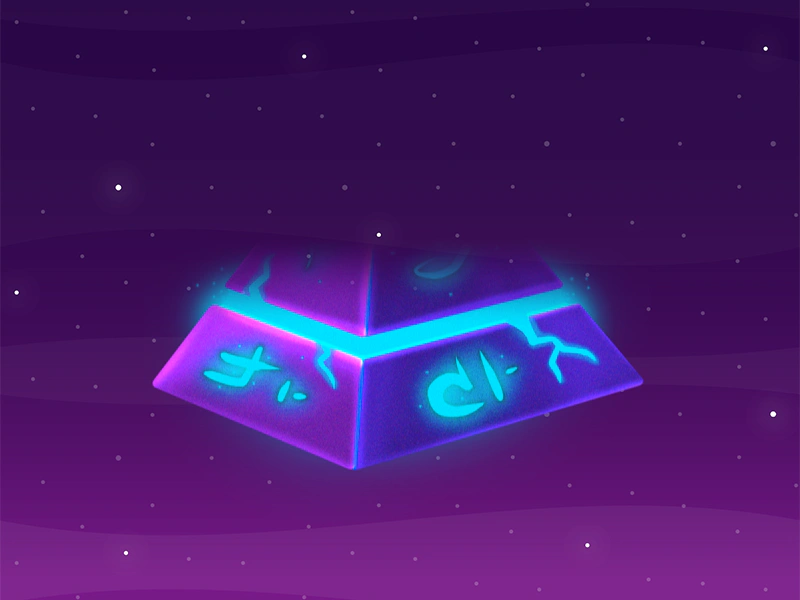 Reveal Top to Bottom Wipe EffectAnimate an image reveal using a Wipe filter and a tween to transition the effect from top to bottom.
 Wipe Bottom To Top FilterDemonstrates how to apply a wipe transition effect to a sprite, revealing it from the bottom upwards by tweening the filter's progress property.Wipe Filter to PointerUse a Wipe filter on a sprite and link its progress to the mouse pointer position to create an interactive transition effect between two images.
 Wipe Left To Right FilterDemonstrates how to apply and animate a wipe filter effect on a sprite from left to right using a tween.
 Wipe Right To LeftDemonstrates how to apply a wipe filter to a sprite to reveal or hide it from right to left using a tween to control the effect's progress.
 Wipe Scene TransitionDemonstrates how to transition between scenes using a camera wipe filter by syncing the filter progress with the Scene Transition update callback.
 Wipe Top to BottomApply a top-to-bottom wipe filter effect to a sprite, controlled by a tween animation.
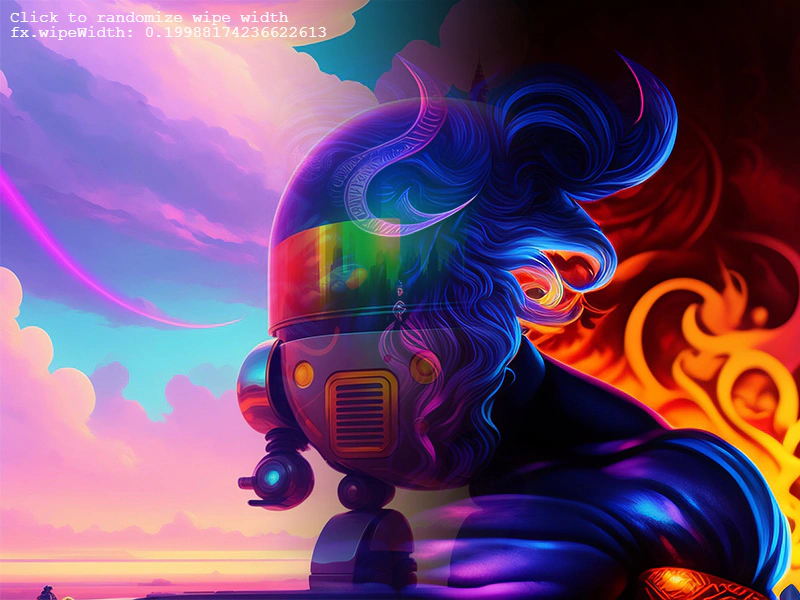 Wipe WidthThis example demonstrates how to adjust the wipeWidth property of a Wipe filter to control the softness or feathering of the transition edge.