Phaser 4 examples
Tint
- 15 examples
Examples 15
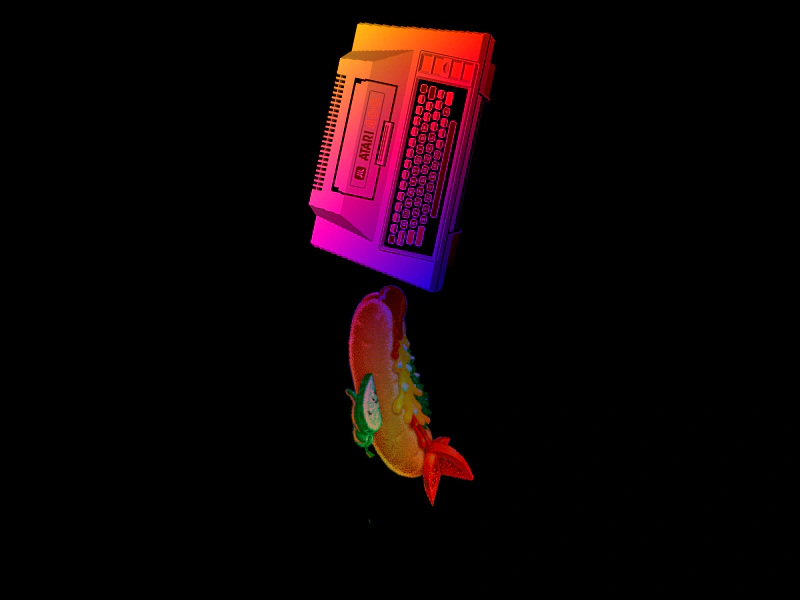 Atlas Frame TintDemonstrates applying multi-color gradient tints to individual images loaded from a texture atlas.
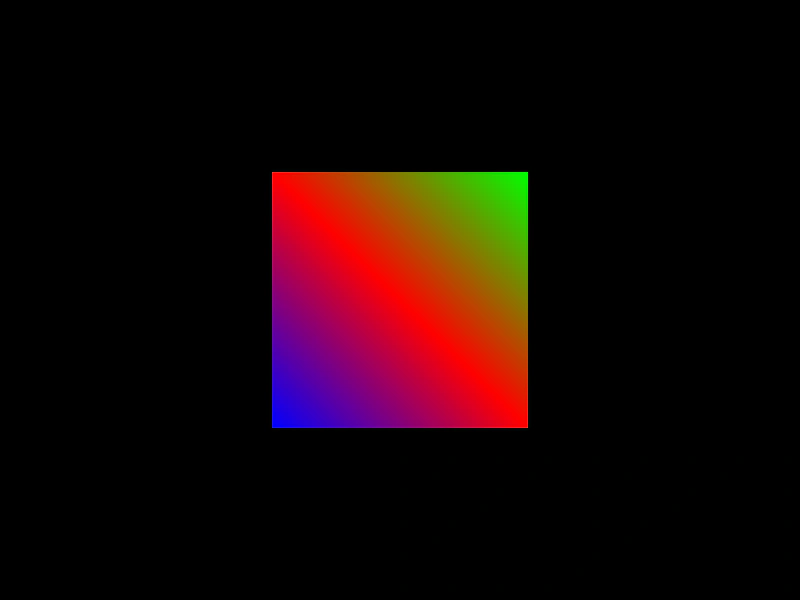 Corner TintDemonstrates how to apply distinct colors to the four corners of a Game Object to create multi-color gradient effects.
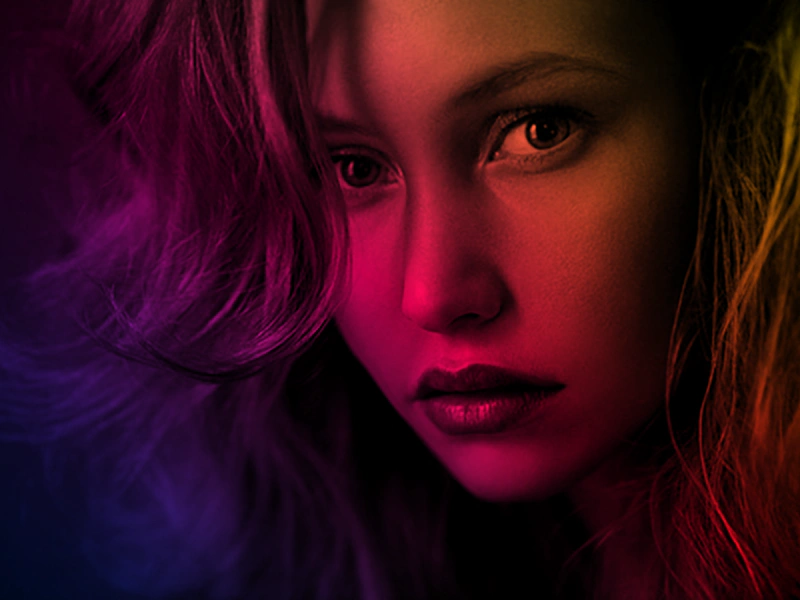 Per-Vertex TintDemonstrates how to apply individual tint colors to each of the four corners of an image to create unique gradient effects.
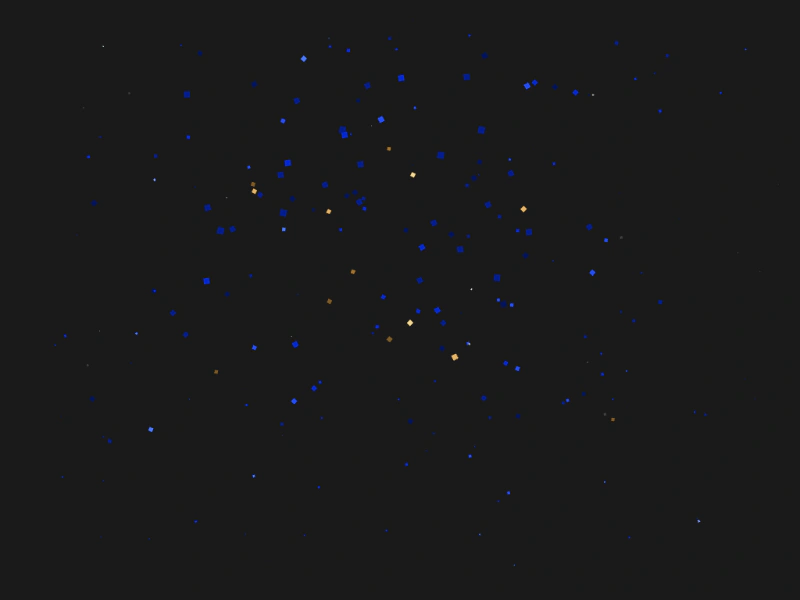 Pixel WaveReconstruct an image using individual tinted sprites by extracting color data from a source texture and animating them into position.
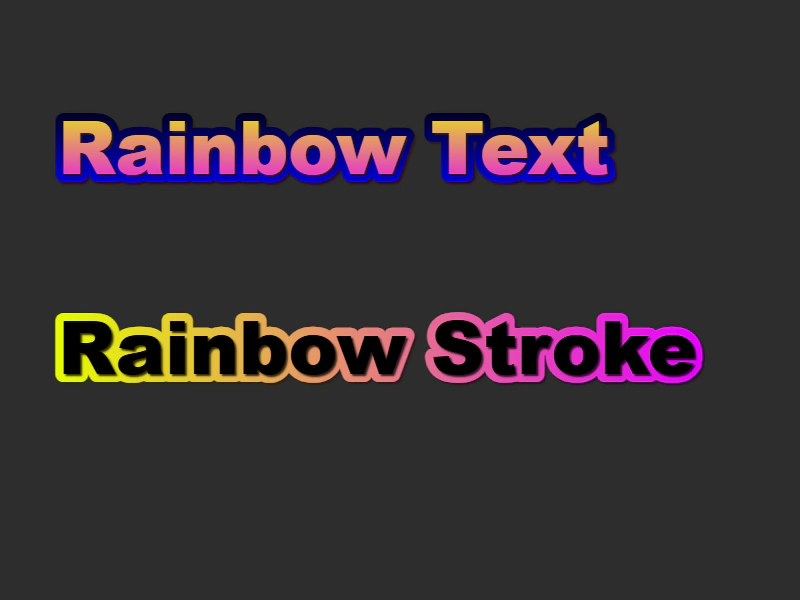 Rainbow Animated TextDemonstrates how to create an animated rainbow effect on text and strokes by applying cycling HSV colors to the text tint properties.
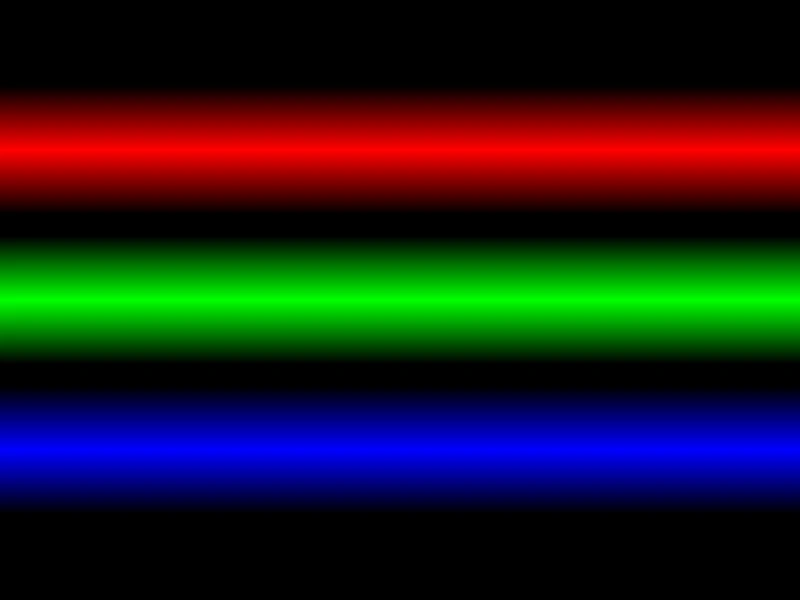 Raster Gradients with TintDemonstrates how to create vertical color gradients by applying different tint colors to the corners of a stretched pixel sprite.
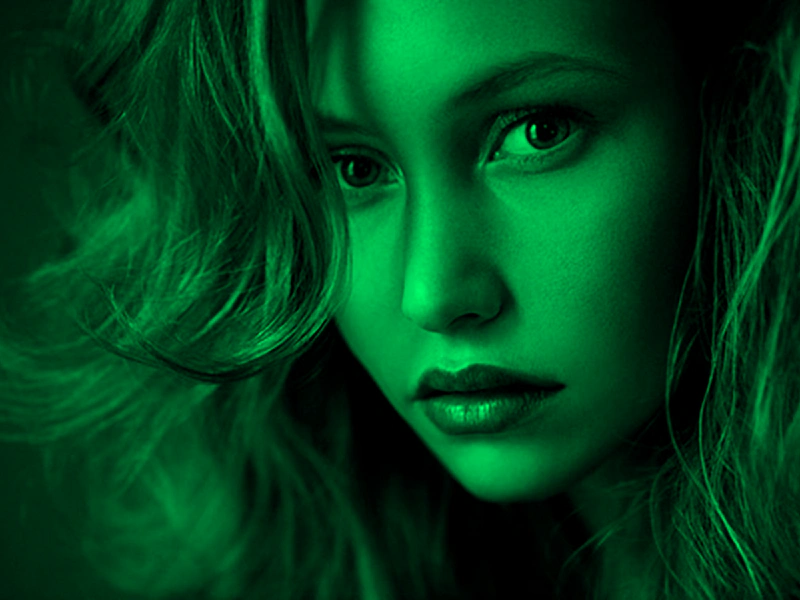 Single Color TintLearn how to apply a single color tint to a Game Object and update it dynamically using the pointer and an HSV color wheel.
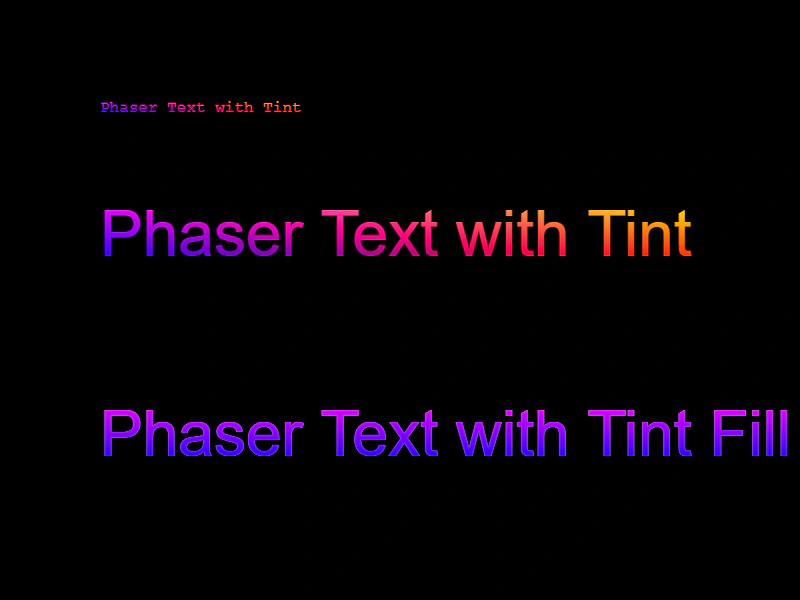 Text TintApply multi-color tint gradients and fill modes to Text objects.
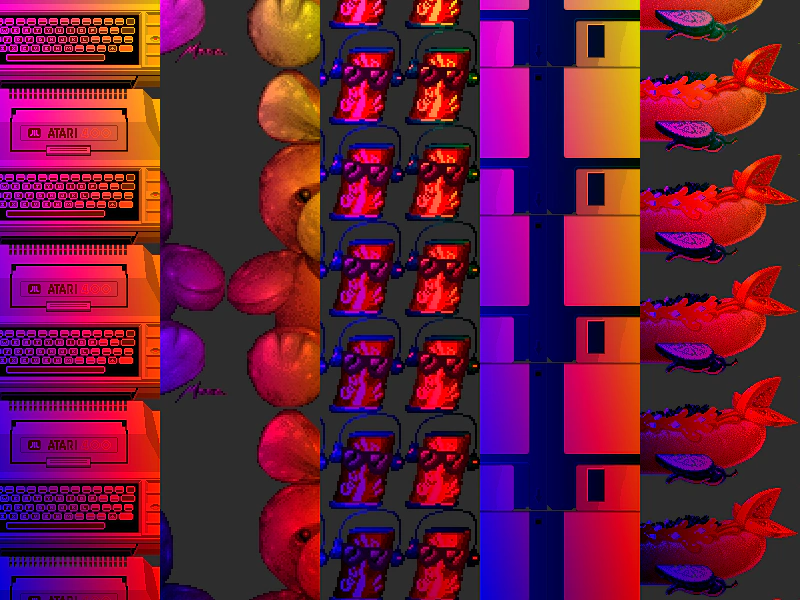 Tile Sprite TintThis example demonstrates applying multi-color corner tints to scrolling TileSprites using textures from an atlas.
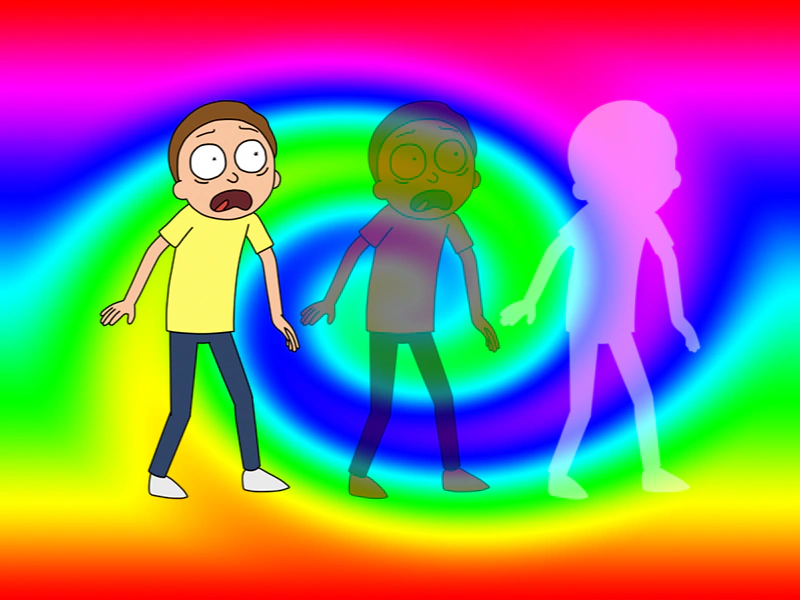 Tint and AlphaThis example demonstrates how to apply color tints and transparency levels to images simultaneously, including the use of fill tint modes.
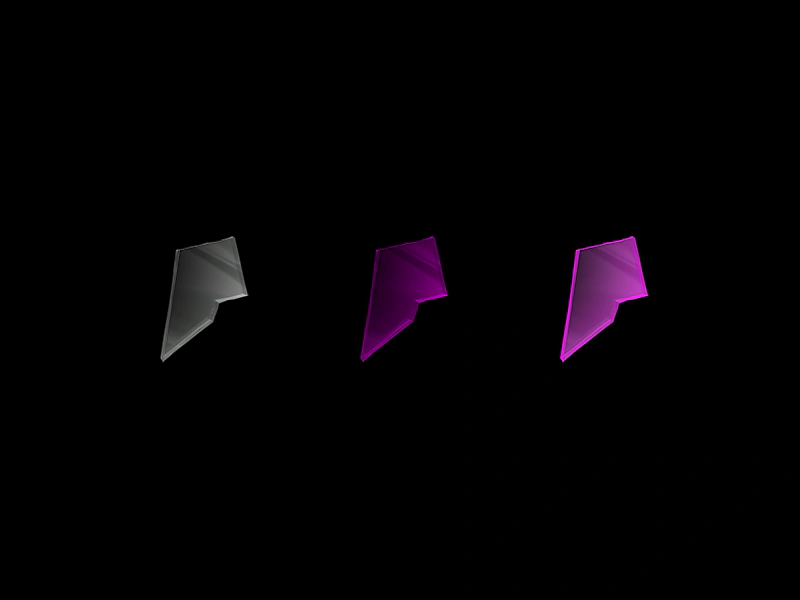 Tint Fill EffectDemonstrates the difference between standard multiplicative tinting and the solid color tint fill mode on images.
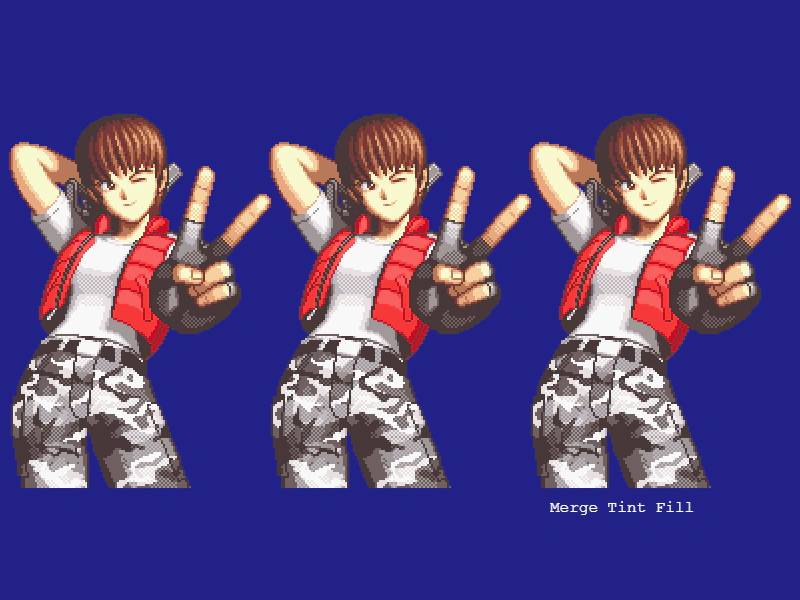 Tint Fill ModesDemonstrates the difference between standard multiply tinting and tint fill modes, showing how to apply solid color overlays or gradients to sprites.
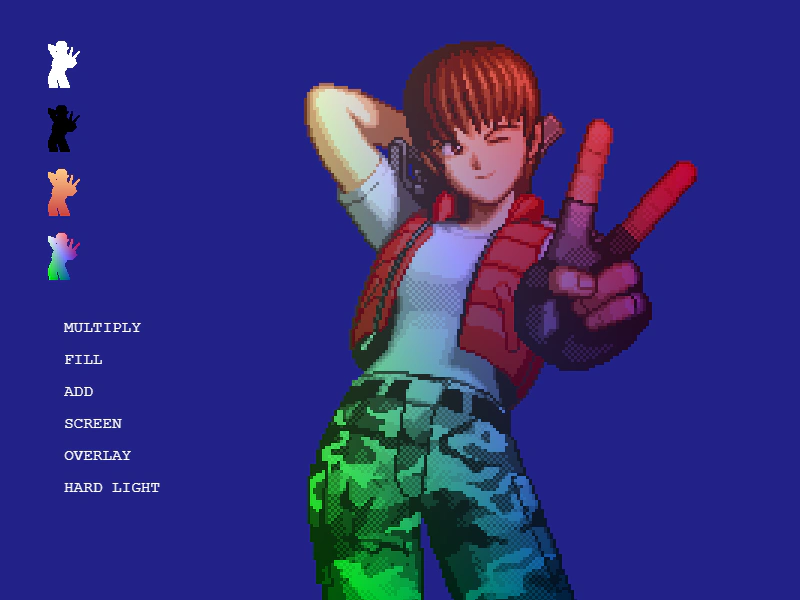 Tint ModesAn interactive demonstration of various tinting modes including Multiply, Fill, Add, Screen, Overlay, and Hard Light, showing how they affect the rendering of an image.
 Tinting Multiple ImagesDemonstrates how to apply different color tints to multiple Image Game Objects using the same source texture.
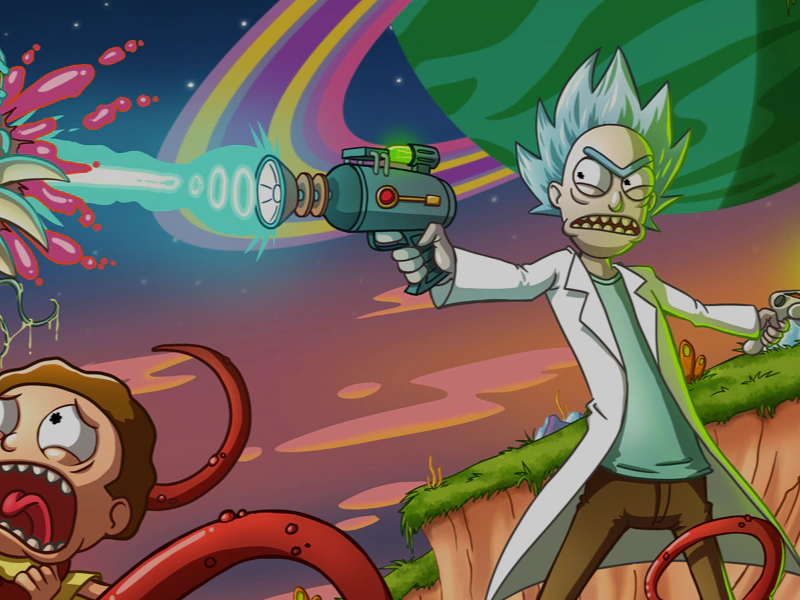 Tweening Image TintAnimate the tint of an image by using a Tween Counter to dynamically update color values over time.