Single Color Tint
Learn how to apply a single color tint to a Game Object and update it dynamically using the pointer and an HSV color wheel.

800 × 600
class Example extends Phaser.Scene
{
    constructor ()
    {
        super();
    }

    preload ()
    {
        this.load.setBaseURL('https://cdn.phaserfiles.com/v410');
        this.load.image('face', 'assets/pics/bw-face.png');
    }

    create ()
    {
        const hsv = Phaser.Display.Color.HSVColorWheel();

        const image = this.add.image(400, 300, 'face');

        // image.setTint(0xff00ff);
        image.setTint(0xff0000);
        // image.setTint(0x00ff00);
        // image.setTint(0x0000ff);

        this.input.on('pointerdown', function (pointer) {

            const i = Phaser.Math.Between(0, 359);

            image.setTint(hsv[i].color);

        });
    }
}

const config = {
    scale: { mode: Phaser.Scale.FIT },
    type: Phaser.WEBGL,
    parent: 'game-container',
    width: 800,
    height: 600,
    scene: Example
};

const game = new Phaser.Game(config);
More in Tint15 examples
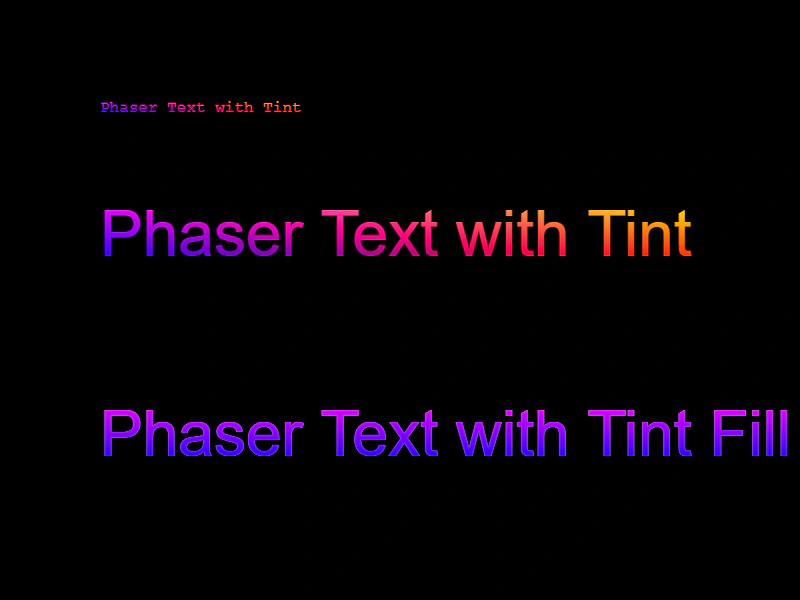 Text TintApply multi-color tint gradients and fill modes to Text objects.
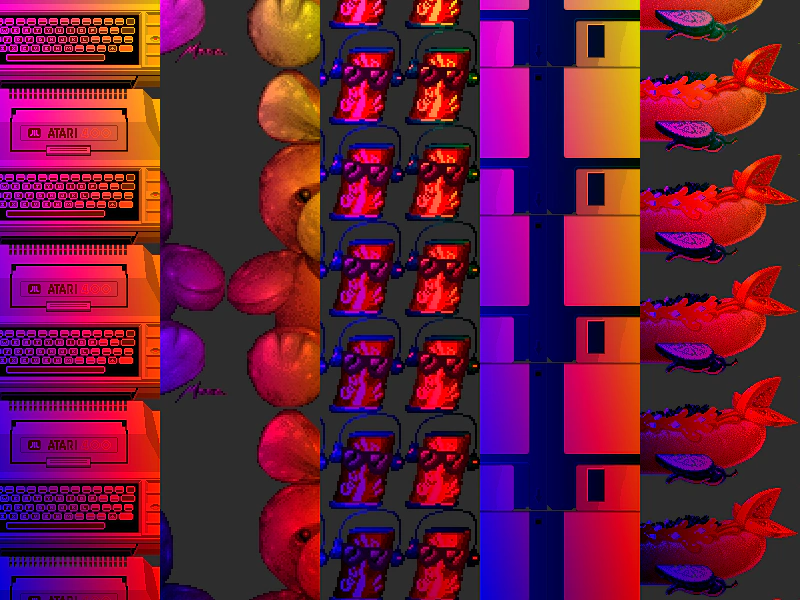 Tile Sprite TintThis example demonstrates applying multi-color corner tints to scrolling TileSprites using textures from an atlas.
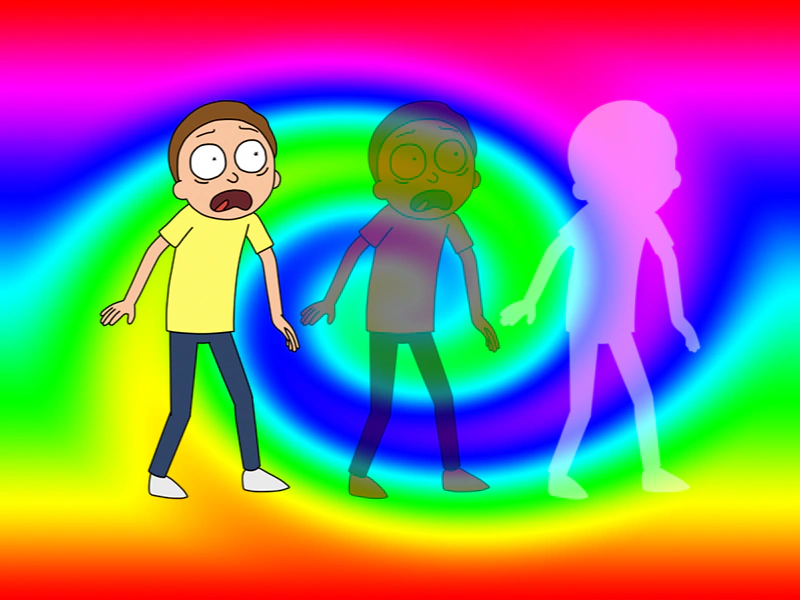 Tint and AlphaThis example demonstrates how to apply color tints and transparency levels to images simultaneously, including the use of fill tint modes.
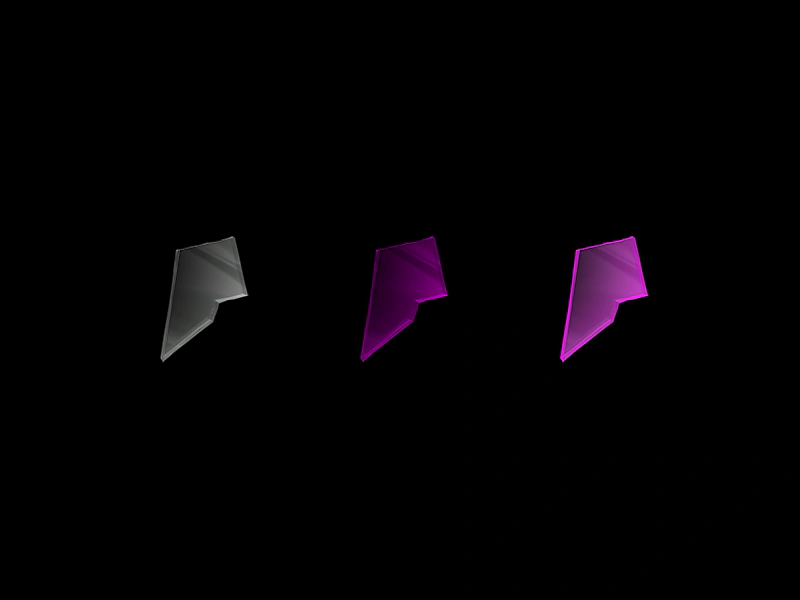 Tint Fill EffectDemonstrates the difference between standard multiplicative tinting and the solid color tint fill mode on images.