Phaser 4 examples
Custom Wipe Filter
- 5 examples
Examples 5
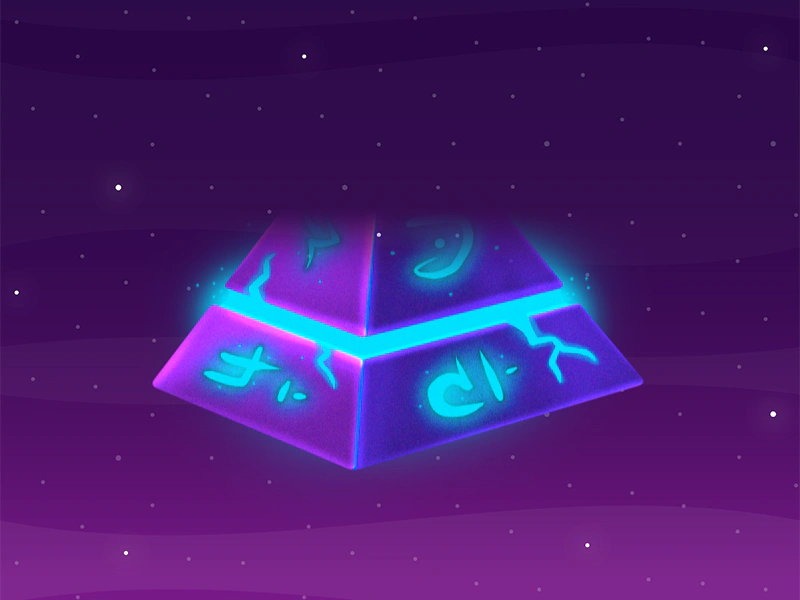 Reveal Bottom to Top WipeDemonstrates how to apply a custom wipe filter to a sprite, revealing it from the bottom to the top using a progress-based tween.
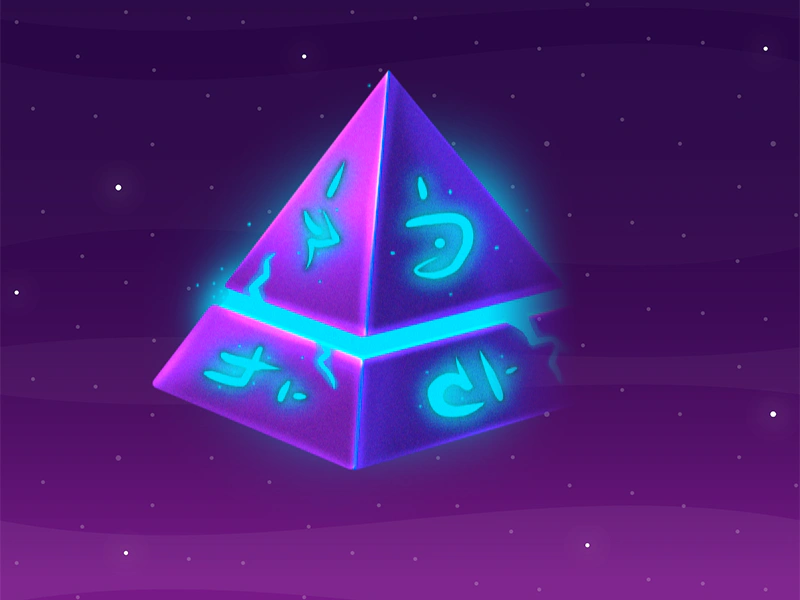 Reveal Left To RightApplies a custom wipe filter to a sprite to create a reveal transition from left to right using a tweened progress value.
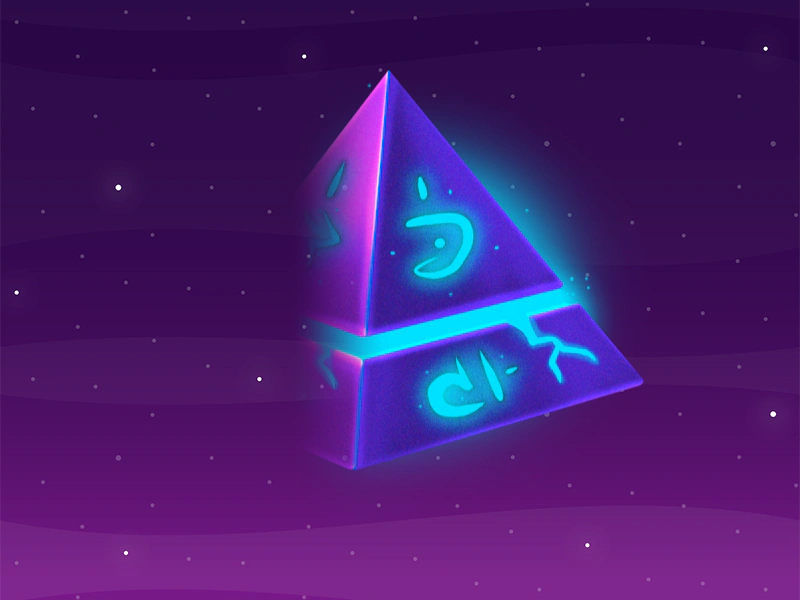 Reveal Right to Left Wipe EffectDemonstrates applying a custom wipe filter to a sprite to create a reveal effect from right to left, controlled by tweening the filter's progress property.
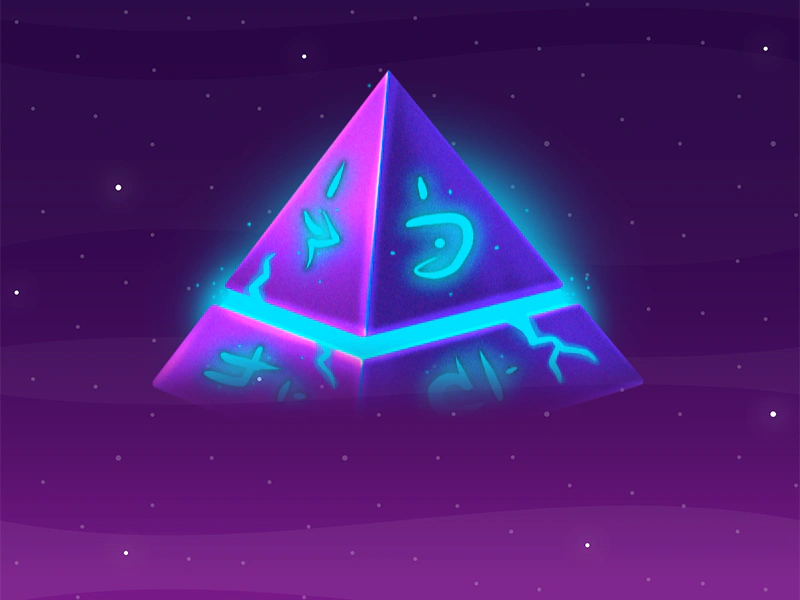 Reveal Top To BottomUse a custom wipe filter and controller to create a top-to-bottom reveal effect on a sprite by tweening the filter's progress property.
 Text Reveal with Custom Wipe FilterDemonstrates how to apply a custom wipe filter to a Text object and animate its progress using a Tween for a smooth reveal effect.