Text Reveal with Custom Wipe Filter
Demonstrates how to apply a custom wipe filter to a Text object and animate its progress using a Tween for a smooth reveal effect.

800 × 600
// #module

import FilterWipe from "./assets/rendernodes/FilterWipe.js";

class Example extends Phaser.Scene
{
    constructor ()
    {
        super();
    }

    preload ()
    {
        this.load.setBaseURL('https://cdn.phaserfiles.com/v410');
        this.load.image('bg', 'assets/pics/spacey.jpg');
    }

    create ()
    {
        this.add.image(400, 300, 'bg');

        let line = 0;

        const message = [
            'Welcome to the',
            'Phaser 3 Wipe FX',
            'Using Text PreFX',
            'and a Tween'
        ];

        const text = this.add.text(400, 300, message[line], { fontFamily: 'Arial Black', fontSize: 80 });

        const gradient = text.context.createLinearGradient(0, 0, 0, text.height);

        gradient.addColorStop(0, '#f26522');
        gradient.addColorStop(0.5, '#fff200');
        gradient.addColorStop(0.5, '#f7941d');
        gradient.addColorStop(1, '#ed1c24');

        text.setFill(gradient);
        text.setOrigin(0.5, 0.5);

        const wipe = new FilterWipe.Controller(this.cameras.main);
        text.enableFilters();
        text.filters.internal.add(wipe);
        wipe.setRevealEffect();
        wipe.setLeftToRight();

        this.tweens.add({
            targets: wipe,
            progress: 1,
            hold: 500,
            duration: 3000,
            repeat: -1,
            onRepeat: () => {

                line++;

                if (line === message.length)
                {
                    line = 0;
                }

                text.setText(message[line]);

                wipe.progress = 0;

            }
        });
    }
}

const config = {
    scale: { mode: Phaser.Scale.FIT },
    type: Phaser.AUTO,
    width: 800,
    height: 600,
    backgroundColor: '#00002d',
    parent: 'game-container',
    scene: Example,
    renderNodes: {
        FilterWipe: FilterWipe.Filter
    }
};

let game = new Phaser.Game(config);
More in Custom Wipe Filter5 examples
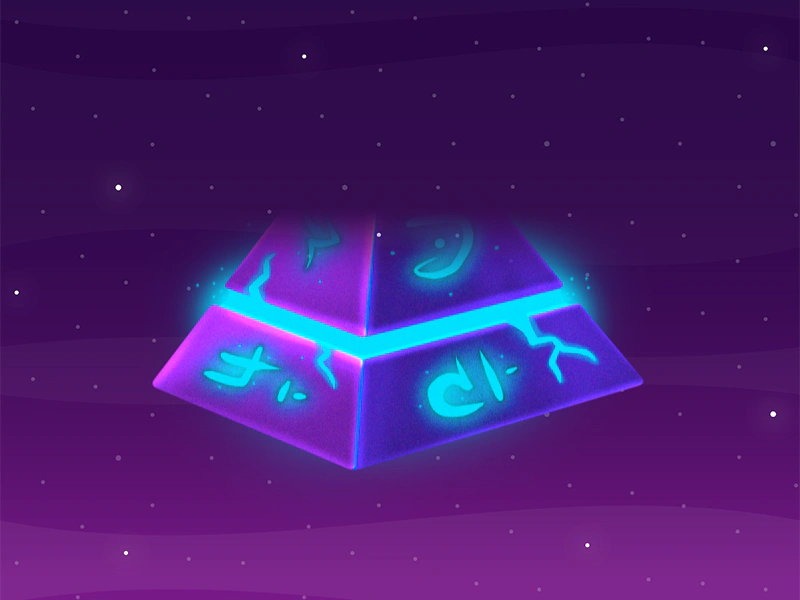 Reveal Bottom to Top WipeDemonstrates how to apply a custom wipe filter to a sprite, revealing it from the bottom to the top using a progress-based tween.
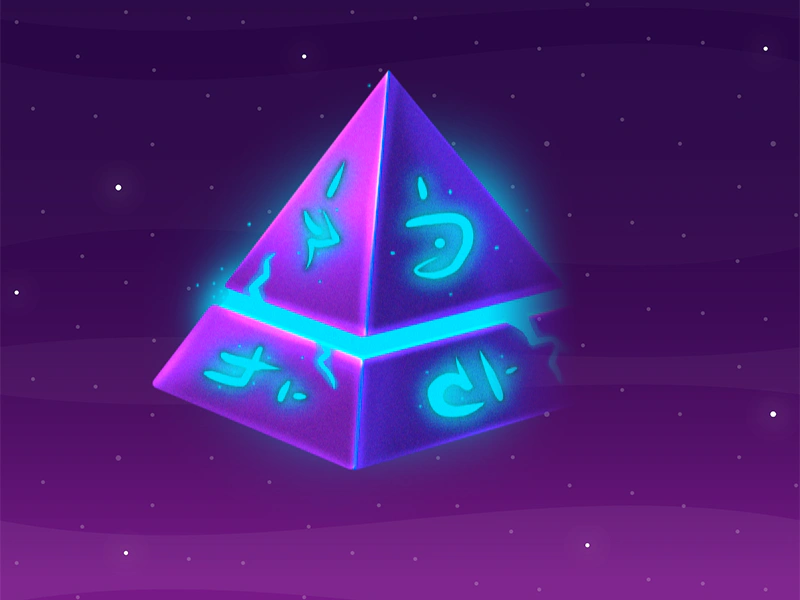 Reveal Left To RightApplies a custom wipe filter to a sprite to create a reveal transition from left to right using a tweened progress value.
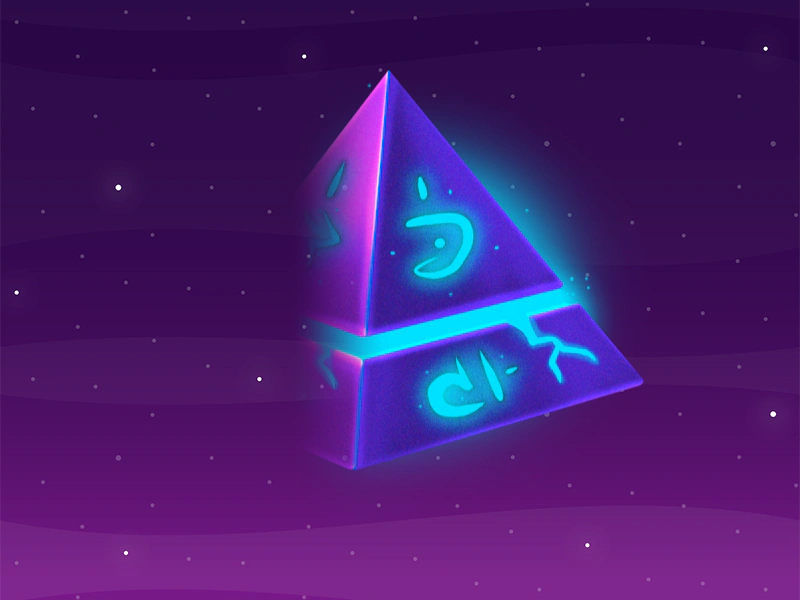 Reveal Right to Left Wipe EffectDemonstrates applying a custom wipe filter to a sprite to create a reveal effect from right to left, controlled by tweening the filter's progress property.
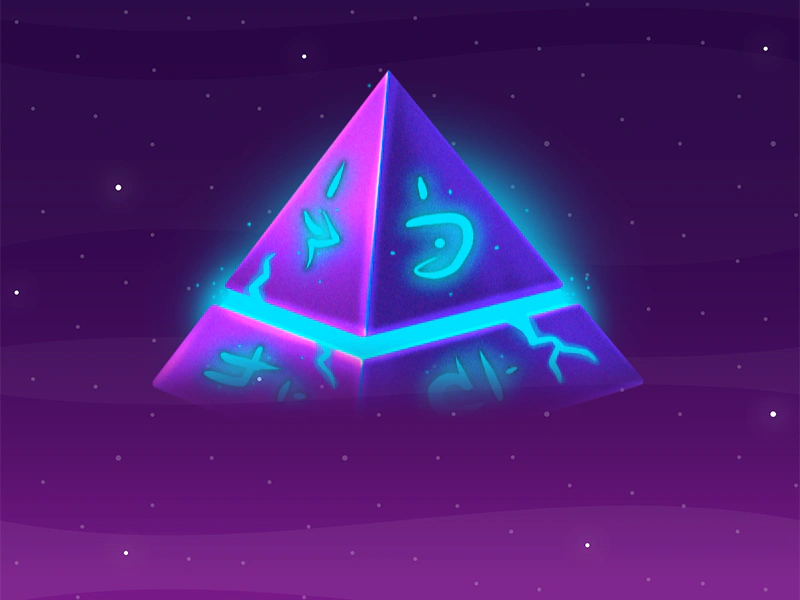 Reveal Top To BottomUse a custom wipe filter and controller to create a top-to-bottom reveal effect on a sprite by tweening the filter's progress property.