Phaser 4 examples
Filters
- 78 examples
- 17 folders
Folders 17
 Barrel4 examples
 Blur2 examples
 Bokeh2 examples
 Colormatrix2 examples
 Custom Wipe Filter5 examples
 Displacement3 examples
 Glow7 examples
 Gradient Map2 examples
 Image Light4 examples
 Key2 examples
 Mask2 examples
 Normal Tools3 examples
 Pixelate4 examples
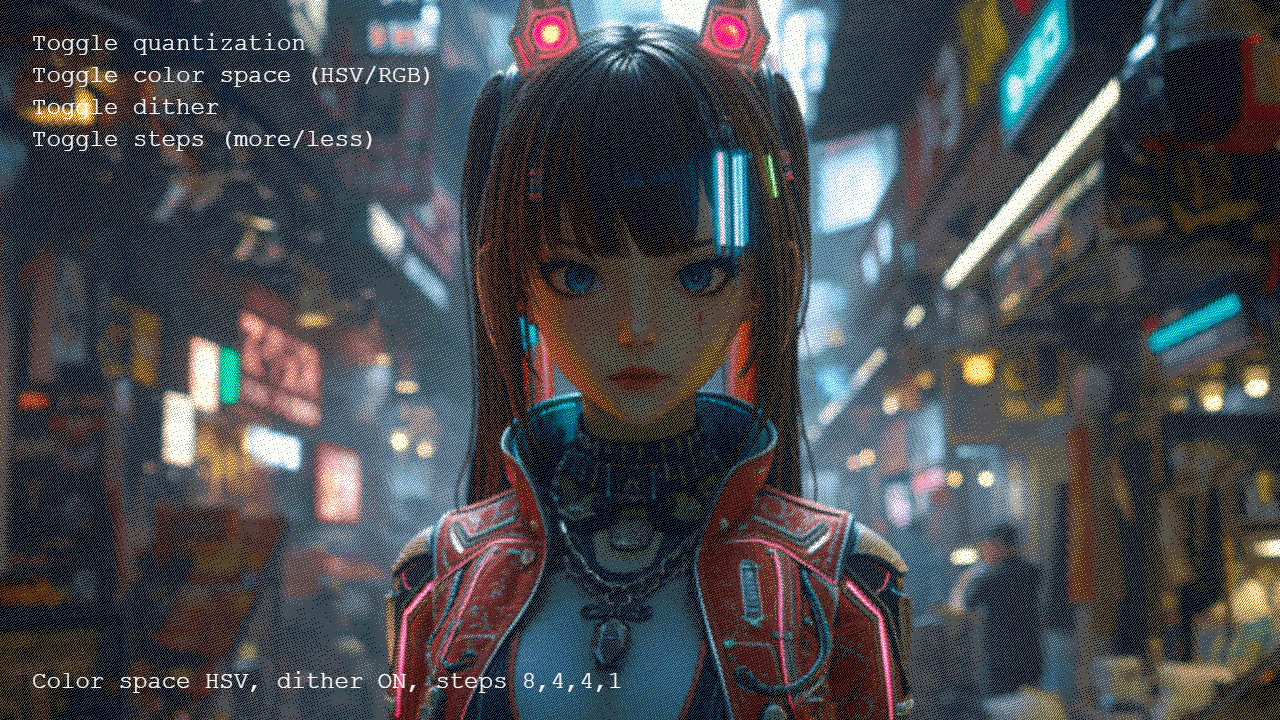 Quantize2 examples
 Shadow2 examples
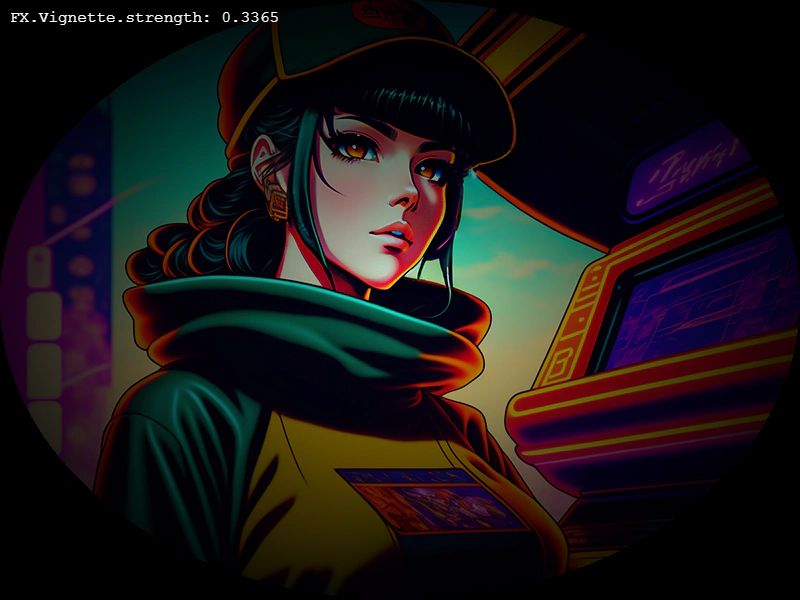 Vignette6 examples
 Wipe12 examples
Examples 14
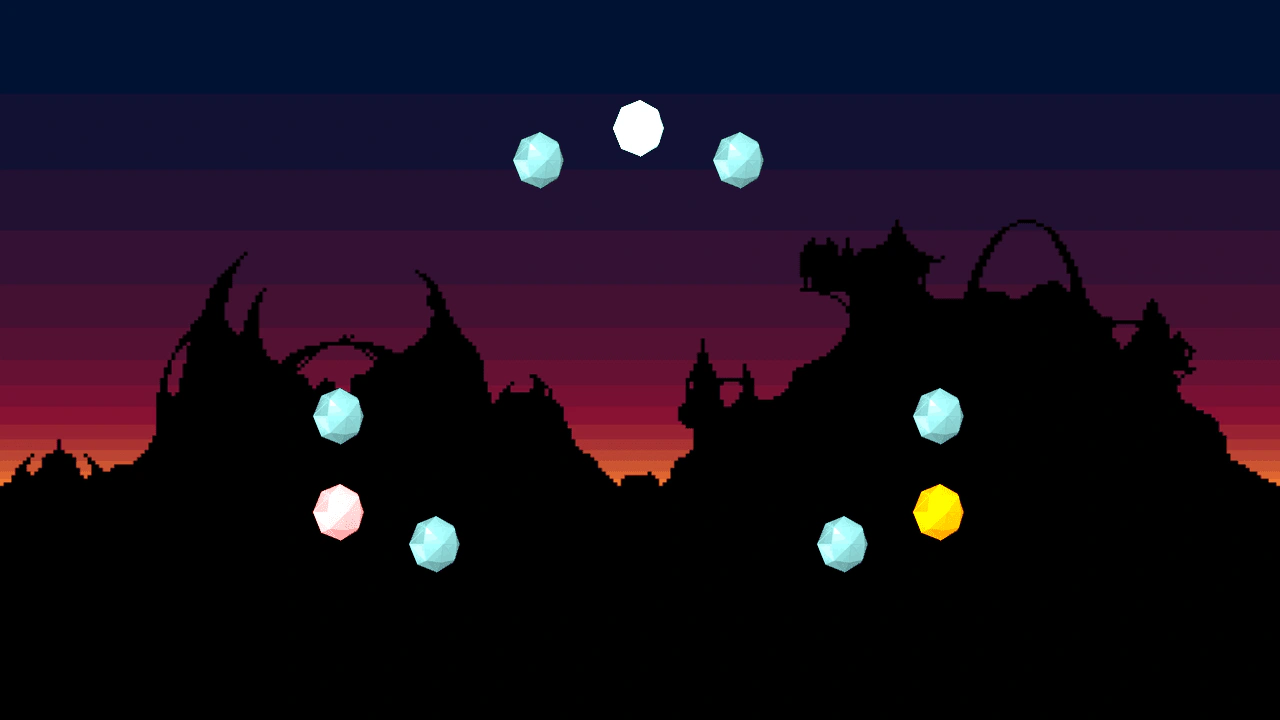 Additive Blend HighlightingDemonstrates creating glow and highlight effects by applying additive blend filters to Render Textures, including color channel manipulation and tweening filter intensity.
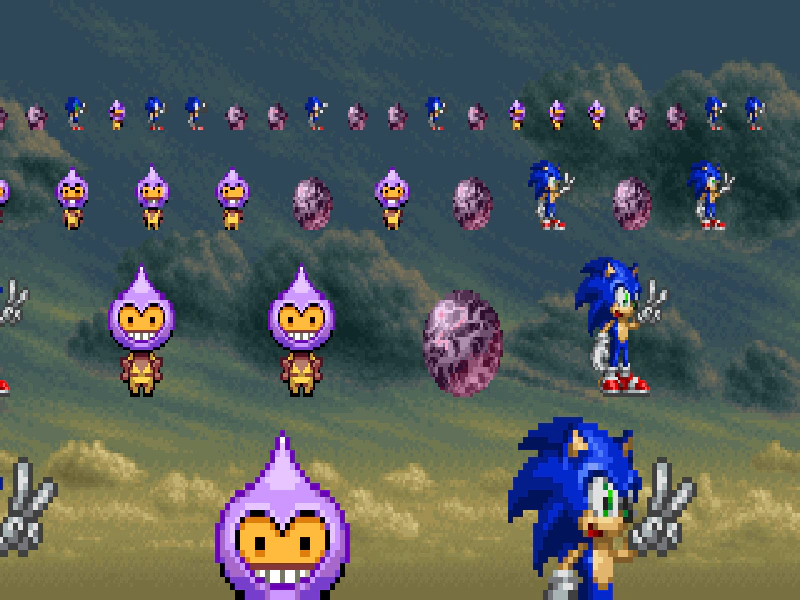 Blocky Pixel FilterDemonstrates applying a pixelation effect to the camera using the Blocky filter, including how to toggle the effect active state via user input.
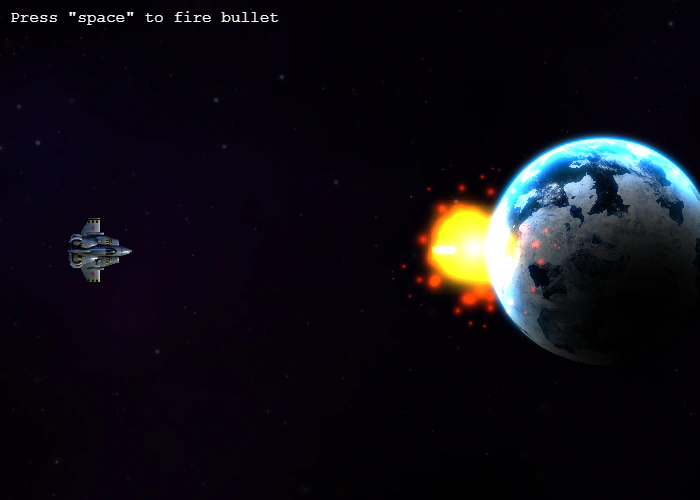 Bloom Filter Impact EffectDemonstrates how to apply and animate a bloom filter on game objects. When a bullet hits the planet, a tween increases the bloom's blur strength to create a glowing impact visual.
 Bloom with Parallel FiltersDemonstrates how to create a custom bloom effect by processing a camera through parallel filter tracks, applying threshold and blur filters to one track, and blending it back using additive blending.Combine Color Matrix Alpha TransferDemonstrates how to use the Combine Color Matrix filter to map the brightness data of one texture onto the alpha channel of another, including how to invert the resulting alpha.
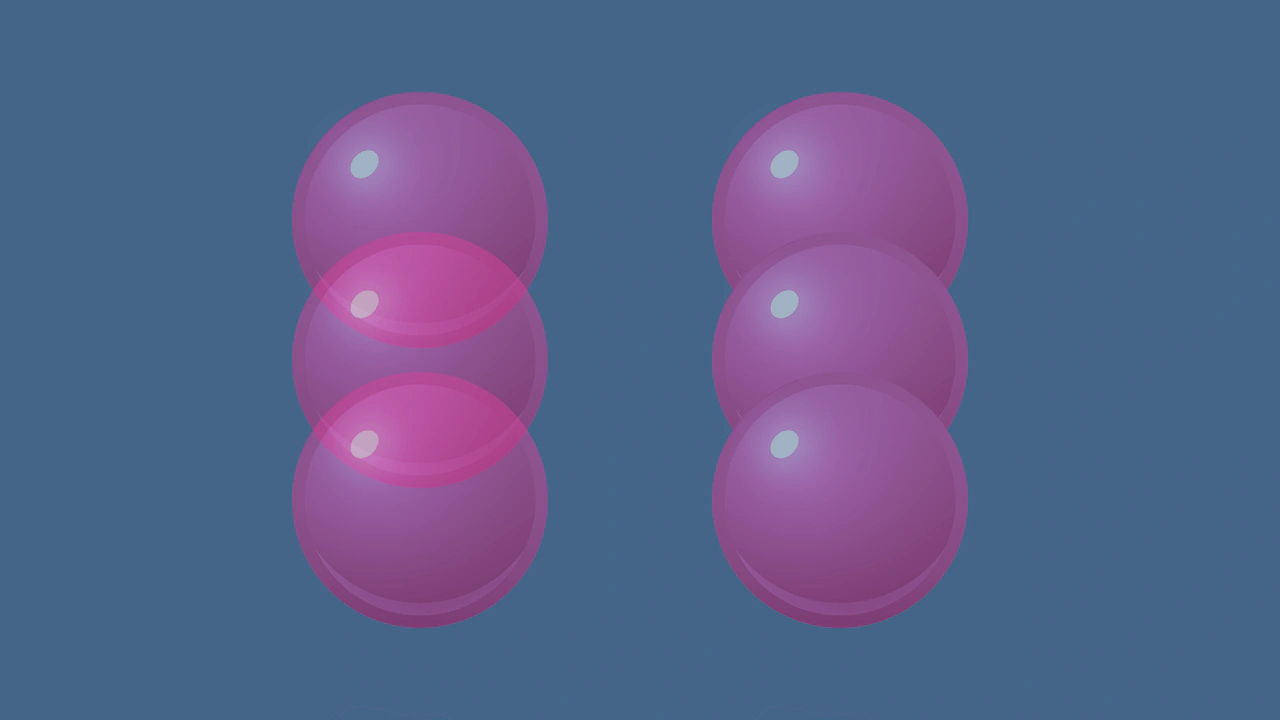 Container Composite AlphaDemonstrates the difference between standard alpha and composite alpha in containers. Setting 'filtersForceComposite' ensures a container renders as a flattened layer, preventing overlapping child elements from showing through each other.
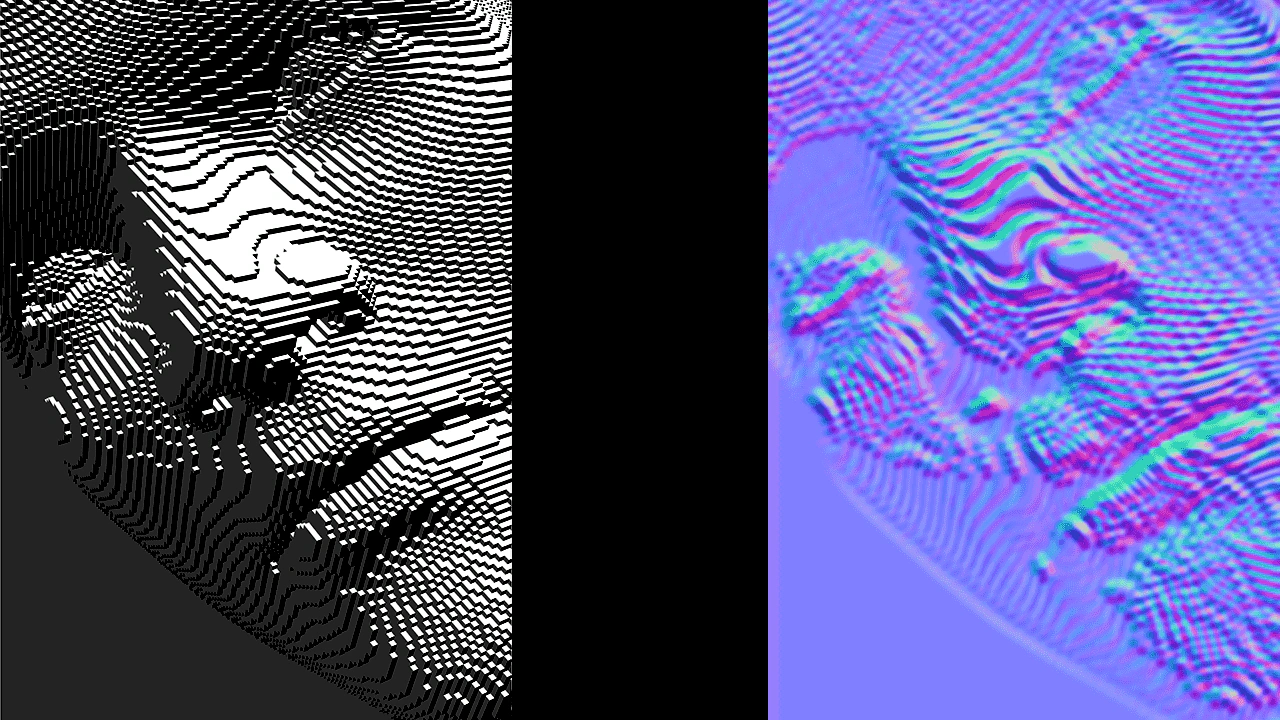 Creating a Custom Shader FilterDemonstrates how to create and apply a custom WebGL filter by defining a fragment shader, a Filter Controller, and a RenderNode to convert a bump map into a normal map in real-time.
 Custom Filter with Secondary Texture InputThis example demonstrates how to create a multi-pass custom filter that uses a secondary image as a strength map to selectively control blur intensity across a Game Object.
 Custom Shine FilterLearn how to apply a custom external shine filter effect to a Game Object using a specialized render node controller.
 Custom Shine Filter with Progress ControlDemonstrates applying a custom shine filter to an image and manually controlling its animation progress using a tween.
 Filter SamplerDemonstrates how to use the Sampler filter to retrieve color data from a specific pixel coordinate on an image, using the result to update the game background color.
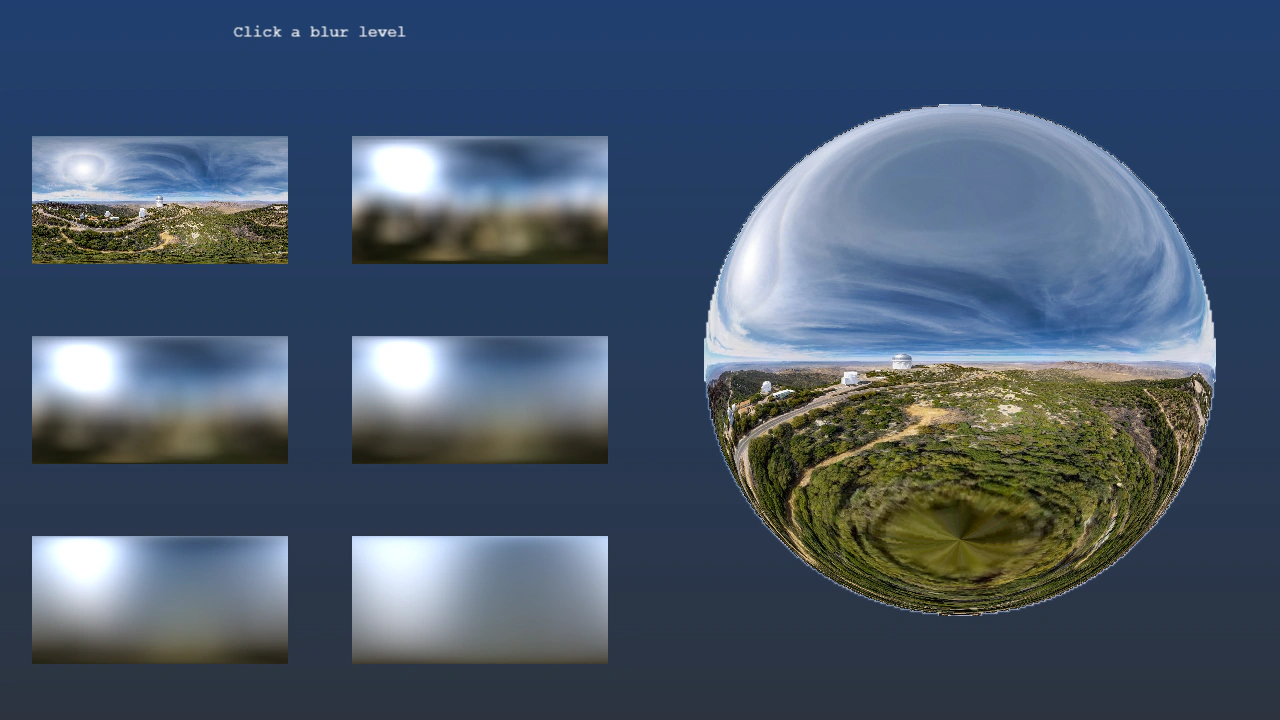 Panorama Blur FilterUse the Panorama Blur filter to pre-render blurred environment maps and apply them to normal-mapped sprites via the Image Light filter.
 Sprite Filter Auto-FocusDemonstrates how filters automatically adapt to transformed Game Objects. This example applies color shifts and dynamic motion blur to multiple rotating and moving sprites.
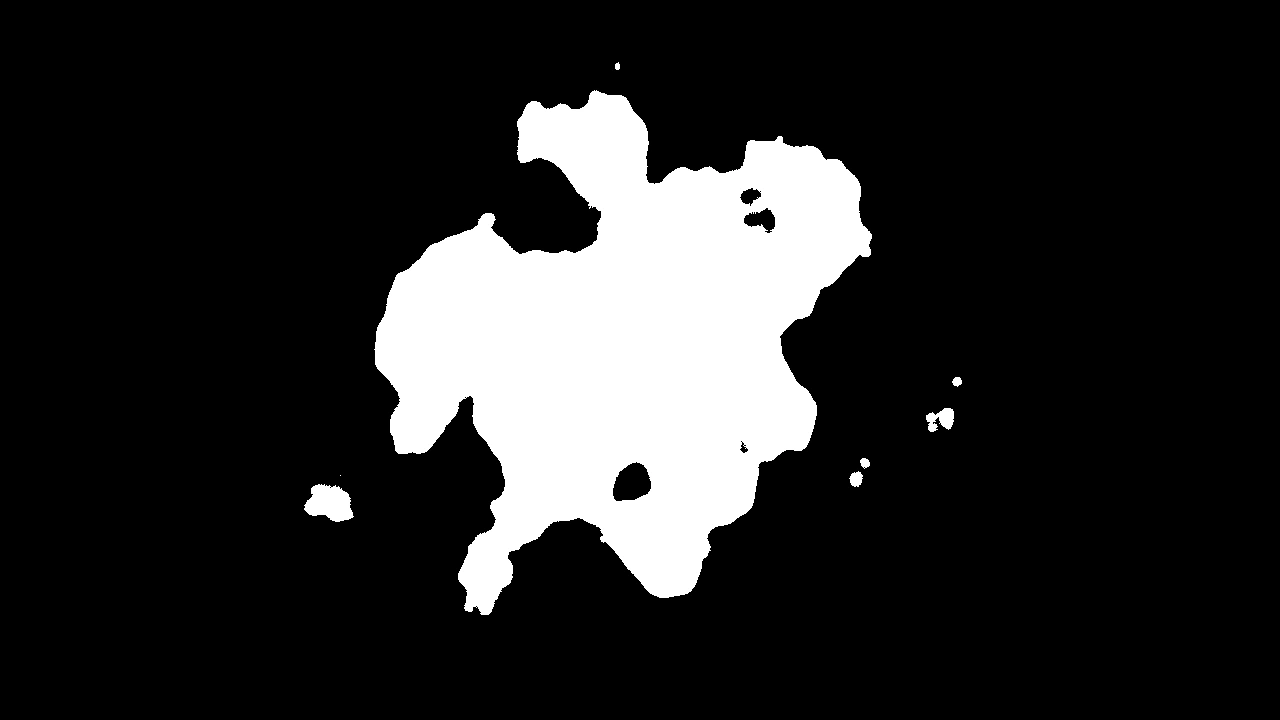 Threshold FilterApply a threshold filter to a particle emitter to create high-contrast, sharp-edged visual effects.