Bloom with Parallel Filters
Demonstrates how to create a custom bloom effect by processing a camera through parallel filter tracks, applying threshold and blur filters to one track, and blending it back using additive blending.

1280 × 720
class Example extends Phaser.Scene
{
    image;

    preload ()
    {
        this.load.setBaseURL('https://cdn.phaserfiles.com/v410');
        this.load.image('phaser-logo', 'assets/sprites/phaser3-logo-x2.png');
    }

    create ()
    {
        const image = this.add.image(640, 360, 'phaser-logo');

        const text = this.add.text(640, 500, 'Bloom with Parallel Filters', { font: '32px Arial', fill: '#88ffff' }).setOrigin(0.5);

        const parallelFilters = this.cameras.main.filters.internal.addParallelFilters();
        parallelFilters.top.addThreshold(0.5, 1);
        parallelFilters.top.addBlur();
        parallelFilters.blend.blendMode = Phaser.BlendModes.ADD;
        parallelFilters.blend.amount = 0;

        // Alternatively, instead of creating parallelFilters,
        // use Actions.AddEffectBloom:
        // const { parallelFilters } = Phaser.Actions.AddEffectBloom(this.cameras.main, { blendAmount: 0 });

        this.tweens.add({
            targets: parallelFilters.blend,
            amount: 2,
            duration: 1000,
            yoyo: true,
            repeat: -1,
            ease: 'Sine.easeInOut'
        });
    }
}

const config = {
    scale: { mode: Phaser.Scale.FIT },
    type: Phaser.WEBGL,
    width: 1280,
    height: 720,
    parent: 'game-container',
    scene: Example
};

const game = new Phaser.Game(config);
More in Filters14 examples
Combine Color Matrix Alpha TransferDemonstrates how to use the Combine Color Matrix filter to map the brightness data of one texture onto the alpha channel of another, including how to invert the resulting alpha.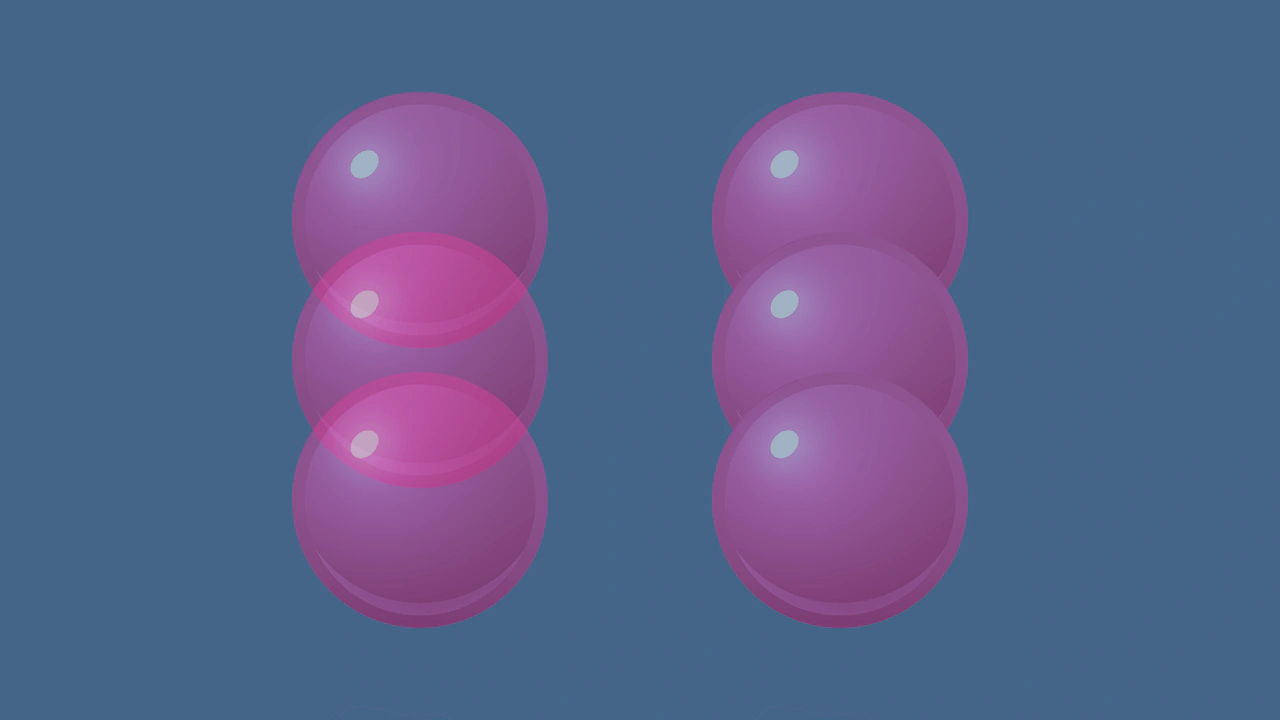 Container Composite AlphaDemonstrates the difference between standard alpha and composite alpha in containers. Setting 'filtersForceComposite' ensures a container renders as a flattened layer, preventing overlapping child elements from showing through each other.
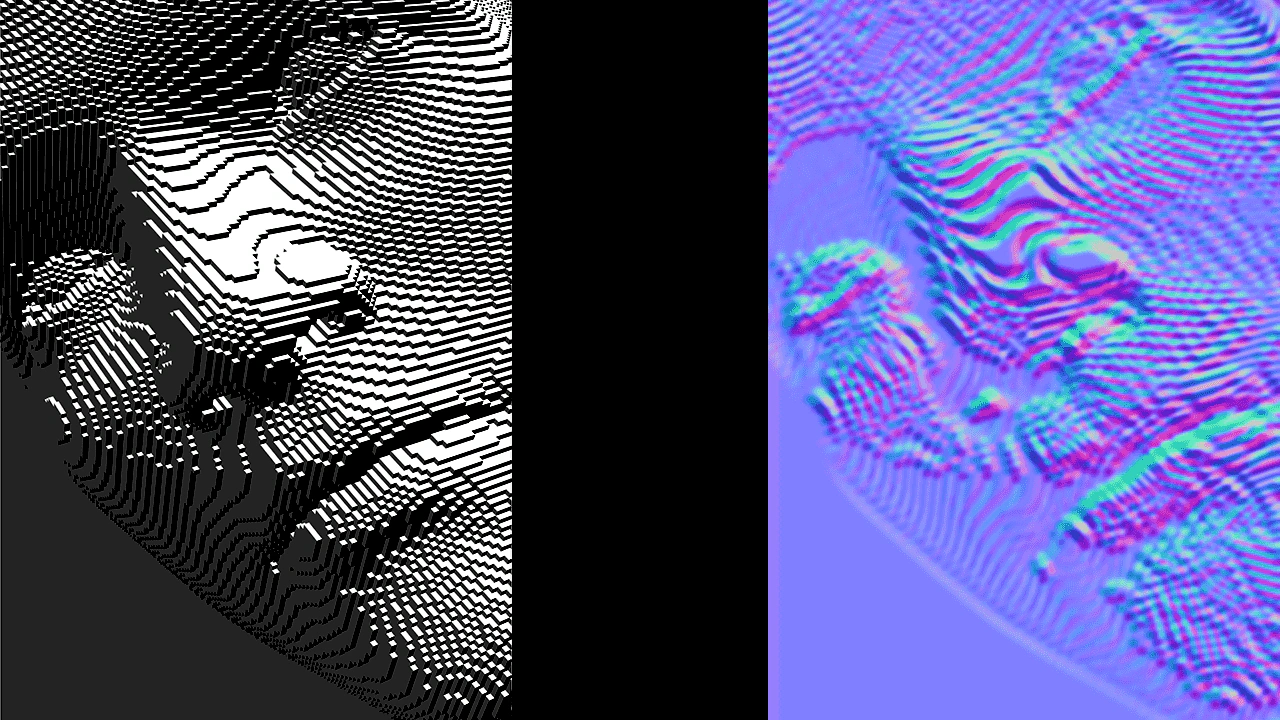 Creating a Custom Shader FilterDemonstrates how to create and apply a custom WebGL filter by defining a fragment shader, a Filter Controller, and a RenderNode to convert a bump map into a normal map in real-time.
 Custom Filter with Secondary Texture InputThis example demonstrates how to create a multi-pass custom filter that uses a secondary image as a strength map to selectively control blur intensity across a Game Object.
Container Composite AlphaDemonstrates the difference between standard alpha and composite alpha in containers. Setting 'filtersForceComposite' ensures a container renders as a flattened layer, preventing overlapping child elements from showing through each other.Creating a Custom Shader FilterDemonstrates how to create and apply a custom WebGL filter by defining a fragment shader, a Filter Controller, and a RenderNode to convert a bump map into a normal map in real-time.Custom Filter with Secondary Texture InputThis example demonstrates how to create a multi-pass custom filter that uses a secondary image as a strength map to selectively control blur intensity across a Game Object.