Creating a Custom Shader Filter
Demonstrates how to create and apply a custom WebGL filter by defining a fragment shader, a Filter Controller, and a RenderNode to convert a bump map into a normal map in real-time.
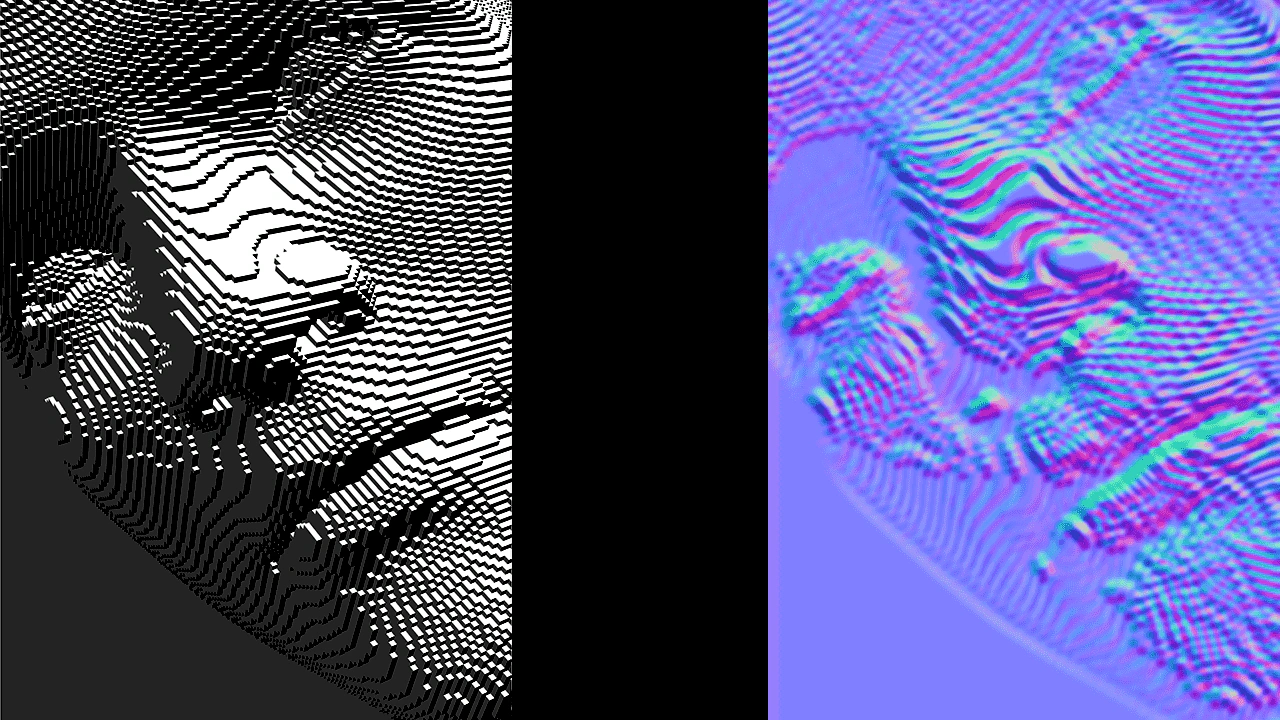
1280 × 720
// Define custom filter.

// This custom filter is a simple example of a filter that converts a bump map to a normal map.
// The filter is defined in two parts: a Controller and a RenderNode.

// The Controller is the main interface for the filter.
class BumpToNormal extends Phaser.Filters.Controller
{
    constructor (camera)
    {
        // The name 'FilterBumpToNormal' is defined in FilterBumpToNormal.
        super(camera, 'FilterBumpToNormal');

        // Properties on the controller are used to pass data to the shader.
        this.radius = 1;
    }
}

// The fragment shader for the filter.
const fragmentShaderBumpToNormal =
`
// BUMP_TO_NORMAL_FS
#pragma phaserTemplate(shaderName)

precision mediump float;

uniform sampler2D uMainSampler;

uniform vec2 resolution;
uniform float radius;

varying vec2 outTexCoord;

void main ()
{
    // Sample neighboring texels.
    vec2 texelSize = radius / resolution;
    vec4 center = texture2D(uMainSampler, outTexCoord);
    vec4 right = texture2D(uMainSampler, outTexCoord + vec2(texelSize.x, 0.0));
    vec4 left = texture2D(uMainSampler, outTexCoord - vec2(texelSize.x, 0.0));
    vec4 top = texture2D(uMainSampler, outTexCoord + vec2(0.0, texelSize.y));
    vec4 bottom = texture2D(uMainSampler, outTexCoord - vec2(0.0, texelSize.y));

    // Calculate the normal.
    float dx = (left.r + left.g + left.b) - (right.r + right.g + right.b);
    float dy = (top.r + top.g + top.b) - (bottom.r + bottom.g + bottom.b);
    vec3 normal = normalize(vec3(dx, dy, 1.0));

    // Convert the normal to color.
    vec4 color = vec4(normal * 0.5 + 0.5, center.a);

    gl_FragColor = color;
}
`;

// This RenderNode is required for rendering the custom filter.
class FilterBumpToNormal extends Phaser.Renderer.WebGL.RenderNodes.BaseFilterShader
{
    constructor (manager)
    {
        // The name 'FilterBumpToNormal' is used by the Controller.
        super('FilterBumpToNormal', manager, null, fragmentShaderBumpToNormal);
    }

    // This method sets up the uniforms for the shader.
    setupUniforms (controller, drawingContext)
    {
        const programManager = this.programManager;

        programManager.setUniform('resolution', [ drawingContext.width, drawingContext.height ]);
        programManager.setUniform('radius', controller.radius);
    }
}

// End custom filter definition.


class Example extends Phaser.Scene
{
    preload ()
    {
        this.load.setBaseURL('https://cdn.phaserfiles.com/v410');
        this.load.image('distortion8', 'assets/textures/distortion8.png');
    }

    create ()
    {
        if (!this.renderer.renderNodes.hasNode('FilterBumpToNormal'))
        {
            // Load the custom filter.
            // We load during scene creation because the renderer has booted by this point.
            this.renderer.renderNodes.addNodeConstructor('FilterBumpToNormal', FilterBumpToNormal);
        }

        // Add an unfiltered image.
        this.add.image(0, 360, 'distortion8')
        .setOrigin(0, 0.5);

        // Add an image for filtering.
        const image = this.add.image(1280, 360, 'distortion8')
        .setOrigin(1, 0.5)
        .enableFilters();
        const blur = image.filters.internal.addBlur();
        blur.strength = 2;

        // Add custom filter to the image.
        // Note that the filter requires a camera to be passed to it.
        const bumpToNormal = image.filters.internal.add(
            new BumpToNormal(image.filterCamera)
        );
        bumpToNormal.radius = 8;

        // Tween the blur strength.
        this.tweens.add({
            targets: blur,
            strength: 0,
            duration: 2000,
            yoyo: true,
            repeat: -1
        });
    }
}

const config = {
    scale: { mode: Phaser.Scale.FIT },
    type: Phaser.AUTO,
    width: 1280,
    height: 720,
    backgroundColor: '#000000',
    parent: 'game-container',
    scene: Example
};

let game = new Phaser.Game(config);
More in Filters14 examples
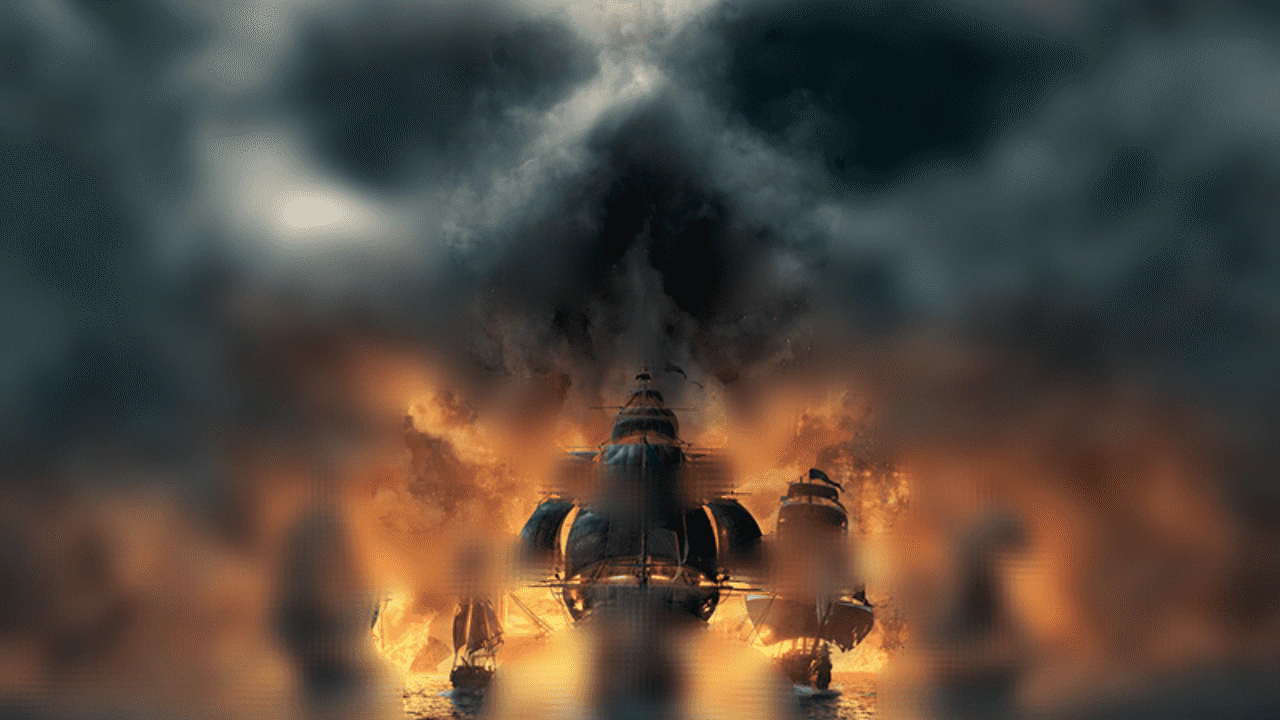 Custom Filter with Secondary Texture InputThis example demonstrates how to create a multi-pass custom filter that uses a secondary image as a strength map to selectively control blur intensity across a Game Object.
 Custom Shine FilterLearn how to apply a custom external shine filter effect to a Game Object using a specialized render node controller.
 Custom Shine Filter with Progress ControlDemonstrates applying a custom shine filter to an image and manually controlling its animation progress using a tween.
 Filter SamplerDemonstrates how to use the Sampler filter to retrieve color data from a specific pixel coordinate on an image, using the result to update the game background color.