Container Composite Alpha
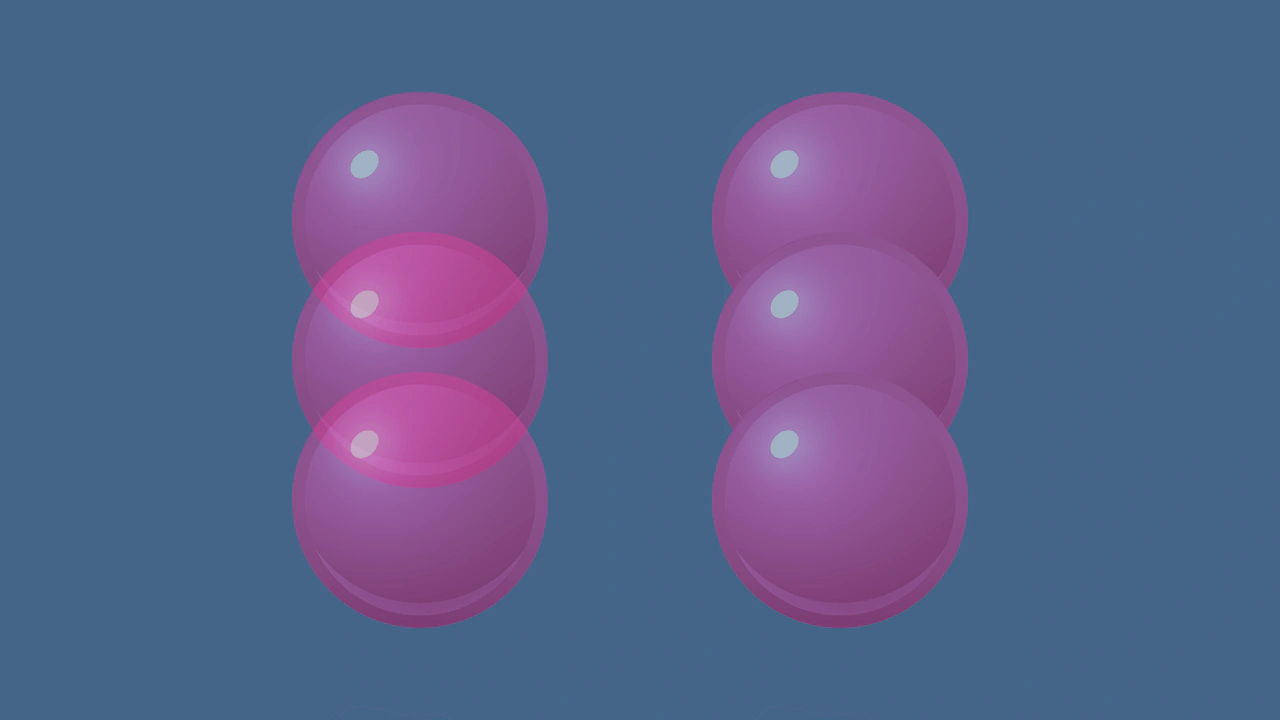
Demonstrates the difference between standard alpha and composite alpha in containers. Setting 'filtersForceComposite' ensures a container renders as a flattened layer, preventing overlapping child elements from showing through each other.
1280 × 720
class Example extends Phaser.Scene
{
    preload ()
    {
        this.load.setBaseURL('https://cdn.phaserfiles.com/v410');
        this.load.image('ball-pink', 'assets/sprites/ball-pink.png');
    }

    create ()
    {
        // Create overlapping balls in a transparent container.
        const container1 = this.add.container(420, 360).setAlpha(0.5);
        const ball1 = this.add.image(0, -140, 'ball-pink');
        const ball2 = this.add.image(0, 0, 'ball-pink');
        const ball3 = this.add.image(0, 140, 'ball-pink');
        container1.add(ball1);
        container1.add(ball2);
        container1.add(ball3);

        // Create overlapping balls in a container.
        const container2 = this.add.container(840, 360);
        const ball4 = this.add.image(0, -140, 'ball-pink');
        const ball5 = this.add.image(0, 0, 'ball-pink');
        const ball6 = this.add.image(0, 140, 'ball-pink');
        container2.add(ball4);
        container2.add(ball5);
        container2.add(ball6);

        container2.enableFilters();
        container2.filtersForceComposite = true;
        container2.filterCamera.alpha = 0.5;

        // By setting `filtersForceComposite` to true,
        // the container renders to a framebuffer even though there are no filters.
        // The filter camera's alpha is thus applied to the container.
    }
}

const config = {
    scale: { mode: Phaser.Scale.FIT },
    type: Phaser.AUTO,
    width: 1280,
    height: 720,
    backgroundColor: '#446688',
    parent: 'game-container',
    scene: Example
};

let game = new Phaser.Game(config);
More in Filters14 examples
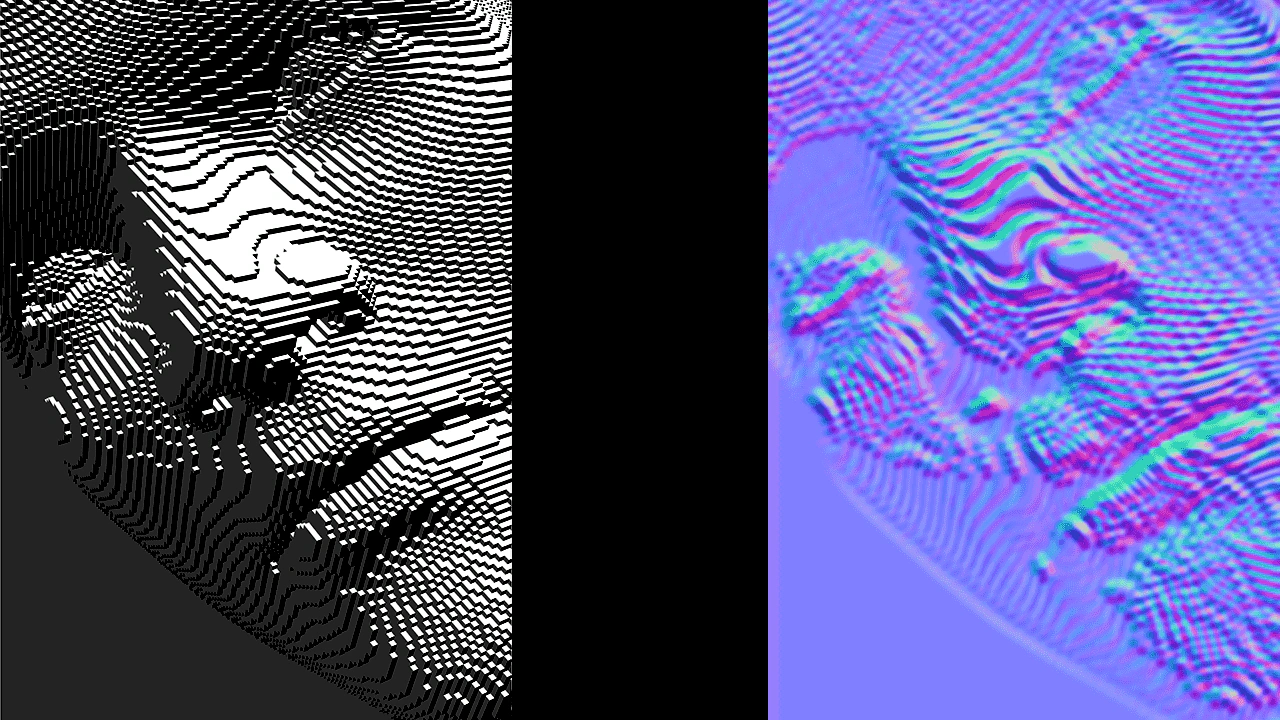 Creating a Custom Shader FilterDemonstrates how to create and apply a custom WebGL filter by defining a fragment shader, a Filter Controller, and a RenderNode to convert a bump map into a normal map in real-time.
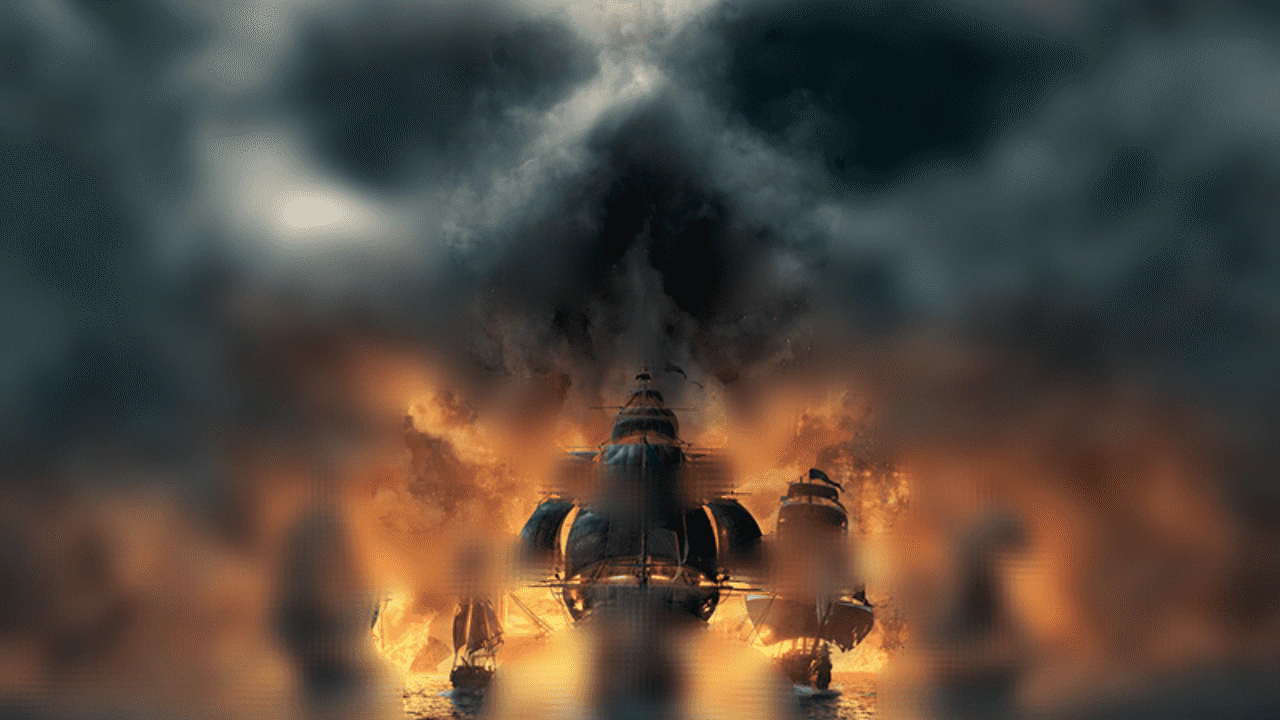 Custom Filter with Secondary Texture InputThis example demonstrates how to create a multi-pass custom filter that uses a secondary image as a strength map to selectively control blur intensity across a Game Object.
 Custom Shine FilterLearn how to apply a custom external shine filter effect to a Game Object using a specialized render node controller.
 Custom Shine Filter with Progress ControlDemonstrates applying a custom shine filter to an image and manually controlling its animation progress using a tween.