Combine Color Matrix Alpha Transfer
Demonstrates how to use the Combine Color Matrix filter to map the brightness data of one texture onto the alpha channel of another, including how to invert the resulting alpha.
1280 × 720
class Example extends Phaser.Scene
{
    g1;
    g2;

    preload ()
    {
        this.load.setBaseURL('https://cdn.phaserfiles.com/v410');
        this.load.image('distortion', 'assets/textures/distortion7.png');
        this.load.image('gradient1', 'assets/skies/gradient1.png');
        this.load.image('gradient2', 'assets/skies/gradient2.png');
    }

    create ()
    {
        const bg = this.add.image(640, 360, 'distortion').setAlpha(0.1);
        Phaser.Actions.FitToRegion(bg, 1);

        // Use brightness from `distortion` as an alpha channel.
        const g1 = this.add.image(640, 360, 'gradient1');
        const g1Combine = g1.enableFilters().filters.internal.addCombineColorMatrix('distortion');
        g1Combine.setupAlphaTransfer(true, false, undefined, true);
        this.g1 = g1;

        // Invert the brightness-derived alpha.
        const g2 = this.add.image(640, 360, 'gradient2');
        const g2Combine = g2.enableFilters().filters.internal.addCombineColorMatrix('distortion');
        g2Combine.setupAlphaTransfer(true, false, undefined, undefined, undefined, true);
        this.g2 = g2;
    }

    update (time, delta)
    {
        const d = 128 * Math.sin(time / 3000);
        this.g1.x = 640 + d;
        this.g2.x = 640 - d;
    }
}

const config = {
    scale: { mode: Phaser.Scale.FIT },
    type: Phaser.WEBGL,
    width: 1280,
    height: 720,
    backgroundColor: '#2d3440',
    parent: 'game-container',
    scene: Example
};

const game = new Phaser.Game(config);
More in Filters14 examples
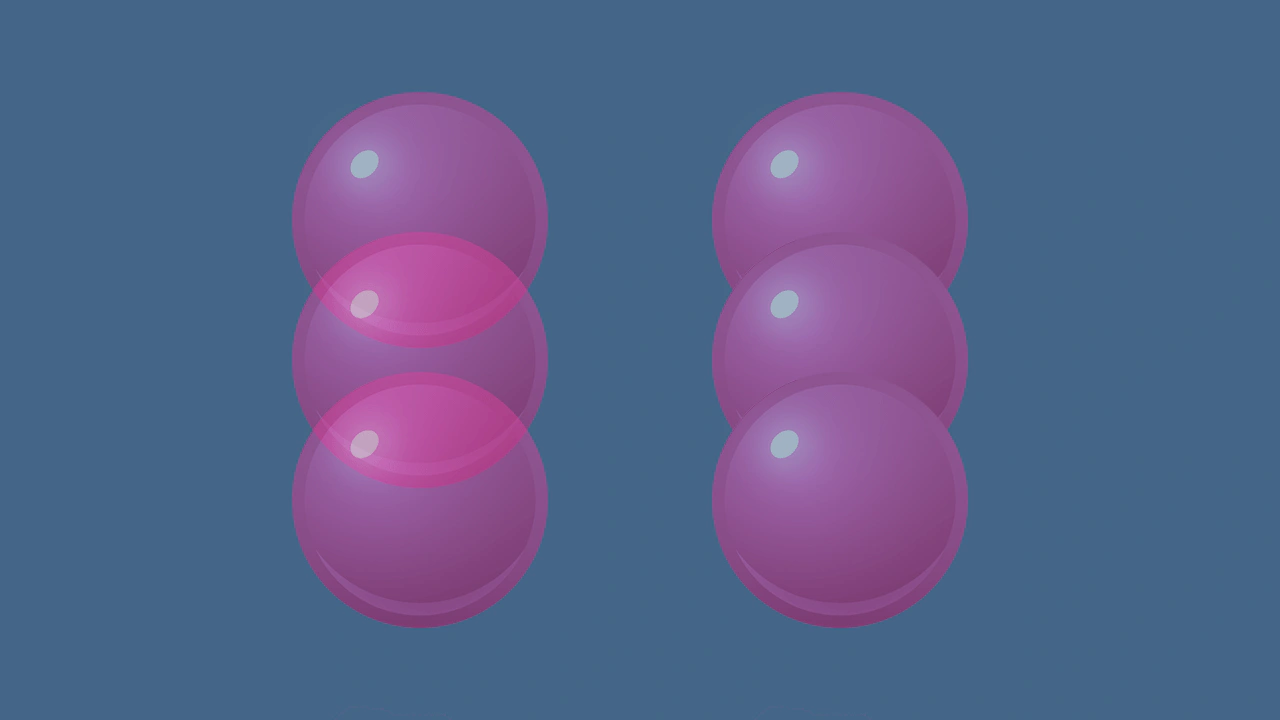 Container Composite AlphaDemonstrates the difference between standard alpha and composite alpha in containers. Setting 'filtersForceComposite' ensures a container renders as a flattened layer, preventing overlapping child elements from showing through each other.
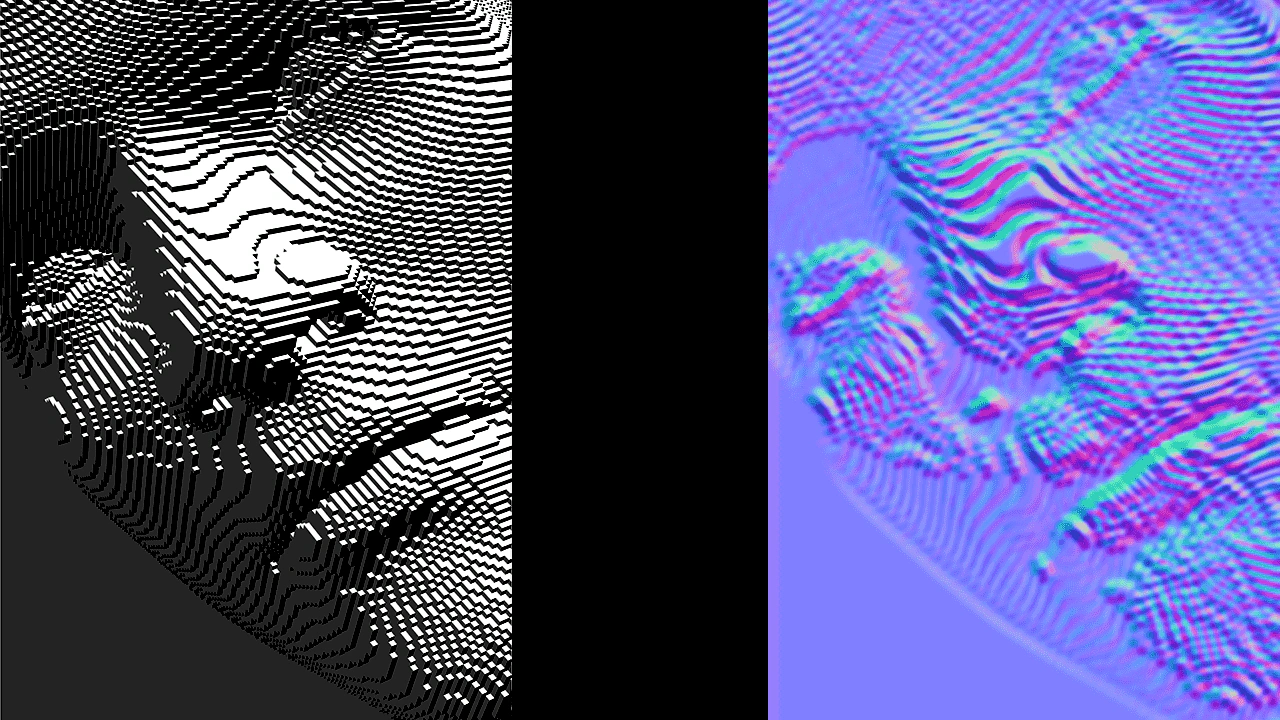 Creating a Custom Shader FilterDemonstrates how to create and apply a custom WebGL filter by defining a fragment shader, a Filter Controller, and a RenderNode to convert a bump map into a normal map in real-time.
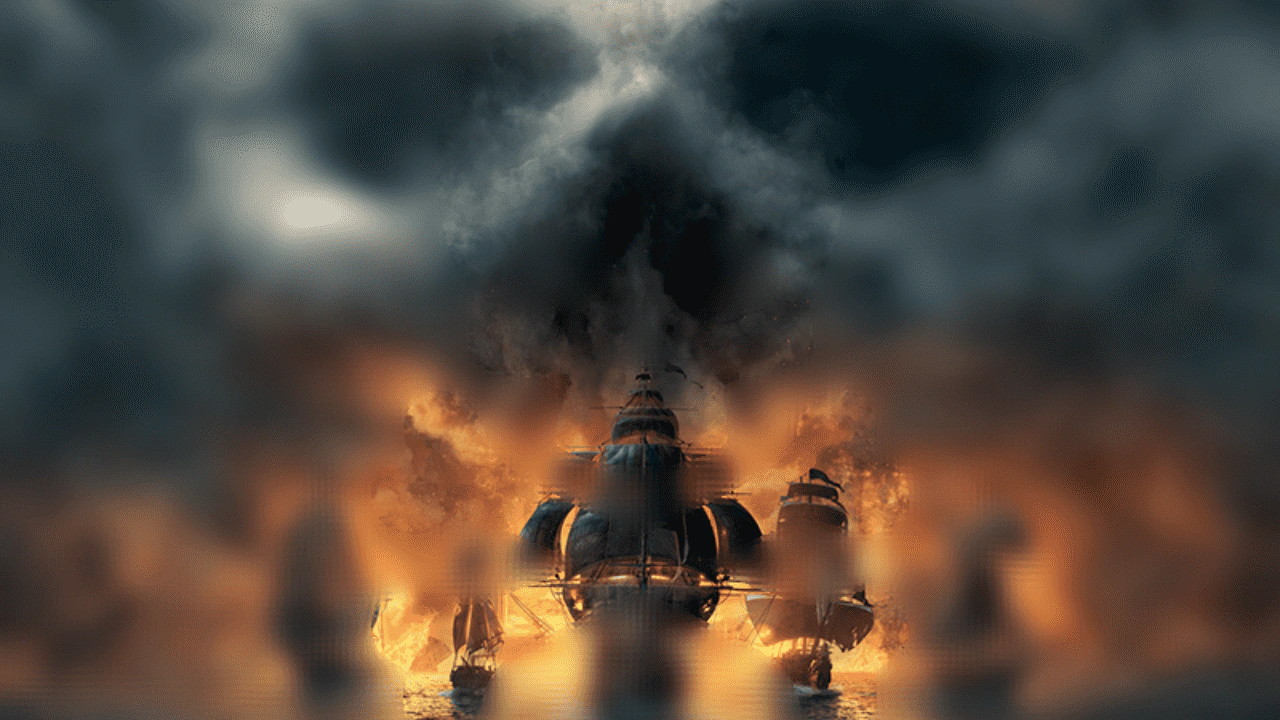 Custom Filter with Secondary Texture InputThis example demonstrates how to create a multi-pass custom filter that uses a secondary image as a strength map to selectively control blur intensity across a Game Object.
 Custom Shine FilterLearn how to apply a custom external shine filter effect to a Game Object using a specialized render node controller.