Sprite Filter Auto-Focus
Demonstrates how filters automatically adapt to transformed Game Objects. This example applies color shifts and dynamic motion blur to multiple rotating and moving sprites.
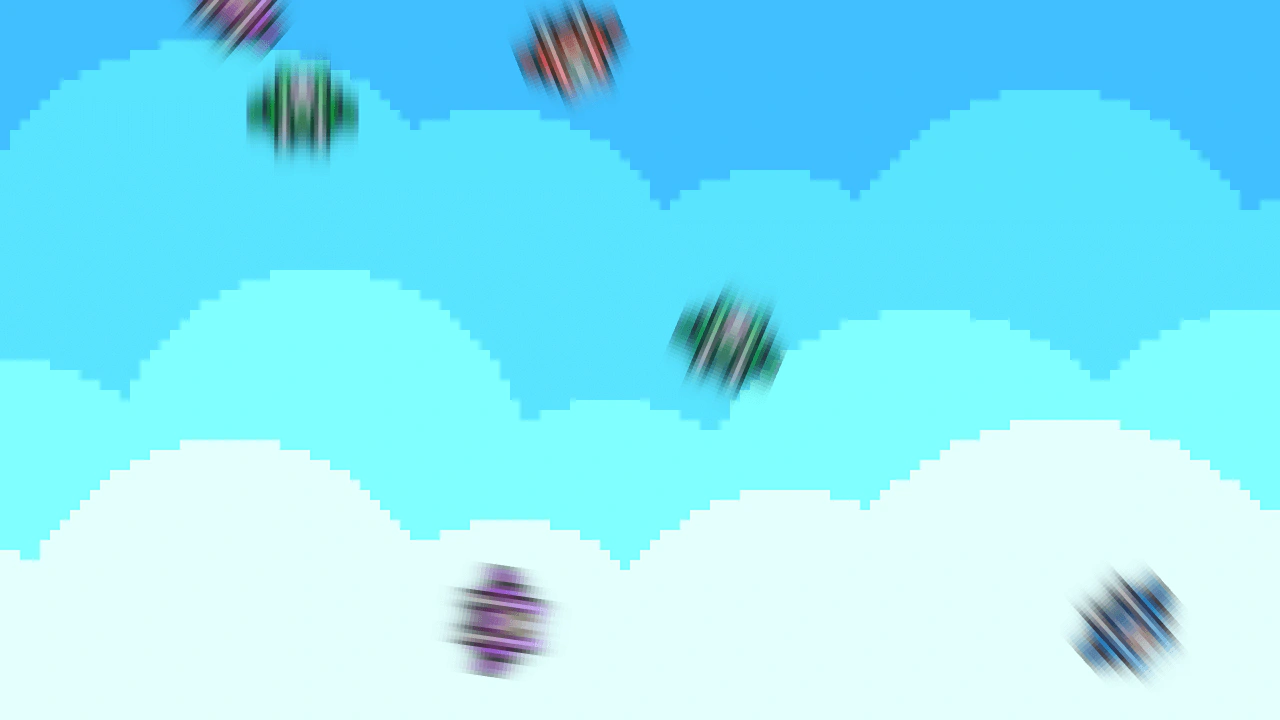
1280 × 720
// This example demonstrates that transformed objects are automatically focused on by filters.

class Example extends Phaser.Scene
{
    preload ()
    {
        this.load.setBaseURL('https://cdn.phaserfiles.com/v410');
        this.load.image('thrust_ship', 'assets/sprites/thrust_ship.png');
        this.load.image('sky', 'assets/skies/pixelsky.png');
    }

    create ()
    {
        // Add a sky background.
        this.add.image(640, 360, 'sky');

        // Create a series of spaceships.
        this.ships = [];
        for (let i = 0; i < 8; i++)
        {
            const ship = this.add.image(Phaser.Math.Between(0, 1280), Phaser.Math.Between(0, 720), 'thrust_ship')
            .setScale(4)
            .setRotation(Phaser.Math.FloatBetween(0, Math.PI * 2));
            this.ships.push(ship);

            ship.enableFilters();

            const colorMatrix = ship.filters.internal.addColorMatrix();
            colorMatrix.colorMatrix.hue(Phaser.Math.Between(0, 360));

            const blur = ship.filters.internal.addBlur(1, 1, 0);
            blur.setPaddingOverride(-8, 0, 8, 0);

            // Cache properties on the ship.
            ship.blur = blur;
            ship.thrust = 0;
            ship.steering = Phaser.Math.FloatBetween(0.01, 0.02);
            ship.power = Phaser.Math.FloatBetween(0.005, 0.02);
            ship.friction = Phaser.Math.FloatBetween(0.985, 0.995);
        }

        // Add keyboard controls.
        this.keys = this.input.keyboard.createCursorKeys();
        this.wrapRect = new Phaser.Geom.Rectangle(0 - 128, 0 - 128, 1280 + 128, 720 + 128);
    }

    update (time, delta)
    {
        const d = delta / 16.666;

        // Get controls.
        const up = this.keys.up.isDown;
        const down = this.keys.down.isDown;
        const left = this.keys.left.isDown;
        const right = this.keys.right.isDown;

        // Update the spaceships.
        for (const ship of this.ships)
        {
            // Get properties.
            const { blur, steering, power, friction } = ship;
            let { thrust } = ship;

            // Update the spaceship.
            if (up)
            {
                thrust += power * d;
            }
            else
            {
                thrust *= friction / Math.max(d, 1);
            }
            if (down)
            {
                thrust -= power * d;
            }
            if (left)
            {
                ship.rotation -= steering * d * (thrust + 1);
            }
            if (right)
            {
                ship.rotation += steering * d * (thrust + 1);
            }

            thrust = Phaser.Math.Clamp(thrust, 0, 1);

            ship.x += Math.cos(ship.rotation) * thrust * d * 15;
            ship.y += Math.sin(ship.rotation) * thrust * d * 15;

            blur.strength = thrust;
            ship.thrust = thrust;
        }

        Phaser.Actions.WrapInRectangle(this.ships, this.wrapRect);
    }
}

const config = {
    scale: { mode: Phaser.Scale.FIT },
    type: Phaser.AUTO,
    width: 1280,
    height: 720,
    parent: 'game-container',
    scene: Example,
    smoothPixelArt: true
};

let game = new Phaser.Game(config);
More in Filters14 examples
 Threshold FilterApply a threshold filter to a particle emitter to create high-contrast, sharp-edged visual effects.
 Additive Blend HighlightingDemonstrates creating glow and highlight effects by applying additive blend filters to Render Textures, including color channel manipulation and tweening filter intensity.
 Blocky Pixel FilterDemonstrates applying a pixelation effect to the camera using the Blocky filter, including how to toggle the effect active state via user input.
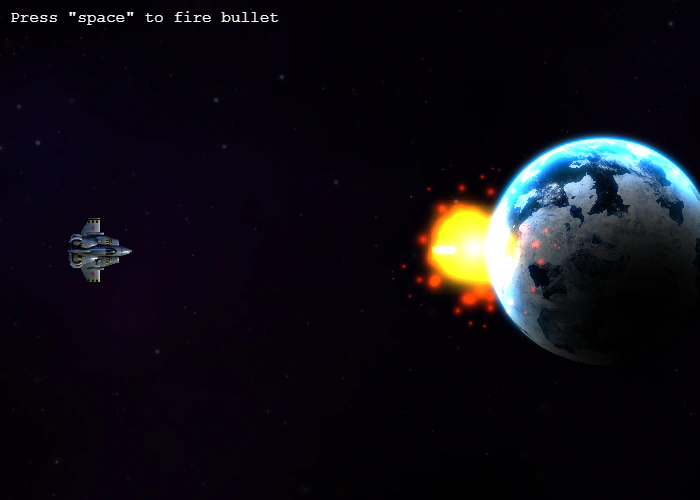 Bloom Filter Impact EffectDemonstrates how to apply and animate a bloom filter on game objects. When a bullet hits the planet, a tween increases the bloom's blur strength to create a glowing impact visual.