Blocky Pixel Filter
Demonstrates applying a pixelation effect to the camera using the Blocky filter, including how to toggle the effect active state via user input.
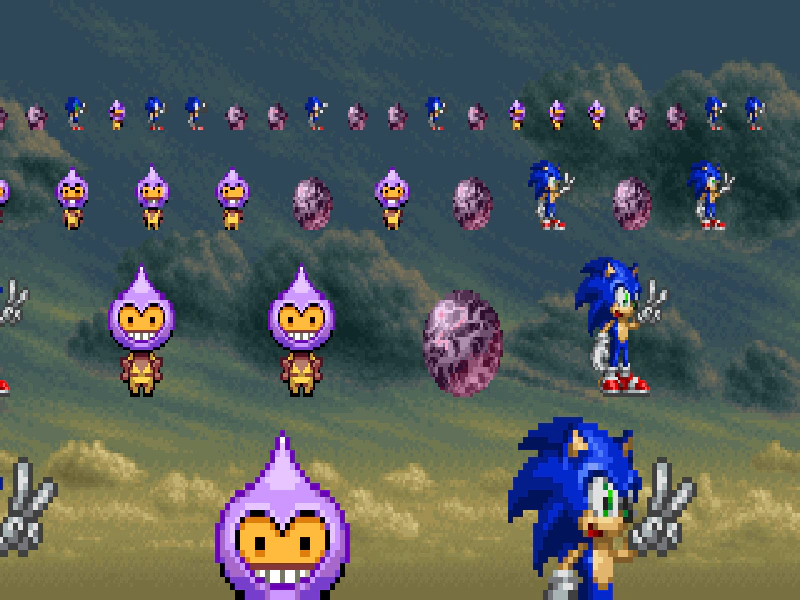
1280 × 720
class Example extends Phaser.Scene
{
    preload ()
    {
        this.load.setBaseURL('https://cdn.phaserfiles.com/v410');
        this.load.image('sonic', 'assets/sprites/sonic.png');
        this.load.image('phaser-dude', 'assets/sprites/phaser-dude.png');
        this.load.image('shinyball', 'assets/sprites/shinyball.png');
        this.load.image('sky', 'assets/skies/ms3-sky.png');
    }

    create ()
    {
        this.add.image(640, 360, 'sky').setScale(2.5).setScrollFactor(0);

        const addSprite = (x, y, distance) => {
            const texture = Phaser.Math.RND.pick([
                'sonic',
                'phaser-dude',
                'shinyball'
            ]);
            const sprite = this.add.sprite(x, y, texture);
            sprite
                .setScale(1 / distance)
                .setScrollFactor(1 / distance)
                .setOrigin(0.5, 1);
        };

        for (let x = 0; x < 1280; x += 64)
        {
            addSprite(x, 160, 1);
        }

        for (let x = 0; x < 1280; x += 128)
        {
            addSprite(x, 280, 1/2);
        }

        for (let x = 0; x < 1280; x += 256)
        {
            addSprite(x, 480, 1/4);
        }

        for (let x = 0; x < 1280; x += 512)
        {
            addSprite(x, 840, 1/8);
        }

        this.blockyController = this.cameras.main.filters.external.addBlocky({ size: 4});

        // Toggle the filter on and off
        this.input.on('pointerup', () => {
            this.blockyController.setActive(!this.blockyController.active);
        });
    }

    update (time, delta)
    {
        const camera = this.cameras.main;

        camera.scrollX = Math.sin(time / 4000) * 20;
    }
}

const config = {
    scale: { mode: Phaser.Scale.FIT },
    type: Phaser.AUTO,
    width: 1280,
    height: 720,
    backgroundColor: '#000000',
    parent: 'game-container',
    scene: Example,
    antialias: false
};

let game = new Phaser.Game(config);
More in Filters14 examples
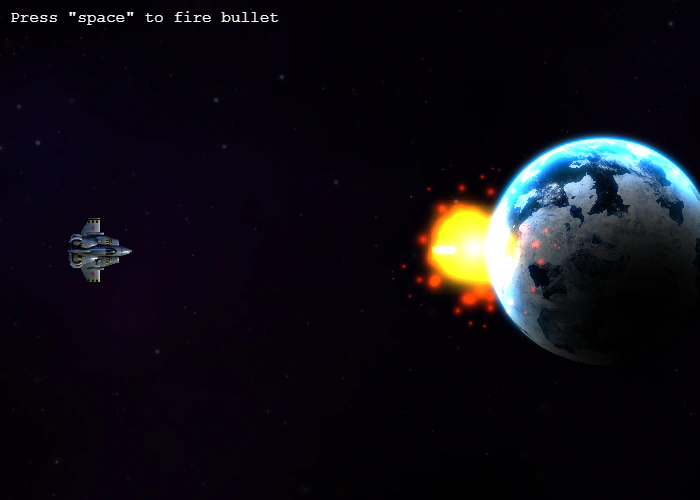 Bloom Filter Impact EffectDemonstrates how to apply and animate a bloom filter on game objects. When a bullet hits the planet, a tween increases the bloom's blur strength to create a glowing impact visual.
 Bloom with Parallel FiltersDemonstrates how to create a custom bloom effect by processing a camera through parallel filter tracks, applying threshold and blur filters to one track, and blending it back using additive blending.Combine Color Matrix Alpha TransferDemonstrates how to use the Combine Color Matrix filter to map the brightness data of one texture onto the alpha channel of another, including how to invert the resulting alpha.
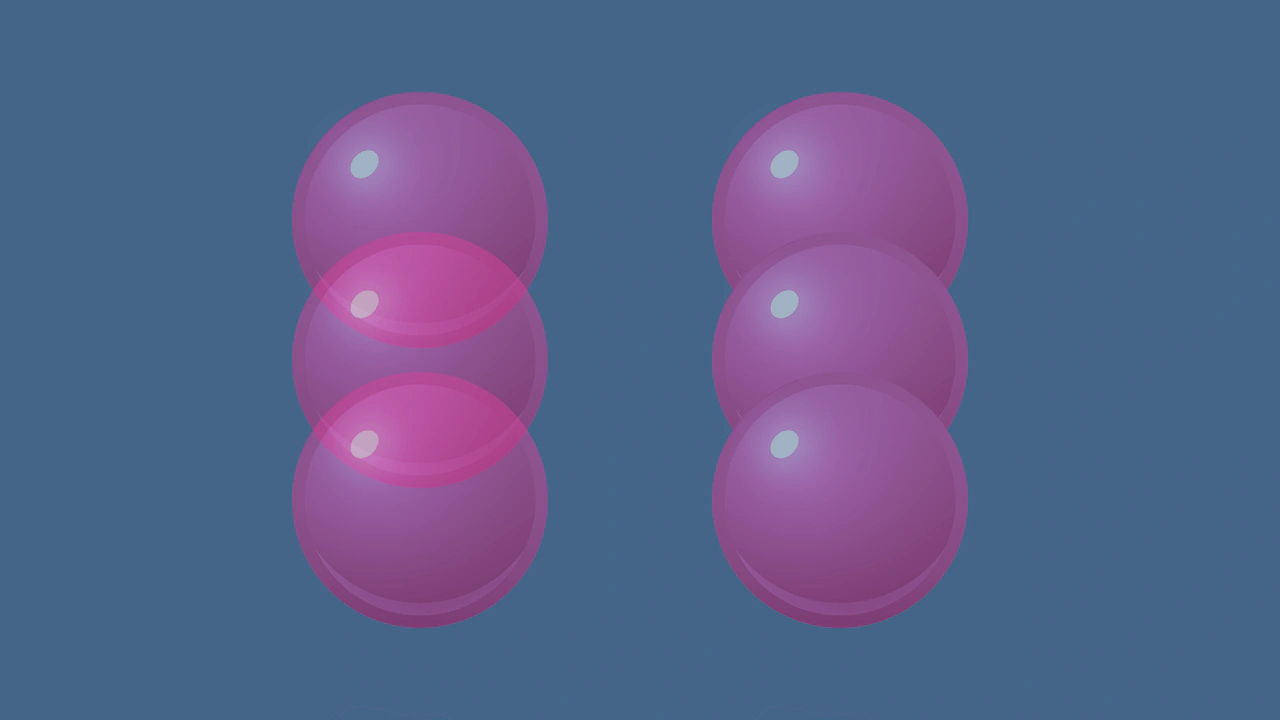 Container Composite AlphaDemonstrates the difference between standard alpha and composite alpha in containers. Setting 'filtersForceComposite' ensures a container renders as a flattened layer, preventing overlapping child elements from showing through each other.