Custom Shine Filter with Progress Control
Demonstrates applying a custom shine filter to an image and manually controlling its animation progress using a tween.
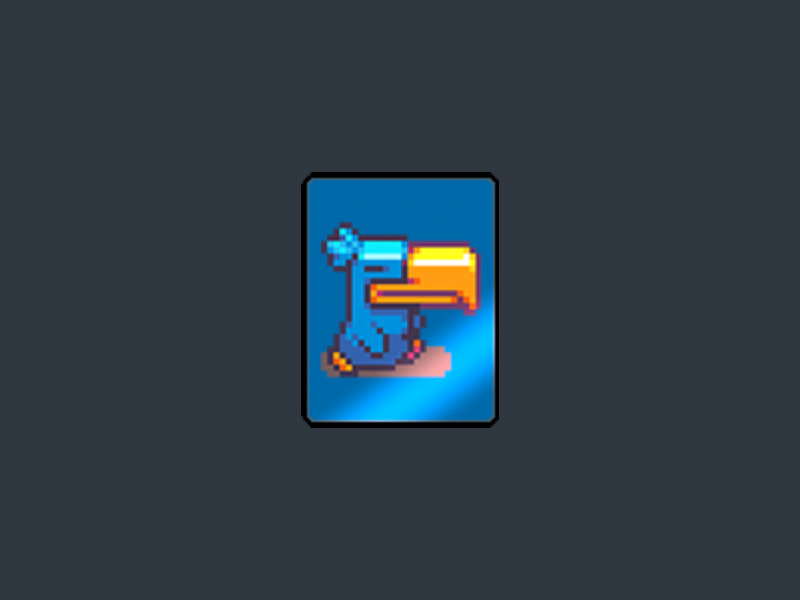
800 × 600
// #module

import FilterShine from "./assets/rendernodes/FilterShine.js";

class Example extends Phaser.Scene
{
    preload ()
    {
        this.load.setBaseURL('https://cdn.phaserfiles.com/v410');
        this.load.image('card', 'assets/games/card-memory-game/cards/card-4.png');
    }

    create ()
    {
        const card = this.add.image(this.sys.scale.width / 2, this.sys.scale.height / 2, 'card');

        card.setScale(2)

        const shine = new FilterShine.Controller(this.cameras.main);
        card.enableFilters();
        card.filters.external.add(shine).setAutoTime(false).setProgress(0.5);

        this.add.tween({
            targets: shine,
            duration: 4000,
            repeatDelay: 800,
            repeat: -1,
            yoyo: true,
            ease: 'Quad.easeInOut',

            // Animated properties
            progress: 1.5,
        });
    }
}

const config = {
    scale: { mode: Phaser.Scale.FIT },
    type: Phaser.AUTO,
    width: 800,
    height: 600,
    backgroundColor: '#2f3640',
    parent: 'game-container',
    scene: Example,
    renderNodes: {
        FilterShine: FilterShine.Filter
    }
};

const game = new Phaser.Game(config);
More in Filters14 examples
 Filter SamplerDemonstrates how to use the Sampler filter to retrieve color data from a specific pixel coordinate on an image, using the result to update the game background color.
 Panorama Blur FilterUse the Panorama Blur filter to pre-render blurred environment maps and apply them to normal-mapped sprites via the Image Light filter.
 Sprite Filter Auto-FocusDemonstrates how filters automatically adapt to transformed Game Objects. This example applies color shifts and dynamic motion blur to multiple rotating and moving sprites.
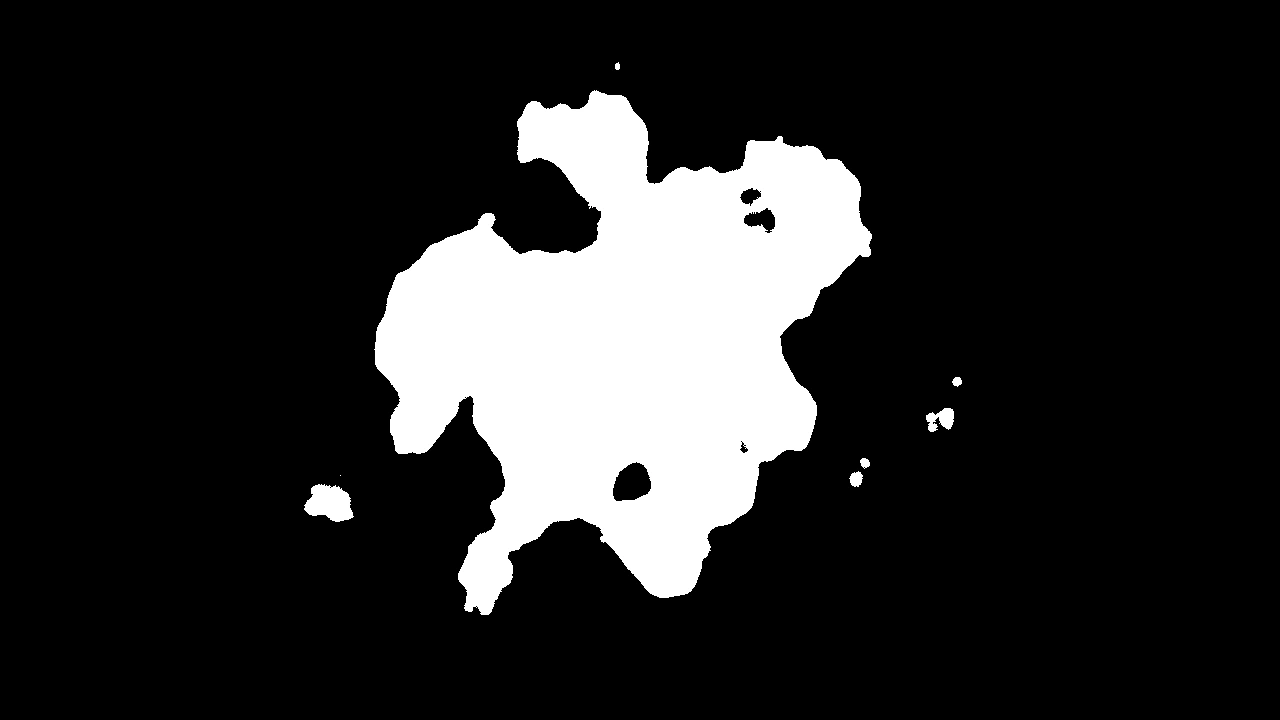 Threshold FilterApply a threshold filter to a particle emitter to create high-contrast, sharp-edged visual effects.