Phaser 4 examples
Game Object
- 19 examples
Examples 19
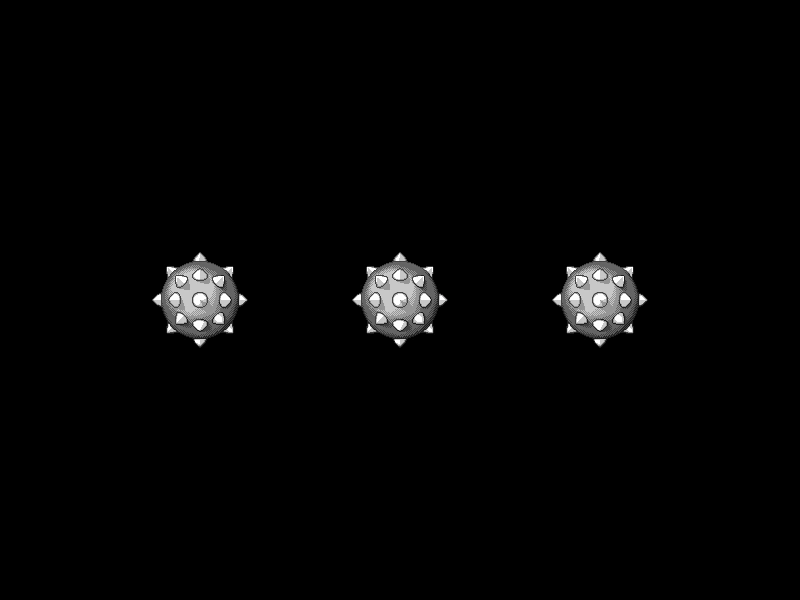 Custom Shape Hit AreaDemonstrates how to define a custom interactive hit area for a Game Object using a geometric shape and a manual hit-test callback function.
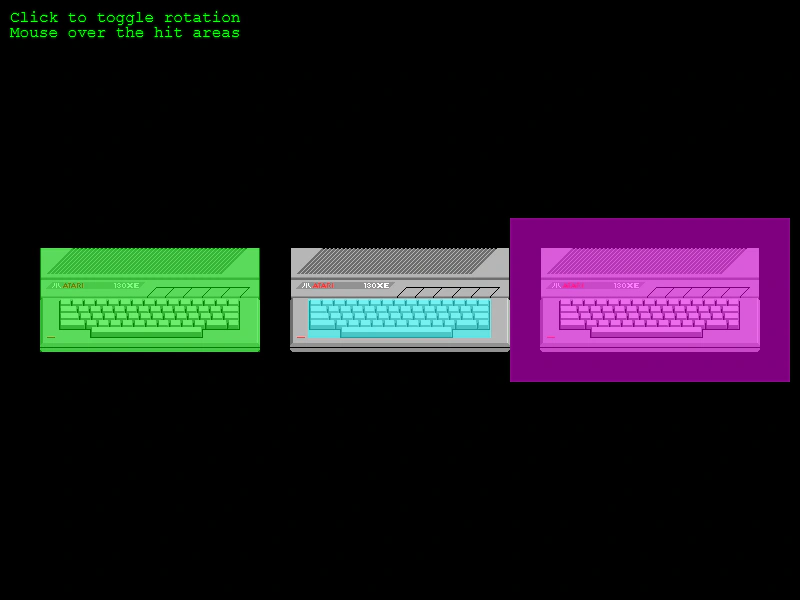 Custom Sprite Hit Area SizeDemonstrates how to adjust a Sprite's input hit area to be smaller, larger, or offset compared to its texture size using the hitArea.setTo method.
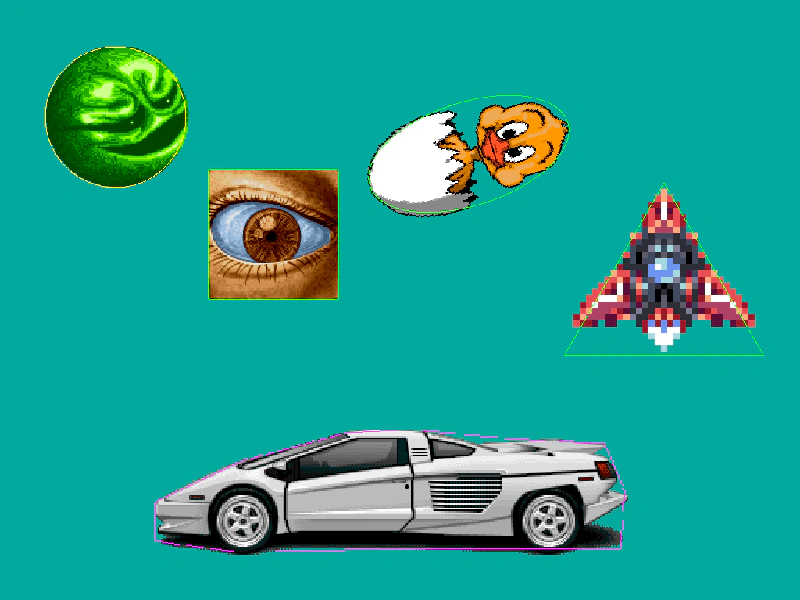 Debug HitareasLearn how to visualize and debug interactive hit areas using different geometric shapes like Polygons, Circles, Ellipses, Rectangles, and Triangles.
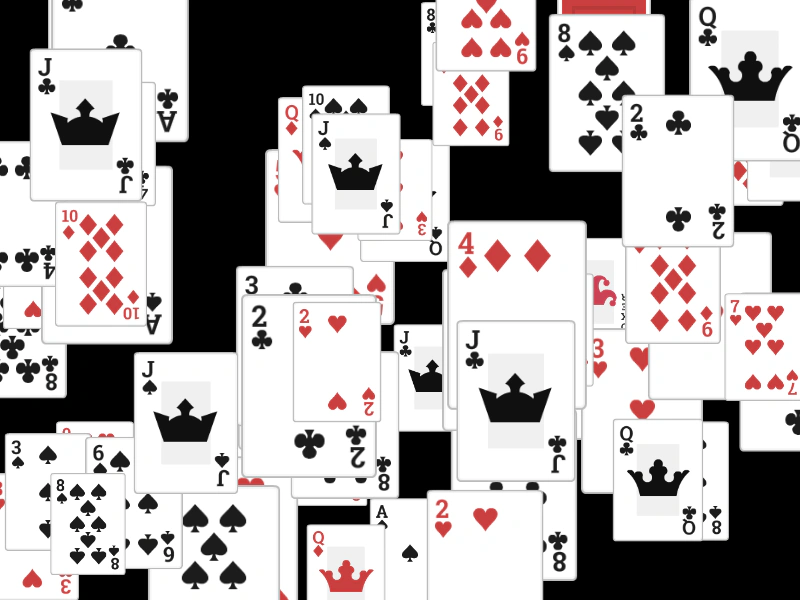 Destroy Sprite on ClickLearn how to remove interactive Game Objects from the scene by calling the destroy method within a global 'gameobjectdown' input event listener.
 Game Object Pointer Move EventDemonstrates how to listen for the pointermove event on a specific interactive Game Object, updating its color tint as the pointer moves across it.
 Input Overlap with Top-Only DisabledDemonstrates how to trigger input events for every overlapping Game Object under the pointer, rather than just the top-most one, by setting input.setTopOnly to false.
 Interactive Graphics ObjectThis example demonstrates how to make a Graphics object interactive by assigning a geometric hit area and responding to pointer events.
 Interactive Hand CursorDemonstrates how to change the mouse cursor to a 'pointer' (hand icon) when hovering over an interactive Game Object.
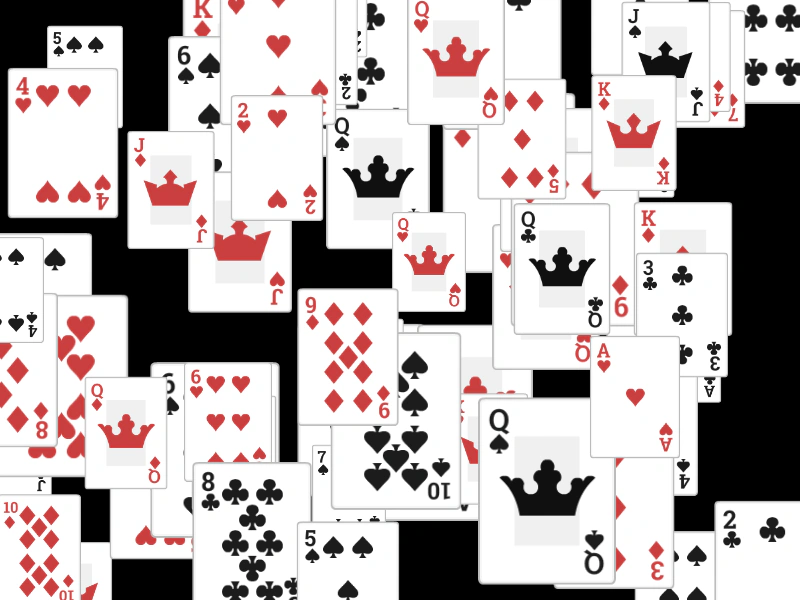 Multiple Game Object UpDemonstrates how to use the gameobjectup event to handle pointer release actions on multiple interactive Game Objects.
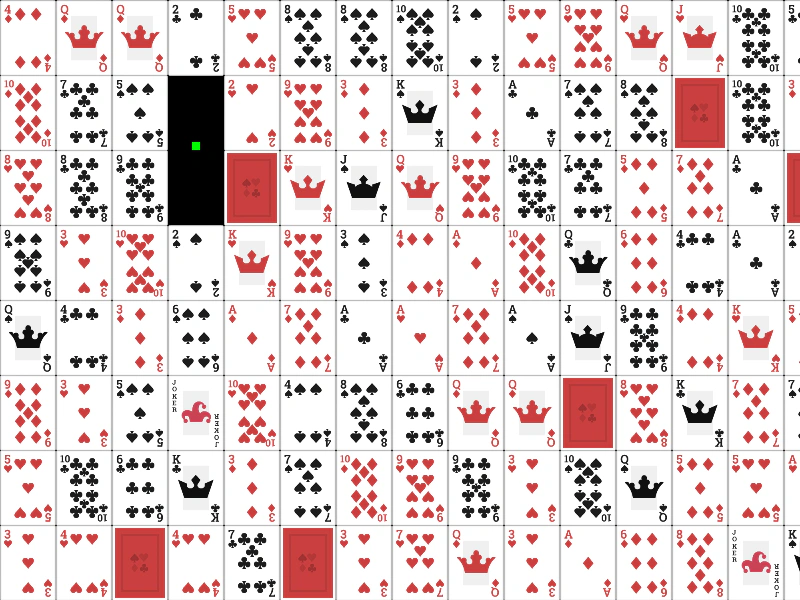 Multiple Object Input EventsDemonstrates how to handle pointer down and up events across a large grid of interactive GameObjects using scene-level input listeners.
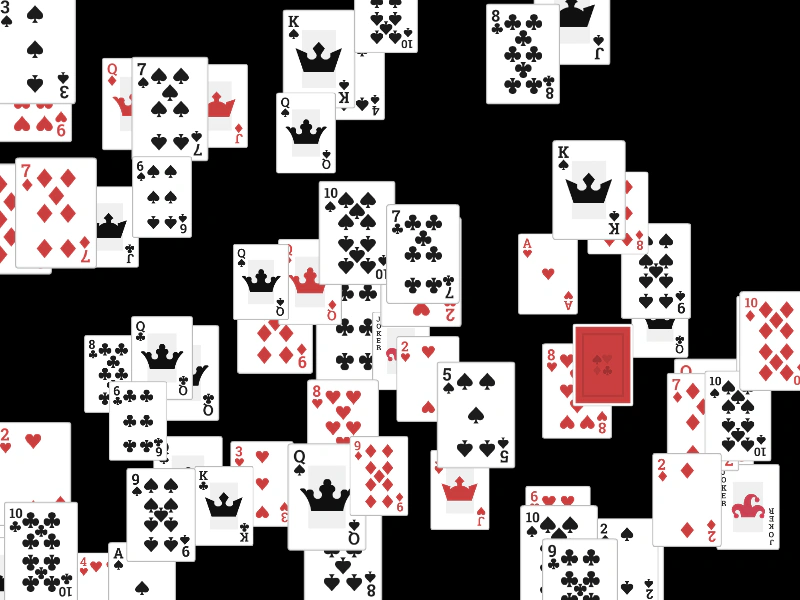 Multiple Pointer Over and Out EventsDemonstrates how to use scene-level input events to detect when the pointer enters or leaves any interactive Game Object, applying a tint effect to highlight the target.
 Pointer Over and Out EventsDemonstrates how to use the pointerover and pointerout events to detect when a mouse pointer enters or leaves a Game Object's hit area.
 Pointer Up EventHandle the pointerup event on an interactive Game Object to trigger an action when the pointer is released.
 Select and Deselect SpritesManage object selection state by toggling texture frames on click and using event propagation to deselect items when clicking the background.
 Sprite Pointer EventsDemonstrates how to listen for pointer down and up events on an interactive Game Object to trigger actions like changing a sprite's tint.
 Sprite Pointer EventsDemonstrates how to change a sprite's texture frame when the mouse pointer enters and leaves its interactive area.
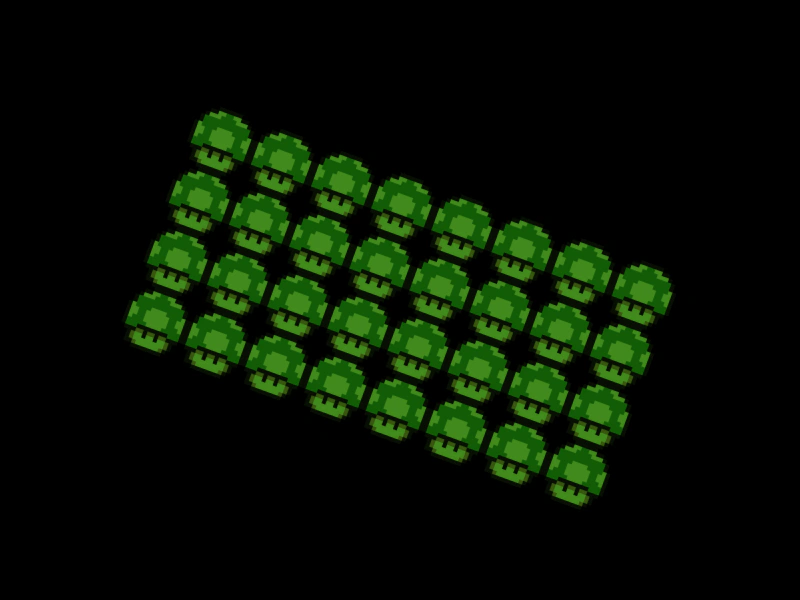 TileSprite Input InteractionDemonstrates how to make a TileSprite interactive and handle pointer events, such as changing its tint and position when clicked.
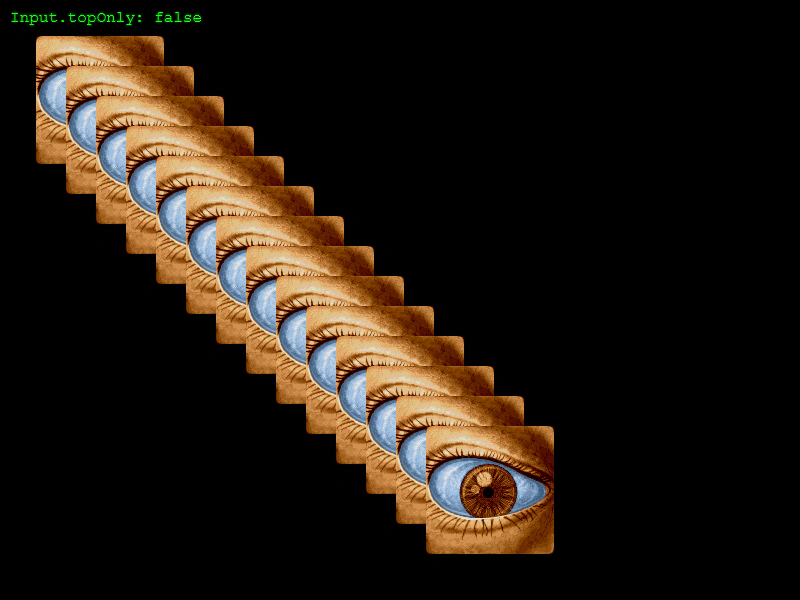 Top Only Over and Out EventsDemonstrates how to toggle the topOnly input property to control whether hover events fire only for the topmost object or for all overlapping Game Objects.
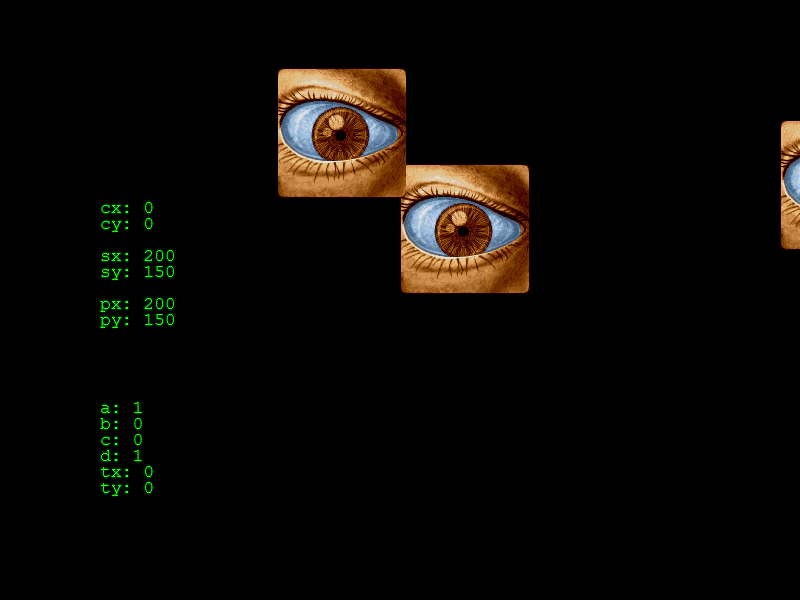 World Space Input InteractionDemonstrates interacting with Game Objects in world space while the camera is rotated, zoomed, and translated, including converting screen-space pointer coordinates into camera-relative world coordinates.