Top Only Over and Out Events
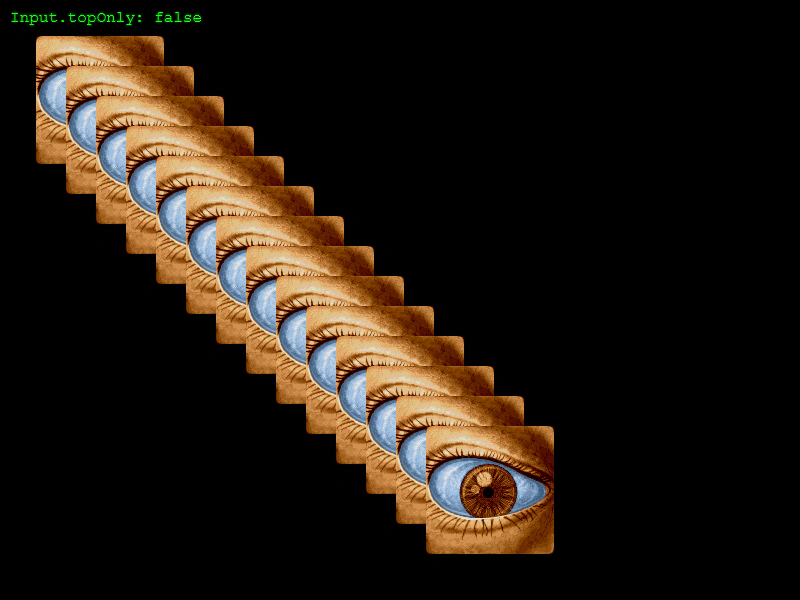
Demonstrates how to toggle the topOnly input property to control whether hover events fire only for the topmost object or for all overlapping Game Objects.
800 × 600
class Example extends Phaser.Scene
{
    preload ()
    {
        this.load.setBaseURL('https://cdn.phaserfiles.com/v410');
        this.load.image('eye', 'assets/pics/lance-overdose-loader-eye.png');
    }

    create ()
    {
        for (let i = 0; i < 14; i++)
        {
            this.add.sprite(100 + i * 30, 100 + i * 30, 'eye').setInteractive();
        }

        //  If you disable topOnly it will fire events for all objects the pointer is over
        //  regardless of their place on the display list
        this.input.setTopOnly(true);

        //  Events

        this.input.on('gameobjectover', (pointer, gameObject) =>
        {

            gameObject.setTint(0xff0000);

        });

        this.input.on('gameobjectout', (pointer, gameObject) =>
        {

            gameObject.clearTint();

        });

        const text = this.add.text(10, 10, 'Input.topOnly: true', { font: '16px Courier', fill: '#00ff00' });

        this.input.on('pointerdown', function (pointer)
        {

            if (this.input.topOnly)
            {
                this.input.setTopOnly(false);
                text.setText('Input.topOnly: false');
            }
            else
            {
                this.input.setTopOnly(true);
                text.setText('Input.topOnly: true');
            }


        }, this);
    }
}

const config = {
    scale: { mode: Phaser.Scale.FIT },
    type: Phaser.WEBGL,
    parent: 'game-container',
    width: 800,
    height: 600,
    scene: Example
};

const game = new Phaser.Game(config);
More in Game Object19 examples
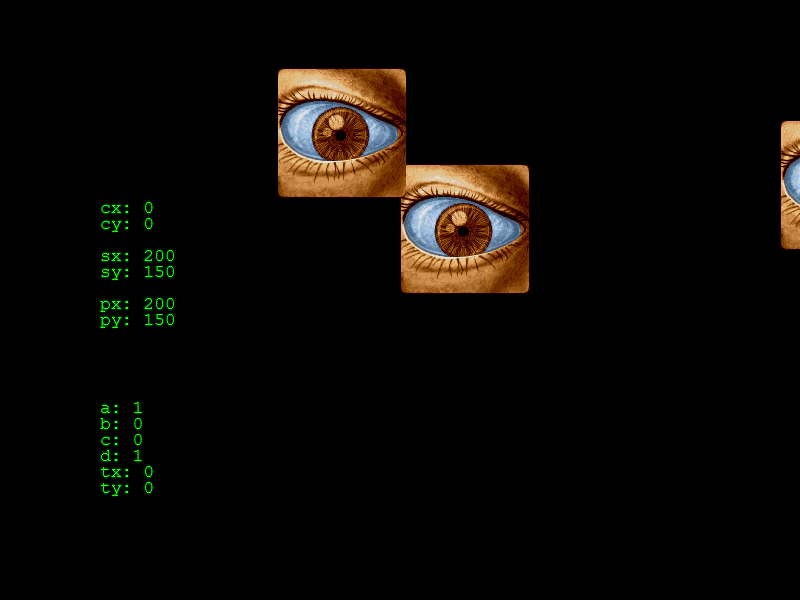 World Space Input InteractionDemonstrates interacting with Game Objects in world space while the camera is rotated, zoomed, and translated, including converting screen-space pointer coordinates into camera-relative world coordinates.
 Custom Shape Hit AreaDemonstrates how to define a custom interactive hit area for a Game Object using a geometric shape and a manual hit-test callback function.
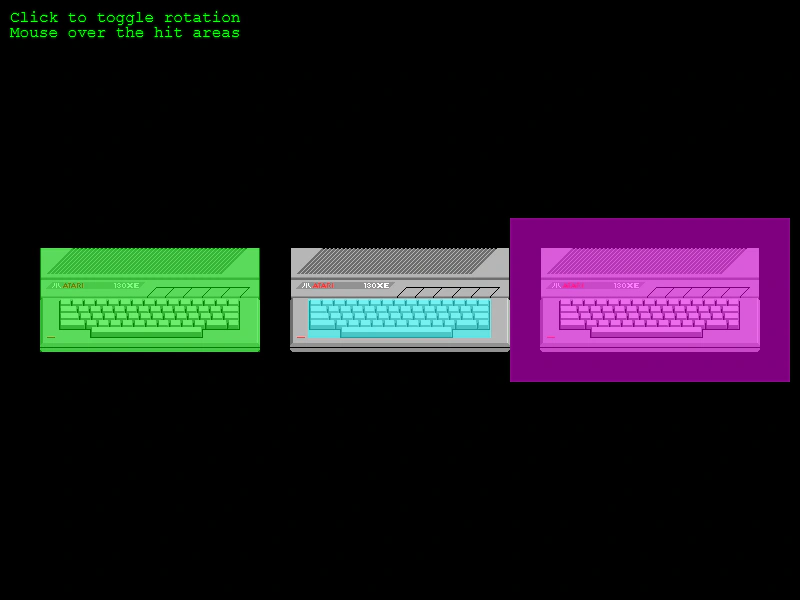 Custom Sprite Hit Area SizeDemonstrates how to adjust a Sprite's input hit area to be smaller, larger, or offset compared to its texture size using the hitArea.setTo method.
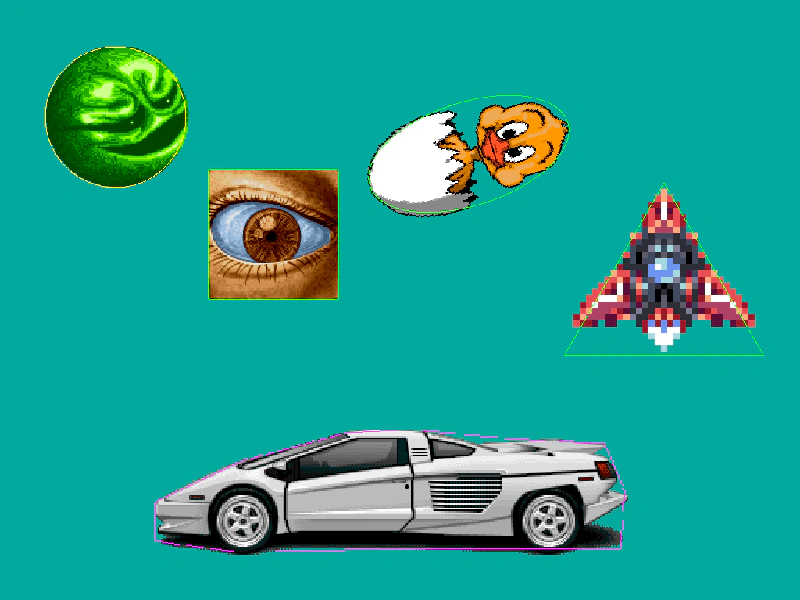 Debug HitareasLearn how to visualize and debug interactive hit areas using different geometric shapes like Polygons, Circles, Ellipses, Rectangles, and Triangles.