Phaser 4 examples
Point
- 18 examples
Examples 18
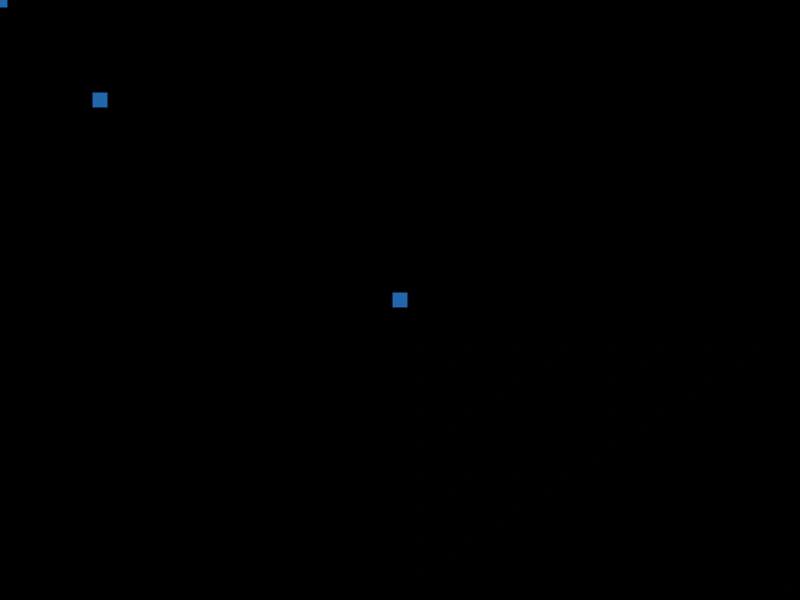 Creating and Drawing PointsDemonstrates how to initialize Vector2 objects using various constructor arguments and render them as filled shapes using a Graphics object.
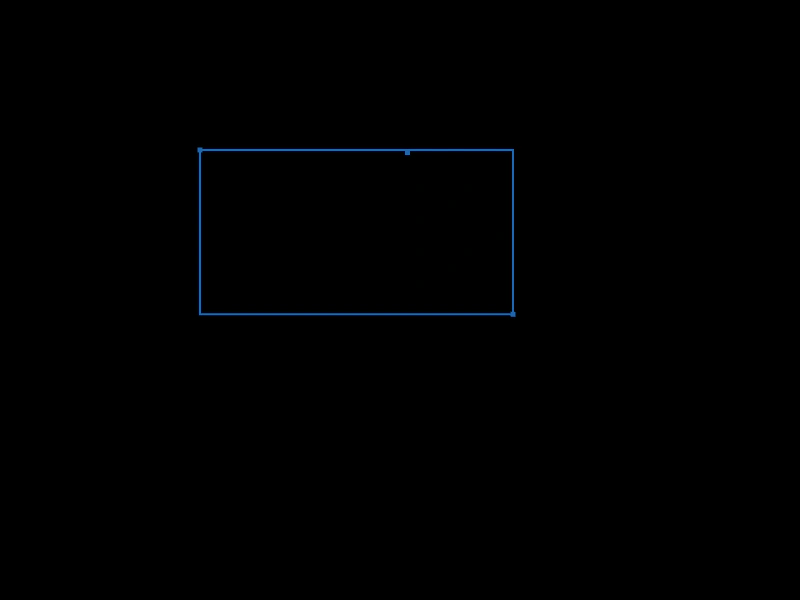 Get Bounding Rectangle from PointsDemonstrates how to calculate a bounding box that encompasses a dynamic set of points using Phaser.Math.GetVec2Bounds.
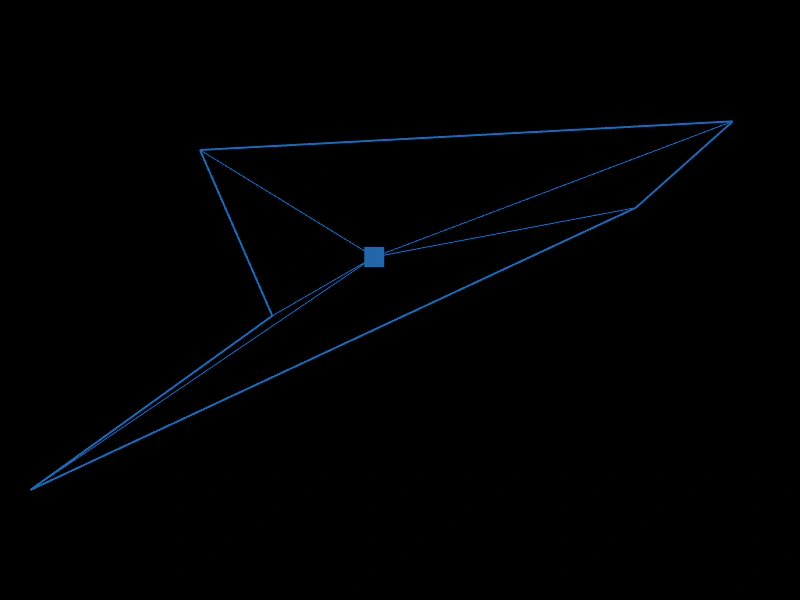 Get CentroidDemonstrates how to use Phaser.Math.GetCentroid to calculate and visualize the geometric center of a dynamic set of points.
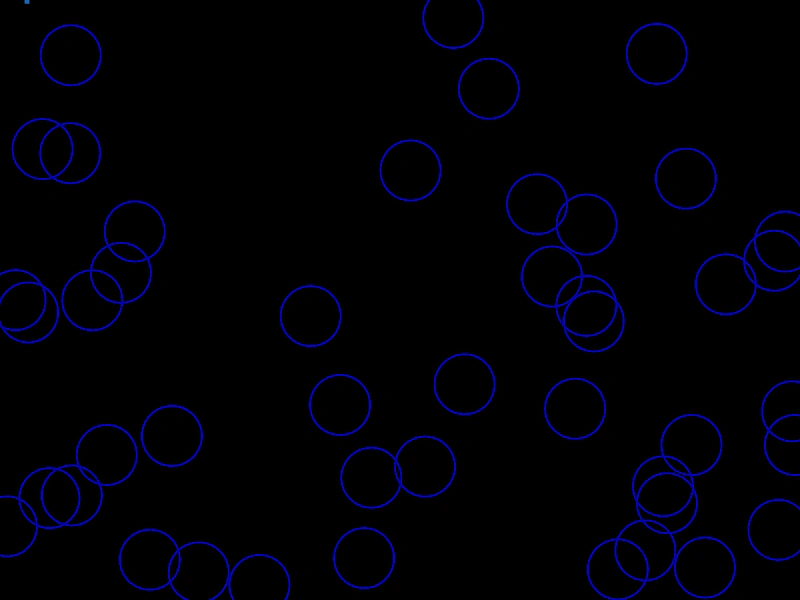 Get Magnitude SquaredDemonstrates using Vector2.lengthSq to efficiently check distances between points by avoiding expensive square root calculations.
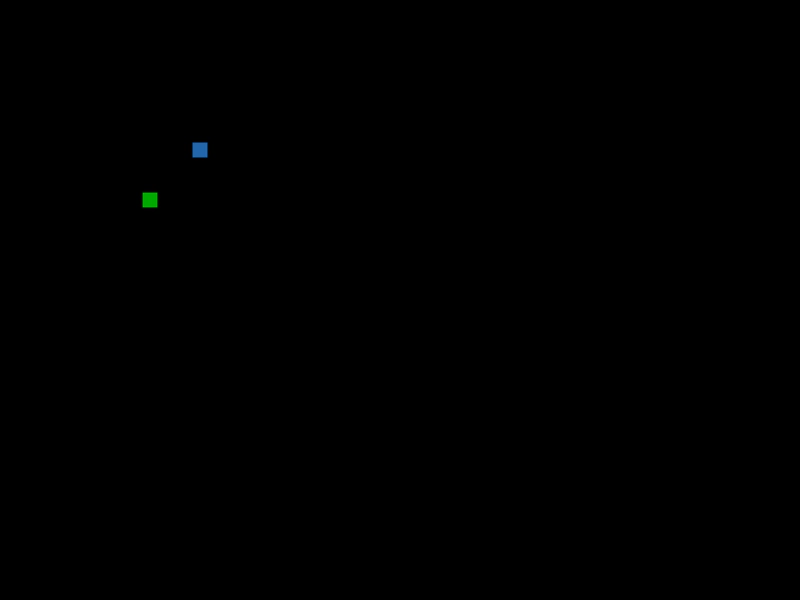 Invert PointDemonstrates using the invert method to negate the x and y components of a Vector2 point.
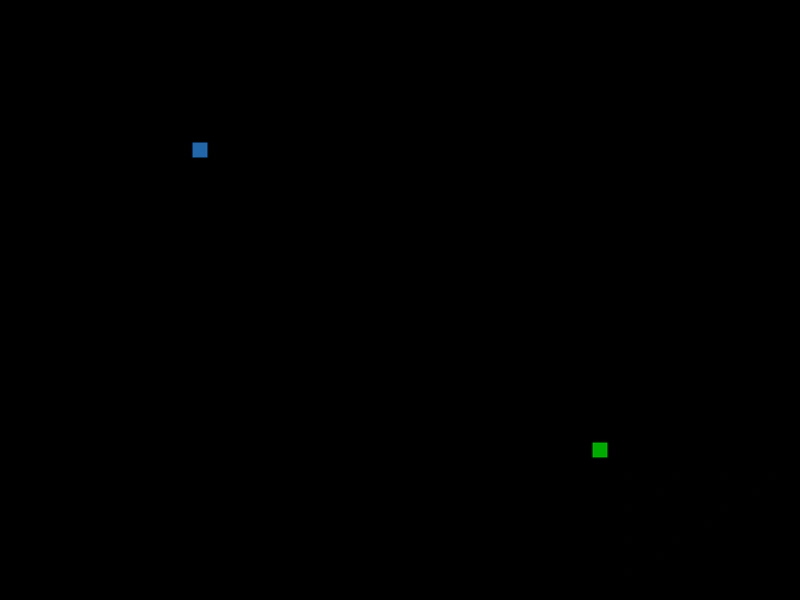 Negate a PointDemonstrates how to use the negate method to invert the coordinates of a Vector2, reflecting it across a central origin.
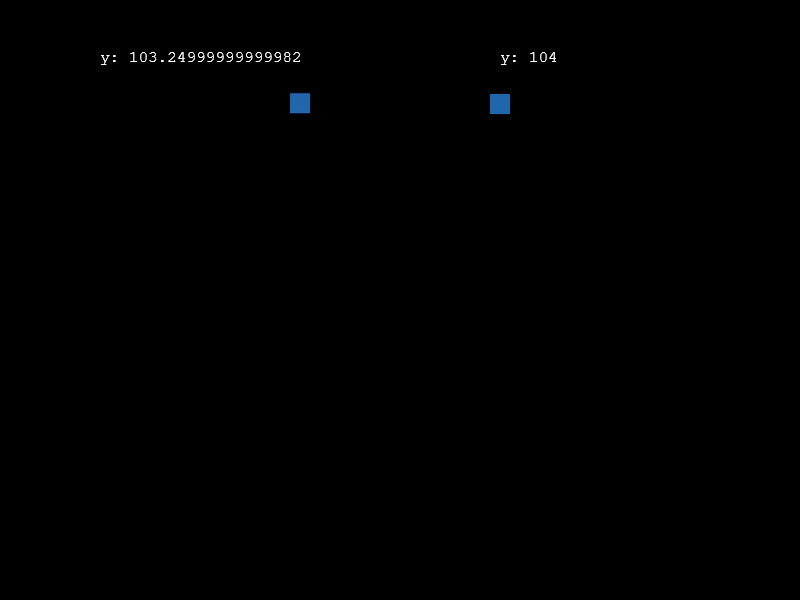 Point CeilDemonstrates rounding a point's coordinates up to the nearest integer using the ceil method.
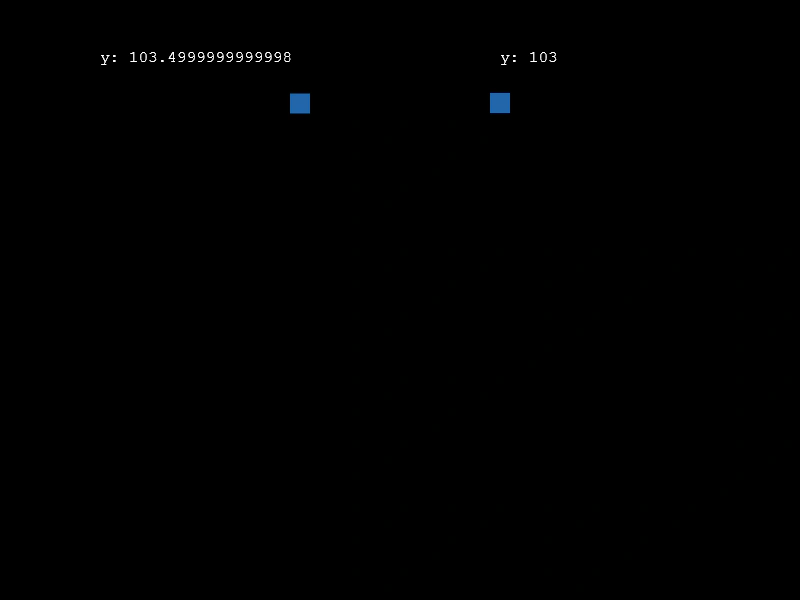 Point FloorDemonstrates how to use the floor method to round a point's coordinates down to the nearest integer value.
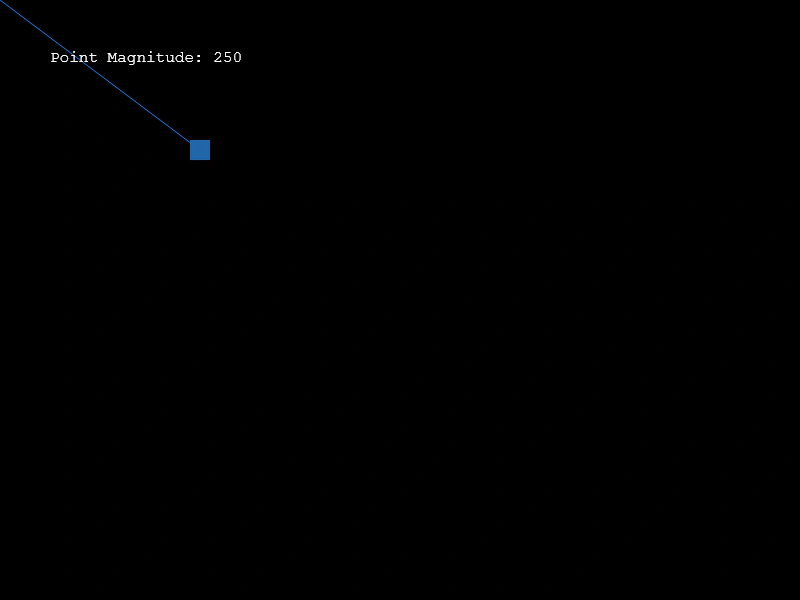 Point MagnitudeCalculates and displays the magnitude (length) of a Vector2 relative to the origin as it follows the mouse pointer.
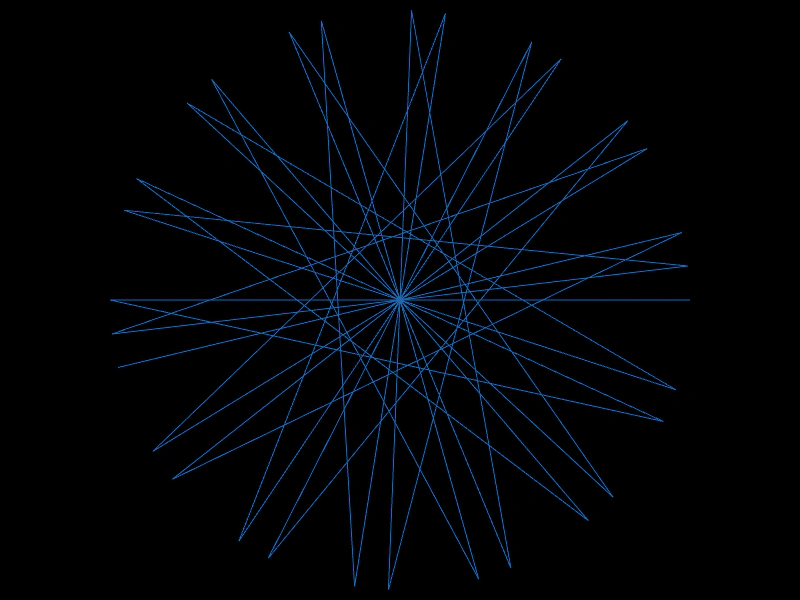 Point Negation PatternDemonstrates creating symmetrical geometric patterns by using the negate method on vectors to flip their coordinates relative to an origin.
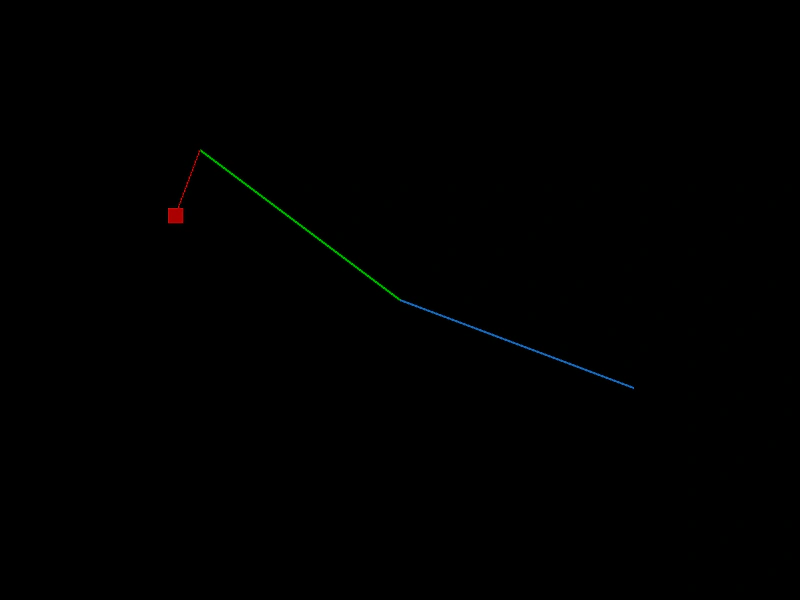 Project onto Unit VectorDemonstrates projecting a vector onto a normalized (unit) vector using the projectUnit method.
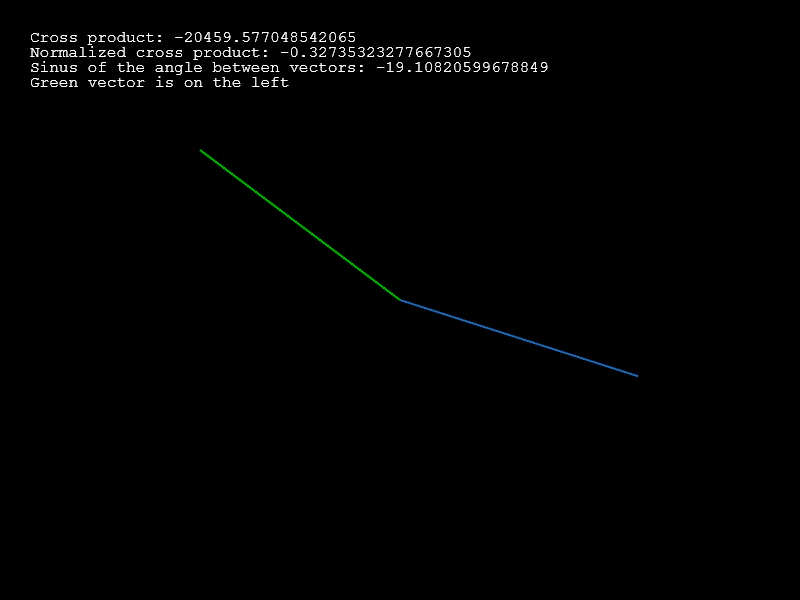 Vector Cross ProductDemonstrates how to use the cross product of two 2D vectors to calculate the angle between them and determine their relative orientation.
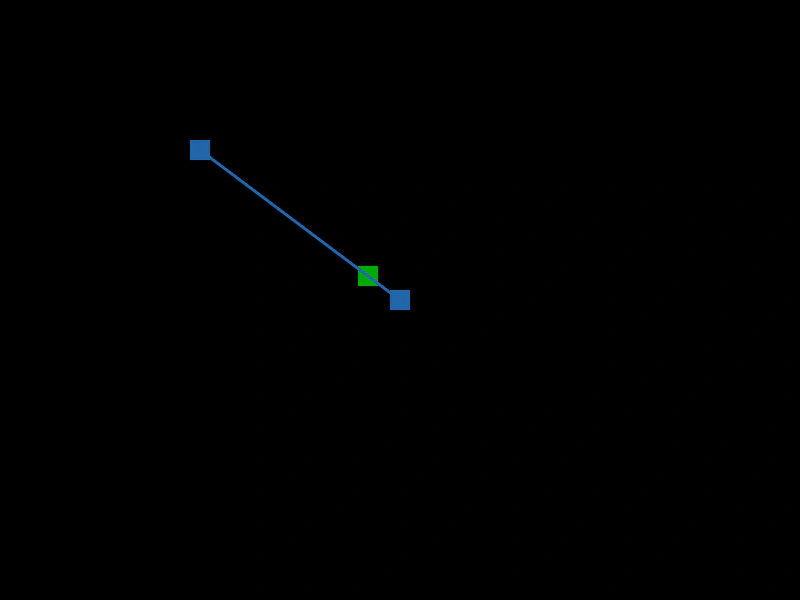 Vector InterpolationCalculates a point between two Vector2 objects using the lerp method, visualizing the movement along a line connecting a fixed point and the mouse pointer.
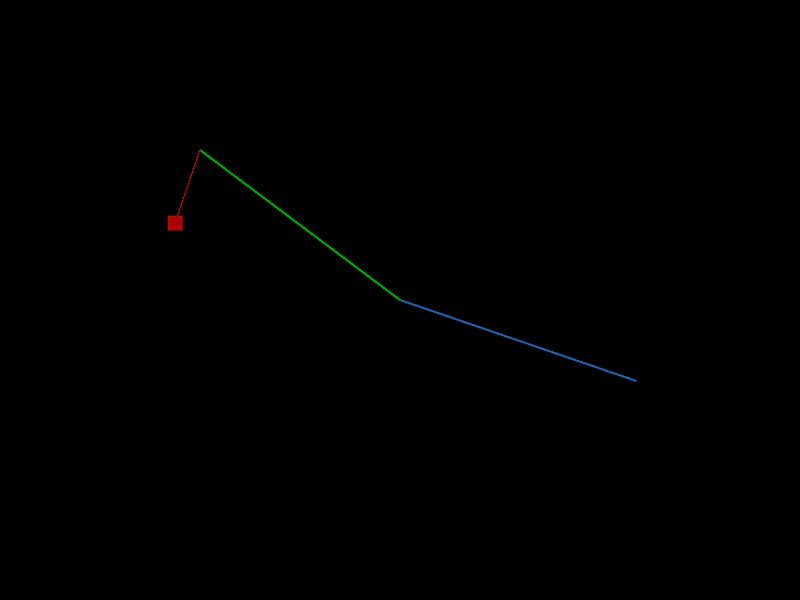 Vector ProjectionDemonstrates how to project one vector onto another using the project method, visualizing the resulting point on a rotating line.
 Vector2 CloneDemonstrates how to use the clone method to create copies of a Vector2 object, generating a sequence of unique points to define a path.
 Vector2 Copy FromDemonstrates how to use the copy method to transfer coordinates from the pointer to a Vector2 object, creating a motion trail effect.
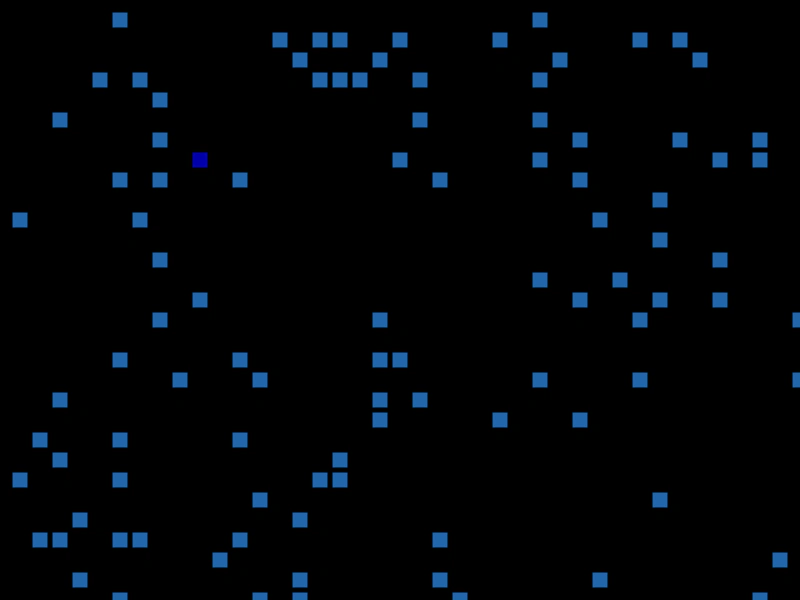 Vector2 Equality CheckDemonstrates how to use the equals method to compare if two Vector2 objects share the same x and y coordinates.
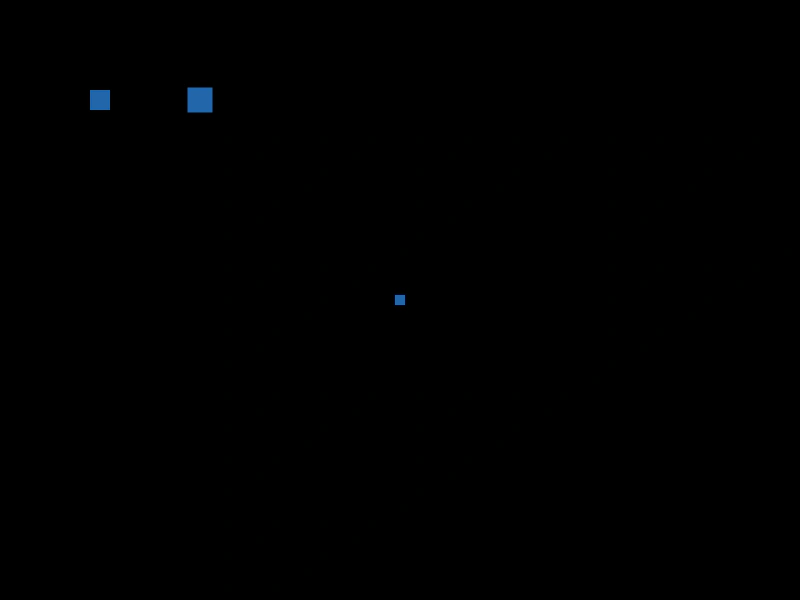 Vector2 Set ToDemonstrates using the setTo method to update the coordinates of a Vector2 object with various argument combinations.