Vector Projection
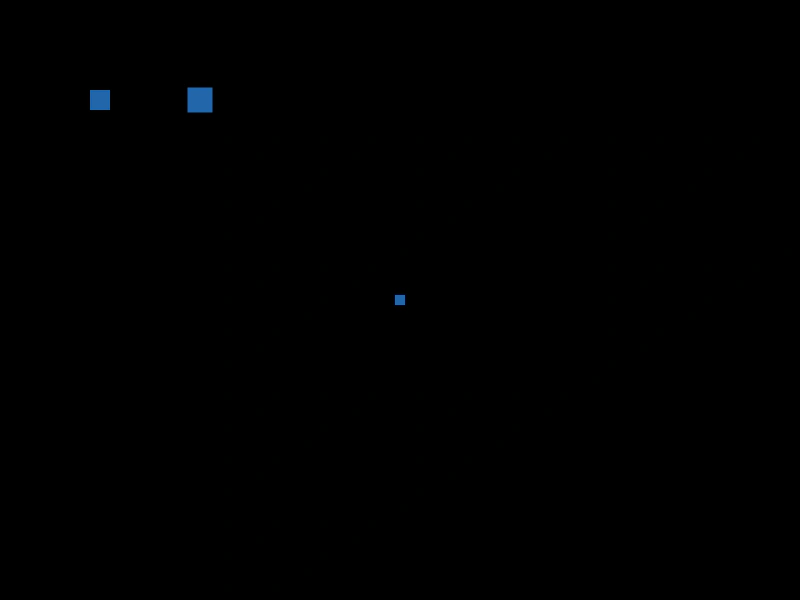
Demonstrates how to project one vector onto another using the project method, visualizing the resulting point on a rotating line.
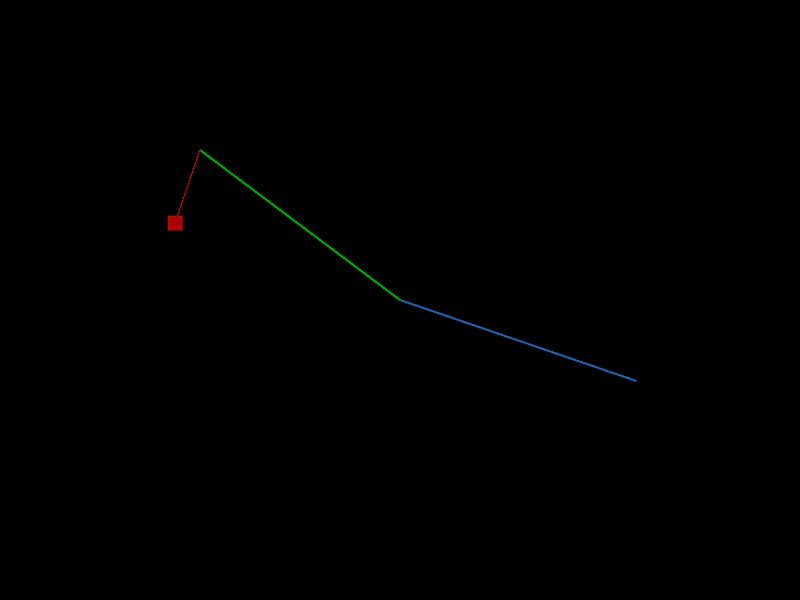
800 × 600
class Example extends Phaser.Scene
{
    angle = 0;
    projectedPoint;
    point2;
    point;
    graphics;

    create ()
    {
        this.graphics = this.add.graphics({ lineStyle: { width: 2, color: 0x2266aa }, fillStyle: { color: 0xaa0000 } });

        this.point = new Phaser.Math.Vector2(250, 0);
        this.point2 = new Phaser.Math.Vector2(250, 0);

        this.projectedPoint = this.point2.clone().project(this.point);

        this.input.on('pointermove', pointer =>
        {

            this.point2.copy(pointer);

            this.point2.x -= 400;
            this.point2.y -= 300;
        });
    }

    update ()
    {
        this.graphics.clear();

        this.angle += 0.005;

        // vector starting at 0/0
        this.point.setTo(Math.cos(this.angle) * 250, Math.sin(this.angle) * 250);

        // drawn from the center (as if center was 0/0)
        this.graphics.lineBetween(400, 300, 400 + this.point.x, 300 + this.point.y);

        this.graphics.lineStyle(2, 0x00aa00);
        this.graphics.lineBetween(400, 300, 400 + this.point2.x, 300 + this.point2.y);

        this.projectedPoint = this.point2.clone().project(this.point);

        // move relative to center
        this.projectedPoint.x += 400;
        this.projectedPoint.y += 300;

        this.graphics.fillPointShape(this.projectedPoint, 15);

        this.graphics.lineStyle(1, 0xaa0000);
        this.graphics.lineBetween(this.point2.x + 400, this.point2.y + 300, this.projectedPoint.x, this.projectedPoint.y);
    }
}

const config = {
    scale: { mode: Phaser.Scale.FIT },
    width: 800,
    height: 600,
    type: Phaser.AUTO,
    parent: 'game-container',
    scene: Example
};

const game = new Phaser.Game(config);
More in Point18 examples
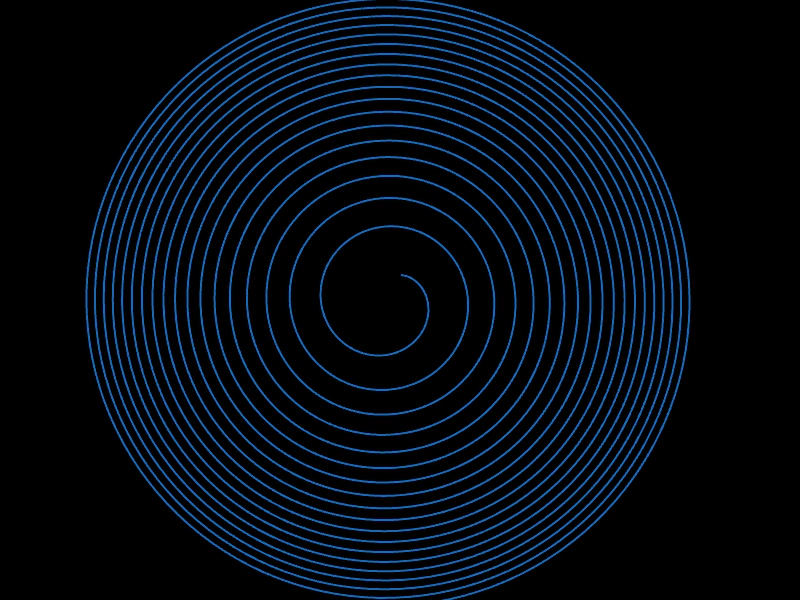 Vector2 CloneDemonstrates how to use the clone method to create copies of a Vector2 object, generating a sequence of unique points to define a path.
 Vector2 Copy FromDemonstrates how to use the copy method to transfer coordinates from the pointer to a Vector2 object, creating a motion trail effect.
 Vector2 Equality CheckDemonstrates how to use the equals method to compare if two Vector2 objects share the same x and y coordinates.
 Vector2 Set ToDemonstrates using the setTo method to update the coordinates of a Vector2 object with various argument combinations.