Point Magnitude
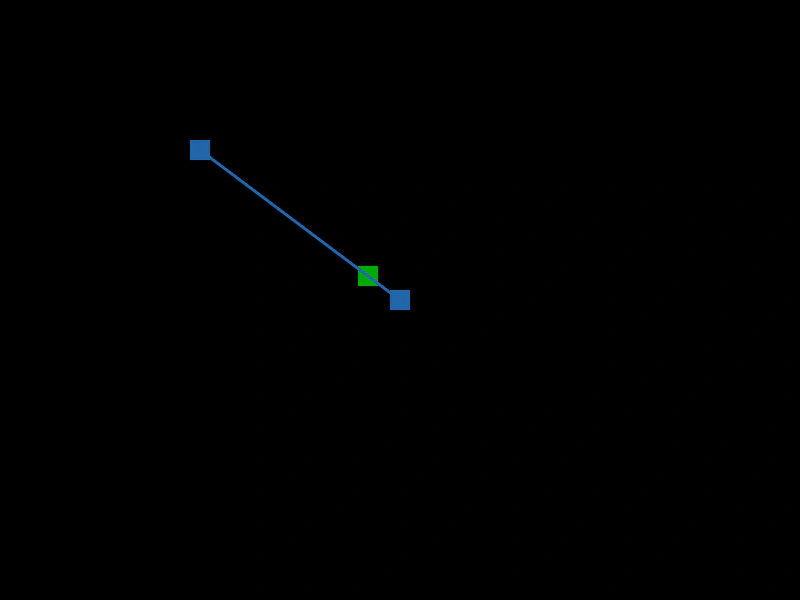
Calculates and displays the magnitude (length) of a Vector2 relative to the origin as it follows the mouse pointer.
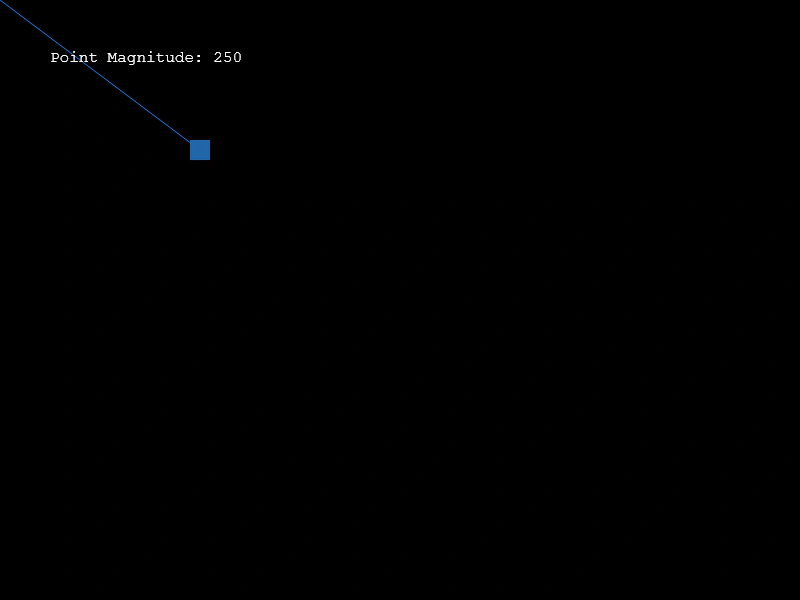
800 × 600
class Example extends Phaser.Scene
{
    create ()
    {

        const graphics = this.add.graphics({ lineStyle: { width: 1, color: 0x2266aa }, fillStyle: { color: 0x2266aa } });

        const point = new Phaser.Math.Vector2(400, 300);

        const text = this.add.text(50, 50, '');

        this.input.on('pointermove', pointer =>
        {

            point.copy(pointer);

            redraw();
        });

        redraw();

        function redraw ()
        {
            graphics.clear();

            graphics.fillPointShape(point, 20);

            graphics.lineBetween(0, 0, point.x, point.y);

            const magnitude = point.length();

            text.setText(`Point Magnitude: ${magnitude}`);
        }
    }
}

const config = {
    scale: { mode: Phaser.Scale.FIT },
    width: 800,
    height: 600,
    type: Phaser.AUTO,
    parent: 'game-container',
    scene: Example
};

const game = new Phaser.Game(config);
More in Point18 examples
 Point Negation PatternDemonstrates creating symmetrical geometric patterns by using the negate method on vectors to flip their coordinates relative to an origin.
 Project onto Unit VectorDemonstrates projecting a vector onto a normalized (unit) vector using the projectUnit method.
 Vector Cross ProductDemonstrates how to use the cross product of two 2D vectors to calculate the angle between them and determine their relative orientation.
 Vector InterpolationCalculates a point between two Vector2 objects using the lerp method, visualizing the movement along a line connecting a fixed point and the mouse pointer.