Phaser 4 examples
Circle
- 22 examples
Examples 22
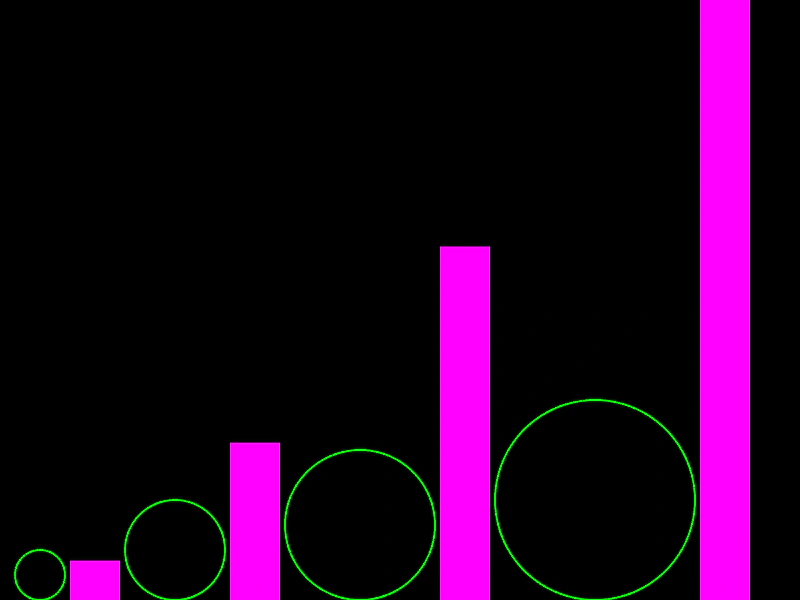 Circle AreaDemonstrates how to calculate and use the area of a Circle geometry object.
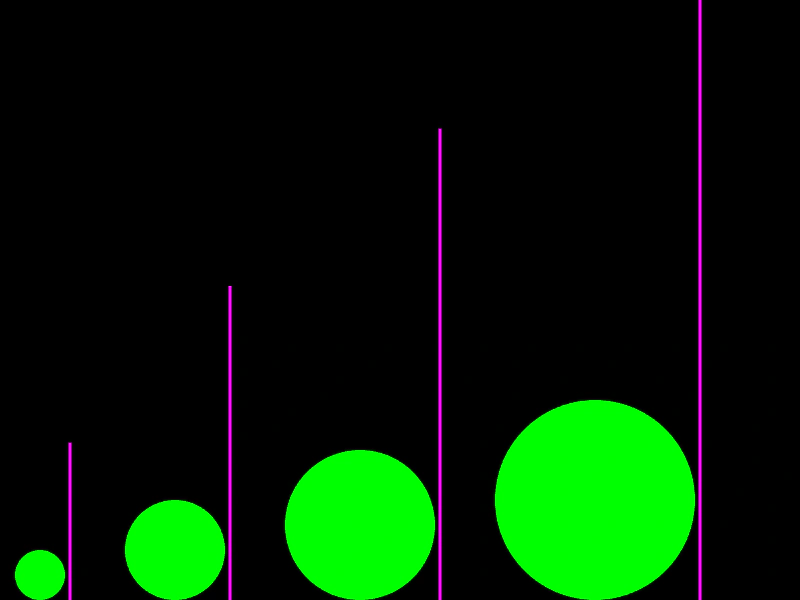 Circle CircumferenceCalculate the circumference of a circle geometry object and visualize it as a vertical line.
 Circle Circumference PointCalculates and returns a point on the perimeter of a circle at a specific angle.
 Circle CloneDemonstrates how to create multiple independent copies of a Circle geometry object using the Clone method to build and animate a complex pattern.
 Circle Contains PointDemonstrates how to use the circle's contains method to detect if a point, such as the mouse pointer, is inside its boundary.
 Circle Contains PointDemonstrates how to use the Circle.ContainsPoint geometric test to check if a moving point is located inside a circle's area.
 Circle Contains RectangleDemonstrates how to check if a Rectangle is fully contained within the bounds of a Circle using Phaser.Geom.Circle.ContainsRect.
 Circle Copy FromDemonstrates how to use Phaser.Geom.Circle.CopyFrom to copy the position and radius of one circle geometry object into another.
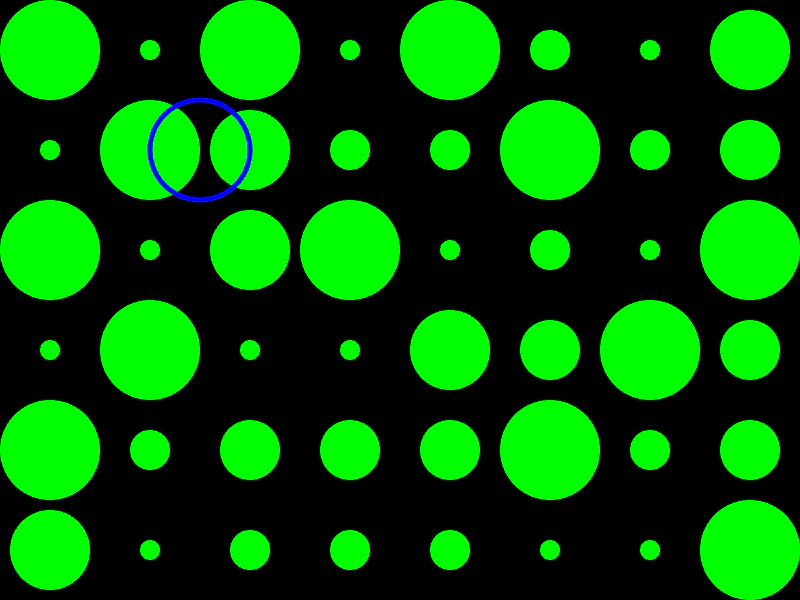 Circle EqualityDemonstrates how to use Phaser.Geom.Circle.Equals to check if two circle shapes have the exact same position and radius.
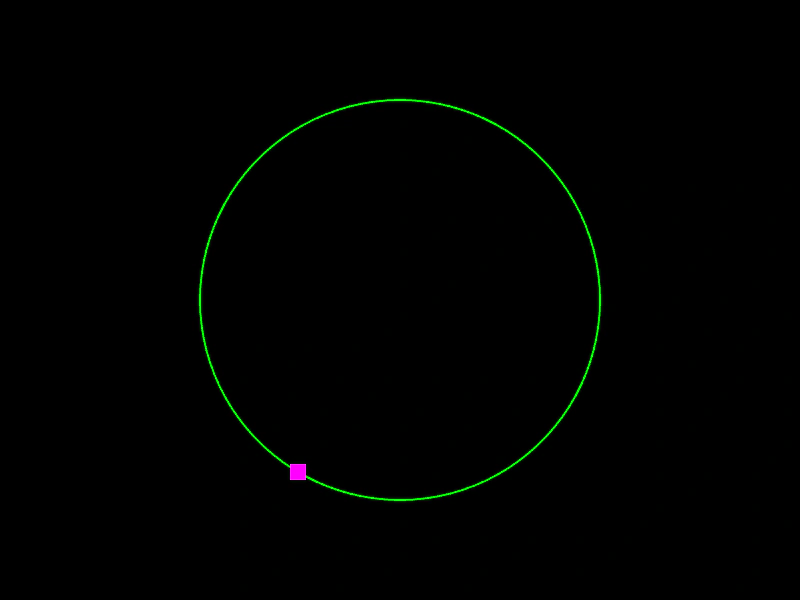 Circle Get PointCalculate a specific point along the circumference of a circle using a normalized value between 0 and 1.
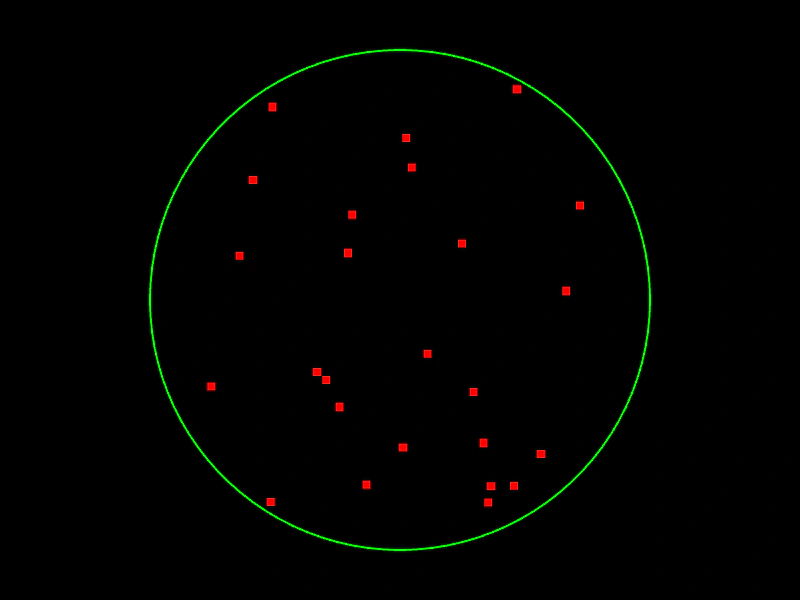 Circle Get Random PointDemonstrates how to generate random coordinates within a Circle geometry object, either by creating new point instances or updating existing ones.
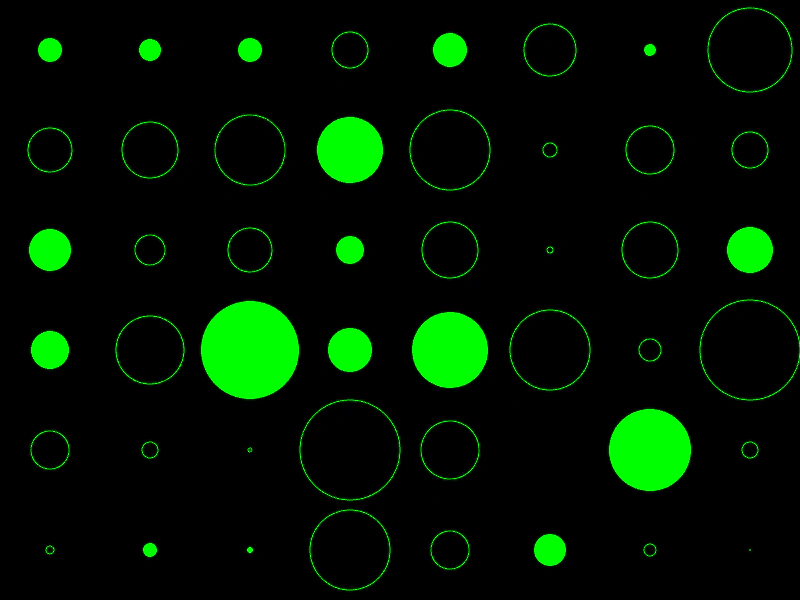 Circle isEmptyDemonstrates how to use the isEmpty method to check if a Circle geometry object has a radius of zero or less.
 Circle OffsetDemonstrates how to translate a Circle geometry object by adding x and y offsets to its position.
 Circle Offset PointDemonstrates how to shift a circle's position by the coordinates of a point or vector using the OffsetPoint method.
 Circle PropertiesDemonstrates how to access and use the basic properties of a Circle geometry object, including its radius, diameter, and bounding box coordinates.
 Circle Radius and DiameterDemonstrates how to change the size of a geometry Circle by modifying its radius and diameter properties.
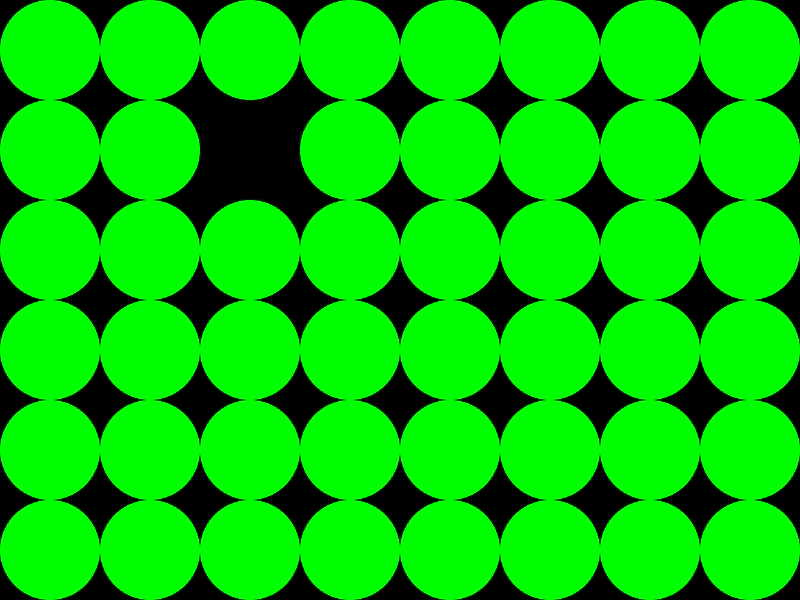 Circle Set EmptyDemonstrates how to use the setEmpty method to reset a Circle geometry object's dimensions to zero upon interaction.
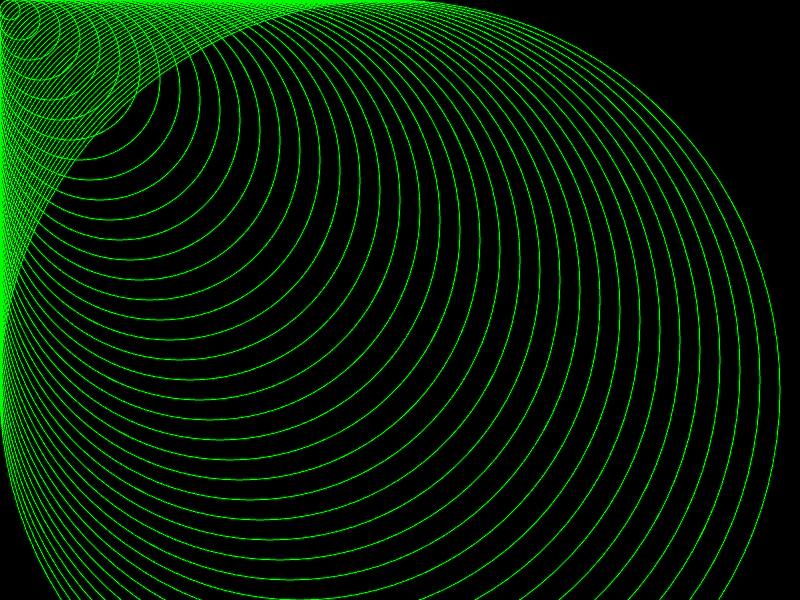 Circle Set ToUse the setTo method to redefine the position and radius of a Circle geometry object.
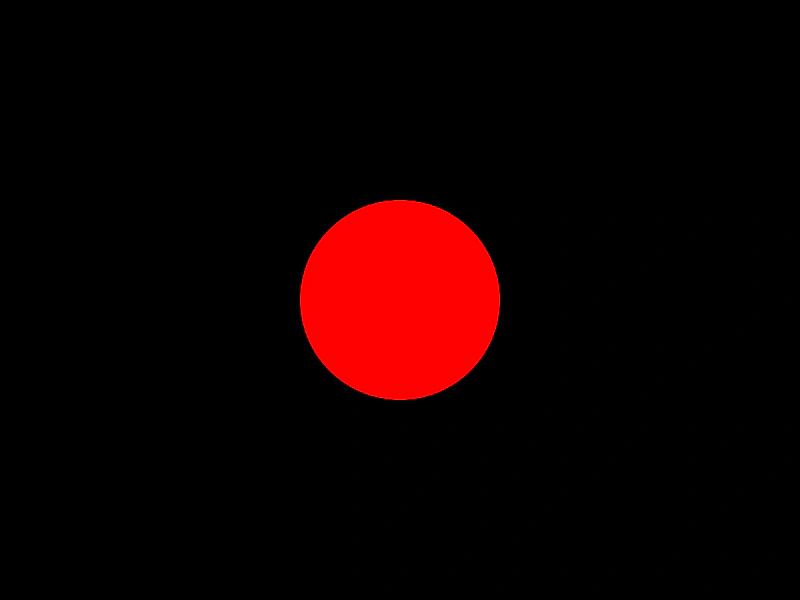 Create Circle GeometryDemonstrates how to create a geometric Circle object and render it using a Graphics object.
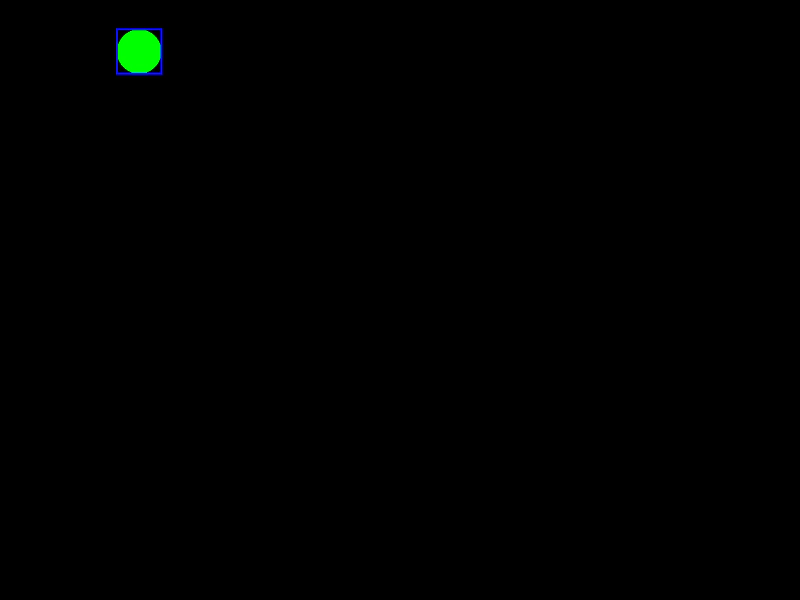 Get Circle BoundsDemonstrates how to use Phaser.Geom.Circle.GetBounds to calculate and update the axis-aligned bounding box of a moving and resizing circle.
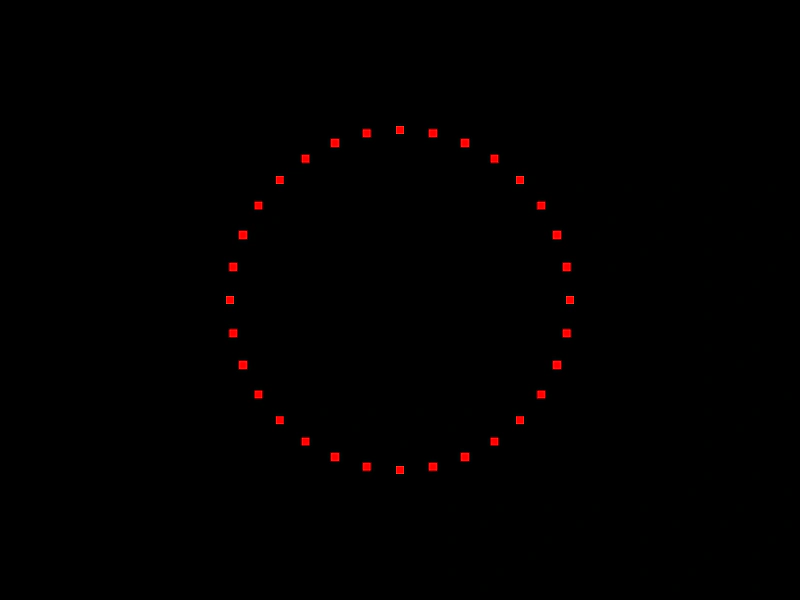 Get Points on a CircleDemonstrates how to distribute a specific number of points evenly around the circumference of a Circle geometry object using the getPoints method.
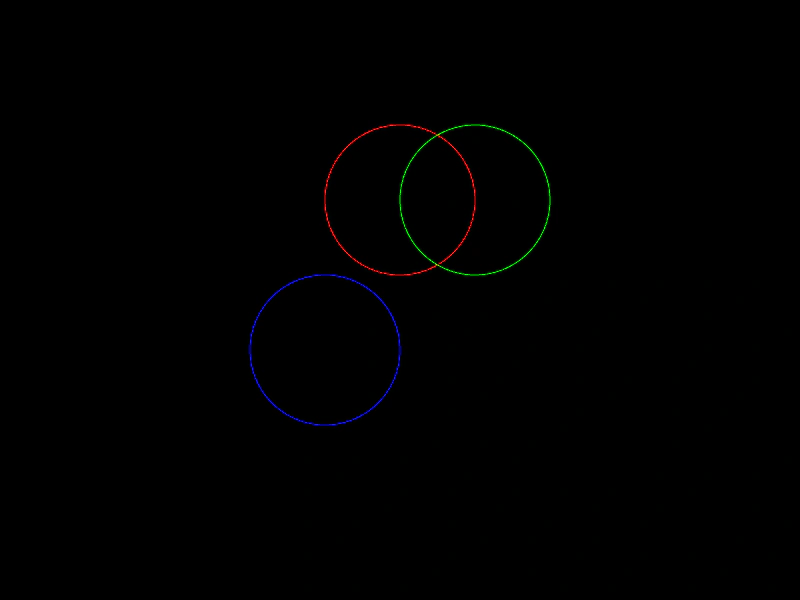 Set Circle PositionDemonstrates various ways to position a Circle geometry object using setPosition, direct property updates, and edge-alignment properties like top, bottom, left, and right.