Circle Contains Point
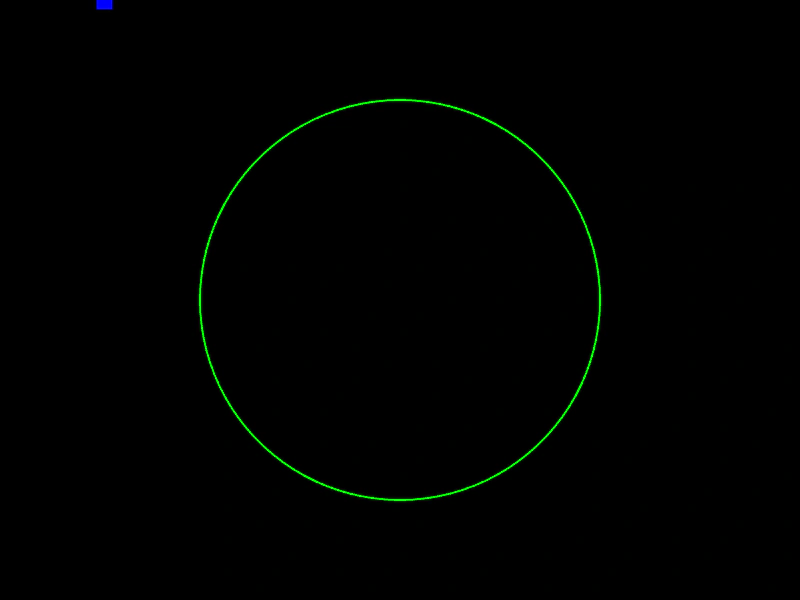
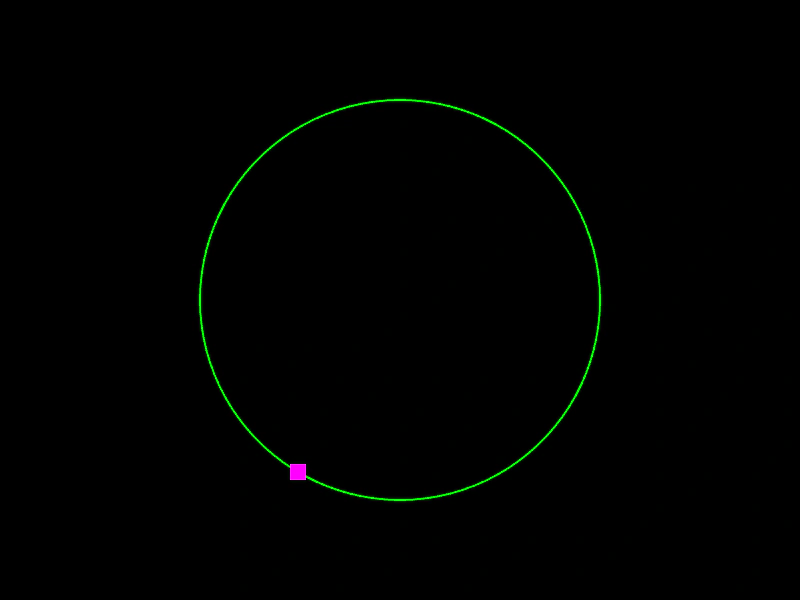
Demonstrates how to use the Circle.ContainsPoint geometric test to check if a moving point is located inside a circle's area.
800 × 600
class Example extends Phaser.Scene
{
    a = 0;
    graphics;
    point;
    circle;

    create ()
    {
        this.graphics = this.add.graphics({ lineStyle: { width: 2, color: 0x00ff00 }, fillStyle: { color: 0xff0000 }});

        this.circle = new Phaser.Geom.Circle(400, 300, 200);
        this.point = new Phaser.Geom.Rectangle(0, 0, 16, 16);
    }

    update ()
    {
        this.a += 0.01;

        if (this.a > Math.PI * 2)
        {
            this.a -= Math.PI * 2;
        }

        this.point.x = 400 - Math.cos(this.a) * 400;
        this.point.y = 300 - Math.sin(this.a * 2) * 300;

        this.graphics.clear();
        this.graphics.strokeCircleShape(this.circle);

        if (Phaser.Geom.Circle.ContainsPoint(this.circle, this.point))
        {
            this.graphics.fillStyle(0xff0000);
        }
        else
        {
            this.graphics.fillStyle(0x0000ff);
        }

        this.graphics.fillRect(this.point.x - 8, this.point.y - 8, this.point.width, this.point.height);
    }
}

const config = {
    scale: { mode: Phaser.Scale.FIT },
    width: 800,
    height: 600,
    type: Phaser.AUTO,
    parent: 'game-container',
    scene: Example
};

const game = new Phaser.Game(config);
More in Circle22 examples
 Circle Contains RectangleDemonstrates how to check if a Rectangle is fully contained within the bounds of a Circle using Phaser.Geom.Circle.ContainsRect.
 Circle Copy FromDemonstrates how to use Phaser.Geom.Circle.CopyFrom to copy the position and radius of one circle geometry object into another.
 Circle EqualityDemonstrates how to use Phaser.Geom.Circle.Equals to check if two circle shapes have the exact same position and radius.
 Circle Get PointCalculate a specific point along the circumference of a circle using a normalized value between 0 and 1.